A:Answer Hi Eli,
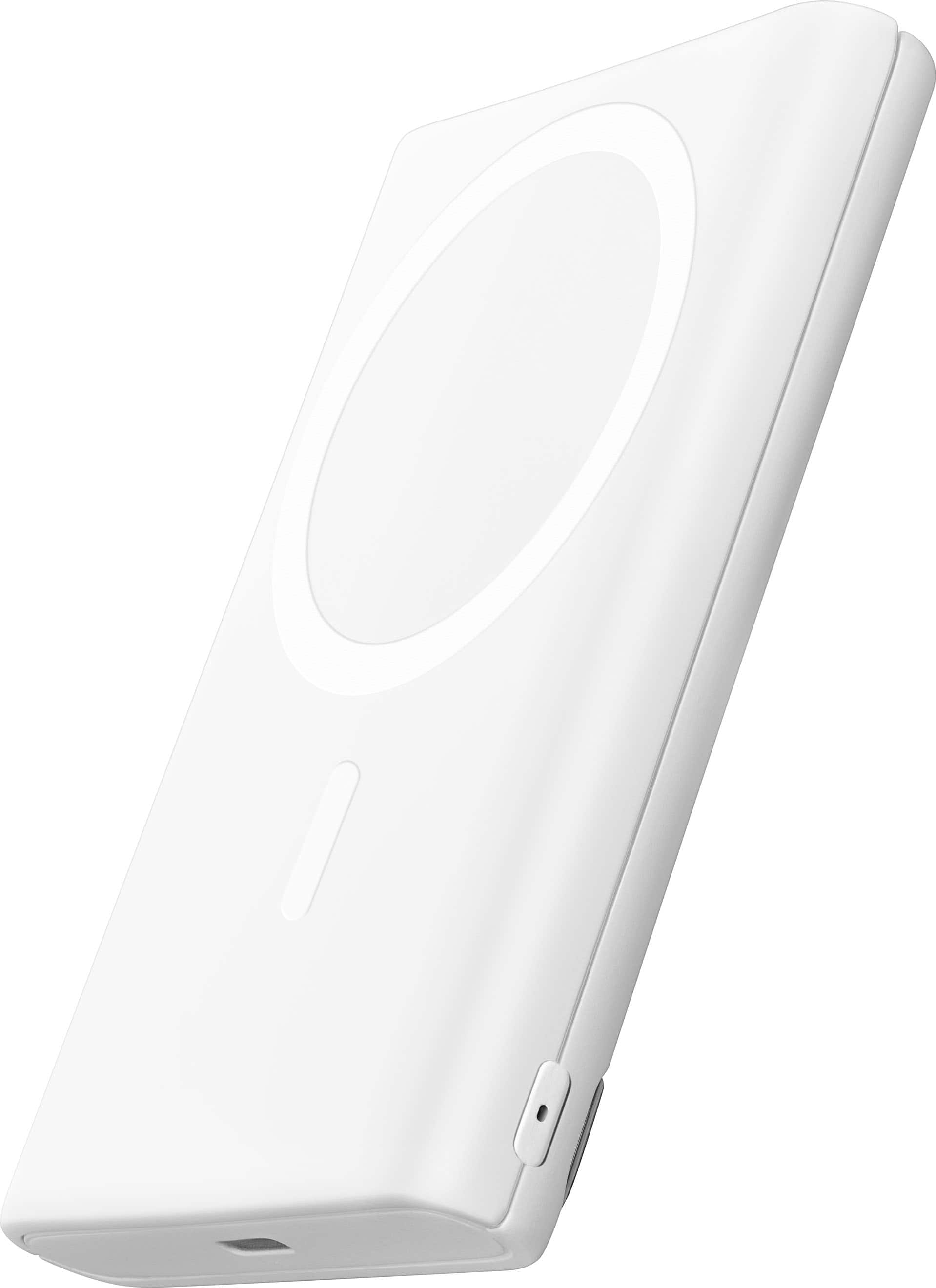
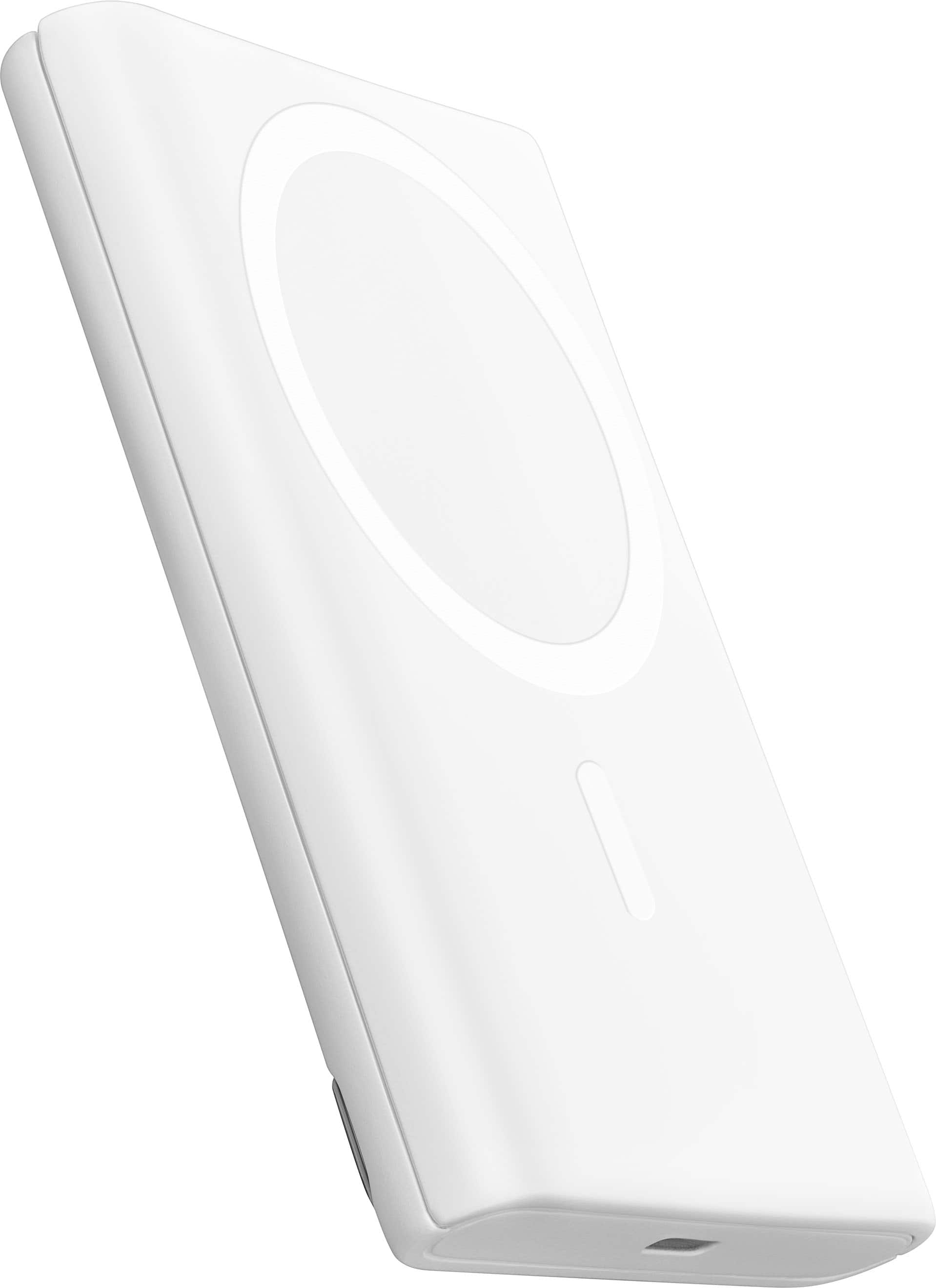
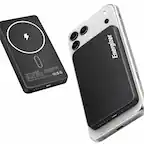
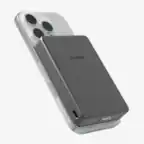
For Wireless charging
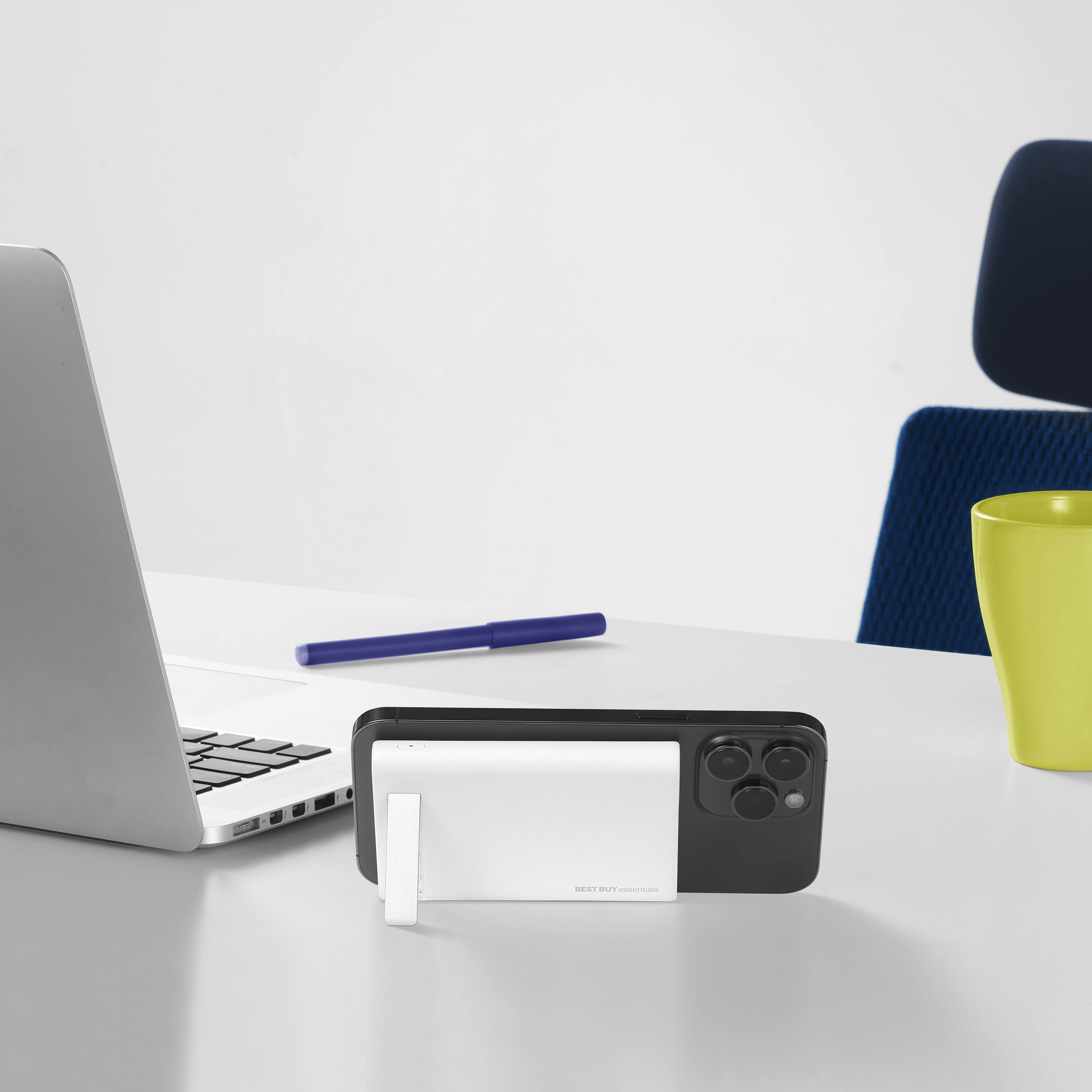
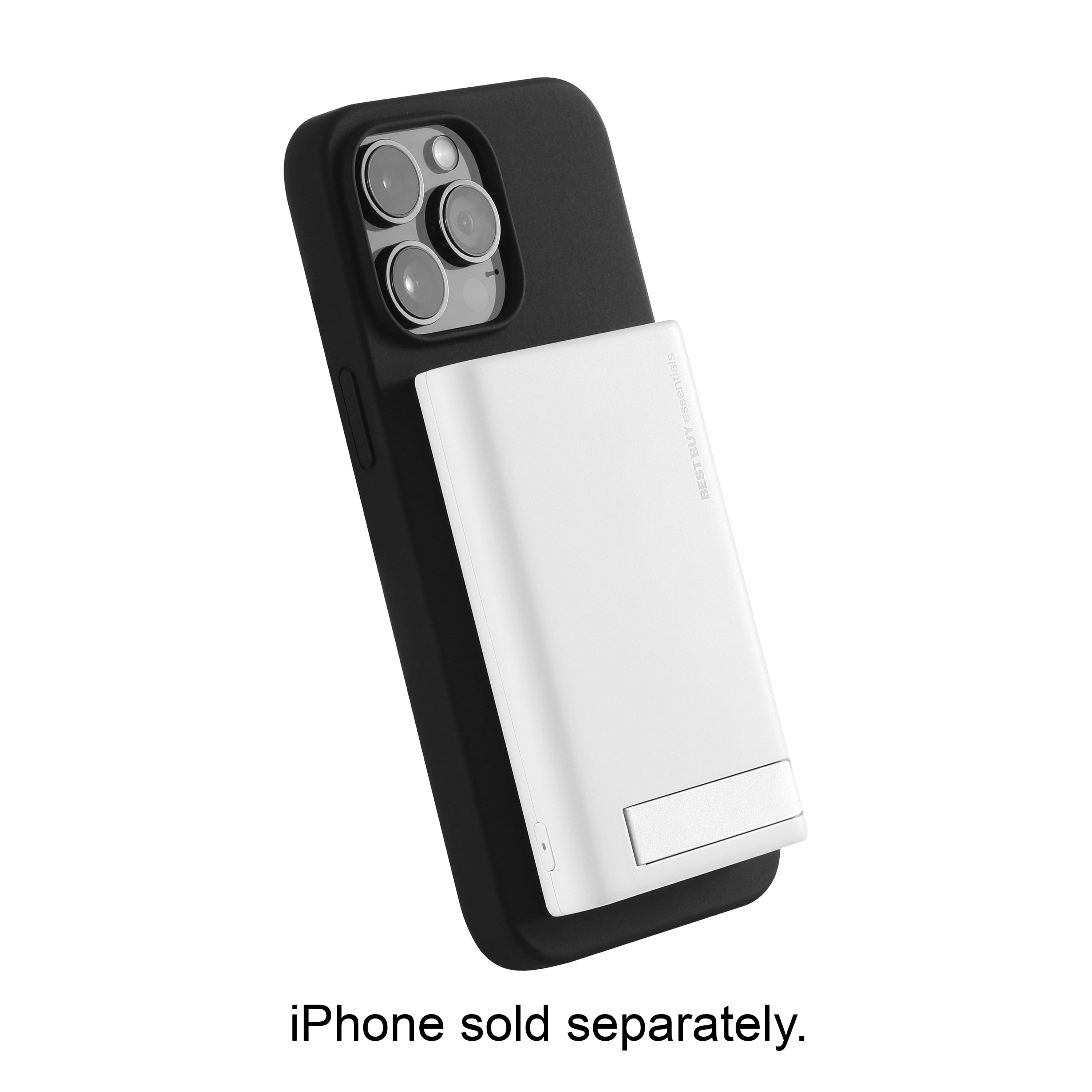
1.Please place your Magsafe-compatible device on the
center of the wireless charger (with the screen
facing out).
Note: The LED indicator lights green for five seconds when
wireless charging begins, then turns off.
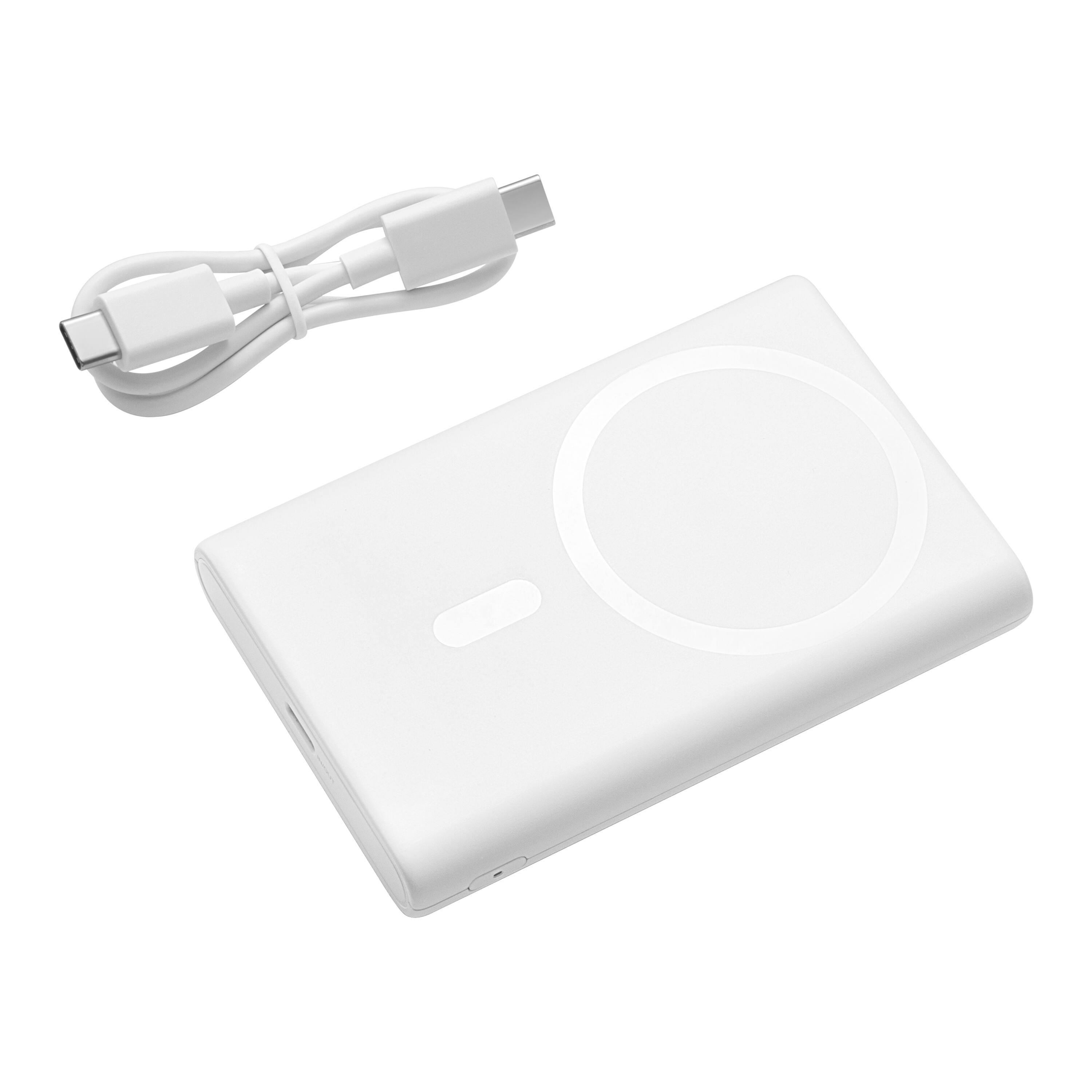
For Wired Charging:
Wired charging
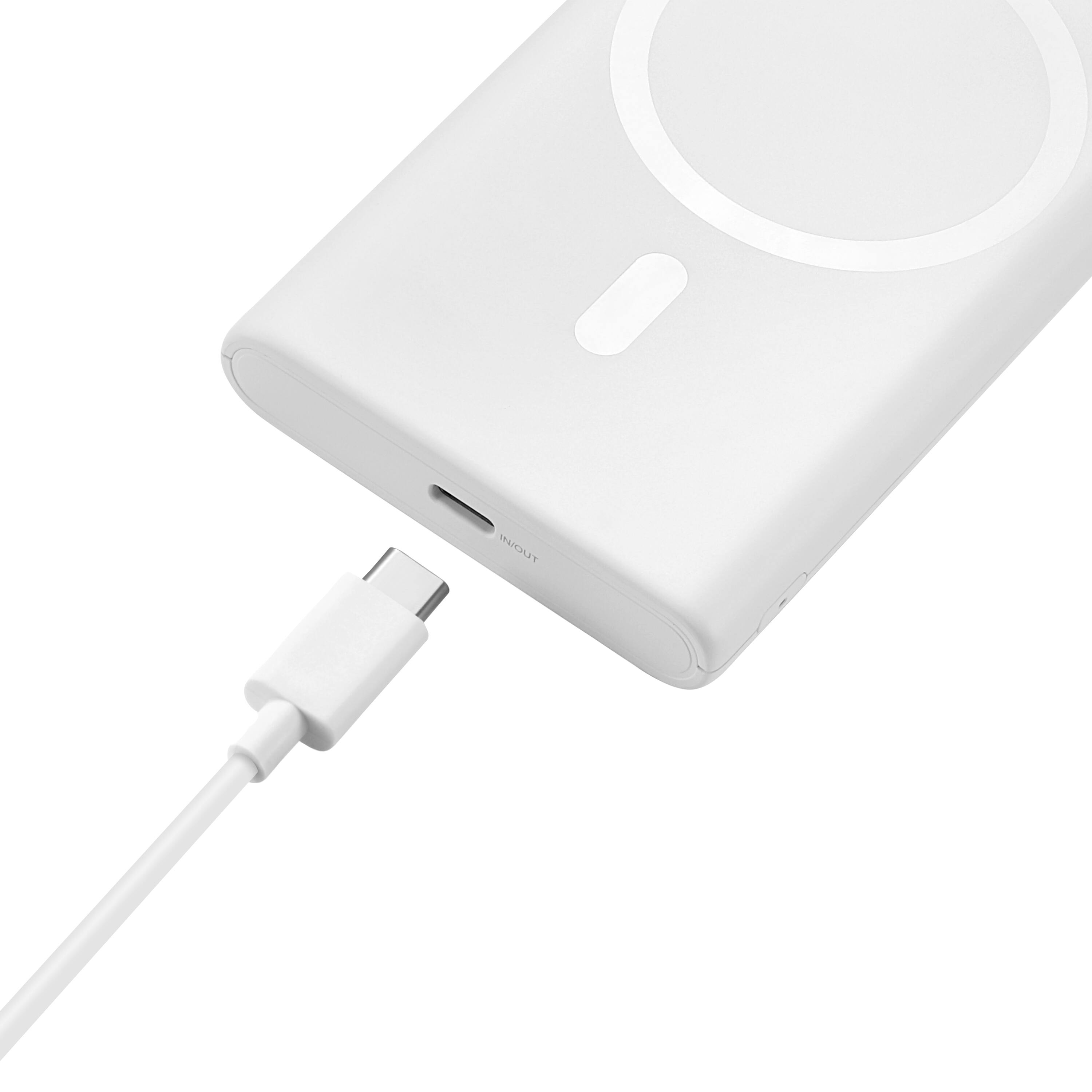
1 Please plug one end of the included USB-C cable into your portable charger’s USB-C port.
2 Plug the other end into your device. You portable charger automatically begins charging
your device.
Note: The LED indicator lights green for five seconds
during wired charging, then turns off.
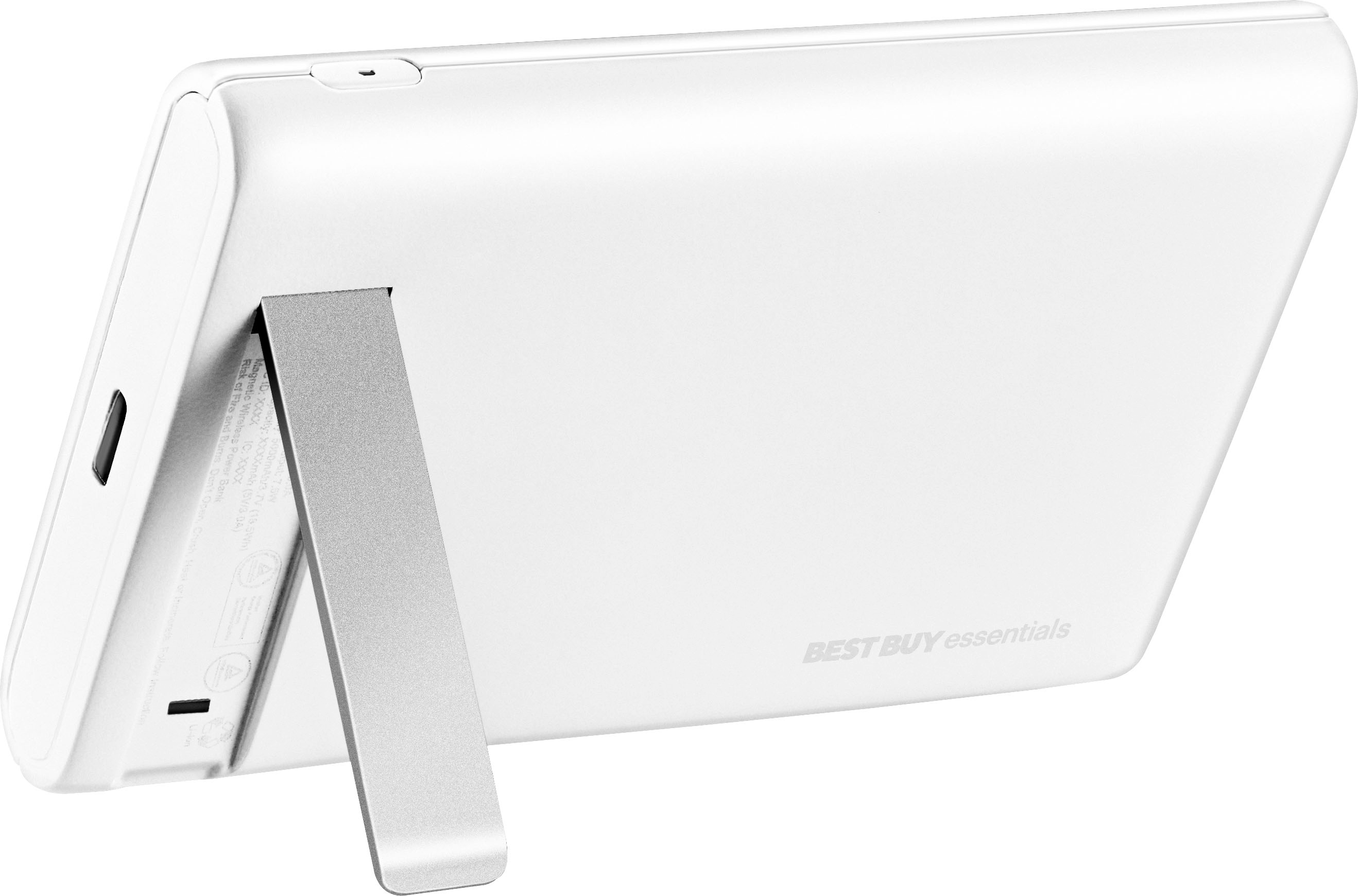
3 If charging Airpods or an Apple Watch, press the
LED button twice to start the low current
charging mode.
You should only hear a tone when you set it down on the charger. If it continues making a sound, then something is wrong with the charger or the power source or the case on your phone is interfering with the wireless charging.
Renee,
Insignia Support