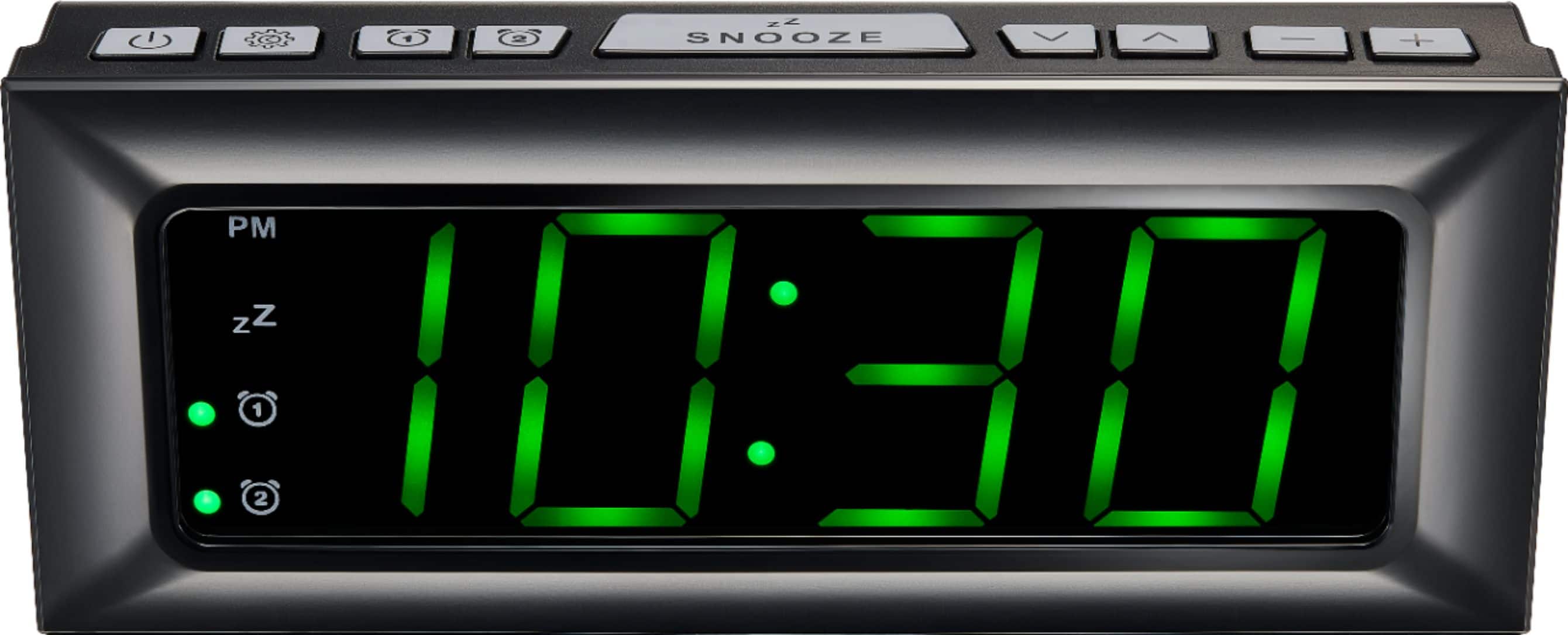
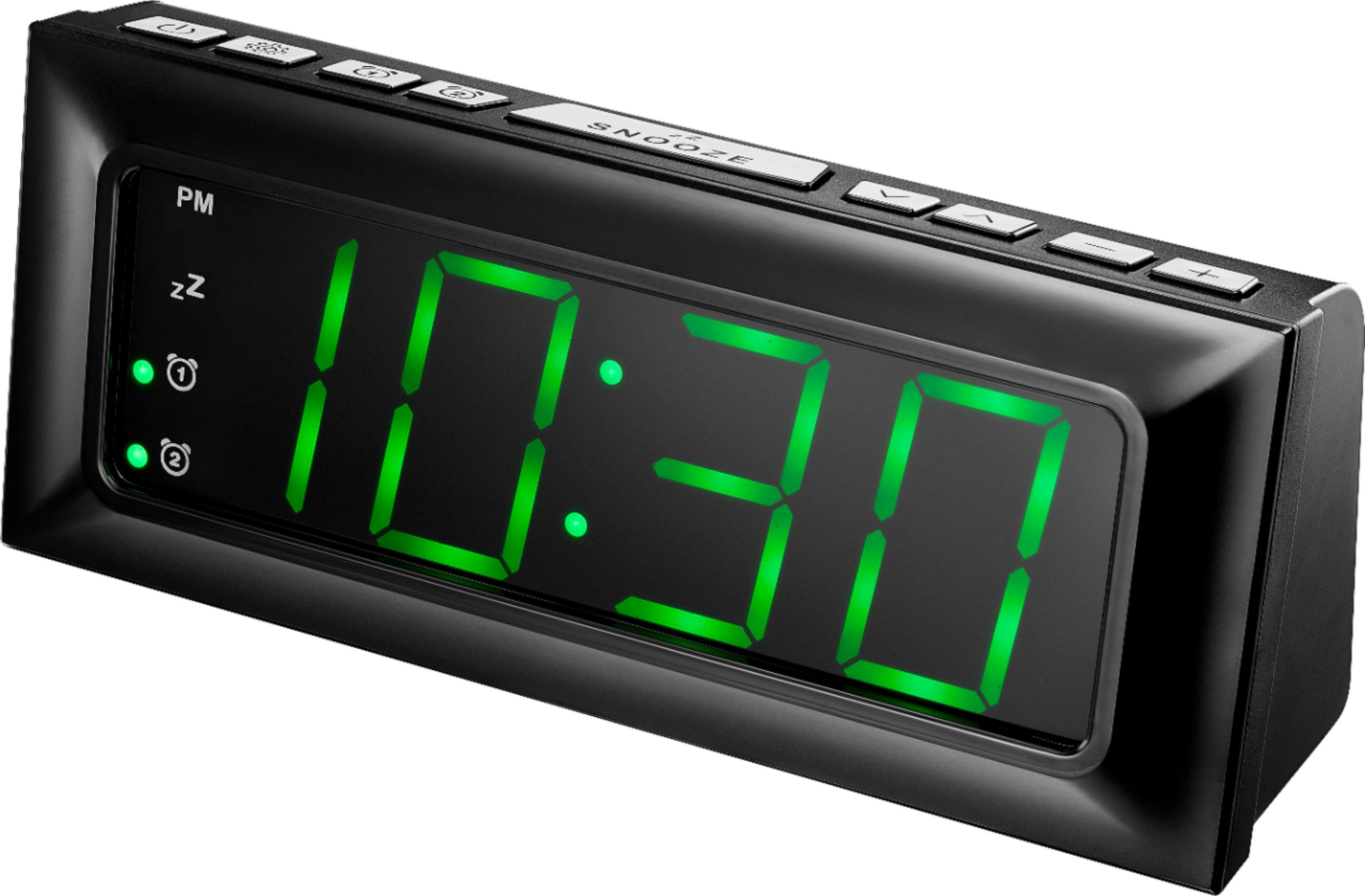
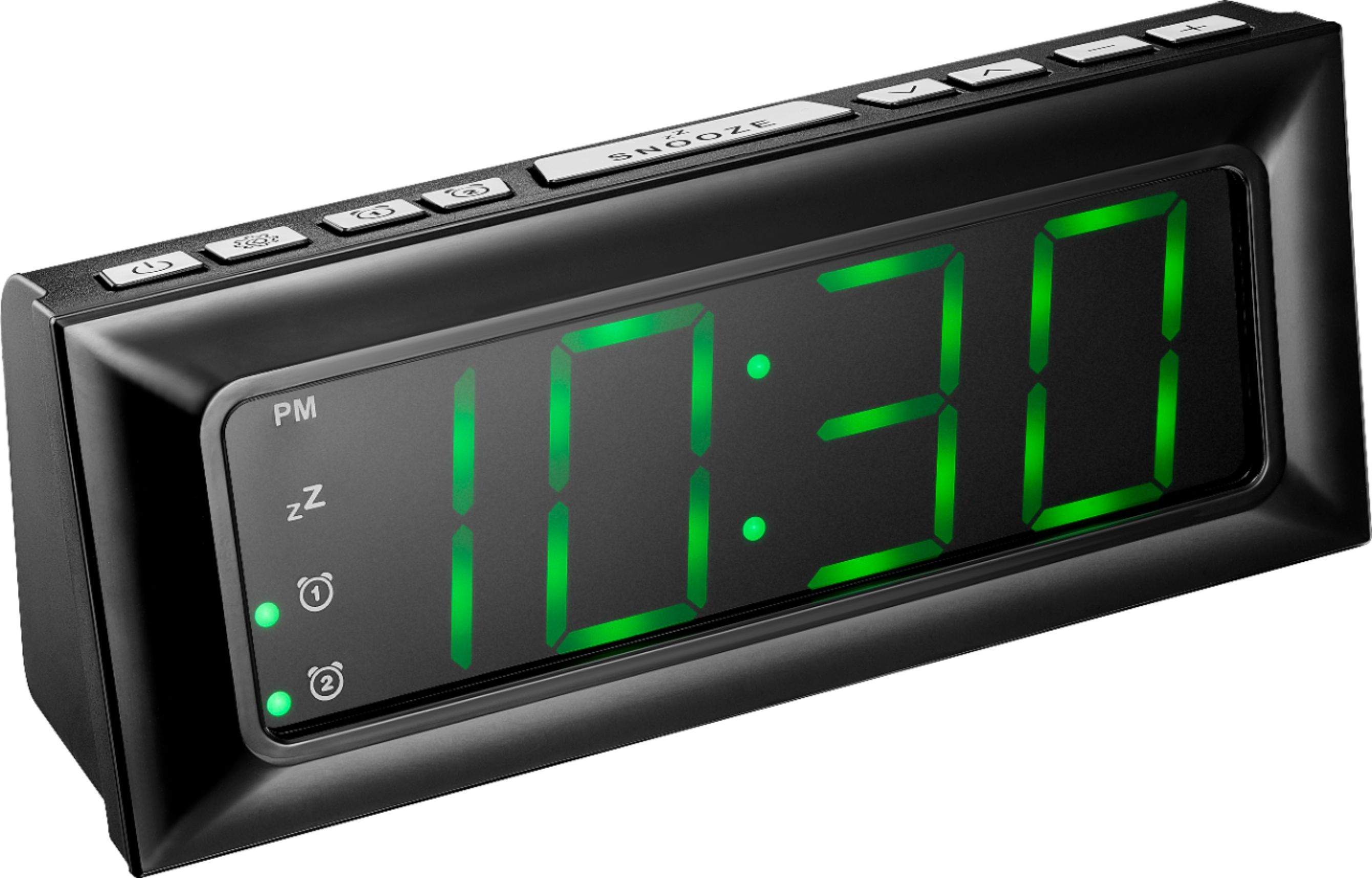
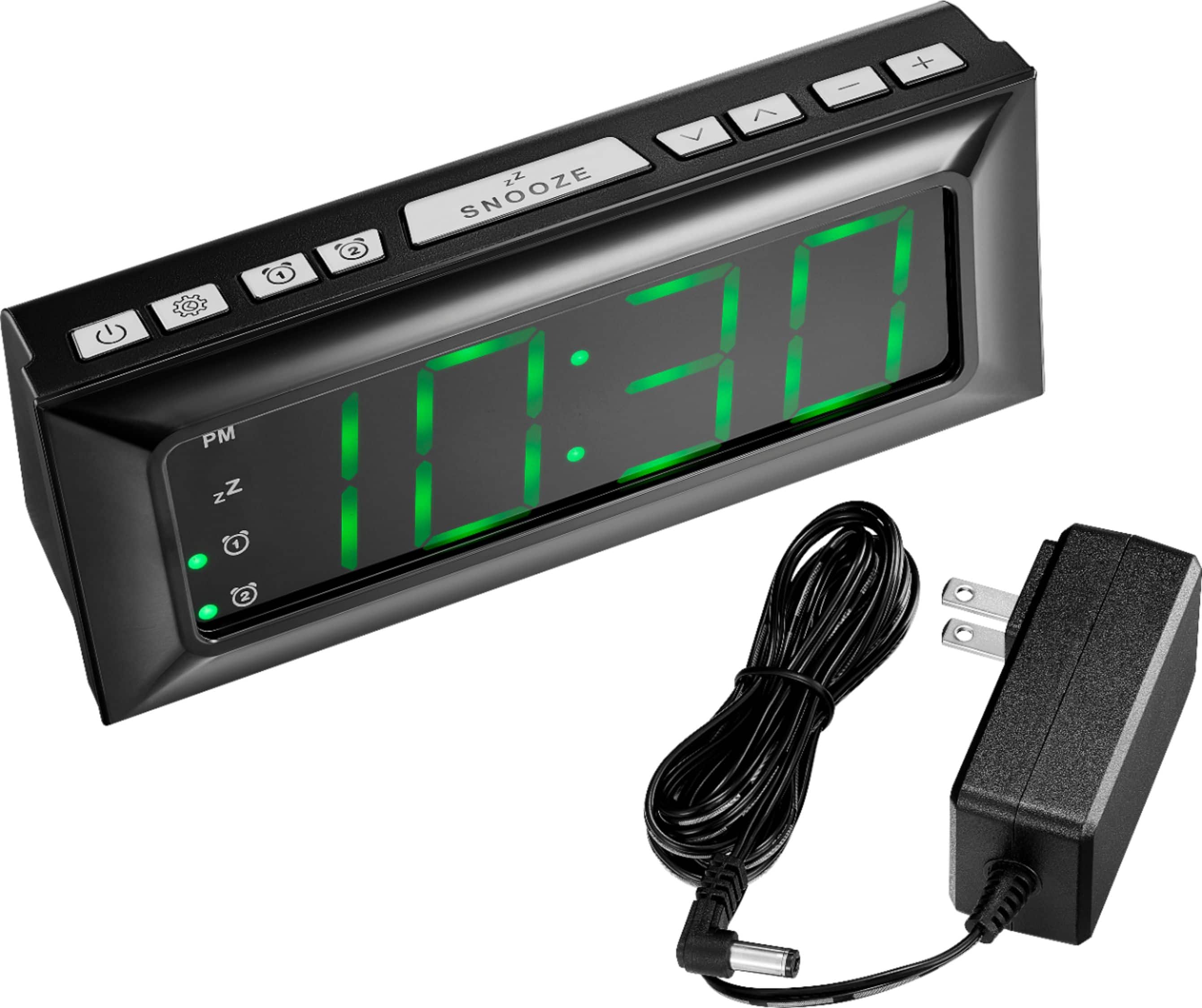
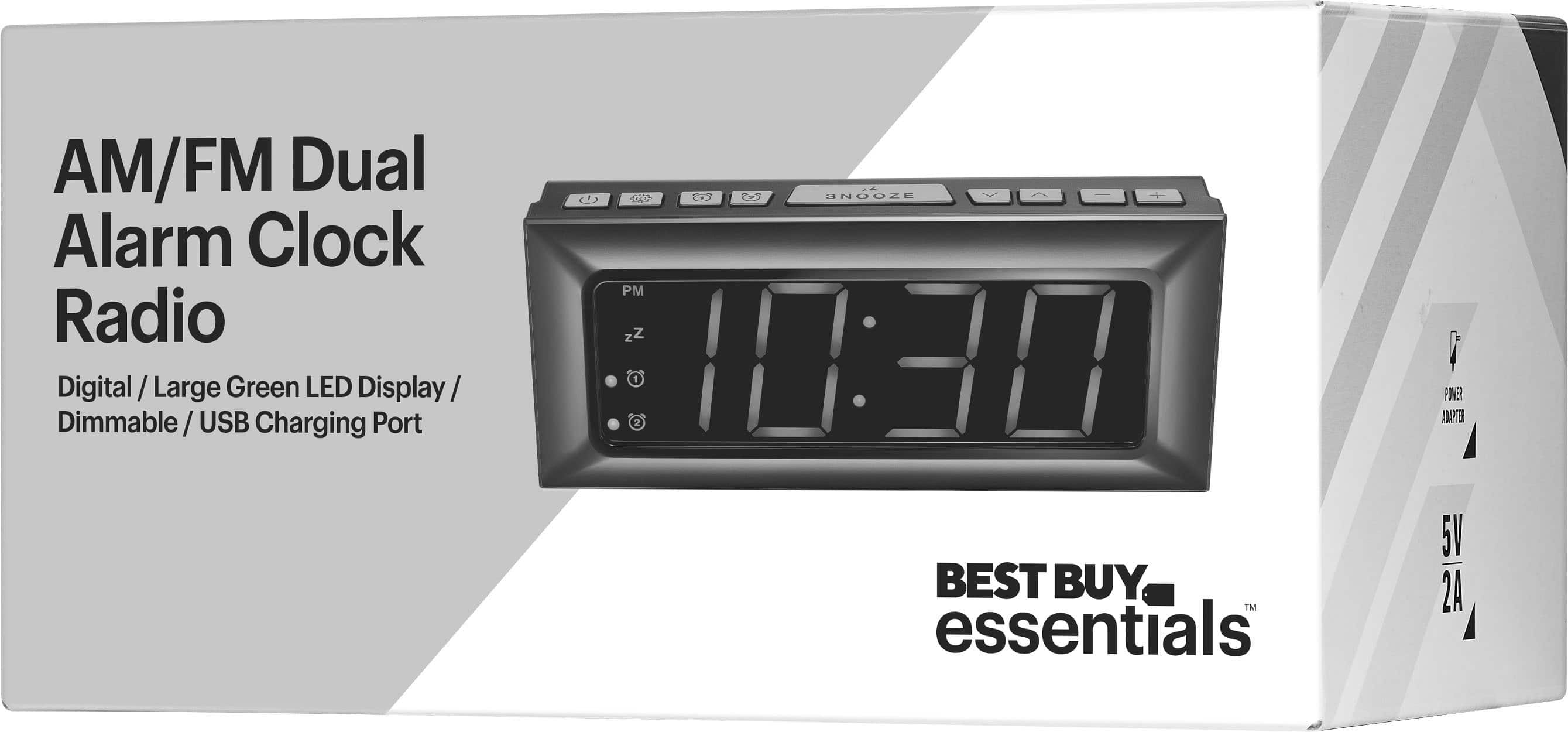
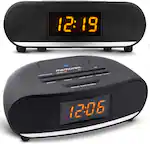
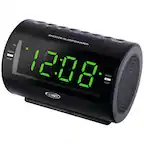
A:Answer Hi DRH! It sounds like you may be having difficulty tuning in the AM talk stations on the CLOPP-3. Here are a few tips to help you set the stations successfully:
Make sure you are in the AM mode: When trying to set the AM talk stations, make sure that you are in the correct AM mode on the clock radio. There should be separate buttons or switches for AM and FM.
Tune in to the correct frequency: Make sure you are tuning in to the correct frequency for the AM talk stations. Most AM stations broadcast on frequencies between 540 to 1600 kHz.
Position the radio properly: Sometimes, the position of the radio can affect reception. Try moving the radio to a different location or adjusting its position to see if you can pick up the AM talk stations more clearly.
Manually tune the stations: If automatic tuning is not working, try manually tuning the stations by using the tuning knob or buttons on the radio. This way, you can fine-tune the frequency to capture the AM talk stations.
Contact customer support: If you are still having trouble setting the AM talk stations, consider reaching out to the manufacturer's customer support for assistance. They may be able to provide additional tips or troubleshoot any issues you are experiencing.
Hopefully, these tips will help you successfully set the AM talk stations on the CLOPP-3. Good luck!
JC | Best Buy Essentials Support https://www.bestbuy.com/site/best-buy-essentials-be-clopp3-digital-am-fm-dual-alarm-clock-black/6449008.p?skuId=6449008