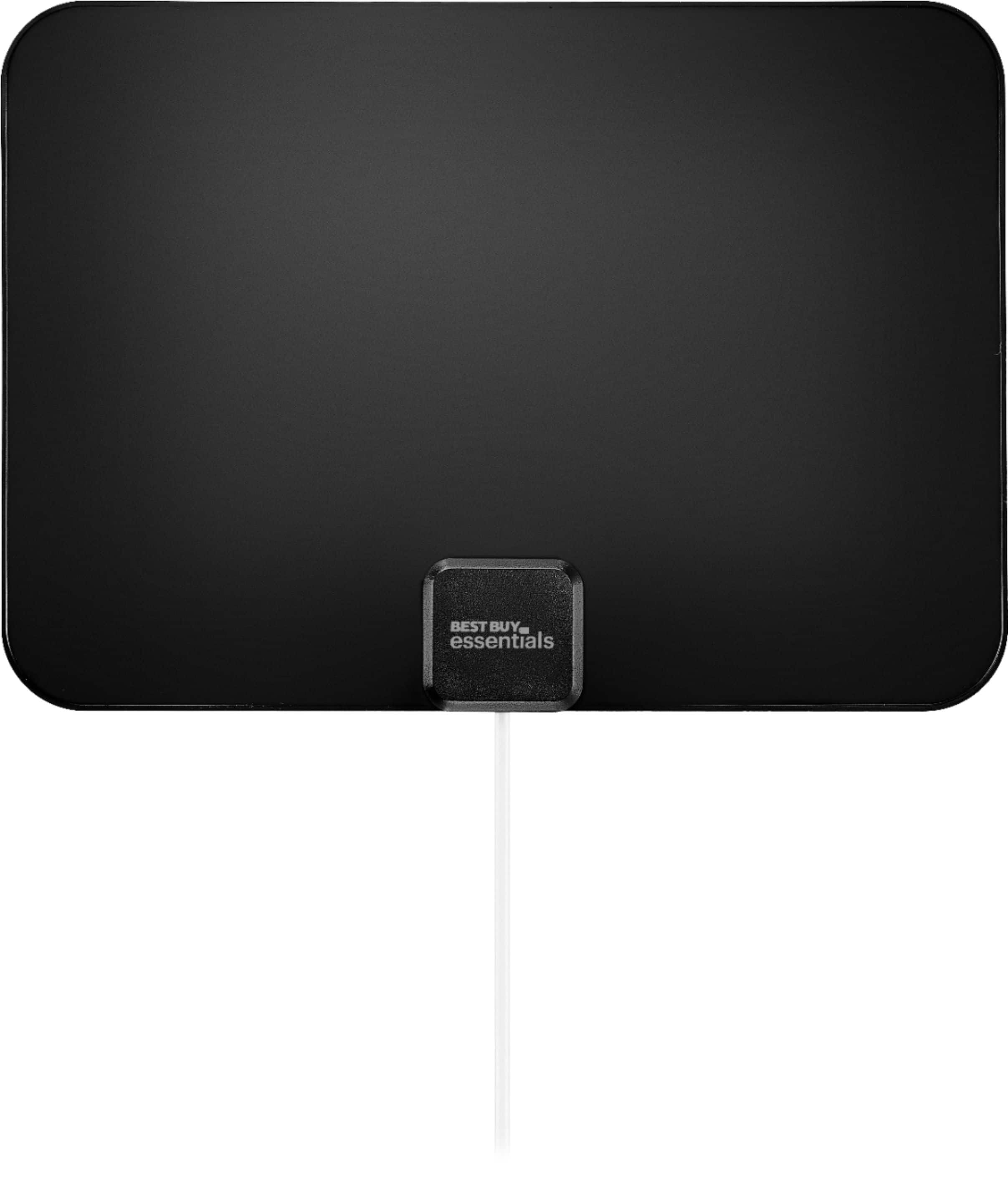
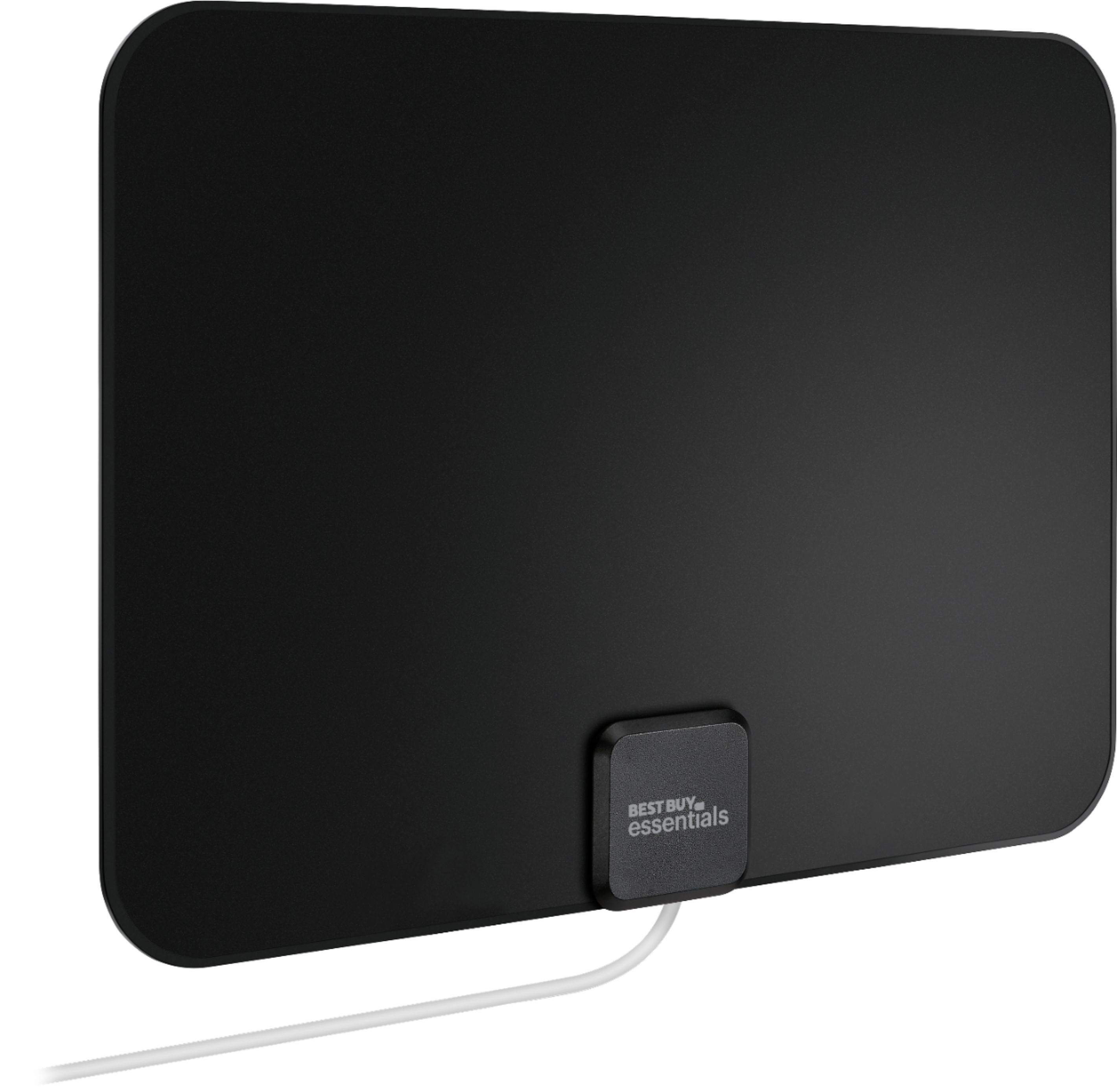
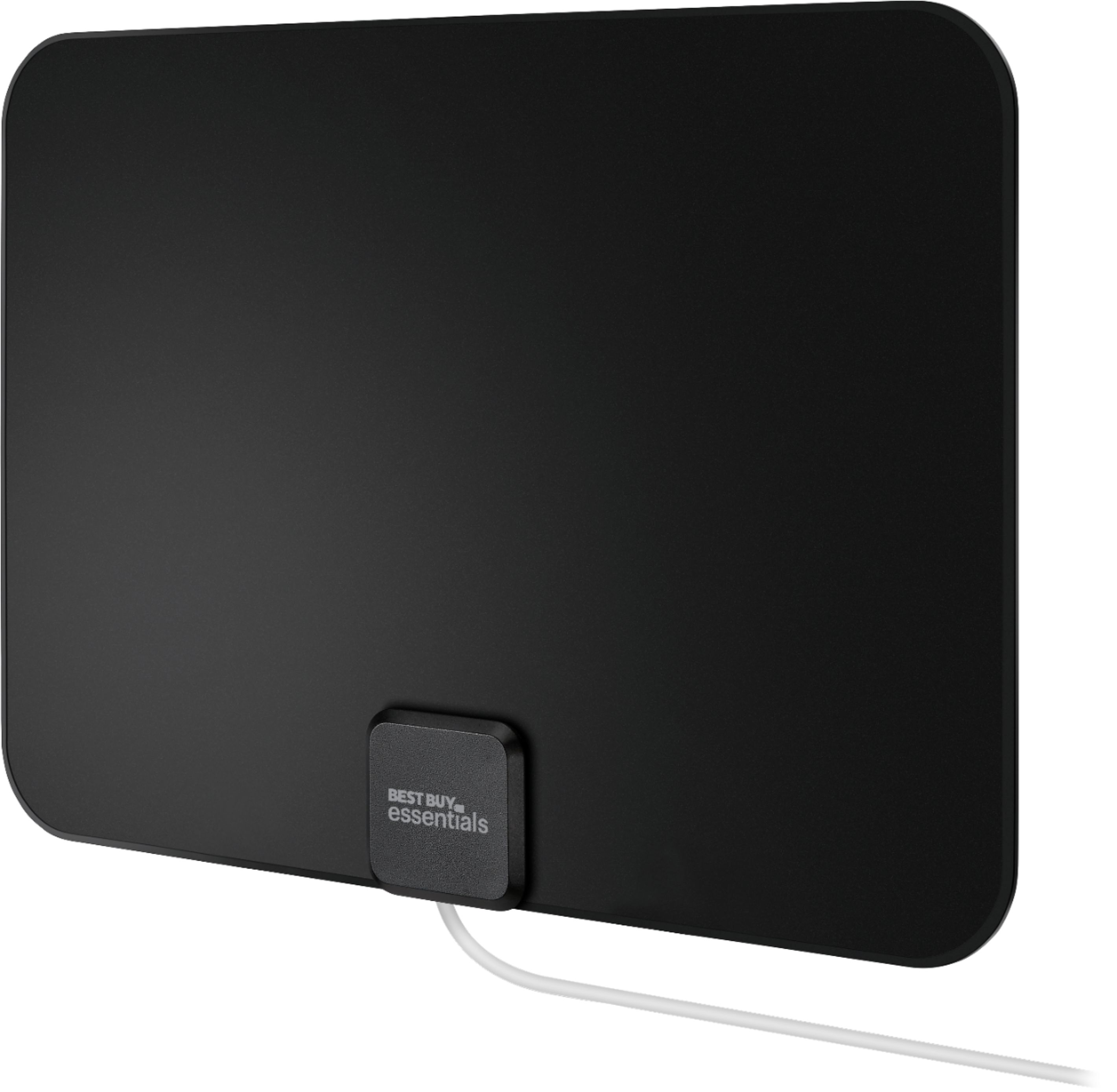
A:Answer DirectTV is just another antenna. The only difference is that it's designed to get signals from a satellite, not a local TV station. So "in conjunction with"? Probably no.
"Instead of"? Probably yes.
A DirectTV satellite receives signals from many TV stations, often over long distances, and relays them to your dish antenna. Since those signals are traveling through the air both from the original stations to the satellite, and from the satellite to you, weather anywhere along the way can affect signal quality. So you lose stations temporarily from time to time.
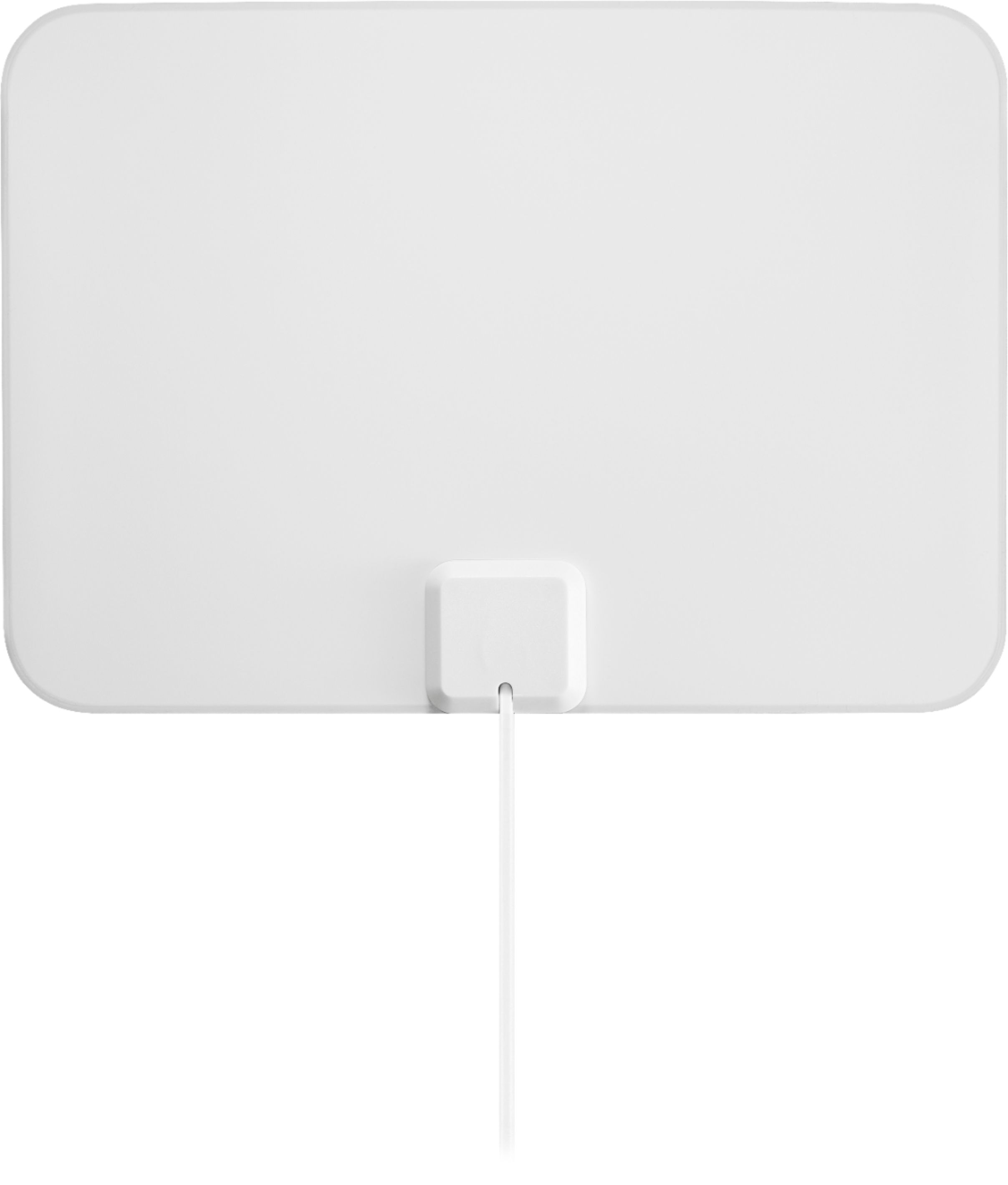
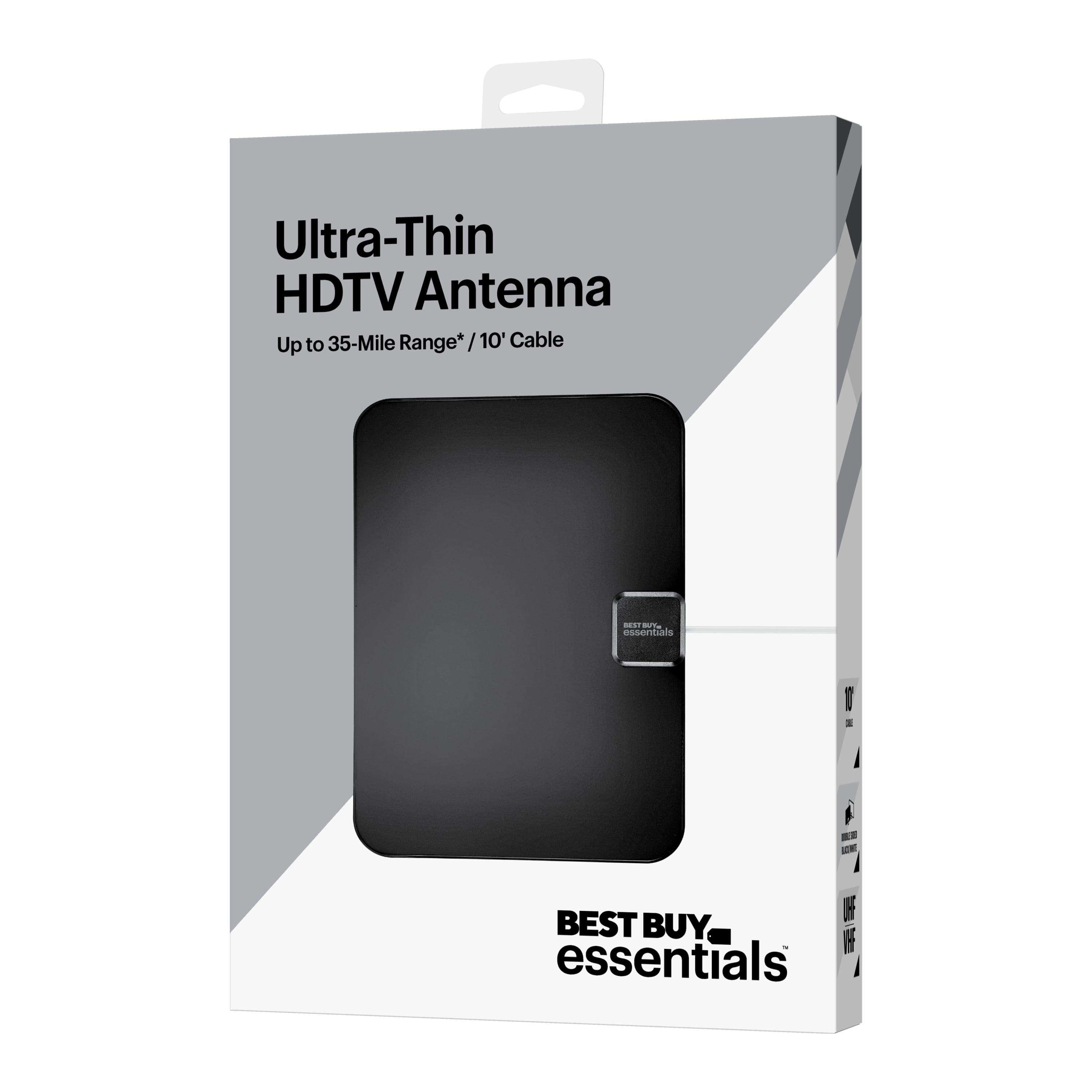
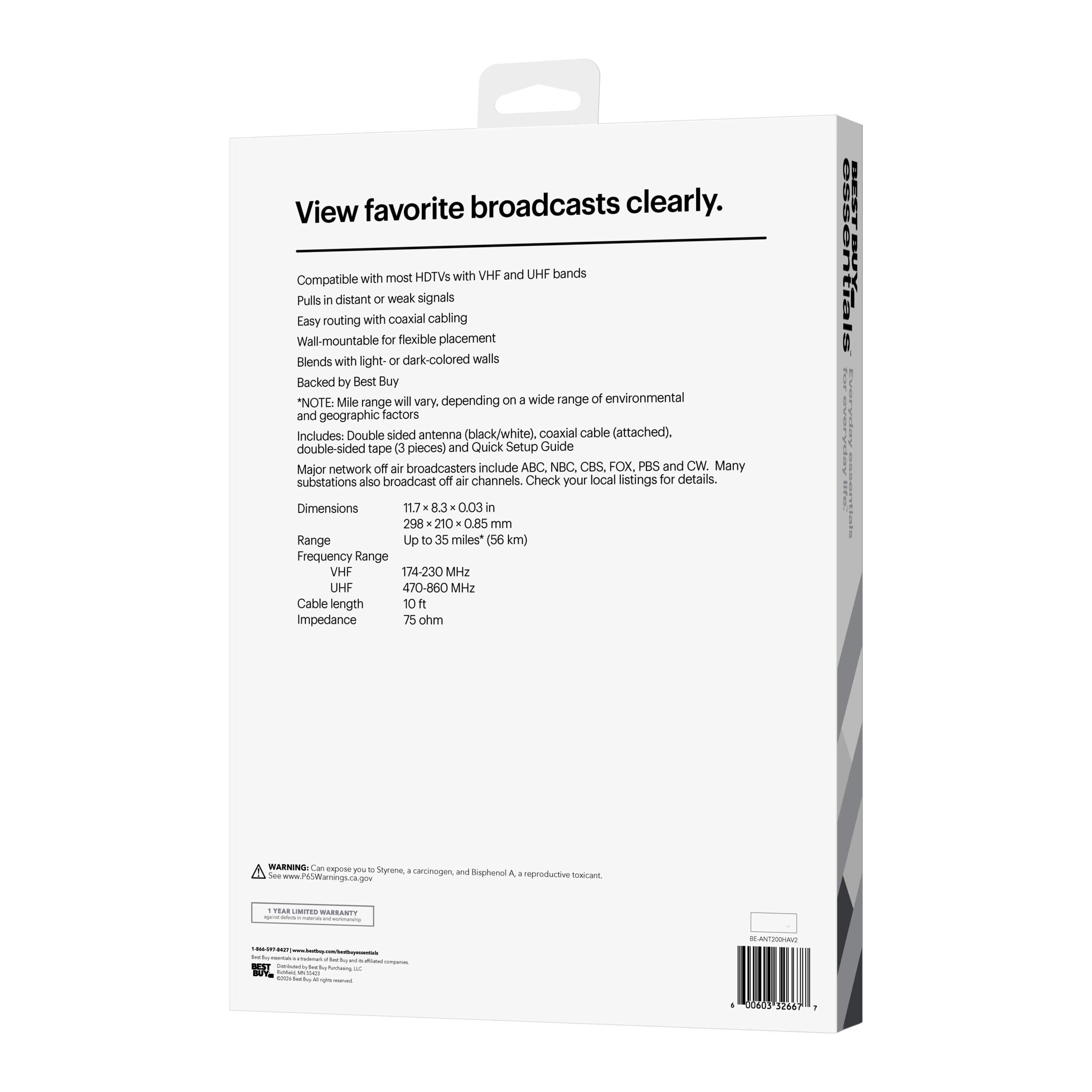
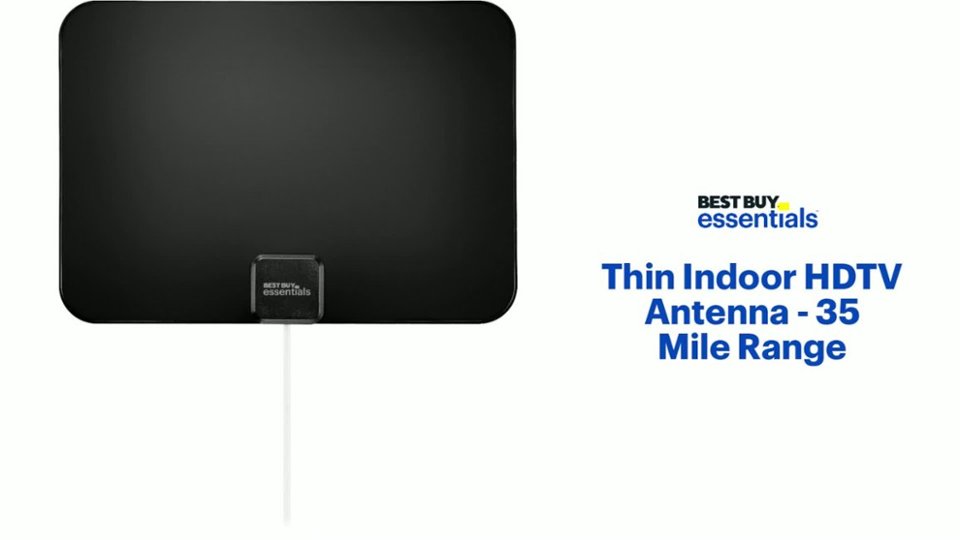
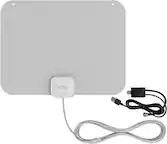
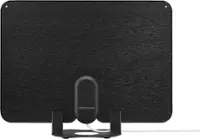
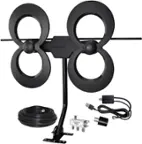
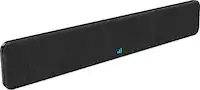
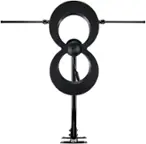
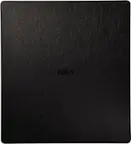
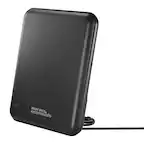
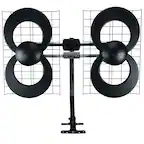
This flat antenna is only designed to receive local TV stations in your area. So you get fewer stations to start with. And local weather can mess with the signals you get. Still, in a good reception area, with a lot of nearby stations, you could get quite a variety of consistent channels. Over greater distances, and/or with fewer nearby stations, not so much. And you'll have to experiment with the positioning of the flat antenna for best results.
Where to plug it in? I can't see the back of your TV from here, but I'd say probably to use the flat antenna, you'll need to unplug DirectTV from the back of your set, and plug in the flat antenna in its place. But I don't KNOW that. If your DirectTV connector is different than the coaxial connector for the flat antenna, and your TV has more than one "antenna in" jack, you MAY be able to plug them both in, and use your TV remote to switch between sources.
But even in the best case scenario, you'll probably get fewer channels on the flat antenna on a good day than you do from DirectTV on a bad day. But I'm guessing.