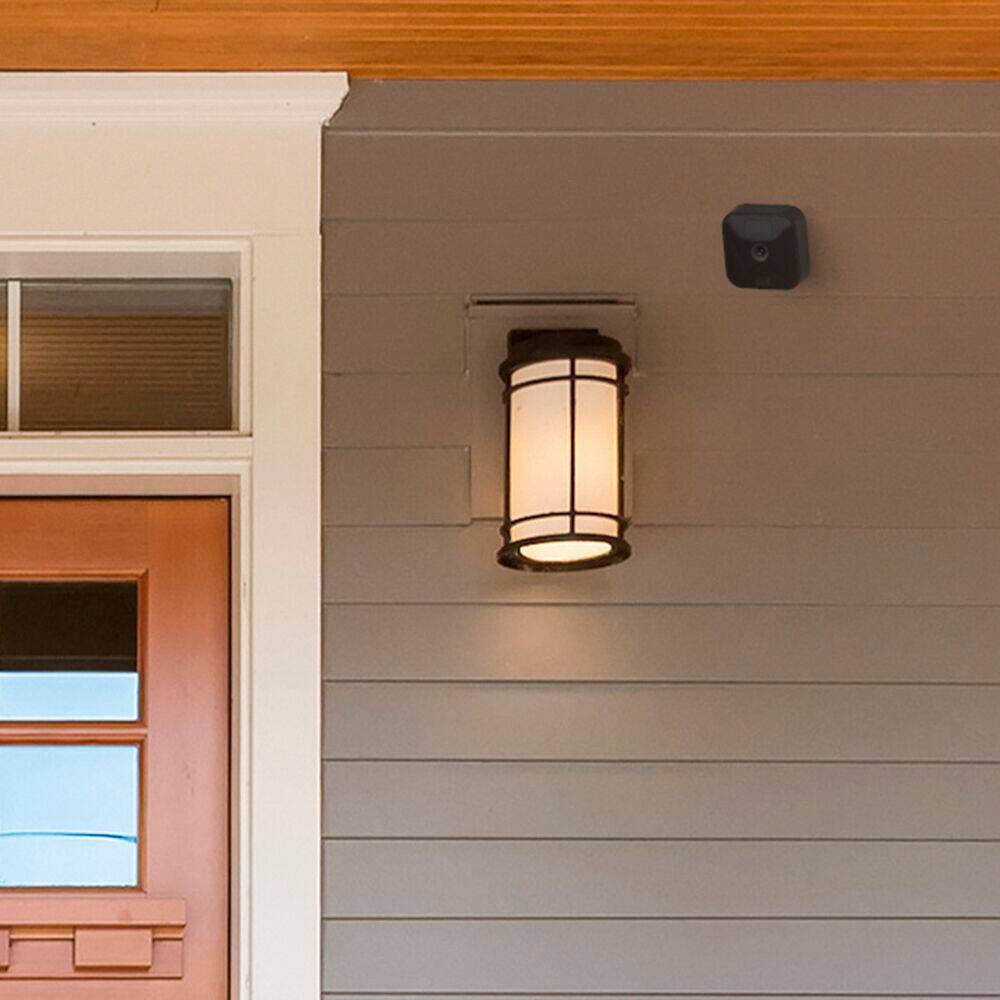
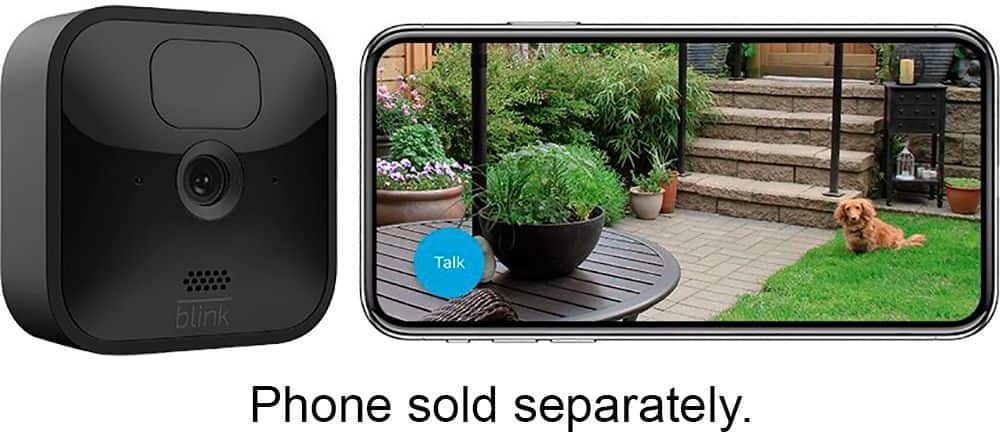
A:AnswerAs long as you have wifi and a compatible mobile device we ship everything needed to get set-up and started with our Blink Systems/Kits. The cameras would ship with a mount, mounting hardware and batteries and the sync module would ship with the correct power cord and adapter.
A:AnswerThe Blink Outdoor camera is compatible with local storage functionality, which allows you to back up videos in your home to the Sync Module 2 when you insert a USB flash drive. Additionally, you can use the Battery Expansion Pack-coming soon- with Outdoor, to allow your camera to run on four batteries instead of two, extending battery life by up to two extra years.
A:AnswerYou are able to add the Blink Mini, Blink Outdoor or Blink Indoor to your existing Blink XT2 System. If you are adding the Blink Mini, Blink Indoor and Outdoor cameras to an existing Blink Account that has been activated on or before 4/15/2020, you will be grandfathered into your current free cloud storage model in the Blink app.
Accounts activated after 4/15/2020 will receive motion alerts and be able to enter Live View for free, but will will require either local storage via the Sync Module 2 or a subscription for cloud storage to save videos.
You can have up to 10 Blink devices per sync module as long as they are all within the 100ft operating range of the sync module in any direction. The cameras on the sync module can be in any combination.
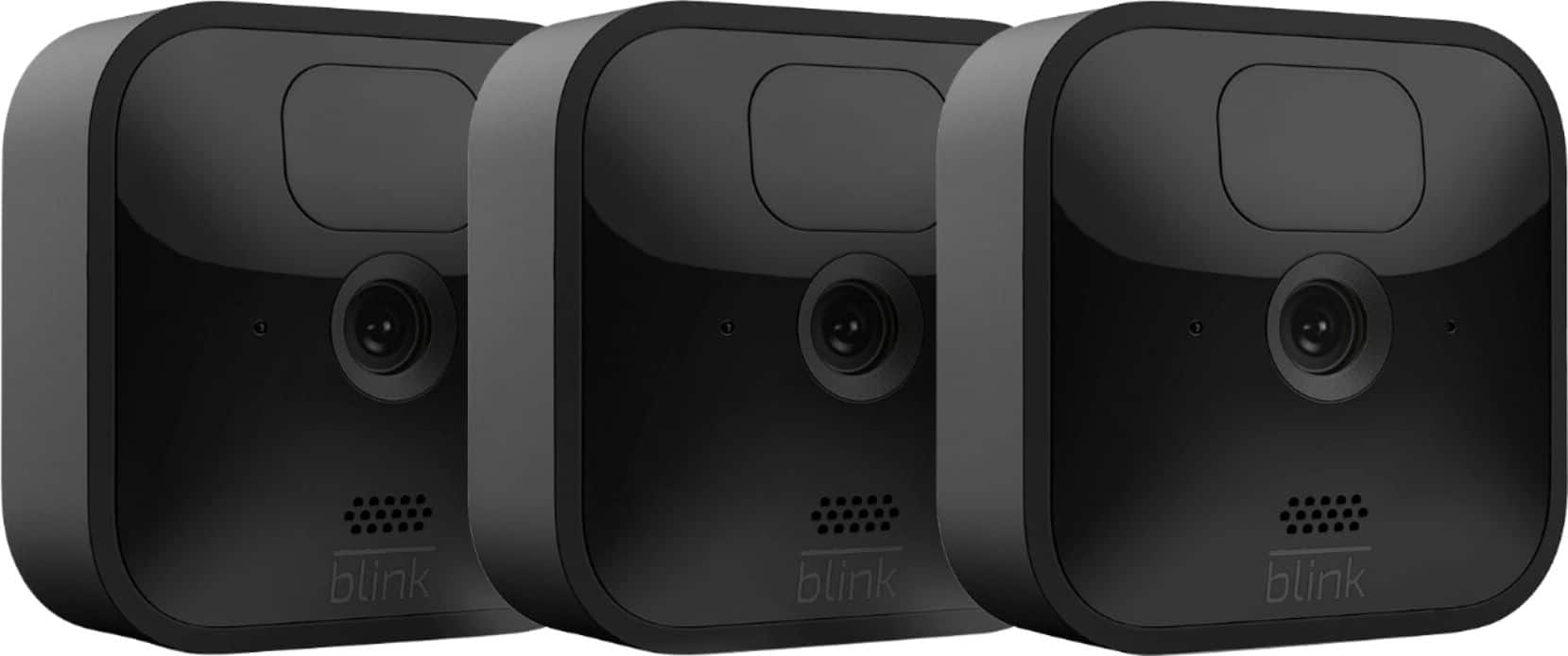
A:AnswerThe Blink Outdoor 3-camera system/kit would ship with 3 Blink Outdoor cameras and the sync module 2. We do also ship each camera with a mount, mounting hardware screws and the batteries and the sync module would ship with the correct power cord and adapter.
A:AnswerAssuming a fairly standard home (single building, no unusually dense construction materials), the Sync Module should be able to communicate with Blink camera units up to 100ft away in any direction. As far as how far away the system can be from the wireless router that would depend on the strength of your internet/WIFI, we recommend at least three bars of signal strength for optimal performance.
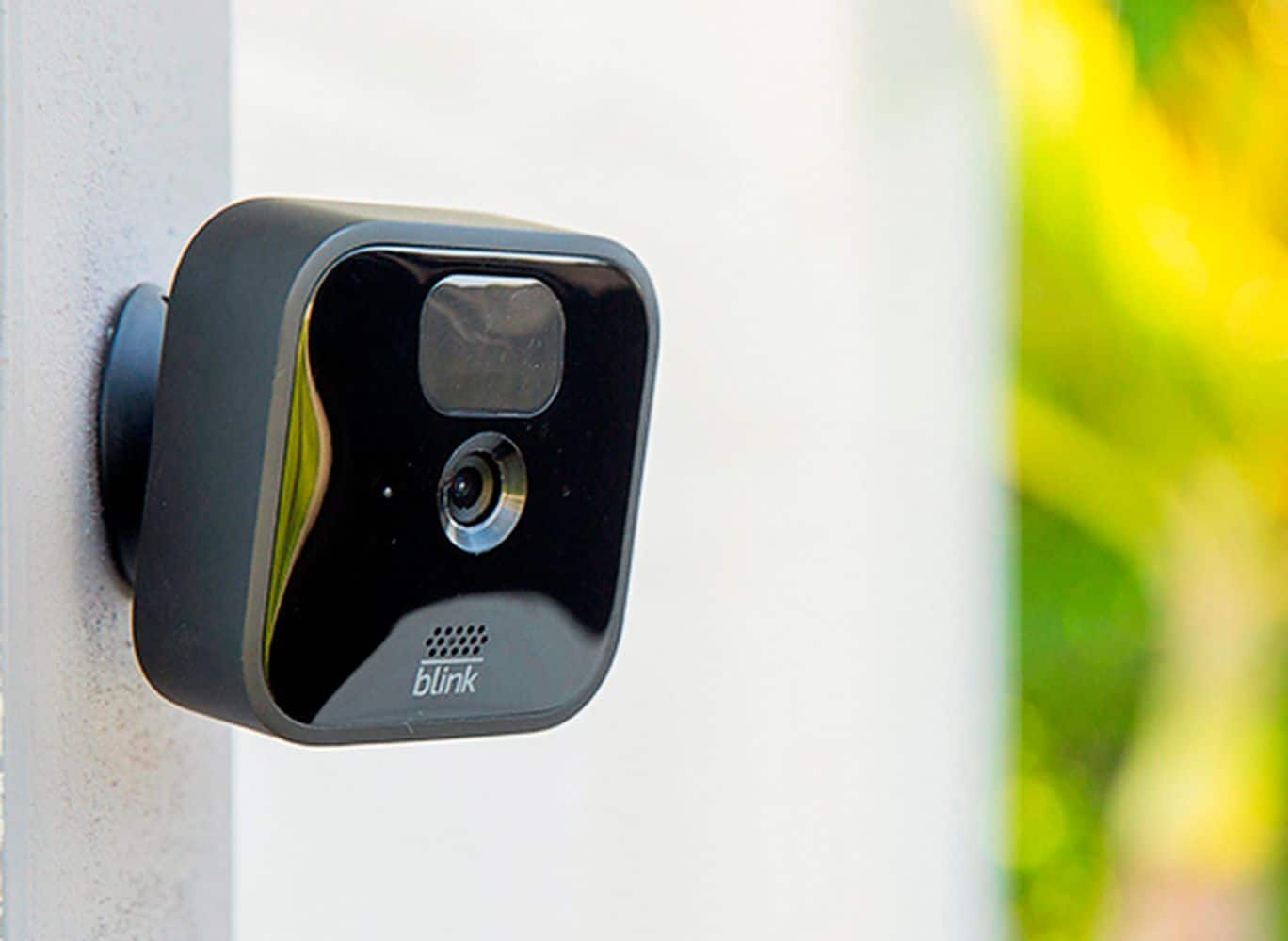
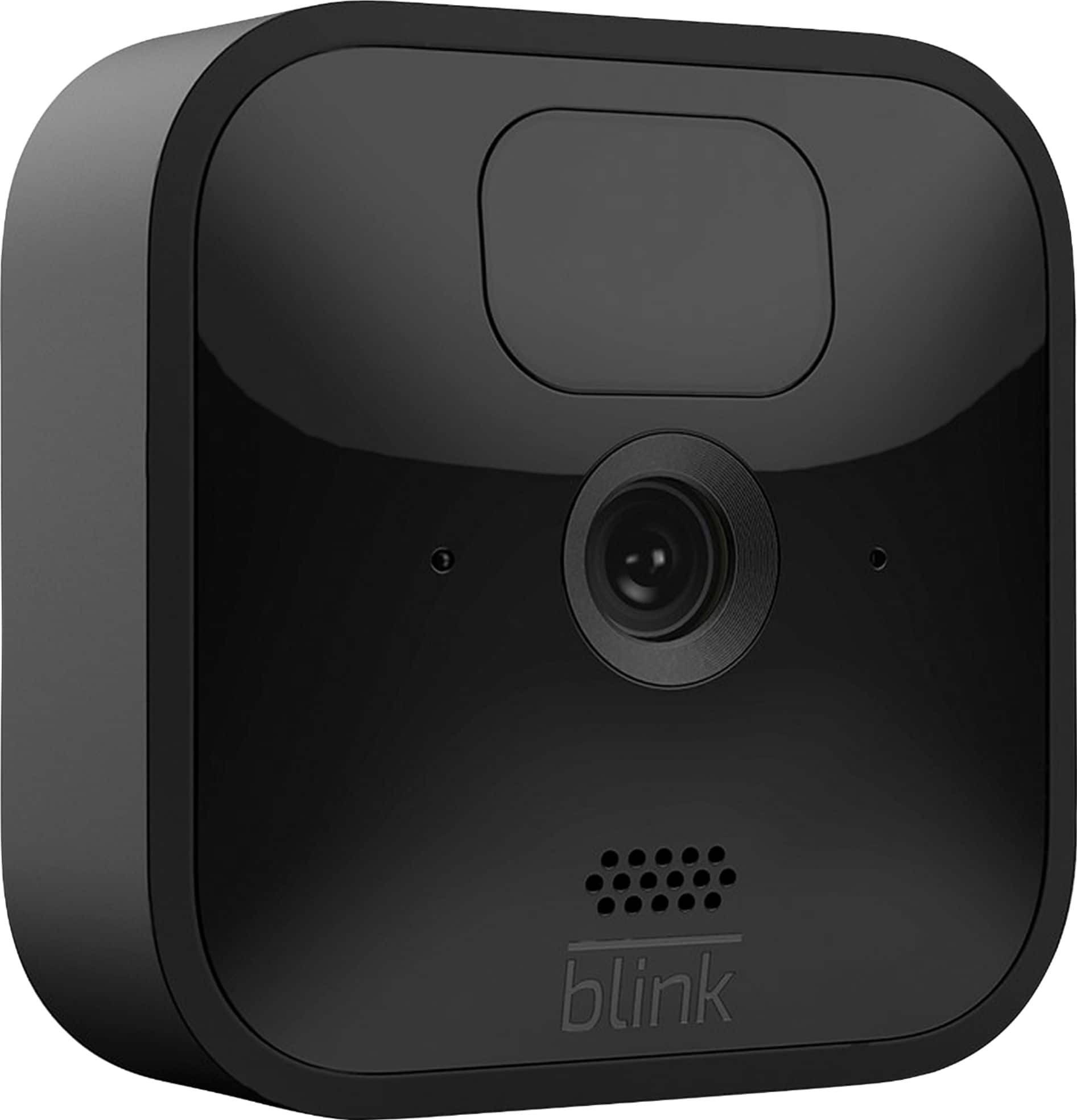
A:AnswerThe new Blink Indoor and Outdoor have a thinner sleek new design and are only compatible with the new silicone skins that are available in both white and black.
A:AnswerWith the Basic and Plus plans you can record and save all video clips to the cloud. With the Plus plan, you will also receive a 10% discount on all future purchases of Blink devices through Amazon.com and an extended warranty to all subscribed Blink devices. Both local and cloud storage allow you to use your Blink app and cameras in the same way. The only difference is where your videos are saved.
A:AnswerYou can add the Blink Outdoor camera to the XT/XT2 or 1st generation indoor camera sync module. If adding Blink Indoor and Outdoor cameras to an existing Blink system that has been activated on or before 4/15/20, you will be grandfathered into your current free cloud storage model in the Blink app. Systems activated after 4/15/20 will receive motion alerts and be able to enter Live View for free, with the option to access video recordings in the Blink app through a cloud storage subscription. Local Storage options are available with the Sync Module 2 and a removable USB storage drive.
A:AnswerIf you have a large SD card in the hub, you can store your videos locally. It takes a little longer for them to load when you watch them though.
A:AnswerRechargeable lithium batteries are the best option for these devices. If you don't set motion boundaries, the device may trigger unnecessarily. Additionally, reduce the frequency. Overall, it's a great system.