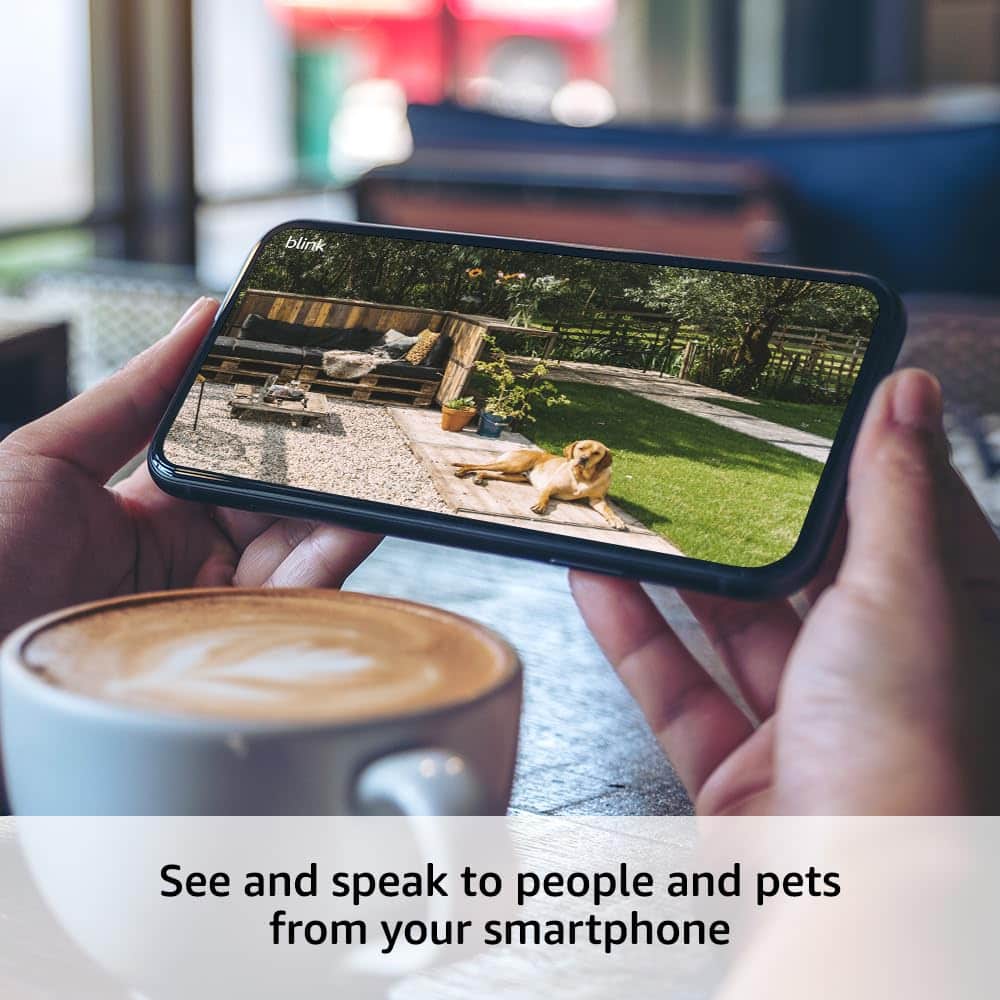
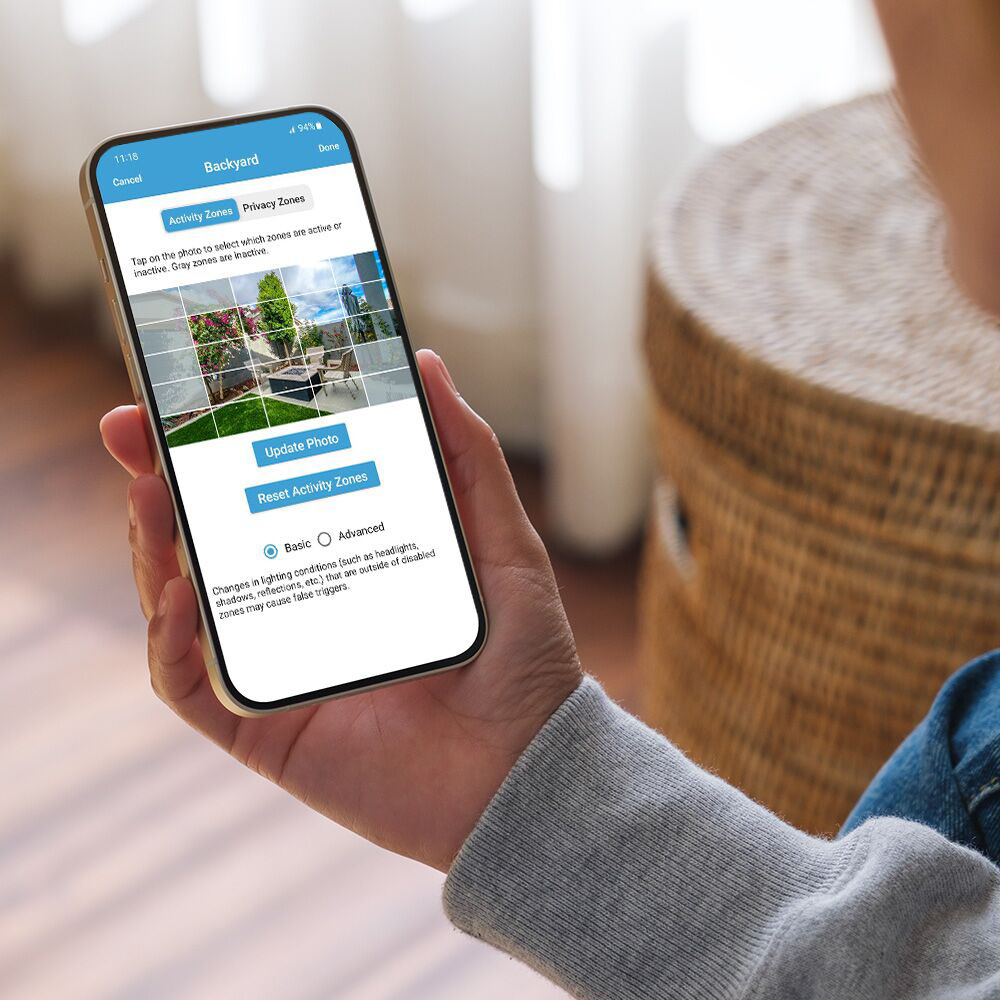
A:AnswerHello jushf1 and thank you for your question! The Blink Home Monitor app, which is the application used to view the Blink camera streams is only available for iOS (Apple), Android OS (Google) and FireOS (Amazon). The app is not available for PC download. Hope this helps! Have a great day!
A:AnswerHello and thank you for your question! All Blink cameras are backwards compatible and will work with the sync module 2. Hope this helps! Have a great day!
A:AnswerHi Buffy, yes you can share access to the Blink Outdoor 4 cameras with another household member by adding them as a shared user in the Blink app. Hope this helps!
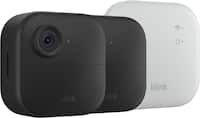
A:AnswerHello Sammy, thank you for your question. No, the Blink - Add On Outdoor 4 camera cannot be added to the Ring app because Blink and Ring are separate brands and do not integrate with each other's platforms. You can only add the Blink camera to the Blink app and control it using a Blink Sync Module. I hope that helps, have a great day!
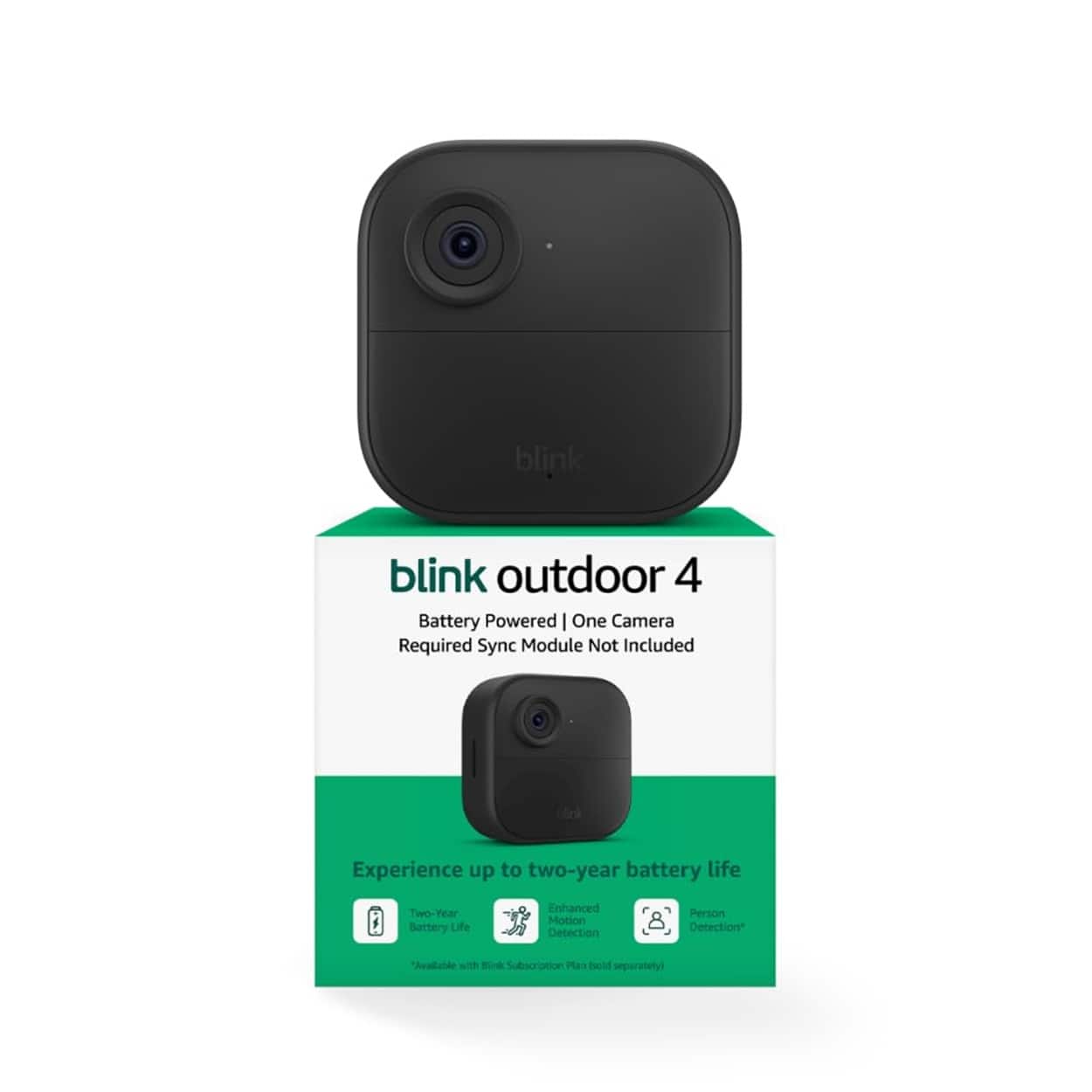
A:AnswerHi there! Saving your clips (whether from live view or from a motion alert that was recorded) requires a Blink Basic or Plus subscription, or to be in the free trial period. Also as a note, this listing is for an add-on camera for a system that already has a Blink Sync Module set up. If you're looking to start a new Blink System you'll want to purchase a kit that includes a Sync Module Core or XR. I hope that helps, have a great rest of your day!
A:AnswerHi MG, thank you for your question. The included Sync Module 2 supports up to 10 cameras per Sync Module. You can keep adding cameras to the same system, up to 10. I hope this helps, have a great day!
A:AnswerHi Chuck, thank you for your question. Setting up a Blink Outdoor camera is generally straightforward, especially if you already have a Blink account and the Blink app. The process involves downloading the Blink app, creating an account (if you don't have one), and then following the on-screen instructions to add the Sync Module and camera to your system. You'll need to scan the QR code on the Sync Module and the camera to connect them to your Wi-Fi network. I hope this helps, have a great day!
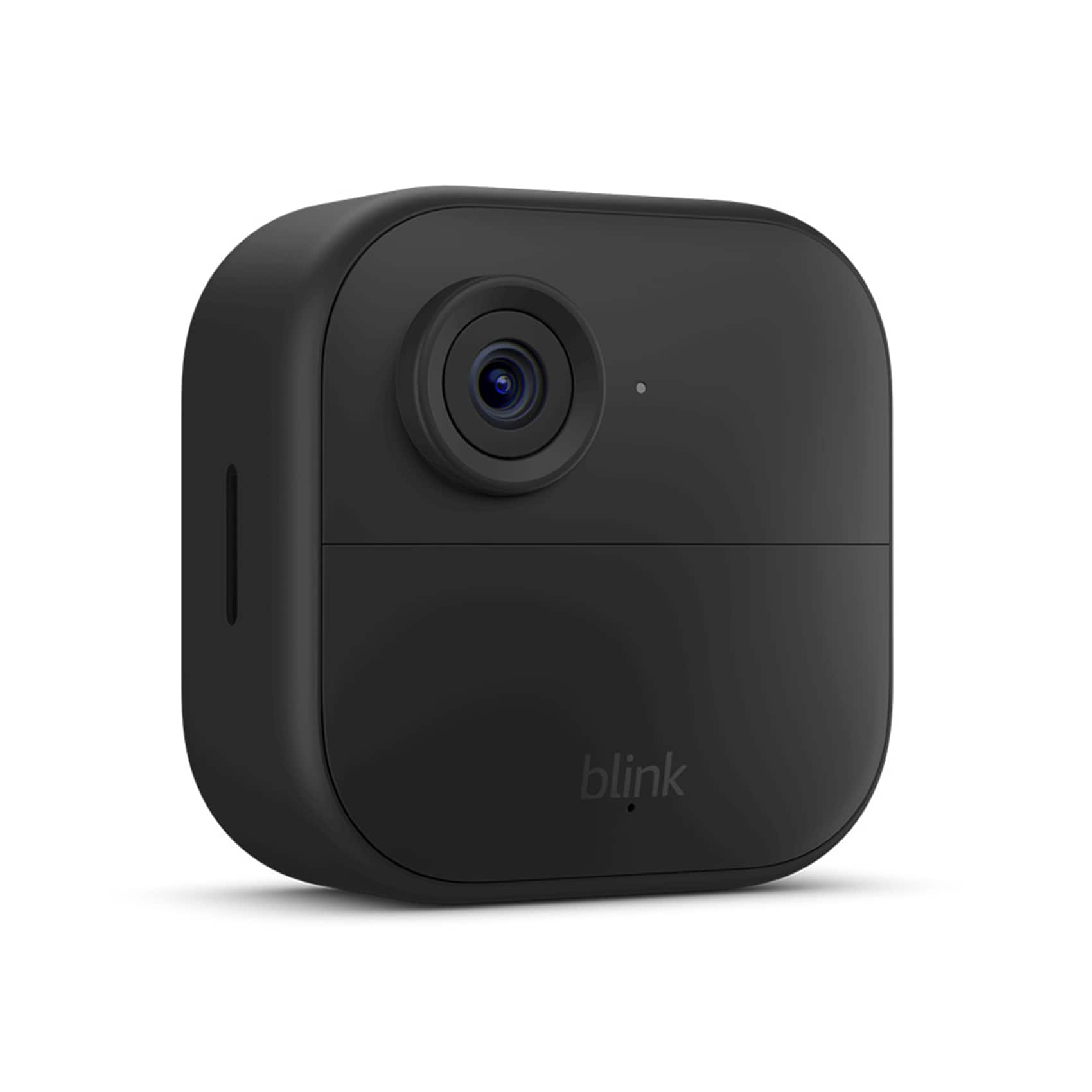
A:AnswerHi Mindy, thank you for your question. Blink devices are not waterproof. It is recommended to mount somewhere out of direct contact to water streams. While weather resistant, exposure to strong streams of water can result in damage. I hope this helps, have a great day!
A:Answeryes they can I live in cincinnati its only 4 hours away from Chicago very similar weather ive had mine outside for 5 years and i have not had one problem
A:AnswerHi! Yes, the Blink Outdoor 4 Camera is designed for easy setup and installation without requiring professional assistance. Simply download the Blink app on your phone and follow the steps provided. Hope this helps. Have a great day!
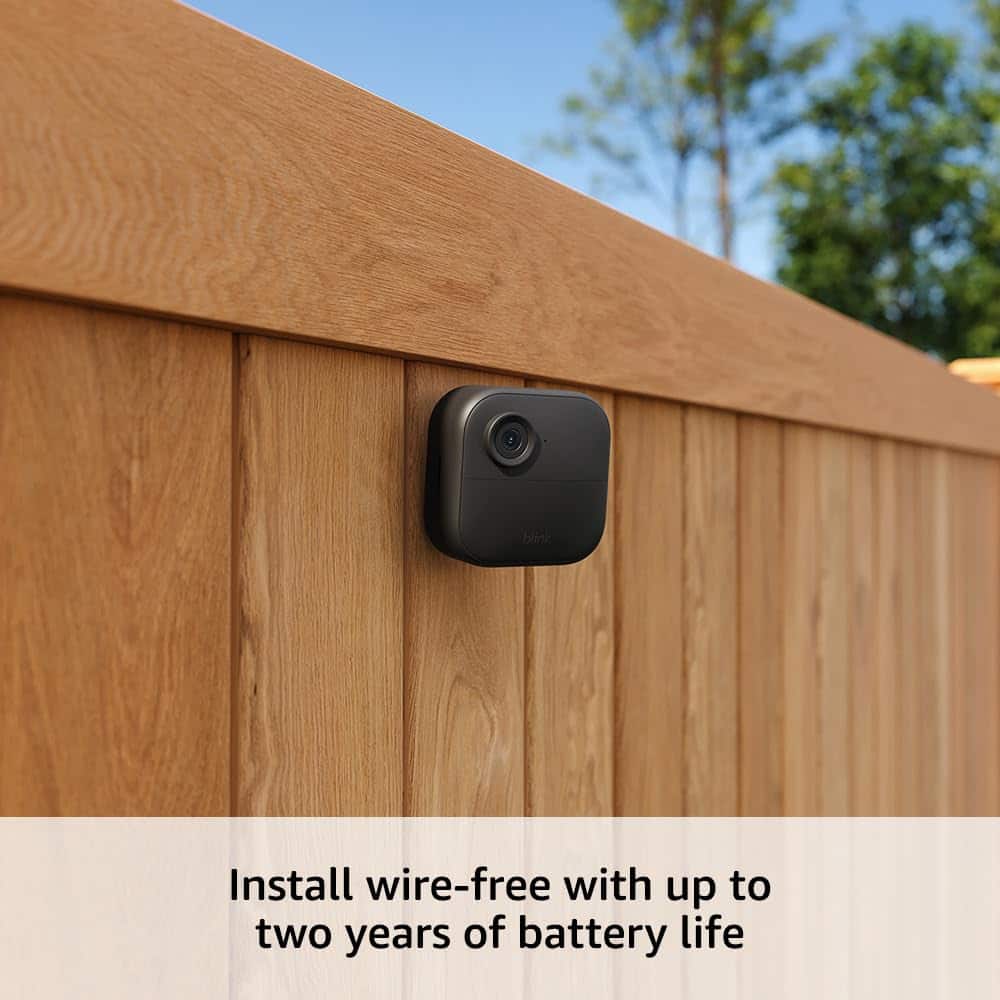
A:AnswerHello GG, the Blink cameras use infrared to sense motion and will not work through glass. At this time Blink does not support a continuous live stream. The Outdoor cameras run on 2 AA Lithium batteries that can last up to 2 years depending on the amount of motion that they sense.
Have a great day!
A:AnswerHello, thank you for your question. There is an installation guide in-app once you download the Blink Home Monitor app and begin adding a device. I hope that helps, have a great day!