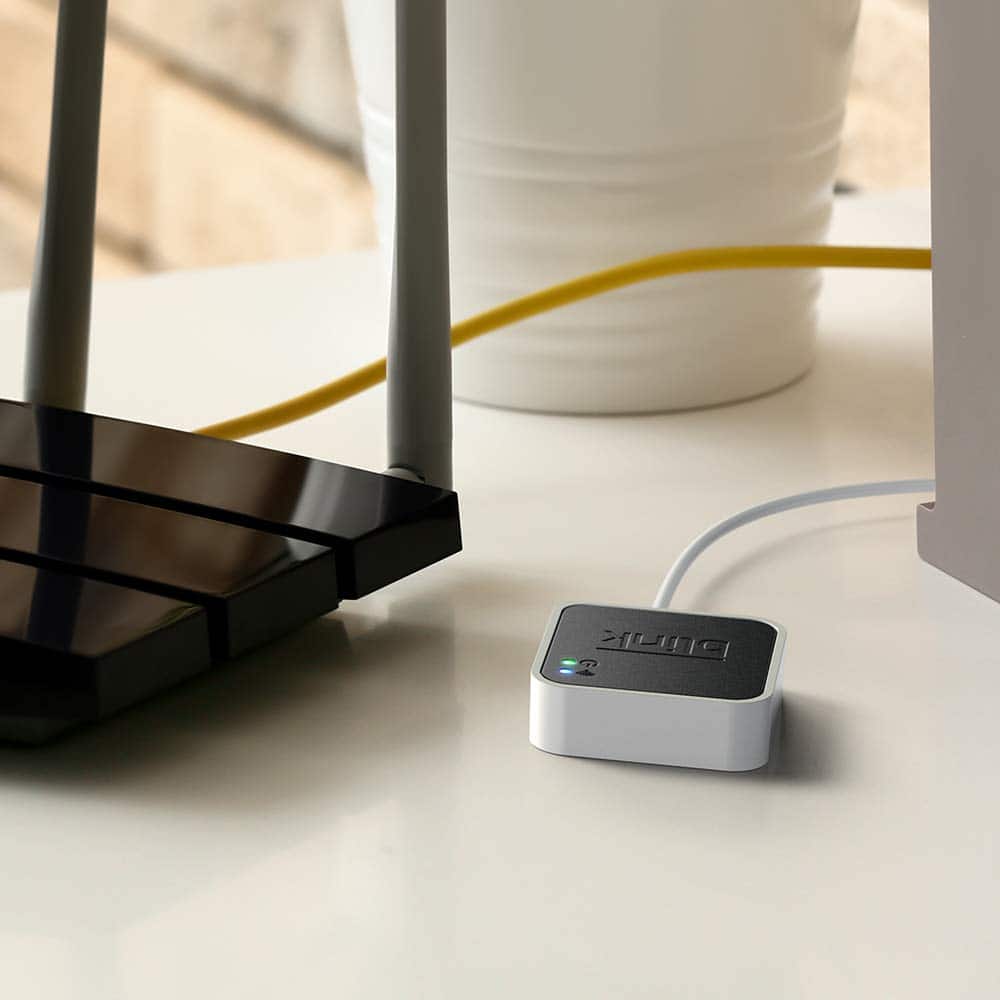
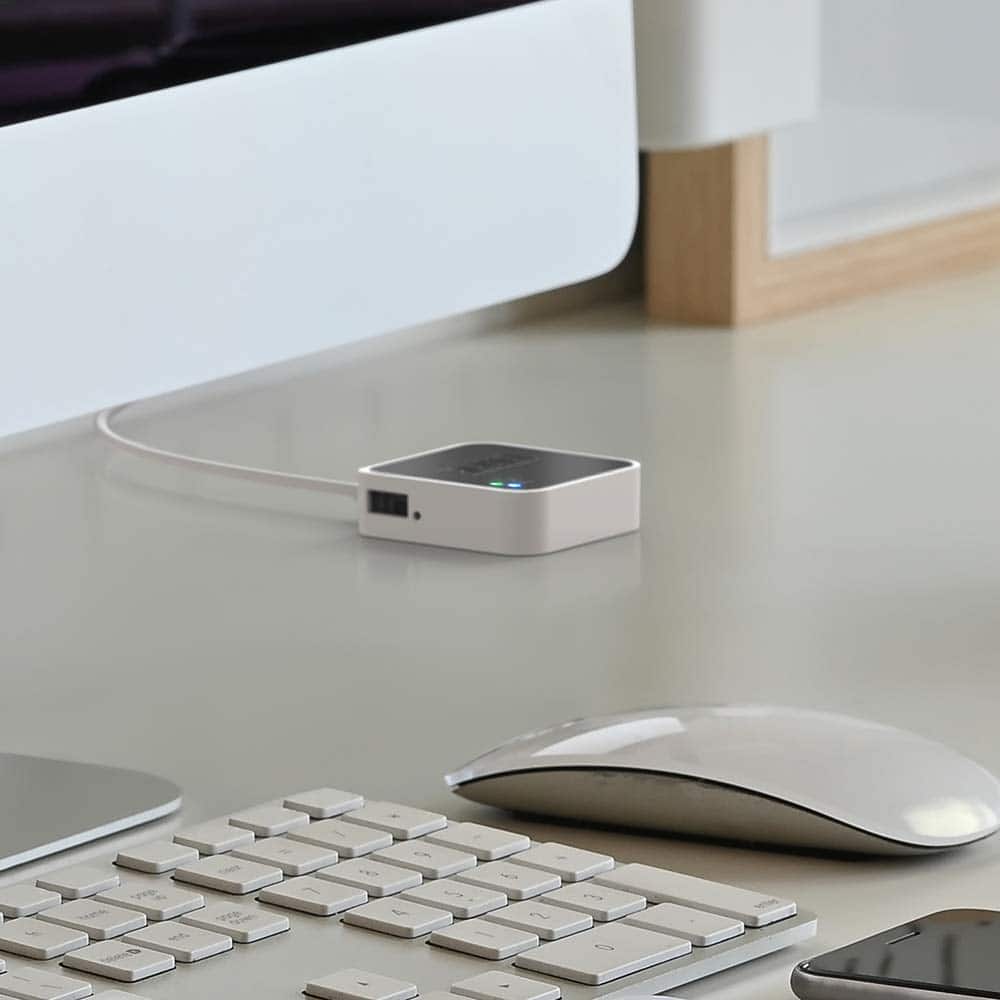
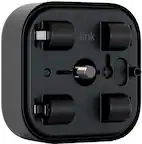
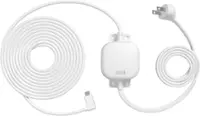
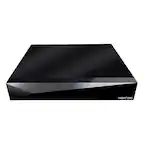
A:AnswerThe Sync Module is an integral part of a Blink system, allowing Blink battery-powered devices to stay online. It must be plugged in to a power supply and connected to an active 2.4 GHz Wi-Fi internet connection at all times.
Assuming a fairly standard home (single building, no unusually dense construction materials), the Sync Module should be able to communicate with Blink camera units up to 100ft away in any direction. As far as how far away the system can be from the wireless router that would depend on the strength of your internet/WIFI, we recommend at least three bars of signal strength for optimal performance.
A:AnswerWe do hope to have the add-on sync module 2 available soon, please stay tuned! Do note the sync module 2 is currently shipping with the new Blink Indoor and Blink Outdoor systems/kits.
A:AnswerThe sync module itself would need to remain plugged into a normal wall outlet at all times and within 100ft of the cameras in any direction. You can have up to 10 Blink devices per sync module as long as they are all within the 100ft operating range of the sync module in any direction. The cameras on the sync module can be in any combination.
A:AnswerIf you want to use the local storage option for the Blink Mini, Blink Indoor and Blink Outdoor cameras you would need to use the sync module 2 and compatible USB flash drive, the flash drive would insert into the sync module 2 not the camera(s).
A:AnswerAssuming a fairly standard home (single building, no unusually dense construction materials), the Sync Module should be able to communicate with Blink camera units up to 100ft away in any direction. As far as how far away the system can be from the wireless router that would depend on the strength of your internet/WIFI, we recommend at least three bars of signal strength for optimal performance.
A:AnswerWe would like to assist with any issues you may be having with your Blink camera, we just need a little more detail. Please kindly reach out directly with details of your experience so that we can work with you to find a solution. support.blinkforhome.com
A:AnswerThe sync module 2 will still function like a traditional sync module, compatible with all generations of Blink cameras (indoor, XT, XT2, Blink Indoor and Outdoor, and Blink Mini) however ONLY Blink Indoor and Outdoor and Blink Mini cameras will be compatible with local storage functionality. All other generations of cameras (indoor, XT and XT2) will be cloud based if/when they are added to the sync module 2.
A:AnswerThe great thing about Blink is that it does not continuously record like other cameras. The camera only turns on when it detects motion or you turn it on to watch Live View, helping to significantly reduce data usage. A five second motion clip with audio takes up 750KB. You can use a USB flash drive up to 256GB with the sync module 2.
A:AnswerYou should be able to find the Blink Outdoor 2-camera kit here, https://www.bestbuy.com/site/blink-outdoor-2-cam-kit-wireless-weather-resistant-hd-security-camera-with-2-year-battery-life-and-motion-detection/6427056.p?skuId=6427056
A:AnswerThat didn't answer my question, I am assuming the only way to view recorded video if you pay the monthly membership. If you use the USB option, then you have to use PC to view old videos.
A:AnswerI haven't tested this yet, but I know I can make a usb target device with a raspberry pi 0(probably with other devices too, but it's a common pi0 project. I'm thinking if I make a 256GB device on my server and point the pi0 to it over the network I should be able to present this storage device to the sync module from the pi0 and format with the correct file system. Again, I've not tried it, but I'm sure the sync module wouldn't know the difference. I have created a usb device with a pi0 before and it worked with my computer like any other flash drive. Once this is accomplished, I should be able to write a script to run on a cron job (scheduled task for win folks) and check the space on my virtual flash drive. Set something like a 50% capacity threshold so when that is exceeded, the script will pause all read/write operations to the flash drive partition, check the date of every file and move the oldest half (25% of the capacity or 64GB)onto another partition within the server, then delete them from the flash drive partition, resume any operations that were occuring before this process (assuming it wasn't a read on a file older than the halfway point which should just fail on the requesting end without any other issue, there's no reason for it to be performing writes on files older than half the total files) and the sync module shouldn't know anything happened except half its files are now gone and it has twice the storage. This may cause issues depending on how the sync module indexes these files, but I don't expect any problems making this work. and then i'll have 10 or so Terabytes of space available, or(according to Blink's file size estimate in the FAQ) roughly 100 million seconds of 1080p video recording space. Which is about 3.2 years solid of video and way more than I'll ever need. It just would've been easy for Amazon to add so much more functionality for power users, but they haven't put enough effort in the software, nor have they offered much to advanced users. Your question was not answered correctly by blink and it should be as easy as them adding a field in the sync module 2 settings for a local NAS address for the videos to be stored instead of a flash drive. Or they could release a device that's basically what I'm building and call it an alternative storage option allowing you to connect that USB A to your computer's/server's/SoC computer connected to a network share or a storage bucket....ok, there it is. They want you to pay a subscription to be able to stick this data in the cloud instead of offering DIY. I think I'll take it a step further and have this data also backed up to the cloud. Still won't be as fast loading as their cloud option, but I'm betting the USB loading speed is purposefully worse than in needs to be in order to incentive people into buying their subscription. Hope this helps someone overcome a silly limitation imposed by Blink.