A:AnswerHello Tony, yes you can add your older Blink Cameras to this system. All Blink cameras are compatible with the new Sync Module.
Have a great day!
A:AnswerHello Toni, yes you can add your older Blink Cameras to this system. All Blink cameras are compatible with the new Sync Module.
Have a great day!
A:AnswerHi Jay712,
Yes — Blink Outdoor 4 records motion clips and lets you play them back in the app. Cloud (subscription) or local storage options are available.
Hope this helps!
A:AnswerHello and thank you for asking this question. Each unit should work fresh from the box with the included batteries. If you are experiencing issues with your new Blink cameras I recommend reaching out to Blink customer support to get to the bottom of the issue. I hope this answers your question and that you have a great day.
A:AnswerHello
The blink Plus subscription will cover unlimited devices. Blink allowed you to have multiple systems under one account. To use Blink cameras in two separate homes, set up a distinct Sync Module at each location, connected to its own Wi-Fi network. Both systems can be managed under one Blink app account by creating separate systems and switching between them in the app. I hope this information helps. Have a great day.
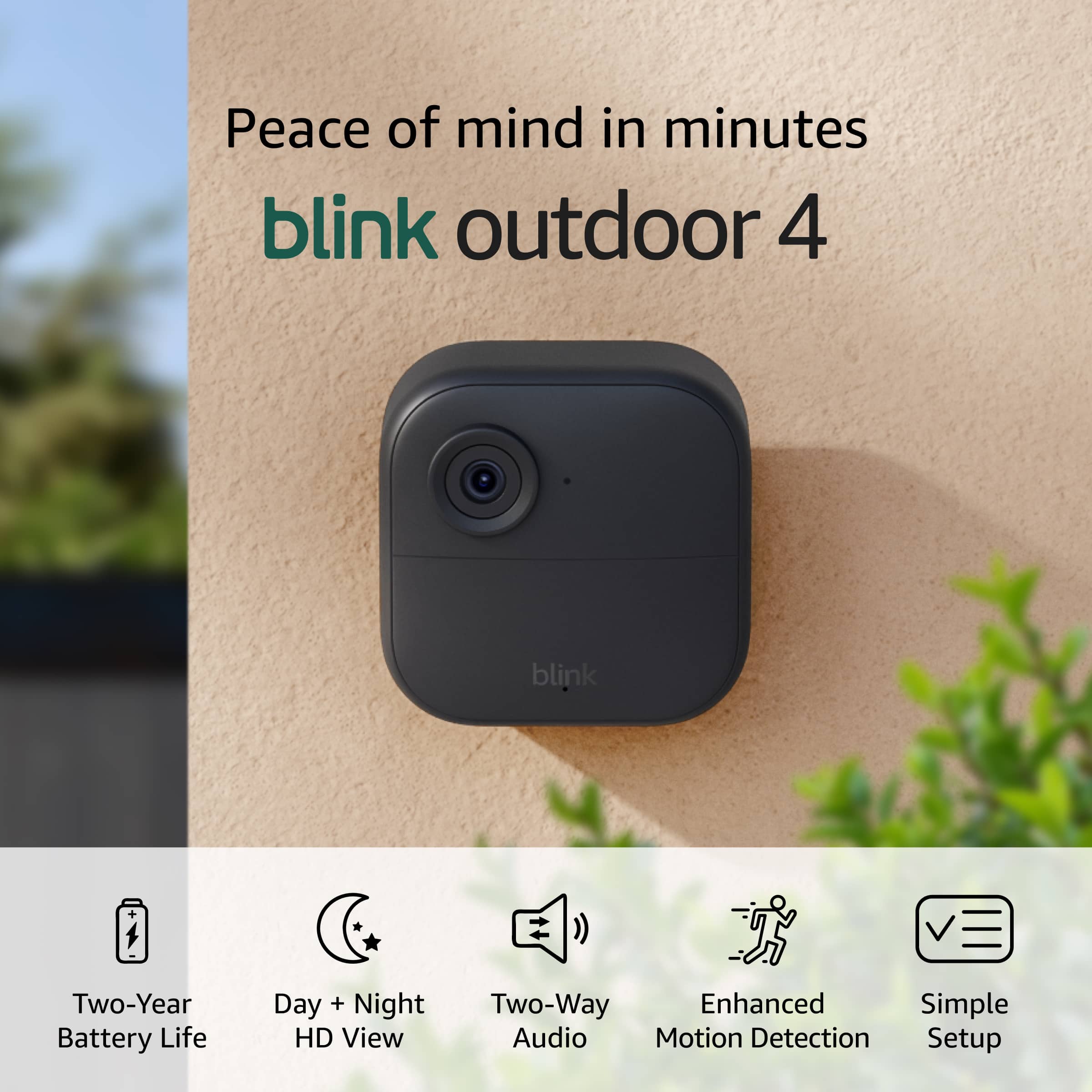
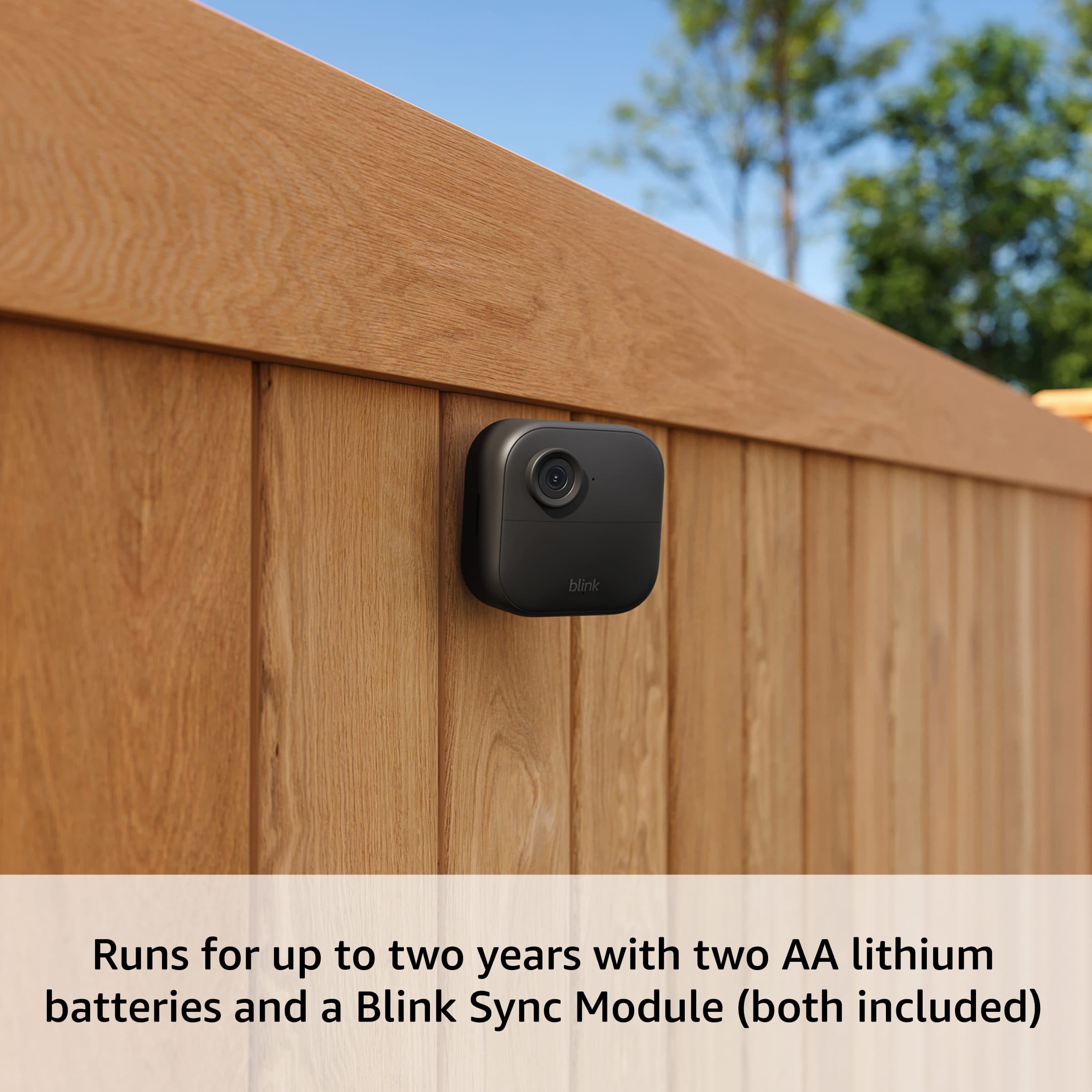
A:AnswerHello etccdb and thank you for your question. Blink recommends two AA 1.5V Lithium non-rechargeable batteries for the Blink Outdoor 4 Wireless Smart Security Camera. Hope that helps! Have a great day!
A:AnswerHi Gus,
Yes — you can use the Blink subscription and cloud services in Mexico with the Blink Outdoor 4. Blink devices and services are supported in Mexico, as long as the camera and Sync Module are from the same region.
Hope this helps!
A:AnswerHi there,
The Blink Outdoor 4 detects motion best from about 7–19 ft, and can detect motion up to around 30 ft away depending on placement and settings.
Hope this helps!
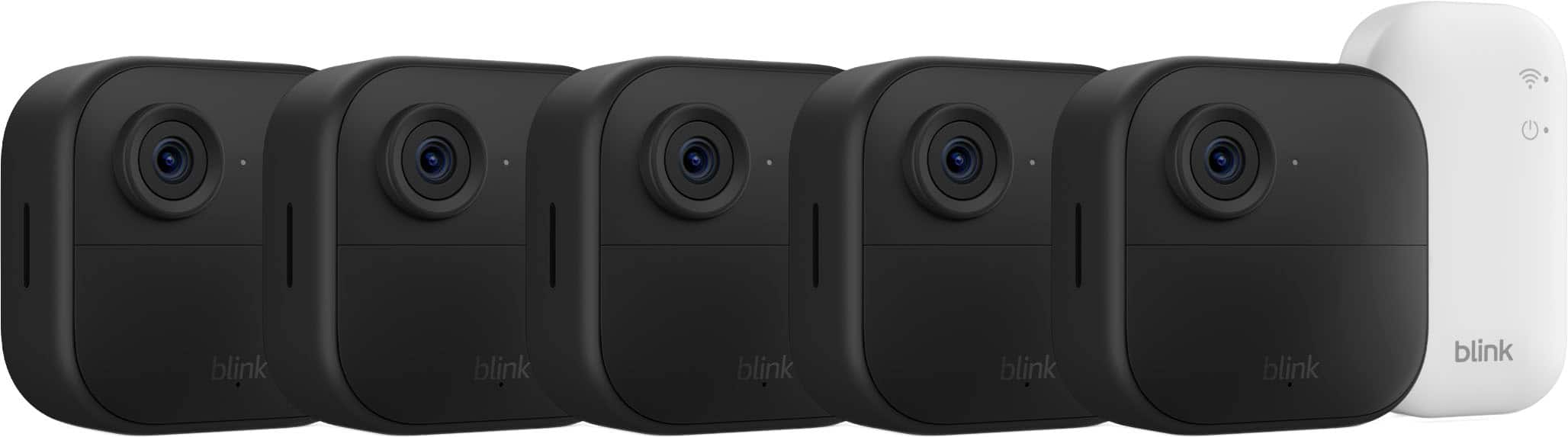
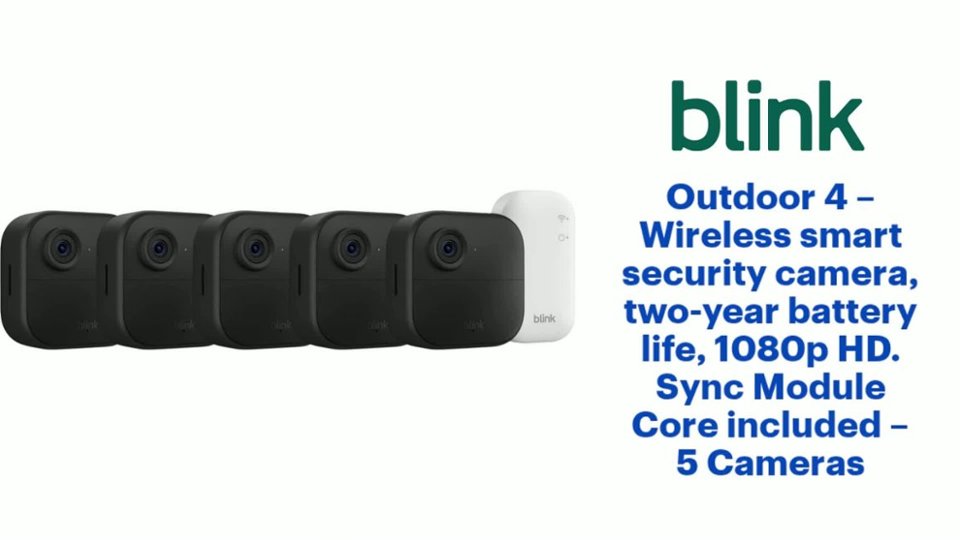
A:AnswerHi Tony, Setting up the Blink Outdoor 4 wireless camera system is generally very easy and user-friendly, especially for beginners. It's designed as a straightforward, app-based process that most people can complete in 10–30 minutes (or less for a single camera once the Sync Module is ready), based on official guides, tutorials, and user feedback.Key requirements will be a sync module (the 5-camera system you are asking about comes with the standard sync module), a compatible smartphone running iOS or Android operating system, Installation of the Blink Home Monitor app from your app store, good WiFi signal where you will plac the camera, and the included AA lithium batteries for the camera (There is no wiring needed, these are wireless)Hope you have a great day.
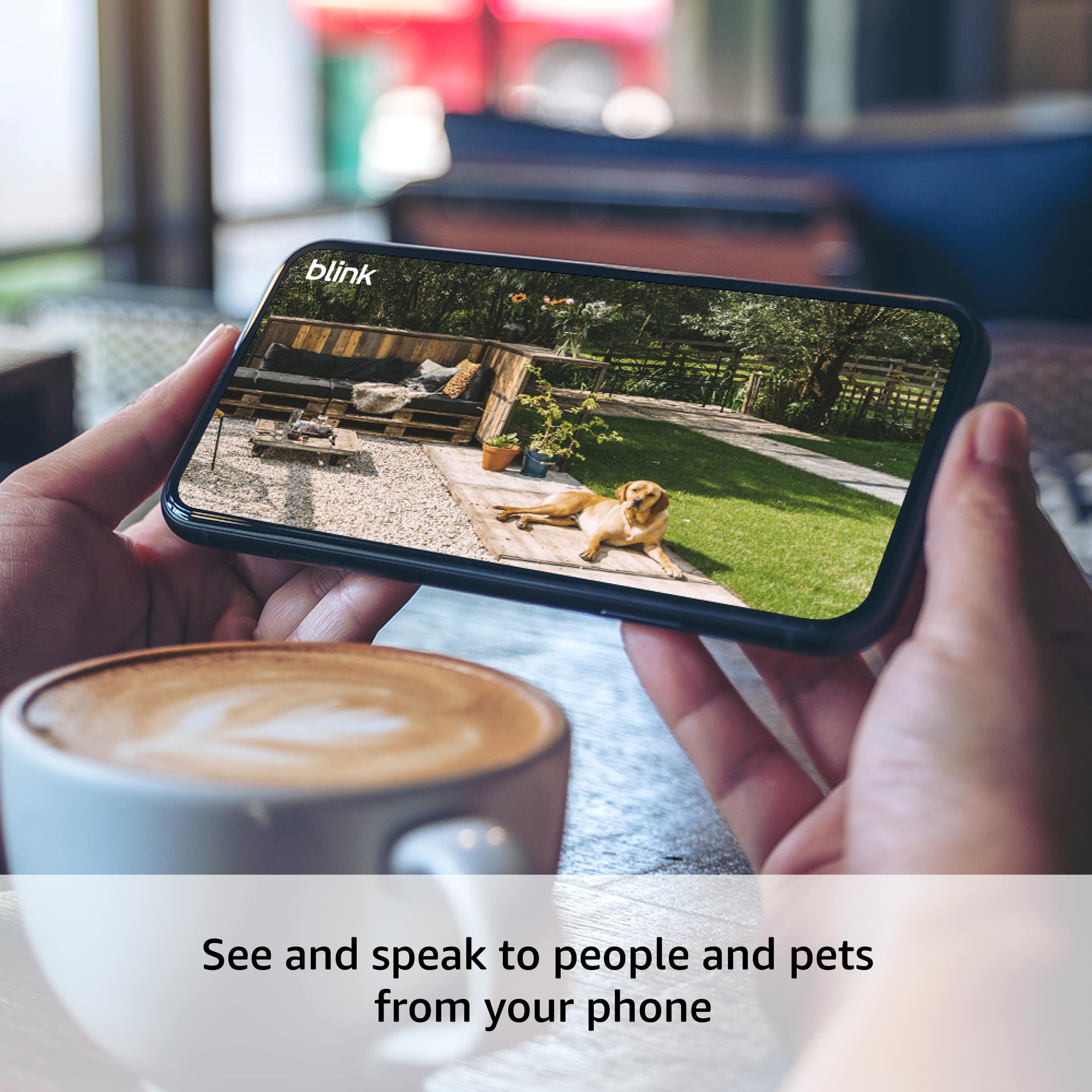
A:Answeres — the Blink Outdoor 4 system will work with a Google tablet. You just need to download the Blink Home Monitor app from the Google Play Store on your tablet and sign in with your Blink account. Once installed, you can view your live camera feeds, watch recorded clips, receive motion alerts, and access camera settings from your Google tablet just like you would on a phone.
Tip: Make sure your tablet is running a compatible version of Android (typically Android 5.0 or later) so the app works properly
A:AnswerThe batteries in the Blink Outdoor 4 are replaceable, not rechargeable. They use two AA 1.5 V lithium non‑rechargeable batteries that you put inside the camera and replace when they run low. You can also power the camera through a weather‑resistant USB‑C adapter (sold separately), but the default battery power comes from replaceable AA cells
A:AnswerBlink is not compatible with satellite networks or hot spots. These networks can have too much latency and packet loss to support the app and its functions.
A:AnswerHello Peggy, you can have the Blink App installed on as many phones as you want. Each one just needs to be logged into the account to view the camera feeds.
Have a great day!
A:AnswerYes — you can add 4th generation Blink Outdoor cameras to your existing Blink system as long as your system uses a compatible Sync Module (like the Sync Module Core or Sync Module 2). You just add the new cameras in the Blink Home Monitor app under the same Sync Module you already use.
So you don’t need a completely new system — the newer cameras can work alongside your older 3rd generation cameras on the same Blink setup.
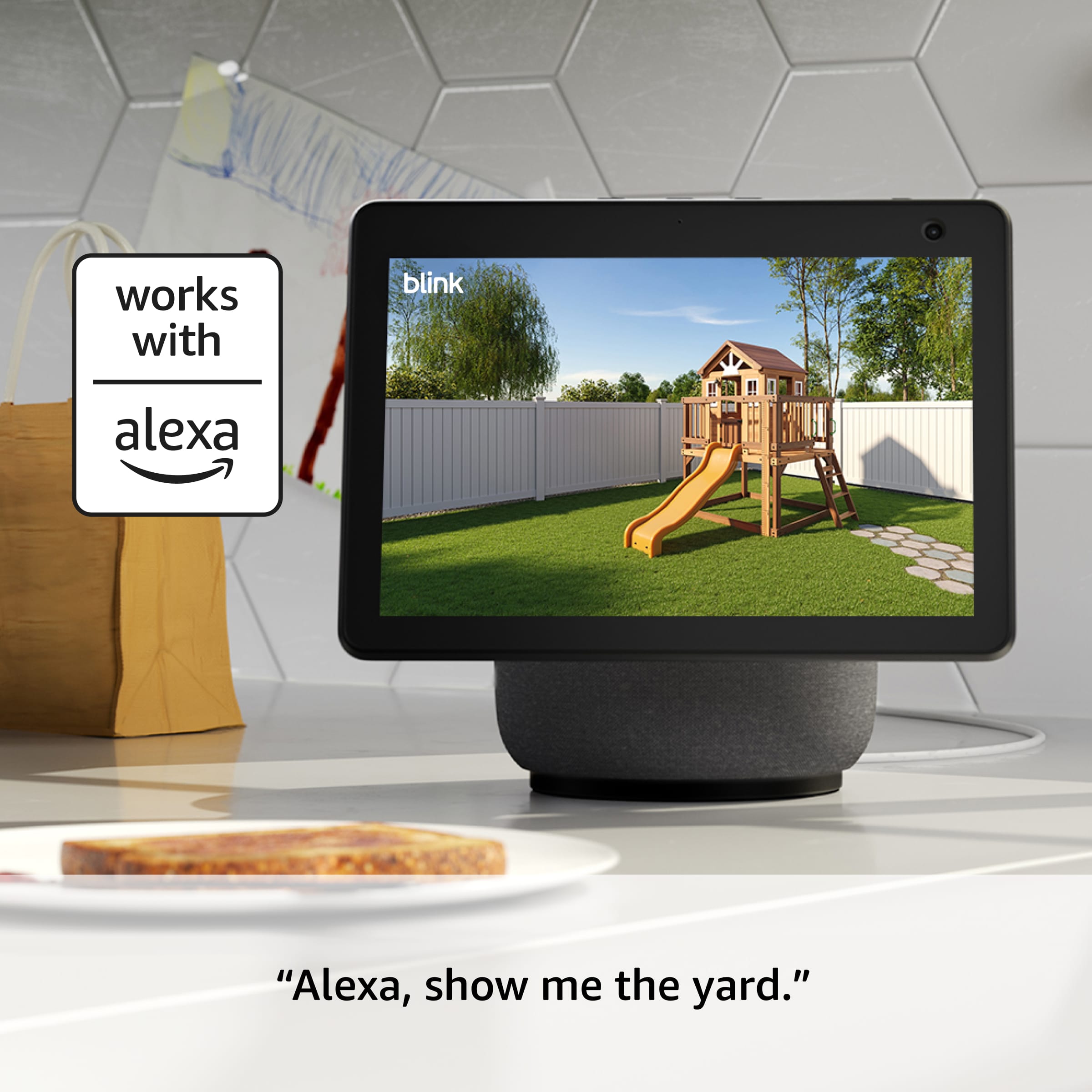
A:AnswerYes — the Blink Outdoor 4 system is compatible with Alexa. Once your cameras are set up in the Blink Home Monitor app and connected to your account, you can link Blink to your Alexa app. After linking, you can use Alexa to:
View your camera live feed on Alexa‑enabled devices with a screen (like Echo Show or Fire TV)
Ask Alexa to show a specific camera (for example: “Alexa, show my front door camera”)
Get announcements for motion or doorbell events (on compatible Alexa devices)
This makes it easy to see what’s happening on your Blink cameras using voice commands and Alexa devices.