Black Friday is hereShop new DoorbustersShop now

Main Content

Questions & Answers

Page Showing 1-20 of 114 questions
  • Questionis there a way to stop the blinking blue light in the unit.

    Asked by pete.

    • Answer On the blink camera if you put some tape over the blue light And over the motion detector light.. Will it still record?

      Answered by Earl

  • QuestionCan the APP be used on 2 phones to see the security cameras

    Asked by Fields.

    • Answer You can only have one username/email address and password per account however, you can download our app to as many compatible iOS, Android and Amazon Fire devices as you’d like, so the entire household can receive alerts or check in at home. When launching the app on additional devices, please use the sign in option to access the account you created on your first Blink connected mobile device. You will not have to go through the setup process again. Please note you will not be able to use Live View from multiple devices at the same time.

      Answered by Blink

  • QuestionIs the Blink XT2 camera compatible with the XT system?

    Asked by Justin.

    • Answer Yes the XT2 camera will work with your existing Blink System as it uses the same sync module. You can have up to 10 Blink devices per sync module as long as they are all within the 100ft operating range of the sync module in any direction. The cameras on the sync module can be in any combination.

      Answered by TheBlinkTeam

  • QuestionCan you zoom in on what you see during a live stream?

    Asked by Missy.

    • Answer On the Blink cameras and within the Blink App itself there is not a way to zoom. Users do have the ability to zoom into a motion clip and live view (by triple tapping or pinching and stretching the image).

      Answered by Blink

  • QuestionI have two android phones on the same blink account. They both will record events but only one will save them in the cloud ,the other will not. I can watch one event but when i'm through it goes away and when I click on my folder it says no events

    Asked by Ricky.

    • Answer The Blink motion clips are stored in our secure servers in the cloud not in the cameras, when sharing the account with other devices if you delete a clip from one device you would be deleting it for all devices that have access, it you are having any other issues with watching motion clips we would suggest reaching out to our Tech Support Team directly to troubleshoot, support.blinkforhome.com

      Answered by Blink

  • QuestionHow is this installed? And is there anything else I need with it?

    Asked by actorstuntman.

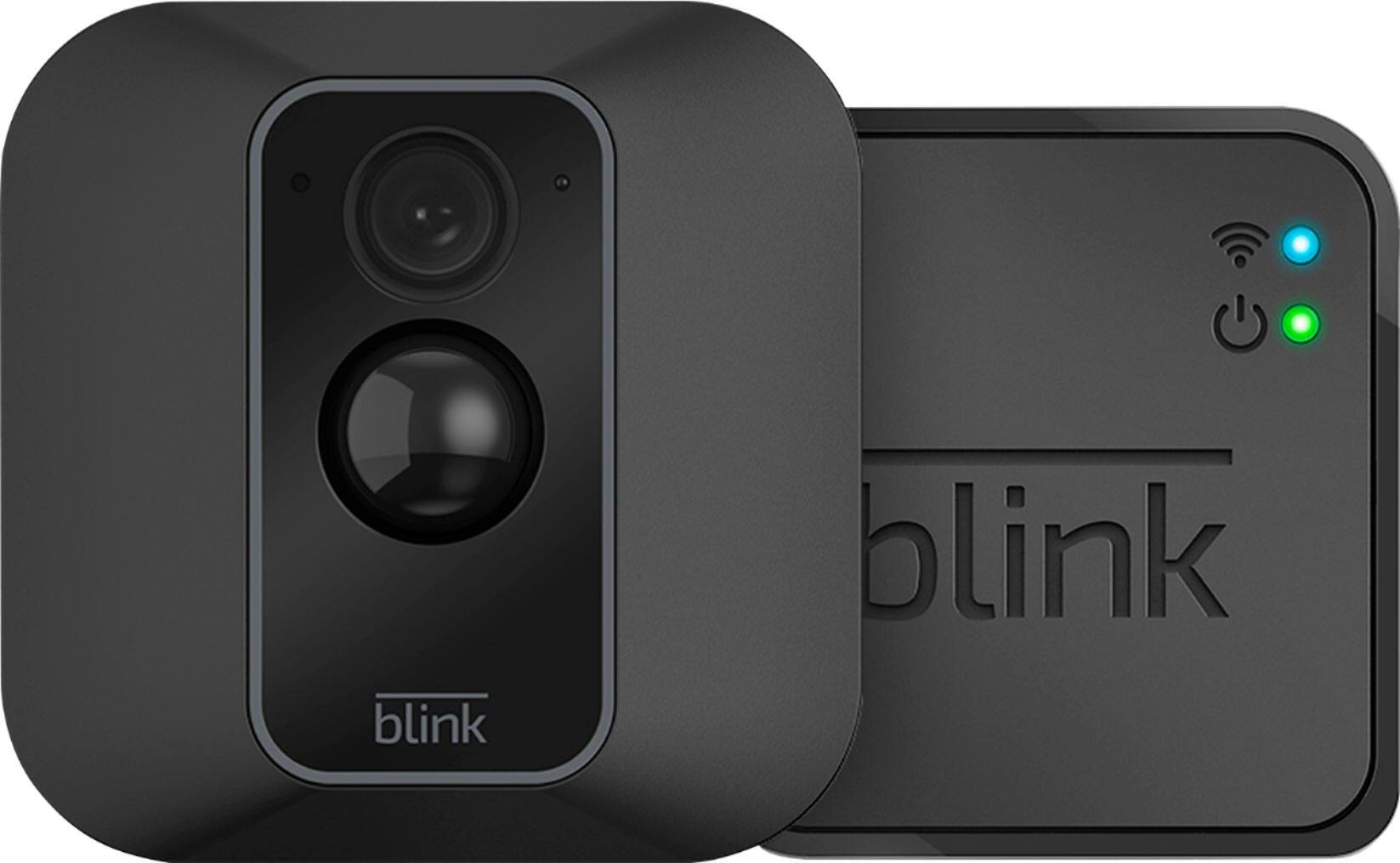
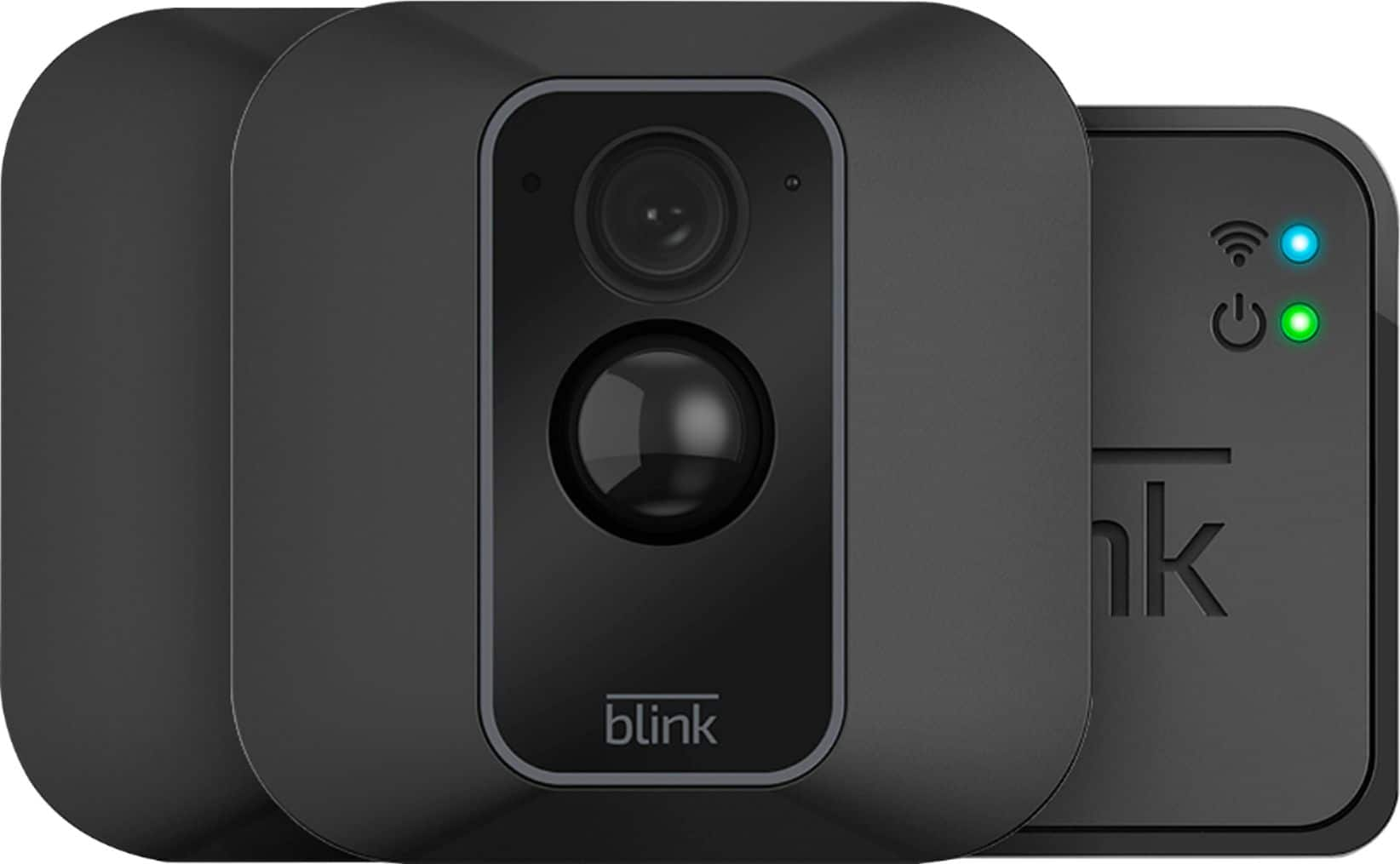
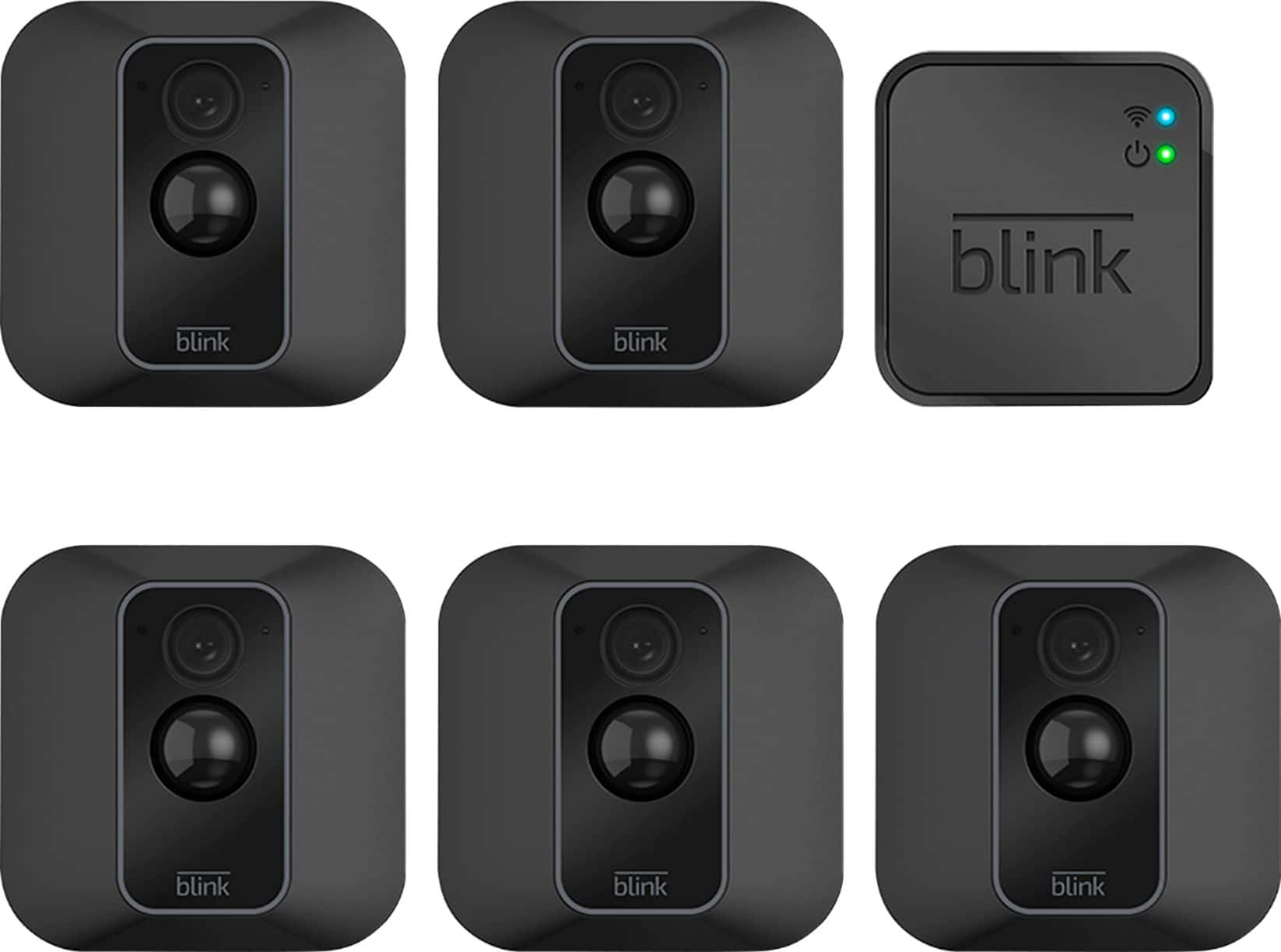
    • Answer The Blink System is fairly easy to install and really requires following three simple steps, download the Blink Home Monitor APP on your compatible mobile device, connect the sync module to your wifi and add the Blink cameras. If you are not a current Blink System user you would need to make sure that you purchase the System and not the add-on camera as the System would ship with the sync module needed to operate the cameras whereas the add-on camera would just be the camera to add to an existing Blink System. We ship each sync module with the power adapter and cord and each camera would ship with the batteries and mounts.

      Answered by Blink

  • Questioncan i turn off the notifications but still have it recording? I don't like being notified 20 times a day that the kids are going in and out the door. If i disarm, will it still record so i can go back and review without getting notifications?

    Asked by nana.

    • Answer If notifications were turned off, As long as your Blink cameras are armed for motion detection they would still record a clip if motion was detected in their field of view however you would not receive the notification. If the Blink cameras are disarmed or they do not detect any motion in their field of view they would not turn on and record any clips. The Blink cameras do not offer continuous recording though you can leave the system armed for motion detection for any interval of time.

      Answered by Blink

  • QuestionDoes this require a power source and can it connect to wifi?

    Asked by Debo.

    • Answer It uses 2 AA batteries (provided), and does connect to WiFi

      Answered by Auschip

  • QuestionIs there a way to mount it in the window

    Asked by Denise.

    • Answer The Blink XT2 cameras can not reliably detect motion on the other side of glass. Some users have placed cameras facing out a window or through a glass door to use the Live View option. A Blink XT2 camera looking through glass will react to the near side of a pane of glass, so it will not be activated by motion beyond that to create clips when in the Armed state.

      Answered by Blink

  • QuestionHow is the picture at night?

    Asked by Lou.

    • Answer We just hooked ours up today and the pic quality is actually really good. Even in night mode! It is black and white in night mode but I think that’s normal. This was our first blink camera so we made sure to buy the camera that was Not the add on camera. I didn’t realize that at first, that the other camera that is only $10 more comes with the module you need to make the camera work. They work so good we’re going to buy more.

      Answered by Nifftiness

  • QuestionHow do I add my wife’s phone to my blink account

    Asked by Jake.

    • Answer You can only have one username/email address and password per account however, you can download our app to as many compatible iOS, Android and Amazon Fire devices as you’d like, so the entire household can receive alerts or check in at home. When launching the app on additional devices, please use the sign in option to access the account you created on your first Blink connected mobile device. You will not have to go through the setup process again. Please note you will not be able to use Live View from multiple devices at the same time.

      Answered by Blink

  • QuestionIs it equipped with night vision???

    Asked by Aaron.

    • Answer Yes

      Answered by Niki

  • QuestionCan you watch this camera from a computer

    Asked by Beka.

    • Answer You cannot currently access your Blink system from your computer. The Blink App is currently only compatible with iOS devices running 10.3 or higher, Android devices running version 5.0 (Lollipop) or higher and Fire OS mobile devices, running software version 5.1 or higher

      Answered by Blink

  • Question1. How long do the batteries last for the Blink security camera ? 2. How long does one charge last? 3. How often do the batteries need to be charged ?

    Asked by bestbuyer.

    • Answer I had very high usage in one area and the battery only lasted 3 weeks, but it was taking pictures all day long. I don't know if you can use rechargeable batteries, it says lithium batteries. The other rooms are still running. Only got the cameras in in Oct 2019.

      Answered by CLRM

  • QuestionWhat if my neighbor has the same cameras? Will they not pick up each other because of different wifi's?

    Asked by Bulldog.

    • Answer Each system would be set up under separate accounts, using a separate wifi/internet connections

      Answered by TheBlinkTeam

  • Questionhow many cameras can you have on one monitor

    Asked by b.

    • Answer 10 cameras with 1 sync module.

      Answered by ChickenLittles

  • QuestionDoes it make any noises at all while in use, such as clicking? I’d prefer to be as discreet as possible.

    Asked by Missy.

    • Answer The cameras themselves do not make any sounds or alerts however you can set-up notifications to be received on your compatible mobile device when motion was detected.

      Answered by Blink

  • Questioncan the camera be connected to a stand alone monitor for full time viewing?

    Asked by Wild.

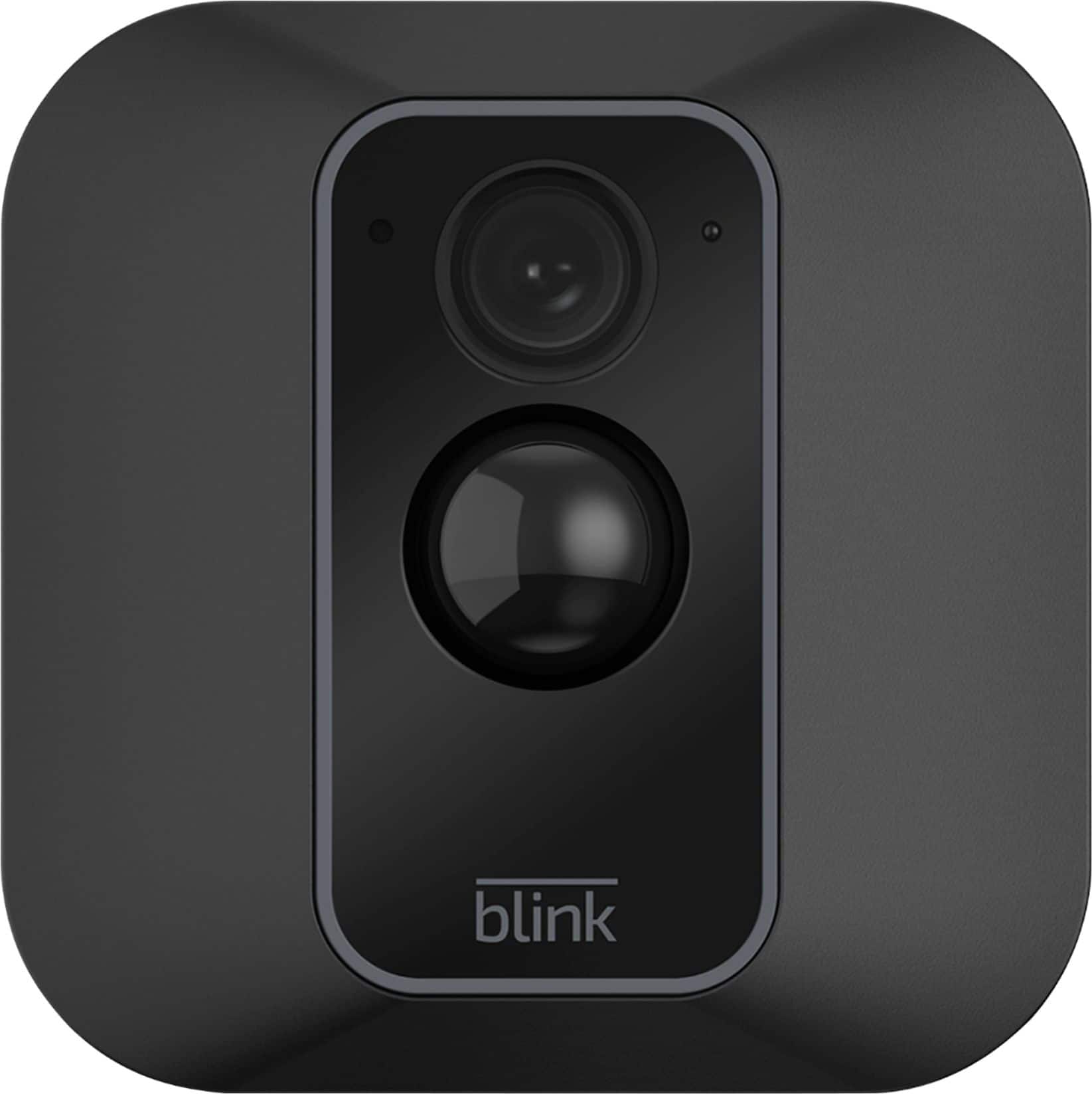
    • Answer Hi There, hope you are well. It doesn’t seam to be able to. There is no option to connect to anything else, specially a monitor, also the full time view is not an option as this model is activated by motion to preserve the life span of the batteries. From the app you can see a live view but again you don’t want to run your batteries too much, so when I take a live view is just for less than a minute. If you want a camera connected to a monitor, it has to be a power wired one and with monitor capability. Hope this was helpful. Be well. Jovani
      Answered by JDR5

  • QuestionI have a Linksys Dual Band router. I have our household electronics set up on the 5G band. Will this automatically go to the 2.4G band w/o switching everything to 2.4 G ??

    Asked by Sonsone.

    • Answer You have to connect the little box it comes with to your WiFi and it should connect to the strongest one. You can select which WiFi you want it to connect to.

      Answered by Ashley4

  • Questionis this compatible with the mini blink indoor? or, is this using a totally different app?

    Asked by wink.

    • Answer You cannot add the XT2 add-on camera to a Blink Mini, you would have to make sure that you purchased the Blink XT2 1-camera system as the XT2 camera would need the sync module to operate. (The Blink Mini can operate on its own or be added to any existing Blink System.) You can have up to 10 Blink devices per sync module as long as they are all within the 100ft operating range of the sync module in any direction. The cameras on the sync module can be in any combination.

      Answered by Blink