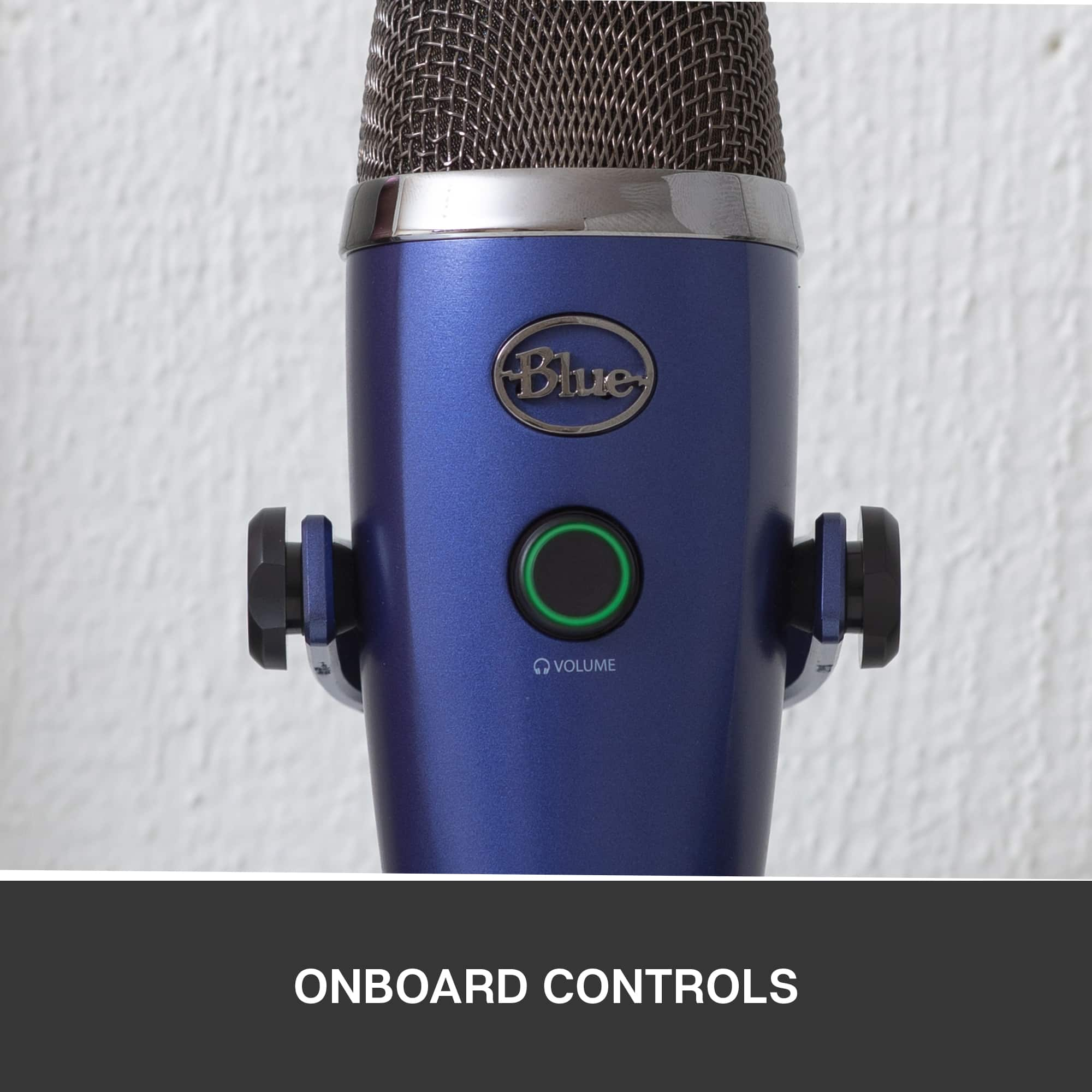
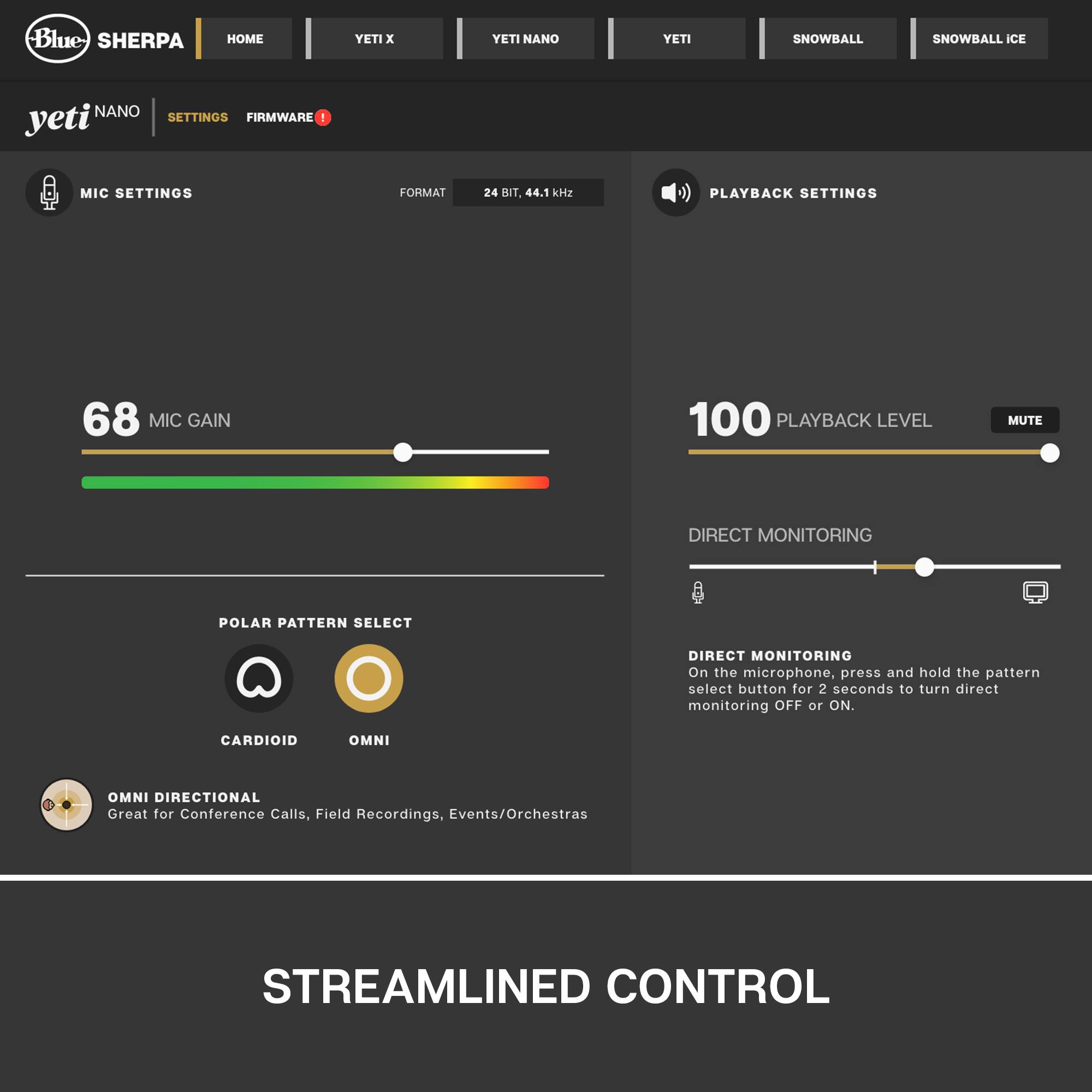
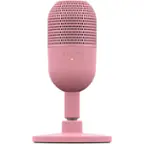
A:AnswerNo. On a computer you can control the volume with the included software. Also, if you're recording directly through a 3rd party audio program, the program itself may have a volume control. For example, if you were using the audio capture component of Roxio EMC you could adjust the mic volume through the programs UI. Just FYI, Blue recently discontinued several of their mics to narrow their product line. One of those, the "Raspberry", has a volume control knob on the mic. That model is still readily available through a variety of sellers. It's portable and approximately the same price range as the Nano. That said, the style very different cosmetically, and has a single capsule pattern with an internal acoustic difuser to reduce sibilance and background noise. I hope this is helpful.
A:AnswerThis requires no additional software. You just plug it in and the computer will typically recognize it automatically. You may have to adjust audio settings for the mic, but I’ve not experienced that myself.
A:AnswerYou can, but it worked best for me by downloading a free app from google. I use it for voice over work and found this a much simpler way to create a recording and make an audio file of it.
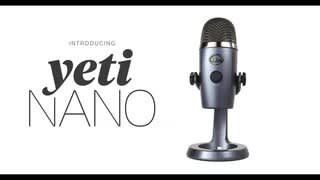
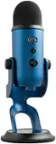
A:AnswerHello NG, the Yeti Nano is capable of picking up frequencies from 20Hz - 20kHz. It has a sensitivvity of 4.5mV/Pa (1 kHz). The microphone gain can also be adjusted by downloading the free Sherpa software. Have a great day.
A:AnswerHello Chloe! The regular Yeti USB Condenser Microphone won't have that option no as it doesn't have the XLR port nor cable. On the other hand, the Yeti Pro has both of these options, so you might consider that one instead: https://www.bestbuy.com/site/blue-microphones-yeti-professional-usb-microphone/1620218.p?skuId=1620218
A:AnswerProbably! You'll need a USB On-the-Go (OTG) cable (converts your phone's data/power port to use USB-A), a USB hub, and possibly a power source for the hub if your phone isn't able to provide enough power on its own. Lots of audio recorder apps should be readily available to capture the audio from the microphone.