A:AnswerThe new ones (Tivo Mini VOX) is $179.98 at the moment, there's no monthly fee. They are NOT wireless however, so keep that in mind, they'll need an ethernet connection that links them back to the main Tivo box in order to work.
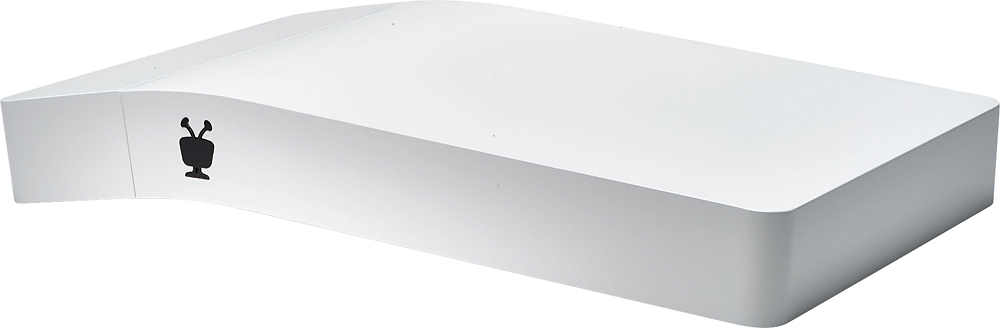
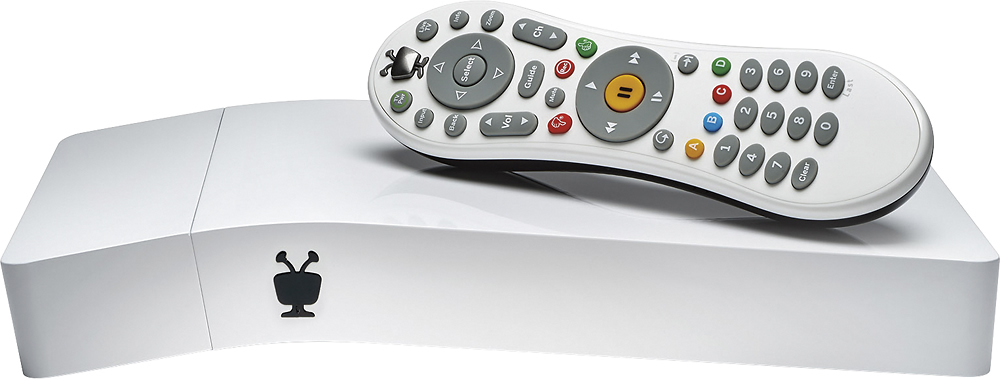
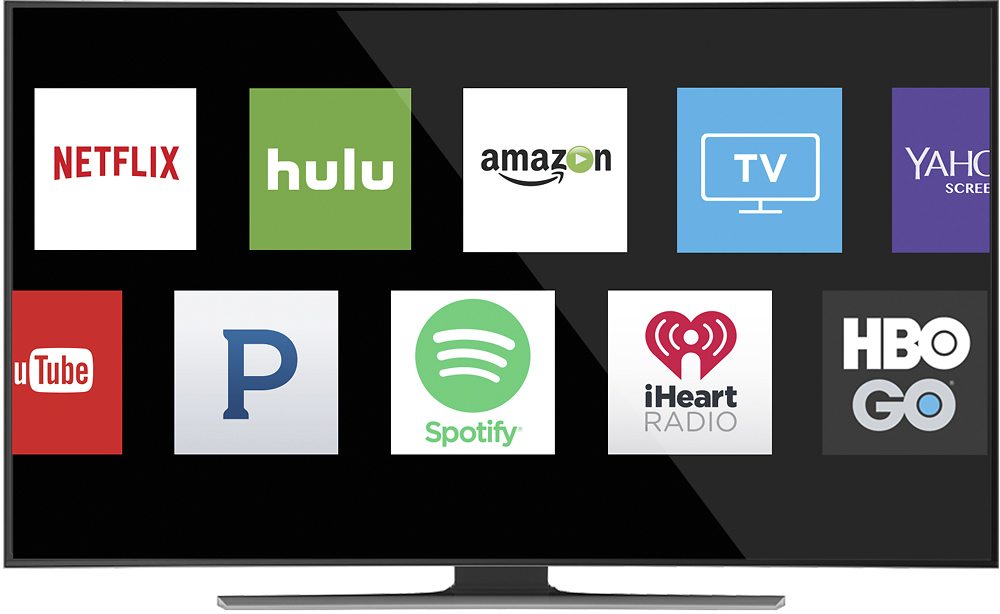
A:Answer1.) The TiVo Bolt will record the shows or movies she selects for recording. You can save shows until the 500G hard disc fills up. The Bolt will tell you how much hard disc % is used. I watch a recording (usually so I can skip commercials) and then usually delete it. I usually run 30% to 60% disc usage ... heh heh, "your mileage may vary!" 2.) The Bolt is set up for one HDMI output ... one TV. You could get an HDMI splitter and watch on two TVs, but you will be watching the same thing on both TVs. 3.) The Bolt will record up to 4 shows at the same time. You can pre-select shows to record at least a week ahead manually, or you can set it up to record the same show every time it occurs (on the same channel). 4.) The Bolt is compatible with TVs: it has an HDMI output to a TV. If a computer has an HDMI INPUT (rare to find this on a computer) then it would work (most computers have an HDMI OUTPUT). However, when you sign up the Bolt with TiVo, TiVo has a computer website that you can display shows from your Bolt onto your computer when both are hooked up to the same ethernet system. So you can watch one show on the TV and a different show on your computer at the same time. You can access YOUR RECORDINGS on the Bolt via the TiVo website to view the RECORDINGS on a computer or tablet ... from anywhere with a WiFi connection. You DO need an internet connection for the TiVo Bolt to work at all. The Bolt will connect to streaming services such as Netflix and Amazon.

A:AnswerYup. And it's worth it. As I recall it's about $15 a month; you can get an annual subscription and save a few bucks.You DO need an internet connection for the Bolt. The bolt will allow access to streaming services like Netflix or Amazon.
A:AnswerSaddly Tivo Bolt does not work with satellite but directv used to and may have their own Tivo unit you have to get from http://www3-stg.tivo.com/products/tivo-walkthrough/tv-source/satellite/tivo-directv/index.html God bless.
A:AnswerIt should work with any cable company as long as your cable company has cable card support. Check with your cable company and make sure they have cablecards available for you before you buy it. The guide that Tivo provides is based on your cable company and location. You provide that information when you are setting up the tivo for the first time.
A:AnswerYou can save money by paying up front for the year otherwise it's month to month. We have has zero problems with the unit itself, just the TiVo app through our Fire TV gets quirky sometimes.
A:AnswerThis all depends on whether you're recording in HD or standard or 4K. I personally have a bad habit of recording lots of shows and movies to maybe watch later and they just sit there. I've never even come close to filling even half of the 500GB capacity so space really isn't an issue with the 500GB bolt. TIVO.com may have info on how 500GB corresponds with number of hours able to be stored.
A:AnswerEither a phone call or over internet will convert you Tivo service. Your old tivo is worth $0. I took out my Tivo hard drive and added it to my desktop computer.
A:AnswerI called TWC and they sent me a digital converter along with the card that went inside. Then they had me use the USB that was in the back amd things started to finally work perfectly.