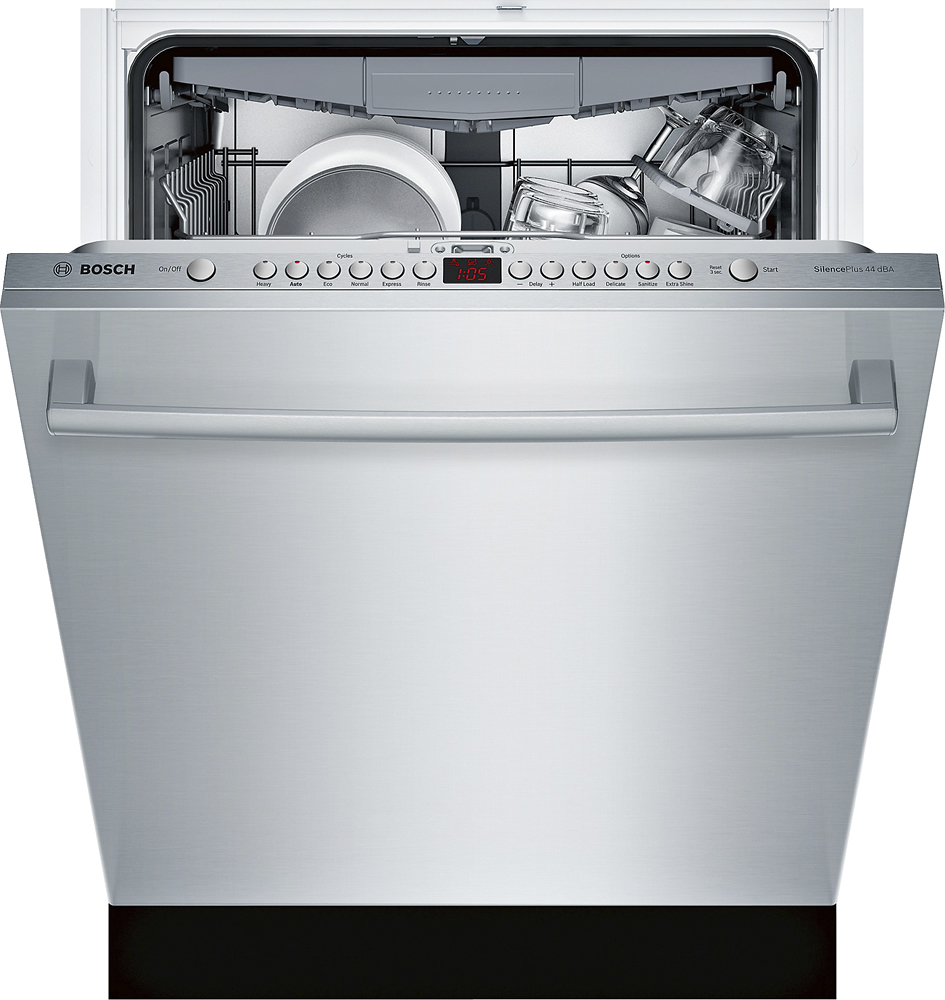
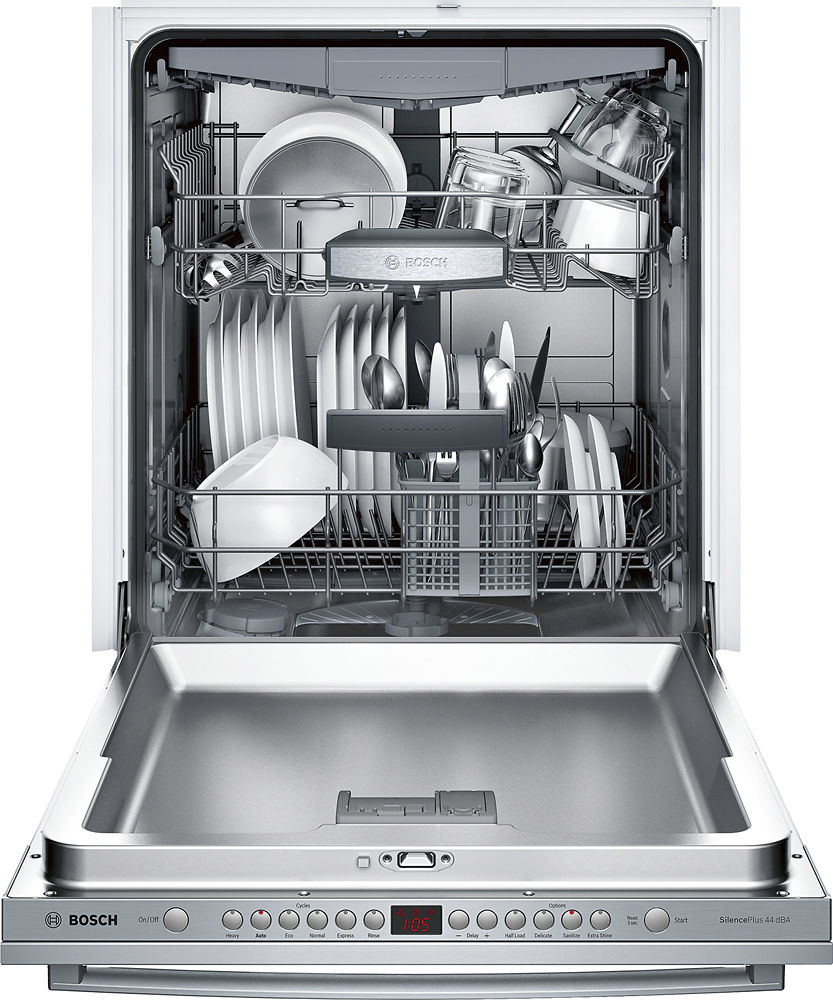
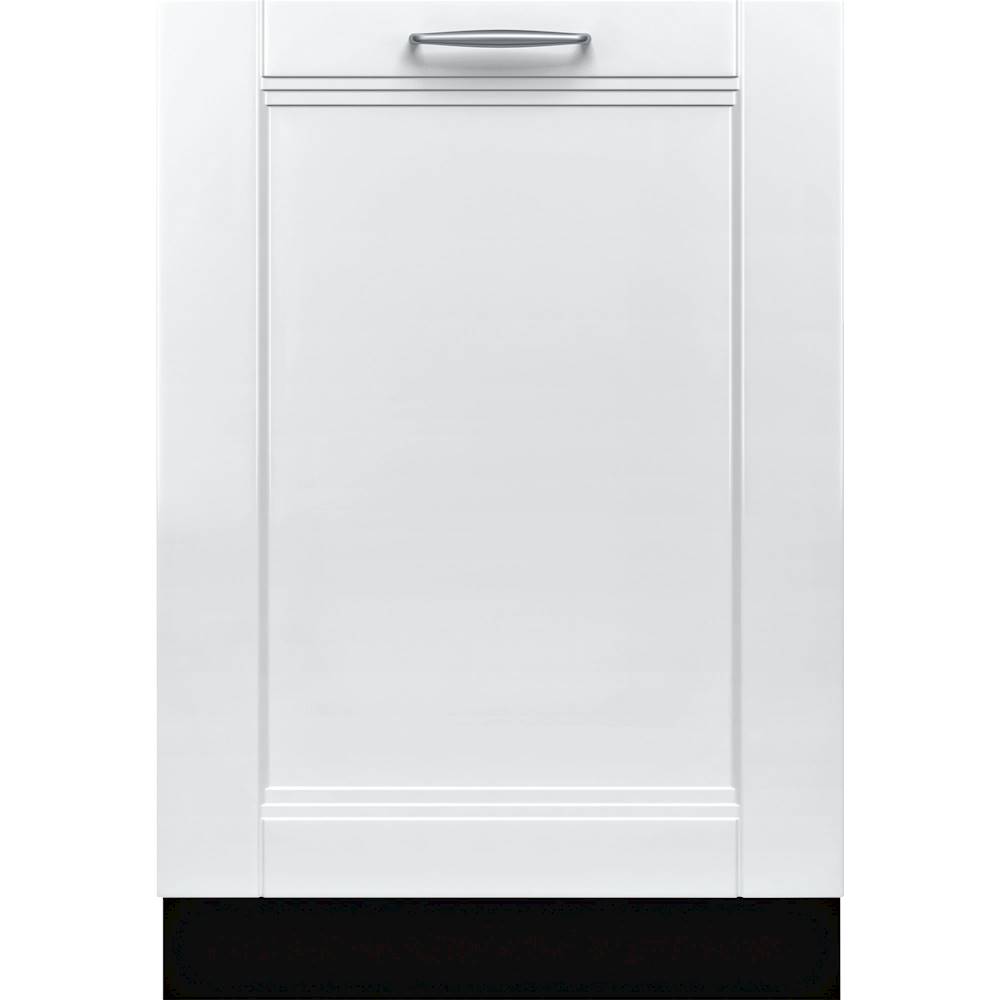
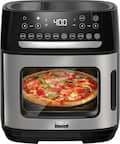
A:AnswerThey have the " Benchmark " Series which have a sub-model with a panel,
as an example, Model # SHV89PW73N ( Photo attached ), Search for it and see more details.
A:AnswerHi Bobbie. Thank you for your question. Here are the instructions from the Use and Care Manual. Auto Power Off To save energy, the dishwasher is turned off 1 minute after the wash cycle ends. Auto Power Off can be adjusted from P:00 to P:02. To change the setting: 1 Press the [On/Off] button. 2 Hold down the “A” button (see page 15) and press [Start/Resume] until the display indicates “H:0x” (x can be any number). 3 Release both buttons. 4 Press the “A” button until the display indicates “P:0x”. 5 Press the “C” button until the display corresponds with your requirements. P:00 = dishwasher does not turn off automatically P:01 = dishwasher turns off automatically after 1 minute P:02 = dishwasher turns off automatically after 120 minutes (2 hours) 6 Press [Start/Resume] to save the setting. You can press Stop to turn it off.