A:AnswerYou can not change the battery in the devise. Contact Bose for a replacement. My battery has yet to run out and I use my earpiece constantly. Phone calls to directions on my GPS.
A:AnswerI have used mine for the dual purpose of podcasts as well as phone calls for over 4 hours but never really timed it to see its limit. I am on the phone so much that I have a second Bose unit to use when my first one's battery is ready for charging.
A:AnswerYou can connect it to as many devices as you want to but it has been my experience that there is no bluetooth earbud on the market that can be connected to and operate with two devices simultaneously. I have mine typically connected to my iPhone and my iPad however it will only function with one at a time.
A:AnswerIt has been my experience that the sound it makes when powering down and powering back up when I have not manually changed anything is the earbud going into sleep mode for battery power conservation.
I did have connectivity issues with one Bose system but I merely returned it to the Best Buy store and they gave me a new one and have had no subsequent issues. THAT is why I ALWAYS purchase the extended warranty protection with everything I buy at Best Buy and why I shop ONLY at Best Buy for all of my electronics.
If you have not had the Bose unit for very long and/or you purchased the extended warranty, I would suggest returning it to the store for a replacement.
A:AnswerAlthough there is nothing specifically mentioned about your question in teh owner's manual, the bluetooth phone you are asking about should work if the cordless home phone is bluetooth capable. Just follow the instructions on "pairing" in the manual.
http://www.bose.com/controller?url=/shop_online/headphones/mobile_solutions/bluetooth_headset/index.jsp
A:AnswerThanks for your question. As the BT2 Headset is designed primarily for taking phone calls, it does not include remote control functions for music playback. You might be interested in our MIE2 audio headphones, which allows for taking calls as well as remote functionality for music (play, pause, skip forward, backward, etc.).
Thank you!
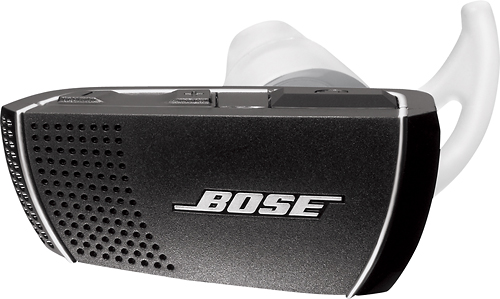
A:AnswerI think you answered your own question. I am unfamiliar with connecting it to a PS3 but what you are describing sounds like it is going into power saving mode.