A:AnswerUpgrade? No, it won’t enhance the sound, but because it is specifically a “replacement plan” it is definitely worth getting as any accident that happens they can give u a brand new one. Worth it IMO.
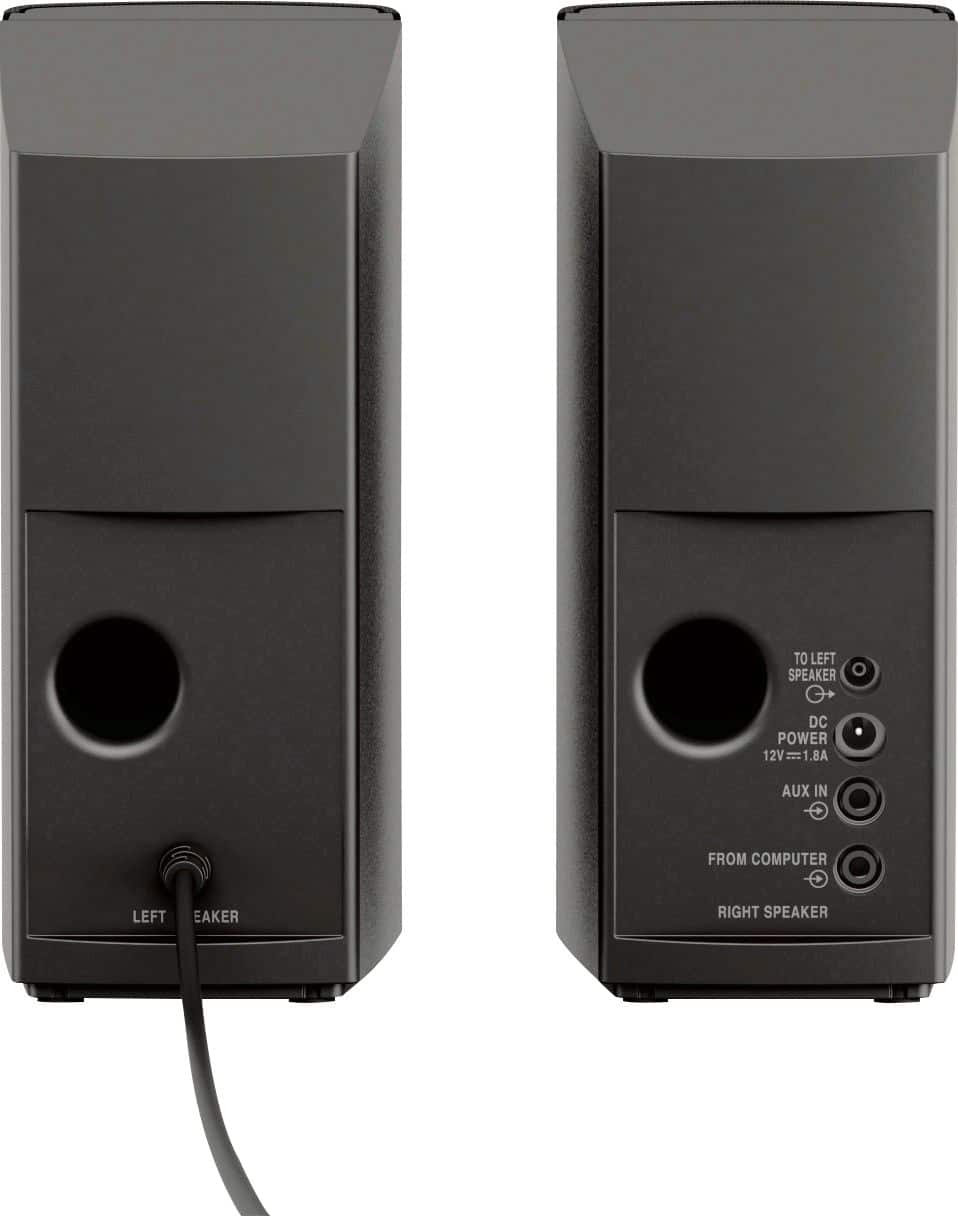
A:AnswerI had to purchase a connecting cable for the other speaker, but my cost on Amazon was under $8.00. It was easier for me to connect the speakers for my home office.
A:AnswerOn a PC, I would say the most likely reason is because your sound is set to a different output. For Windows, press the Windows button on your keyboard and search for "sound settings". The sound settings screen let's you select an output device.
It is very common on PCs for an HDMI output to be present, or if you have a set of USB headphones, etc. I have like 3 different outputs on one of my PCs, and sometimes it gets switched off the speakers.
A:AnswerMost likely yes. In fact, that may be the exact reason the LG monitor has an audio output. The HDMI cable from your console to the monitor is carrying audio, and the monitor is outputting it through the jack. It's the only reason I can think of why a monitor would have an audio output.
A:AnswerProbably yes. I'm sure the CD player has a 3.5mm audio output port. If not, you might have to get an adapter to convert to 3.5mm. Like if it has RCA (red/white) audio output, you can get an RCA to 3.5mm adapter. Some of those older ones, have the 1/4 inch headphone jacks, but you can get a 1/4in to 3.5mm adapter for that.
A:AnswerTBH this question doesn't seem to make a lot of sense to me, because this is a set of speakers and so is the soundbar. Well, if you mean, "can I connect the soundbar so that sound is coming out of both the PC speakers AND the soundbar", then well.. mainly no. At least, you can't connect the sound bar to the PC speakers. You could, however, get a 3.5mm splitter "Y" adapter and split the audio coming from the computer and run an output into both sets of speakers.. sure, you could do that.
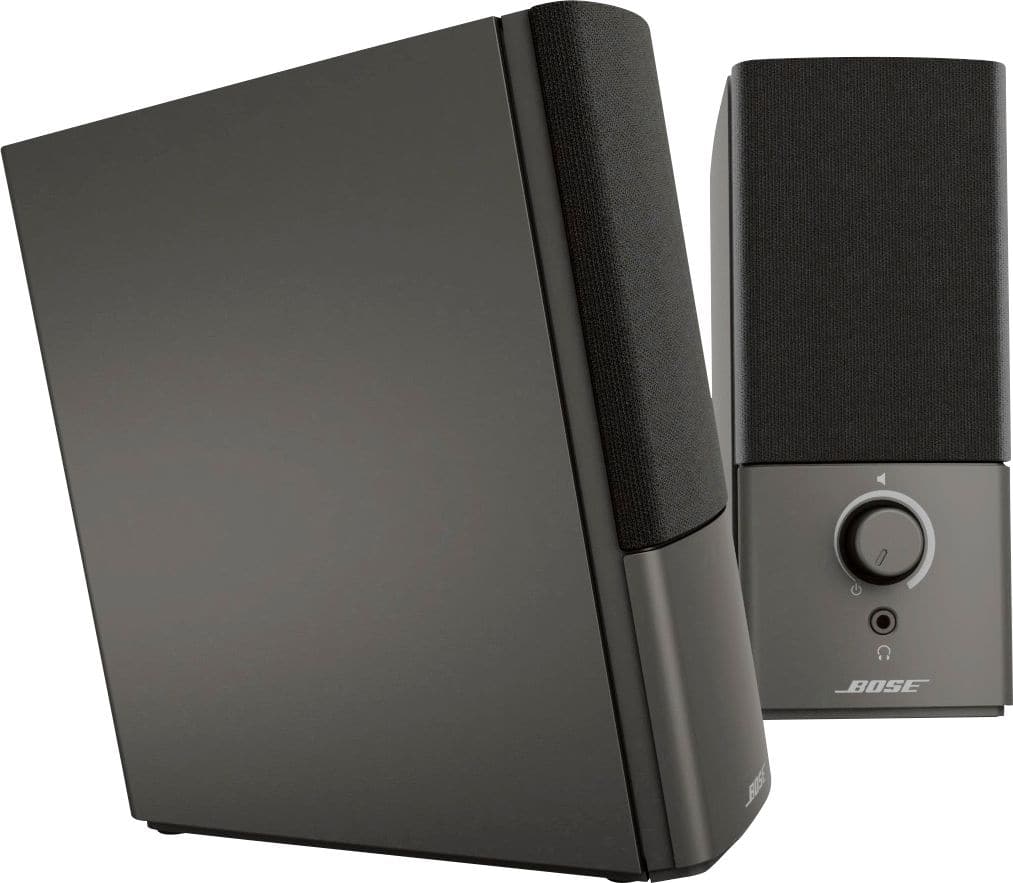
A:AnswerAs long as the computer has a 3.5mm headphone jack, it will connect. The grand majority of computers have a headphone jack. The speaker comes with a 3.5mm cable that connects into the speakers and then into the computer.
A:AnswerYes. But you might have to get a 3.5mm stereo adapter if the stereo system doesn't have a 3.5mm output. If it has any analog audio ports like 3.5mm, RCA (red/white), or 1/4 inch headphone - all of those can be adapted to 3.5mm.
Some older sound systems may only have those old speaker outputs where you have a pair of wires that you stick into a port and clamp down, or twist a screw down on them. For that, if you get an RCA to 3.5MM adapter, you can cut the RCA ends off and strip the wire back. It will expose the 2 wires and then you can connect them to the ports. (I've done this :] )