A:AnswerWhen a 3.5 mm auxiliary audio cable is connected to the QuietComfort 35 II headset, Bluetooth is disabled on the headphones. Because of this, audio cannot be mixed from the two alternating sources simultaneously.
A:AnswerThat's a TV issue and not a headphone issue. By design, most devices like computers and TVs will output only to the Bluetooth receiver when it detects a connection, because when you connect your headphones, you wouldn't want the speakers also playing, disturbing those around you.
Just turn off the Bose headphones and the TV will play through its normal output channels again.
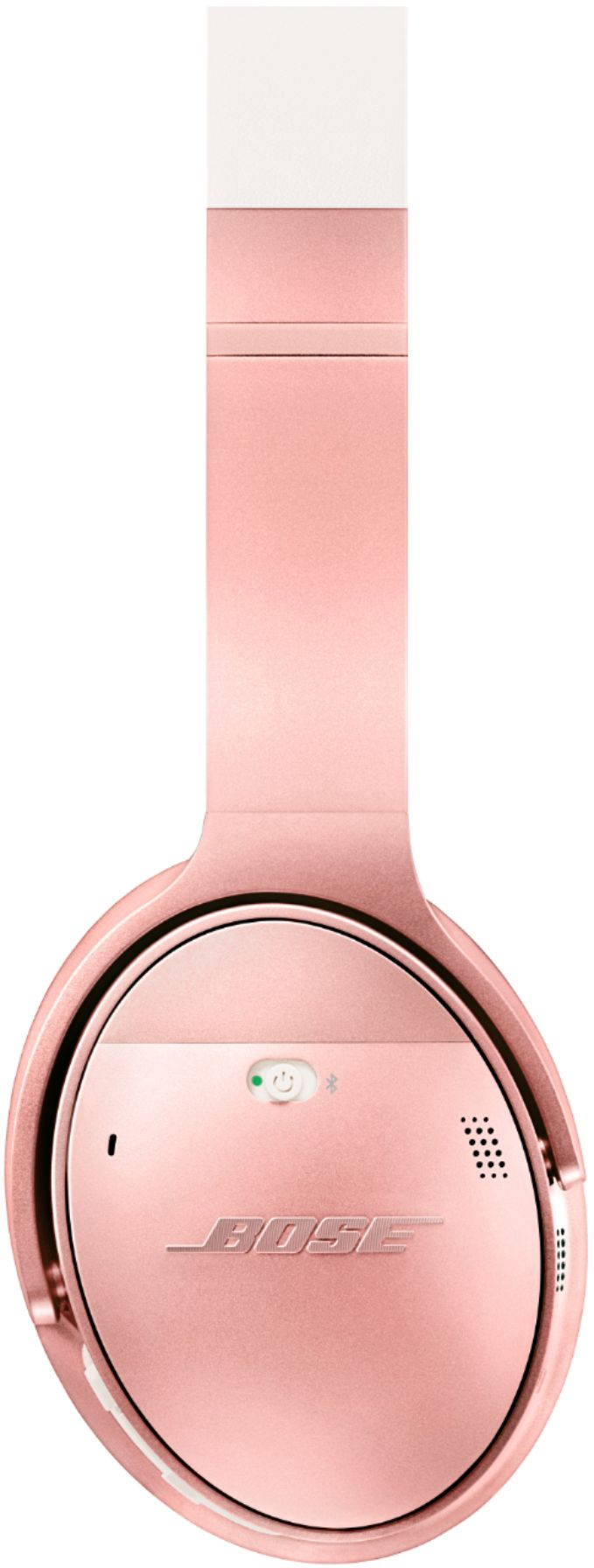
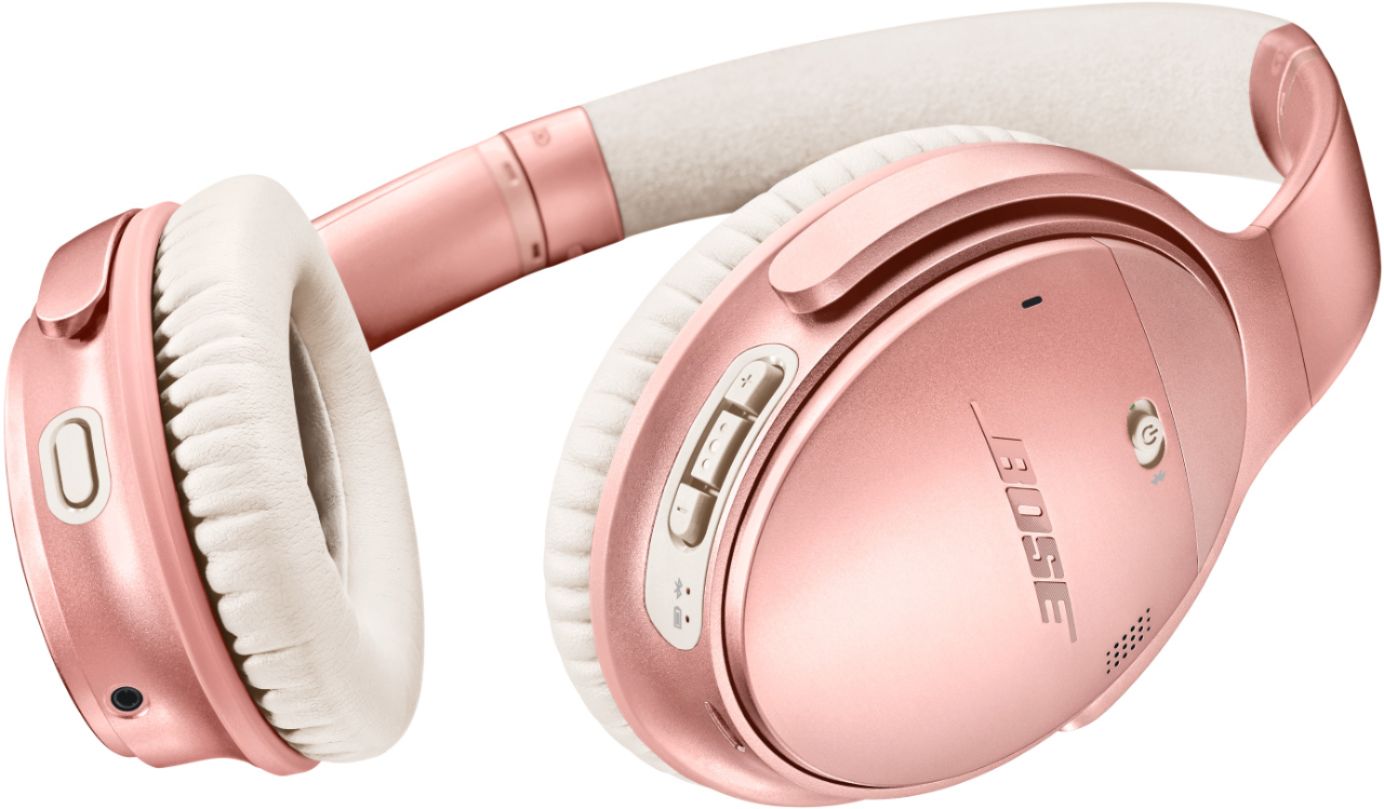
A:AnswerNot sure what transparency mode is, but touch the left mode button on the back and you can turn noise cancellation mode from full to low to off and back to full again. I use that if someone is trying to talk to me and I can't be bothered to remove my headphones.
A:AnswerNo, it's an either/or situation. You can plug the headphones into the audio out jack, but it will cancel the tv speakers. If you unplug the wire, the speakers will work. There are work arounds, such as buying a line splitter, one line going to your headphones, the other line going to an amplifier/speaker combination that you would have to buy all parts (splitter, line, receiver, speakers). The remote is the same thing, it will control the volume of whatever you have plugged in the audio out jack. Not sure how big your tv is, but you can go to Best Buy and buy a small audio system (I would suggest minimum receiver, sound bar and base module, upgrade would be a powered 2.1 sound system (2 speakers, left/right and bass module, it will eliminate the need for the receiver). You could save money by going over to the computer section of the store, buy a Logitech 2.1 powered system for under a $100.00.
Again, it all depends on how much you want to spend.
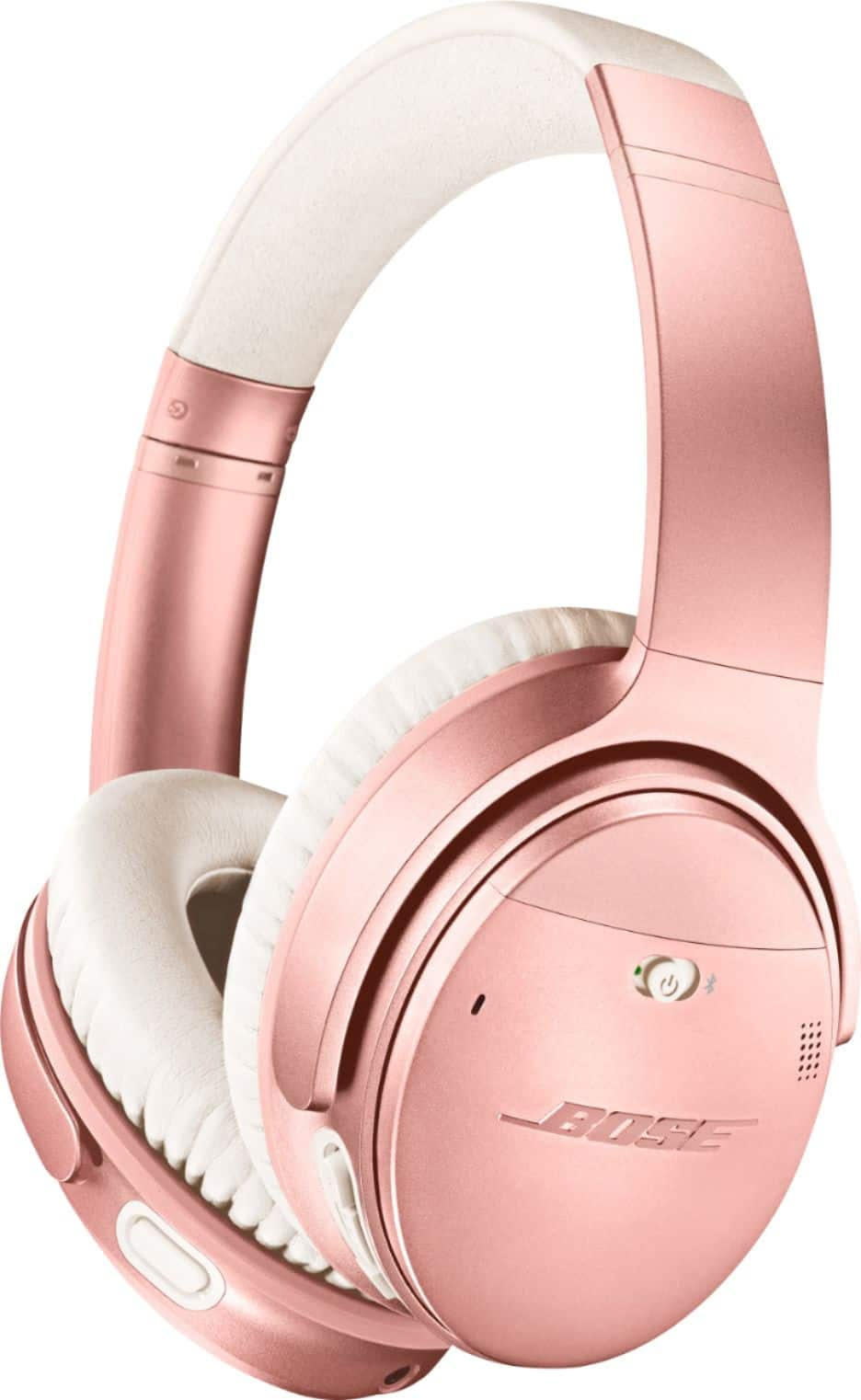
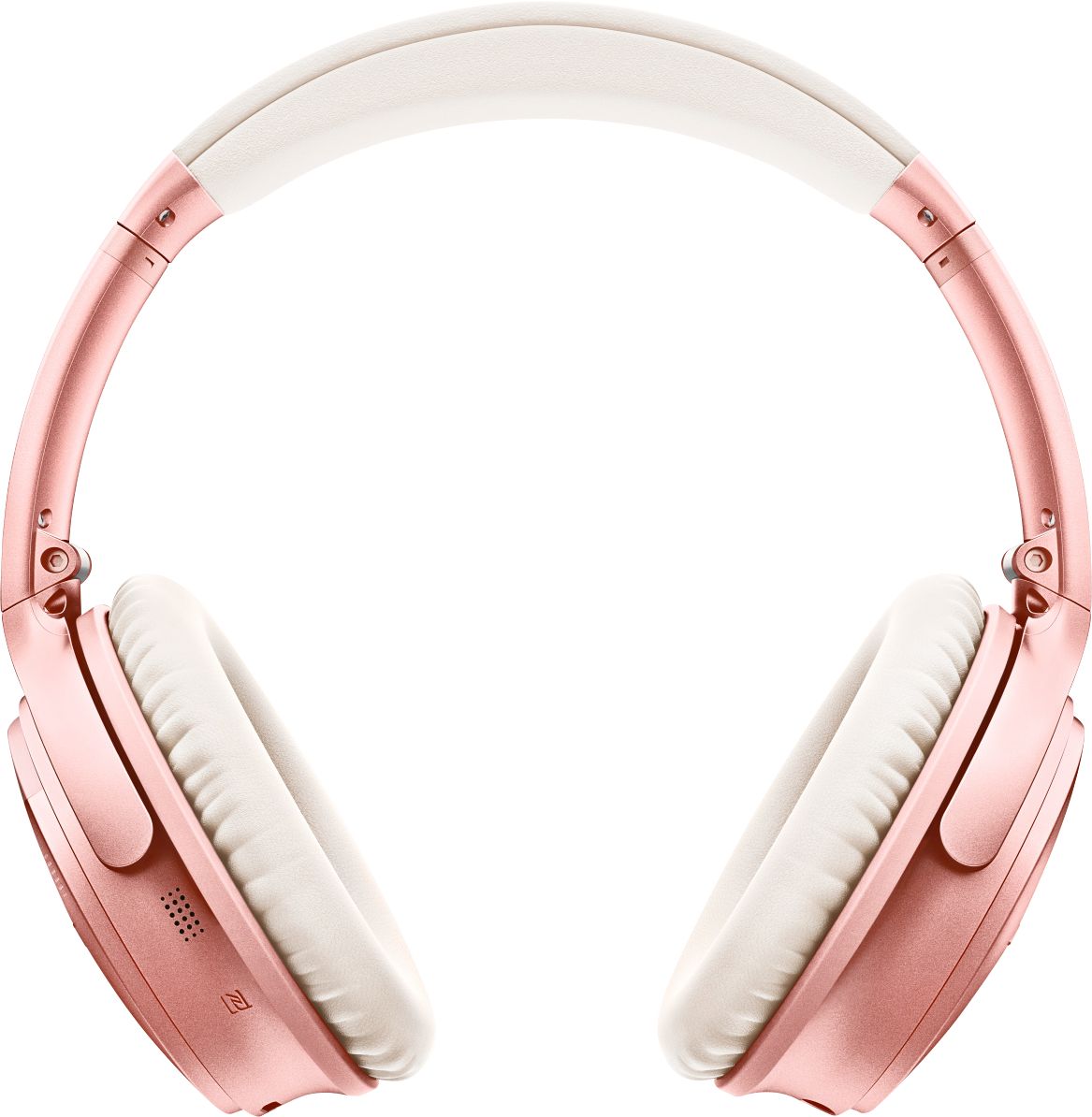
A:AnswerYes, we do have replacement ear cushion kits available. You will require a QuietComfort 35 Cushion Kit. These come provided with instructions. We suggest after extended use, you wipe your cushions down with a lightly dampened cloth and store your headphones in their case with the provided Silica gel packets to draw off excess moisture.
A:AnswerGreat. The noise cancelling also works on the microphone, so people I make calls to can't hear the noise going on in the background either. Everybody I've asked has said they had no idea I wasn't talking directly into the phone when I use it as a phone headset.
A:AnswerI’ve slept with them on a few times and they’re honestly pretty comfortable, if you have any piercings like an industrial I’d say sleep on the opposite ear so you’re not putting any pressure on it or the ear cuffs
A:AnswerIf your tv has bluetooth capability then the answer is yes. Search you tube for your specific tv brand and model for instructions. The procedure varies from tv to tv so trying to explain it here would probably not work for you.
A:AnswerI’d say you would be able to operate these headphones easily with your thumbs, as long as you can hold your hand for pressure against the headset. I put them on my head with the buttons faced toward the back of my head and your thumbs are what are in position to move the switches. Great sounding headphones by the way! Hope this helps.