A:AnswerBose rarely have products on sale and if they are on sale, it's usually the wired products that are a little dated but still work wonderful. I have a pair of the SoundTrue's and they are amazing.
You can find them on sale sometimes from other sites but they are for veterans (yay for them!!)
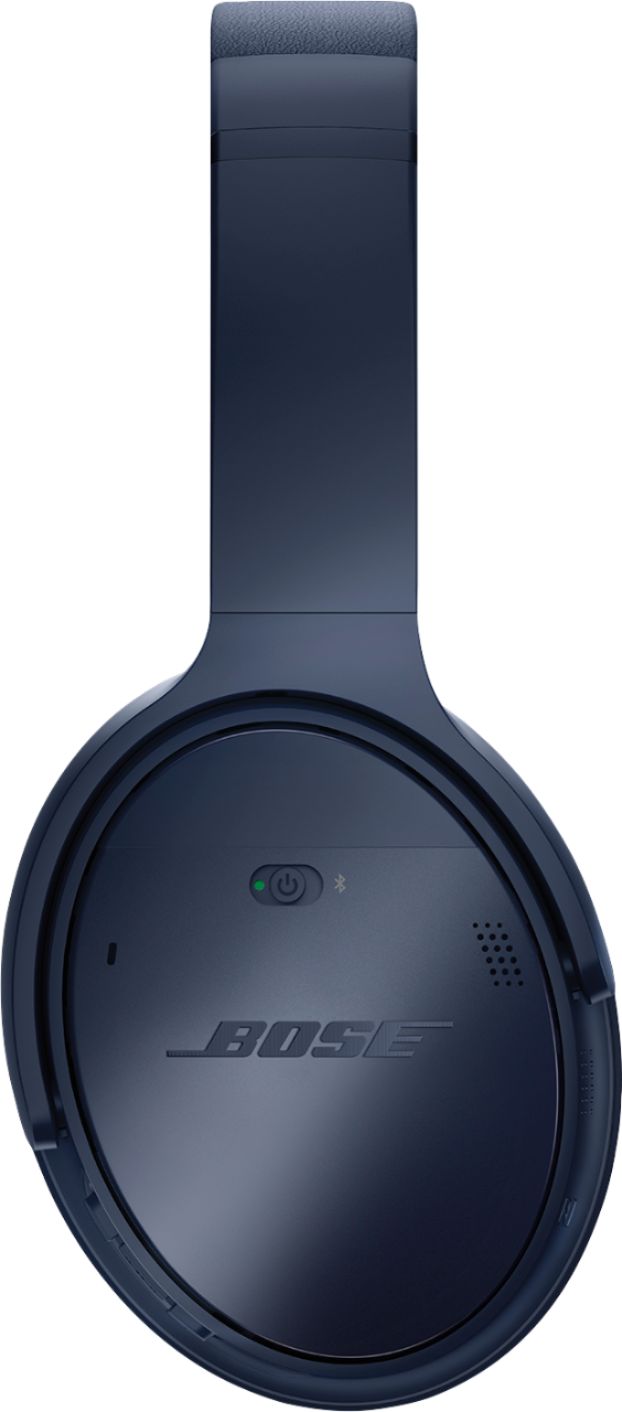
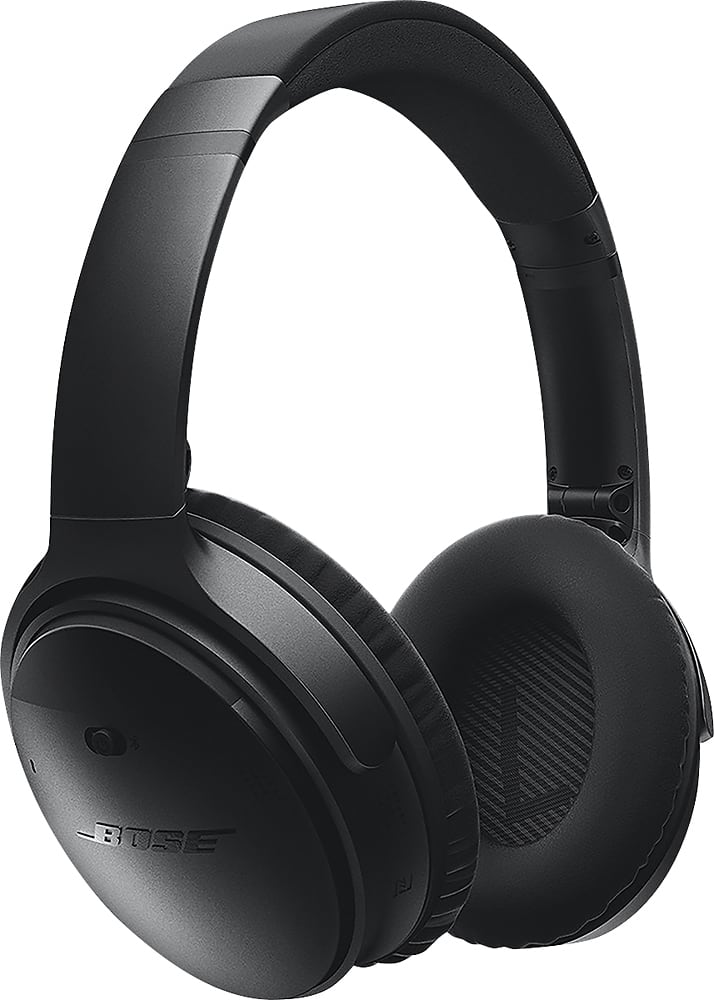
A:AnswerThank you for your inquiry. The QuietComfort 35 wireless headphones II do not require any adapters for use internationally. The headphones charge using a USB cable. This cable can be connected to any computer with a USB port, or a USB wall charger. The headphones can be connected wirelessly to mobile devices or computers using Bluetooth, or wired using the included 3.5mm audio cable. We hope this helps! - Brian
A:AnswerProbably would not work very well for aerobics but for something like spinning or weight lifting maybe. I think IEMs are probably a much better bet just because once you start really sweating any over ear headphone is going to become bothersome and feel hot and not so much fun. But it would be sweet to have the noise canceling in the gym.
A:AnswerThey block out a significant amount of wind noise when the noise cancelation is turned to "Low", as the sensitivity of the outside microphones is turned down and it doesn't pick up as much wind. They may actually block too much sound to be safe for riding, however.
A:AnswerHello!
As noted by the other users, if the plane's system has Bluetooth then you can connect to this and play this way. If the plane's system does not have Bluetooth, then use the 2.5mm to 3.5mm AUX cable to connect to this and play to it this way.
The battery life when used wirelessly is 20 hours for Wireless connections and 40 hours when used wirelessly, so this should be great for long haul flights as well!
We hope this helps!
A:AnswerThe difference is the conversion to Bluetooth and back. Your phone interprets the signal, sends it to a device and the device interpreters it back. Bluetooth senders and receivers aren’t equal. It’s the same with automotive Bluetooth receivers. Really nice having the wireless capabilities, but a wired interface is still king!
A:AnswerThis is actually highly dependent on your environment since the radio waves emitted will commonly bounce off surfaces and then reach your device. I have found that the larger and emptier the environment the worst the connectivity is. For example if I am walking around a completely flat landscape I sometimes have some connection issues, now say I am downstairs in a living room I can walk all over with great connection, but if i were to walk upstairs my device will immediately disconnect. Just think about how the waves will be reflecting about in your environment and you will get a clue for how good you should expect the connection to be.
A:AnswerThank you for your question. Yes, noise cancellation levels can be adjusted within the Bose Connect App. This will certainly work on Google Pixel devices. We hope this helps!
A:AnswerHi there!
The 2.5mm Audio port on the QC35 II is designed as a audio port, and not a data port. This means that you do not get access to the microphone when connected via the supplied cable. For most phone calls/voice options this will still use the internal microphone of the phone to send voice audio. The good news is that there are still 2 ways to get the audio and the microphone! The first would be to connect via Bluetooth to the device. When doing this, you may experience a slight delay between video and audio, resulting in a less than optimal experience, especially when playing a game that relies heavily on sound awareness!
The alternative is to use the audio cable for the QC25 cable. This cable has a microphone built-in to the cable itself, which can be used when connected via a wired method. This would be our best suggestion in your instance as this would remove any kind of audio delay you may potentially experience, as well as give you access to the microphone for chat.
We hope this helps, and good luck!
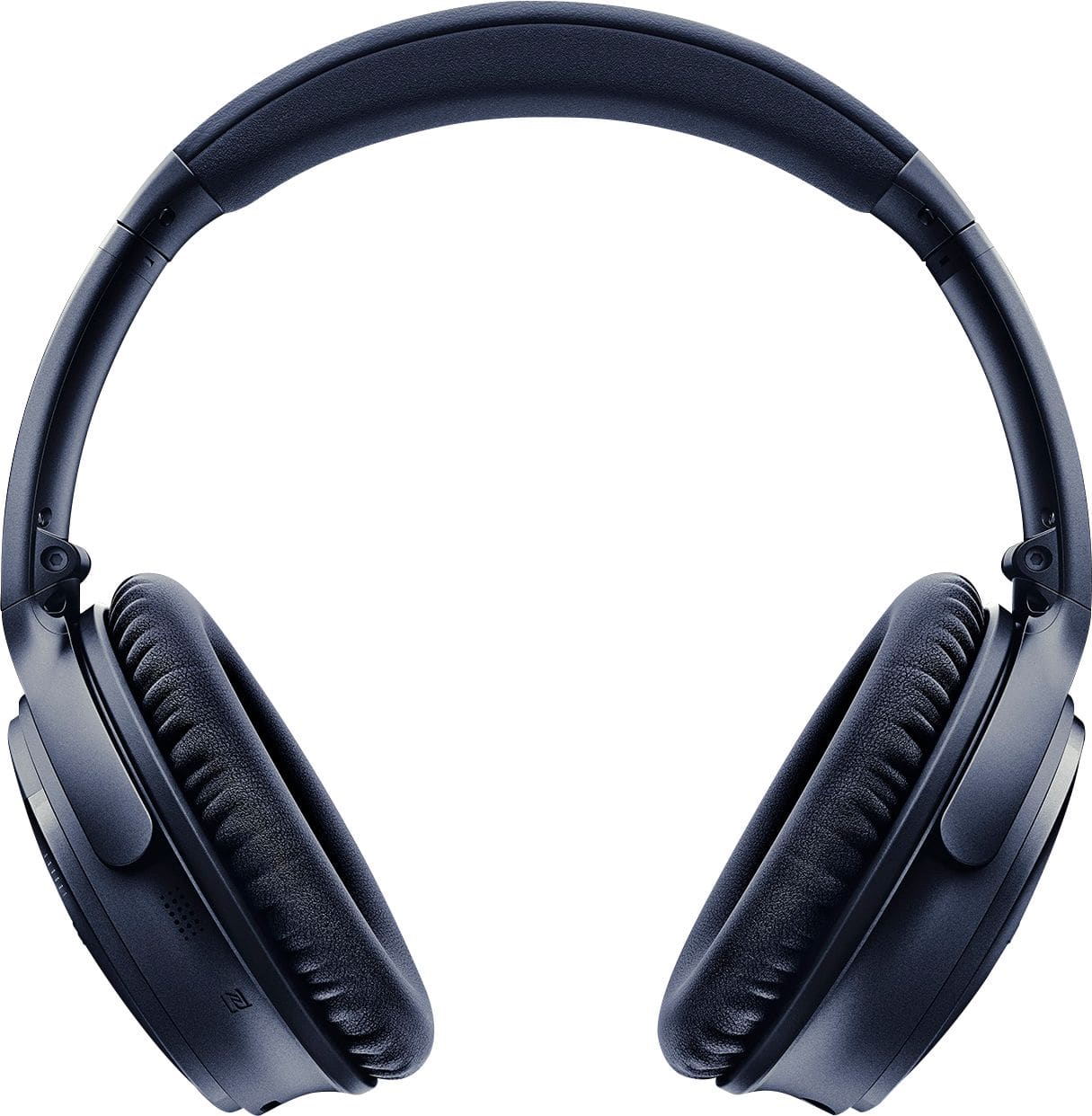
A:AnswerHi, Thanks for the great question. The QuietComfort 35 II is not designed to handle large amounts of sweat. We would recommend something in out SoundSport line of headphones. Regards, Tony G - Bose Support
A:AnswerHi Samson, Thanks for the great question! You can store up to eight connected devices in the headphone pairing list, and your headphones can be actively connected to two devices at a time. To toggle between devices you would slide the Power/Bluetooth switch to the right and release to hear which device is connected. Within two seconds, slide to the right and release again to connect to the next device in the headphone pairing list. Repeat until you hear the correct device name. Play audio on the connected mobile device. Have a great day! Tony - Bose Support
A:AnswerYes it will pair with samsung smart tvs. Setting, sound, additional settings, Bluetooth,pair it and you will be ready to go every time you turn them on.
A:AnswerHello there!
Thank you for the question. The QC35 Series II wireless headphones can be paired via Bluetooth, or connect with an 2.5mm to 3.5mm audio cable. Your TV must be transmitting Bluetooth audio in order to pair with your QC35 headphones.
Hope that helps!
Take care,
Mohsin - Bose Support