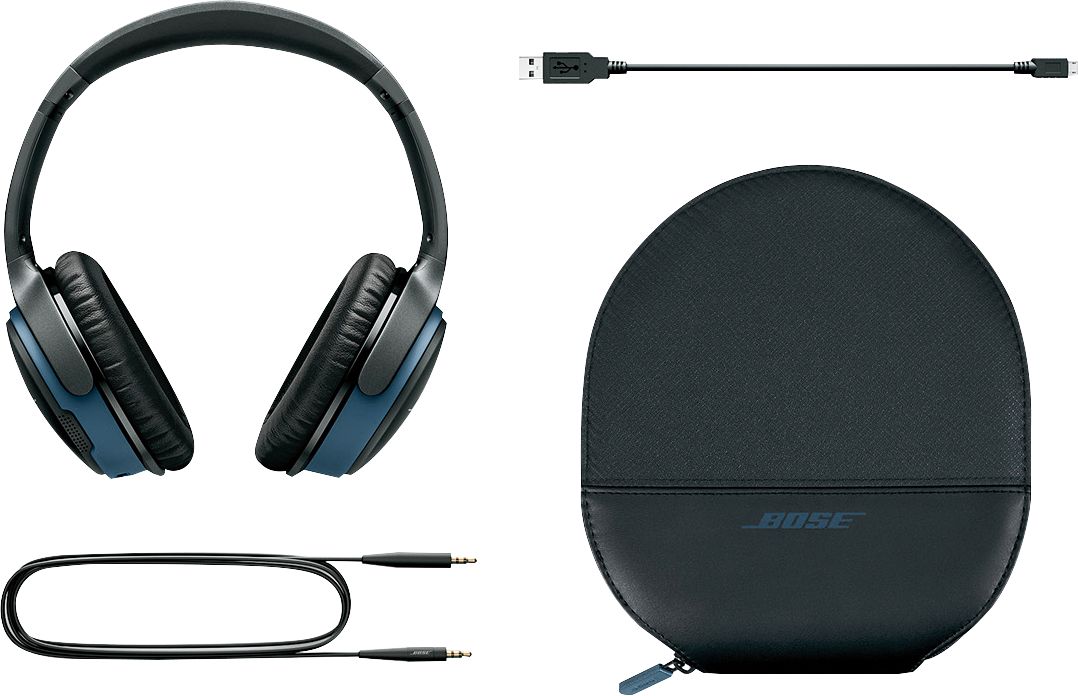
A:AnswerHi DDSSHS, Thank you for your question! You can connect the SoundLink Around ear II headphones using a cable to an older TV or you could purchase a Bluetooth adapter.
A:AnswerHi, both the SoundLink Around-Ear II headphones and the SoundTouch 20 are Bluetooth receivers. To connect two Bluetooth devices, one needs to be a transmitter and the other a receiver. Therefore, it is not possible to connect these two devices. Instead, you can connect your headphones directly to a Bluetooth transmitter such as a mobile phone.
A:AnswerThey do make Bluetooth adapters for T V’s. Look on google and figure out what adapter fits your TV. Ie, usb or other ports. They aren’t expensive and this way you can go totally wireless and buy any Bluetooth headset
A:AnswerHi there,
Thank you for your question! We would recommend that you test the heaphones with another device to see if this issue continues, if it does please reach out to Bose customer support via the contact us page on our website.
A:AnswerThey would ideally be perfect, however this headset in particular is no where near the quality in sound as the price point they have established with it, I'd try to seek out another brand or model, Bose has really disappointed me, and my fiance in terms of this head set's quality, and issues with built in mic.
A:AnswerHi Bullgumbo,
Thanks for your question. This isn't something that is possbile on this model however our QC25 headpones feature a replaceable battery!
Hector B - Bose Customer Support
A:AnswerIn all honesty, I'd say these are more dedicated for an average phone user when referring to the mic usage. I'd suggest buying a separate mic if you use them for gaming since it would be better for those who have to hear you and you'd have more control over the voice levels where this microphone lacks in.
A:AnswerThanks for your question, Mamaw13brat. Though paring the SoundLink Wireless Around-Ear II headphones with a Bluetooth enabled TV, a delay in the audio-video synchronization may occur which can be distracting. We hope this helps! Ashley - Bose Support
A:AnswerHey Pet,
Thanks for reaching out, great question. None of our wireless headphones are designed for gaming purposes, therefore, we cannot recommend them for this use case. Although, we have seen users that do and you can learn more about it by checking out our Community!
As always, we invite you to try them out to see how they work out for you.
Link to our Community: https://community.bose.com/
Take care,
Mohsin - Bose Support
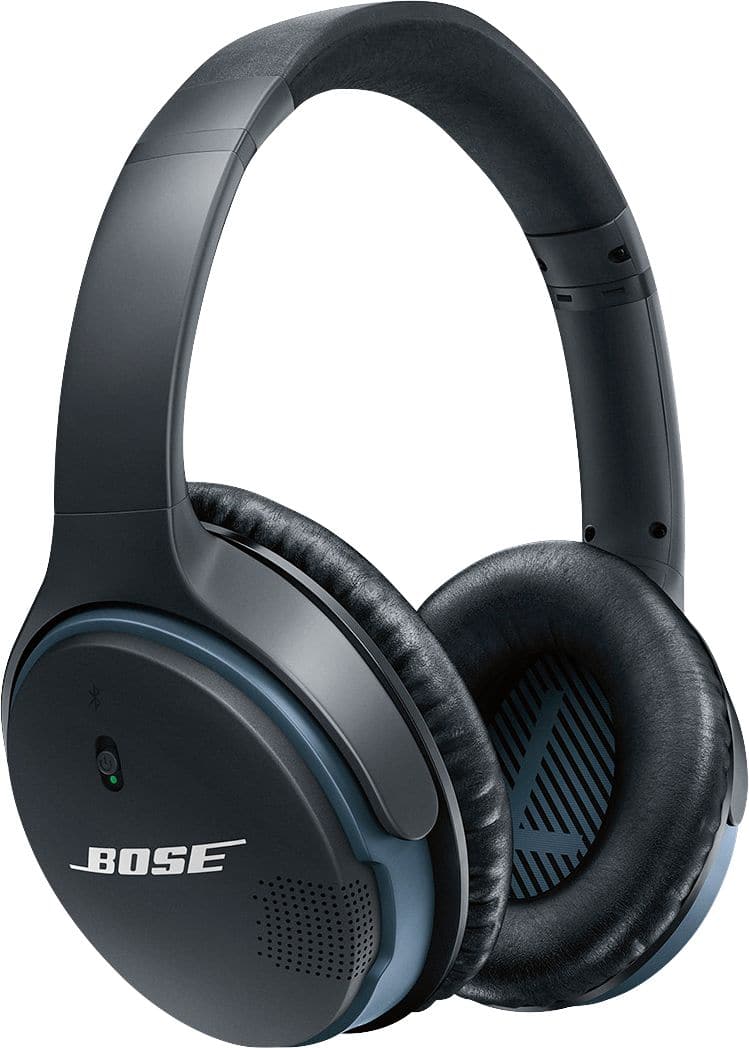
A:AnswerHello, Glenninkapolei! You can use the standard audio cable to connect these headphones to the in-flight entertainment system and access both the movie audio and music channels. On some airplanes, you can plug the cable directly into the in-flight entertainment system’s audio jack. Other airplanes have a dual audio jack, so you will need to plug the cable into the dual plug adapter before connecting to the airplane audio jack. Thanks for your question! Have a great day. Ashley - Bose Support