A:Answerthey dont block sounds or have any noise cancellation either and needs the Bose app to work, and the app needs to be on android apple devices to load the app.
A:AnswerThank you for your question, TedF. When streaming music, audio will be heard through both ears. Audio will only play through the right ear during phone calls. We hope this helps! Ashley - Bose Support
A:AnswerHello, Scalpel. Thank you for reaching out. We suggest updating the firmware of your SoundSport Free wireless headphones using a computer and our online updater - https://bose.life/2LYNuy8. If further assistance is needed, we encourage you to please contact our Bose technical support team in your region. Warm regards. Ashley - Bose Support
A:AnswerI doubt it, you need the Bose app and that takes long time to load up and update firmware, also no one wants the used ear tips after you use them.
A:AnswerHello, DannyT. Thank you for your question. We suggest updating the firmware of your headphones using a computer and our online updater https://bose.life/2LYNuy8. Also, the User Manual for the SoundSport Free wireless headphones can be found on our website here: https://bose.life/2RjYoUq. If additional help is needed, we encourage you to reach out to our Bose technical support team. We hope you have a great day! Ashley - Bose Support
A:AnswerThank you for your question, Lee. The SoundSport Free wireless headphones are compatible with both Apple and Android/Samsung devices. We hope this helps! Have a wonderful day. Ashley - Bose Support

A:AnswerOnly Mac PCs will work with both sides. Only right side works with windows 10. For all OS, There is considerable lag (0.5seconds) to be precise. You will be disappointed when playing games.
A:AnswerHi, Thanks for great question. This is a technical limitation of the Truly Wireless Technology that we utilized for the SoundSport Free headphones where the master (right) earbud cannot send call audio to the left earbud. This is typical of this technology and there are several other benefits to using this, such as comfort, fit, and unrivaled sound quality, as well as convenience. Regards, Tony G - Bose Support
A:AnswerThey sound amazing, if you can ever get them to connect to each other and stay connected. They have well documented problems staying connected. I suggest you look at the Sony wireless earbuds.
A:AnswerHi Frank,
Thanks for the great question. Answering calls is done by pressing the multi-function button. To shut them off you would put them back in the case. Regards, Tony G - Bose Support
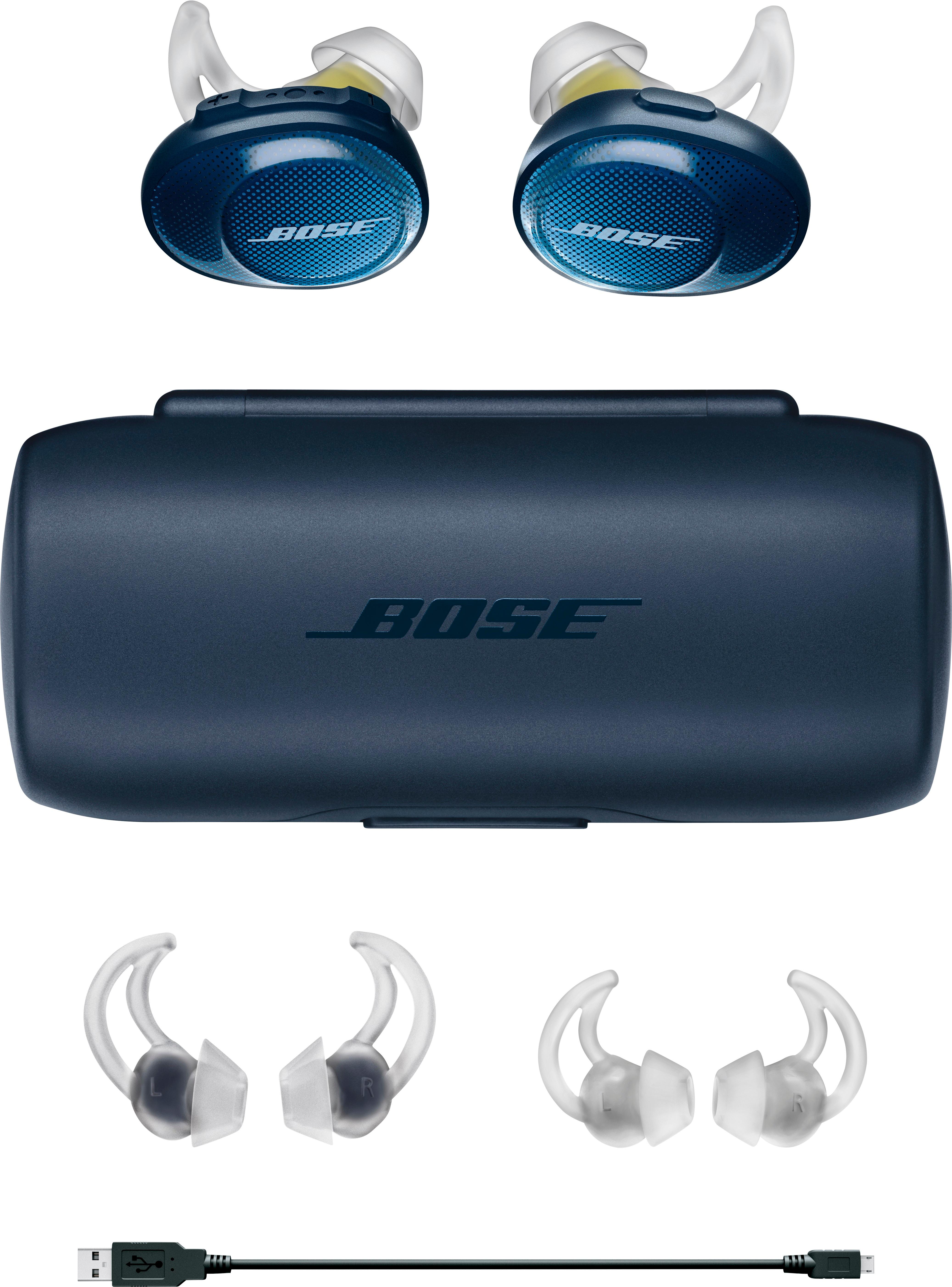
A:AnswerHello, MomKaren. The SoundSport Free wireless headphones are only compatible with the SoundSport Free wireless charging case. For the best assistance, we encourage you to reach out to our Support in your region https://bose.life/2JpX9Pz. Have a great day! Ashley - Bose Support
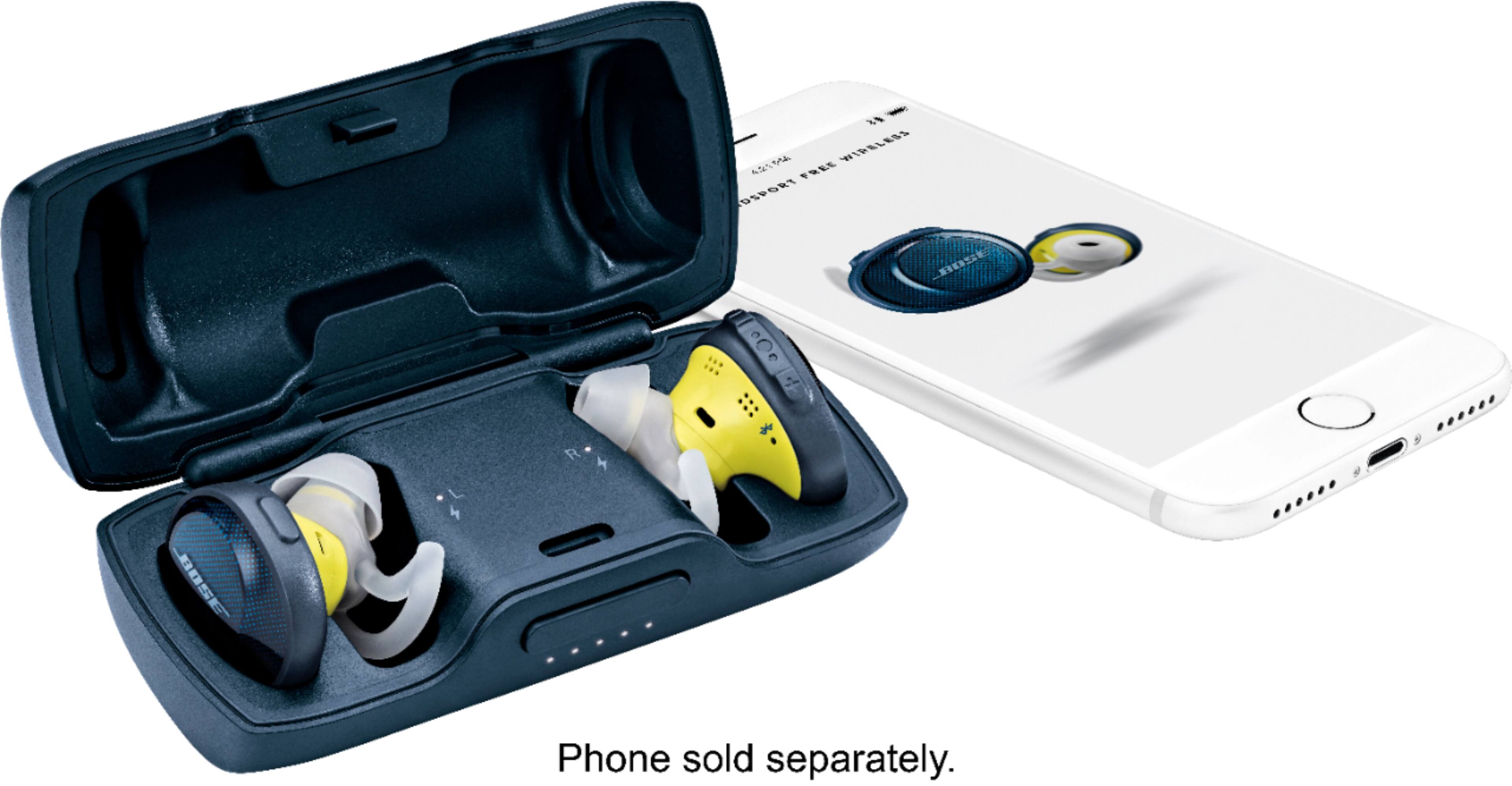
A:AnswerThank you for your question, Monire. The SoundSport Free wireless headphones can play for up to five hours when music is played at medium volume When you’re done, you can place them in their case to recover. It’ll keep them protected, and provides two additional full charges (or up to 10 hours of battery life) Plus, a quick 15-minute charge will give you 45 minutes of battery. Have a terrific day! Ashley - Bose Support
A:AnswerHi, OutlawRandy! The SoundSport Free wireless headphones do not feature noise-canceling technology. However, the volume-optimized EQ and Bose digital signal processing makes music sound full and balanced at any volume. We hope this helps! Have a terrific day. Ashley - Bose Support

A:AnswerHello, there! The SoundSport Free wireless headphones are compatible with devices that have the following Bluetooth specifications: BLE, HSP 1.2, SPP 1.2, A2DP 1.3.1, PBAP 1.1, AVRCP 1.6, HFP. If your Galaxy Smartwatch features these, they will connect flawlessly. We hope this information helps. Have a great day. Ashley - Bose Support