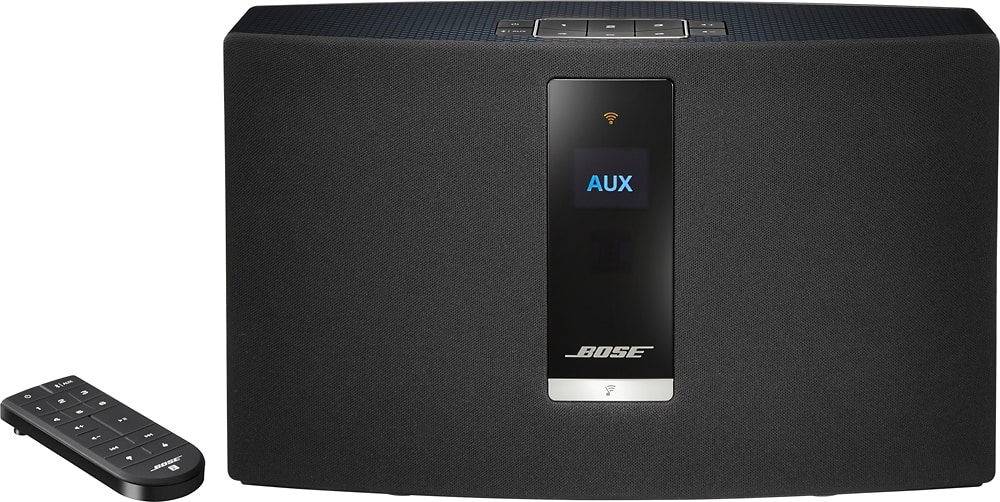
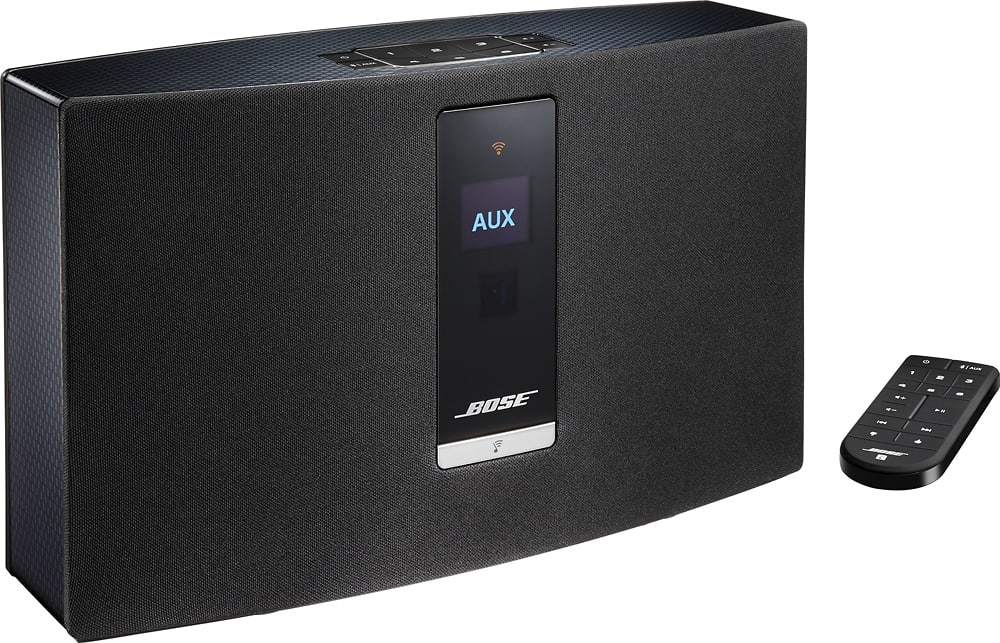
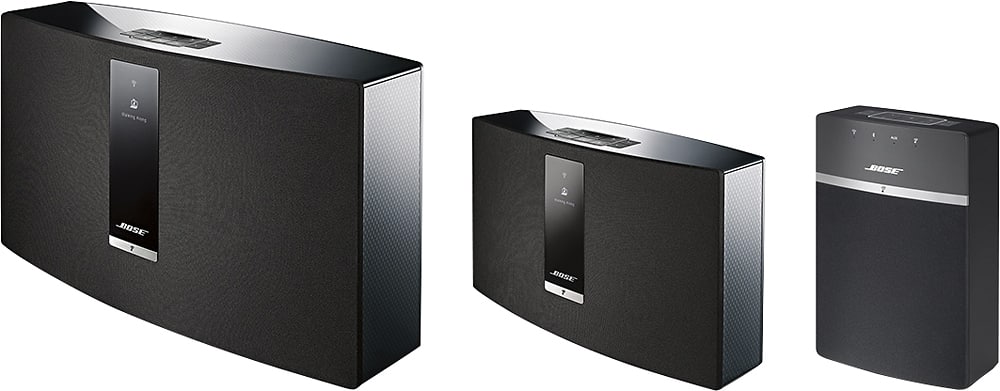
A:AnswerThank you for reaching out for help with this. We'd recommend first resetting the system by unplugging the power cord for 30 seconds or longer. That should rectify the issue. You can reach our dedicated line for Soundtouch wireless specialists at 800-905-2156 and we’ll be able to troubleshoot further if you continue to experience any issues.
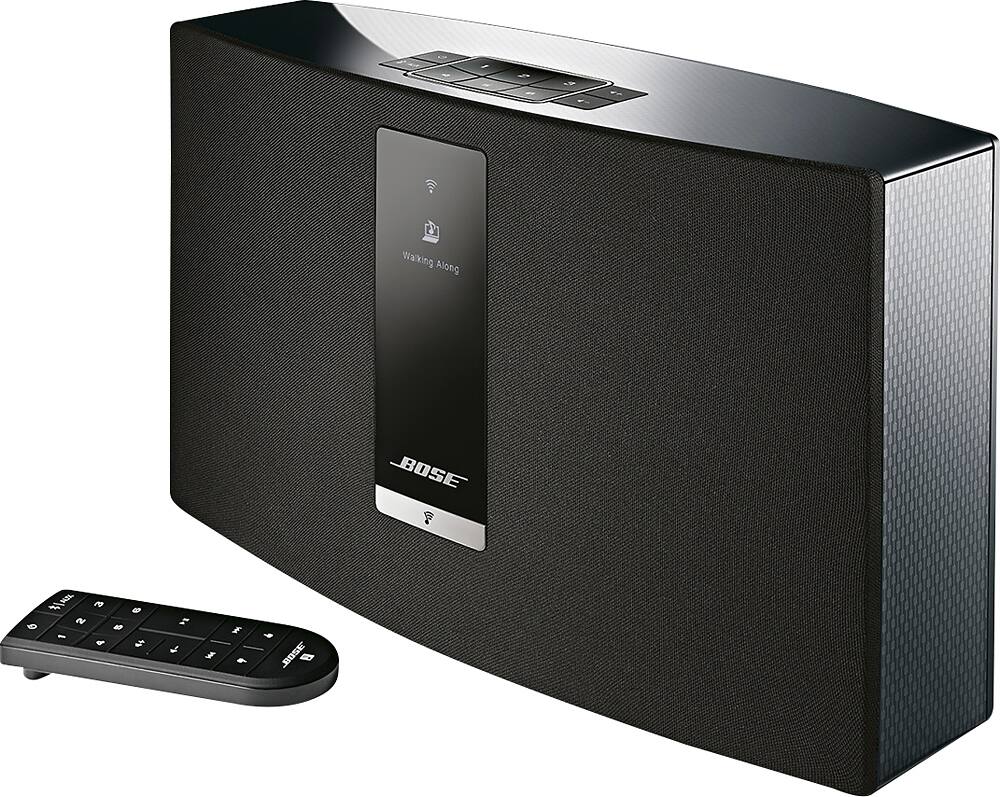
A:AnswerNone of the Soundtouch units (10,20 or 30) have a built in CD player. If you have a stand alone CD player, it may be able to be connected to the AUX input of the Soundtouch.
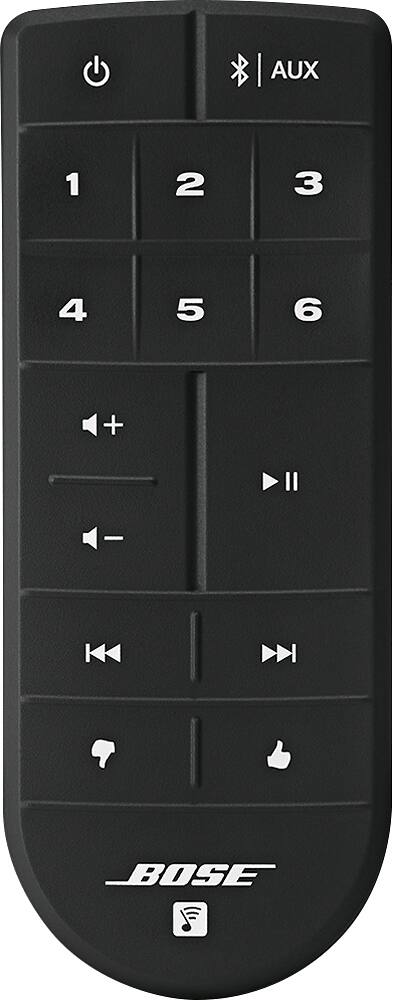
Or, If you have your CD music ripped to the music app on your smartphone (example: iTunes), you can connect your smartphone via Bluetooth and play your music selections from your phone through the Soundtouch.
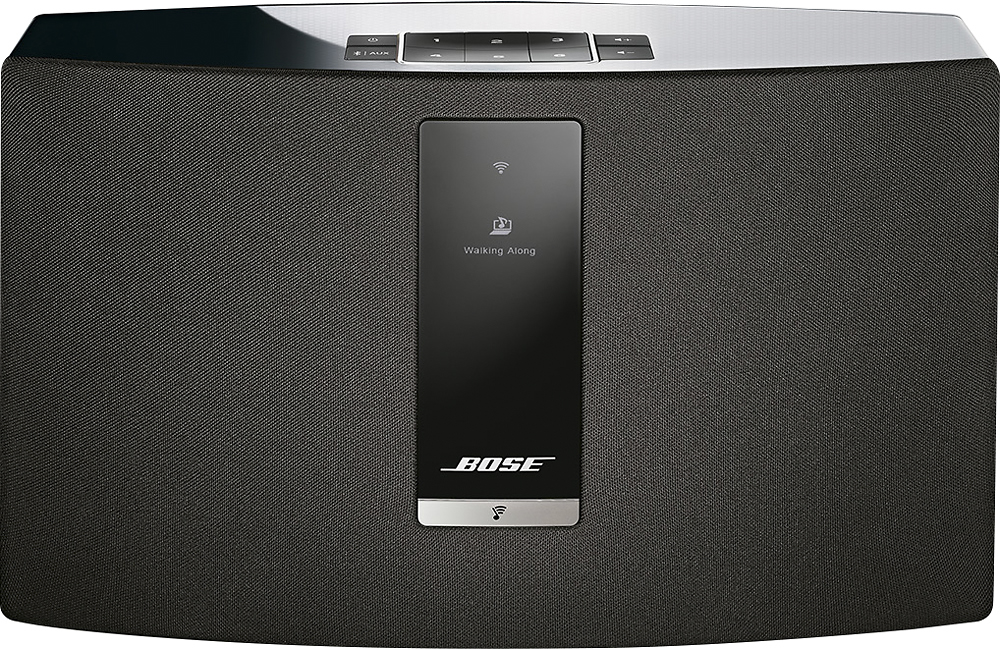
A:AnswerIf your looking for loudness you may want to go with the SoundTouch 30 as it is louder. The 20 of course will raise the volume if that's all you care about. However if you want quality sound the 20 is much richer than most others on the market. If volume is most important to you and quality sound not so much important then you may want to try a company which specializes in volume rather than quality of sound. I prefer BOSE because of quality of sound but you may find more volume elsewhere but I'll bet the quality won't match BOSE. So quality wise yes it is worth the extra 150.
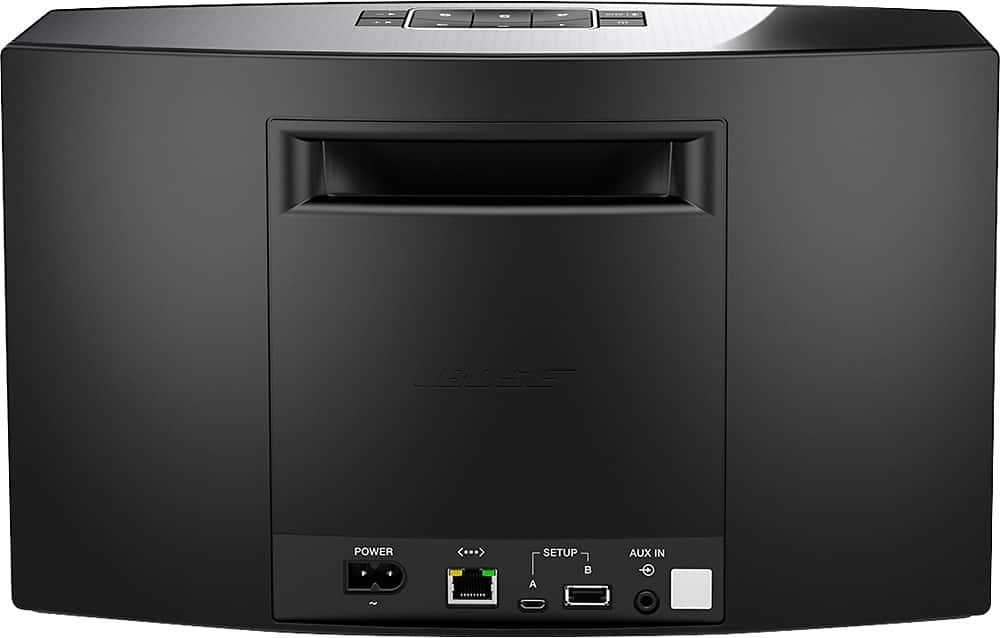
A:AnswerWith this speaker, we generally don't recommend using for tv sound wirelessly as it is intended for use with music. On televisions with bluetooth, there can be a delay between the audio and video which is very distracting. There is a 3.5mm auxiliary jack that you could use to connect a Y cable directly from your cable or satellite box and that would be the easiest way to get tv sound with this speaker.
A:AnswerI connect my iPhone with it for music. Unsure about answering the other questions because I don’t have an Android. But, I assume if it works with my iPhone I assume it’ll work with an Android
A:AnswerHello there. Great question. Yes, in addition to music stored on your computer, you will also be able to play internet radio and online streaming sources with the SoundTouch 20 Series III. You can also connect sources via Bluetooth. Thanks!
A:AnswerThanks for reaching out. It is correct that for a direct connection, you would use a 3.5mm male to male audio cable. It would connect to your iPhone via the headphone jack as opposed to the Lightning connection.
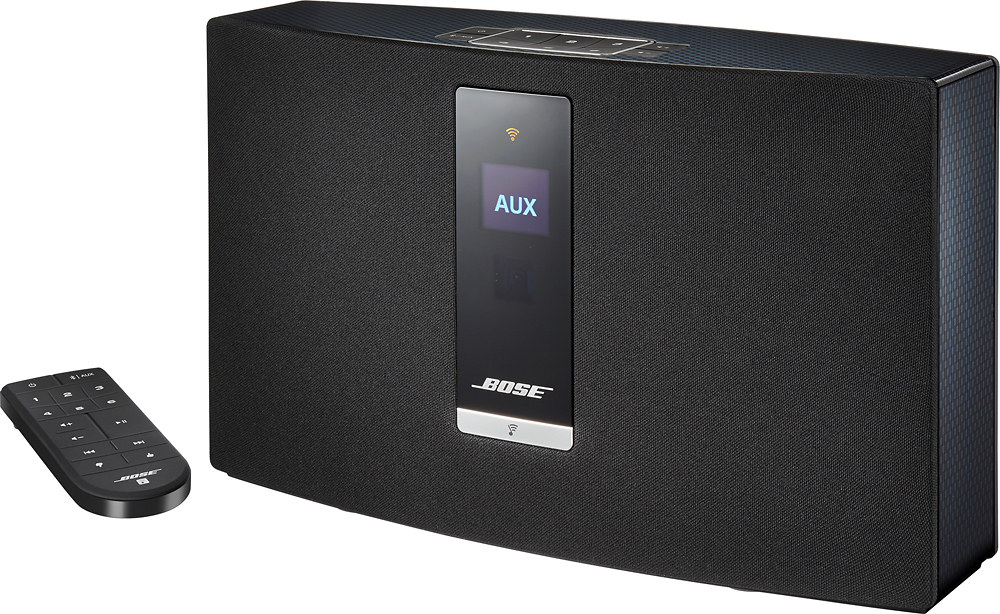
A:AnswerHi! Thank you for your question. You are able to play music from your phone using an auxiliary cable if you select your speaker output as AUX. You may experience a more consistent sound using AUX in comparison to Bluetooth based on the fact you will not experience signal dropout.
A:AnswerHello there,
Thanks for asking, great question! The SoundTouch 20 works with Alexa commands but does require an Alexa-enabled device to be plugged via 3.5mm such as the Echo Dot.
Hope that helps.
Mohsin - Bose Support
A:AnswerHey JF, thanks very much for your question! While the SoundTouch 20 III wireless music system is not capable of connecting a supplemental bass module, you can increase the amount of perceived bass in two ways. First, you can place the speaker in a corner or closer to the wall to reflect the lower frequency sounds. Second, you can make adjustments to the bass output in the SoundTouch app by tapping the menu icon in the upper right corner then selecting Settings>Speaker Settings. Once you choose your speaker you can adjust the bass level. We hope this helps! Greg - Bose Support
A:AnswerThank you for reaching out to ask. You can use this speaker for Bluetooth only to stream music services like YouTube without the need for wifi. The app would be most beneficial if you are looking to setup your preset stations with the buttons on the speaker, using multiple SoundTouch speakers together in the home or looking for greater range than Bluetooth provides (roughly 30 feet).
A:AnswerI have XM too and figured out that you can load the XM app on your phone. Use the code on your car stereo found on station 0 for the app! No extra cost for another XM device! Then play all stations from your phone on the app using the Bluetooth on the speaker!
A:AnswerThat is the good thing about soundtouch series. You can pair ST20 with ST30 and the home theater system. It works great for me. With the ST app I am able to turn on one, two or all speakers. I can even paly same music on all channels or different.
Make sure all speaker are on one Wifi or it won't work
Good Luck!