A:Answer Hello, Drew.
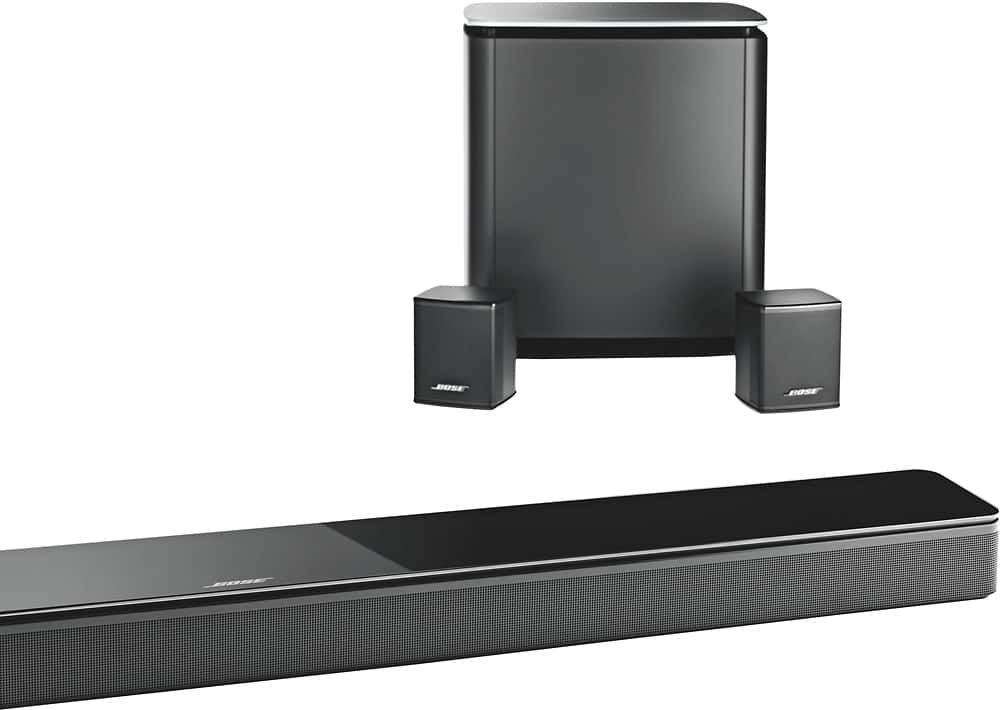
Thank you for reaching out to us. We're glad to help. Wi-Fi can be disabled on the SoundTouch 300 with these steps:
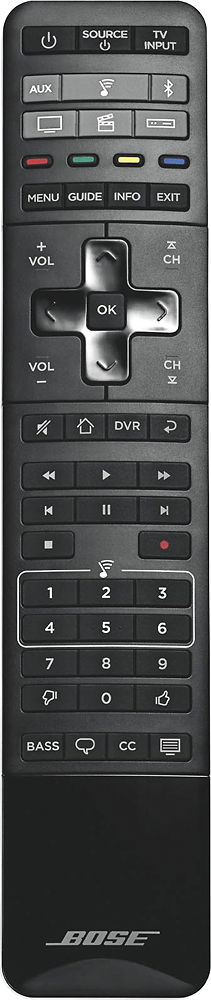
1. On the remote, press the SoundTouch button.
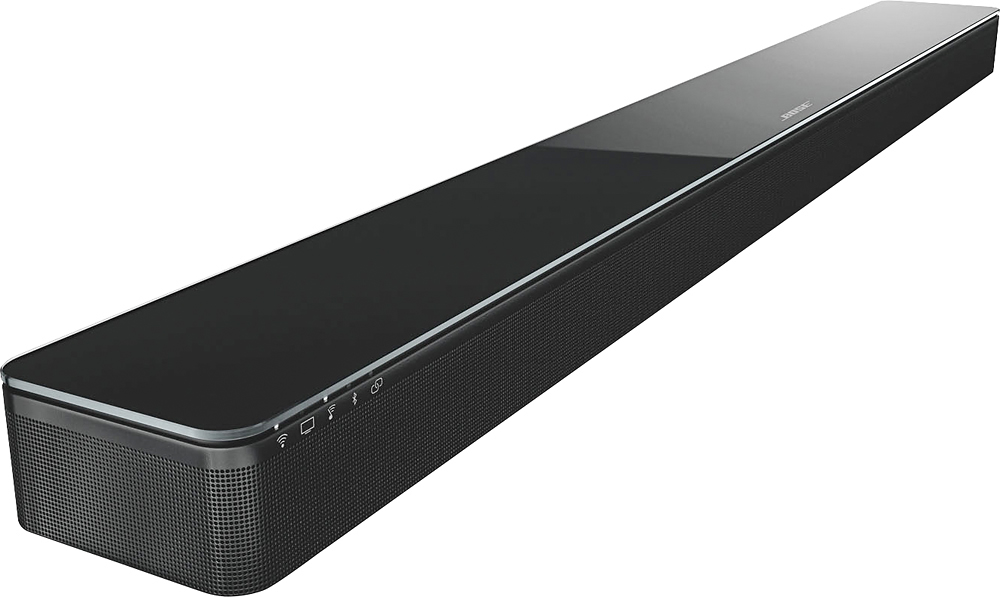
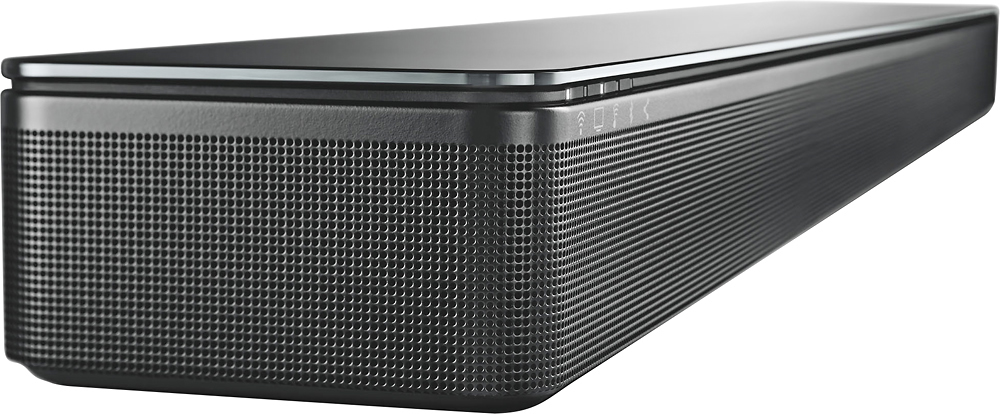
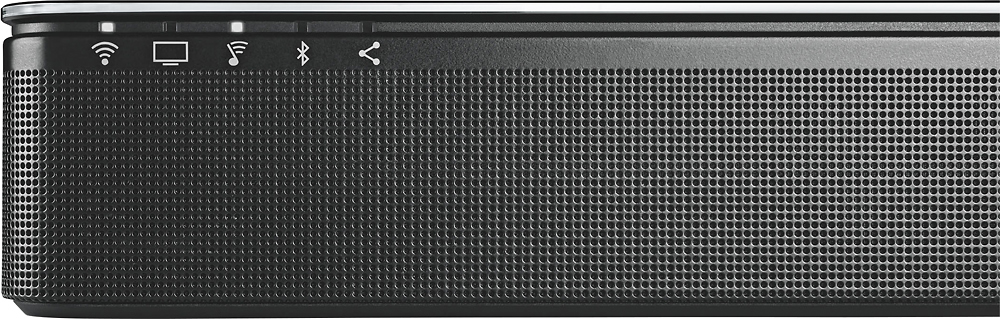
2. Press and hold the zero button until the Wi-Fi indicator, TV indicator, SoundTouch indicator and Bluetooth indicator on the soundbar blink white.
3. When the Wi-Fi is disabled, the Wi-Fi icon on the soundbar turns off.
Please note that this will also disable Bluetooth on the system. For the best assistance, please reach out to our SoundTouch specialists at 1-800-608-2673. They are available M-F 9 AM to 9 PM Eastern. Thank you, and have a great day.
Jesse - Bose Support