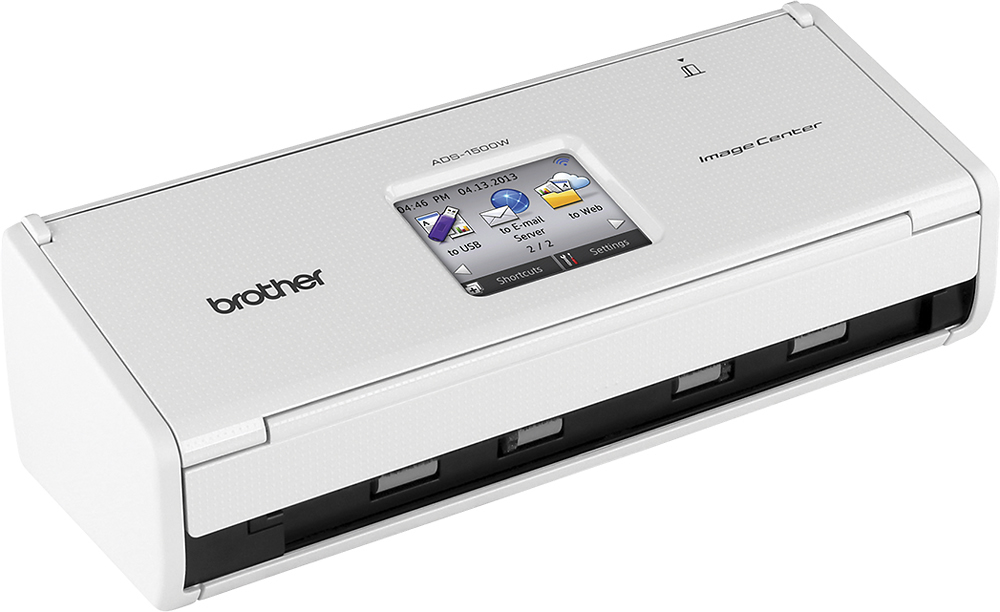
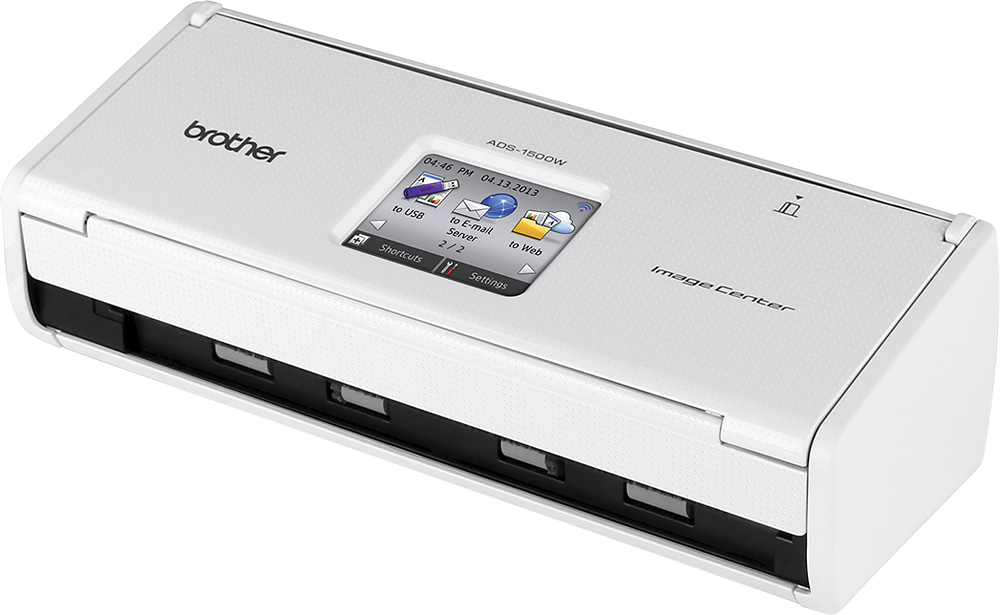
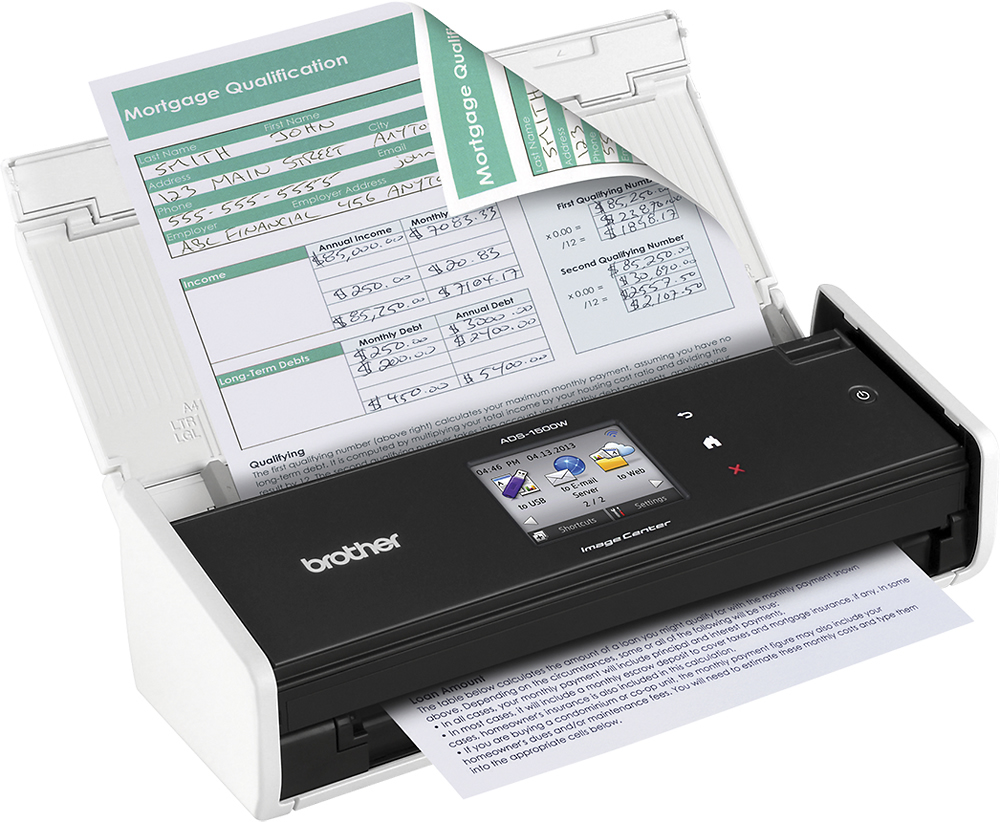
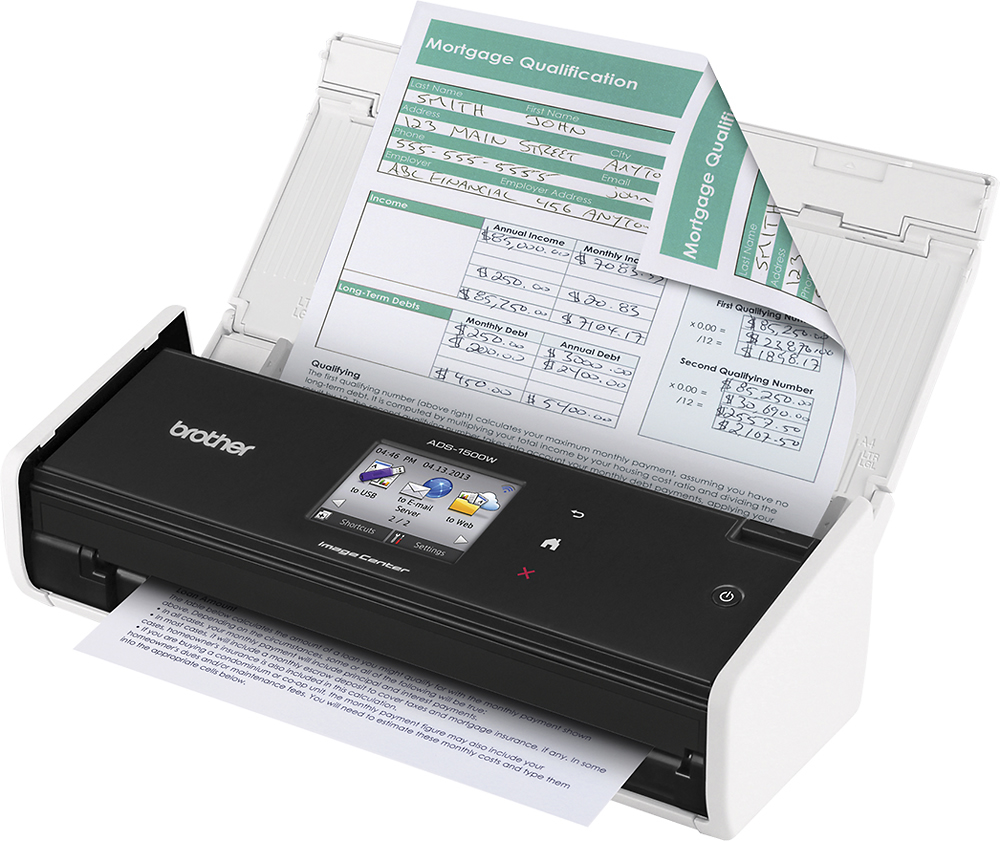
A:AnswerI'm not sure if your question was regarding this scanner, sense you mentioned "printer" in your question. But just to be clear this item is a scanner only no printing capability. That being said it does have the ability to scan to a USB dive without needing a connection to computer directly. Hope this answers helps with your possible purchase.
A:AnswerNot going to give you a perfect picture image. Probably want to check out a flatbed scanner for photos or a scanner designed for scanning. I attached a couple of photos. One is a postcard (heavy paper) the other obviously a print from Disneyland. Hope that helps
A:AnswerTWAIN compliant means that any program that wants to use your scanner will attempt to do so via the TWAIN driver. Most, if not all scanners, will list if they support this in their specifications. The software you're using for medical records most likely expects/requires a scanner that supports this driver. The ADS-1500W from Brother is TWAIN Compliant as referenced on their website specifications.
A:AnswerThis is not the type of scanner that you can use to scan pages of a book. I suggest you look into different type of scanners for that particular function.
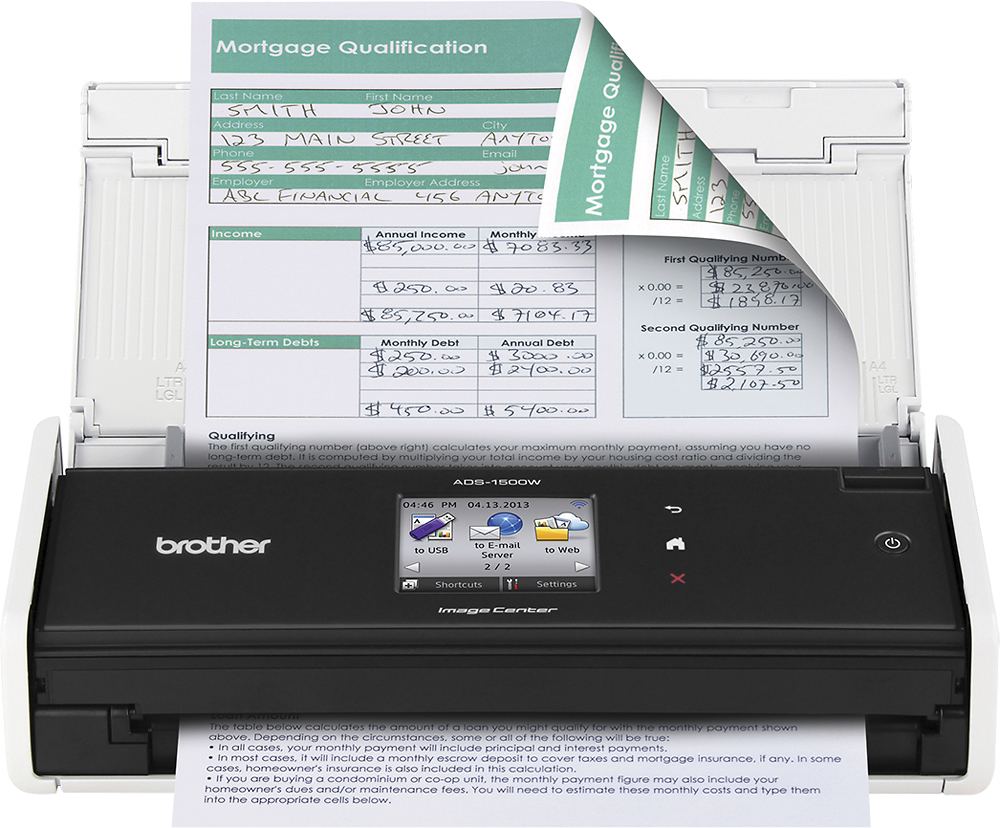
A:AnswerI’ve scanned up to 11pages easily. The feeder seems to be getting tight when I try to put in 20 pages. I’m sure you could keep adding pages as they feed through so theoretically you could feed thru any number of pages.