A:AnswerI have the printer connected via USB to the desktop PC right beside it and have WIFI running. It seems to be able to print either way. Pretty sure I've printed to it when the PC was off.
A:AnswerIt doesn't actually power all the way down (the print button stays on), but I would say it "sleeps" until it receives a print request again then you hear it powering back up to print. You can turn it off yourself using the on/off button.
A:Answermake sure the wifi button on the printer display is lit. Maybe it was pressed to an off position?
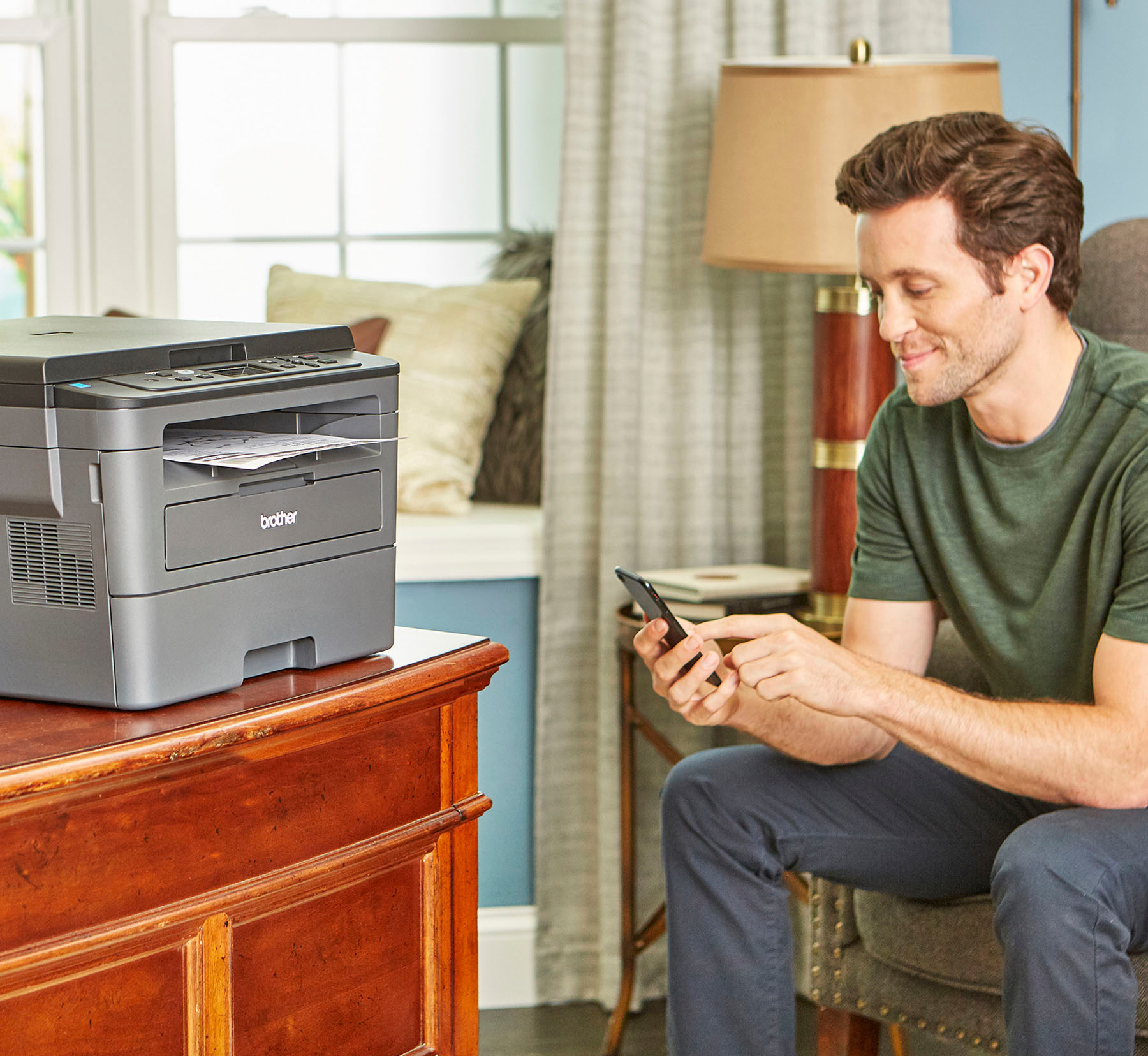
Can you print from your phone to the printer?
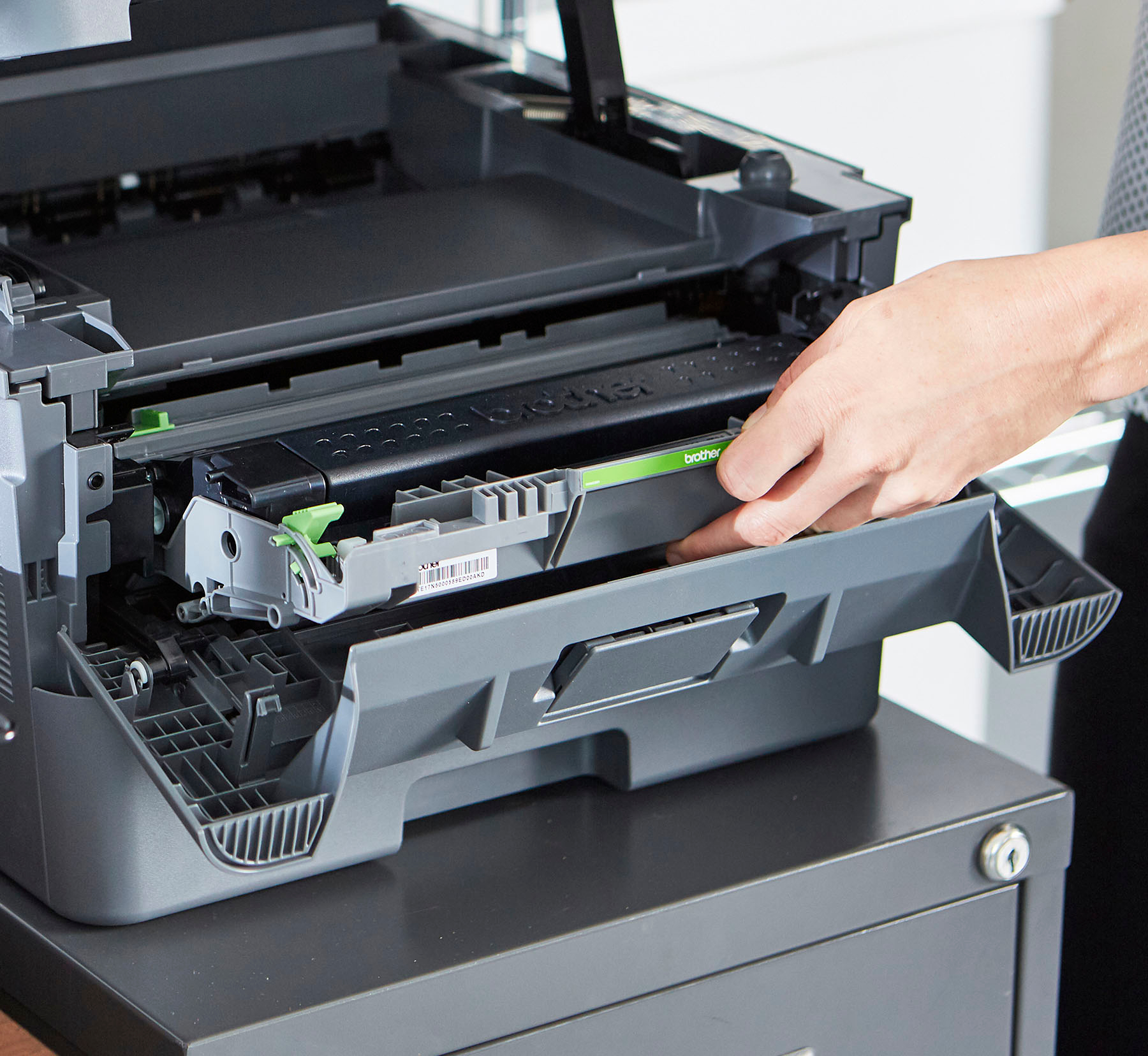
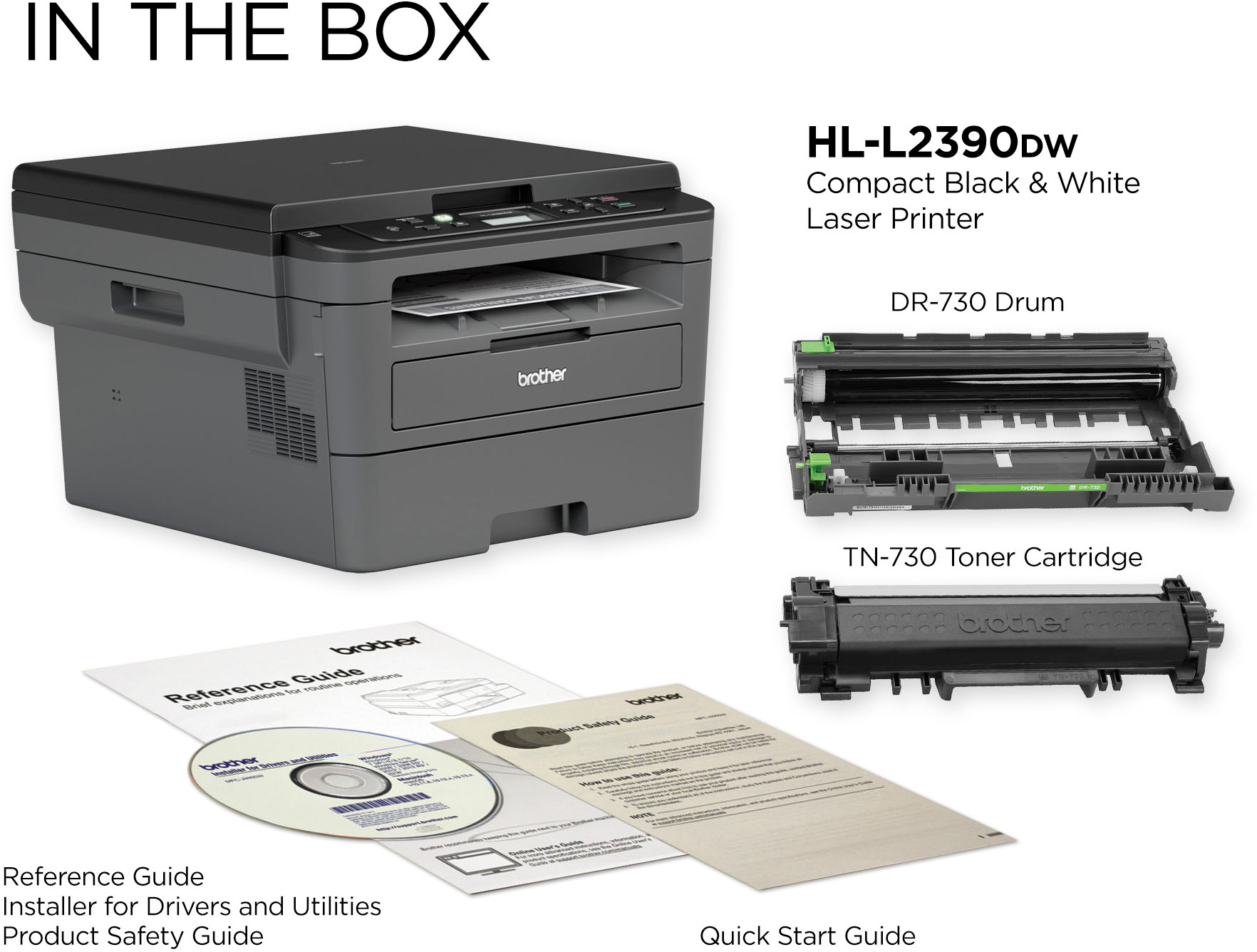
A:AnswerOn this printer, it does not have faxing capabilities. Yes, it will connect to a E Machine computer and it does come with software to install for the printer. The included cartridge that comes with this printer will give you 700 pages. The cost of the toner depends on the place of purchase.
A:AnswerI was just about to update my iMac to Mojave when I read your question and immediately went to my Macbook which already has Mojave to test print. It printed fine. Whew. I hope yours works now.