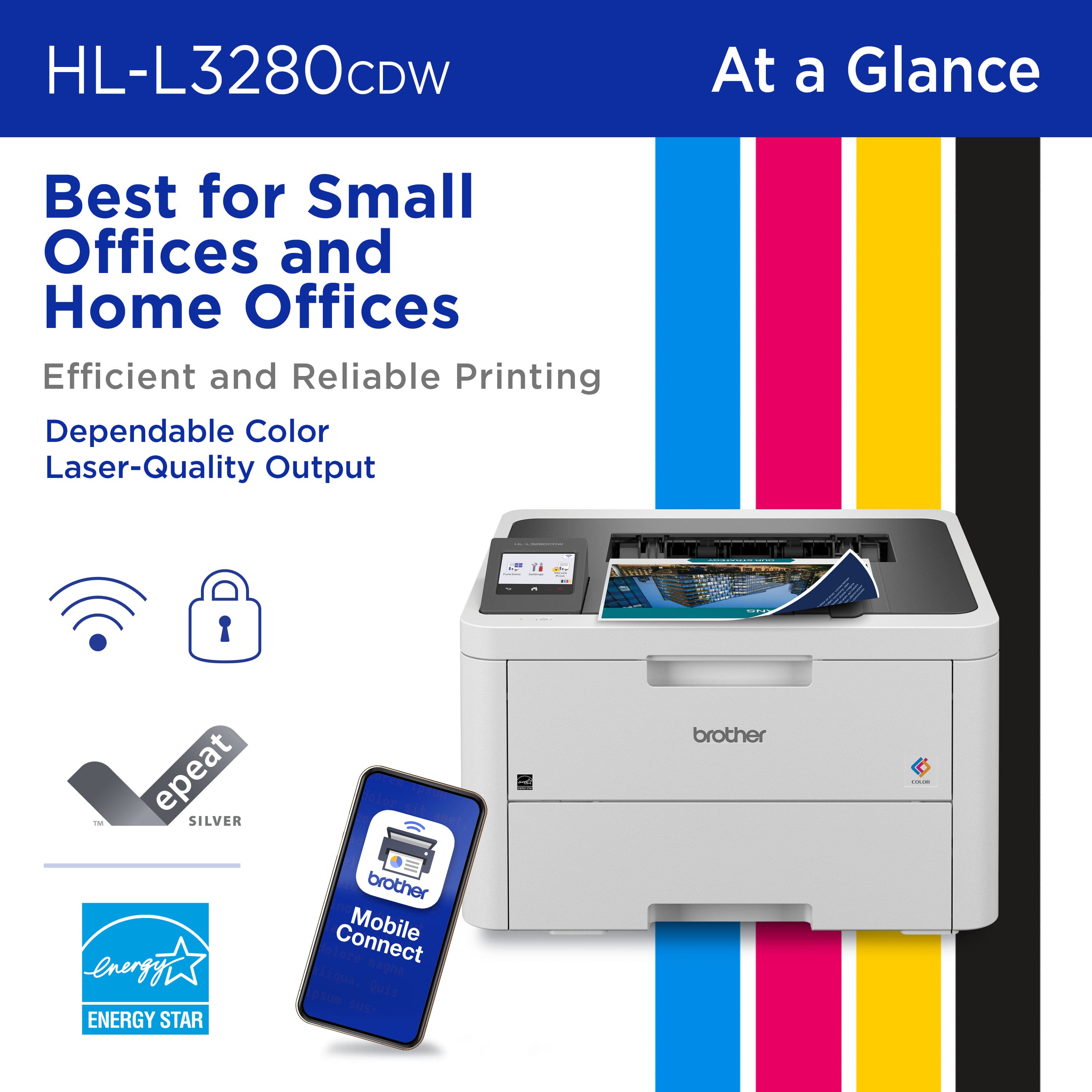
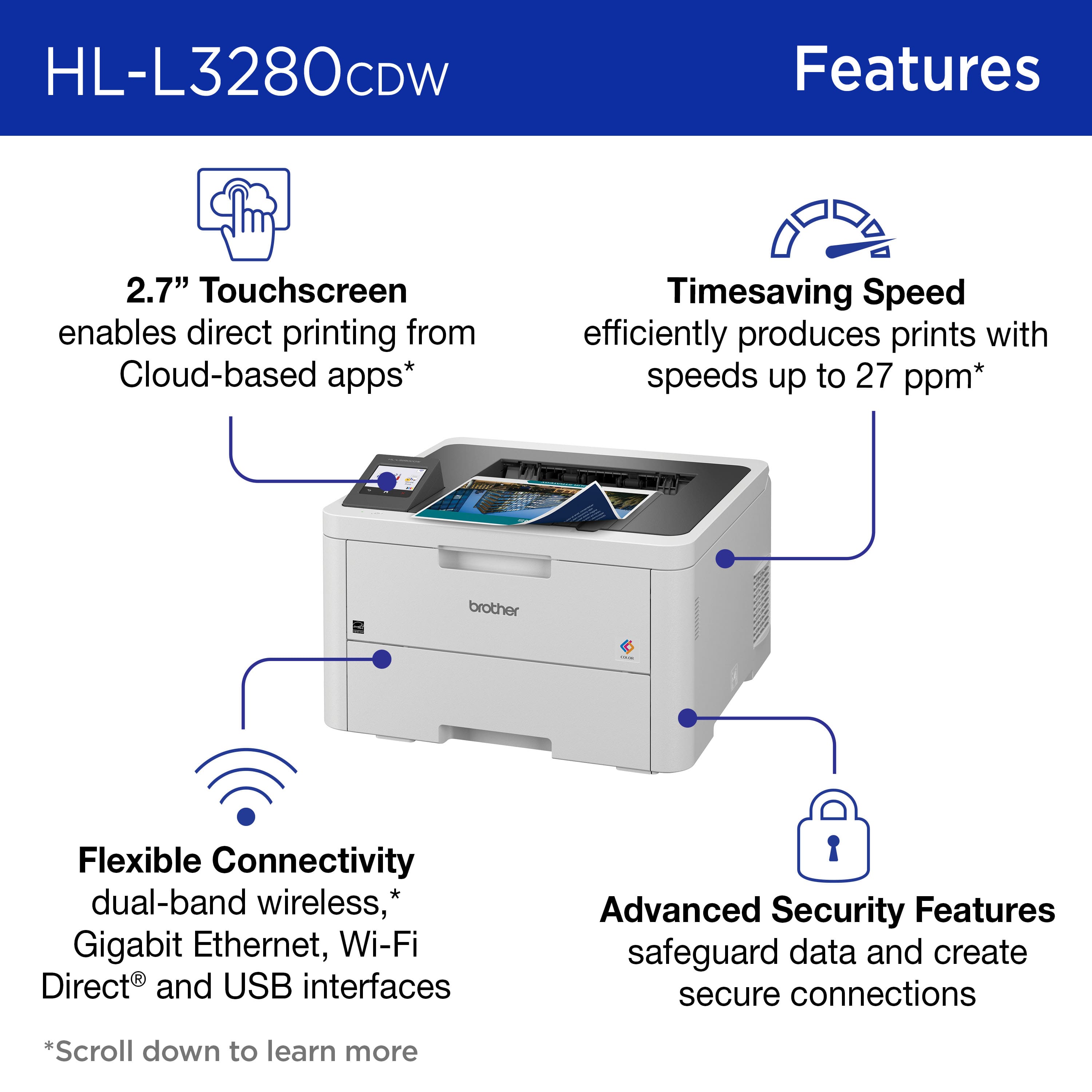
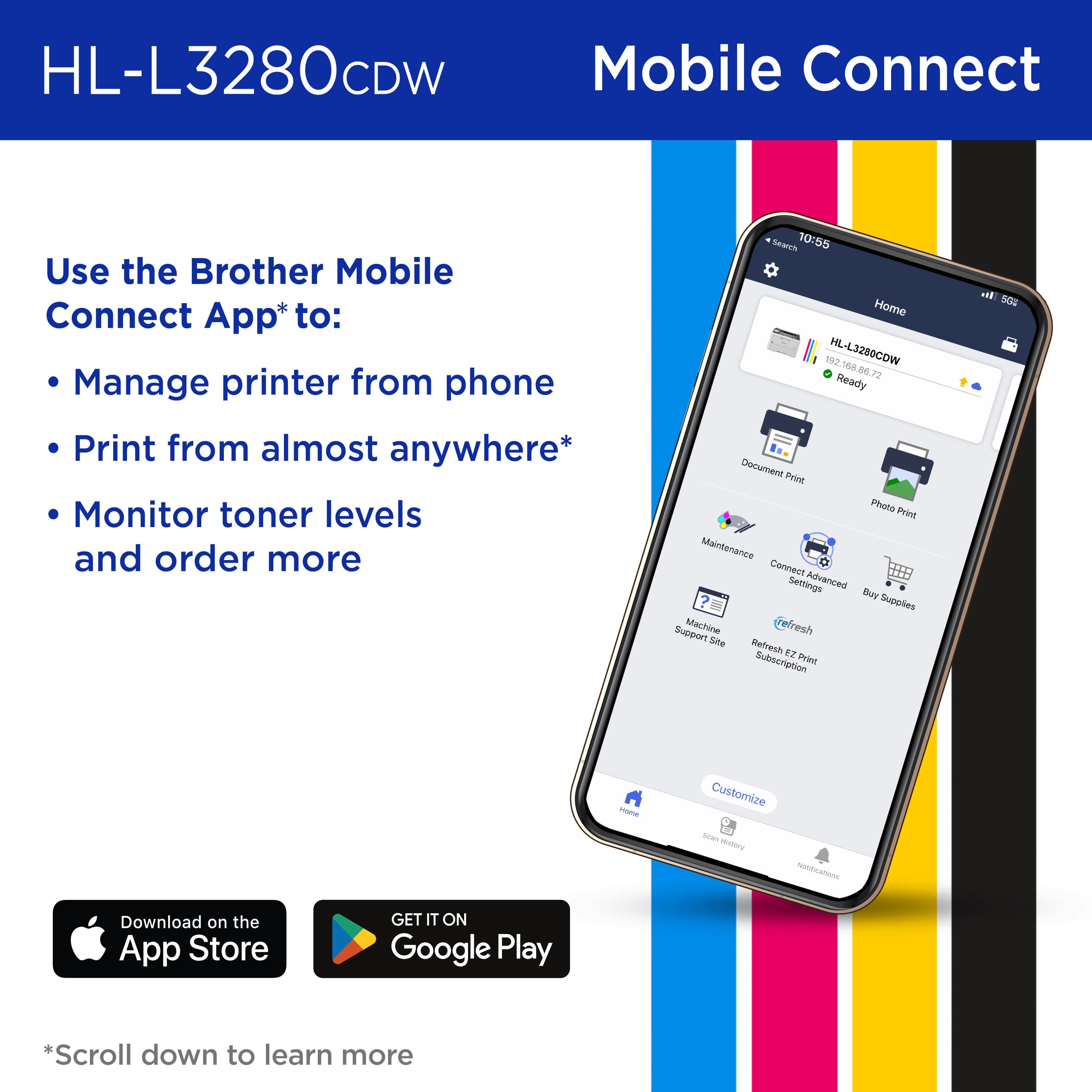
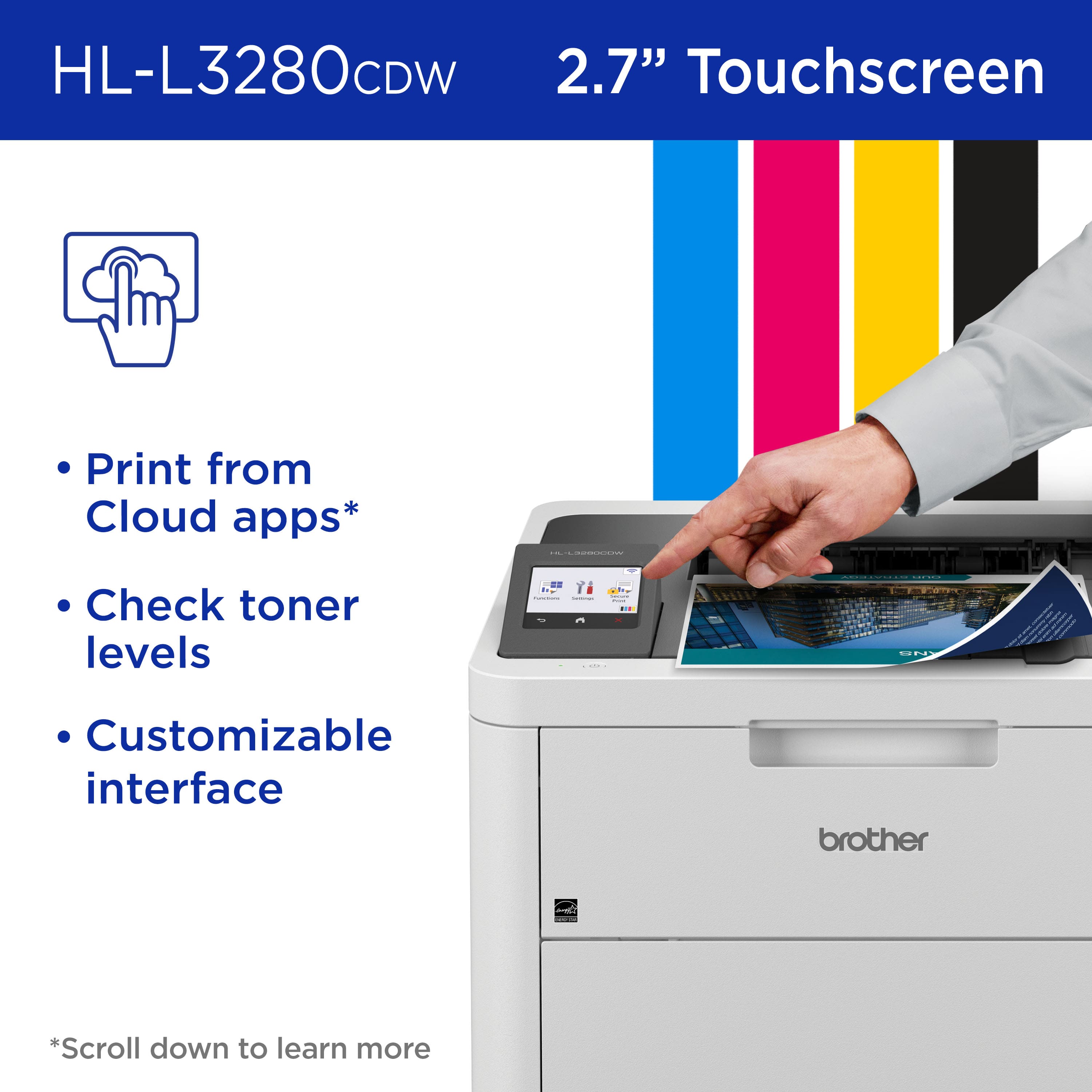
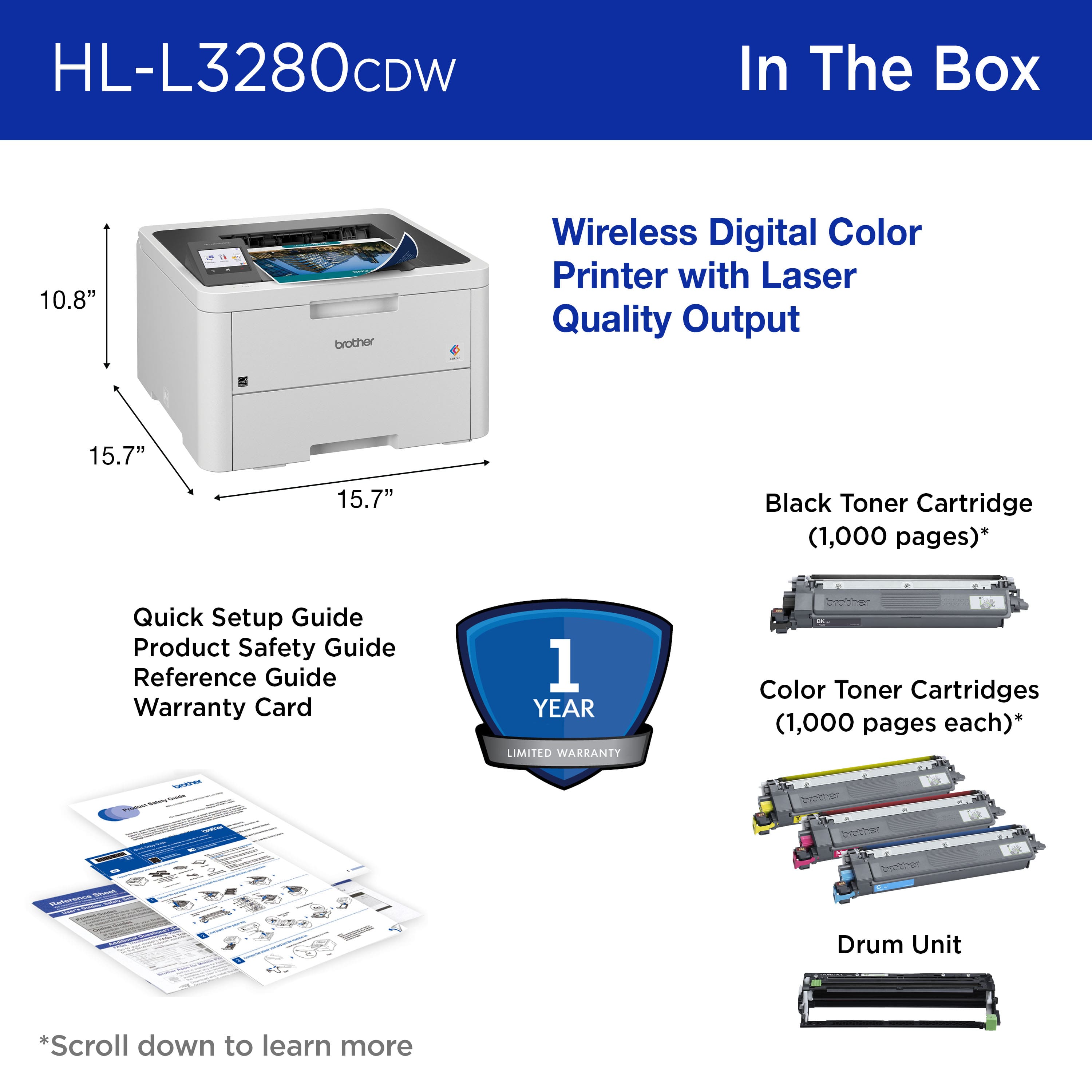
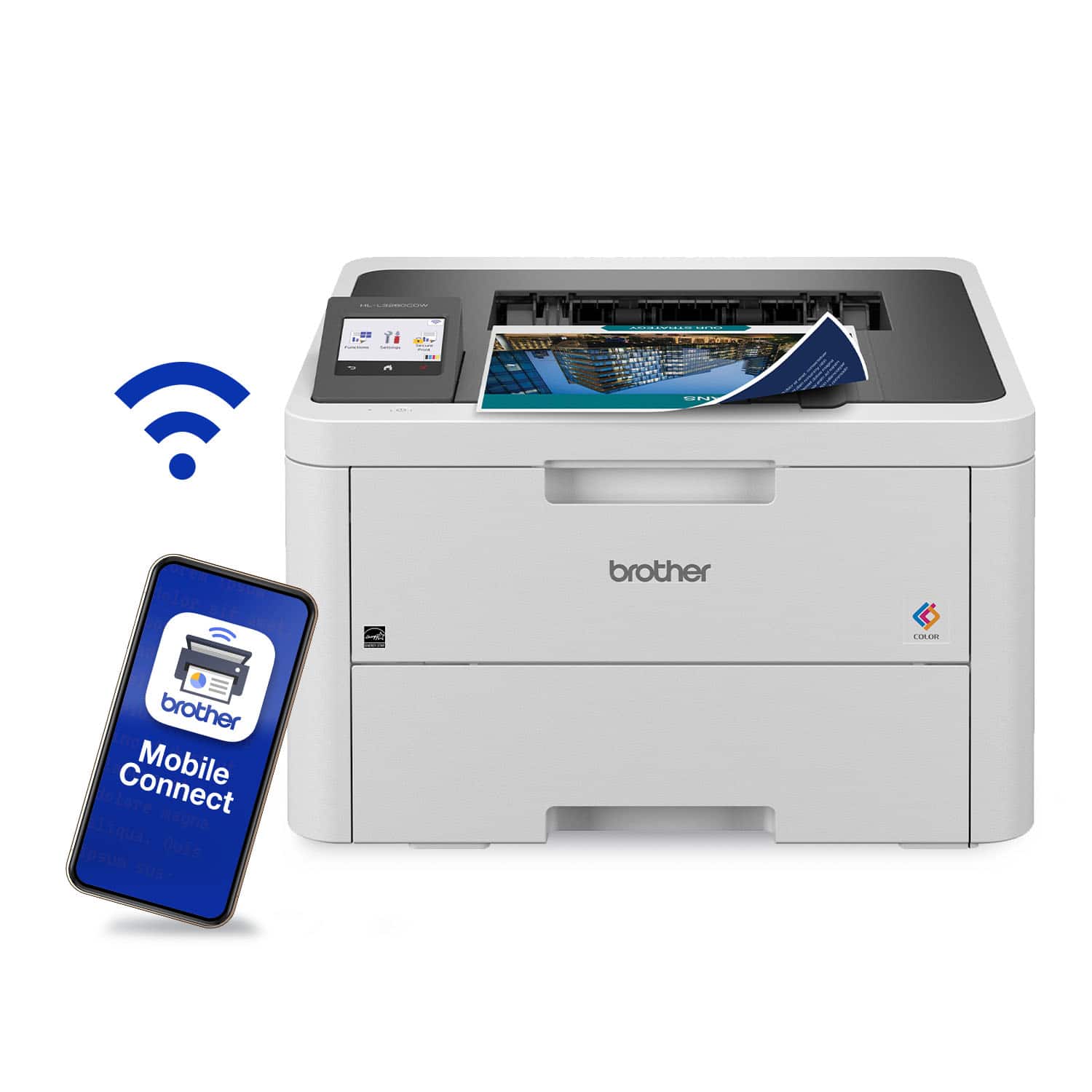
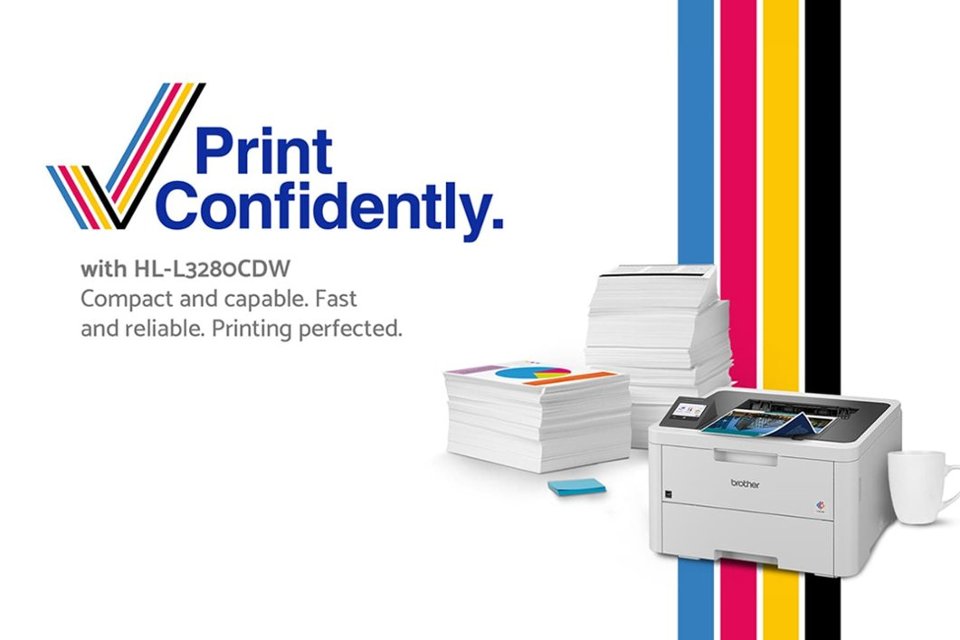
A:AnswerIt has a small screen. It works with iPhone /ipad. The next higher up model MFC L3720CDW works with WiFi without iPhone, for an additional $100, it also equipped with a Scanner & Fax.
A:AnswerUnfortunately, the Brother HLL3280CDW is not able to scan. The Brother HLL3280CDW is a printer only not able to Scan, Copy or Fax. I apologize for any inconvenience this issue may have caused you. Below is a answer link with the Brother HLL3280CDW specifications.
Answer Link: https://support.brother.com/g/s/id/htmldoc/printer/cv_hll3220cw/use/html/GUID-2E7A7E59-10C1-4182-864D-7D1C021BC548_1.html?c=us&lang=en&prod=hll3280cdw_us_as
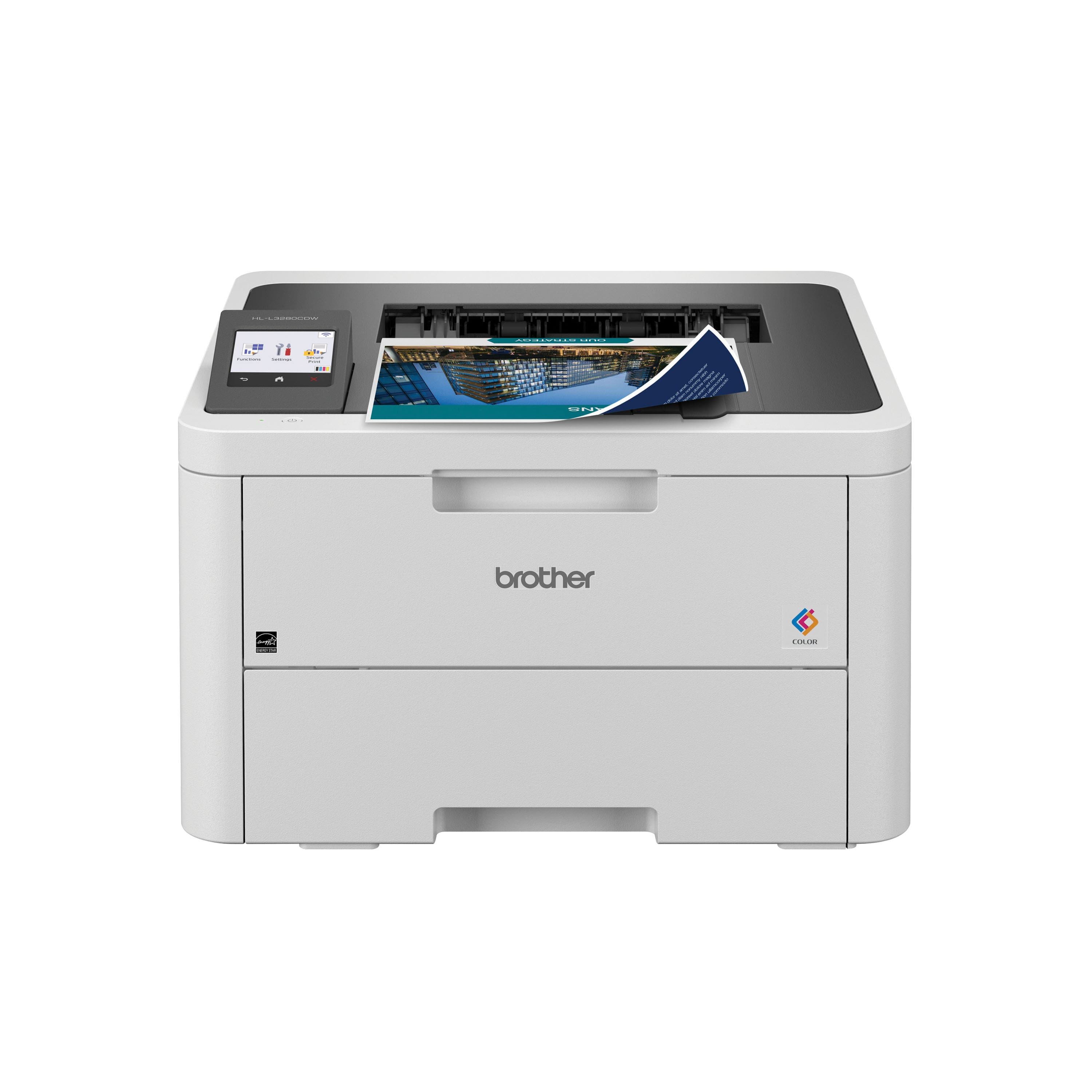
A:AnswerWe understand you're experiencing faded labels issues with your Brother HLL3280CDW machine. We'd like to help. Please contact our Customer Service department and we will work with you to resolve these issues. Brother Customer Support Team is available to assist you direct: www.brother-usa.com/brother-support
A:AnswerNo, the Brother HLL3280CDW is not compatible with Windows 7. Below is a link with all the compatible operating system for the Brother HLL3280CDW.
Answer Link: https://support.brother.com/g/b/oslist.aspx?c=us&lang=en&prod=hll3280cdw_us_as