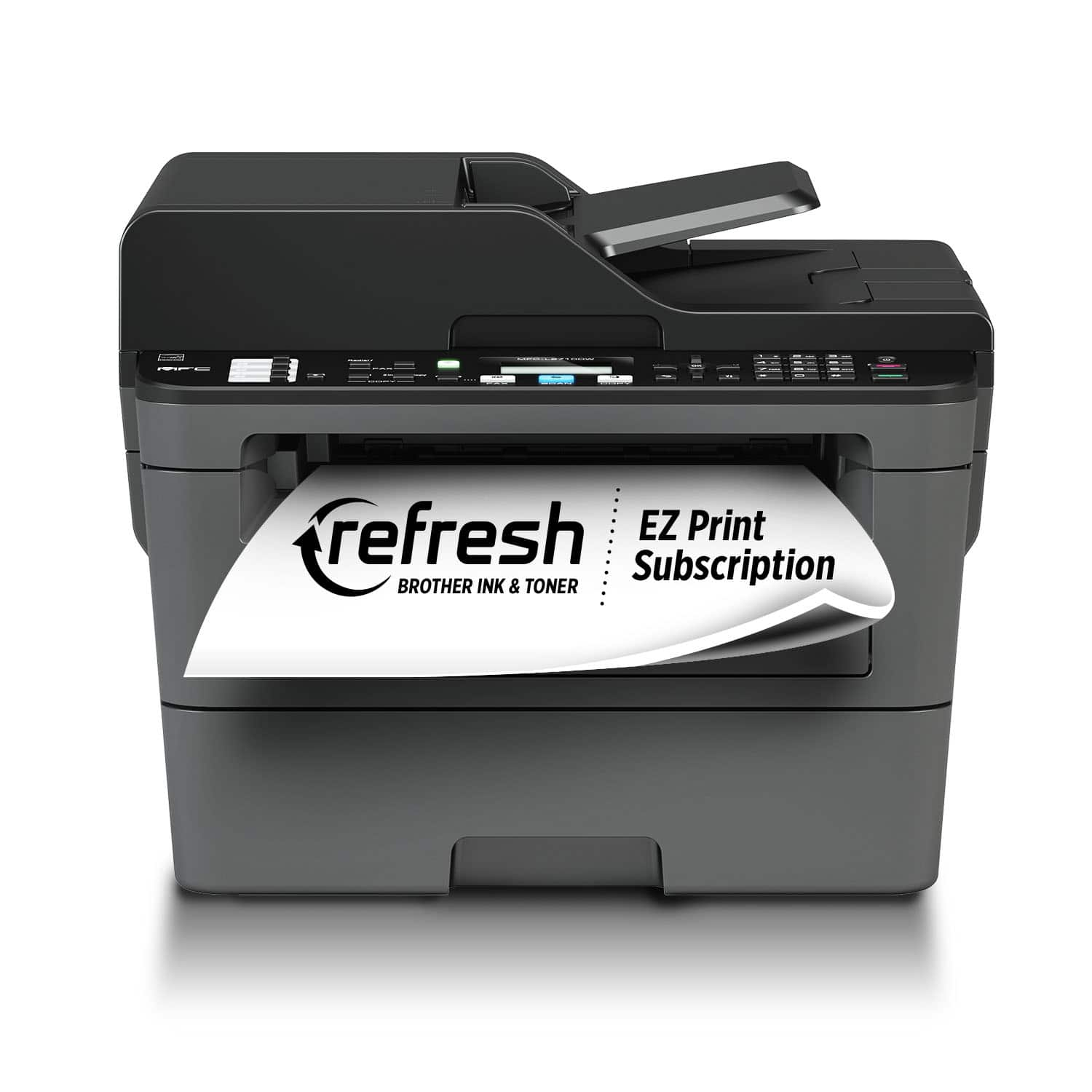
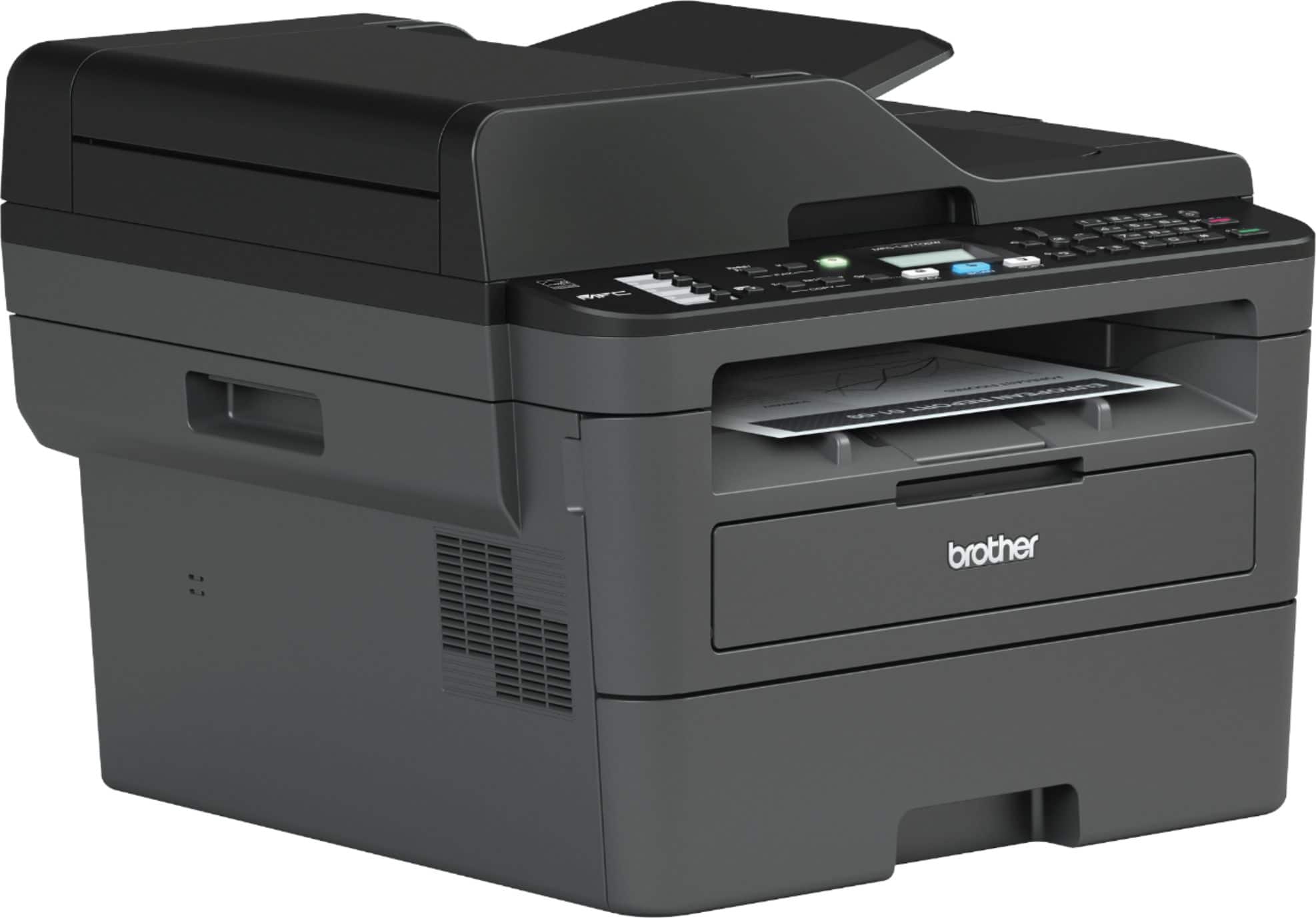
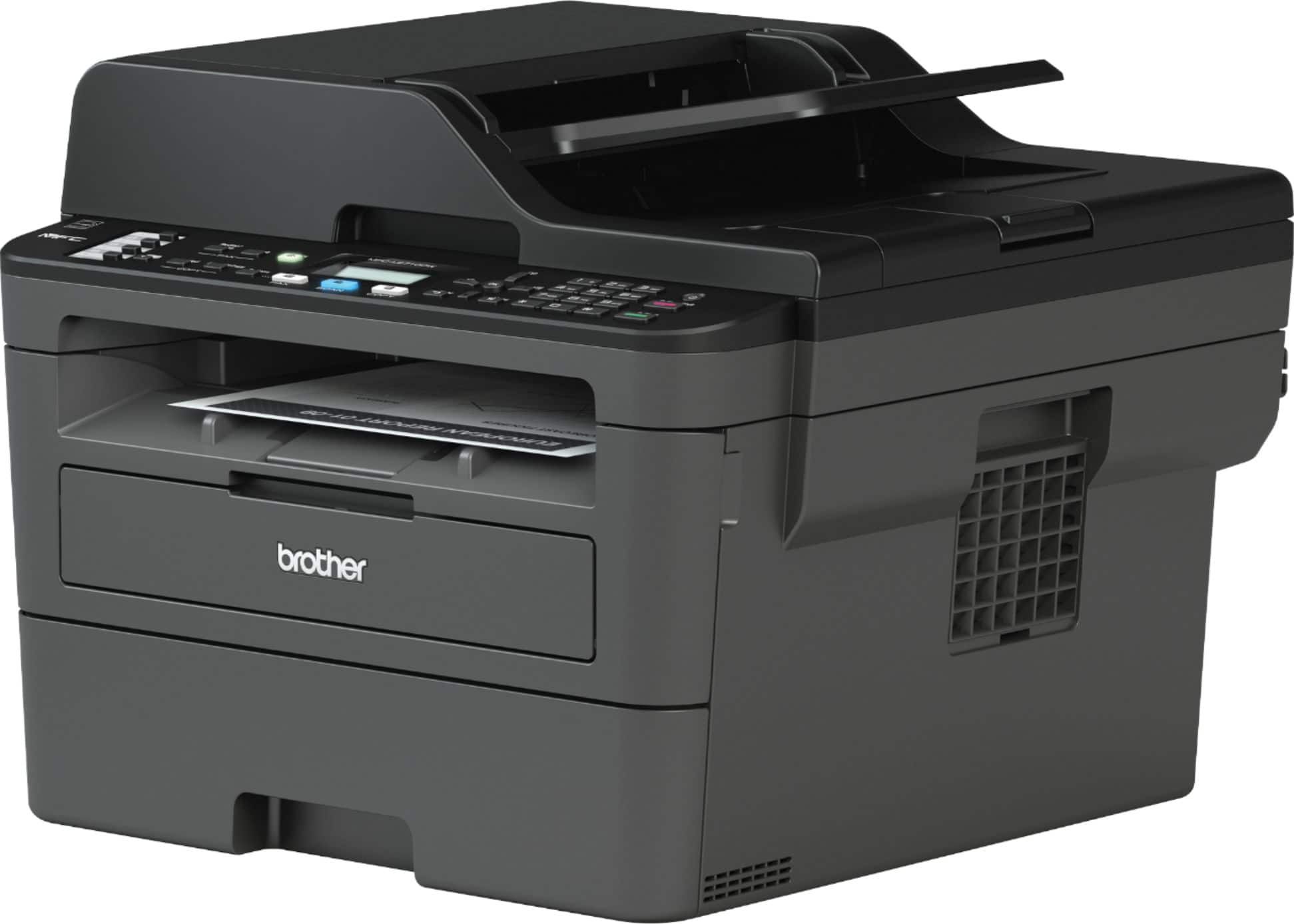
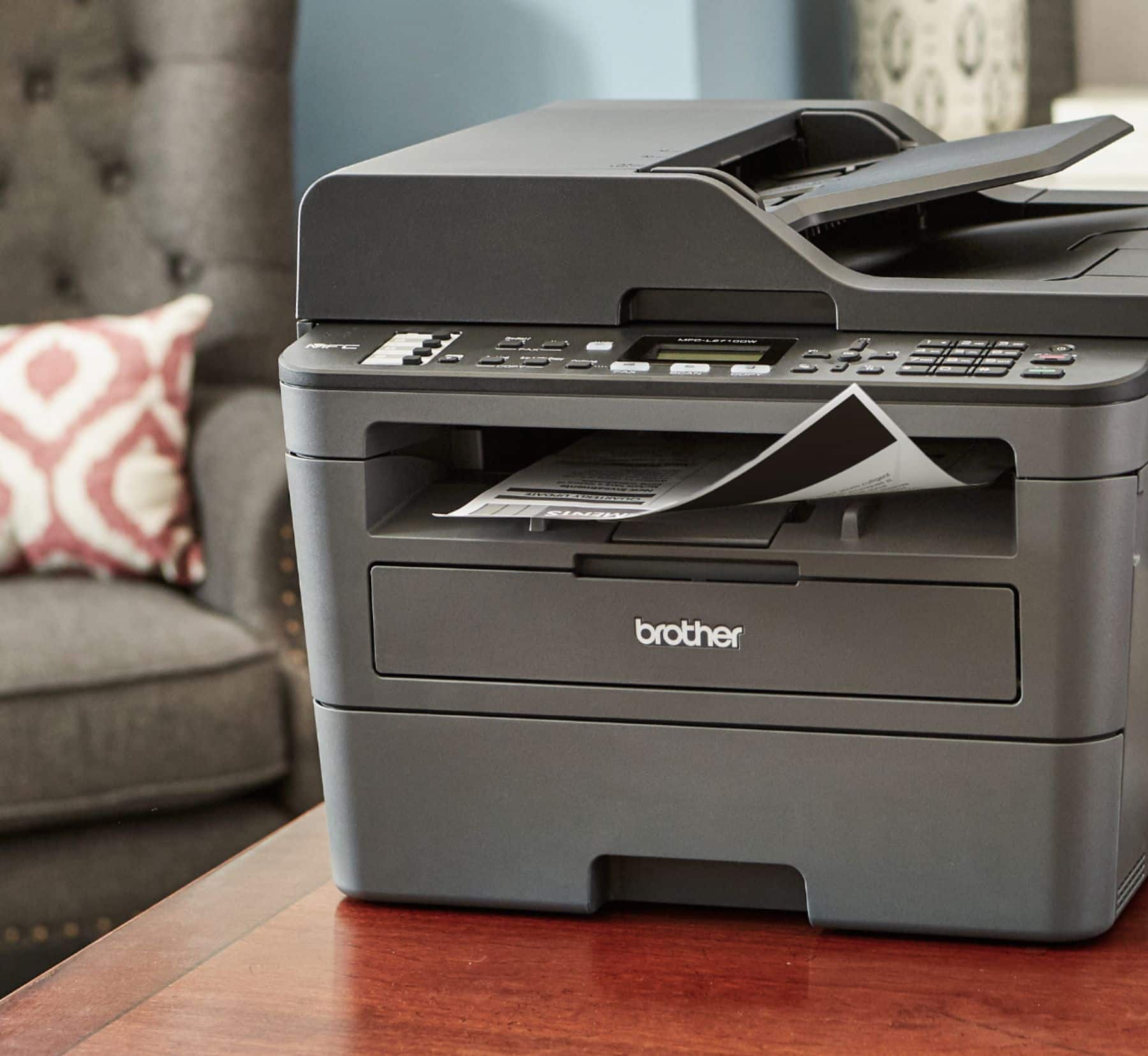
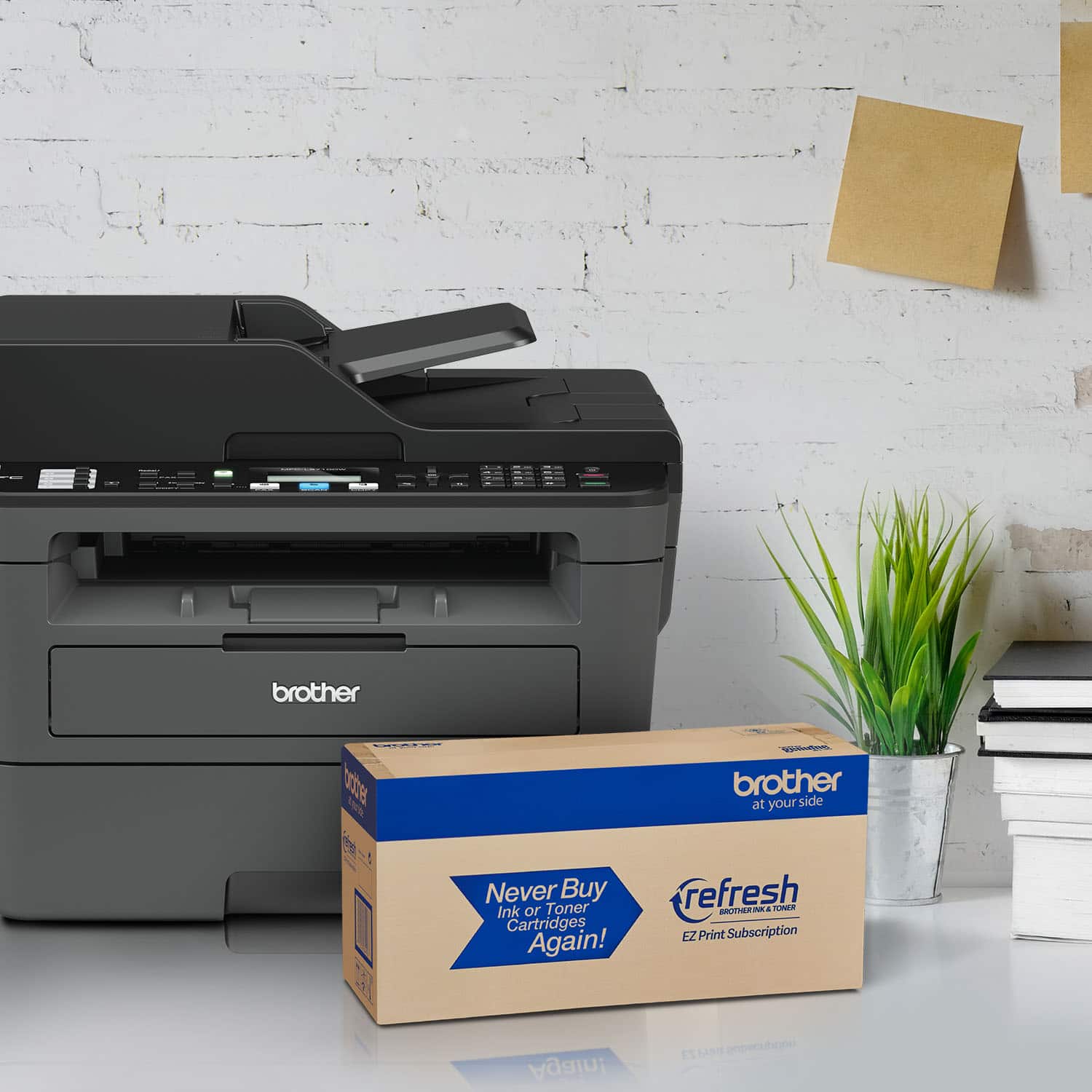
A:AnswerHere's a link to enlarge the print for the Brother MFC-L2710DW.
https://support.brother.com/g/b/faqend.aspx?c=us&lang=en&prod=mfcl2710dw_us_eu_as&faqid=faq00000777_508
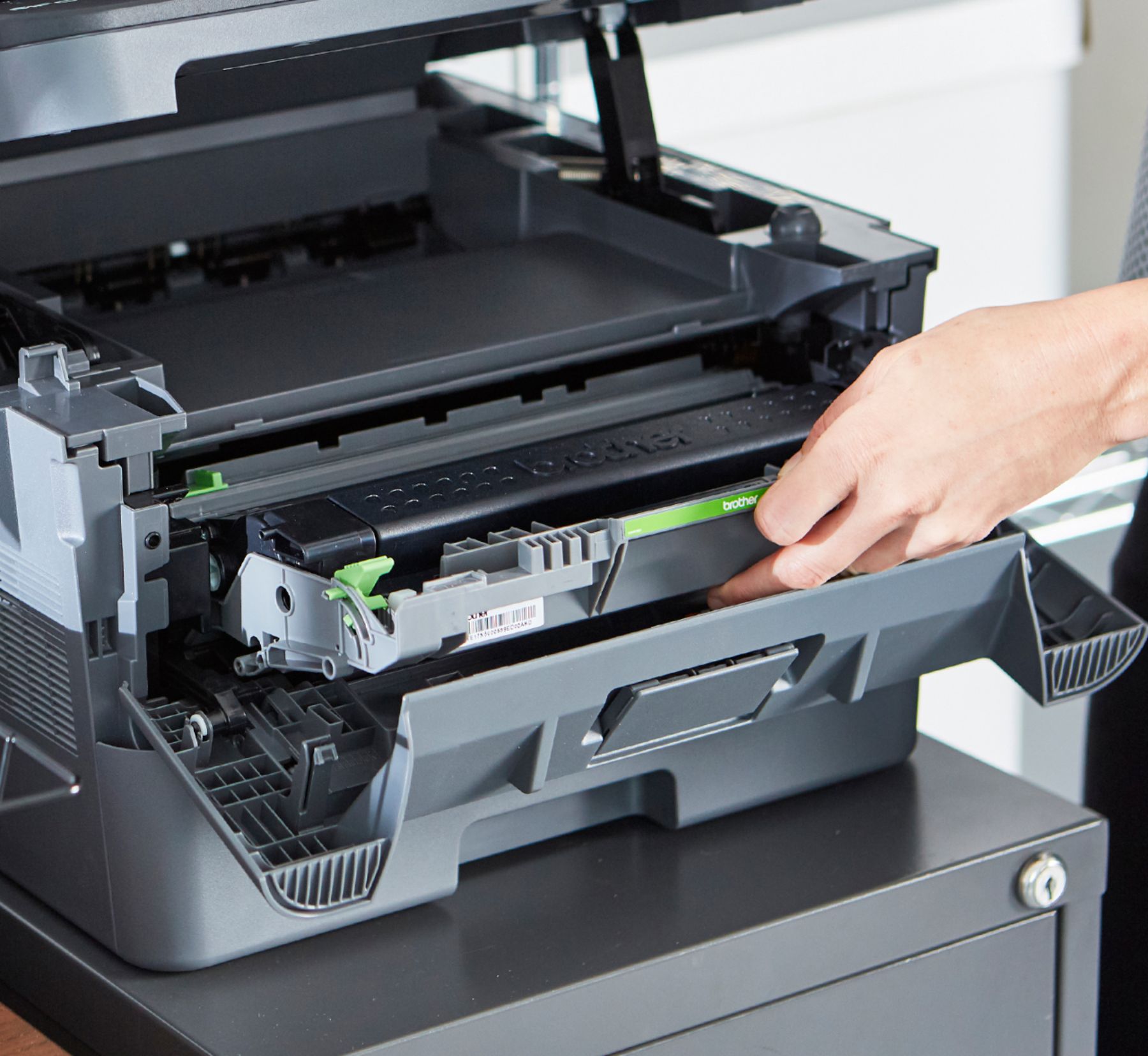
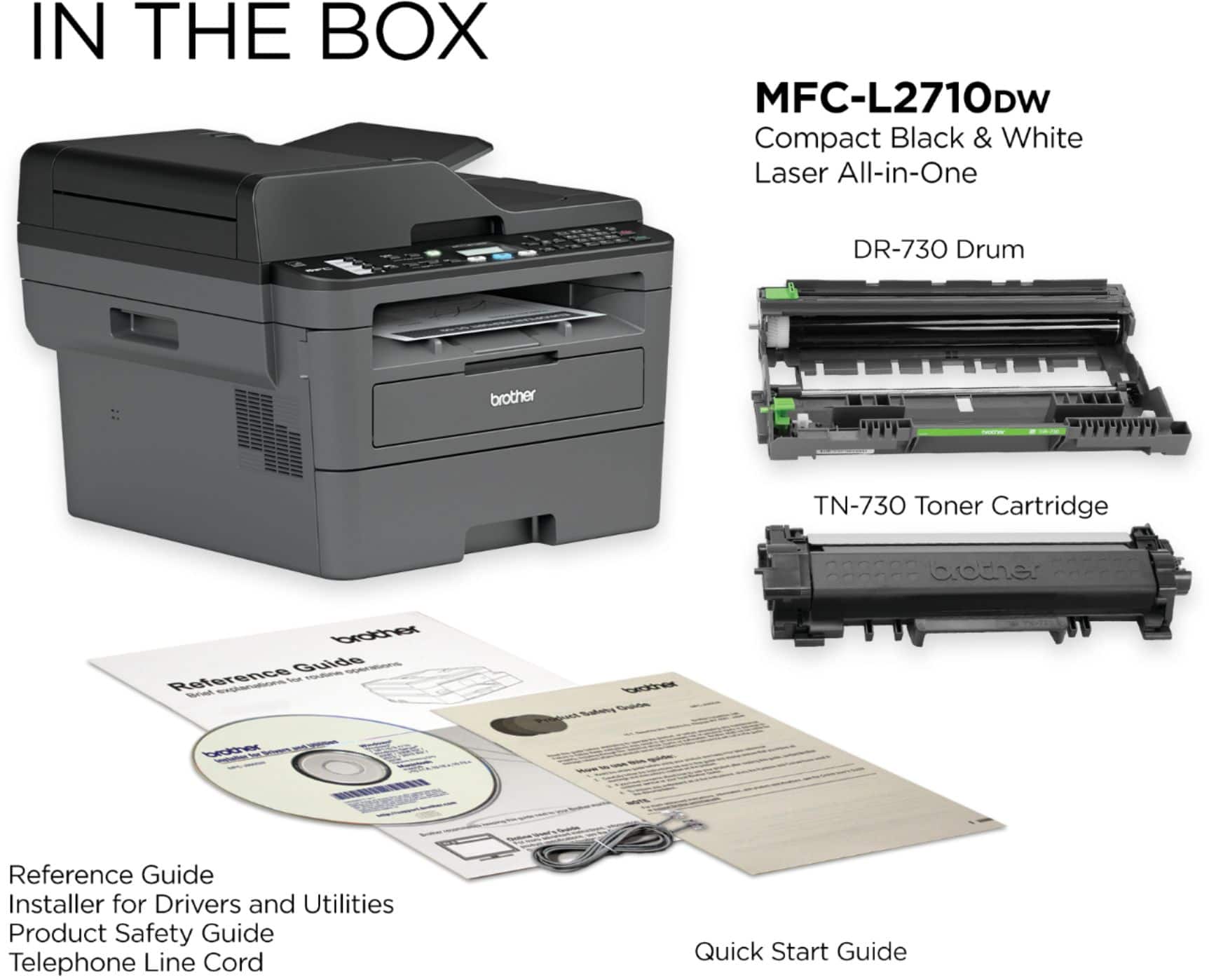
A:AnswerThe MFC-L2710DW uses the TN730 standard toner cartridge which yields approximately 1,200 pages and TN760 high yield toner cartridge yields approximately 3,000 pages. The printer will provide a message to replace drum.
A:AnswerYes, our chat line is available to assist with the your Brother MFC-L2710DW. Click the link below to begin your chat.
https://help.brother-usa.com/app/chat/chat_launch/request_source/8/p/9213/c/9225/chat_data/cmVmZXJyZXJVcmw9aHR0cHMlM0ElMkYlMkZ3d3cuYnJvdGhlci11c2EuY29tJTJGc3VwcG9ydCUyRm1mY2wyNzEwZHcmc3RhdGU9OA..
A:AnswerWe don't currently offer Google Chrome OS-compatible printer or scanner drivers. However, you may print to your machine using the Google Cloud printing feature.
A:AnswerThe Brother MFC-L2710dw has a 0.16 inch (4.2 mm) unprintable border. This will be generally true of all Brother monochrome and color laser products. For borderless printing, consider an inkjet product.
A:AnswerThe Brother MFC-L2710DW and MFC-8710DW are comparable in print speeds and features. The MFC-L2710DW is more compact, designed for home/small office environments.
A:AnswerBrother strongly recommends that customers use only Brother Genuine cartridges for optimal results. Using non-Brother supplies may affect the hardware performance, print quality and machine reliability. The Brother limited warranty may not apply to any problem that is caused by the use of third-party supplies.