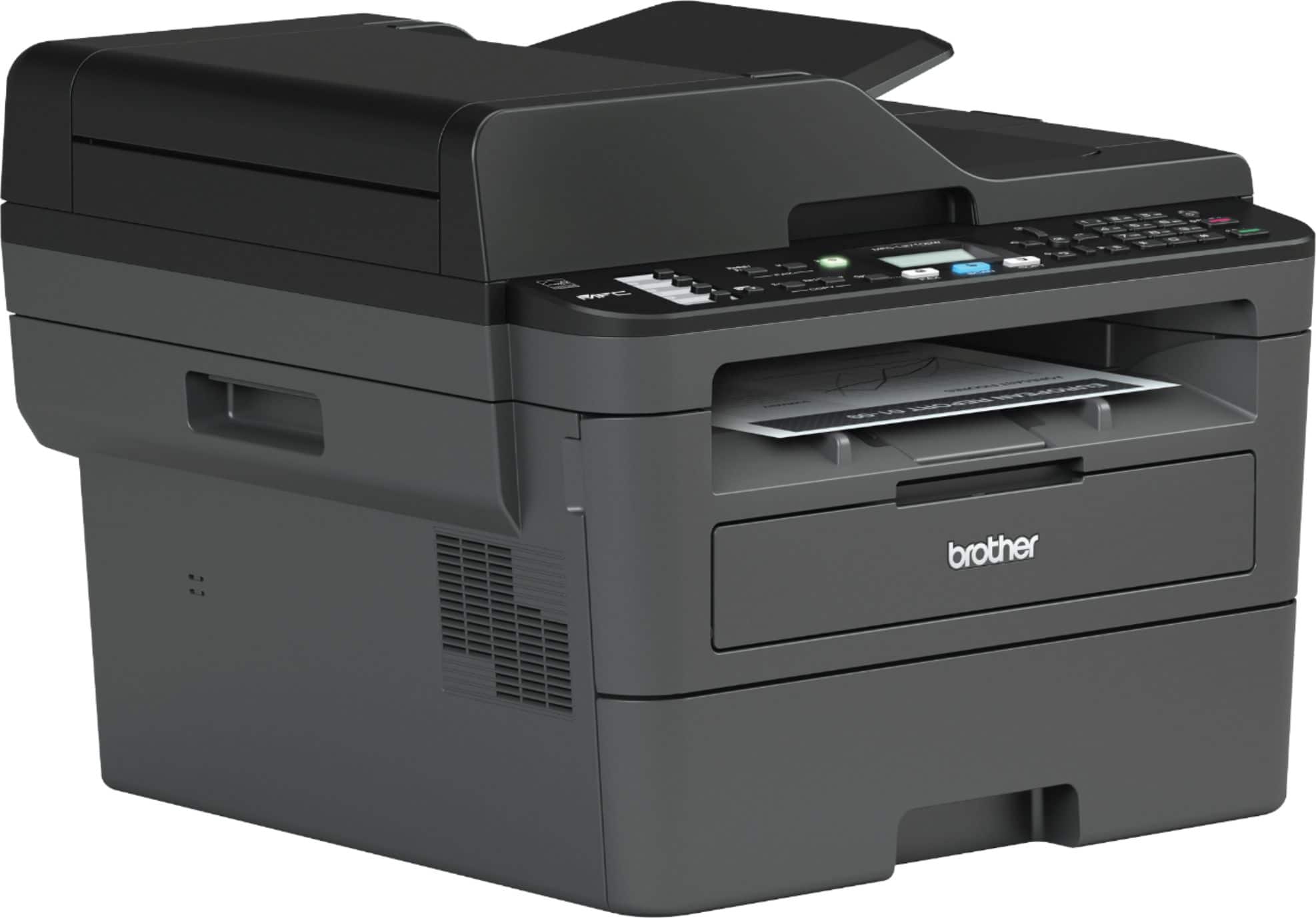
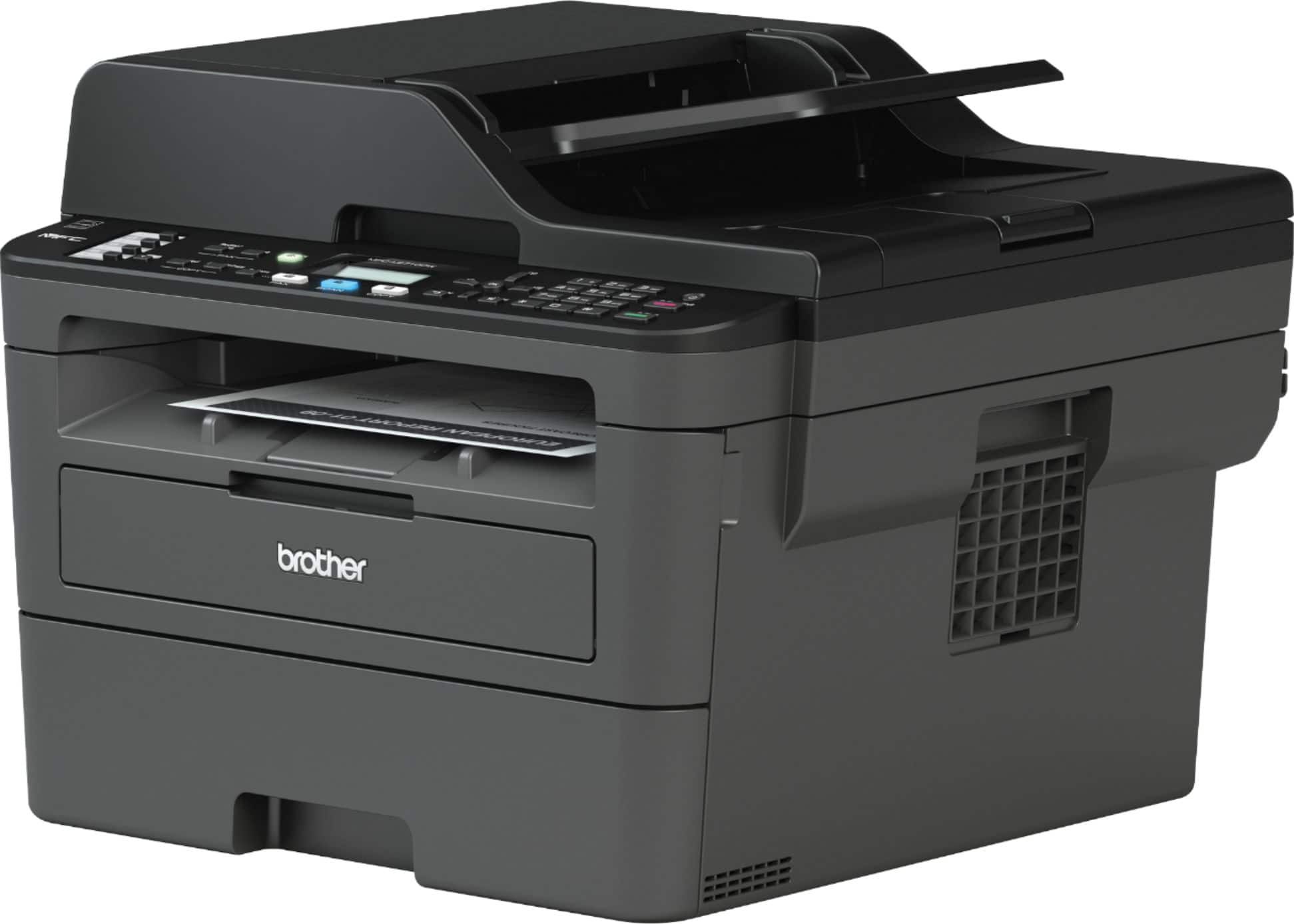
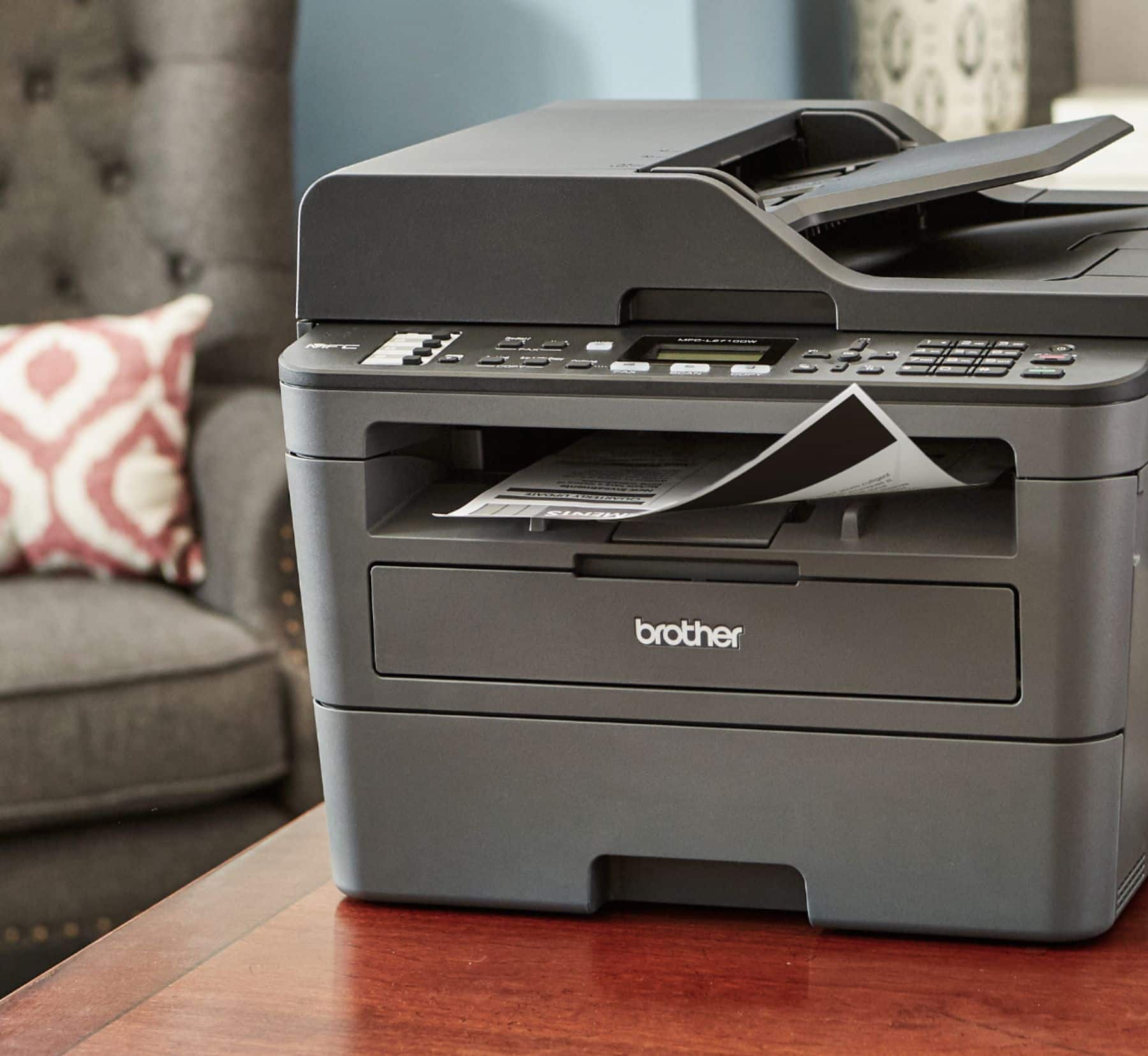
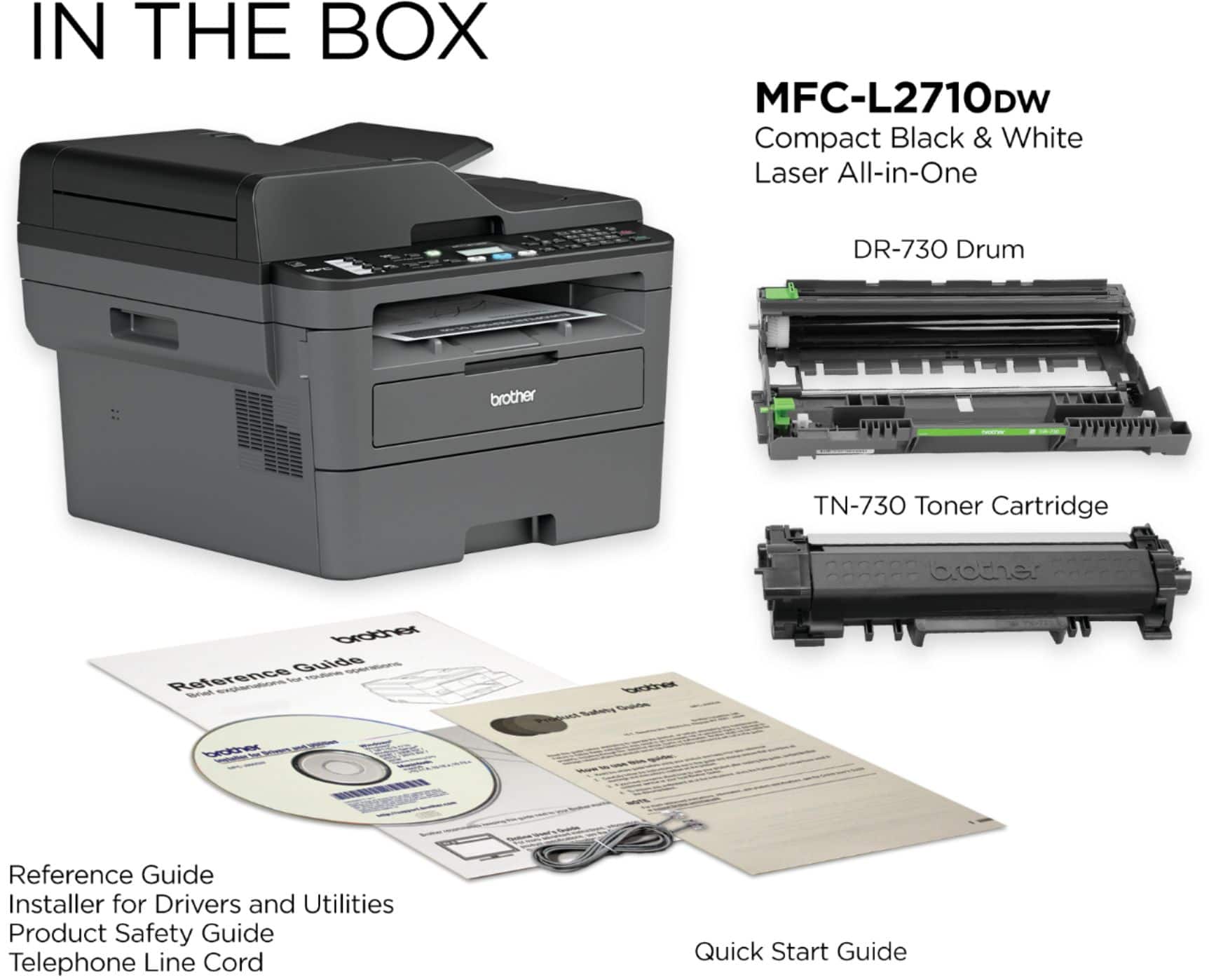
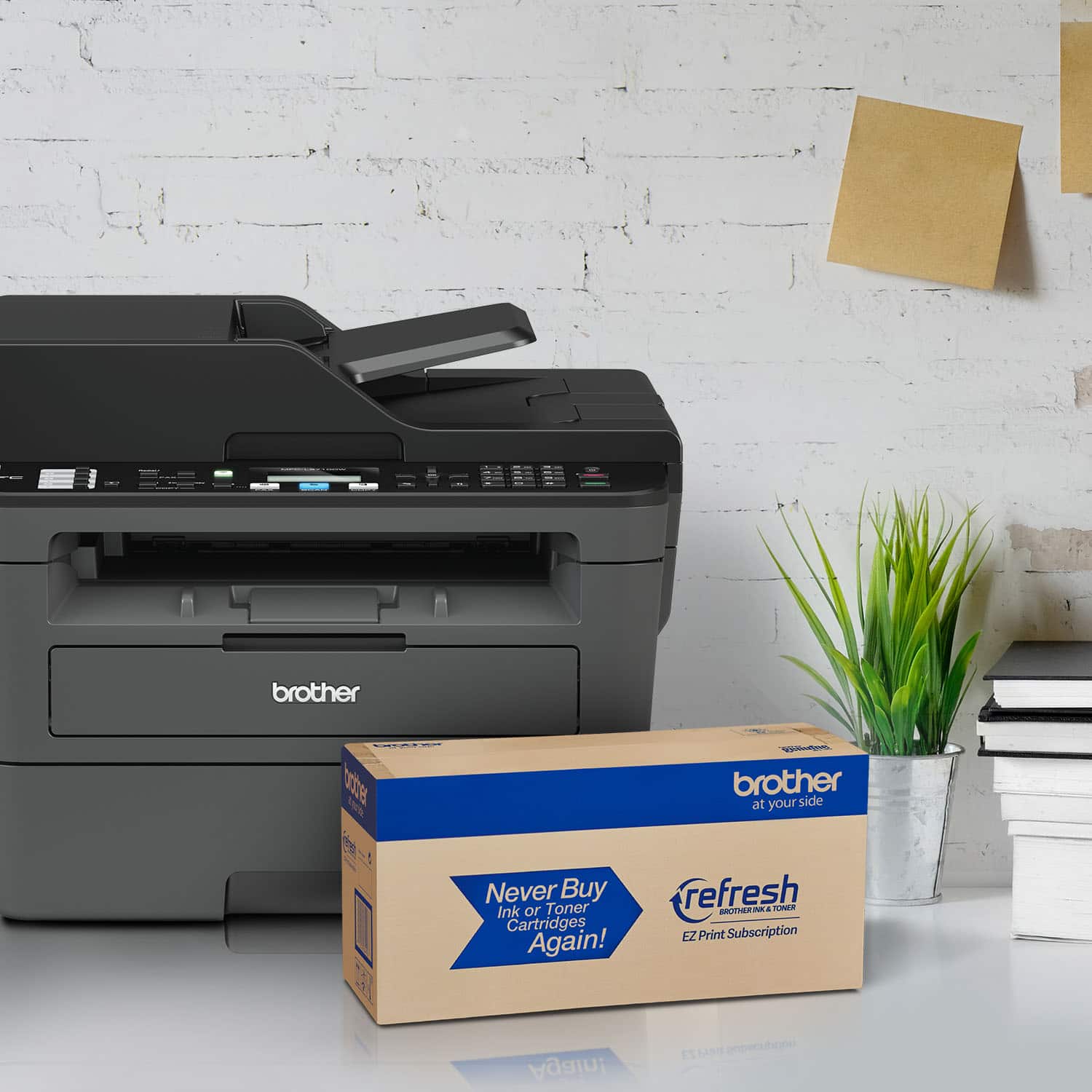
A:Answer The Brother MFC-L2710DW may not work with some DSL, VoIP, or magicJack services. Brother does not guarantee that fax transmission will work over VoIP phone lines (cable systems such as Cox, Charter, Time Warner, Comcast, FiOS, magicJack, and Vonage). Internet traffic can interfere with faxing because VoIP communicates through the internet and not through a standard analog telephone line. The data sent over the internet for fax is digitized into packets, which can cause data loss.
To use your machine to send faxes while using one of these services, connect one end of your telephone cord to the jack labeled LINE on your Brother machine. Make sure to connect the other end of the telephone cord to a modem, interface box, phone adapter, splitter, or other similar device.
Here is the FAQ with additional information. https://help.brother-usa.com/app/answers/detail/a_id/152634?R3ModelID=MFCL2710DW