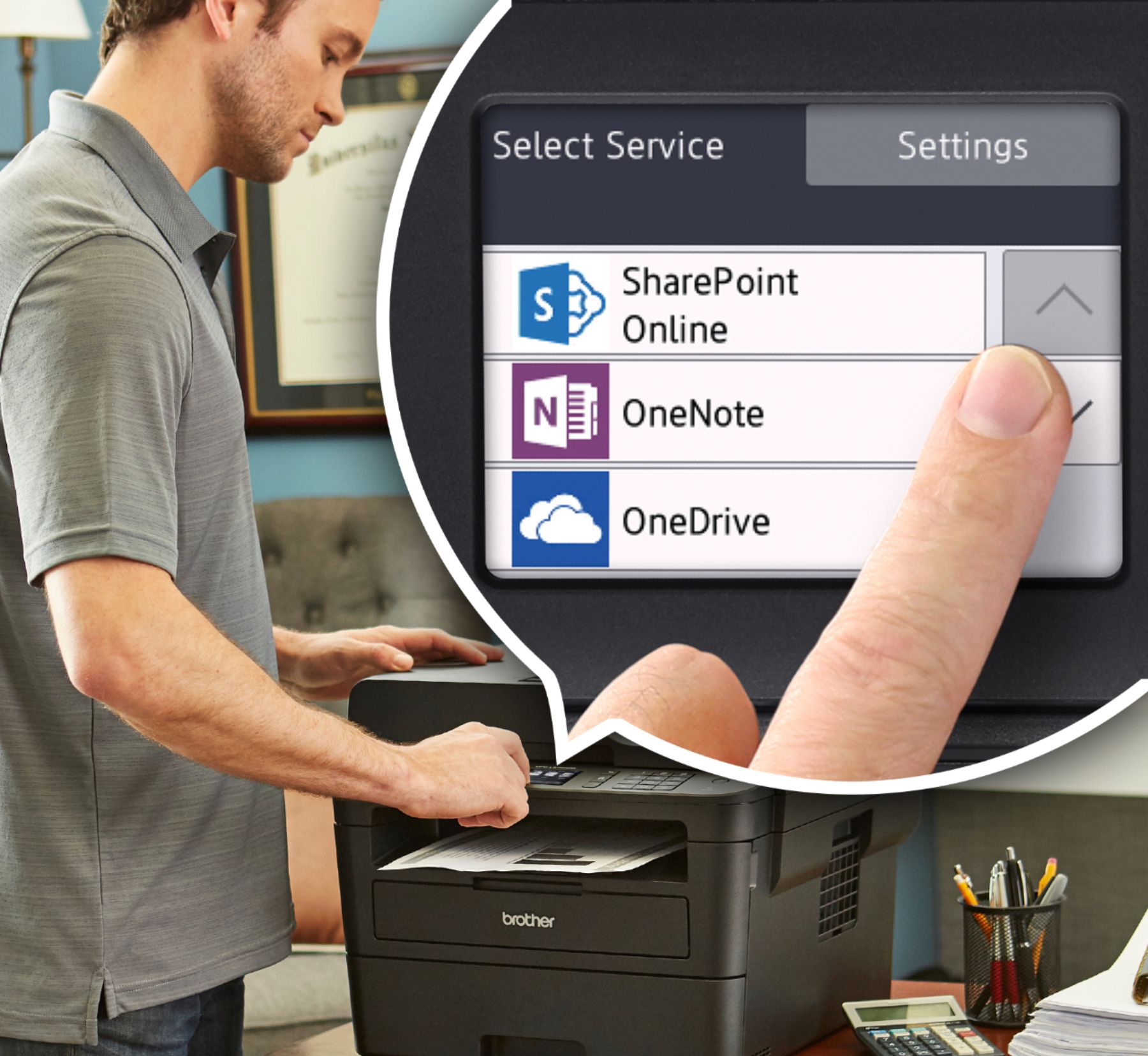
A:AnswerYes, the image of the scanned document will appear on the screen. it will also give you the option to direct where to save the document as well.
A:AnswerThe Brother MFCL2750DW is able to printer differentiate incoming voice call from fax. Faxes will be automatically received and voice calls will start the machine ring to tell you to pick up the line. The F/T ring is a fast double-ring made by your machine. The machine can print out the fax or save it on your computer depending on your preference.
A:AnswerGo to the Brother Website and put in your printer Model Number. A list of software programs will be available. Download the full installation program and now you have all the software for the machine.
A:AnswerThe Brother MFCL2750DW does support printing from iPads and older iPhones. Your Apple device must be running iOS 4.2 or later to be able to print.
A:AnswerWhen using Control Center 4, click the scan tab, click the file tab, the scan settings dialog box appears and select the PreScan check box for previewing and configuring the scanned images.
A:AnswerFor this machine it may print different forms of paper and copies but considering it malfunctions when doing the simplest copies I wouldn’t chance it. Also I find laser printing with this printer while cheaper to operate than ink jet the quality of print is much less. Colored ink jet is more expensive as far as ink is concerned but the quality is much higher.
A:AnswerPick your product and then follow the set up directions http://support.brother.com/g/b/midlink_productcategory.aspx?c=us&lang=en&content=ml&site=pc&orgc=us&orglang=en&targetpage=23
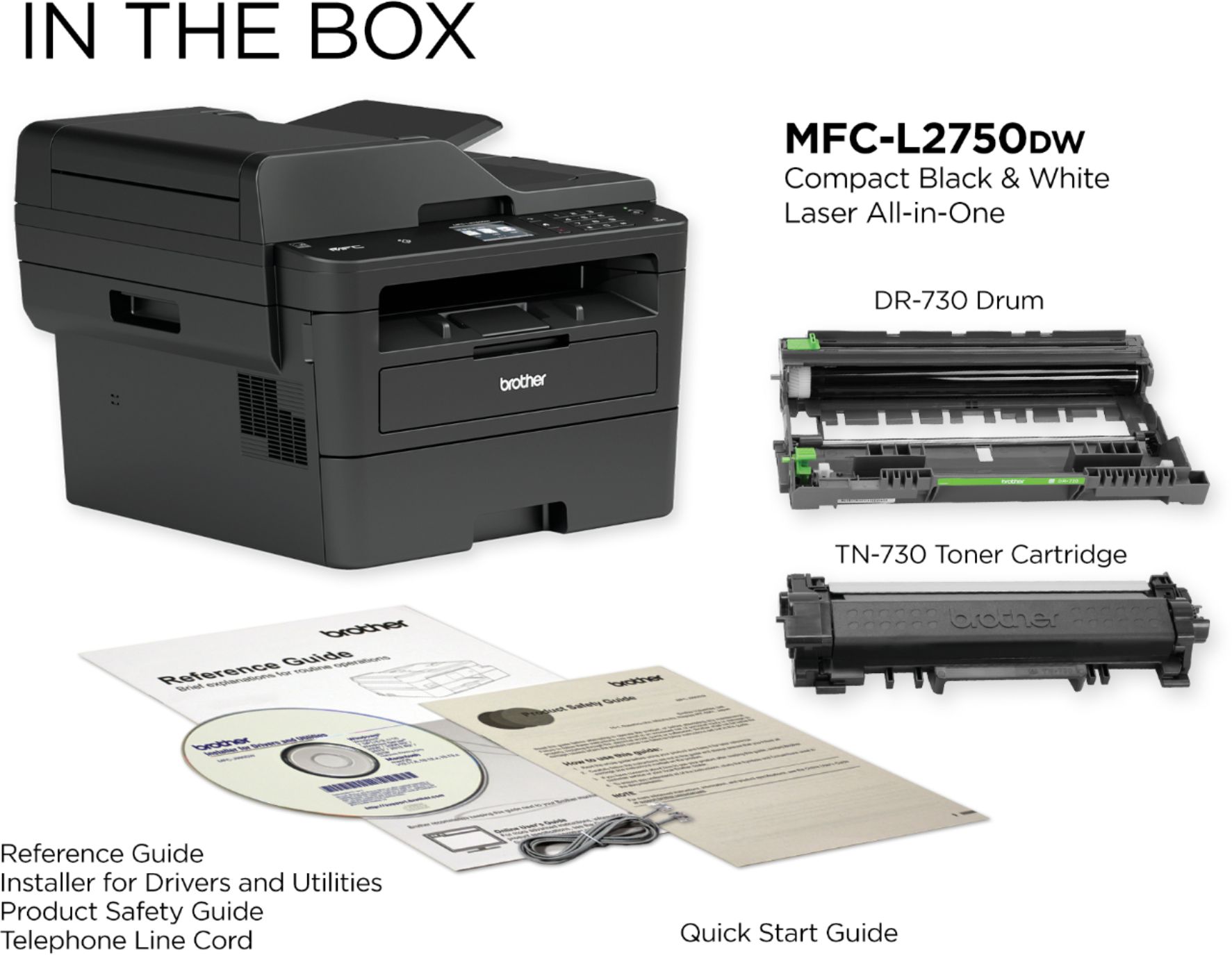
You should also have a set up cd.