Questions & Answers
- Model:
- PT-P700
- |
- SKU:
- 10955253
$107.16
Page Showing 1-5 of 5 questions
Q: QuestionI have already my UPC code bars, would it print exactly how the codes are or would it add something extra ?
Asked by Miguel.
- A:Answer The Brother PTP700 machine will print the barcodes as designed, it will not add any extra data.
Answered by Brother

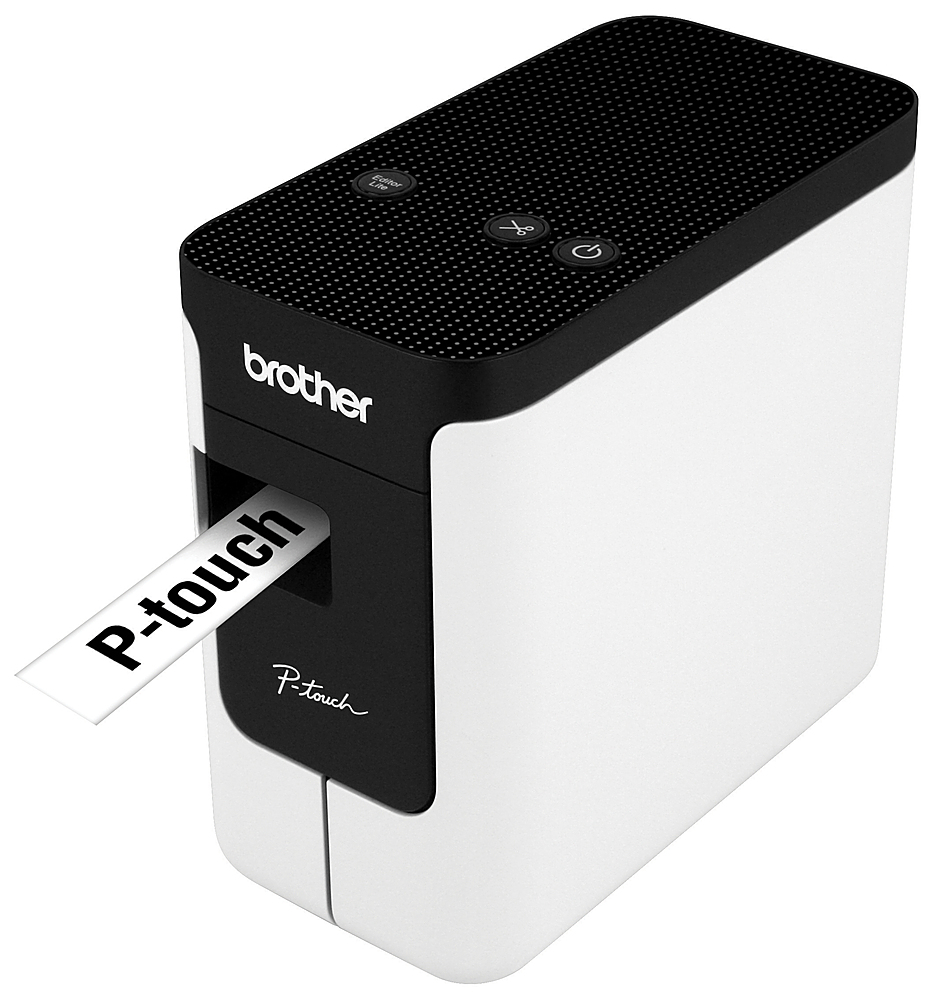
Q: QuestionCan you use this as a handheld (have a keyboard for input) or only use with computer?
Asked by Mickey.
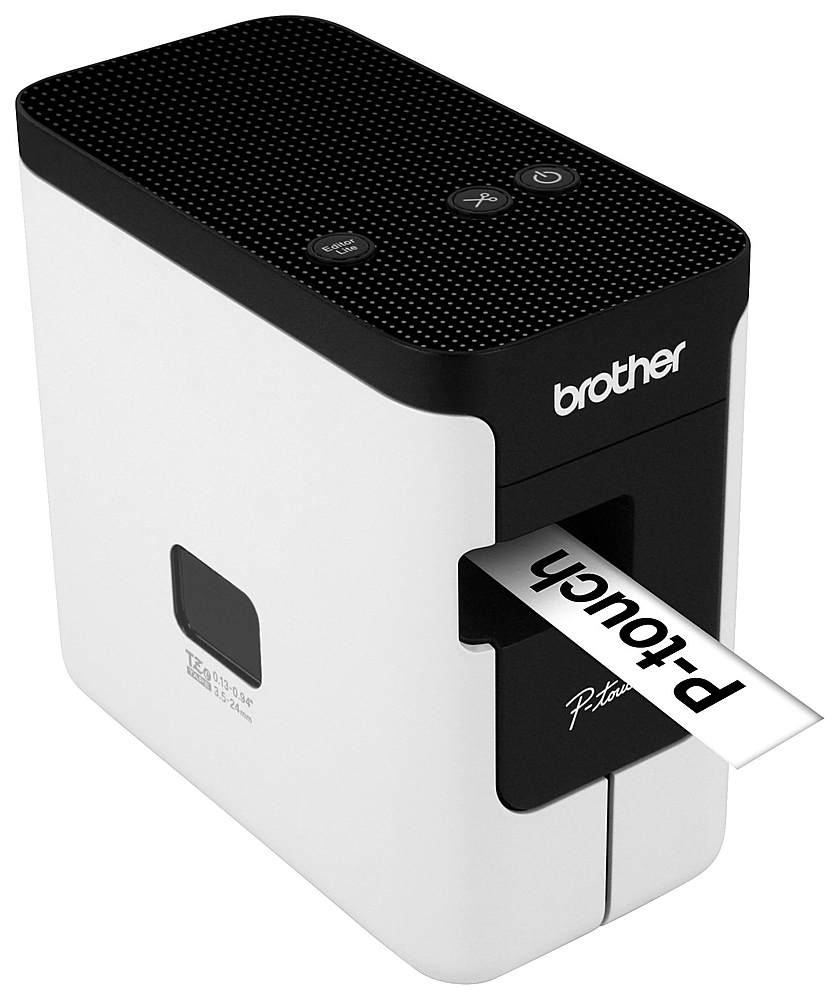
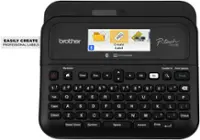
- A:Answer Only with a computer, there's no keyboard on the device
Answered by Tyler
Q: QuestionReferring to the brother label printer PT-P700 - Can you print 1 single label? Do you have to use a certain label? If so how much do they cost a roll?
Asked by bandito9016.
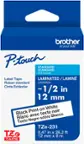
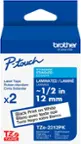
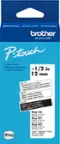
- A:Answer Yes you can print a single label. It only uses tape made for this label maker and it is fairly expensive, but then not many labels of any type are cheap. Google PT-P700 and you will see where others have tweaked the defaults settings to get it to waste less tape between labels.
Answered by Knightimereader
Q: QuestionIs there a driver that allows me to print directly to the printer, or do I have to use the supplied software application? I want to integrate this with a MS Access project that I'm building, and print directly from my Access program to the printer.
Asked by Farmgirl97756.
- A:Answer Yes, there is a driver available to use the Brother PTP700, you can download the driver in the Brother support web site at https://support.brother.com/
Answered by Brother

Page 1, Showing 1-5 of 5 questions