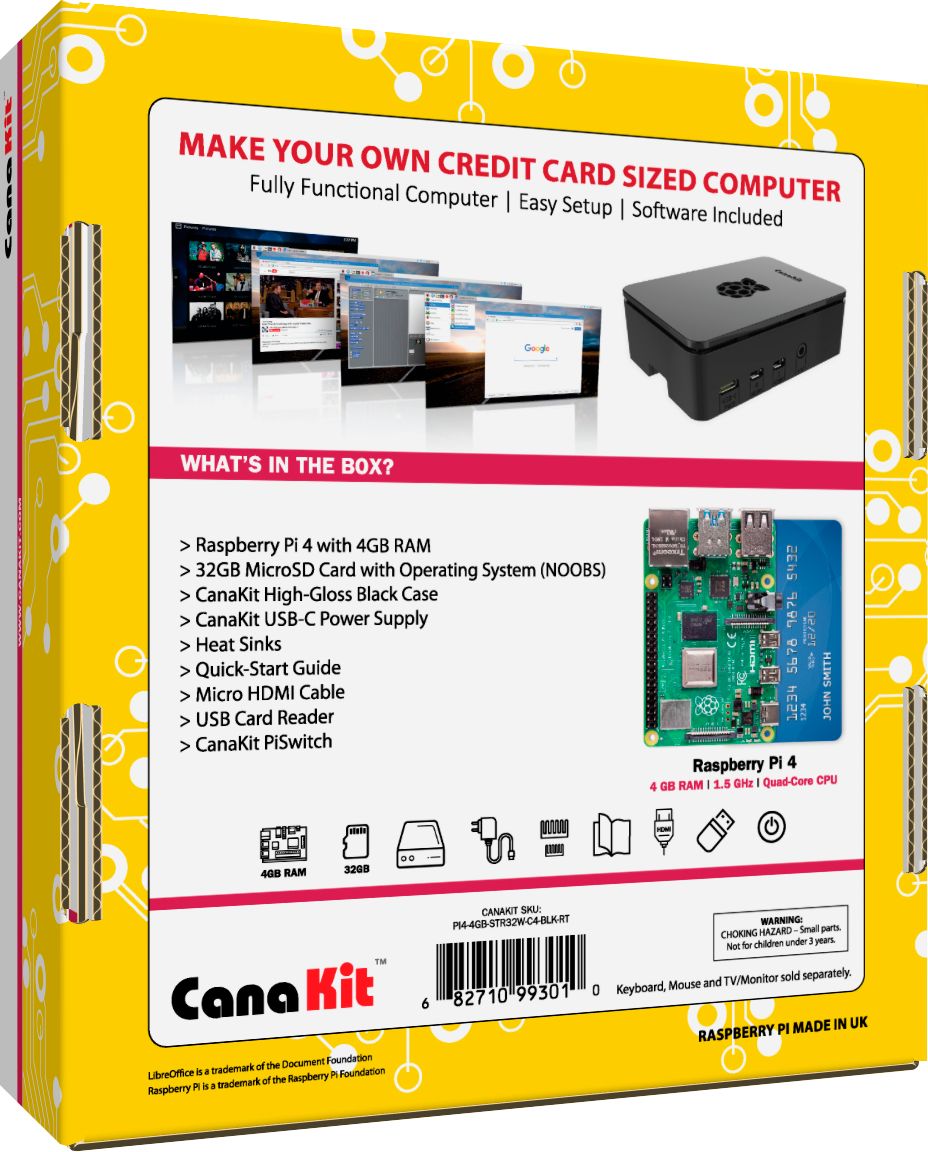
A:AnswerIt comes with a microSD card preinstalled with NOOBS which gives you a selection of (mostly linux based) operating systems to choose from. There is a Windows IoT OS for raspberry pi but it's probably not quite what you're after. It is apparently possible to get a full Windows 10 desktop experience on a raspberry pi 4 through the Windows on Raspberry project but at first glance it doesn't seem like a straightforward process like installing windows on a standard x86_64 system would be - and one of the requirements is a computer running windows 10. While possible, it's probably not easy or practical.
A:AnswerYou'll need to do some web searches for exactly how to do it, but yes it can be done. You may need some extra components that may not be available through Best Buy though.
A:AnswerSo not sure what you mean by connect to an iPad Pro. Essentially the Pi is a small Linux base computer that can be used for a variety of projects and applications.
All though your question did lead me to do a quick search on using an iPad as a display for a Pi, I never thought about doing that but it is an interesting concept that I might have to explore. Here is a link to a blog post on just such a project.
https://www.raspberrypi.org/blog/connect-your-raspberry-pi-4-to-an-ipad-pro/
Good Luck! and if you do get a Pi have fun with it.
PB
A:AnswerJust so you know, you cannot write to the SD Card like you do a regular hard drive. Over time it will fail so it is best to use the SD Card just for the OS and then use an external drive for data like backups as was mentioned in the original answer
A:AnswerI just happened to come across this question (very late but if you are regaining interest then here you go!) This kit does not come with a touch screen monitor for the raspberry pi4. There are however, many touchscreen products that are compatible with this product on the market. A quick search should bring up multiple products with compatible drivers that you can use, as you can not just use any touch screen product.
Hope this helps!
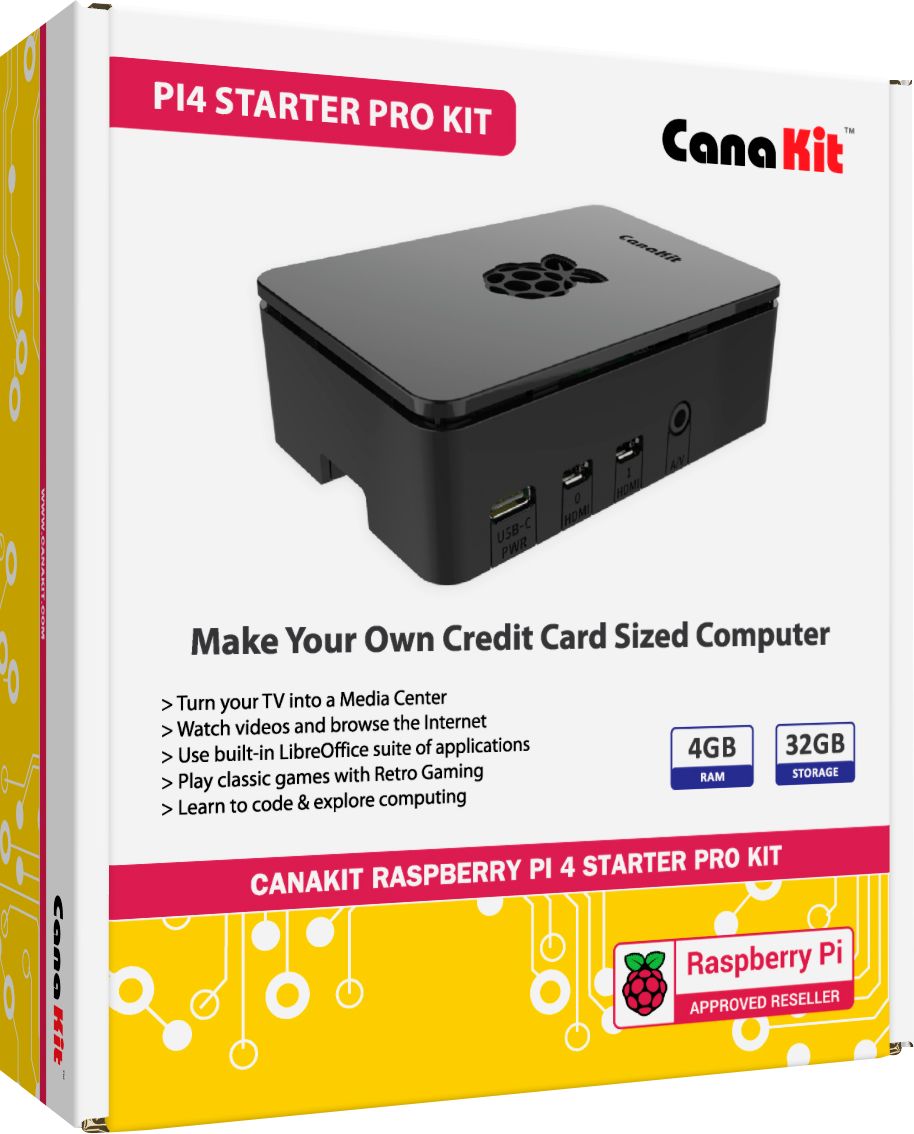
A:AnswerStandard keyboard/mouse will work fine though you may need a USB hub: touchscreen accessory options are available with varying specifications, just plug a query into google or your preferred search engine
A:AnswerYes. I purchased the 64 bit version. Works great. Runs smooth and has good response time. Hard to believe something that small has the speed and response of a laptop or desktop. I keep it plugged into my 60 inch tv and use it almost every night. Easy WiFi and Hotspot connections also.
A:AnswerYes, this Raspberry Pi can connect to Wi-Fi and it can also be programmed to do just about anything. There are multiple tutorials online as to how to turn a pi into a Wi-Fi hotspot server.