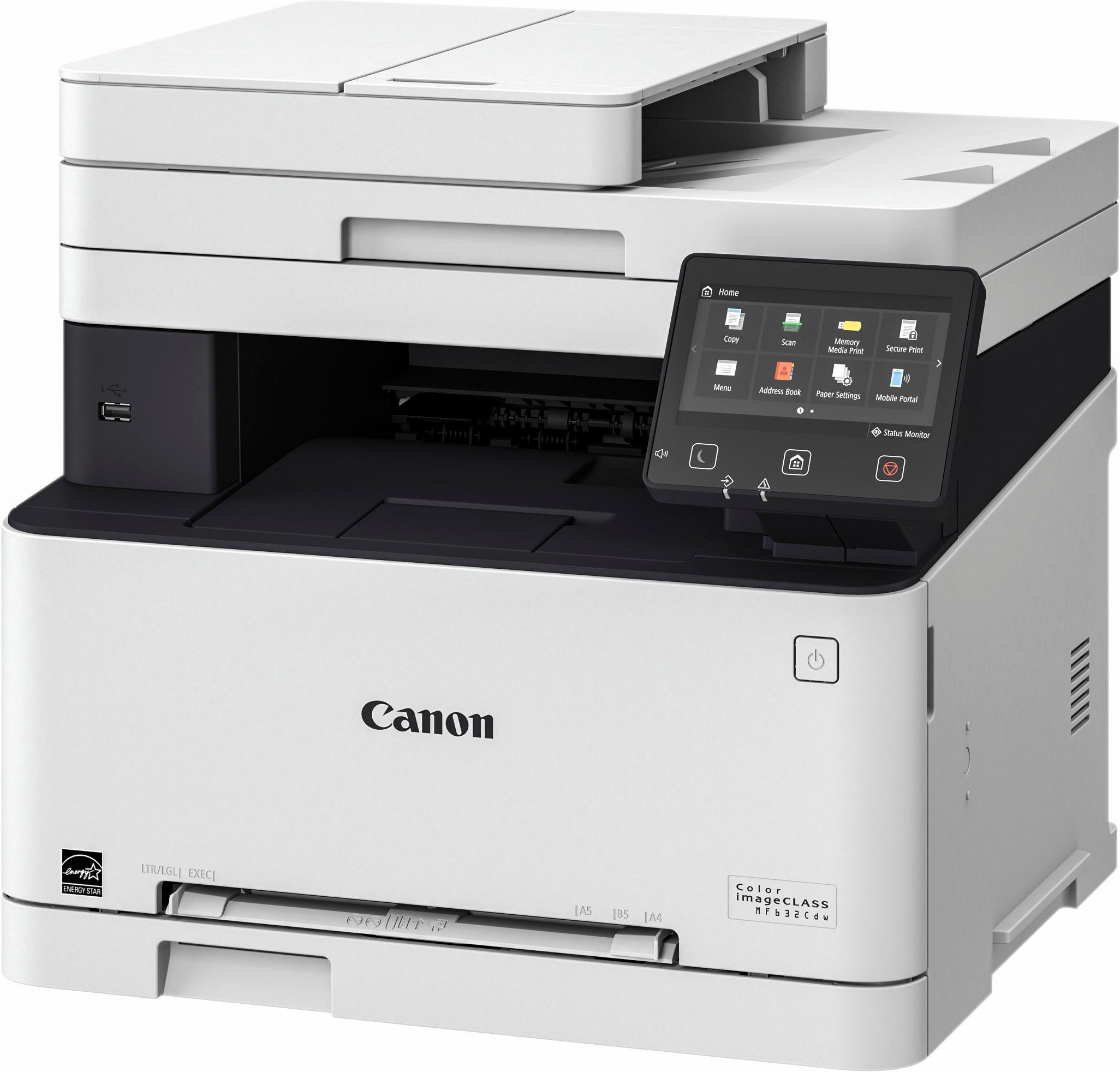
A:AnswerThis is dust cover. When you print using legal sized paper, the tray must be extended via a blue button labeled LGL just inside the tray. This will cause the paper tray to stick out. So after extending the tray and loading legal stock, you then can install the dust cover before sliding the tray back in.
A:AnswerHi I am having the same problem with 110lb paper
it works fine with other paper but I need to print on this card stock and it keeps getting jammed and smudged
A:AnswerYes, you can still print just in black even after other colors are drained. The printer alerts you and you just select to continue printing. The life of the black toner is much longer than the printer will indicate. Just keep on going until you visibly see the quality is less than you like and then replace it.
A:AnswerIn the hundreds of dollars per month if you're printing color copies like me. Each SET of cartridges is only good for about 200 prints, and each toner cartridge (there are 4) is between $70-90. I have never seen a more expensive printer to operate.
A:AnswerThe Nameplate specification is 4.1amps, I put my "kill-o-watt" meter on it. It measured 5.4 amps very briefly during startup, (1-2 seconds) then it dropped to 0.2 amps (sleep mode) . Printing surged to 5.8 amps, then quickly dropped to around 4 amps during the rest of the process.
As a comparison... a modern LCD big screen TV uses 1-2 amps, and a 2 slot toaster uses roughly 8.5 amps. If the circuit that you are using is already heavily loaded, then yes, one could pop a breaker.
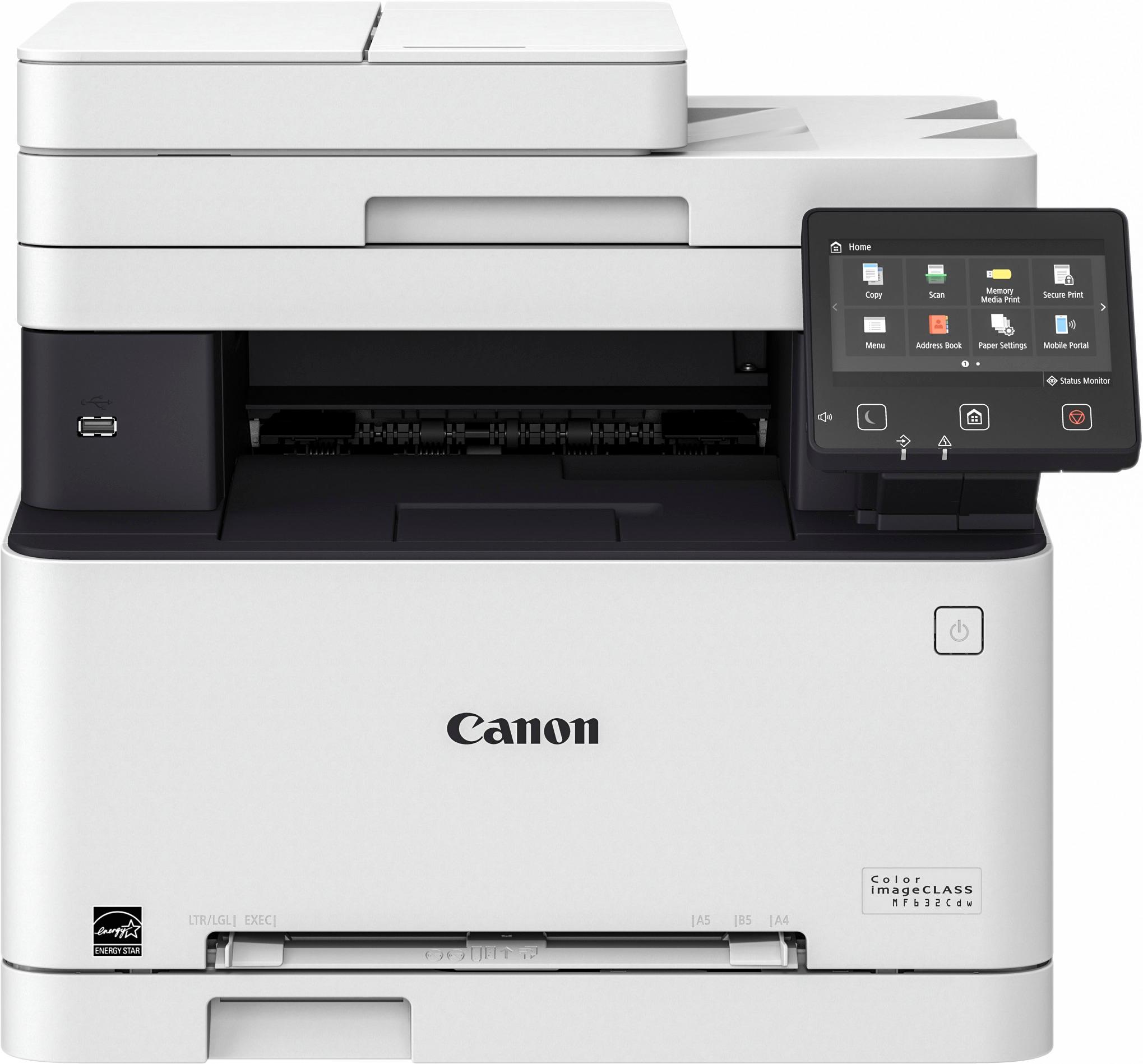
A:AnswerIf your computer and printer are setup and you can send a print job from your computer to your printer successfully, on your computer, simply go to the printer and select scan. You will be presented with options such as save folder and location of original
A:AnswerThis printer is for high volume, so the toner lasts a significantly longer time and quantity of prints than a standard ink cartridge. Printing only in black does, however, seem to slightly drain the other colors slowly also over time, but not by much. I've printed 3857 pages (3300 black only) and I am on my fourth black toner and replaced the yellow once, so I estimate about 1000 pages per toner.
A:AnswerI could not be happier with this printer. It starts up fast and prints with minimal delay. I replaced a Samsung that took a long time to warm up and print. The Canon is so much nicer and the toner replacements compared to the Samsung are priced much lower. Further, the toners are stocked at Best Buy.
A:Answeryes it prints well it scans to a USB drive well. We have not figured out how to make it scan to email yet. Setting up the scan to email function is not very intuitive or user friendly.
A:AnswerYou can print envelopes, you set them up inside the tray, then set up on the printer's properties in your computer before you hit print and the size and that you are printing envelopes and it will print. Love this printer.
A:AnswerThe reason why I bought this printer is because the previous Canon printer I had, I was using 3rd party replacement cartridges and it started streaking, printing awful and voided the warranty. I bought the new Canon printer because it was easier to purchase a new printer than dealing with the hassle of trying to locate, schedule and wait for a service technician to come out. I highly recommend using ONLY Canon toner cartridges. They are comparable in price and they won't void the warranty.