A:AnswerIt has a 3.5mm microphone input jack, and HDMI ouput which is audio and video.
It also has a micro usb 2.0 port I have used as a webcam & PC/Android control that may also output audio, but I cannot confirm at this time.
No other audio I/O that I know of.
A:AnswerThe lenses included aren’t very fast, meaning the aperture isn’t very large, so it’s very difficult to shoot video at night. On the other hand, if you’re using it for photography then setting up a slower shutter speed can help with that.
A:AnswerThe best feature of this mirrorless camera is that what you see is what you get, no guessing what the photo will look like.
the viewfinder, and display show what the actual photo will look like. no guessing, and having to take 20 pictures unless you just want to.
Smaller frame size. a plus to some, a minus to others.
A:AnswerI am from the old school days of film and have always believed that if you want to take a still picture you used a still camera and if you wanted to take a video you used a video camera. Canon makes some really great video cameras for shooting a girls basketball game which would give you far better results than with a still camera. Also the battery on the M50 is not super powerful so I would not think that you would be able to get a full game on one battery. You probably need at lest one or two spare batteries to accomplish your goal. Also you would need a large capacity SD card to record the game and maybe a spare at that as well!
Seriously, I would look at the line of Canon video cameras where things would work better for you because the camera was designed exclusively for video, not a hybrid type of camera. Hope this helps you. Good luck!
A:AnswerKeep in mind that cameras with a video function have a time limit on video recording. The Canon site does a very good job of detailing what those limits are for this camera.
Also note that the batteries in this camera are not made for long form video. Thus, if you are contemplating recording a ceremony longer than about 30 minutes, you will not only run into the programmed limit on recording but you will likely deplete the battery at about the same time.
Considering the price of this camera, a video camera made expressly for the functions you desire may be a secondary purchase.
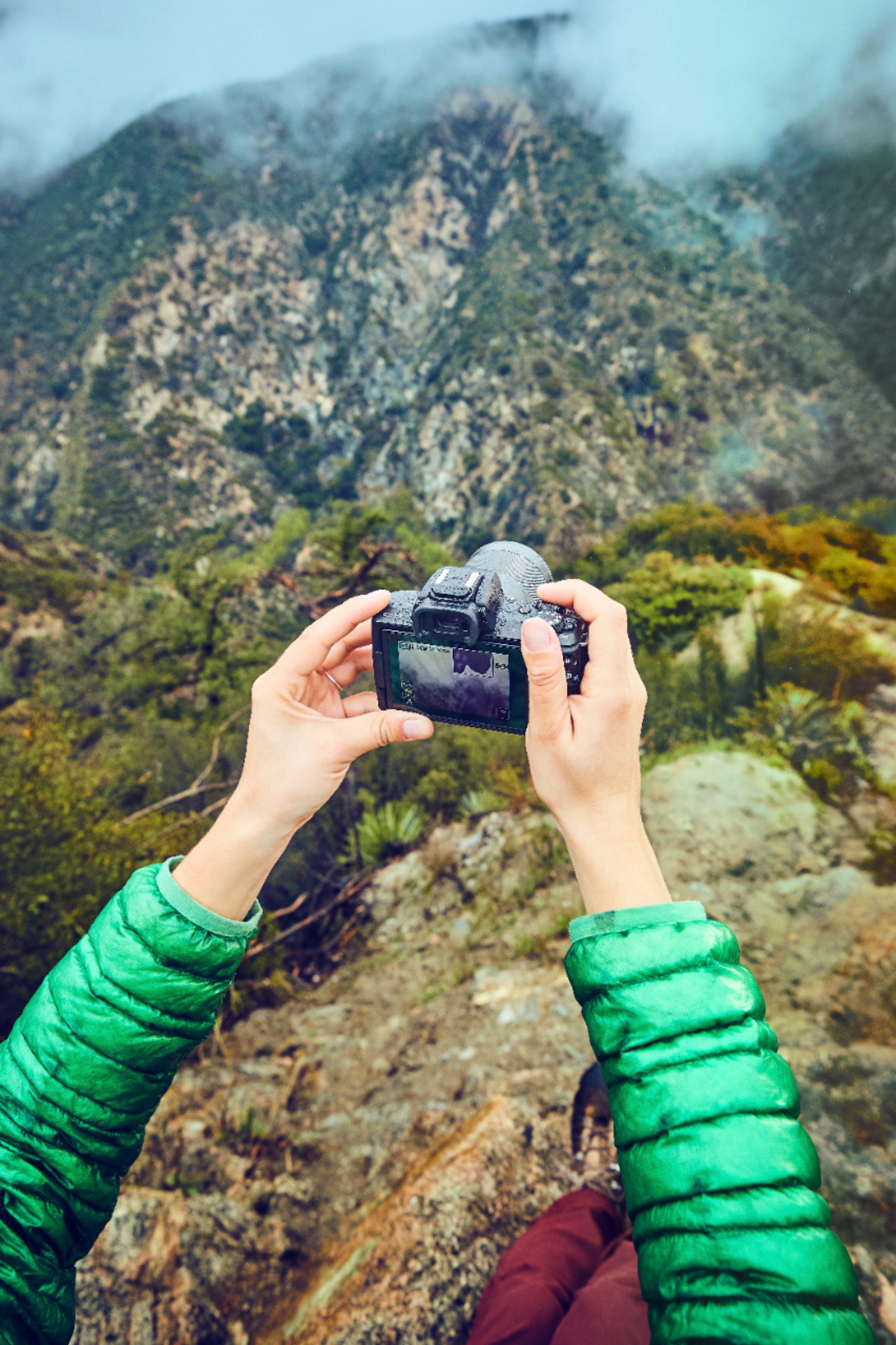
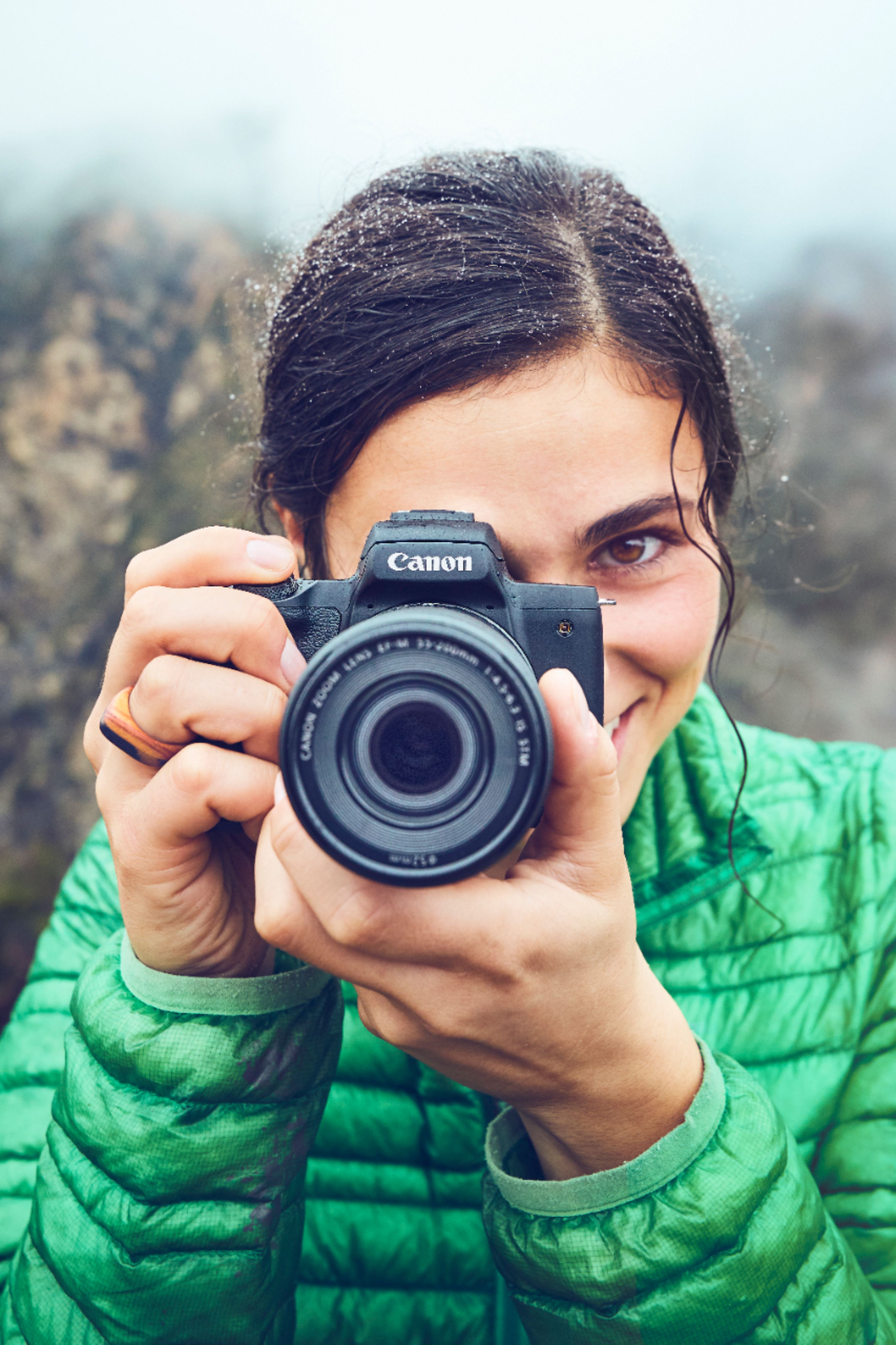
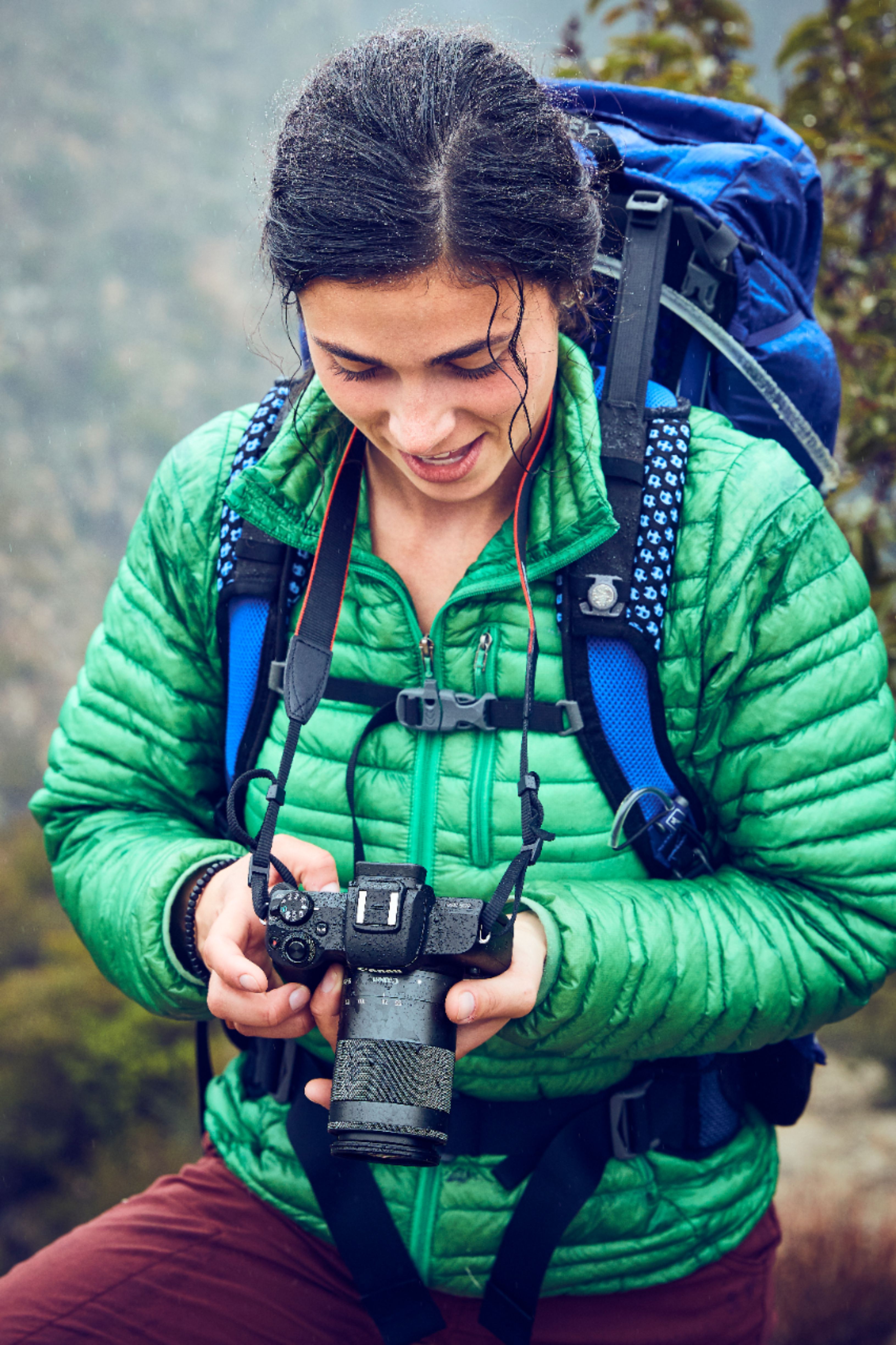
A:AnswerI just recently received my camera this Monday and our area haven't had rain so I can test it for myself but I am hoping it's actually the same as it's described on the advertisement picture.
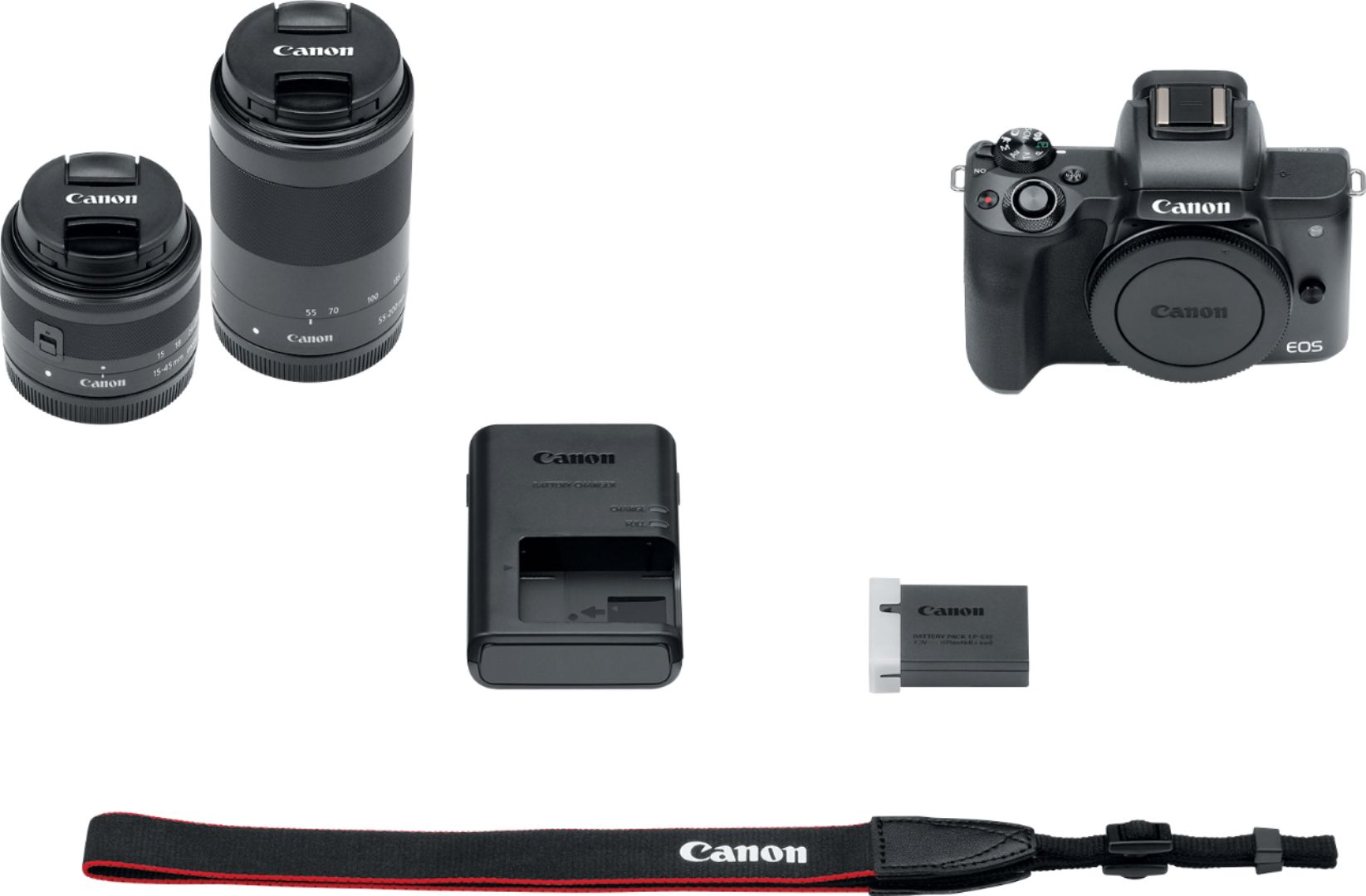
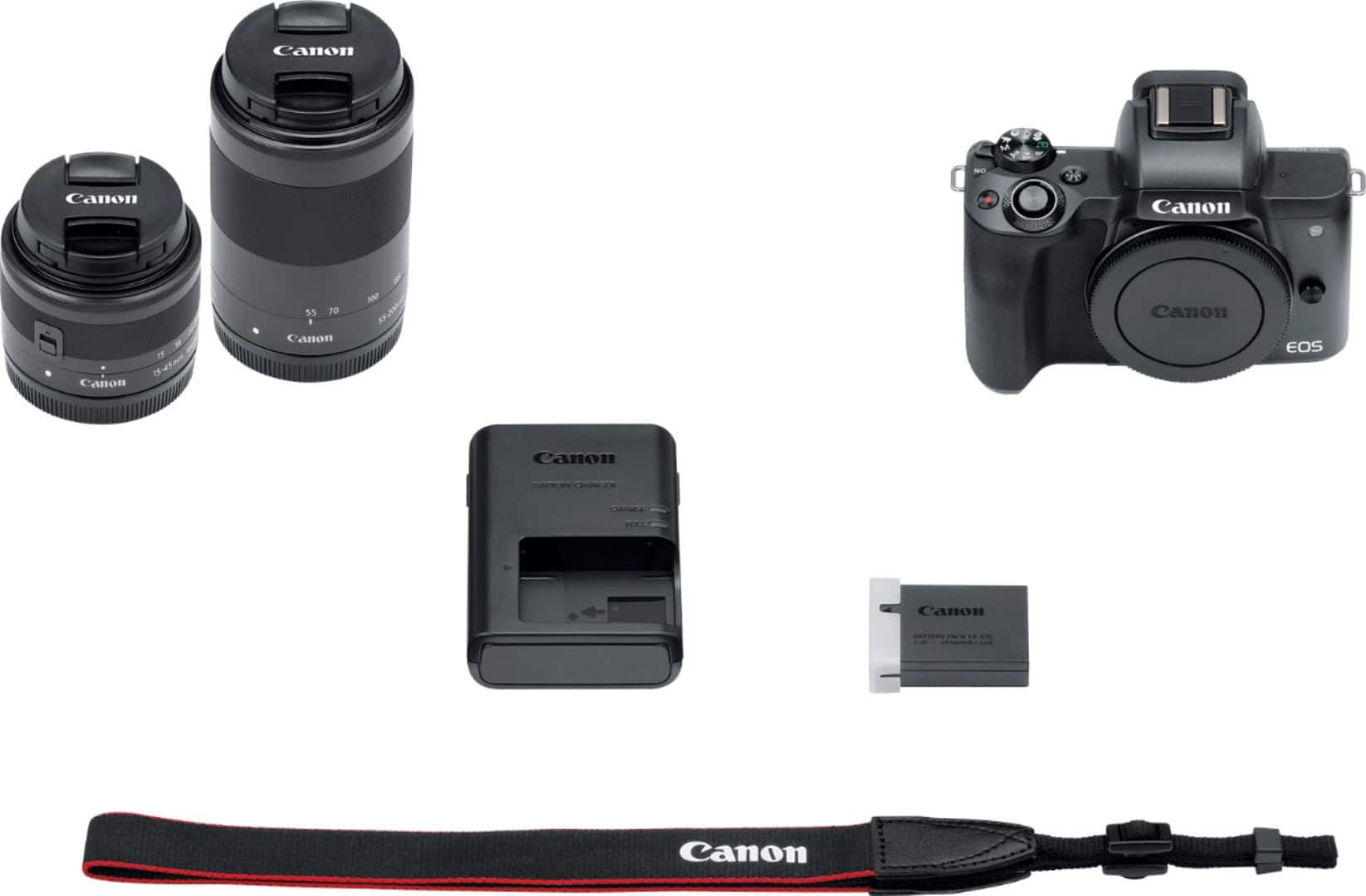
A:AnswerA neck strap comes standard with every new Canon EOS camera, including this one. You can also get additional straps for it, in case the Canon branded strap doesn't suit your needs or wants.