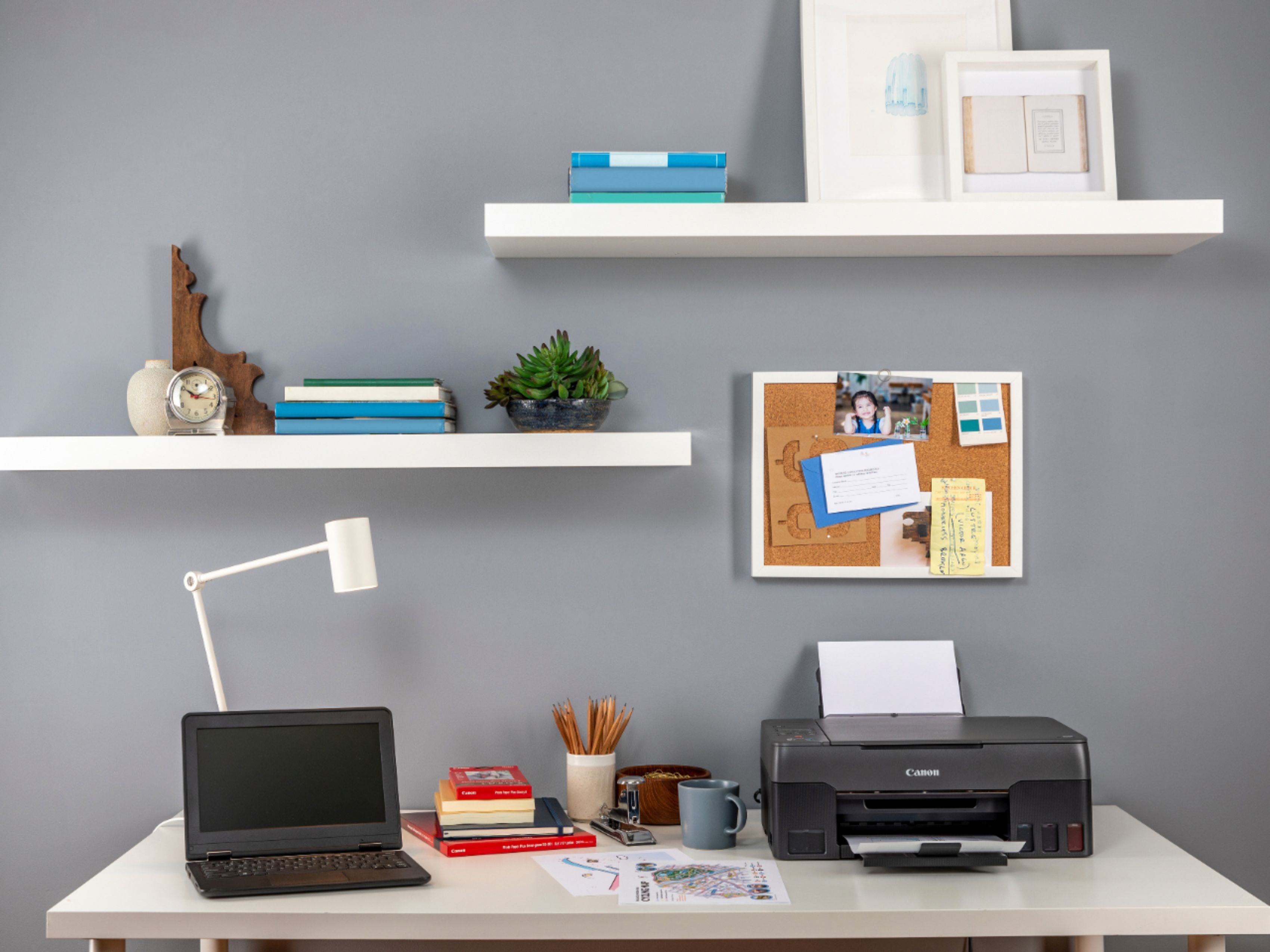
A:AnswerI have not had to replace the ink sponge so I'm not sure. However, all of those sizes did work for me, even borderless. And I have ran very thick cardstock through mine with no issues.
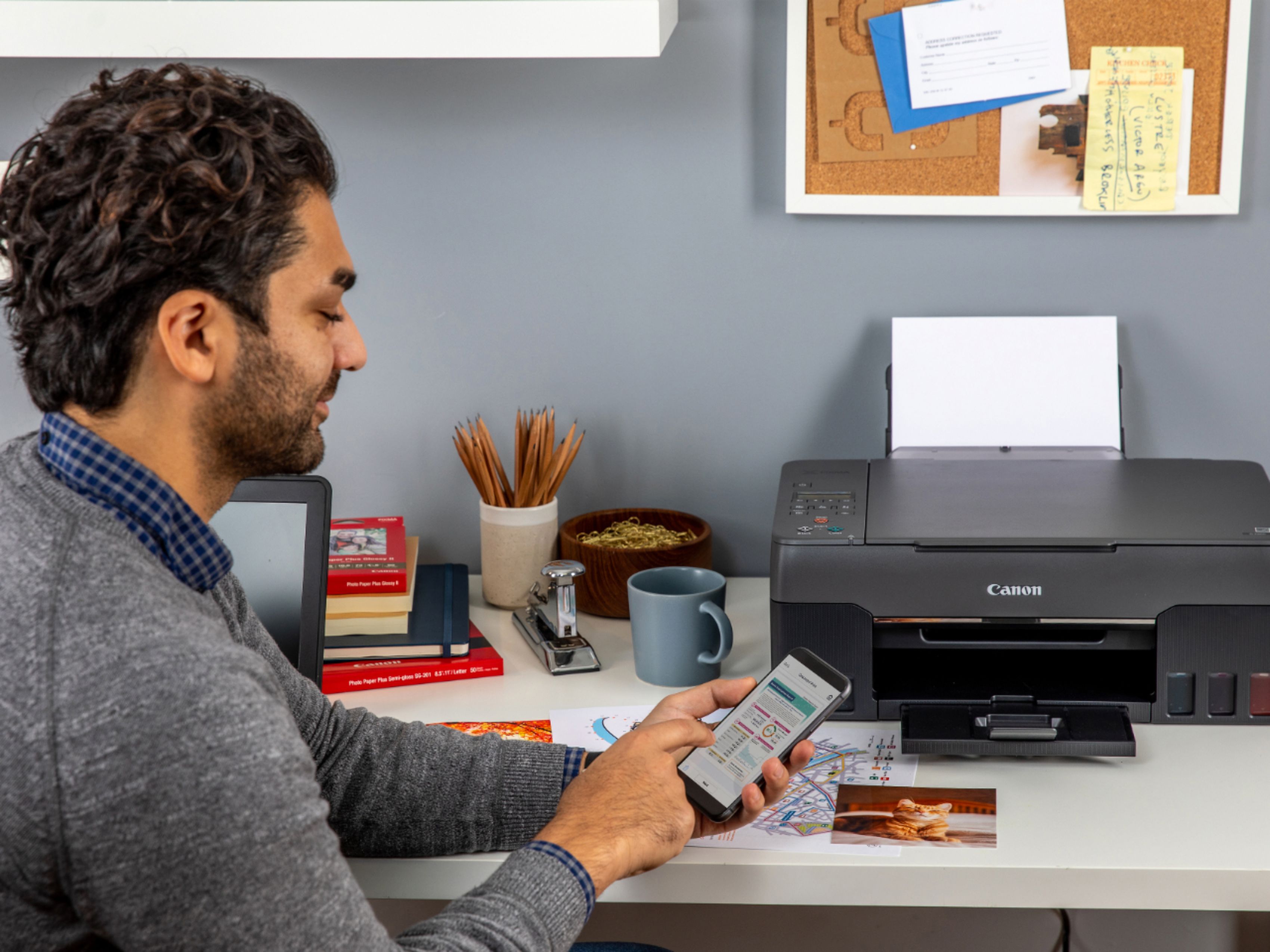
A:AnswerCanon printer was initially setup wirelessly to my laptop. Just tried to print from my Motorola phone and Samsung tablet. I didn't have to download drivers. Just had to select printer. Both phone and tablet saw the Canon wireless printer and were able to print wirelessly.
A:AnswerYes it does I have six Chromebooks and it works quite well! I have had other Canon printers that I have not been happy with however this one is absolutely wonderful.
It has an app that goes with it called
s e l p h y. I made sure that it would work with a Chromebook before I bought it because that's all I have in my house is Chromebooks. HP and Canon are about the only two that will work with a Chromebook.
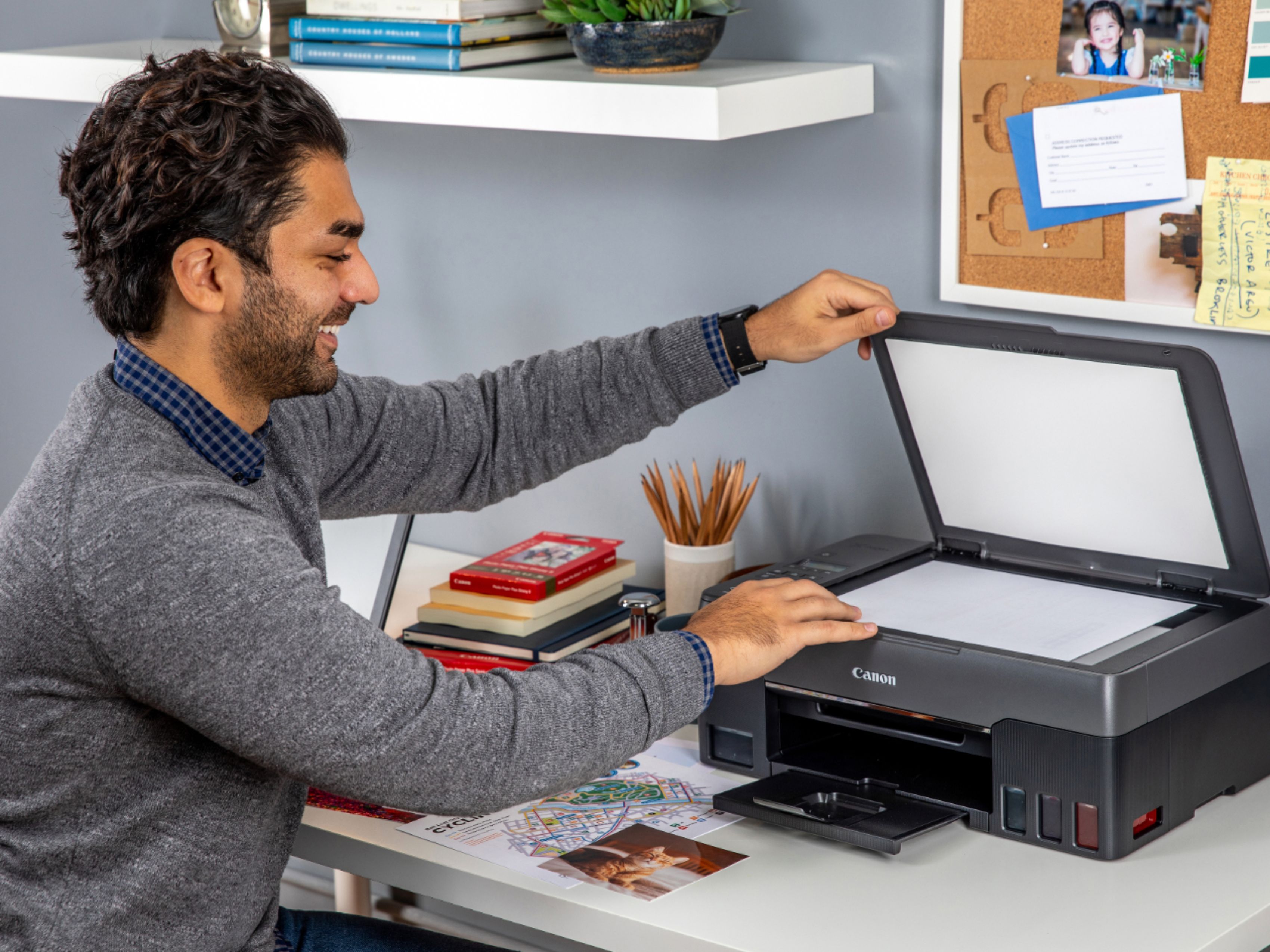
A:AnswerYes this printer scans photos and does a wonderful job too! I haven’t explored what other formats there are but I think this printer is capable of most popular formats. If not, there’s always converting tools online.
A:AnswerMine is slow too but it works just fine. I had another Canon printer that took forever so I used a cable with that one.
It's no problem! I switch back and forth all the time especially if I'm in a hurry.
I can print from all my devices on Wi-Fi but if I'm really in a hurry and want to scan and do everything immediately then I use the USB cable. By the way it doesn't come with the cable I don't think.