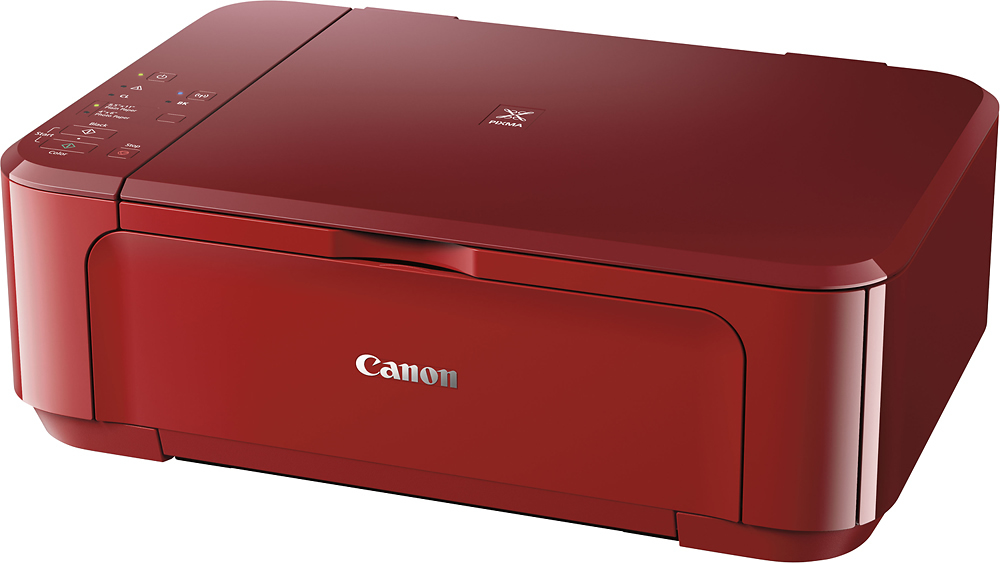
A:Answerput it on the glass surface of the printer,and make sure it's on. use the printer function keys on your computer, and choose PDF instead of print. (I always choose to name it or rename it something other than PDF file, so I can find it.) It's not difficult at all.
A:AnswerIf you have genuine Canon cartridges yes, but only for2-4 months, especially if they are almost empty. Full cartridges last longer periods of inactivity.
Refurbished or off-brand cartridges will dry up and mess up the print heads.
Speaking from experience, this is the third printer I had to replace due to lack of use.
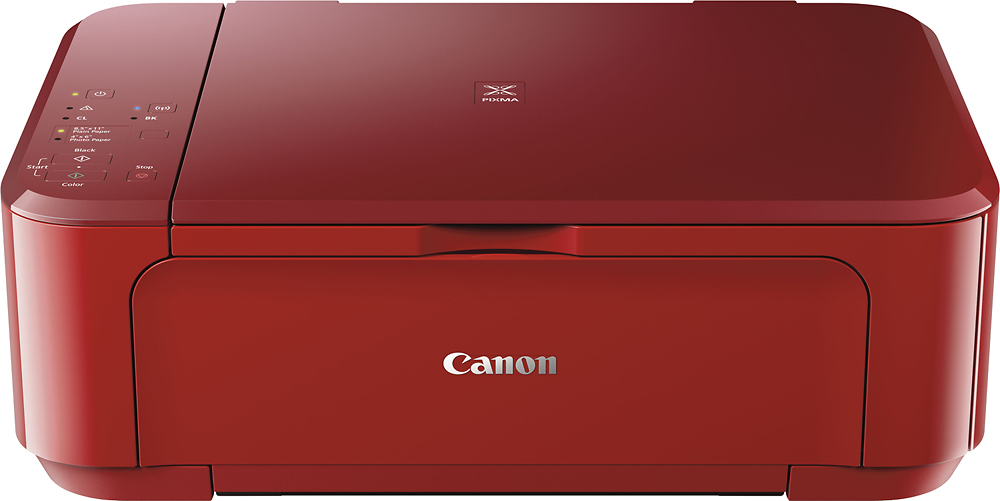
A:AnswerYes, just press the Color or Black button in the Start panel and if it detects the scanner is being used it will print the scanned page.
I've noticed when you scan this way the resolution is better than when using the scanning app, which can only go as high as 1200 dpi.
A:AnswerI've scanned 21 sheets of one document at once (one sheet at a time, have to switch/turn the page after each scan). Then it saves it all as one pdf file.