A:AnswerI feel like that's more a question of your computer's abilities, not the printers. If you can format it correctly on your computer, this printer should be able to print it.
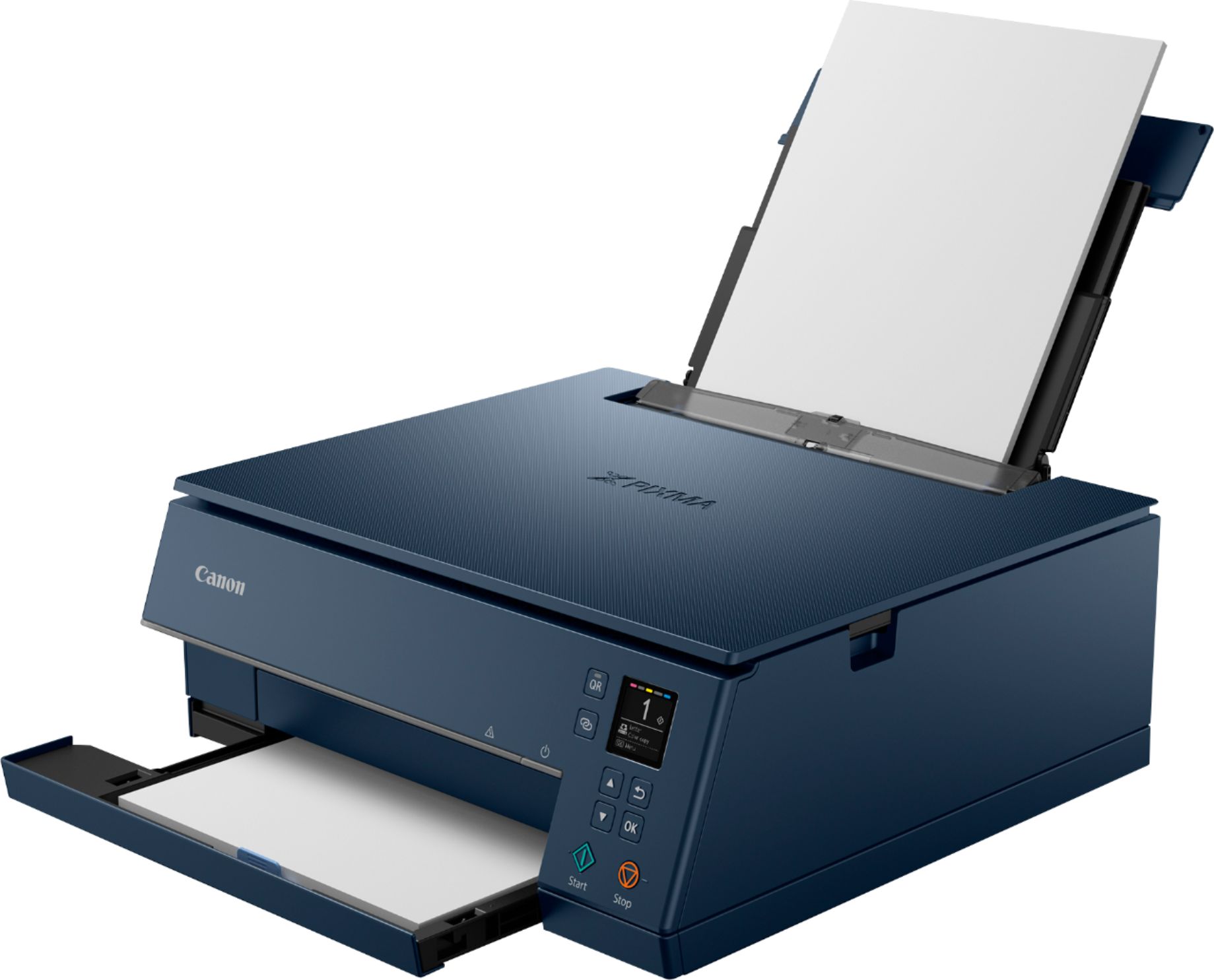
A:AnswerYes it does at the lower section of the printer there is a place with finger grooves. Just gab it and pull the tray out and load it with the paper of your choice whether it be printing paper or photo paper
A:AnswerI have the same problem. When I try to download the driver through the Cannon manual it says that the driver is not available for the OS on my computer - Big Sur.
This printer was listed in several places as compatible with Big Sur, but it is not showing up on the Cannon manual for TS6320.