A:AnswerIt is compatible with iPad. To be honest it works 10 times better printing from my iPad than my Mac. For some reason it’s having trouble connecting to my Mac.
A:AnswerIt printed color and black and white from my iPhone 6. Thr printer has to be turned ON, and I think the "Control Panel " has to be raised. Good print on plain paper.
.
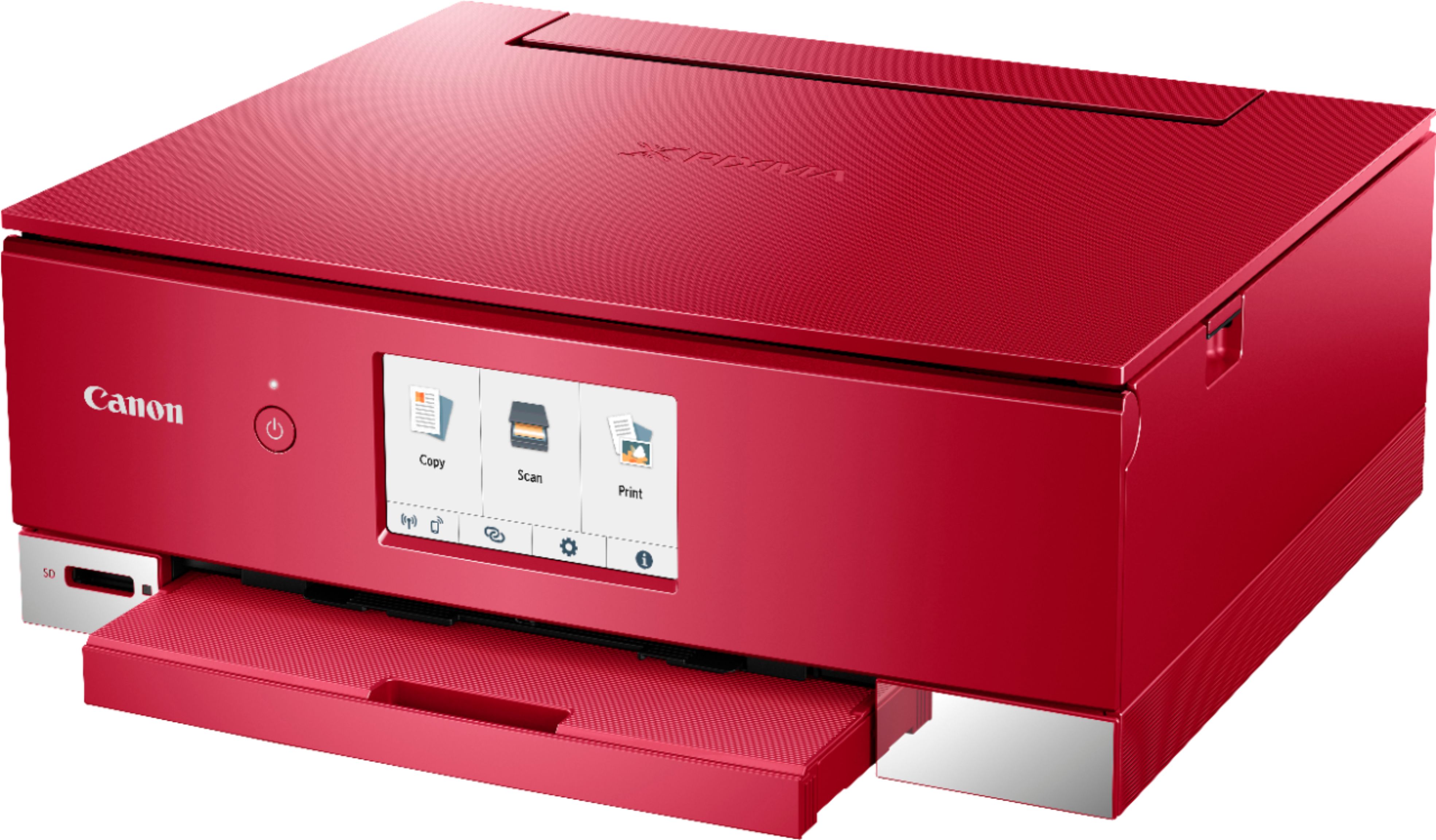
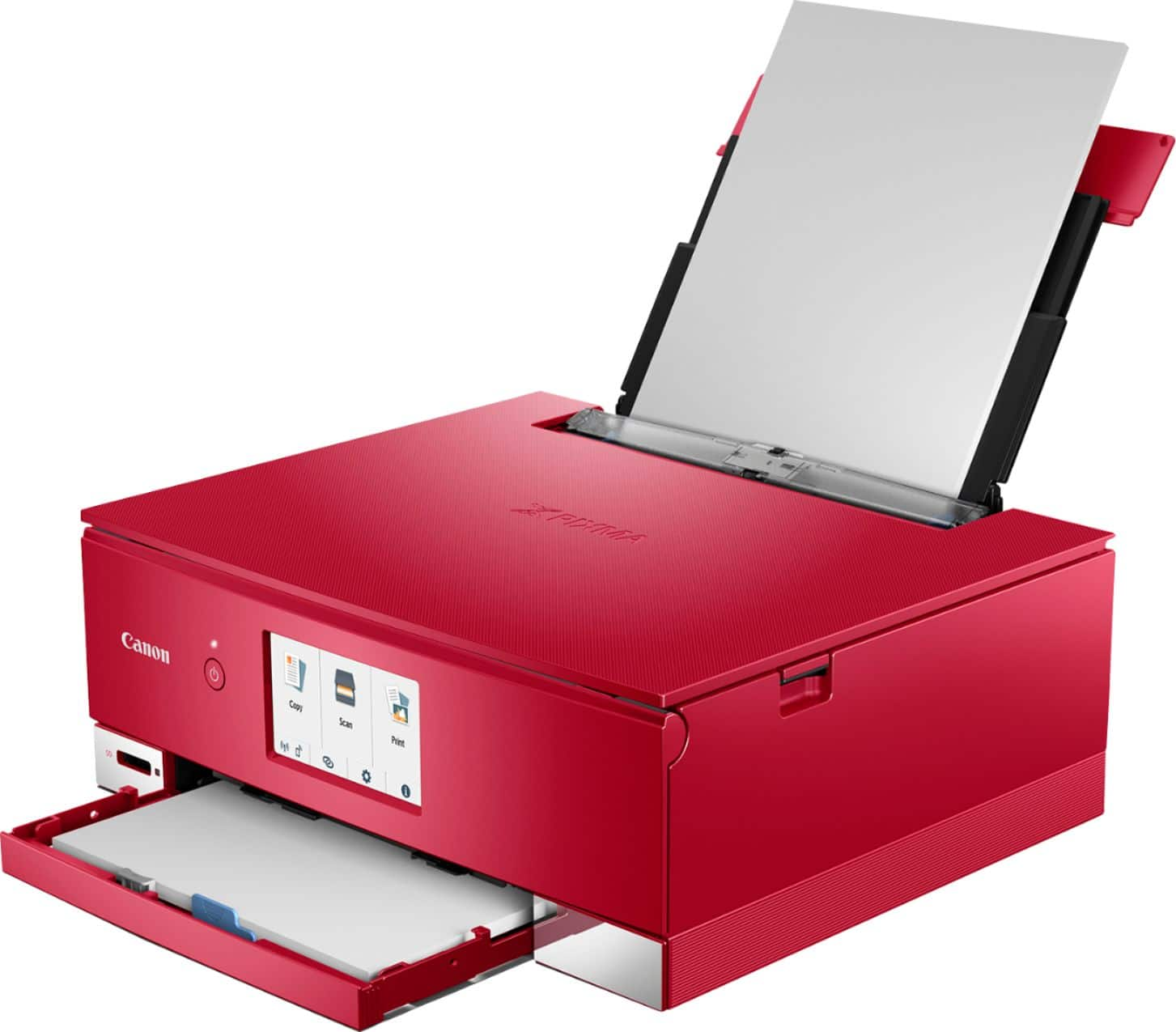
A:AnswerYes. This is an All-In-One style printer. It has a top cover/flap that opens to reveal the copy/scan feature. It does not have document auto-load.
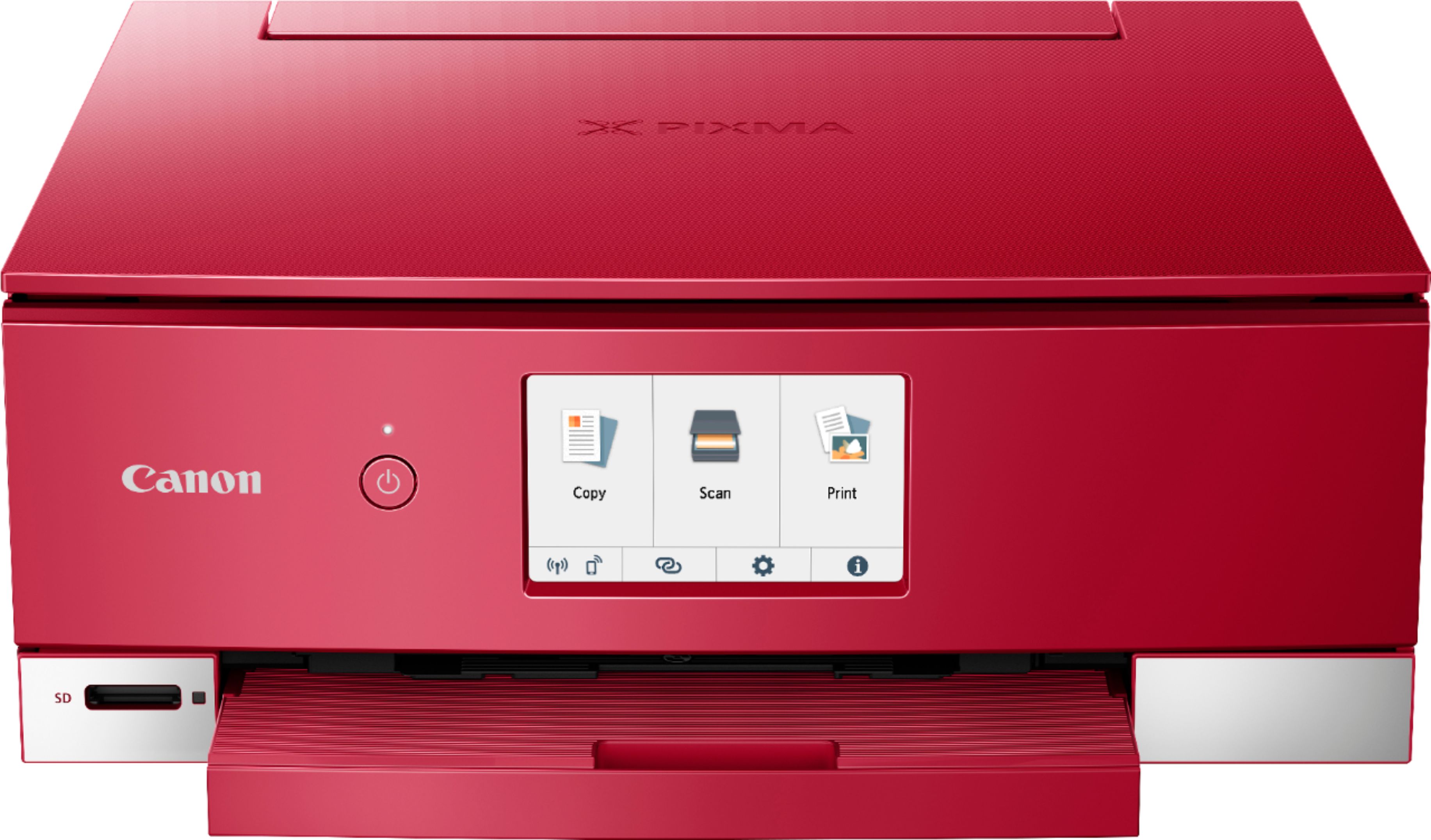
A:AnswerYes the Canon TS8320 has an SD port.
The printer works fine with a MacBook Pro 2018 model.
You do need to download the Canon Printer software and go through the steps to connect the devices - either by USB or wireless.