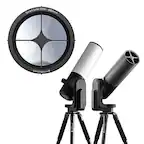
A:AnswerPlease check with Best Buy's Customer Service on their return policy. https://www.bestbuy.com/site/help-topics/return-exchange-policy/pcmcat260800050014.c?id=pcmcat260800050014
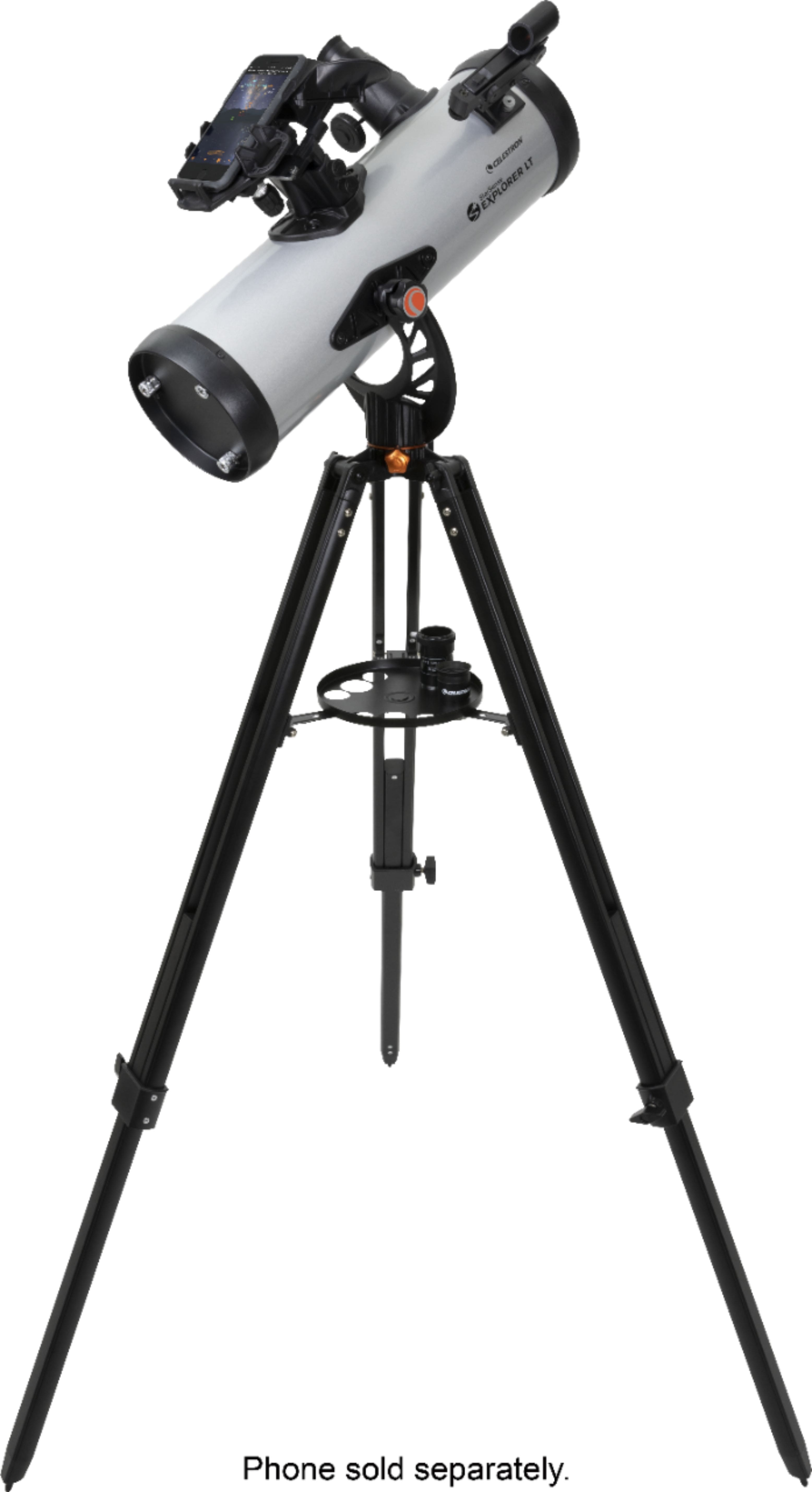
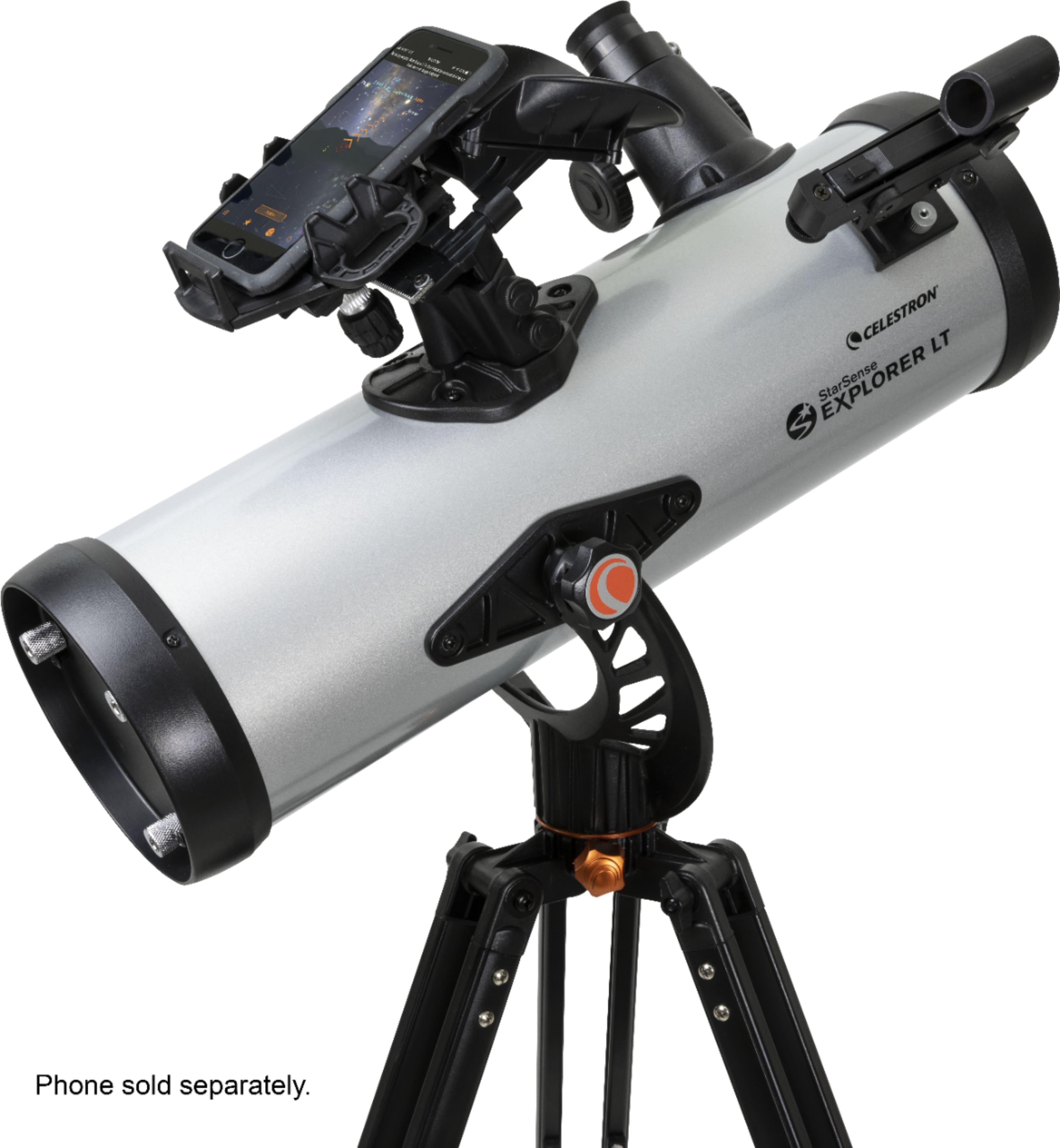
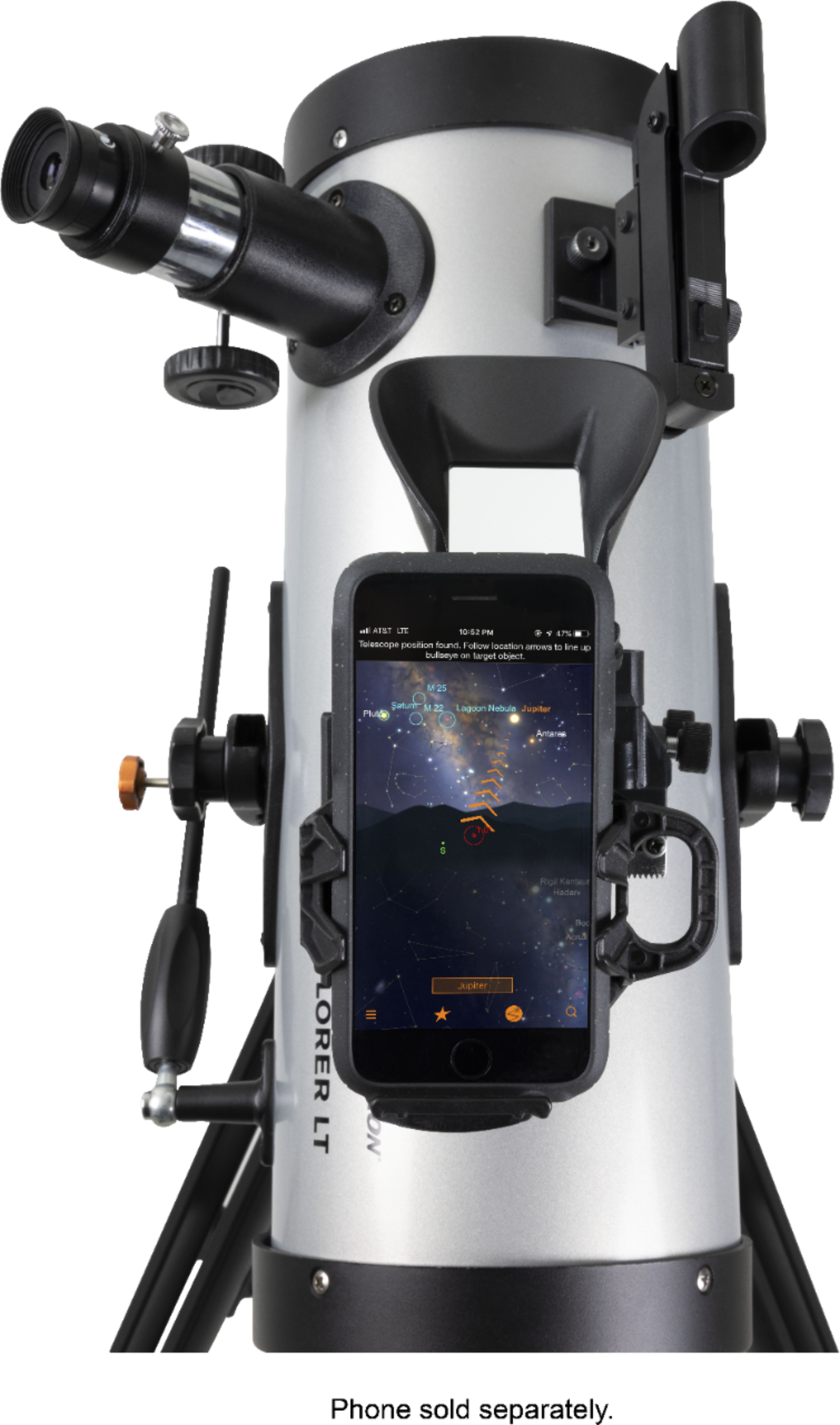
A:AnswerSorry we have an iPhone and although my granddaughter is able to attach it, pictures are not transfered from the lens; its ony to guide you to a specific star/planet. With the app they provide you, you can direct the lens to the appropriate star / planet and on the phone screen it tells you which you are looking at. I would reach out to the manufacture; my son did place his cannon to the lens viewer and was able to take a picture of the moon, without using his larger lens on the camara.
A:AnswerThe app needs GPS, and needs full access to your phone. I believe it uses the GPS to figure out your location, I dont think it uses the wifi for the app itself. The app is pretty large so I would download and activate the software on wifi.
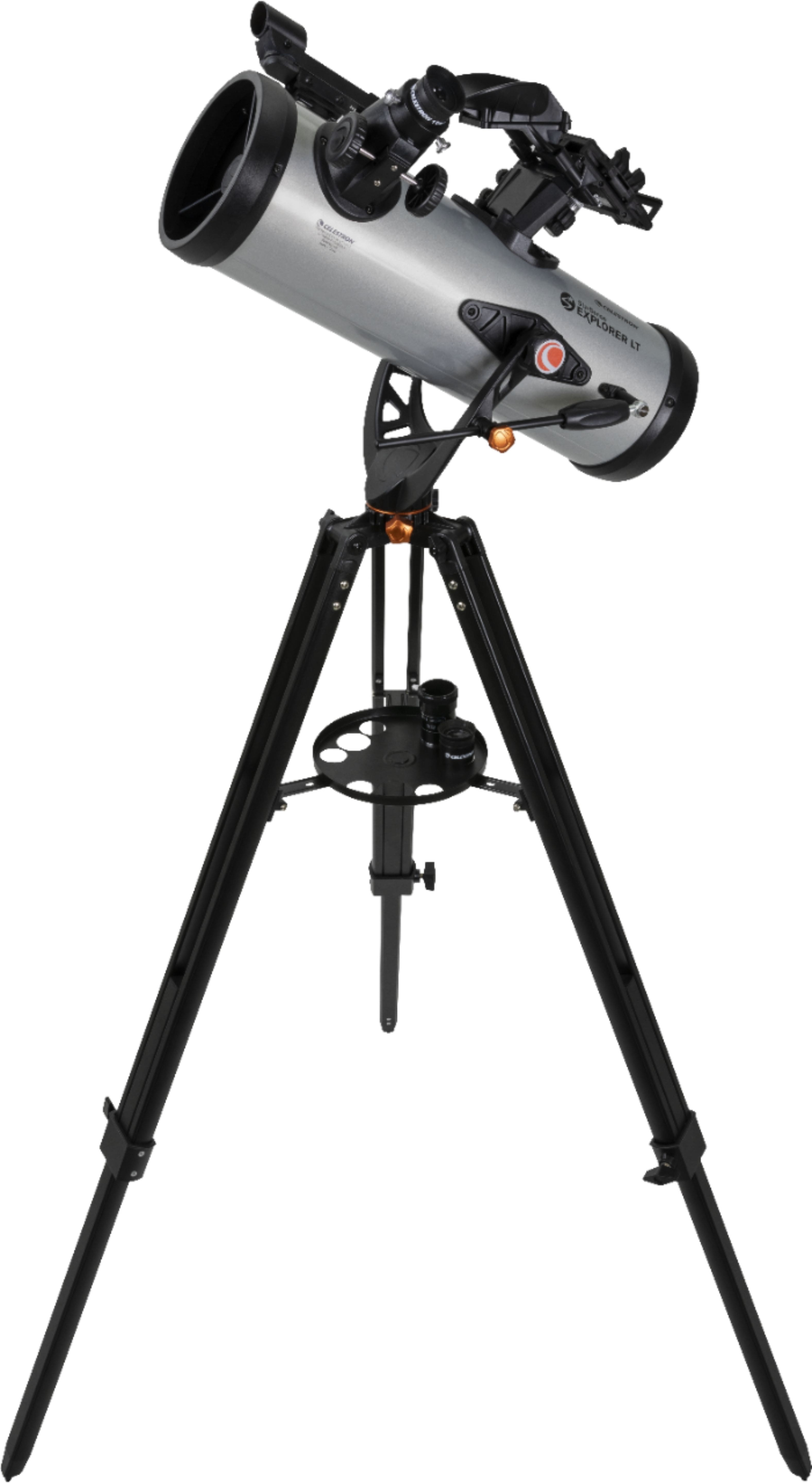
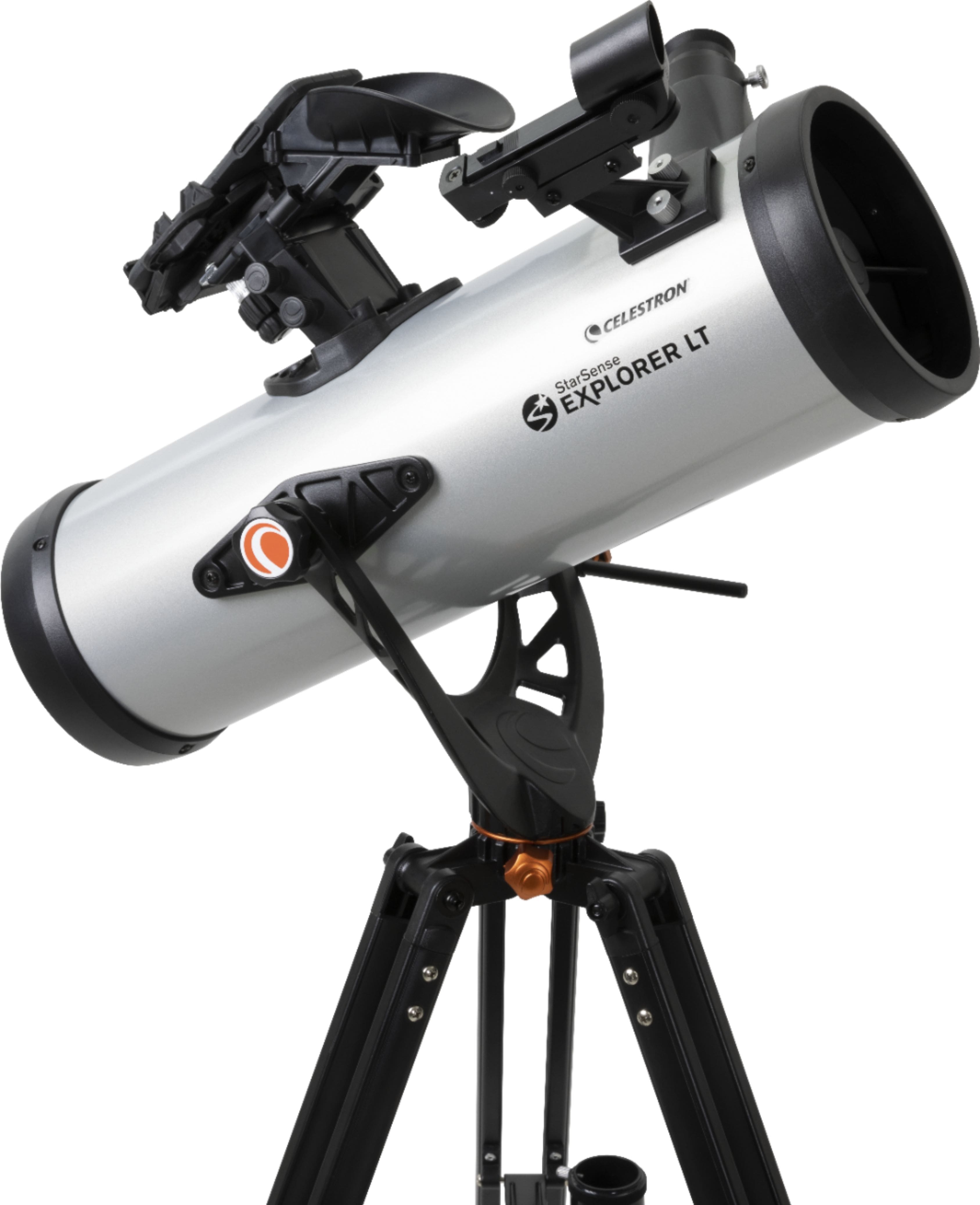
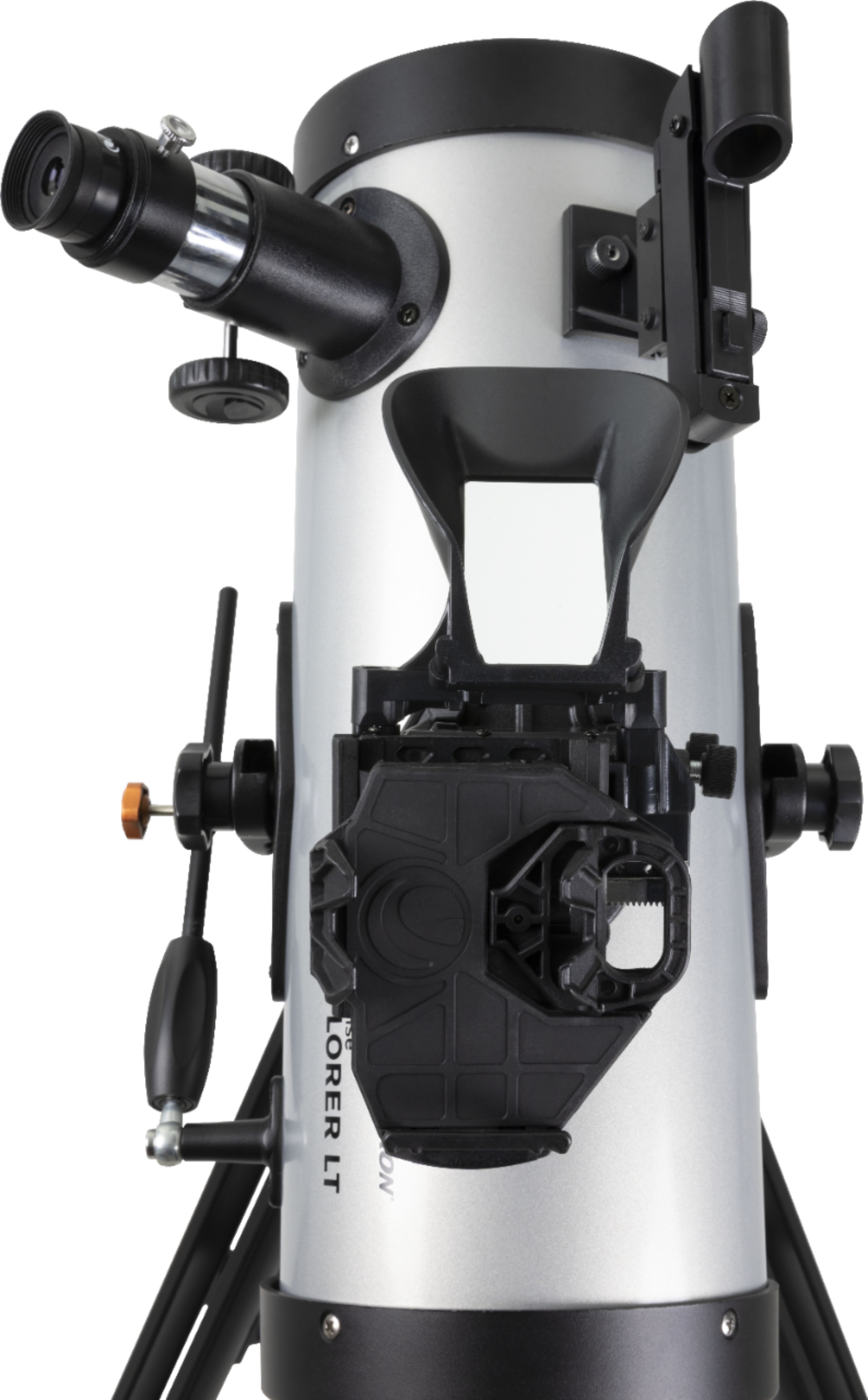
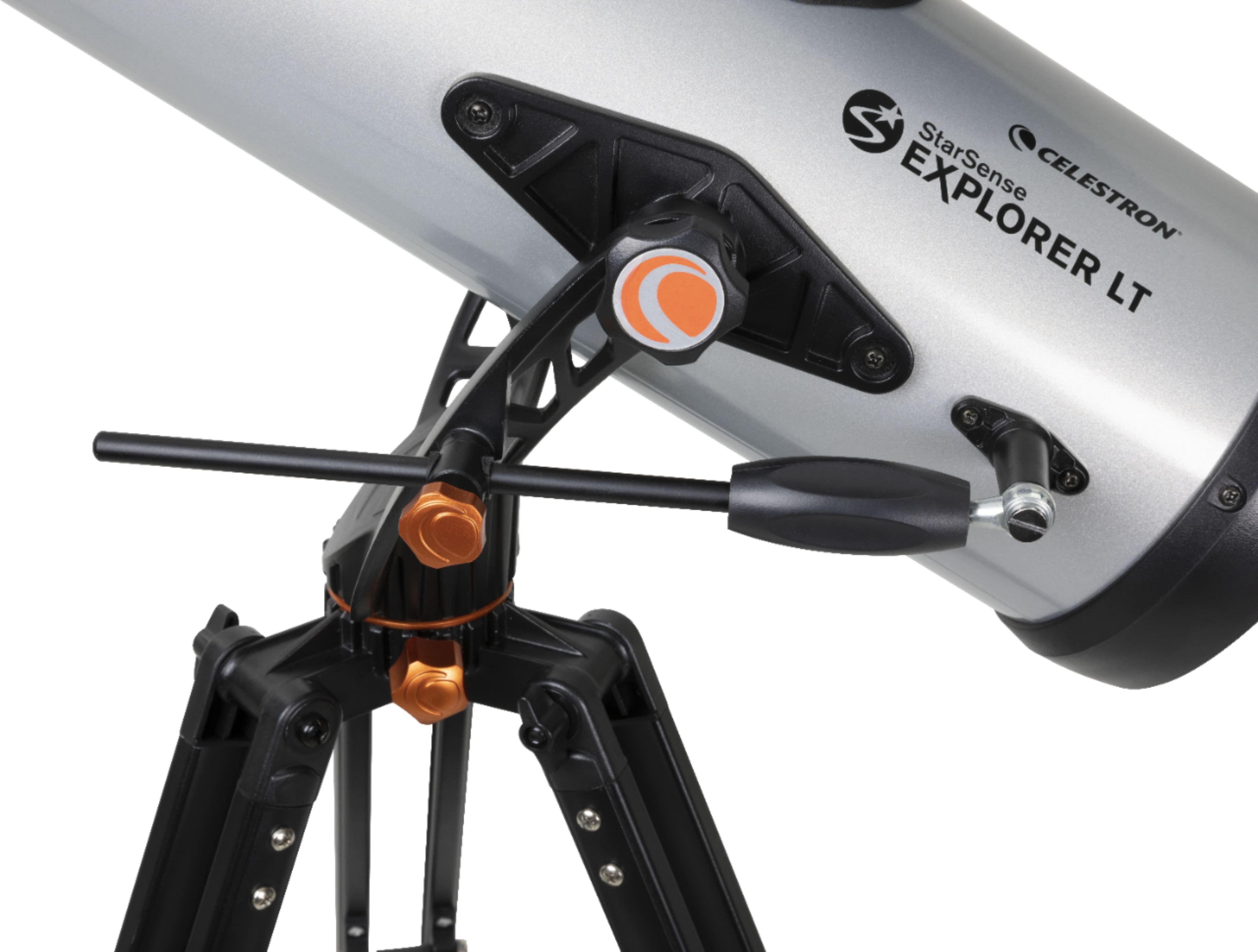
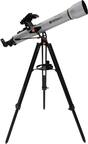
A:AnswerThere is a phone mount that is used with the Starsense app to help you with finding objects in the night sky. It is not something to use for pictures.
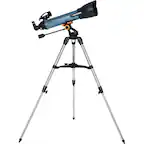
A:AnswerShort answer to this is yes, it works during daytime. You actually have to set it up (alignment) during the daytime and while you are doing this you can see how it works as a daytime telescope - looking at distant buildings for example. It's actually pretty cool for that.
A:AnswerAt 300 yards, a bullet hole 8mm in diameter would have an angular size of 0° 0' 6.0".
At 500 yards, it would be 0° 0' 3.6". The theoretical resolution limit for a scope of 114mm aperture is 1.22 arc seconds in perfect conditions. Theoretically, you could see the bullet hole, but only with a telescope in perfect collimation and in perfect isothermal conditions.
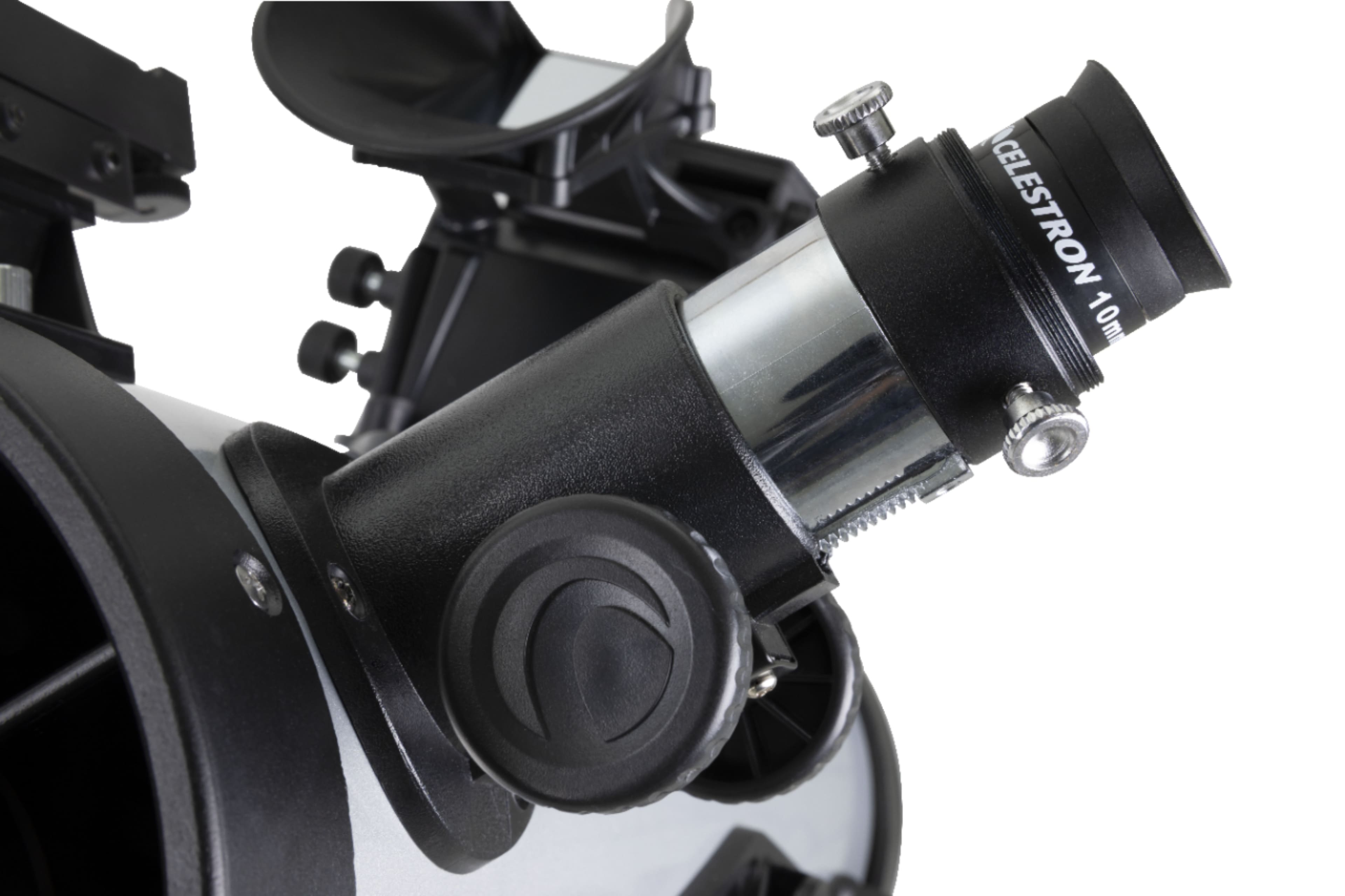
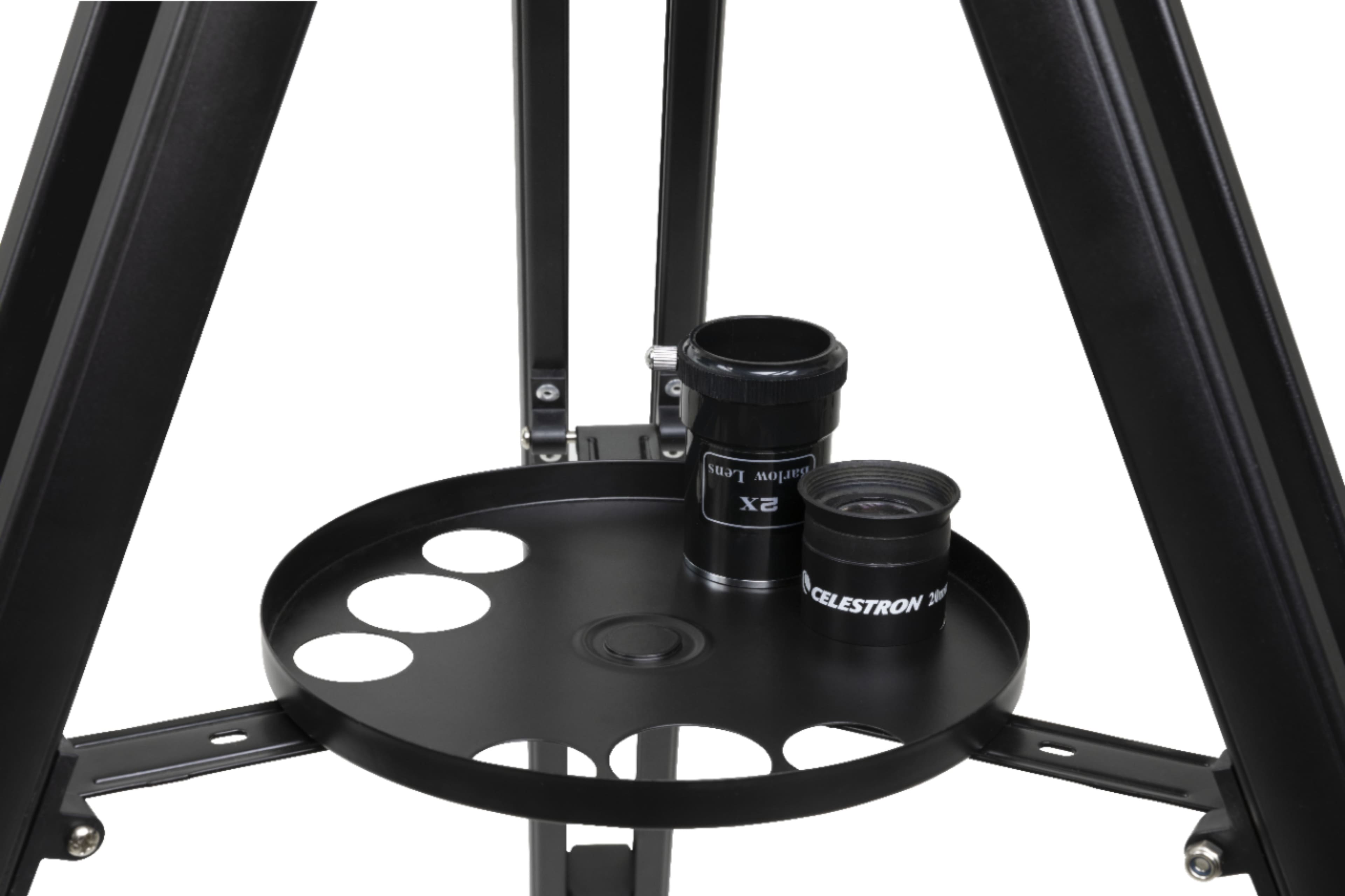
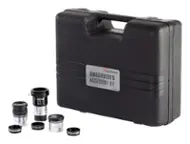
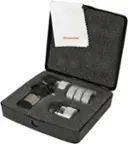
A:AnswerYes, purchasing a Barlow 2x will double magnification of included eye pieces. Celestron sells Barlow separately, and in various kits with additional eyepieces, filters, etc. Be sure to get matching 1.25” Barlow, eyepieces.
A:AnswerHave not had a chance to explore everything it does but i do know that the phone will scan the sky, identify the objects it sees and then direct you where to point the telescope almost like a gun sitet
A:AnswerNo. The StarSense app is used to in conjunction with the phone holder and mirror to examine the sky to see where the telescope is facing - it is not actually using the telescope to look at the sky. If you want to take pictures, you will need to connect a camera to the eyepiece using the necessary adaptor.