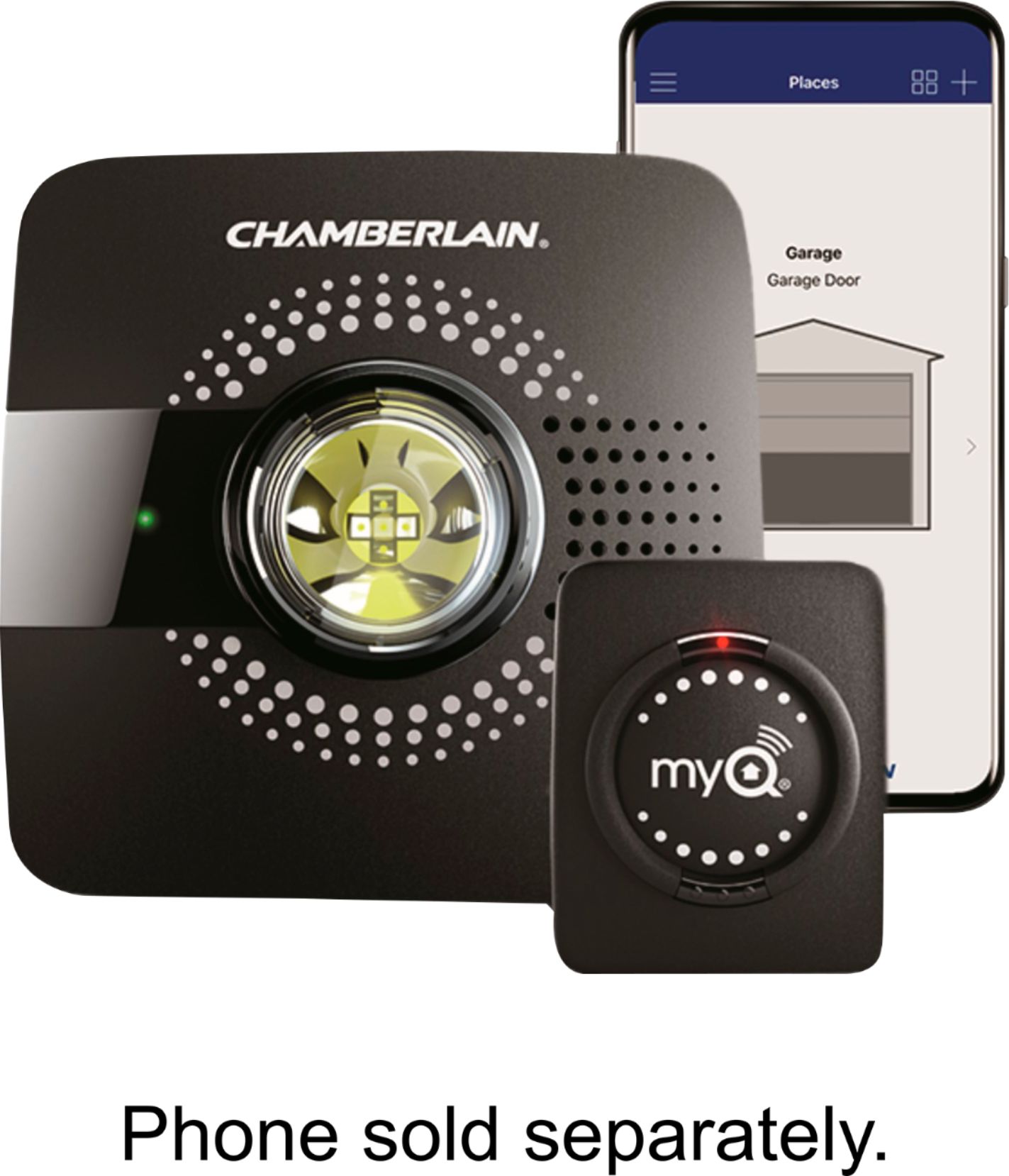
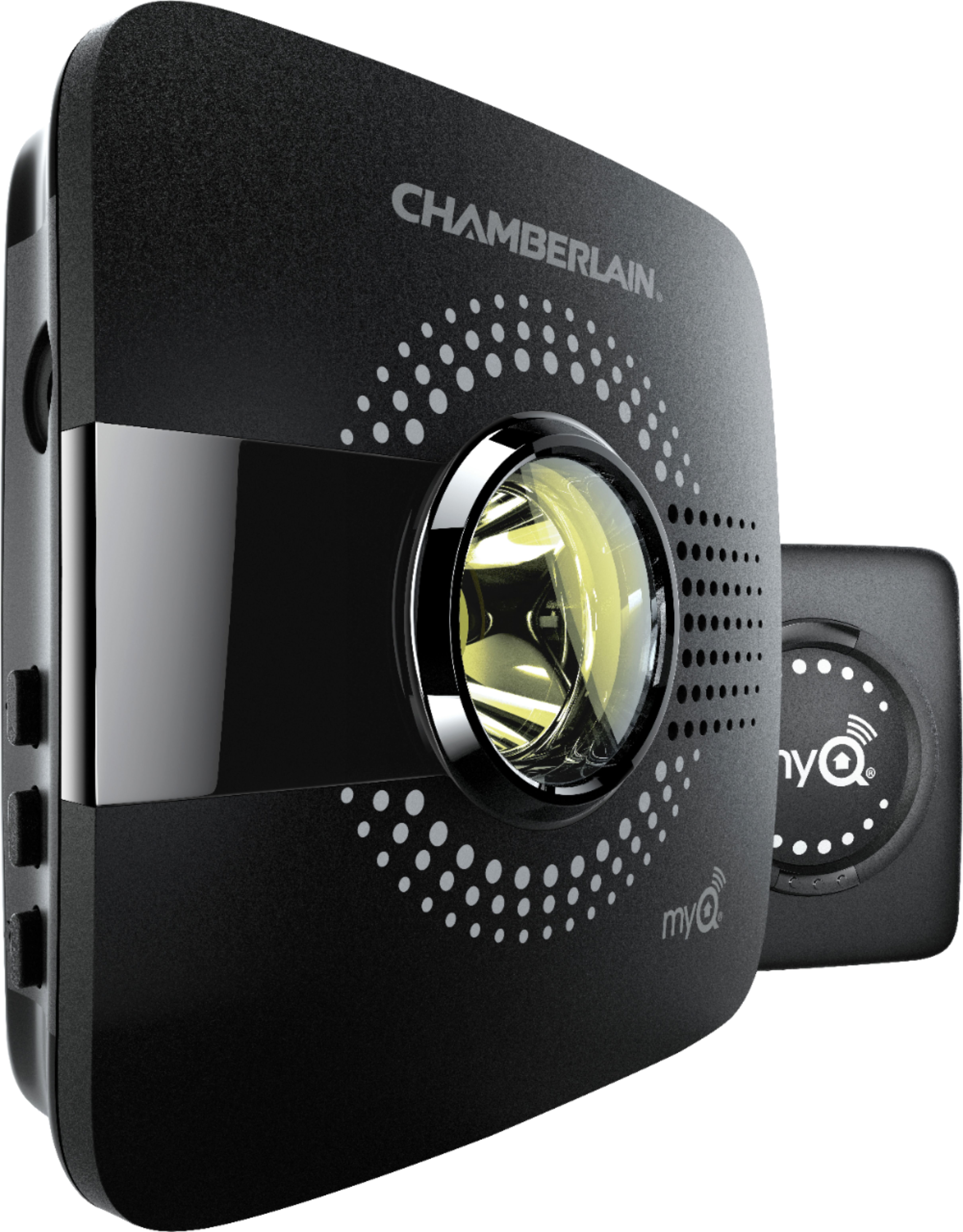
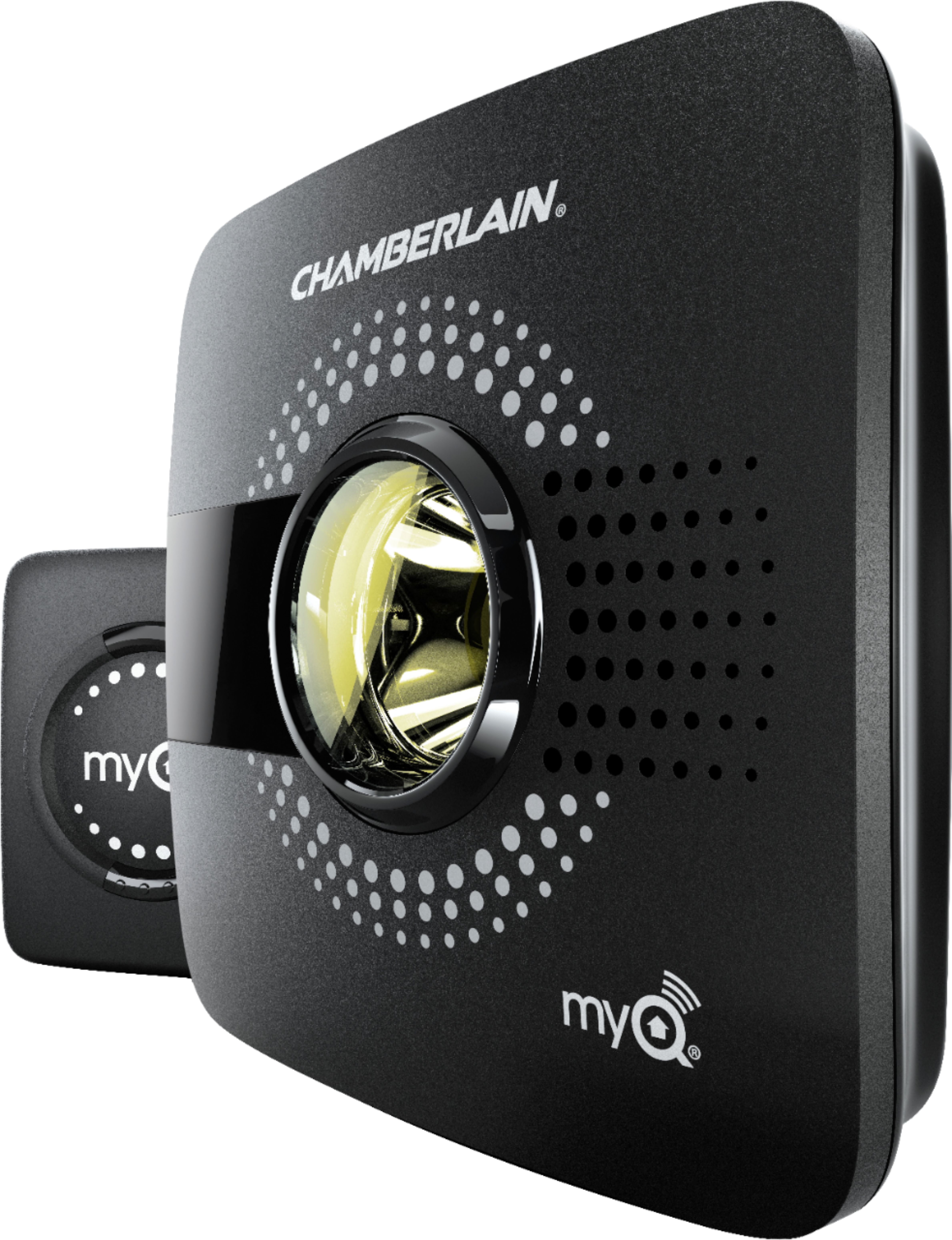
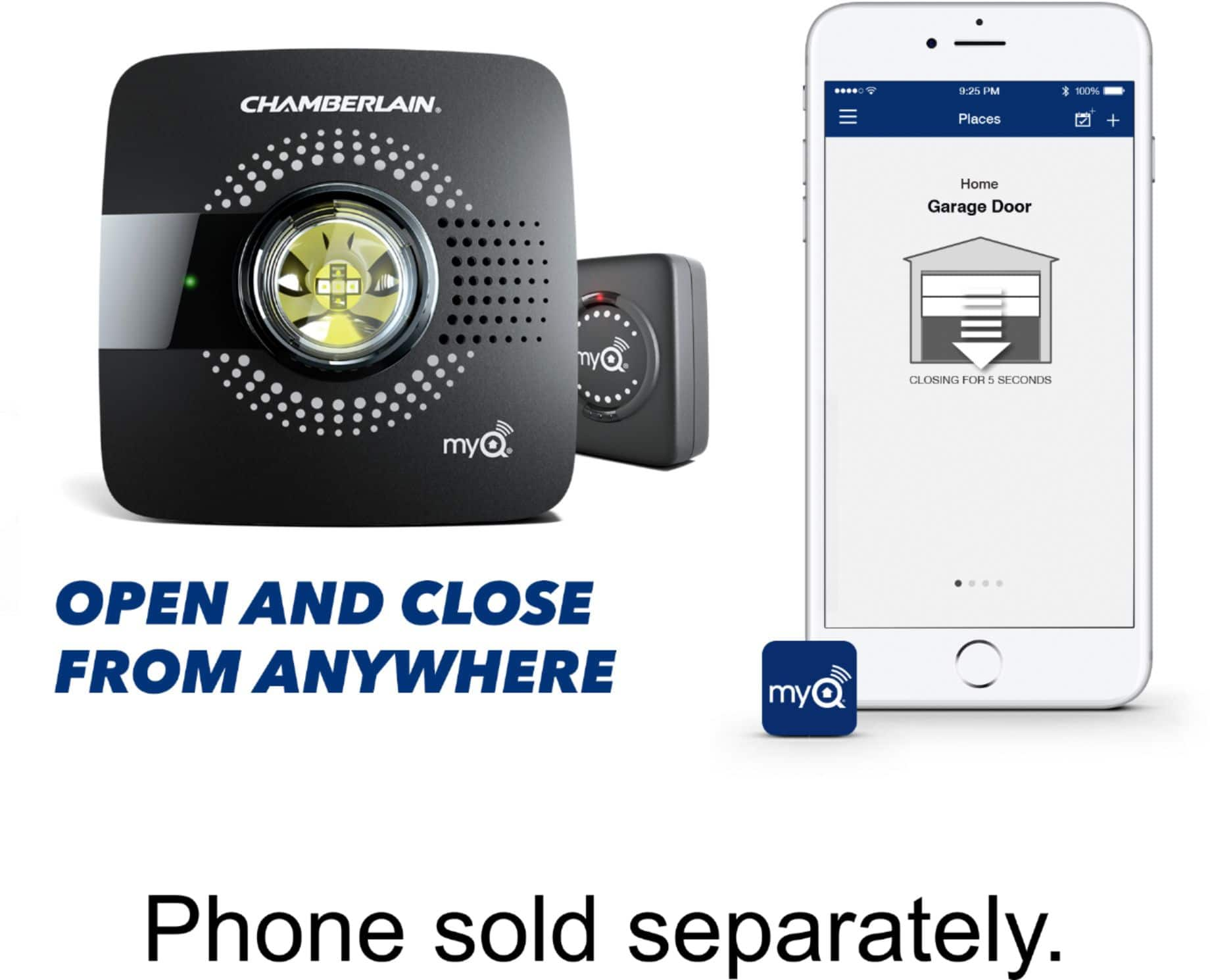
A:Answer(Read Carefully) Each unit can control 2 garage doors. The package comes with 1 garage door sensor, meaning you can control 1 garage door. To add the 2nd garage door you'll just need to purchase 1 additional garage door sensor. The MyQ system is super simple to set up and install. Just follow the easy step-by-step instructions in the app and you will have the hub and both doors setup in 30-40 minutes. I have it at 2 homes and they work great!!!
A:AnswerThere are no compatible cameras with the Smart Garage hub but the MYQ-SGC1WLM Camera is compatible with the myQ app and can be added as a device to the myQ account. Thank you!
A:AnswerIt should start to close but the sensors installed on your door should trigger the opener to stop no different than you other remotes. If your door doesn't stop if something is under it then it is a problem with you safety sensors and it is best to contact a local garage door repair to make the adjustments.
A:AnswerAt this time we do not partner with Cox Homelife. Here is you will find the list of partners we currently have, https://www.myq.com/technology-partners
A:AnswerCraftsman is compatible. Please see the link below for more information:
https://support.chamberlaingroup.com/s/article/List-of-compatible-garage-door-openers-for-MyQ-Garage-1484145635905
A:AnswerYou really don't need to have it installed. There are only two components. One you attached inside of the garage door with double sided tape (provided). The hub is supposed to be drilled in the ceiling near the garage door motor. However, I was able to mount mine on the wall near a socket with double sided Velcro stickies. The hub is very light weight. You literally do not need any tools at all to install it.
A:AnswerYou should be able to. I didn’t need a remote when programming mine. You have to push a grey button on the back or side of the opener and the units sync.