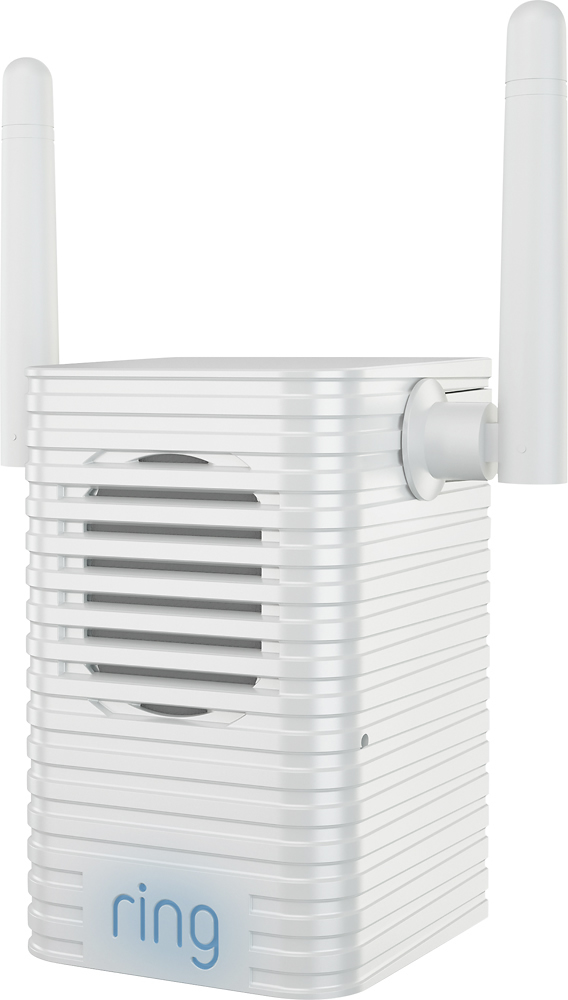
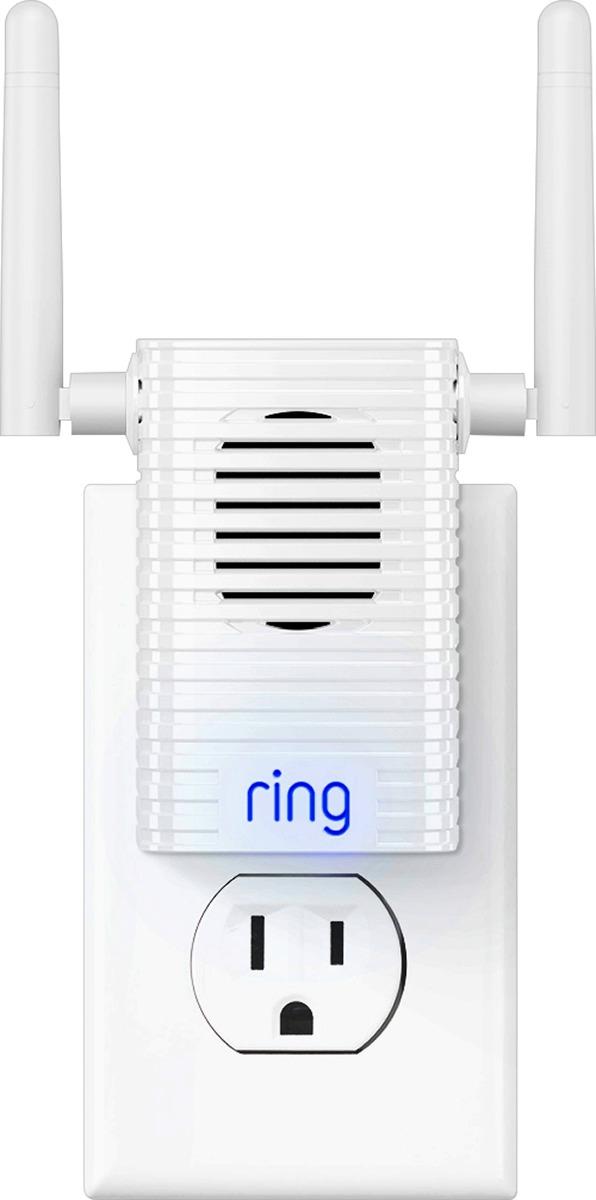
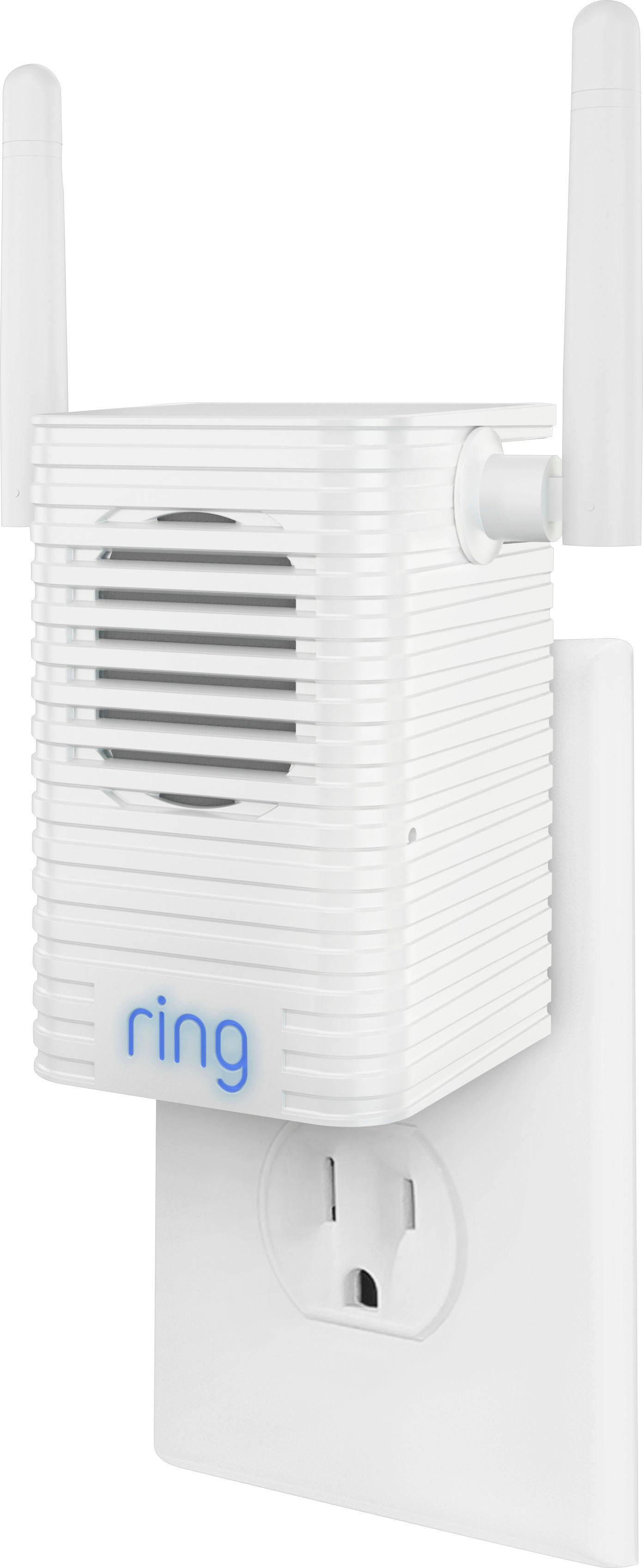
A:AnswerNo more than the non Ring one. My ring one failed after a few months, (Might have been lightning, I don't know), but I replaced it with a standard one. it's little more complicated, but not much, apparently you have that worked out. The onlt advantage to using the ring one is the chimes, and we didn't really use that.
A:AnswerYes, just extend the same network (doesn't have to be the same wifi name, but one the same network), and it works fine. I used a Wifi Extender in the back of my office, and the Pro-Chime in the front, but the chime failed, and I replaced it with an extender, then reprogrammed the doorbell to that extender.
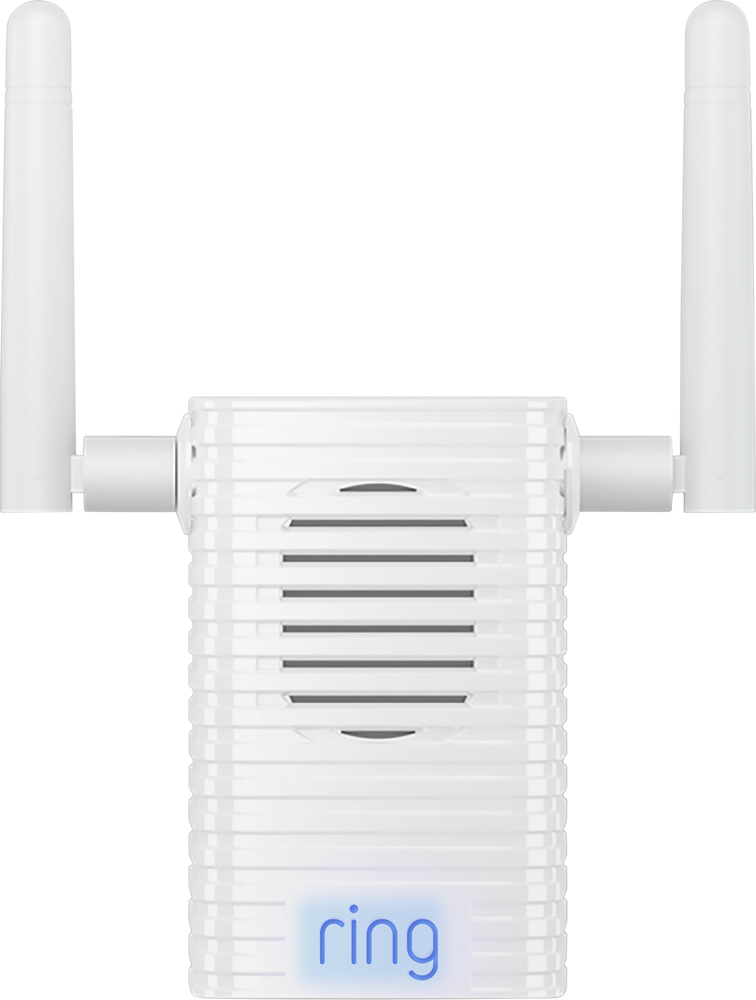
A:AnswerThere’s not a way to do this through the existing interface nor do I recall this being an advertised capability. Should you purchase this and integrate with an Alexa/Google enabled smart home, there MAY be a way to do so with those devices and some coding in IFTTT (If This Then That).
A:AnswerI'm having that very same problem. The Chime-Pro is no help either. Returning the Chime. If you have a light switch close by, you can have an electrician hard wire your Ring to it. That'll get it working. My brother in-law will be doing mine that way, and he's an electrician.
A:AnswerIt doesn't seem to affect mine. I did need to move my phone base a little further from my modem so that the Ring and Chime had a better connection to the modem.
A:AnswerTo my knowledge, it only does that for setup, then it should go to your home WiFi. If you don’t have a router and your own WiFi I’m your home this could be the problem. I would suggest deleting it from your profile and start the setup from scratch.
A:AnswerI've had my Security Camera/Flood Light mounted above my garage door where the elements can hit from all sides and have had no issues. It has been through the rains in Houston during the last couple of tropical storms and still works great.