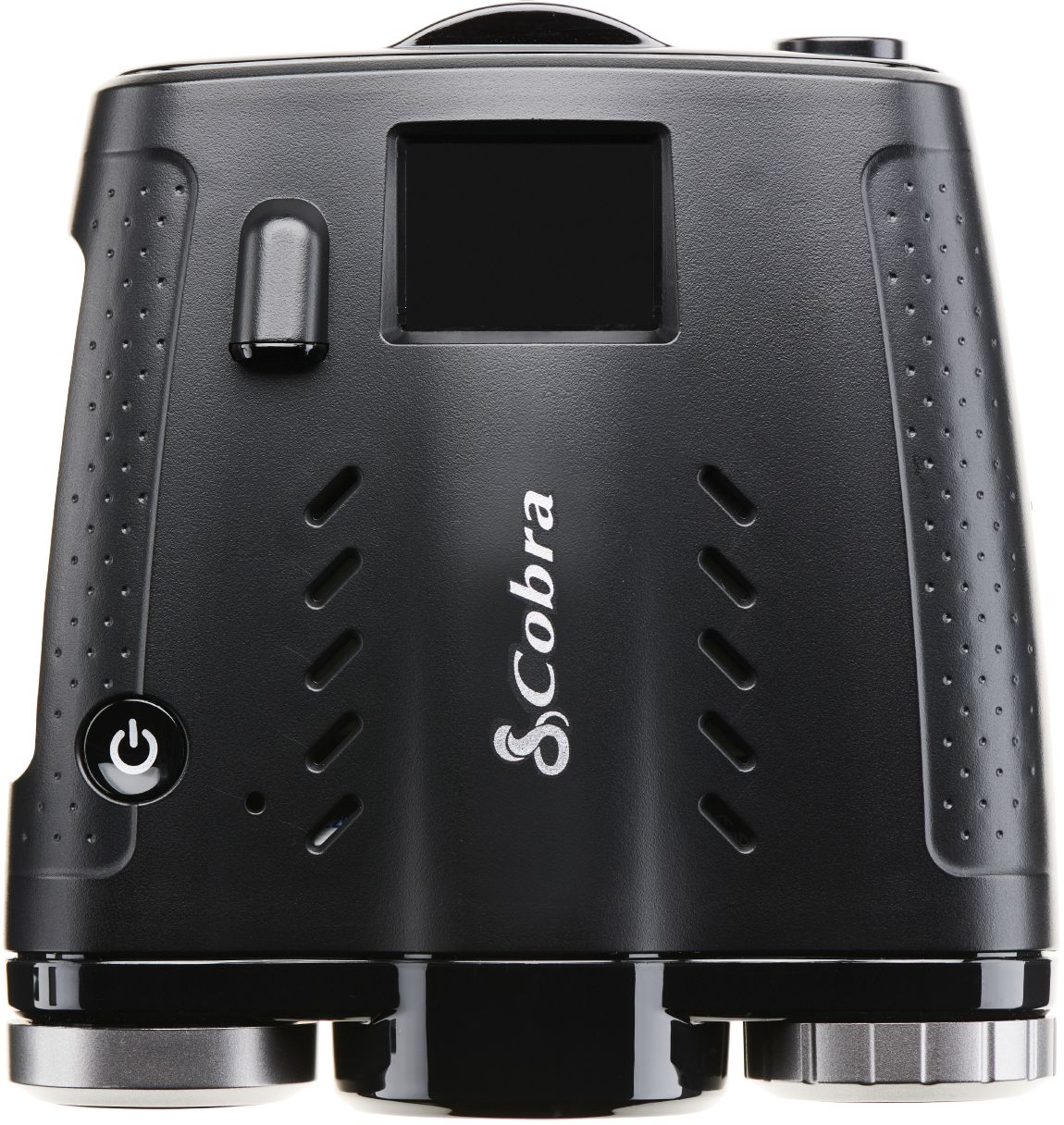
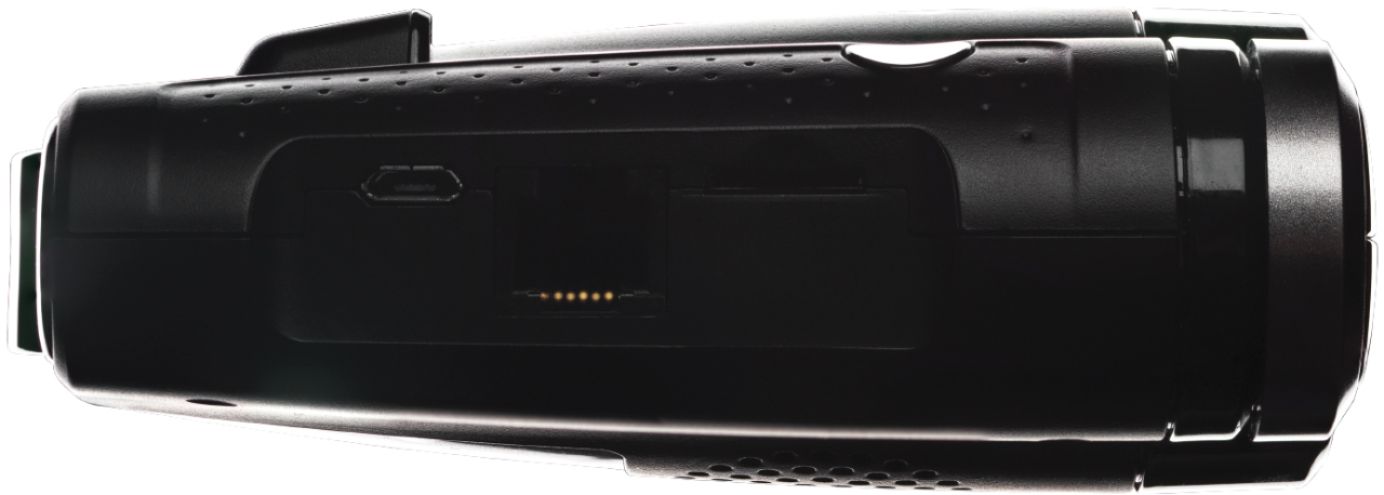
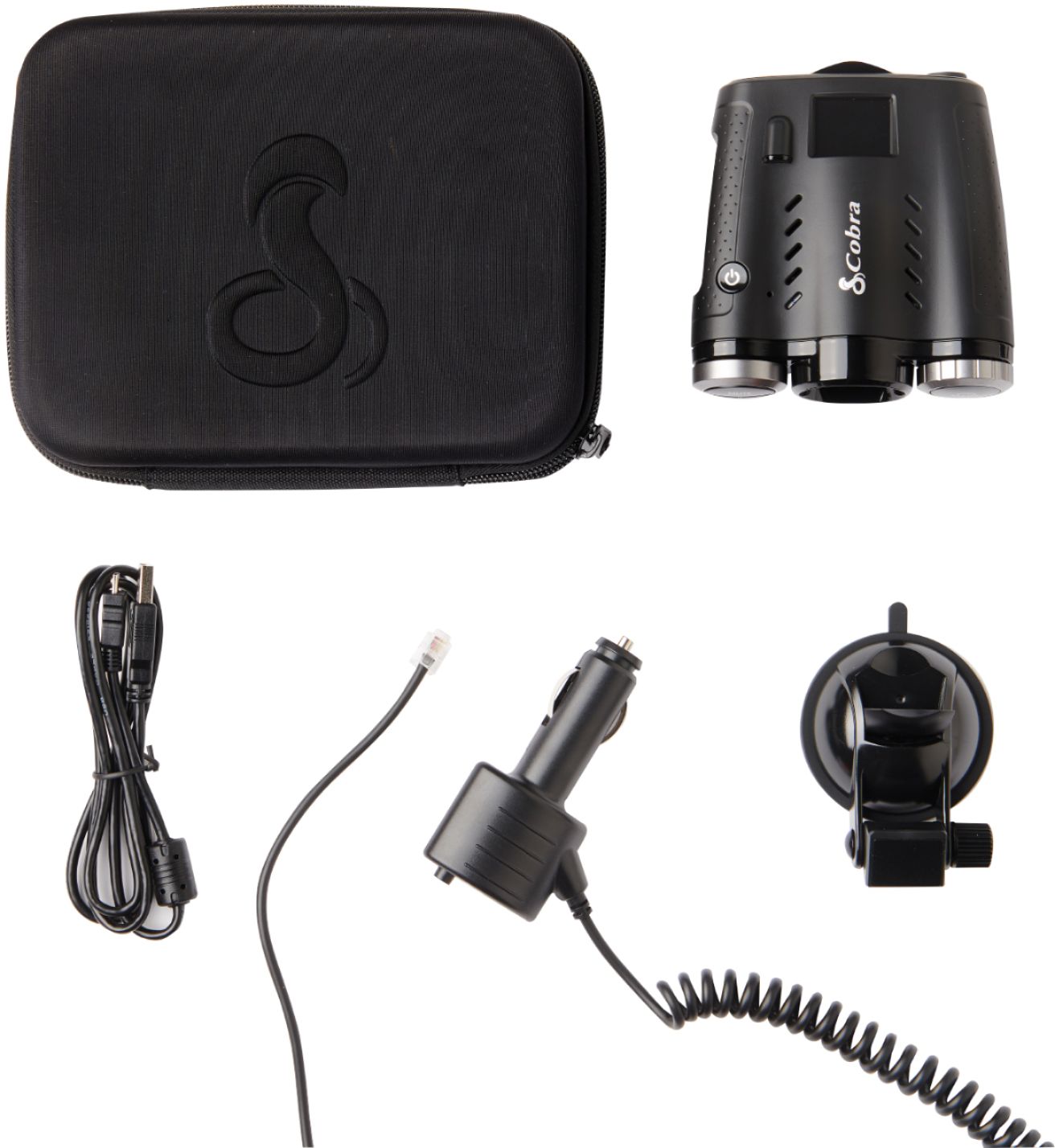
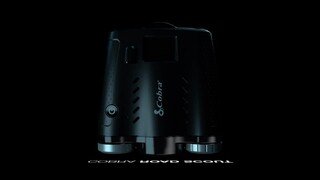
A:AnswerIt is always recording. When the card fills up, then it overwrites the oldest video with the newest. When an impact is detected, it locks the video file so that it is not overwrited.
A:AnswerUp to 32GB cards. For the tech-savvy: larger than 32GB cards can be used in Road Scout if they are formatted with FAT32.
Note that the SD card must be class 10 or better.
A:AnswerUnfortunately it sounds like the detector will need to be serviced. For further assistance, please contact us at 800-543-1608 during our hours of Monday-Friday, 9am-5:00pm EST.
A:AnswerFor further assistance, please contact us at 800-543-1608 M-F 9:00AM-5PM EST.
Live Chat is also available from 10:00 AM-4:45 PM Eastern Time M-F. Look for the chat icon at the lower bottom right side of the Cobra web pages.
A:AnswerI am unsure what is not working on it. For further assistance, contact us at 800-543-1608 M-F 9:00AM-5PM EST. Live Chat is available from 10:00 AM-4:45 PM Eastern Time M-F. Look for the chat icon at the lower bottom right side of the Cobra web pages.
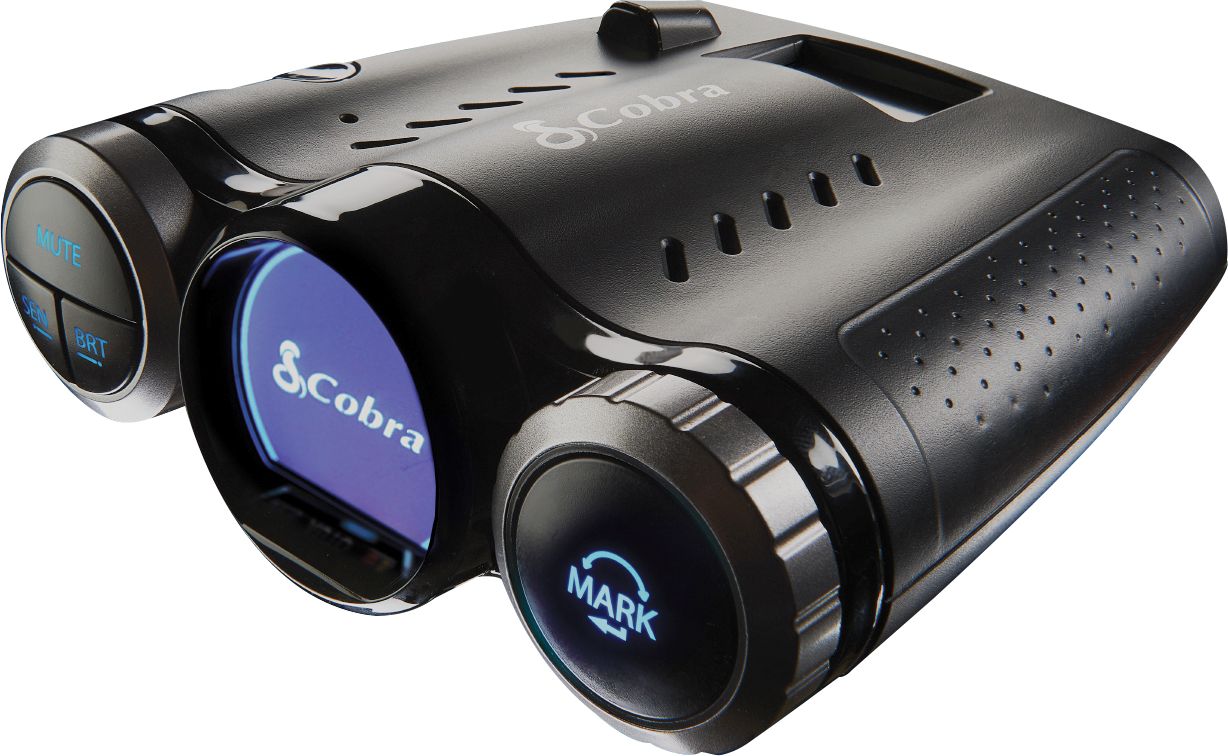
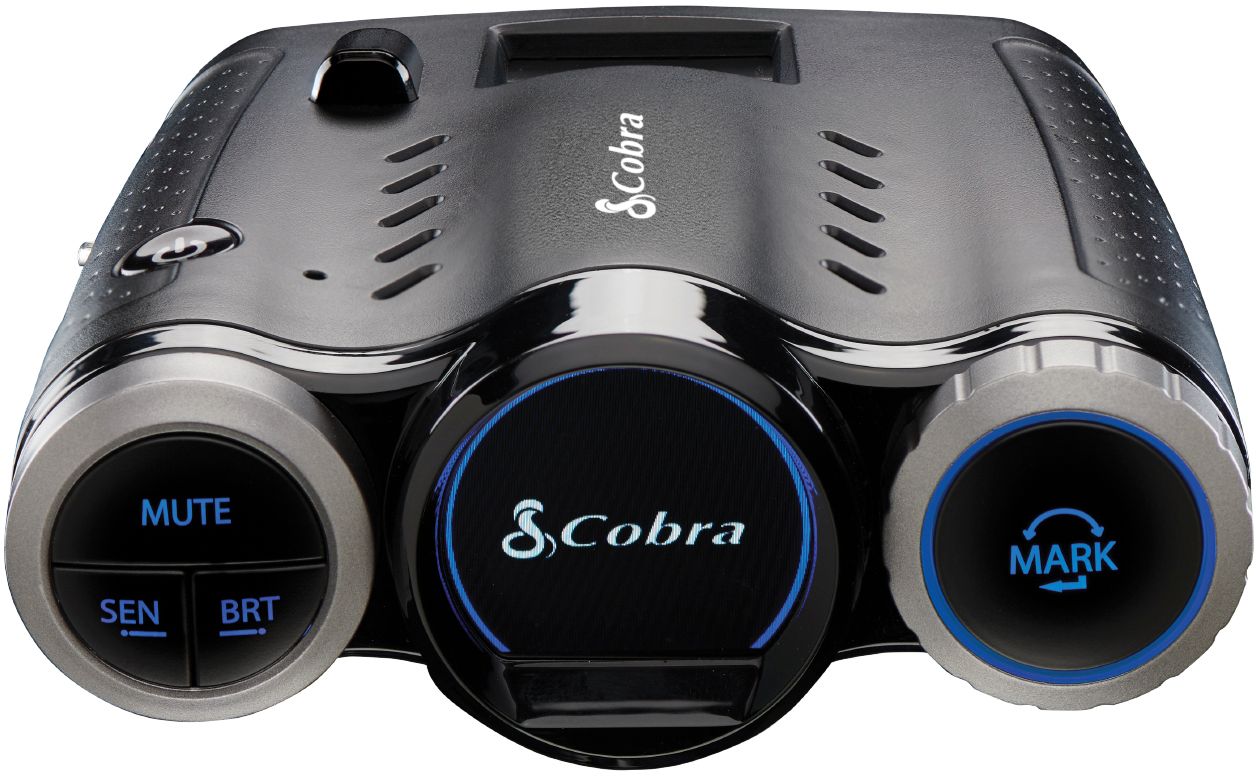
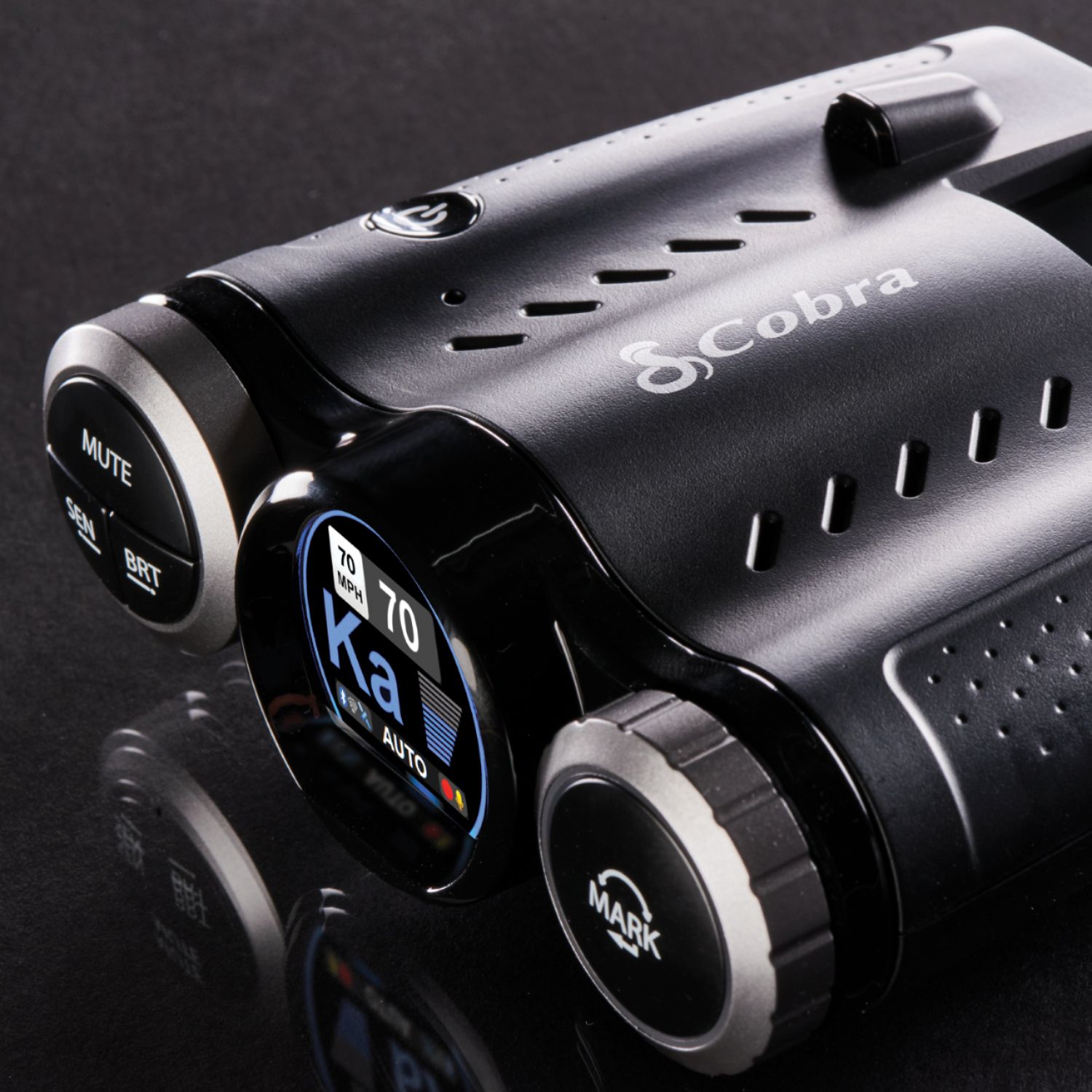
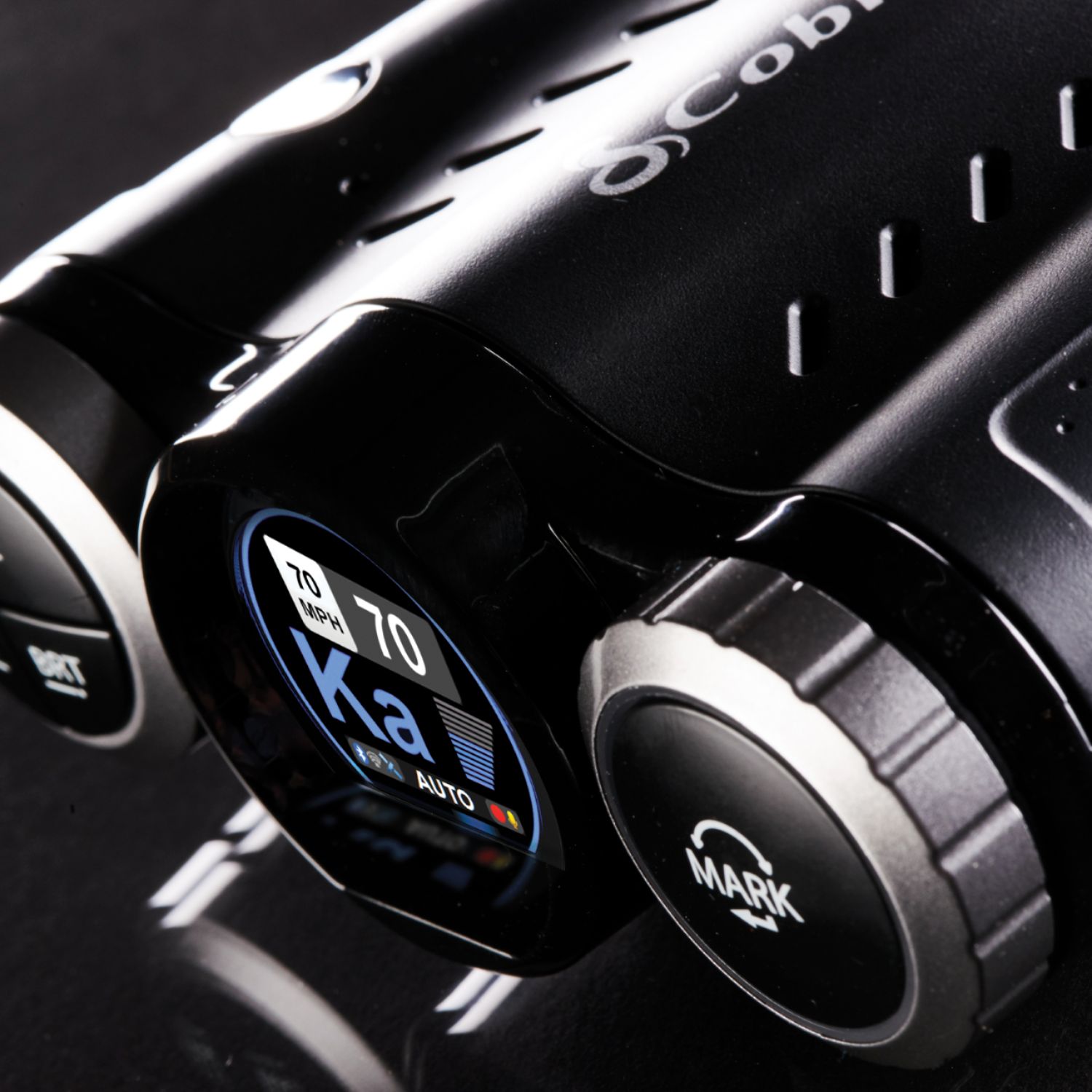
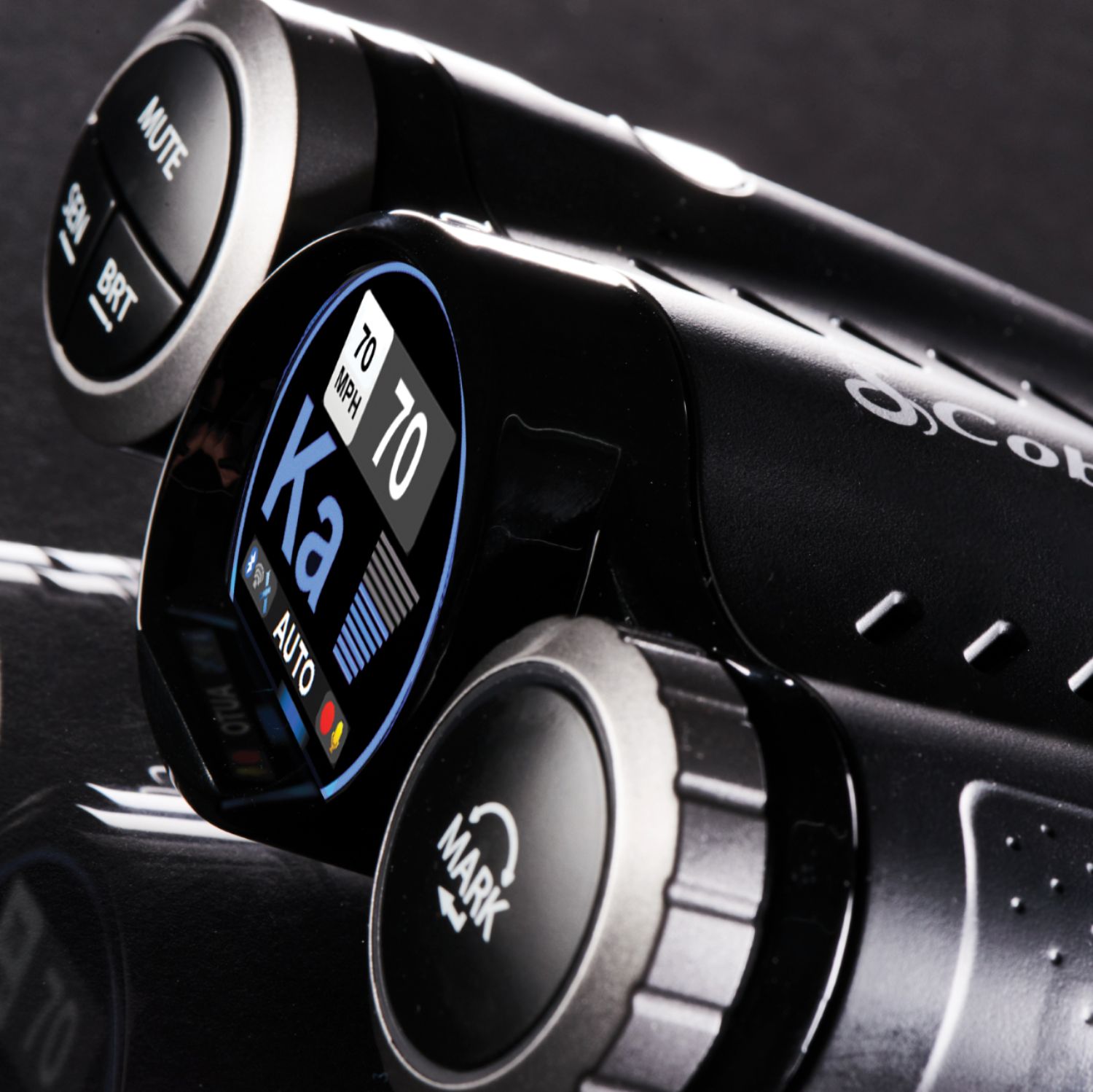
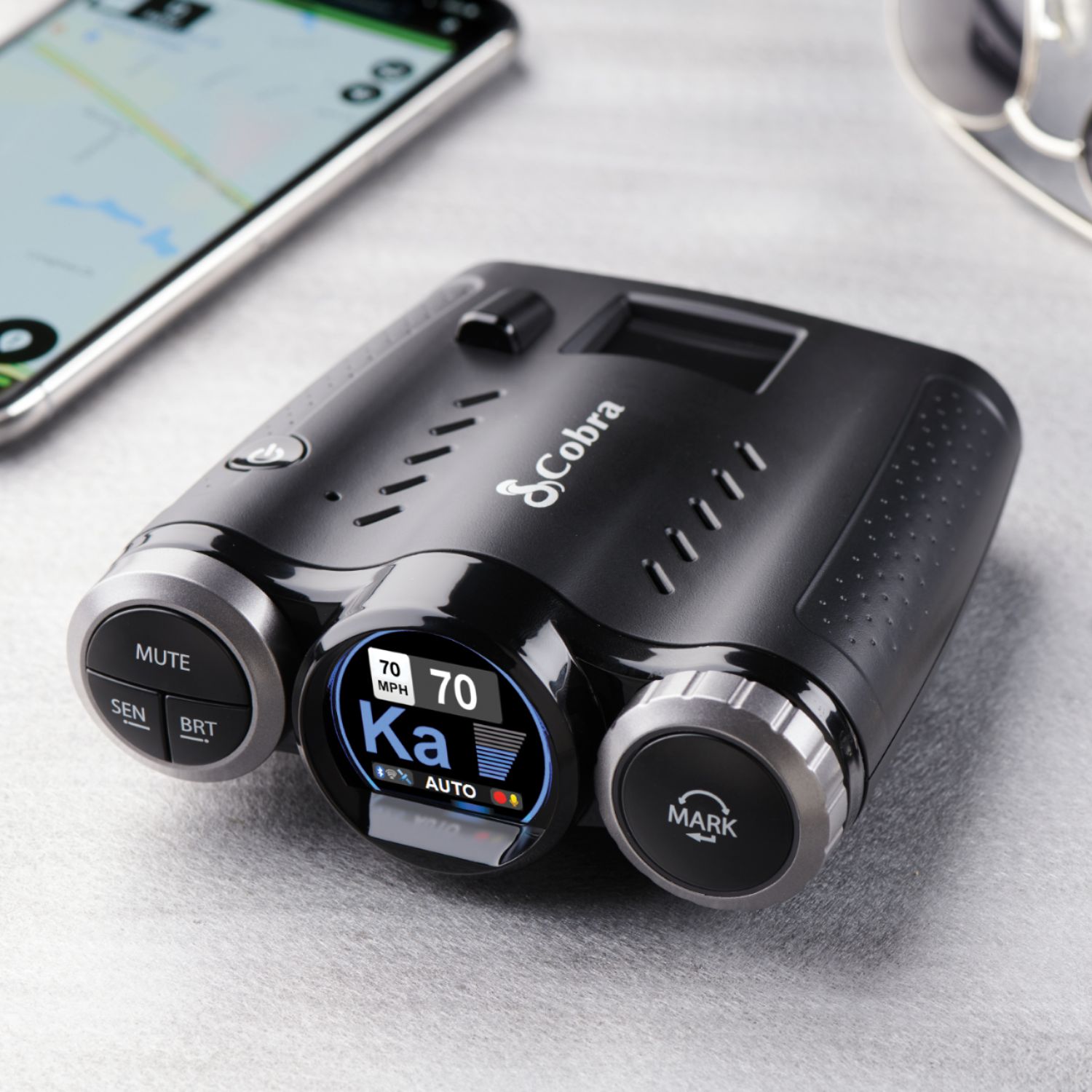
A:AnswerIt sounds like it is in dark brightness mode. Repeatedly press the BRT button to cycle through the display brightness modes. If you continue to have display issues, contact us at 800-543-1608 M-F 9:00AM-5PM EST. Live Chat is also available 10:00 AM-4:45 PM Eastern Time M-F. Look for the chat icon at the lower bottom right side of the Escort Radar web pages.
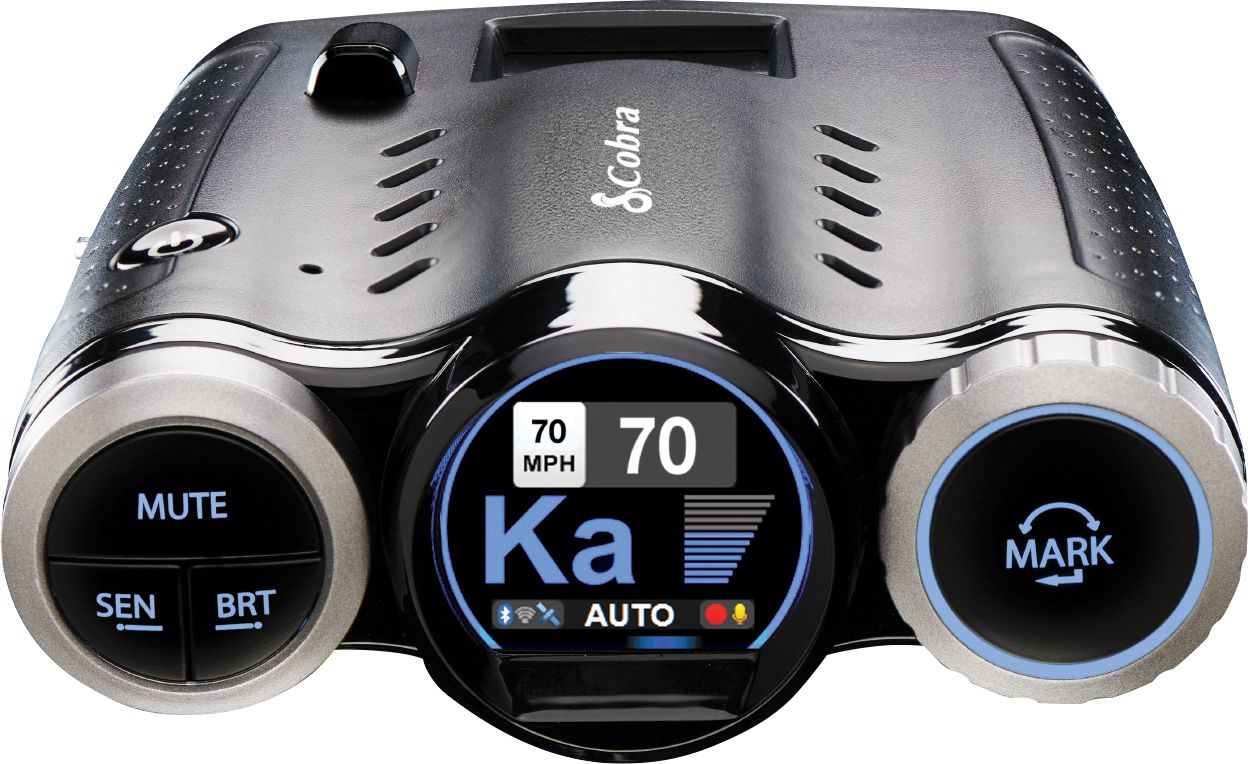
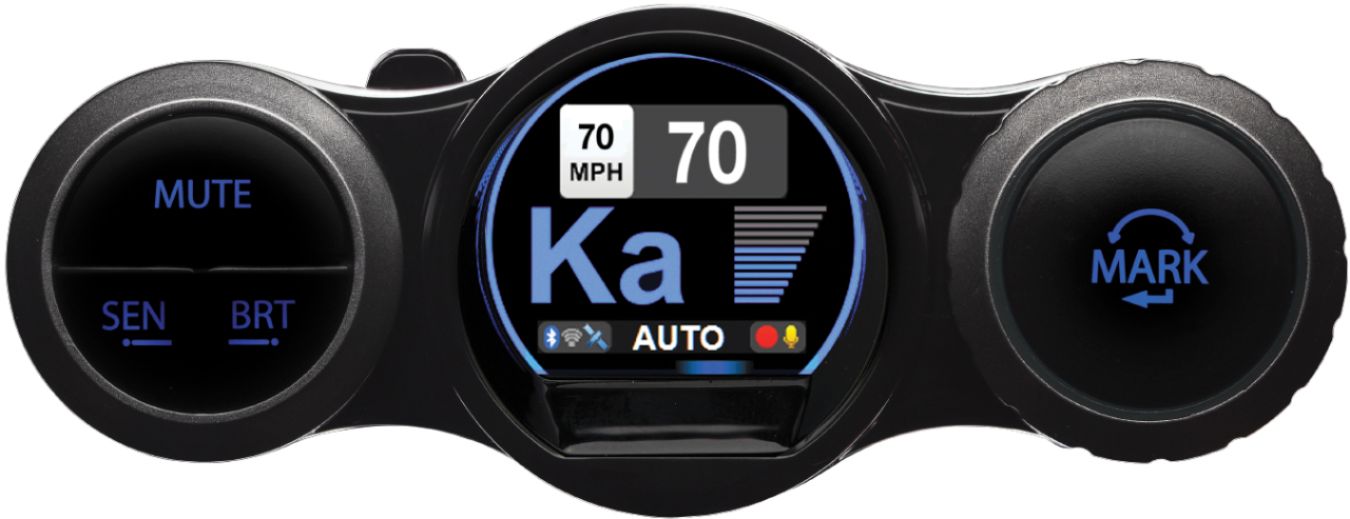
A:AnswerIf recording is enabled (there will be a red dot on the display) then there is an issue with your Road Scout. For further assistance contact us at 800-543-1608.
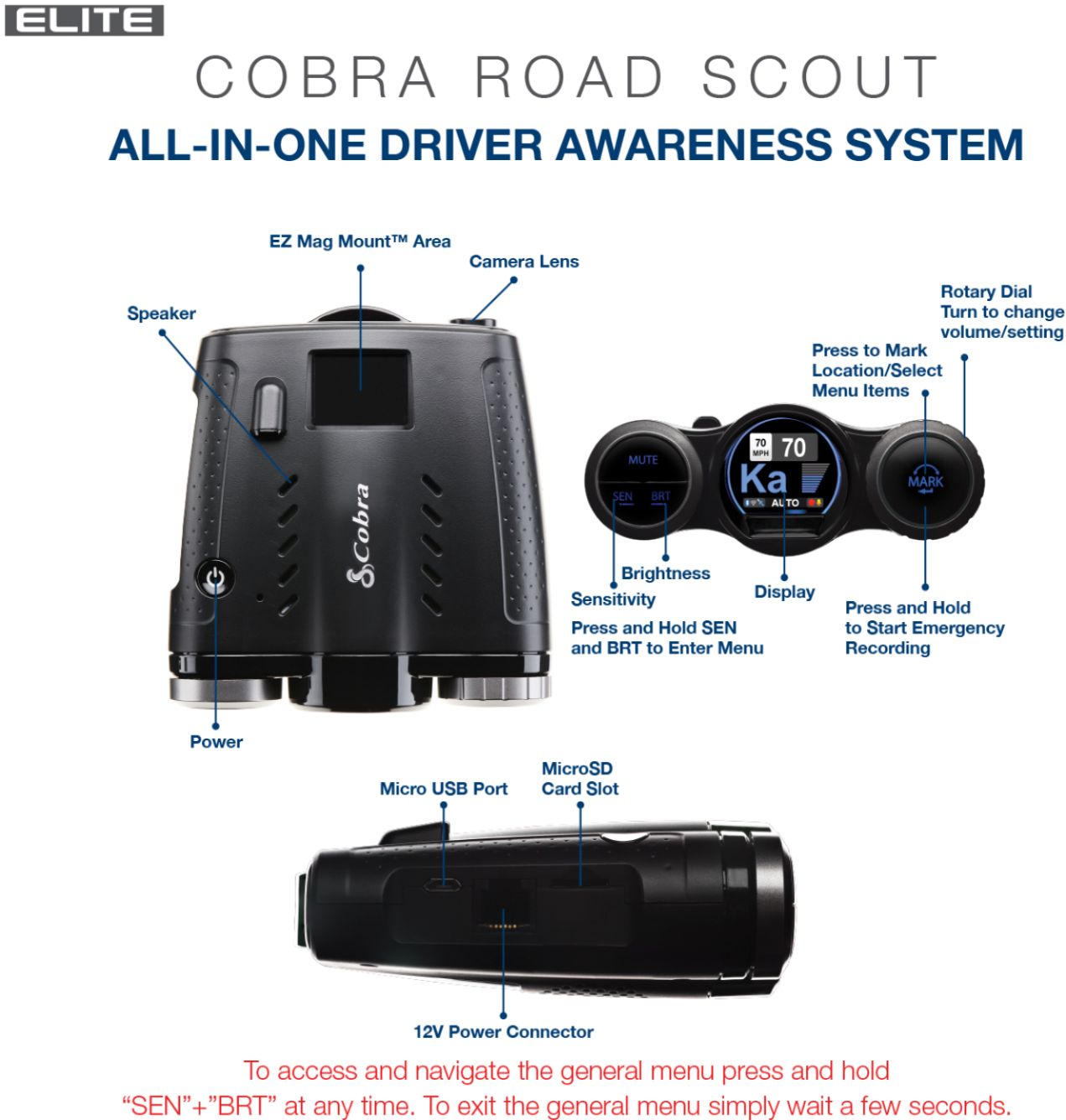
If recording is not enabled then enter the settings menu and enable it. To enter the menu, hold the SEN and BRT buttons. Once in the menu, rotate the dial to change the setting and press MARK tp select.