Save up to 50% on 3-Day Sale deals.Ends 12/14.Shop now

Main Content

Questions & Answers

Your price for this item is $59.99
Page Showing 1-20 of 33 questions
  • QuestionDoes the drone have obstacle avoidance?

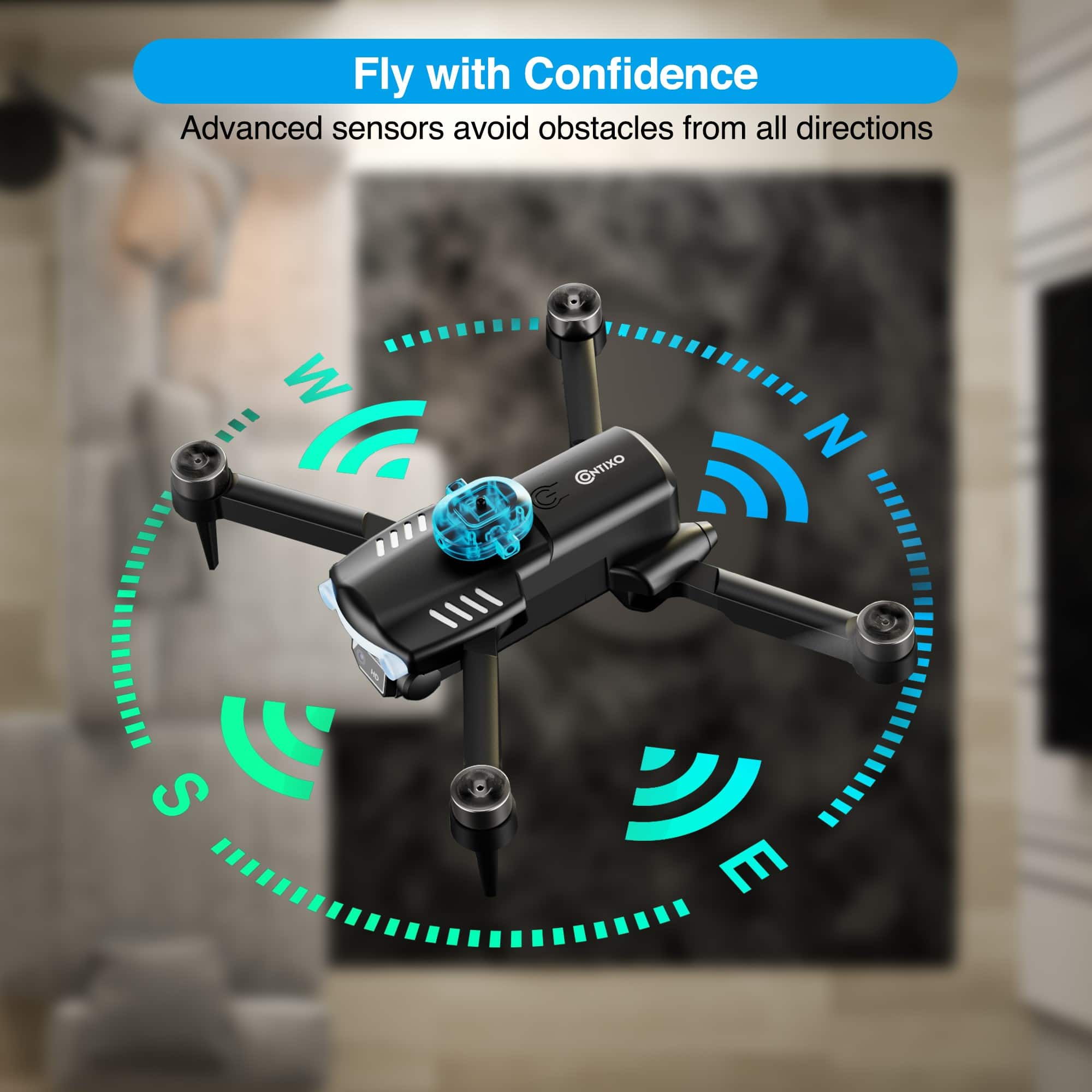
    • Answer Yes, the Contixo F19 drone has 360-degree environmental perception and laser obstacle avoidance functions.
    This question and answer was generated by AI based on customer and product data.

  • QuestionCan I use my phone to control the drone?

    • Answer Yes, this drone is app-controlled and compatible with Android.
    This question and answer was generated by AI based on customer and product data.

  • QuestionHow clear is the camera on this drone?

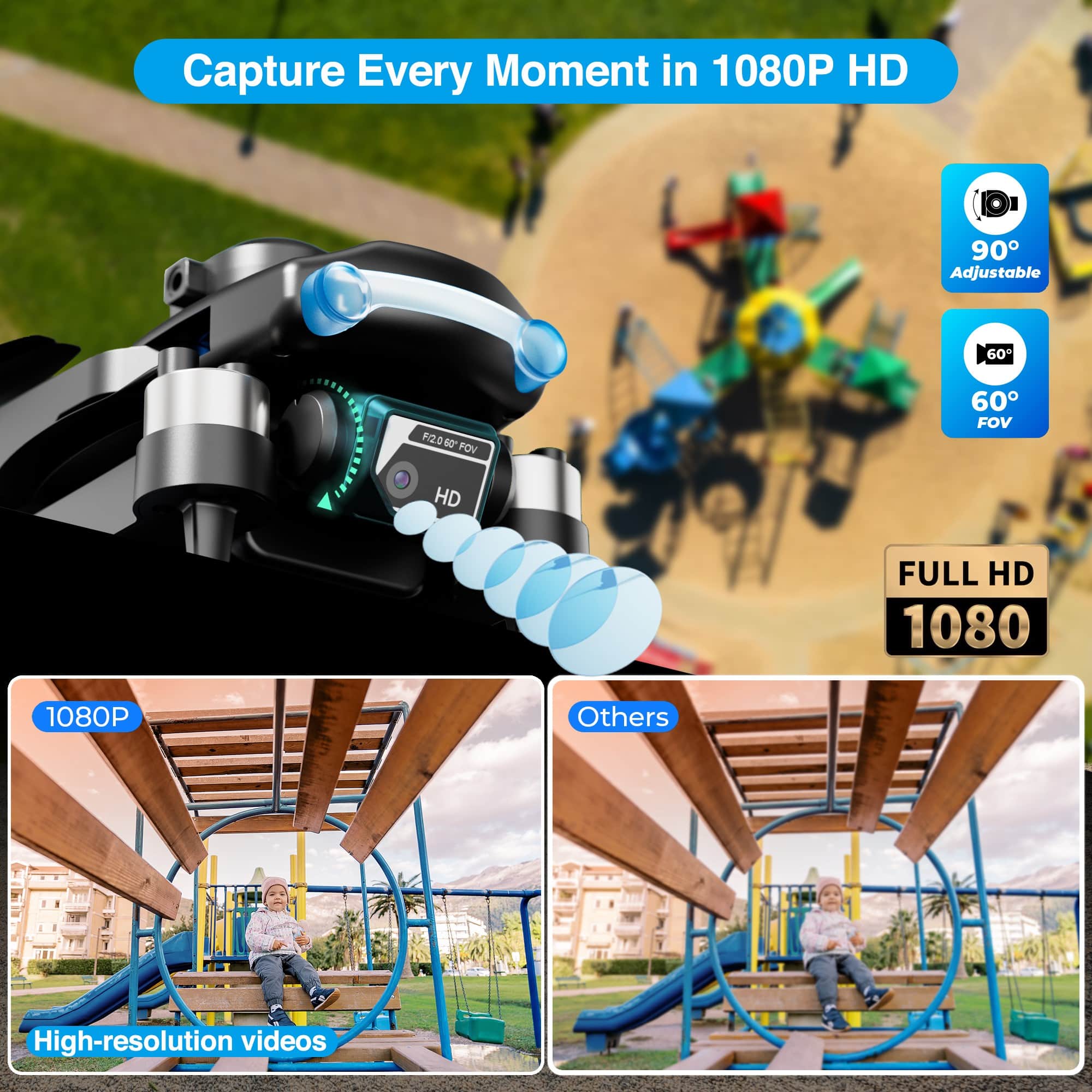
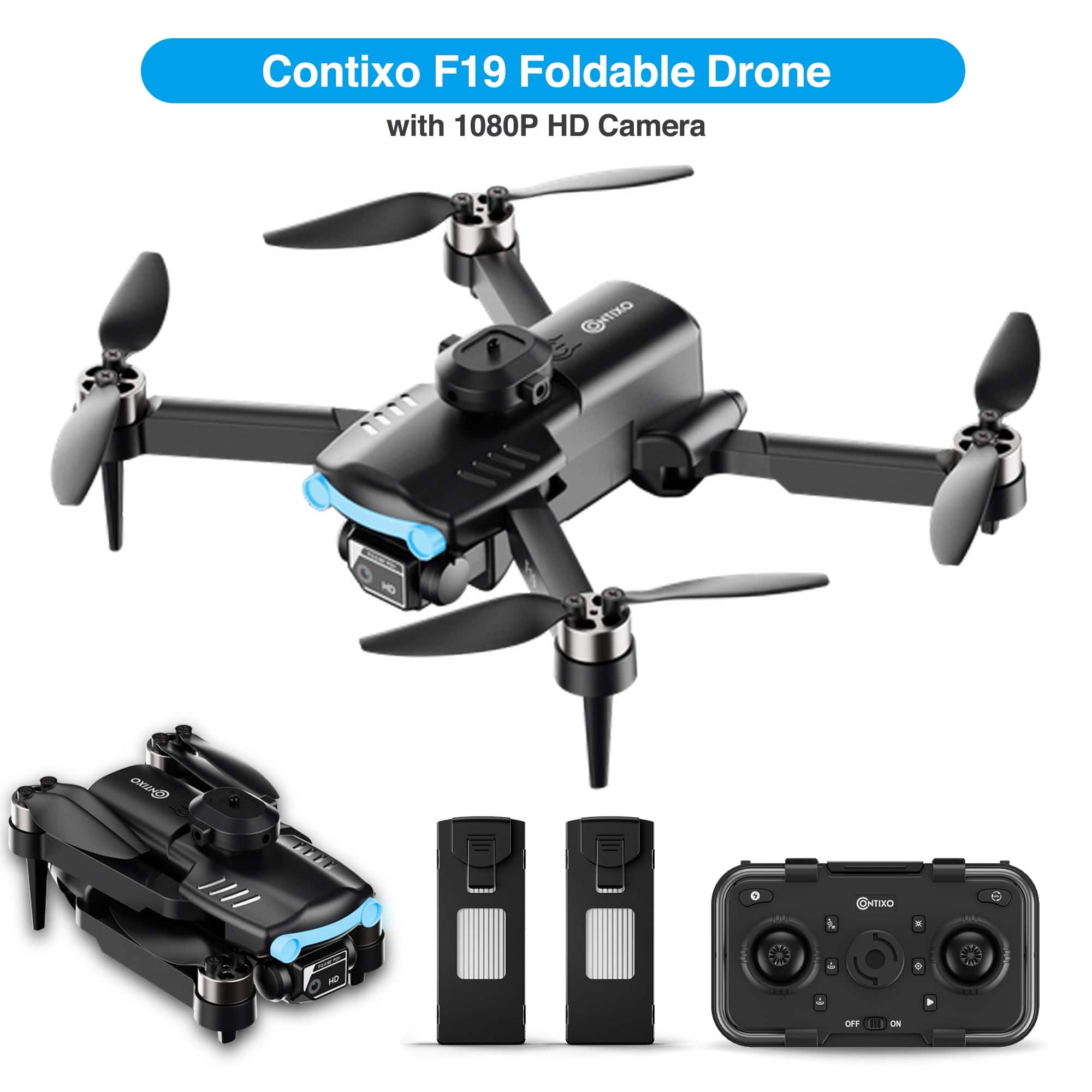
    • Answer This drone has a 1080P Ultra Clear Camera with a 90-degree wide-angle lens that provides high-resolution pictures.
    This question and answer was generated by AI based on customer and product data.
  • QuestionWhat is the maximum flight time of the Contixo drone?

    • Answer The maximum flight time for this drone is 10 minutes with one battery.
    This question and answer was generated by AI based on customer and product data.
  • QuestionHow long does it take to charge the drone's battery?

    • Answer The charging time for the drone's battery is 80 minutes.
    This question and answer was generated by AI based on customer and product data.
  • QuestionWhat is the maximum video frame rate of the drone?

    • Answer The maximum video frame rate is 1080p (Full HD).
    This question and answer was generated by AI based on customer and product data.
  • QuestionCan you use this with no phone, and just the remote control?

    Asked by Billy.

    • Answer Yes you can you don’t need a phone but you do for the camera and photo but overall you just need the remote to control it

      Answered by JeanH

  • Questionwhat is the weight capacity? I would like to use a drone for light painting and would need to mount a small LED light (like a Lume Cube)

    Asked by me.

    • Answer The Contixo F19 is a compact and lightweight drone, weighing approximately 109–143 g (3.8–5 oz) With a total weight under 250 g, this drone is designed primarily for its built-in camera and stabilizers—not for carrying additional weight. Light painting accessories like a Lume Cube typically weigh 100 g or more, plus any mounting bracket. That amount would exceed the F19’s capacity and could: Overload the motors and battery. Unbalance the drone, risking unstable flight. Reduce flight time dramatically—or prevent lift-off entirely.

      Answered by Contixo Support

  • QuestionWhere do I insert the micro SD card? Is it for the Drone (F19) or for the phone?

    Asked by Confused.

    • Answer The Contixo F19 drone uses a microSD card to store photos and videos captured during flight. This card is inserted directly into the drone, not into your phone. The microSD card slot is located on the side of the drone, near the battery compartment. To insert the card: Power off the drone. Open the battery compartment. Insert the microSD card into the slot with the gold contacts facing downward. Close the compartment securely. The Contixo F19 does not come with a microSD card included. You'll need to purchase one separately. It's recommended to use a 32GB microSD card formatted to FAT32 for optimal performance. The Contixo F19 does not have internal storage. All media is saved directly to the microSD card. To view or transfer your recordings, remove the microSD card from the drone and insert it into a card reader connected to your computer.

      Answered by Contixo Support

  • QuestionDoes it actually come with a memory card? Descriptions says it does, box does not indicate the same.

    Asked by Malice.

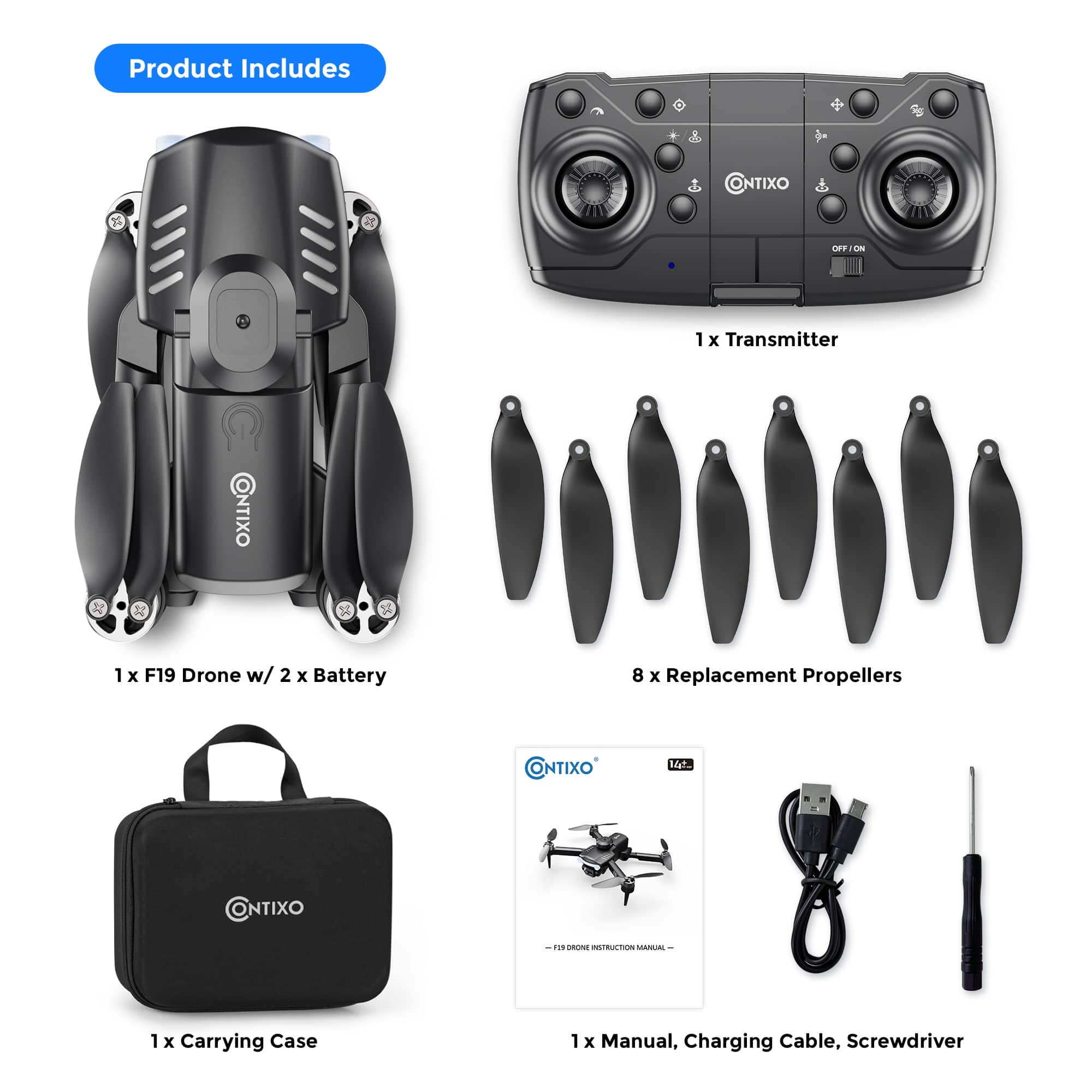
    • Answer No, the Contixo F19 Drone does not come with a memory card. We apologize for any confusion—the product description may have been unclear, but the memory card is not included in the box. To use the camera and store photos or videos, you’ll need to insert your own compatible microSD card.

      Answered by Contixo Support

  • QuestionCan you record a video with this? How long do you get for recordings. Can you upload the video To a computer?

    Asked by Bill.

    • Answer Yes, the Contixo F19 GPS Drone can record video! It comes equipped with a built-in 2K HD camera that allows you to record both videos and take photos during flight. Recording Time: You’ll typically get about 15–20 minutes of recording time per battery charge, depending on flying conditions and usage. Storage & Upload: Videos and photos are saved directly to a microSD card (not always included), and you can easily upload the footage to a computer using a card reader or by connecting the drone directly if supported. It’s great for capturing aerial views, travel footage, or just fun flying moments!

      Answered by Contixo Support

  • QuestionContixo f19 winds level

    Asked by Anonymous.

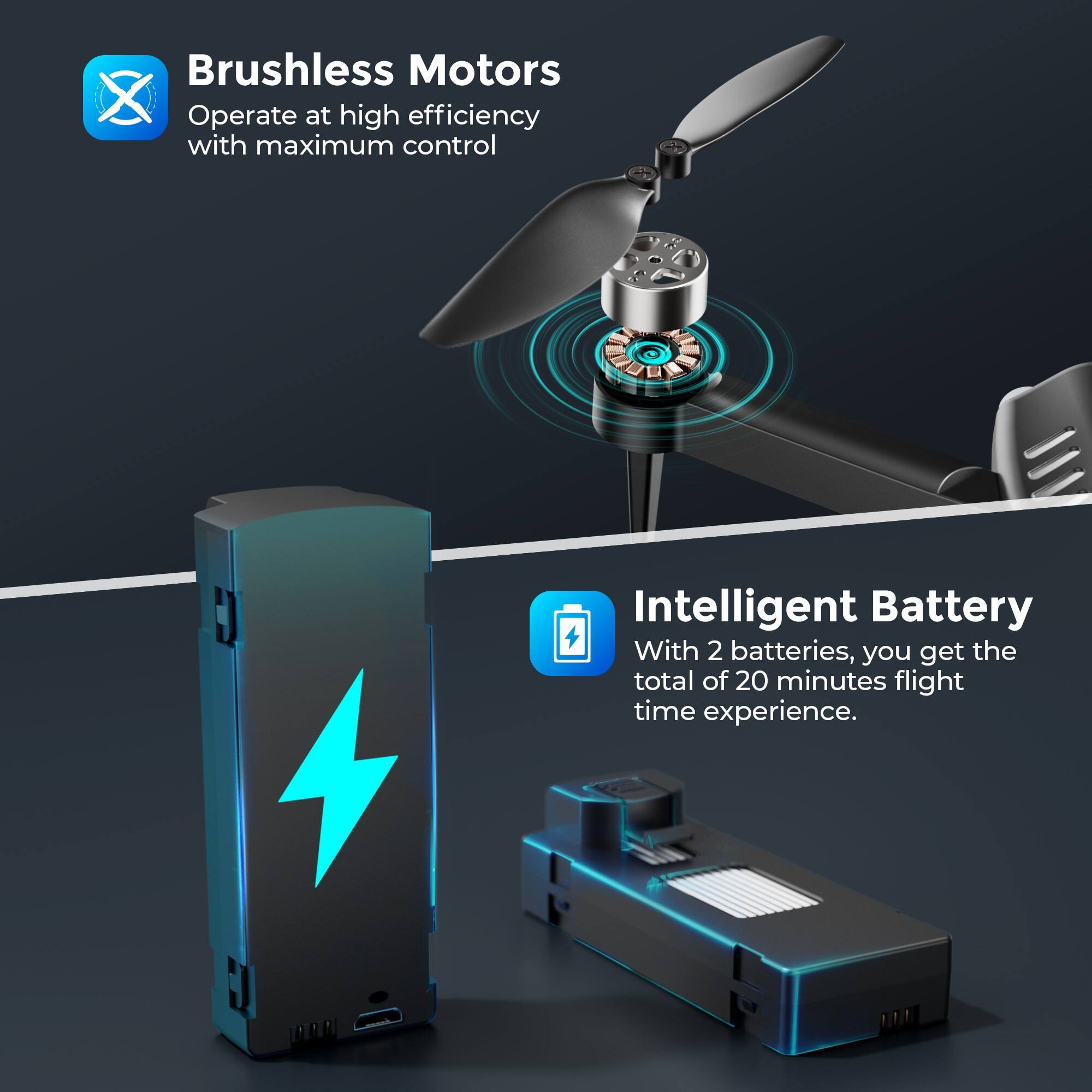
    • Answer The Contixo F19 is a brushless motor GPS drone designed for both beginners and experienced drone enthusiasts. When it comes to wind resistance, the F19 is rated for Level 4 wind resistance, meaning it can handle wind speeds of up to 13-18 mph (20-28 km/h). This level of wind resistance is decent for a consumer-grade drone, allowing for stable flights in moderate wind conditions. However, for the best performance and safety, it's recommended to fly in calmer weather (below 10 mph winds) to maintain smoother video footage and better control. If you're flying in stronger winds, make sure to use GPS mode for improved stability.

      Answered by Contixo Support

  • QuestionWhat is the range or distance the drone can fly from the controller? What happens if the drone gets too far (out of range) from the controller?

    Asked by farmboy.

    • Answer The Contixo F19 Brushless Motor GPS Drone has a maximum flight range of approximately 1,800 feet (about 550 meters) from the controller under optimal conditions. This range allows you to fly the drone a significant distance while maintaining control. What Happens If the Drone Gets Out of Range? If the drone flies too far or loses connection with the controller, it is equipped with a Return to Home (RTH) feature. This GPS-enabled function ensures the drone automatically flies back to its takeoff point when: The signal is lost between the controller and the drone. The battery level gets critically low. These safety features are designed to prevent the drone from becoming lost, making it a reliable choice for both beginners and experienced pilots. Always check the user manual to confirm these settings and ensure they're enabled before flying.

      Answered by Contixo Support

  • QuestionWhat app does the drone need for connecting to a phone/tablet?

    Asked by Somebody.

    • Answer The Contixo F19 Drone uses the "Contixo Drone" app to connect to your phone or tablet for a seamless flying experience. The app is available for both iOS and Android devices and allows you to control various drone features, such as live video streaming, camera settings, and flight modes, directly from your mobile device. You can download the app from the Apple App Store or Google Play Store. Once installed, simply connect your phone or tablet to the drone via Wi-Fi to start using the app for real-time controls and monitoring.

      Answered by Contixo Support

  • QuestionDoes it come with the camera?

    Asked by danh.

    • Answer Yes, the Contixo F19 Brushless Motor GPS Drone comes equipped with a camera. It features a 1080P HD camera, allowing you to capture high-quality photos and videos during flight. This makes it great for aerial photography or simply enjoying the view from above.

      Answered by Contixo Support

  • Questionhow much does it weigh

    Asked by augusto.

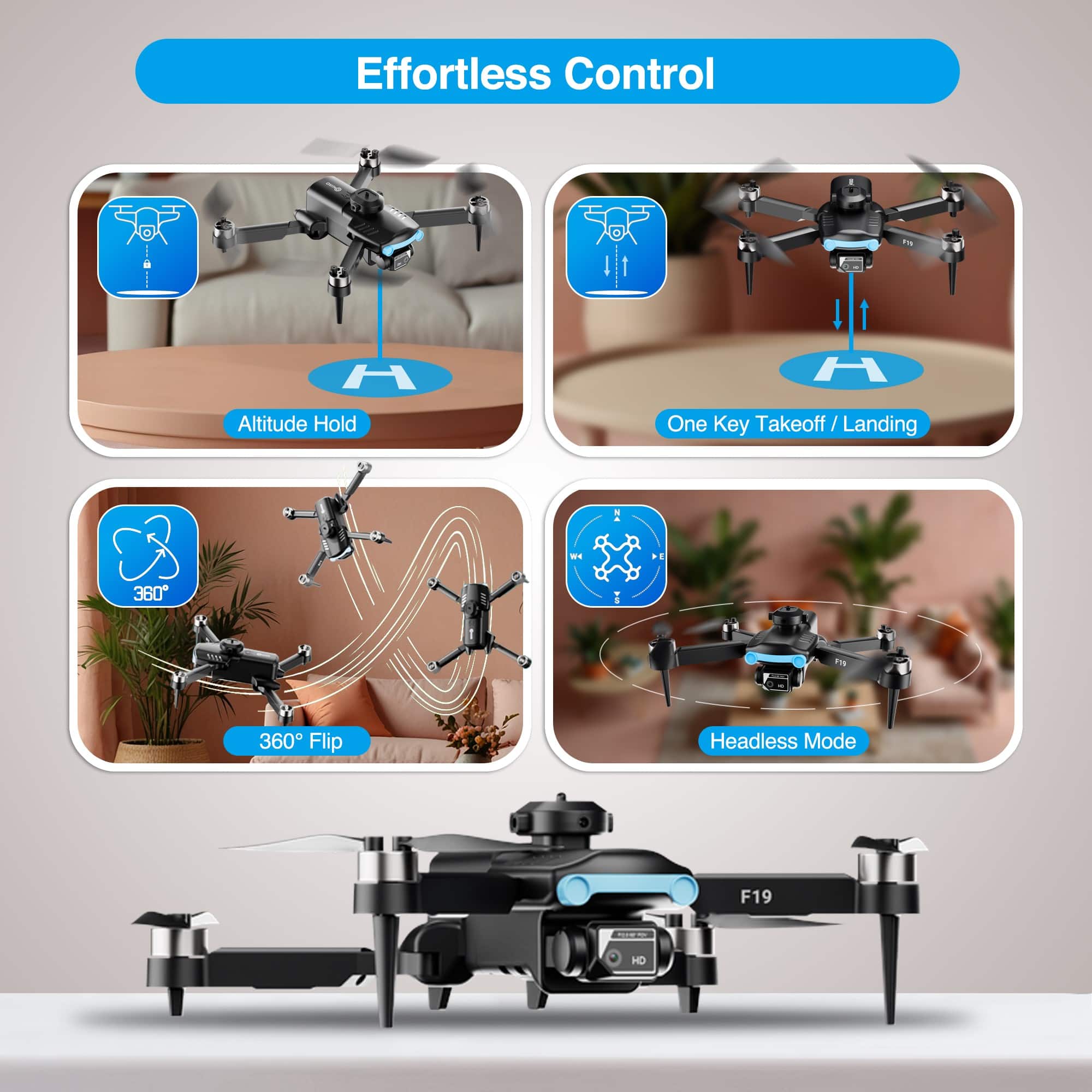
    • Answer Hi Augusto, Thank you for your interest in the Contixo F19 Drone. The weight of the F19 Drone is 109g/3.8 oz and does not need FAA registration. Below is a list of F19 Drone Specs: Drone Model: F19 Drone Weight: 109g/3.8 oz Battery Type: Lipo Lithium-Ion Battery Flight Time: About 10 minutes Max Charging Time: About 80 minutes Capacity: 1800 mAh Voltage: 3.7V Dimensions Folded: 5.59 x 2.91 x 2.04in Recommend Control Height: 5M (16 feet) Max RC Control Range: 50M (160 feet) (Unobstructed) WIFI Camera Range: 25M (80 feet) Wind resistance level: Level 1 Auto-Hovering: Enabled Remote Control Operating Frequency: 2.4 GHz Remote Control Battery: (3) AA Remote Control Operating Voltage: 3.7V Camera Lens: FOV 90° Still Photography Mode: Single shot Photo Format: JPEG Video Format: MP4 Operating Temperature Range: 32°to 104°F ( 0°to 40°C)

      Answered by Contixo Support

  • QuestionHow far does it go

    Asked by SHAWN1988.

    • Answer The Contixo F19 Brushless Motor GPS Drone has a control range of up to 1,000 feet (approximately 300 meters) in open, unobstructed areas when using the remote controller. Keep in mind that the live video transmission range may be shorter, depending on environmental conditions and interference. For best performance, always fly in clear, open areas and keep the drone within your line of sight.

      Answered by Contixo Support

  • QuestionDoes a drone need a Wi-Fi hotspot to operate?

    Asked by WilliamS.

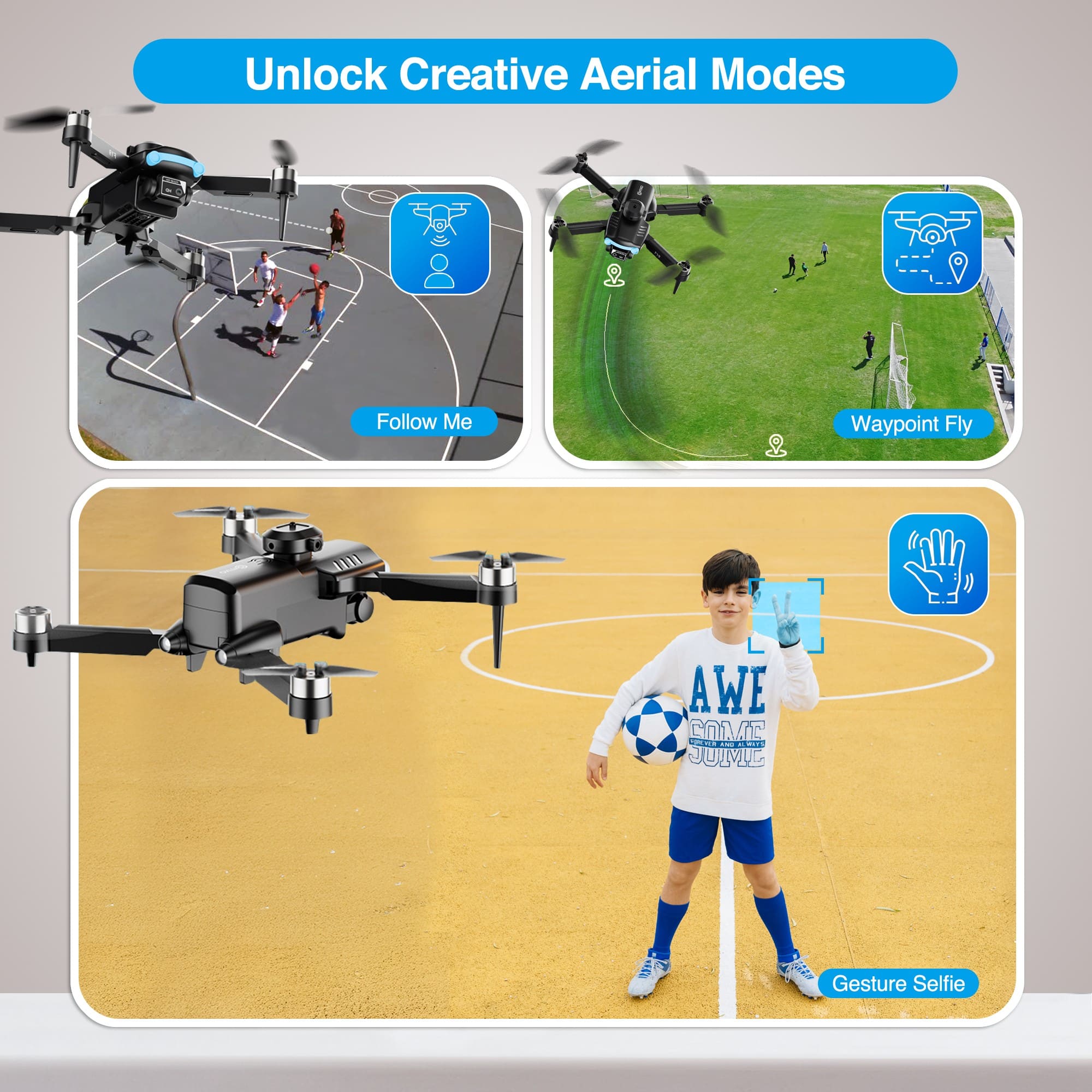
    • Answer No, the Contixo F19 drone does not require a Wi-Fi hotspot to operate. It connects directly to the remote controller via its own built-in radio frequency signal for flying and basic controls. However, to access live video streaming, advanced features like Follow Me mode, or camera settings through the Contixo app, the drone creates its own Wi-Fi network that your phone connects to—not an external internet hotspot. This means you don’t need cellular data or a home Wi-Fi network for the drone to function properly.

      Answered by Contixo Support

  • QuestionUp to what wind speed can this drone handle?

    Asked by Thomas.

    • Answer The Contixo F19 Brushless Motor GPS Drone is designed to handle moderate wind conditions thanks to its brushless motors and GPS-assisted flight stability. It can typically withstand wind speeds of up to 15–20 mph (24–32 km/h). However, for the best performance and safety, it's recommended to fly in calm to mildly breezy conditions (under 15 mph). Always check local weather conditions before flying, and avoid flying in strong winds or gusty environments to maintain control and protect your drone.

      Answered by Contixo Support

  • QuestionHow you can change the drone camera quality

    Asked by Martin.

    • Answer To change the camera quality on the Contixo F19 Brushless Motor GPS Drone, follow these steps: Check Your Drone App Settings: The Contixo F19 drone typically pairs with a dedicated app (such as the Contixo FLY app or an equivalent) for controlling camera settings. Open the app and connect it to your drone. Navigate to the camera or video settings, where you'll find options to adjust resolution and frame rates. Adjust Resolution and Frame Rate: In the app settings, select the preferred resolution for video or image capture (e.g., 1080p, 720p, etc.). Some models allow you to choose frame rates, which can also impact video quality. Higher resolution and frame rates will provide better quality but may use more storage. Update Your Drone Firmware and App: Ensure your drone and its app have the latest updates. Updates may improve camera performance, unlock additional settings, or fix bugs that affect image quality. MicroSD Card Quality: Use a high-speed microSD card that supports the resolution you are capturing. Slow or incompatible cards can lead to degraded video quality or skipped frames. Lighting Conditions: Camera quality is heavily influenced by lighting. For the best results, fly in well-lit conditions, avoiding overly dark or bright areas that can cause the camera to struggle with exposure.

      Answered by Contixo Support