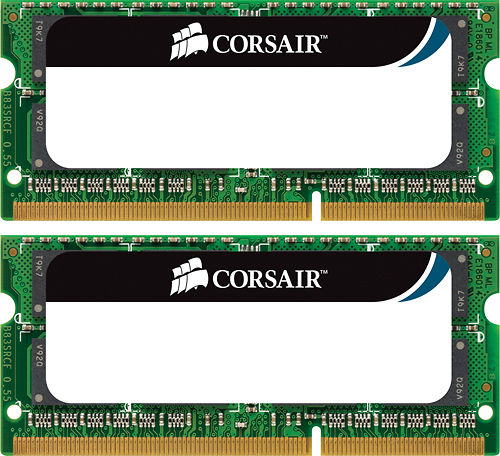
A:AnswerI simply researched the year, make and model. Found out what ram would fit and conveniently Best Buy had the one. Worth it! My 2009 iMac runs great and is like new
A:AnswerThey might have that ram but thisone is ddr3 ram. I bought 2 of 4gb ram for my laptop, its working. My laptop is dell inspiron 1564 icore3 now its super fast. Make sure if your laptop ram is ddr3l then u must get ddr3l. My laptop run ddr3 sodimm.
A:AnswerThis will depend on which processor the laptop is equipped with. This particular set works with the 2.4Ghz dual-core and 2.8 to 3.2Ghz single core systems.
A:Answerlook at the specs on your notebook. There should be a listing of what kind/type of memory it requires. Then look for memory which matches the requirements .
A:AnswerYes. I just put it in my late 2011 MacBookPro and it has made a huge improvement. I also recommend upgrading your hardrive to an SSD. Brought new life to my old Mac and it’s faster then ever.
A:AnswerClick on the apple on the upper left most corner of your screen then select about this mac the click on system report from there scroll down to memory and it will tell you how mach Ram your mac has and the type. Then just shop for that type- most will only take a max of *8GB. Good Luck
A:AnswerBest place to find that answer is a website from Crucial who manufactures RAM and Solid State Hard drives They will list your computer and system and match the correct type of RAM you would need for your particular MAC,. The Website is https://www.crucial.com/content/crucial/en-us/home/store/advisor?cm_re=homepage-_-main-body-_-select-btn That will take you to the advisor tool. Hope that helps.