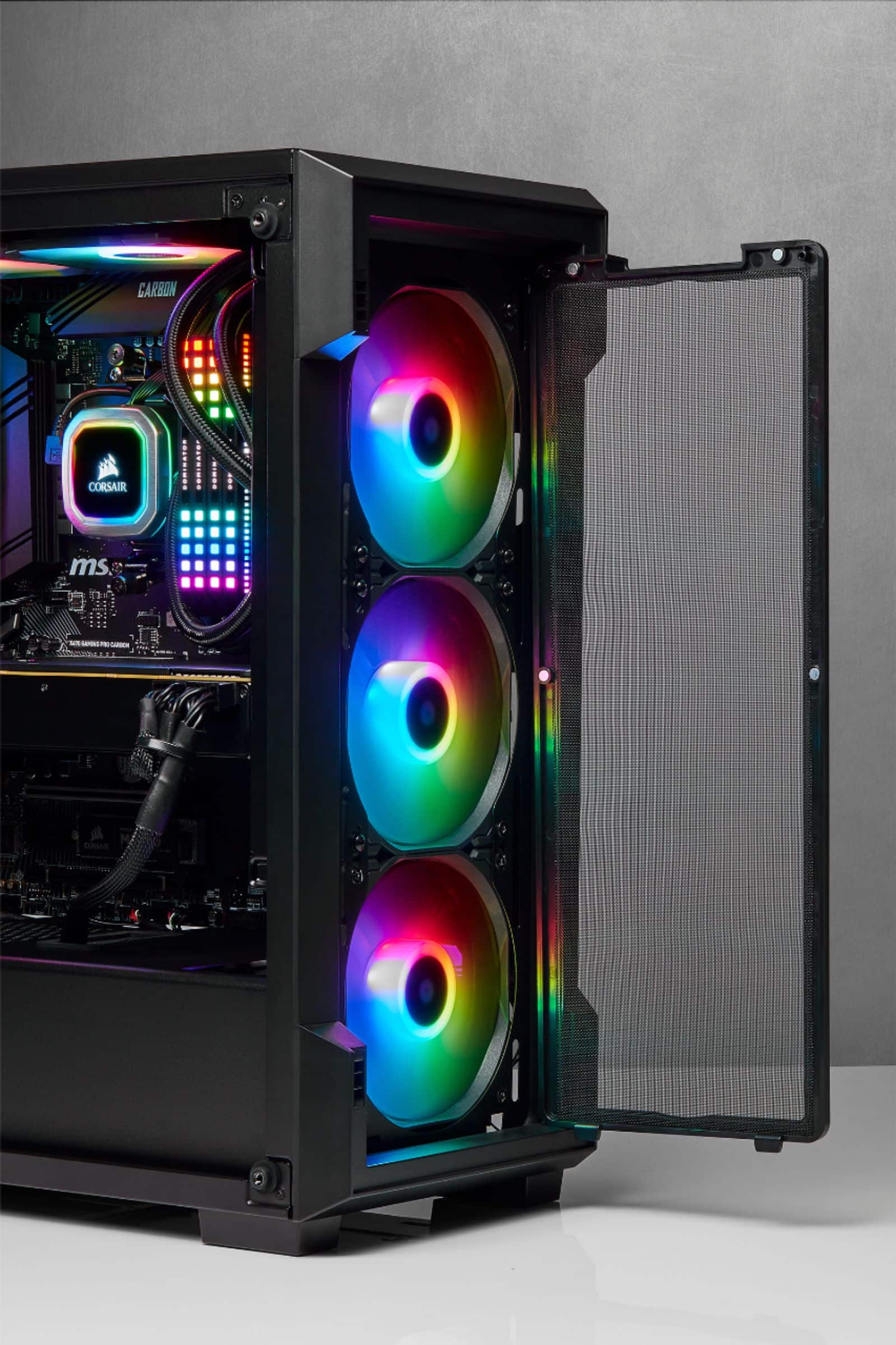
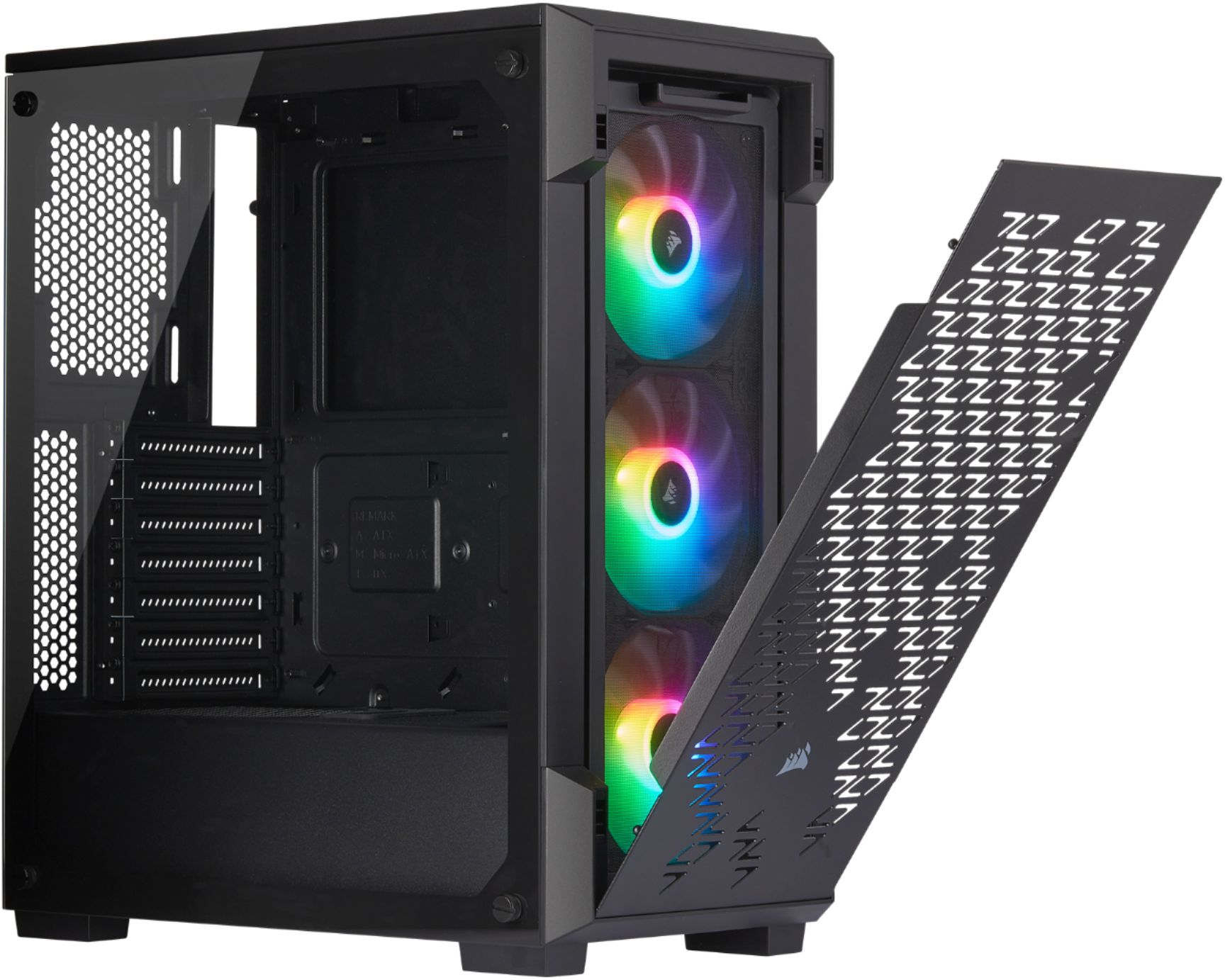
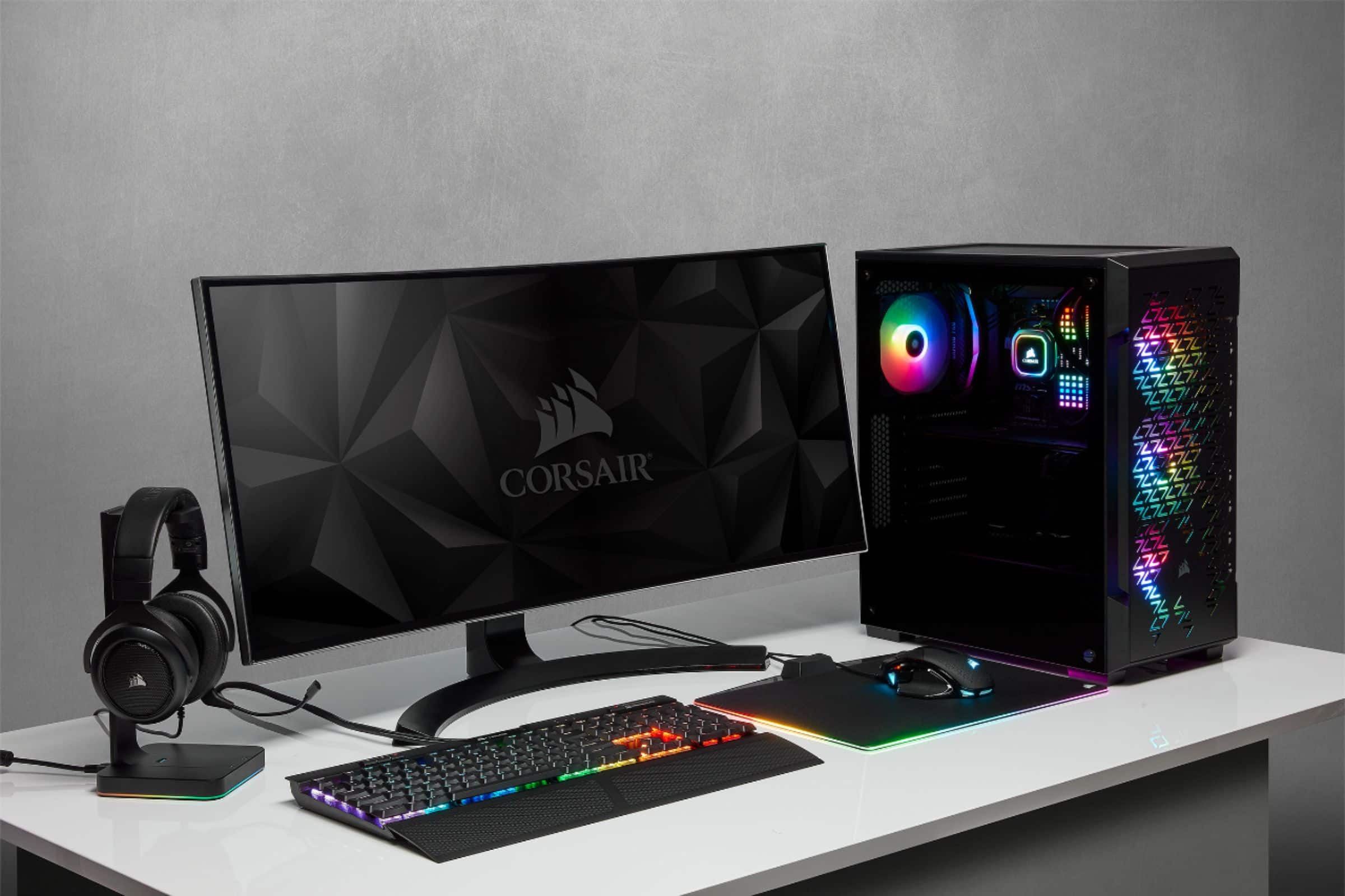
A:AnswerComes with 3.
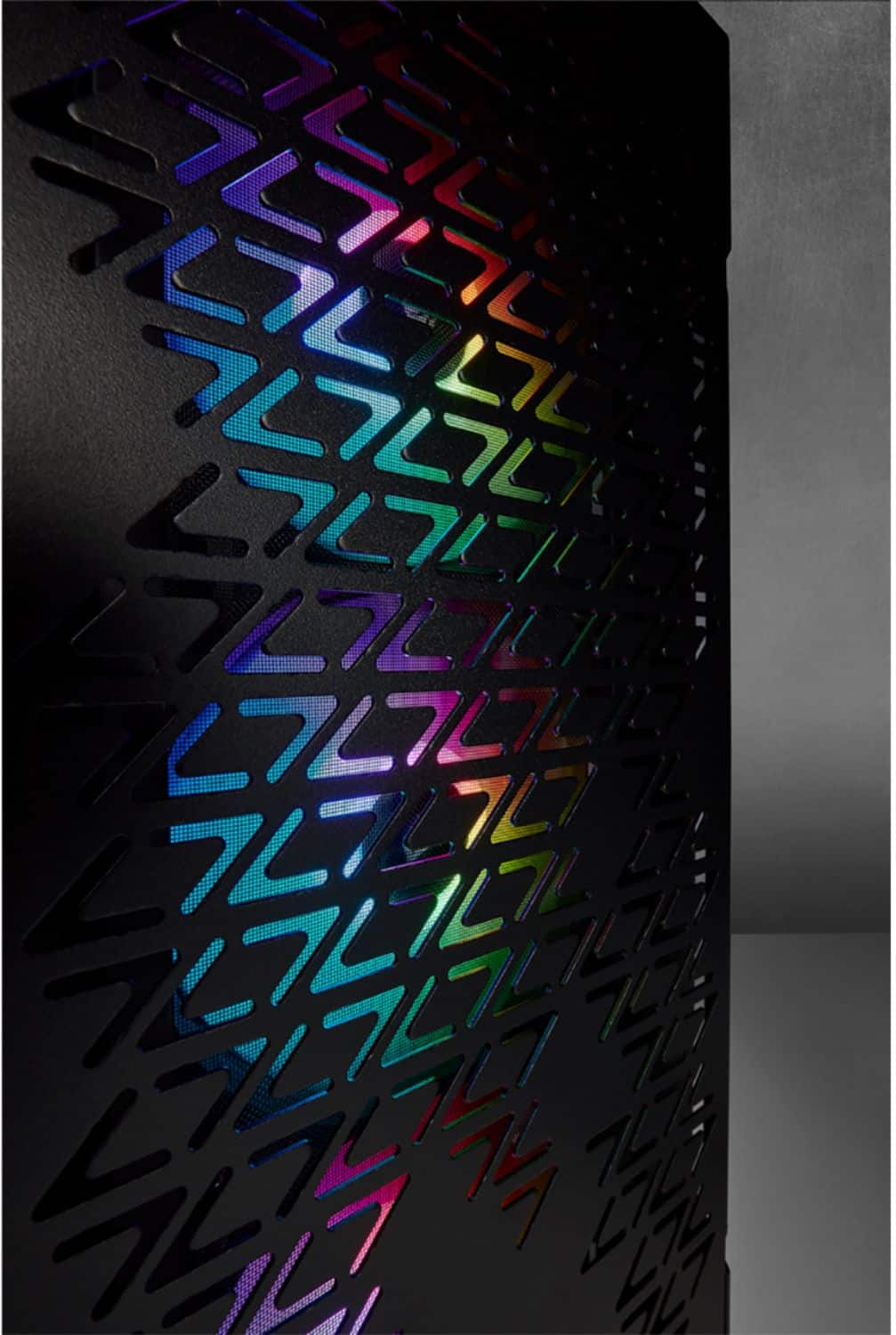
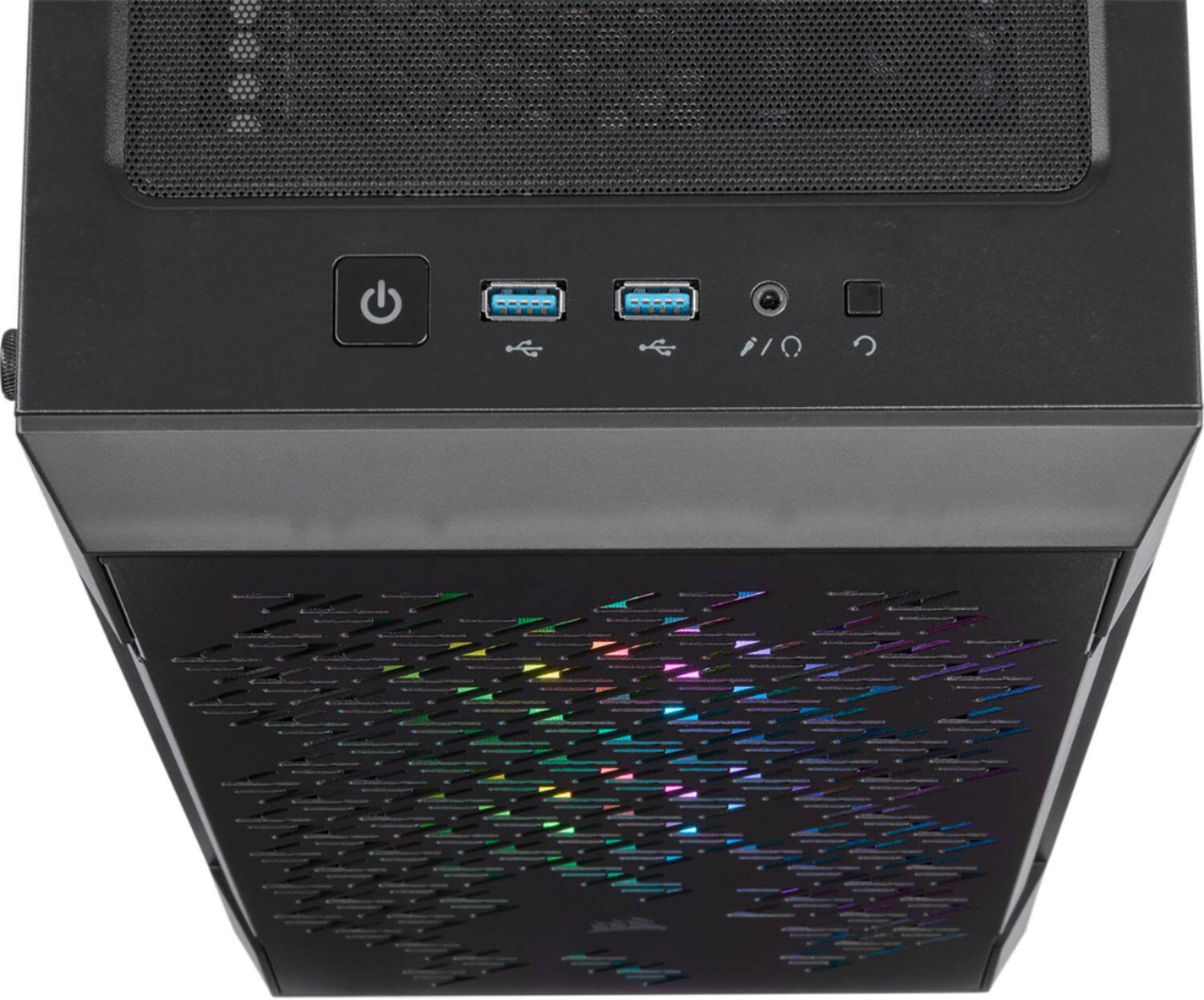
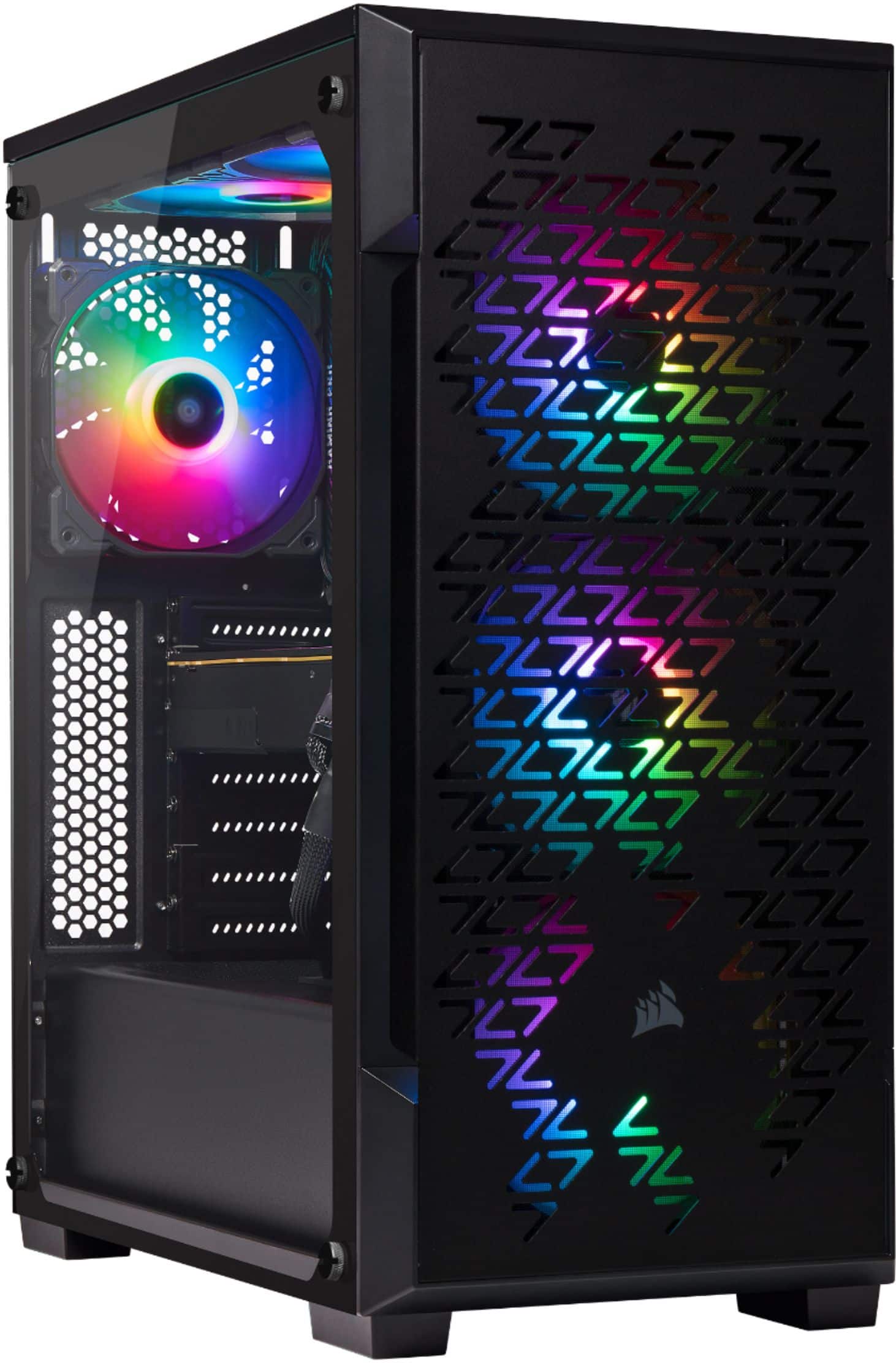
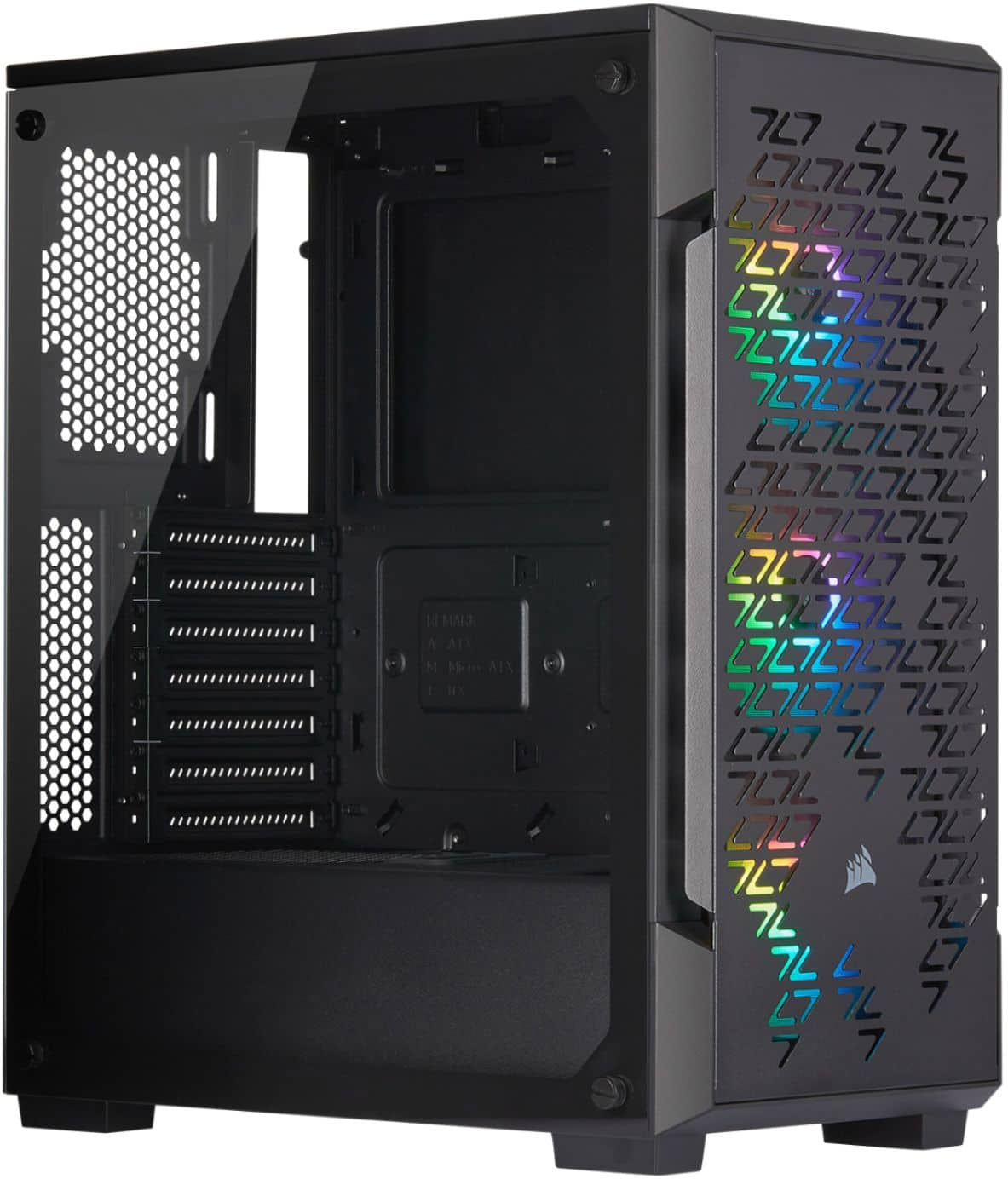
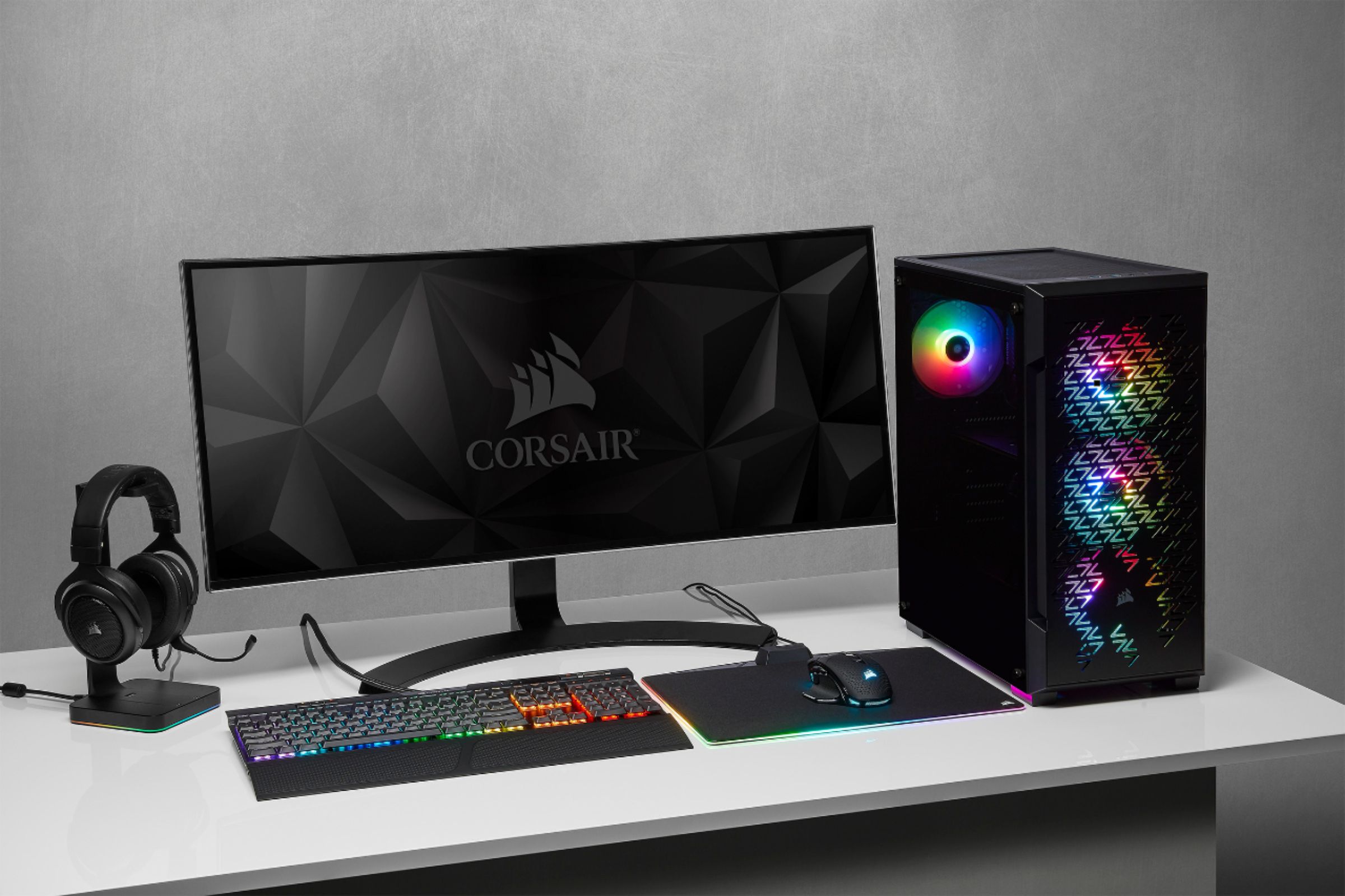
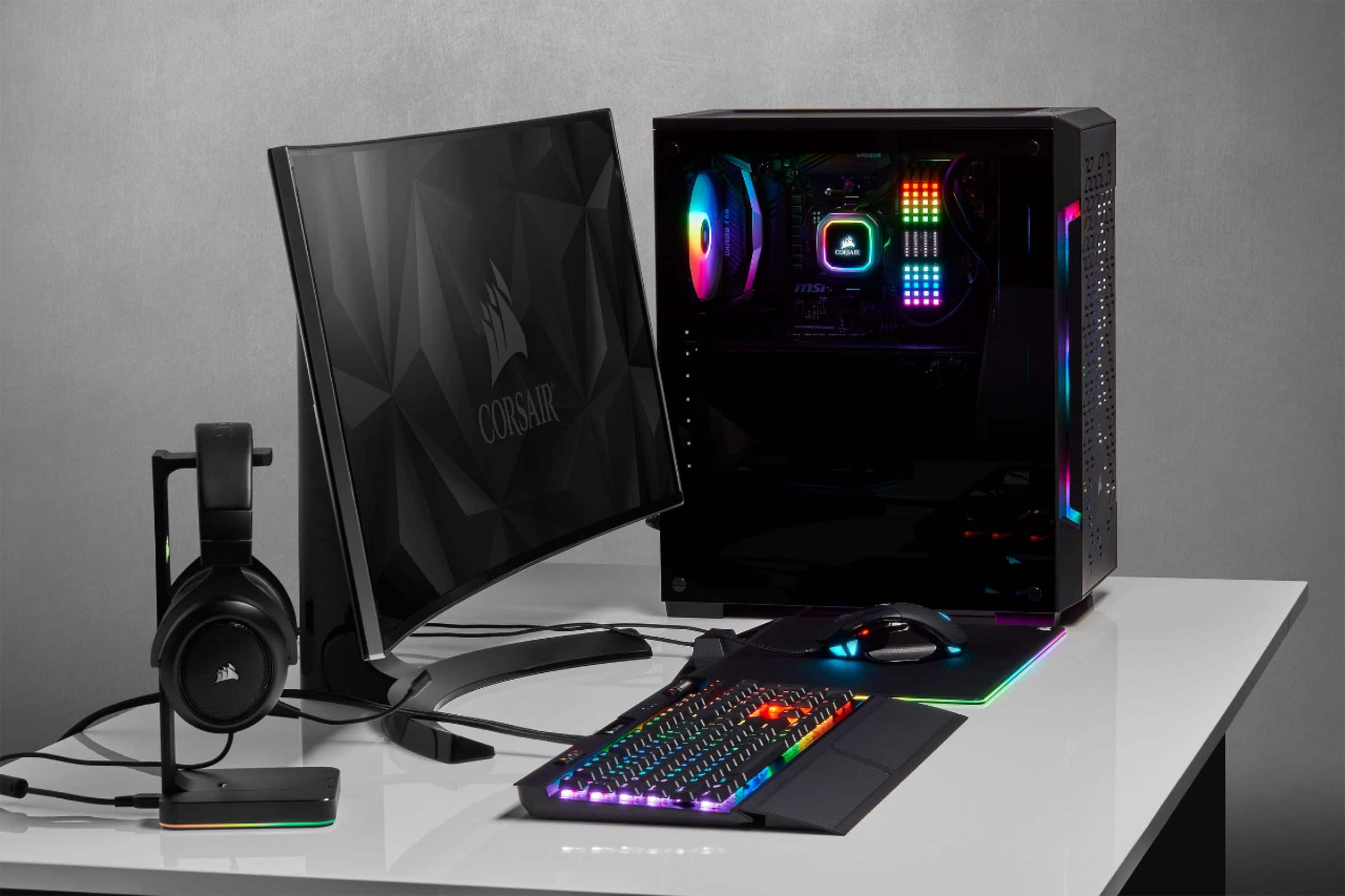
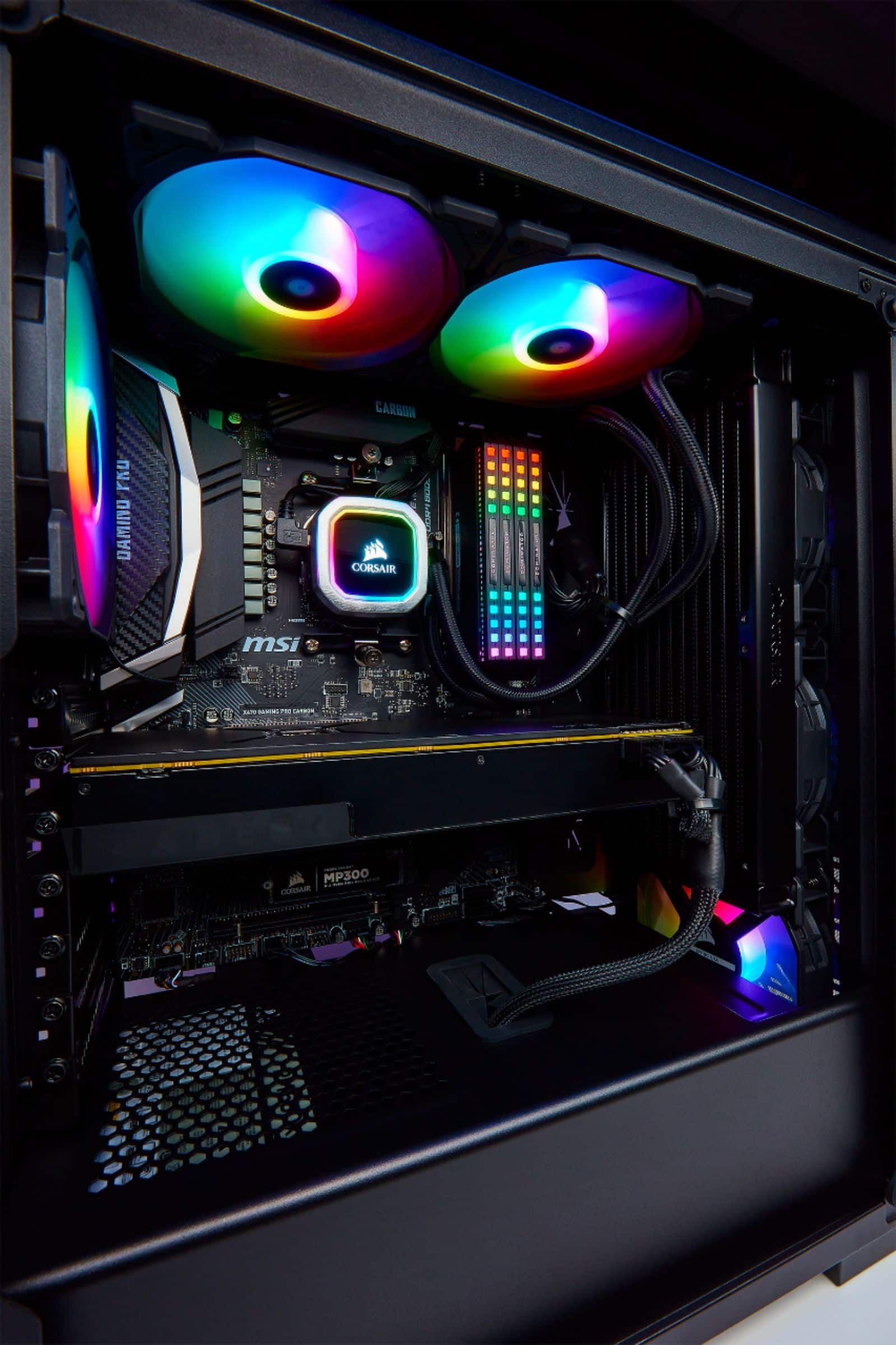
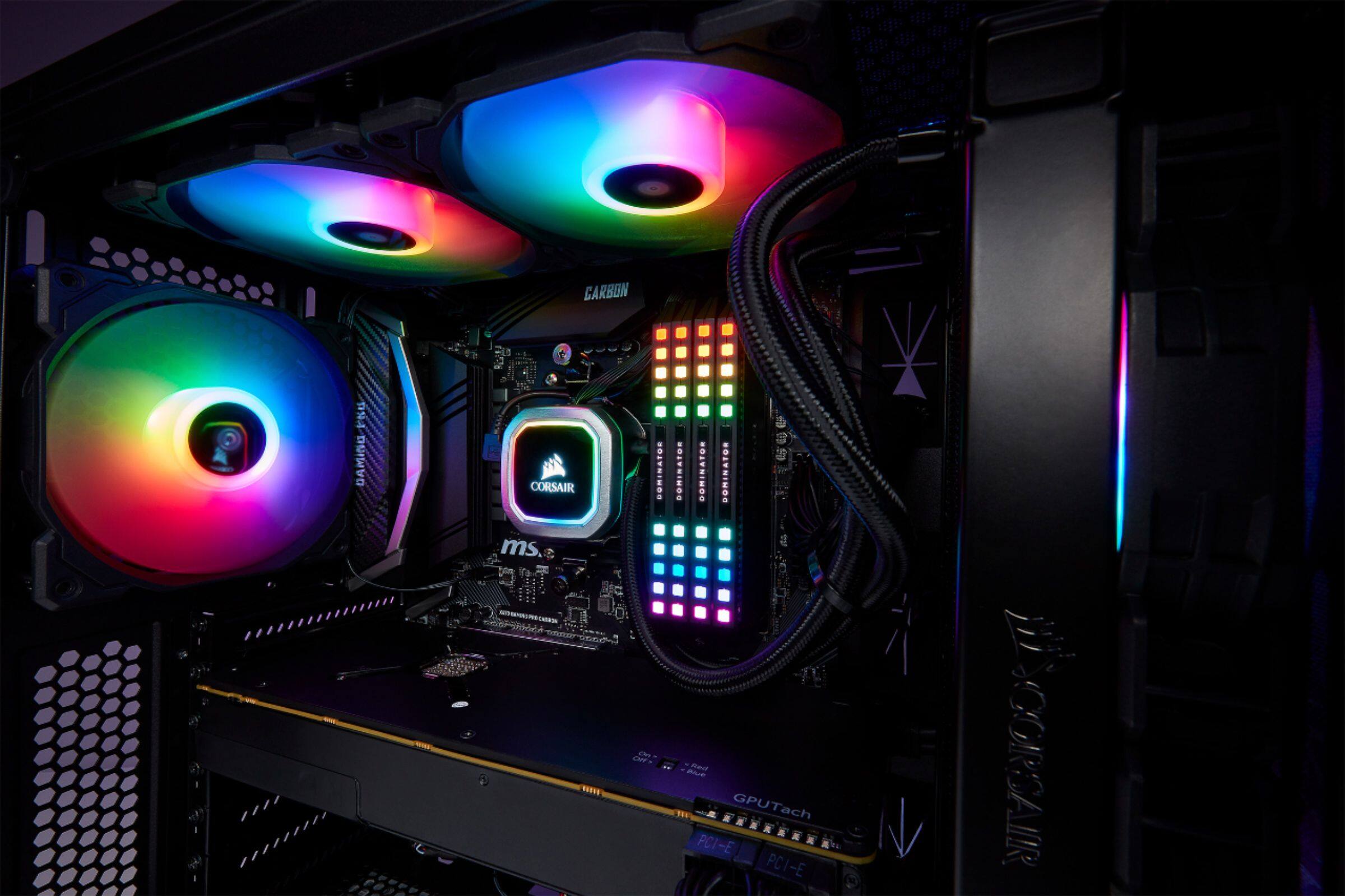
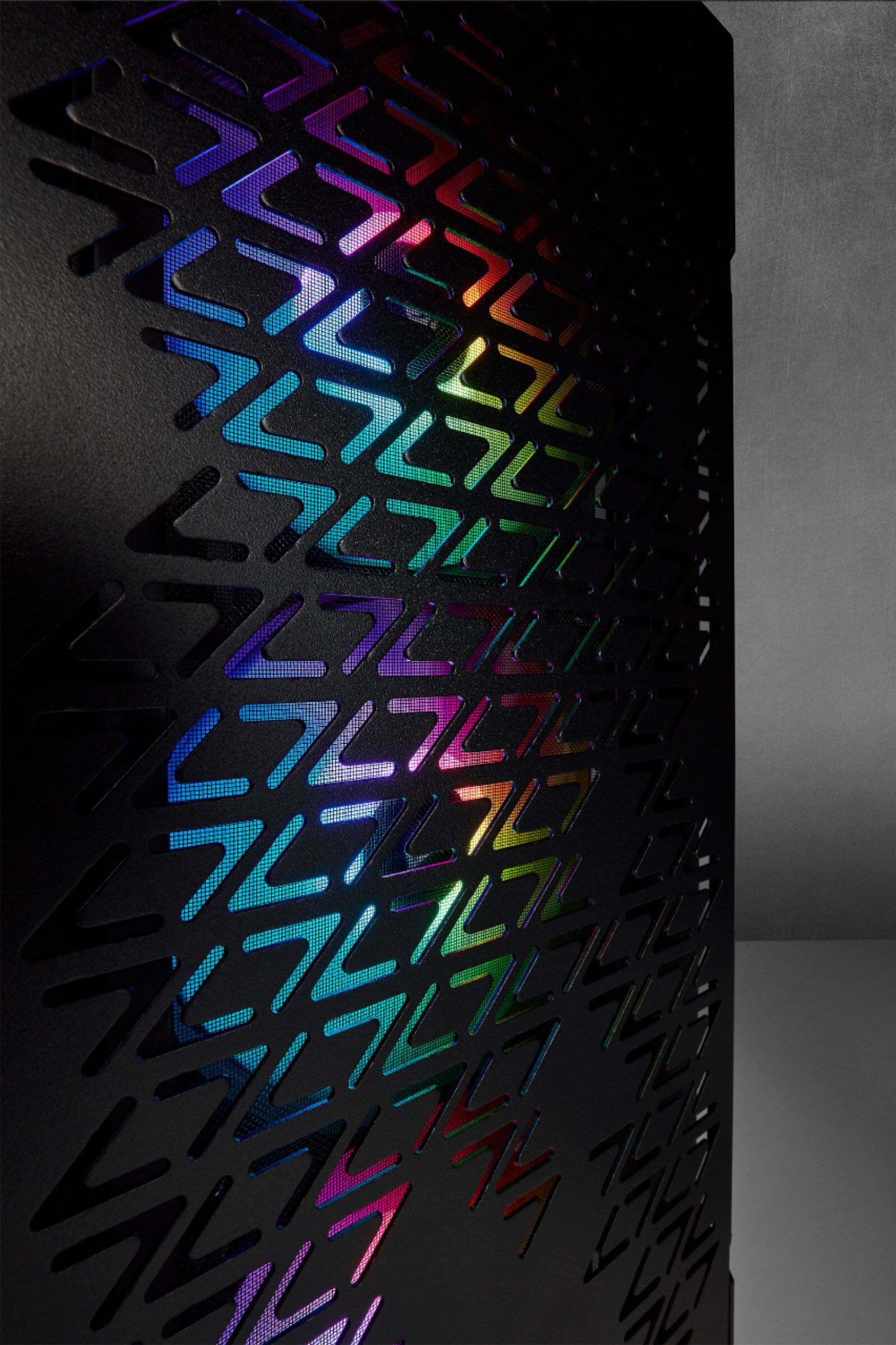
All front, all RGB.
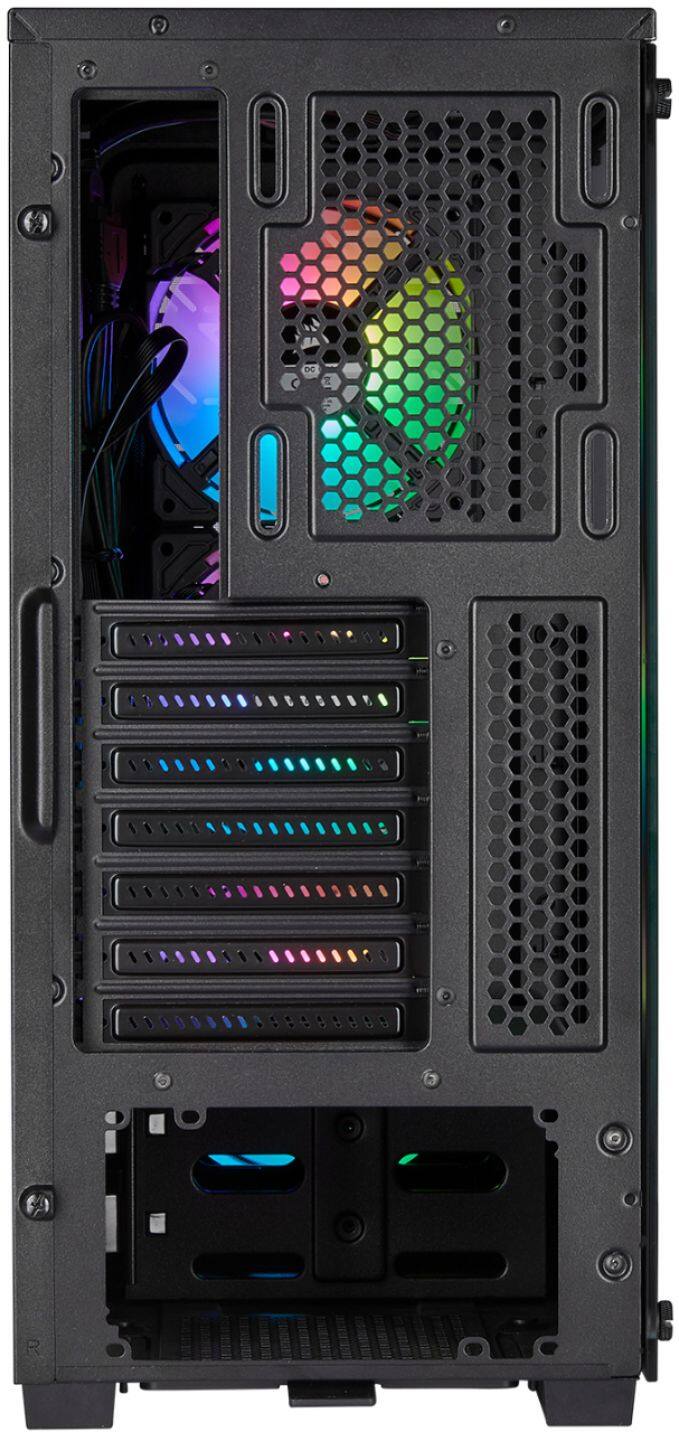
No pre-installed Rear, or Top, you could easily move any of the 3 pre-installed front Fans to the back though
A:AnswerYes it does. In fact, it comes with a nice array of screws for the MB, HD and extra fans as well as several zip ties to make the build look tidy.
A:AnswerHi Deen,
They're SP120 RGB fans.
No display port since this is a case and not a motherboard nor a video card. Pre-installed fans are relatively quiet. Cooler up to 160mm tall will fit.
If you have any other questions, please reach out: support.corsair.com
A:AnswerHello Sam,
It'd be compatible with ATX, mATX and mini ITX.
If you have anything else we can help with, please reach out: support.corsair.com
-Art
A:AnswerIf you intend on doing any sort of computing in the slightest, then yes. This is simply a bare chassis with a trio of fans & fan/rgb light controller node, and that setup still won't play crysis.....yet....
A:AnswerYes, the MSI RTX 3070 Ventus 2X OC would fit in this case. The case fits up to 300mm length GPUs. Though if you plan to use an AIO in the front of the case, take that width into account as well.
A:AnswerYep, worked just fine with my daughter's ATX motherboard. You might have issues mounting 140mm fans on top depending on your boards vrm cooling. Just something to keep in mind but the board should fit
A:AnswerYou would need to have low profile RAM for top mounting, I have Vengeance RGB Pro RAM and the rad doesnt fit on top, I had to front mount, best regards!! :)
A:Answeryes but only on the front panel so I had to remove the front fans and put them at the top and back, and put the 115i in the front with no issues. Just wont have the colorful front like you might want. Don't worry about cooling in the front a lot of test have shown it really doesn't effect if its on top or side.
A:AnswerIt comes with 3 RGB fans that can be controlled by iCue software you can download from Corsair. The back does not have a fan. When I built mine I used the H60 liquid cooled radiator. It fit perfect! I went radiator/fan/case that way I would not introduce any heat to the inside of the case. It works great. When I tried to put exhaust fans at the top of the case, they interfered with the RAM so I left them off. I also took the front cover off, light sanded and spray painted it with Krylon Fusion "Red Pepper" and then put a gloss clear coat over that. Looks great, has a splash of color and easy to do.
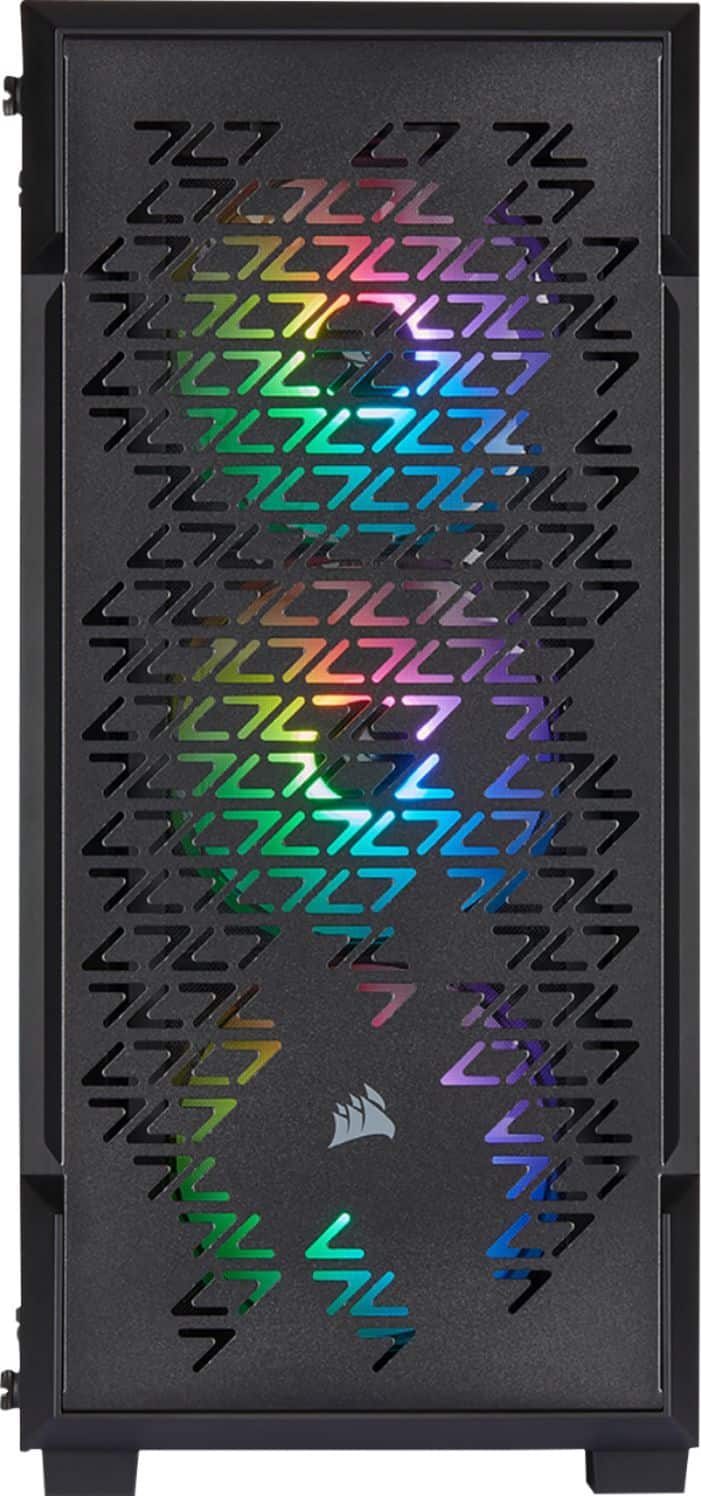
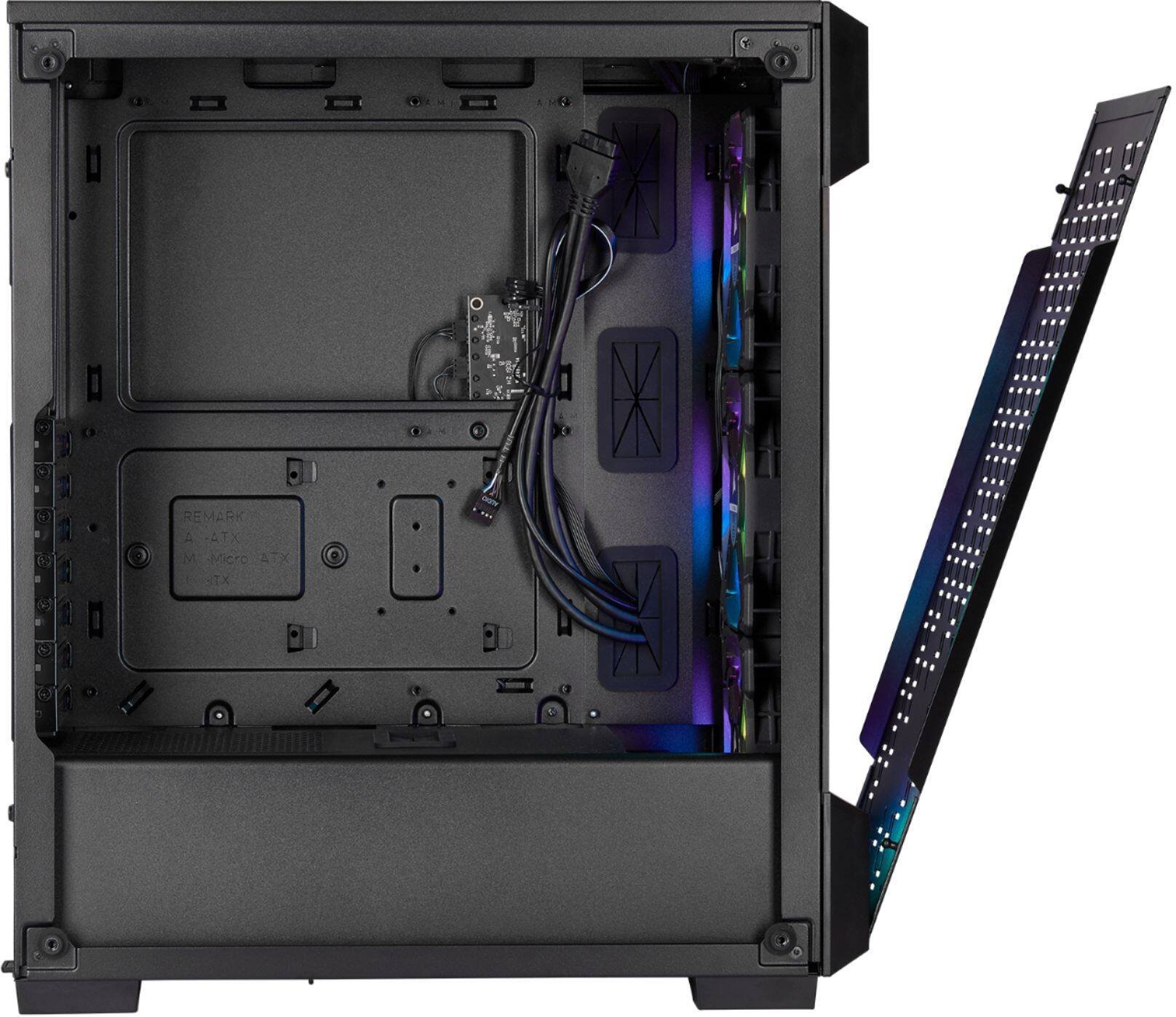
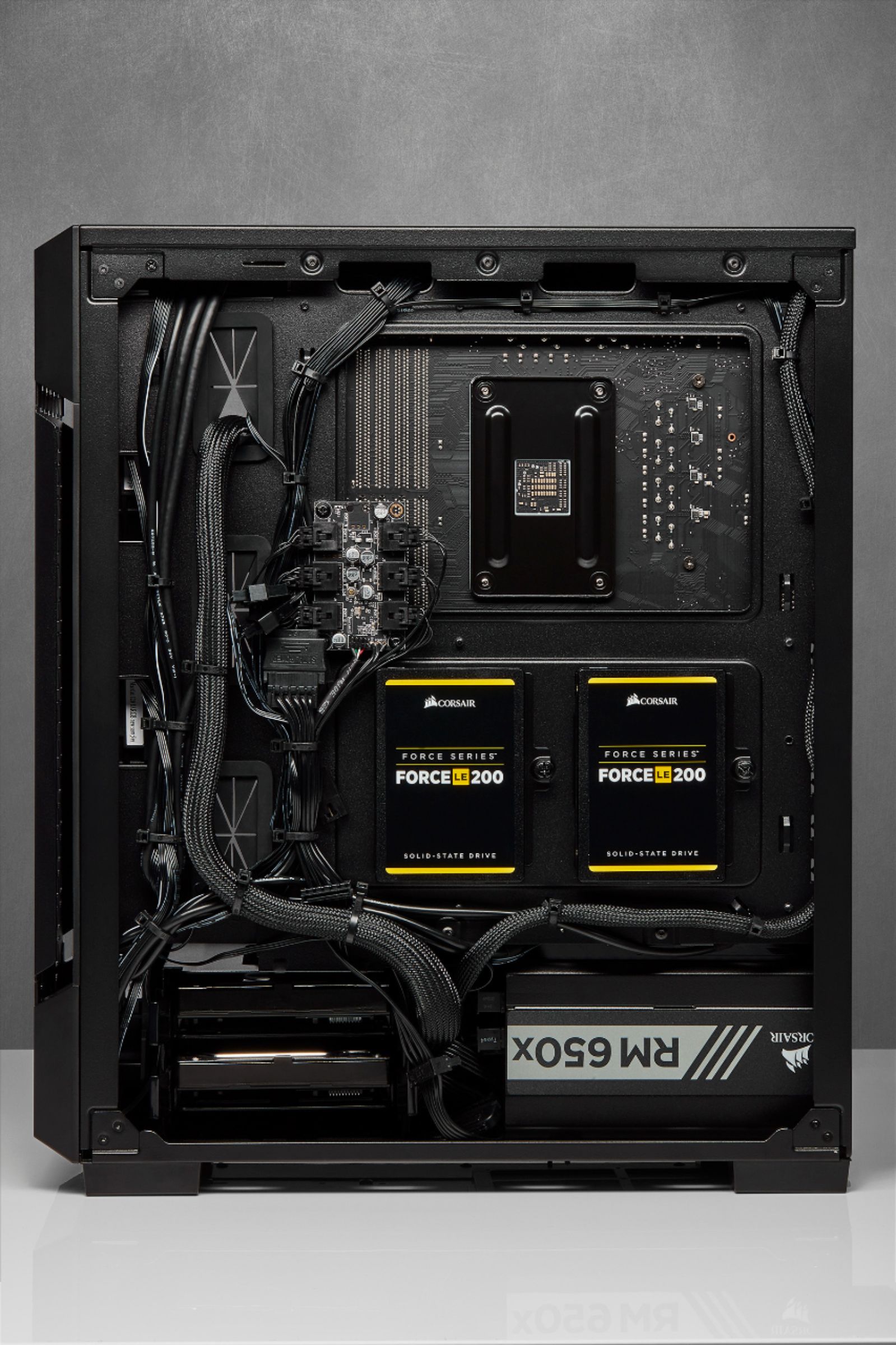
A:AnswerSo that node inside the case is ONLY a lighting controller. If you want to control fans speeds you’ll need to take that out and add the commander core. If you’ve got your fans connected to the MoBo then you can adjust them within your bois.
A:AnswerHello, on this case for controlling the RGB on fans, No I did not need to. It comes equipped with a 6 way controller (sata powered). You can download the software to control your lighting from Corsair website. Only plugged in the actual 3 pin fan power connecters to the motherboard headers. The board I used had 3. So was sufficient. You may want to order a Y splitter with 3 pin power connecters if short on fan headers or if adding more Corsair RGB fans to the case.