A:AnswerHi,
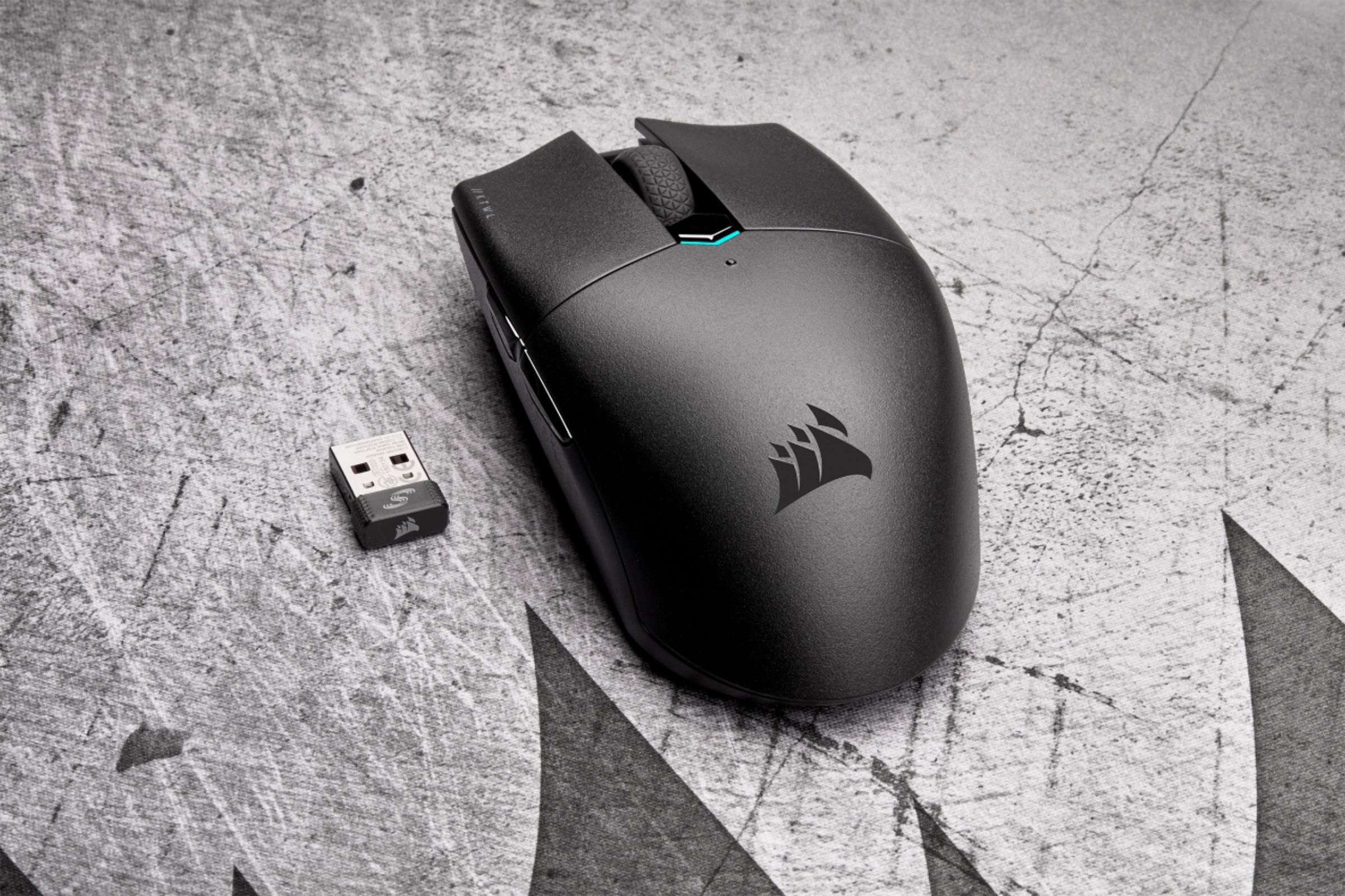
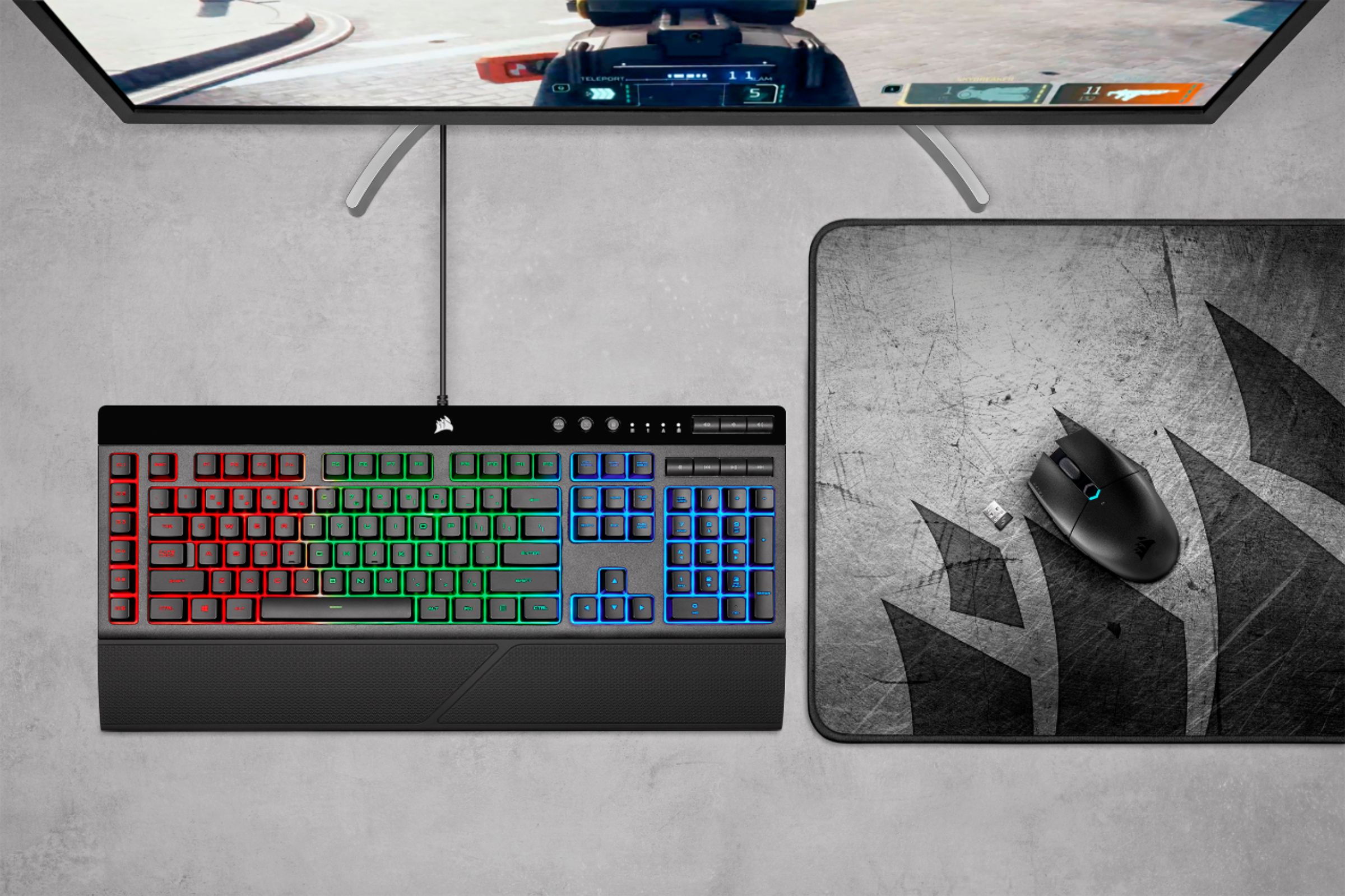
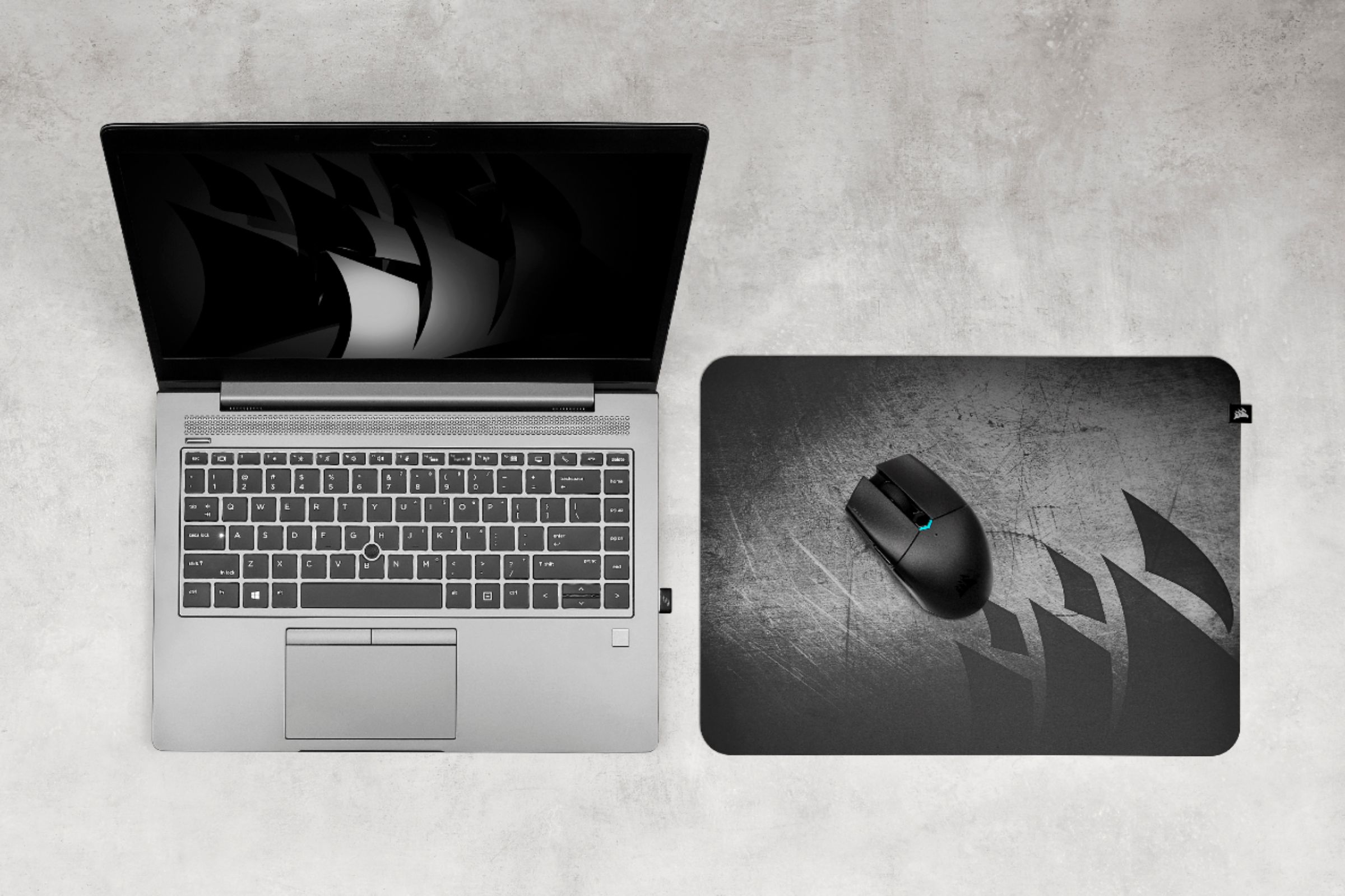
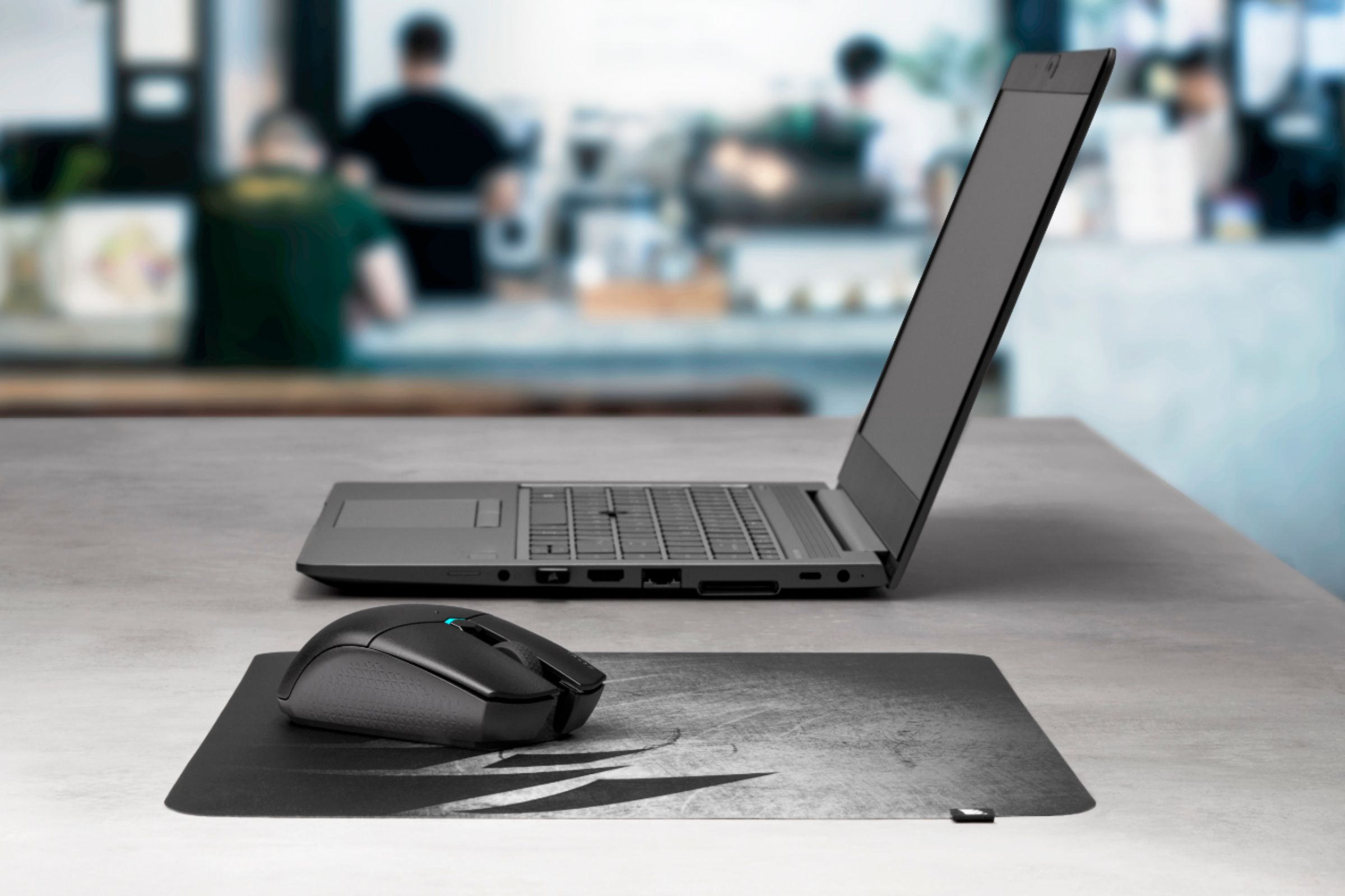
You can re-pair the dongle and KATAR PRO WIRELESS via our complimentary iCUE software (https://www.corsair.com/us/en/icue). To re-pair, select the dongle in iCUE and click "Initiate" next to "USB Wireless Receiver Pairing". If you require assistance or have any additional questions, we'd be more than happy to help: support.corsair.com
-Albert
A:AnswerI would say typical clicking. I wouldn't describe it as quiet clicking given that it sounds about the same as the standard mouse that came with the computer.
A:AnswerHi billy,
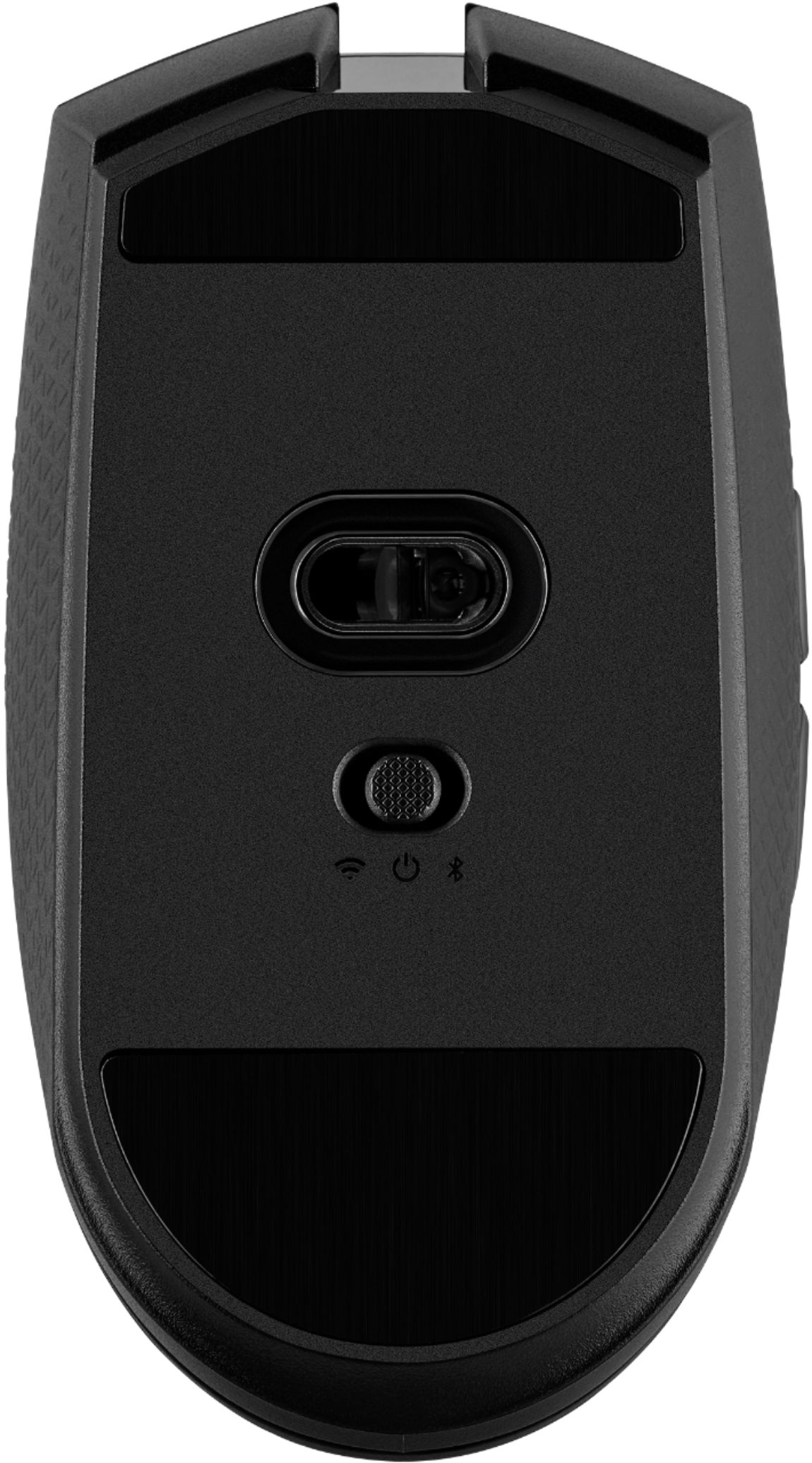
This mouse supports Bluetooth, but you would want to check with Apple to see if the iPhone XR supports Bluetooth mice connectivity.
-Brian
A:AnswerHi Queen,
The Katar Pro Wireless's optical sensor offers 10,000 DPI. If you'd like to learn more about the Katar Pro Wireless, please feel free to reach out to our support team, we'd be happy to assist you directly: support.corsair.com
-Brian
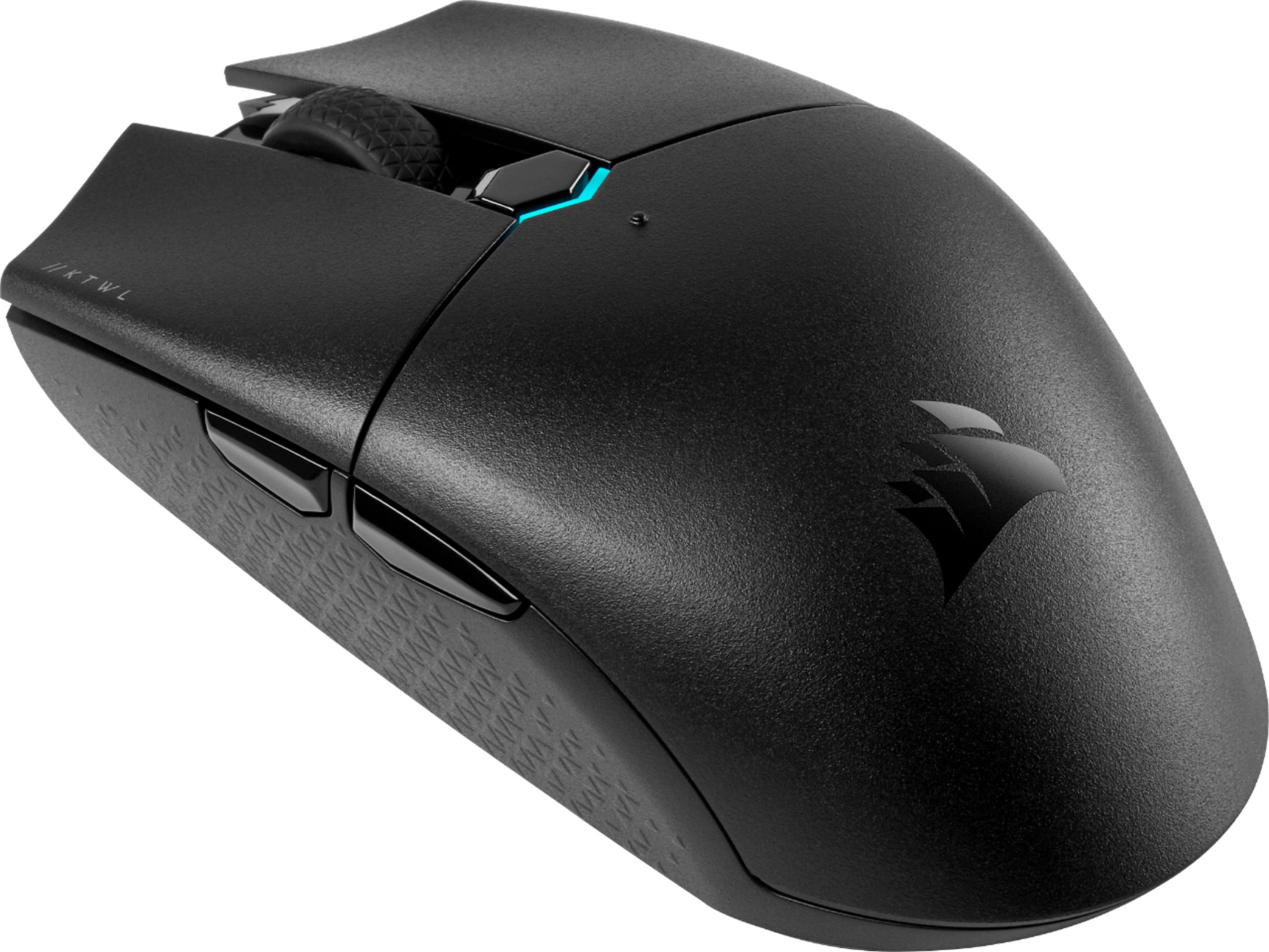
A:AnswerYes it will work even if you go USB C adapter. It will auto shut off after about 2 min so when you go to wake it back up turn the mouse off and then back on.
A:AnswerHi Zach,
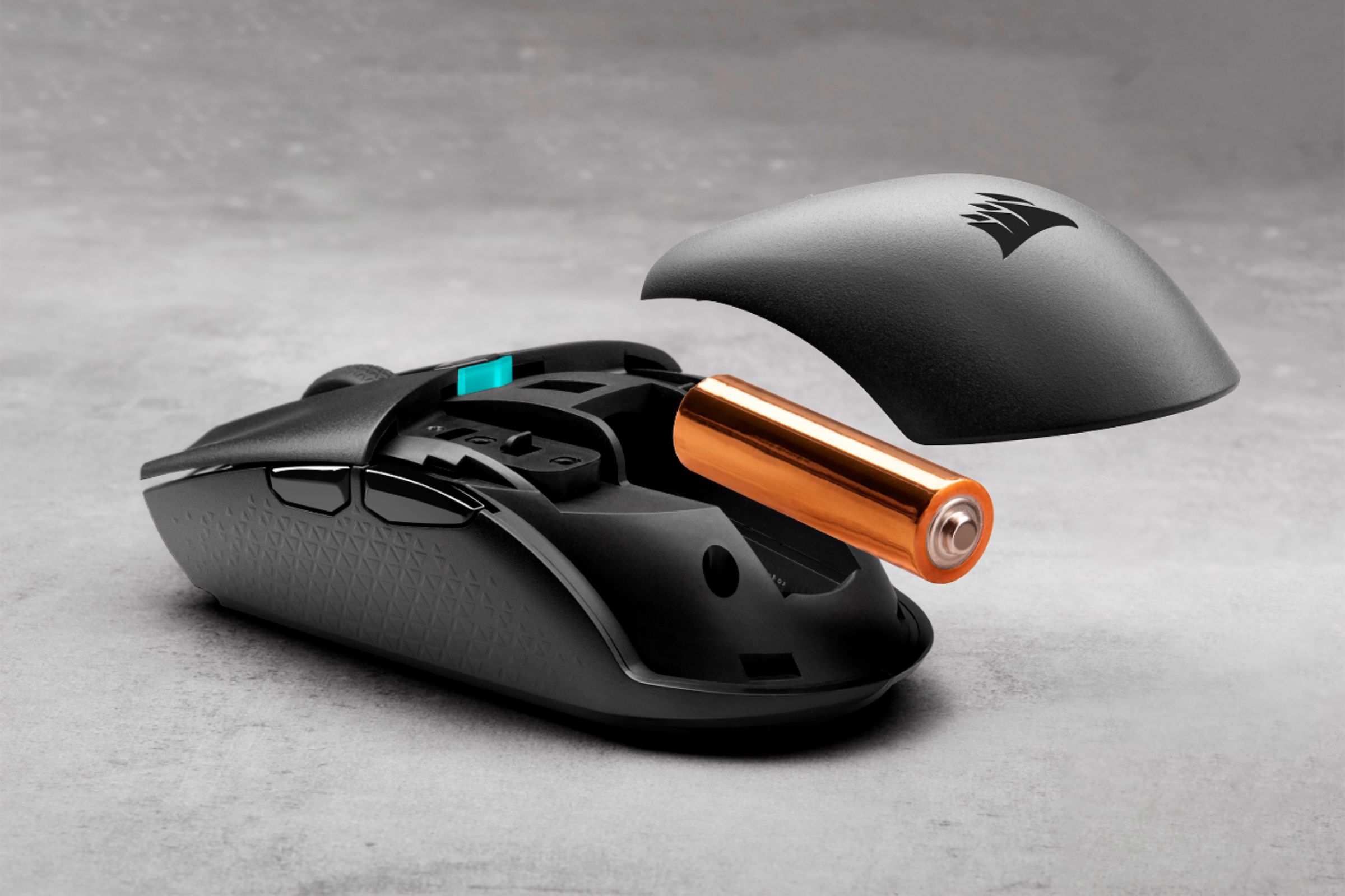
The KATAR PRO WIRELESS is powered by a single AA battery. If you have any additional questions, we'd be happy to help: support.corsair.com
-Albert
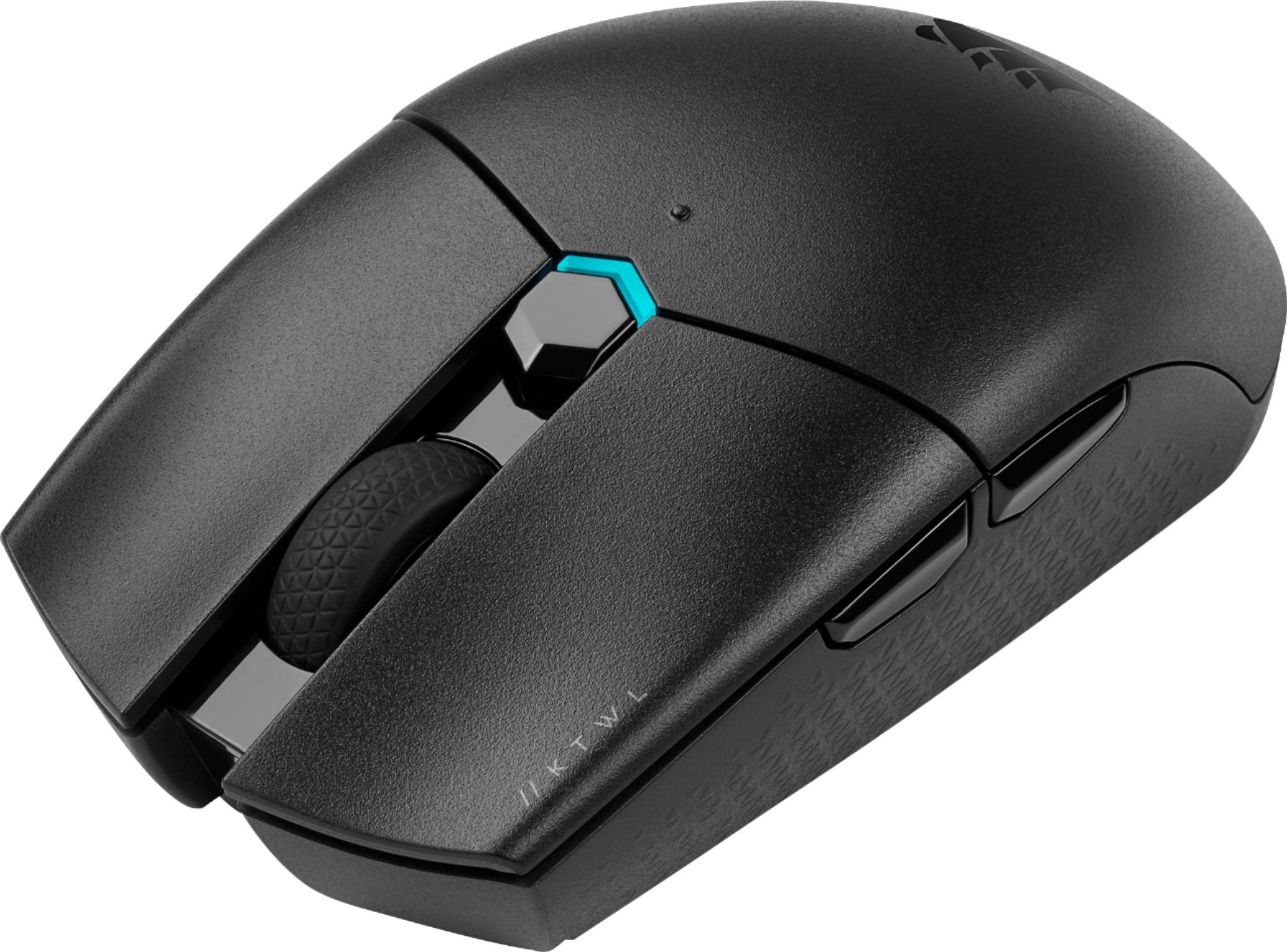
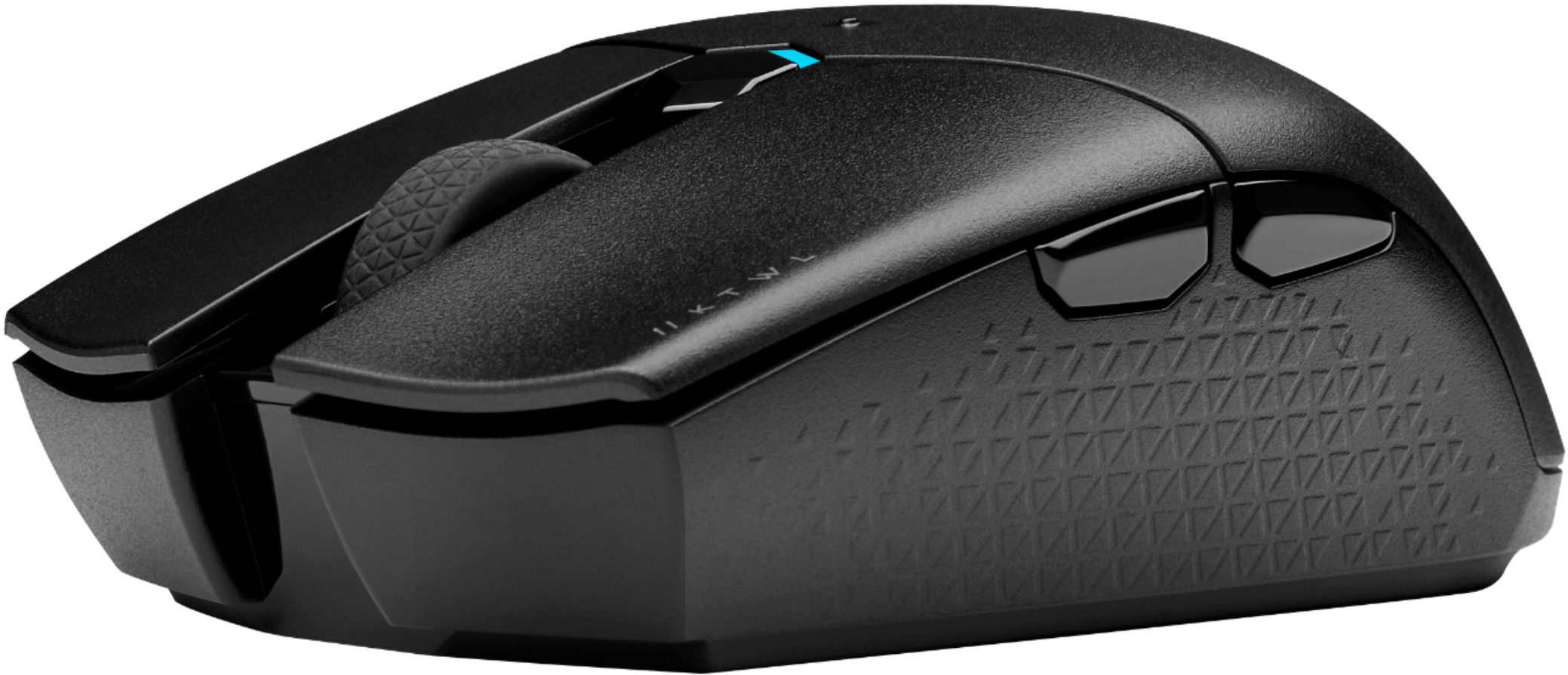
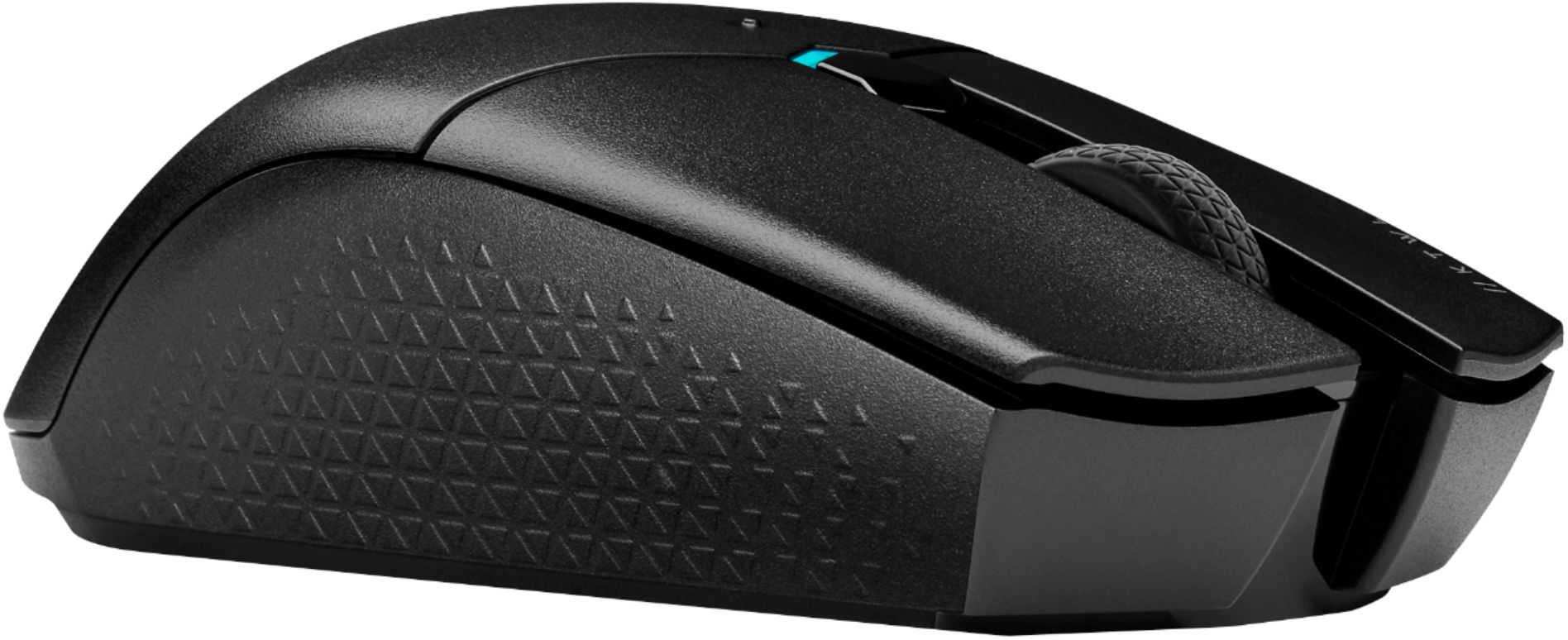
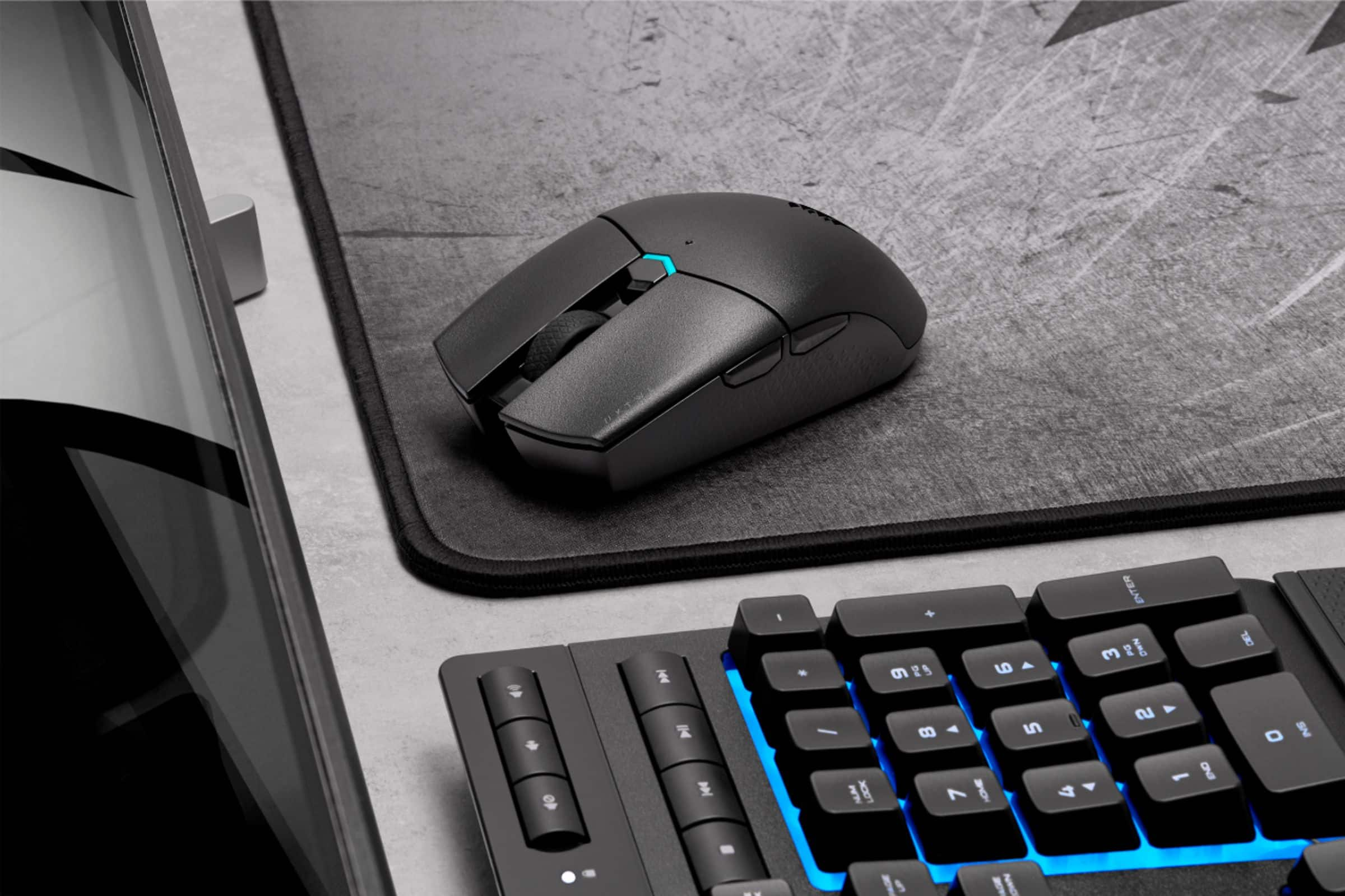
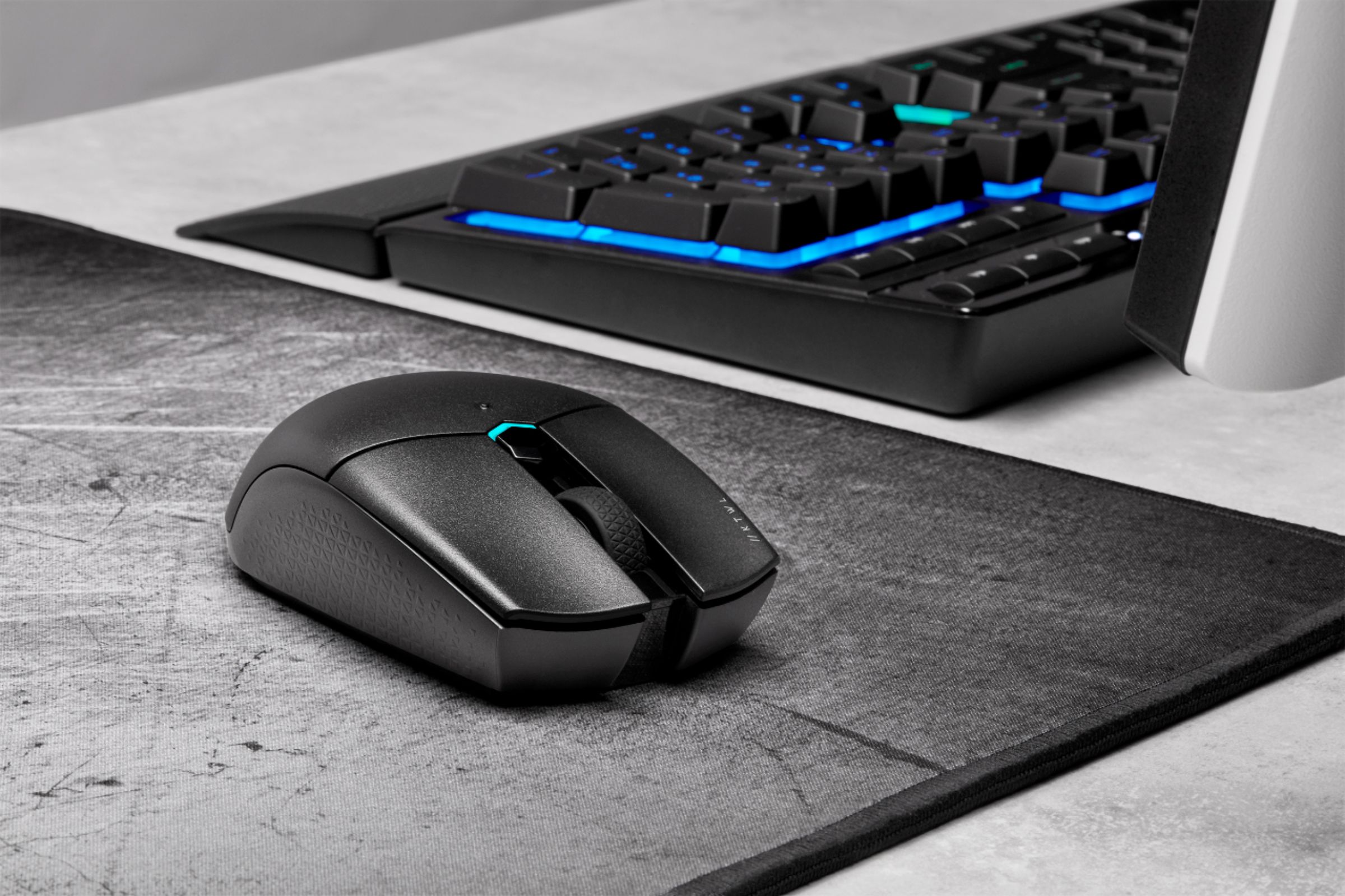
A:Answer5 buttons, plus mouse wheel. 2 standard buttons on either side of the mouse wheel, plus 1 small button in between them where you see the blue light.
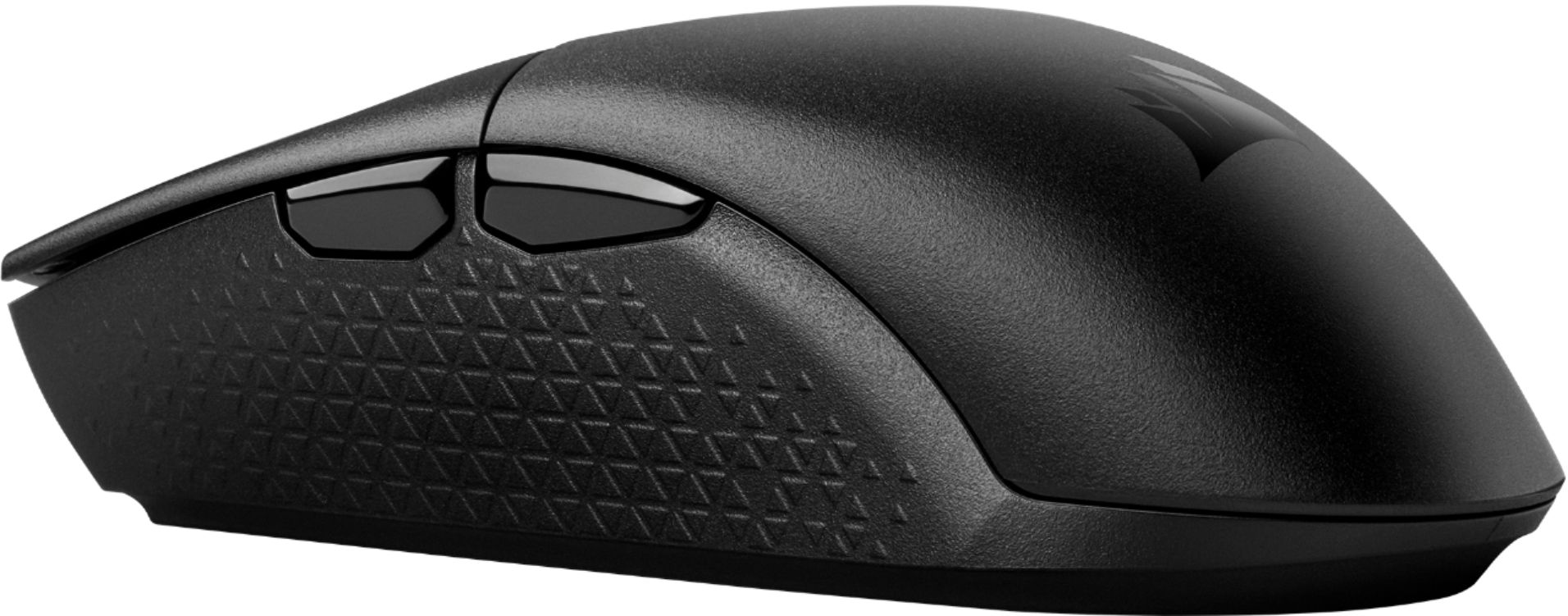
And the 2 buttons on the left side of the mouse. The mouse wheel can click as well. I didn't use this for gaming, but hopefully this is useful information.
A:AnswerHi Mike,
The USB receiver can be installed on one system and the mouse can be paired via Bluetooth to another system. If you'd like assistance, please feel free to reach out to our support team: support.corsair.com
-Brian
A:AnswerHi ky,
Sorry to hear that the mouse stopped working, we'd like to help! Please reach out to our support team so we can work with you directly: support.corsair.com
-Brian
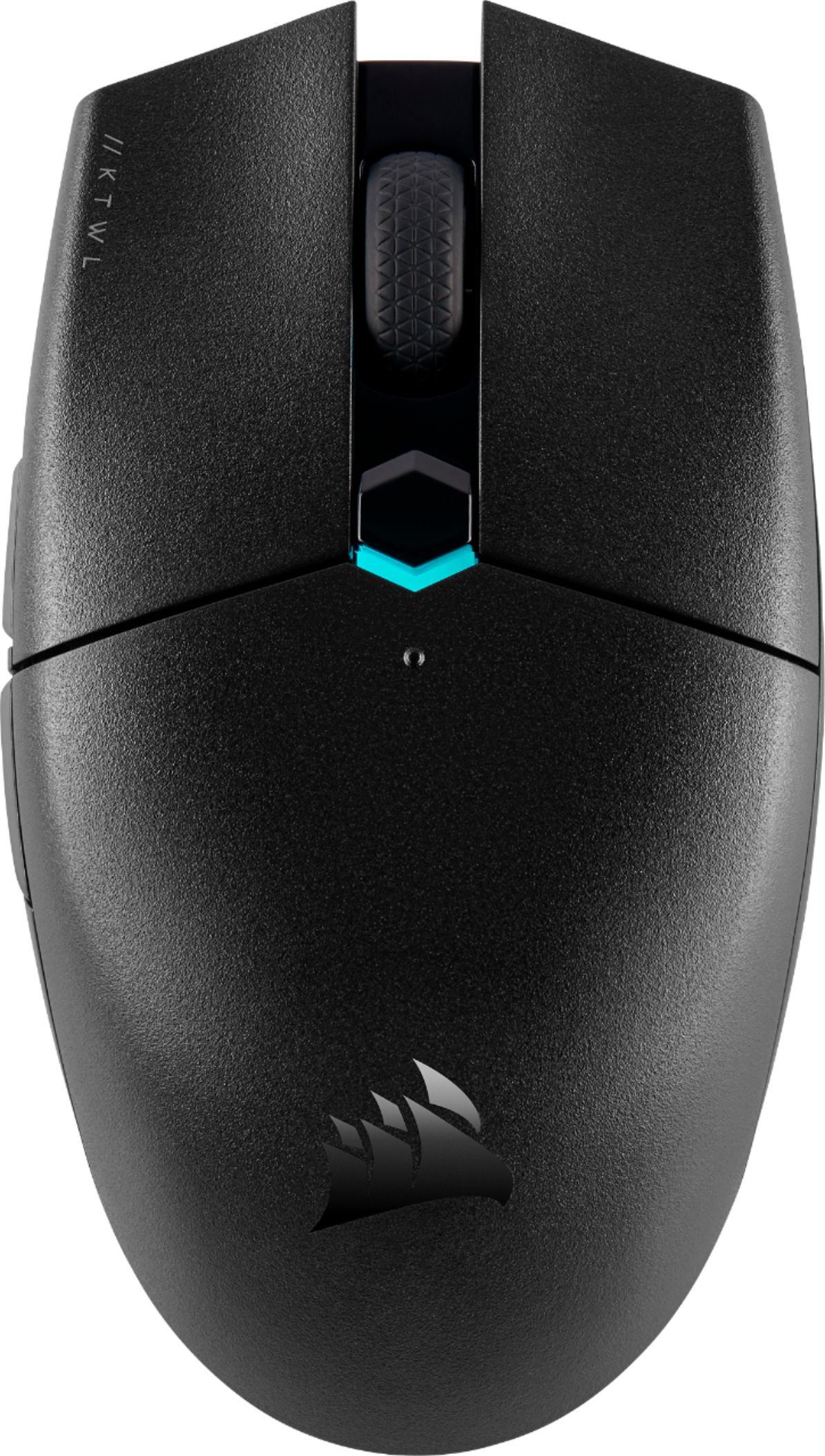
A:AnswerHi Bad,
Sorry to hear that your KATAR Pro Wireless isn't turning on. Have you made sure that you are still using batteries that still work? You made need to replace the AA battery if it's been depleted. If your still having issues with the mouse, please feel free to reach out to our support team so we can assist you directly: support.corsair.com

-Brian