Appliances Presidents’ Day SaleEnds 2/25. Limited quantities. No rainchecks.Shop now

Main Content

Questions & Answers

Your price for this item is $299.54
The comparable value price is $399.99
Page Showing 1-20 of 24 questions
  • QuestionWhat is the storage capacity of the SSD?

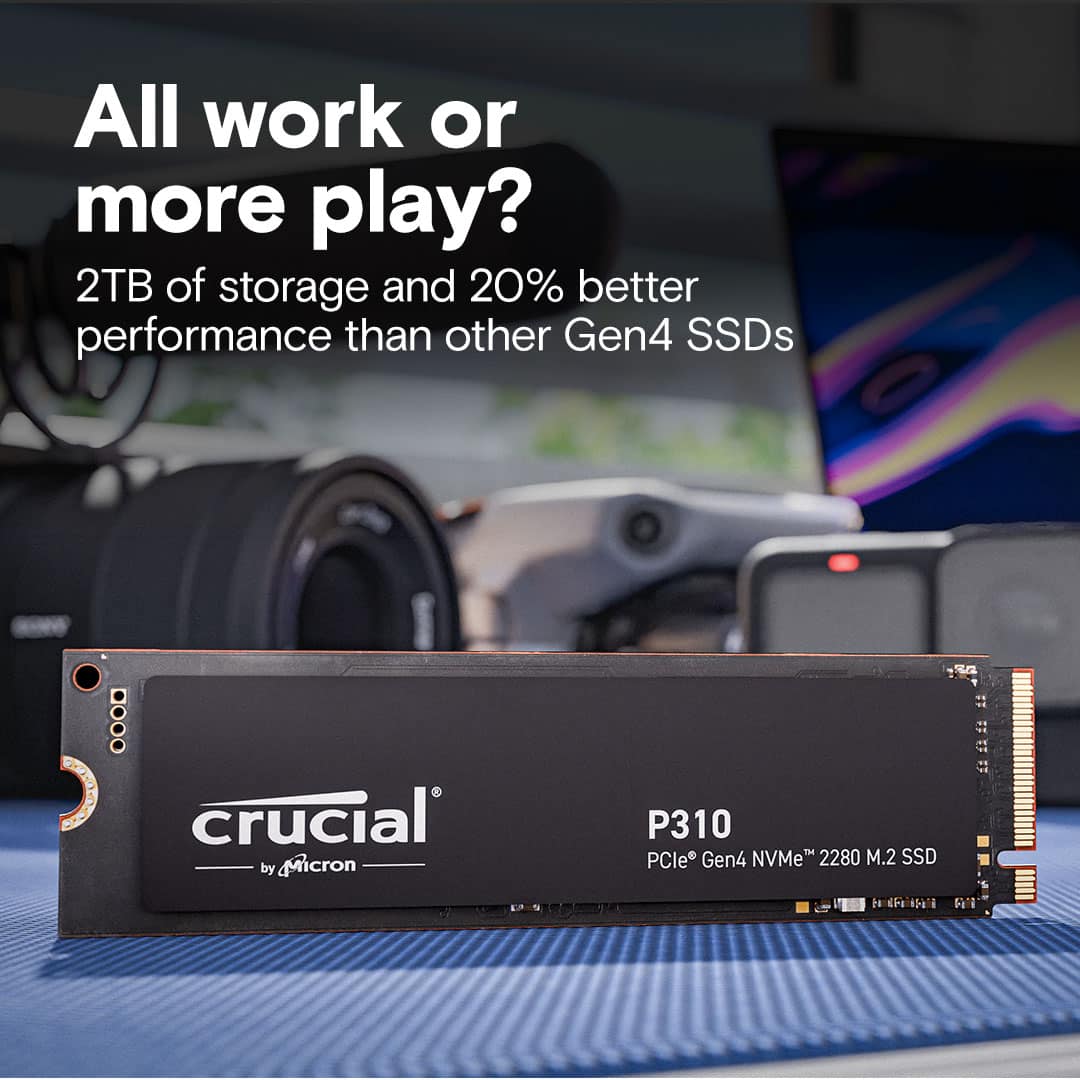
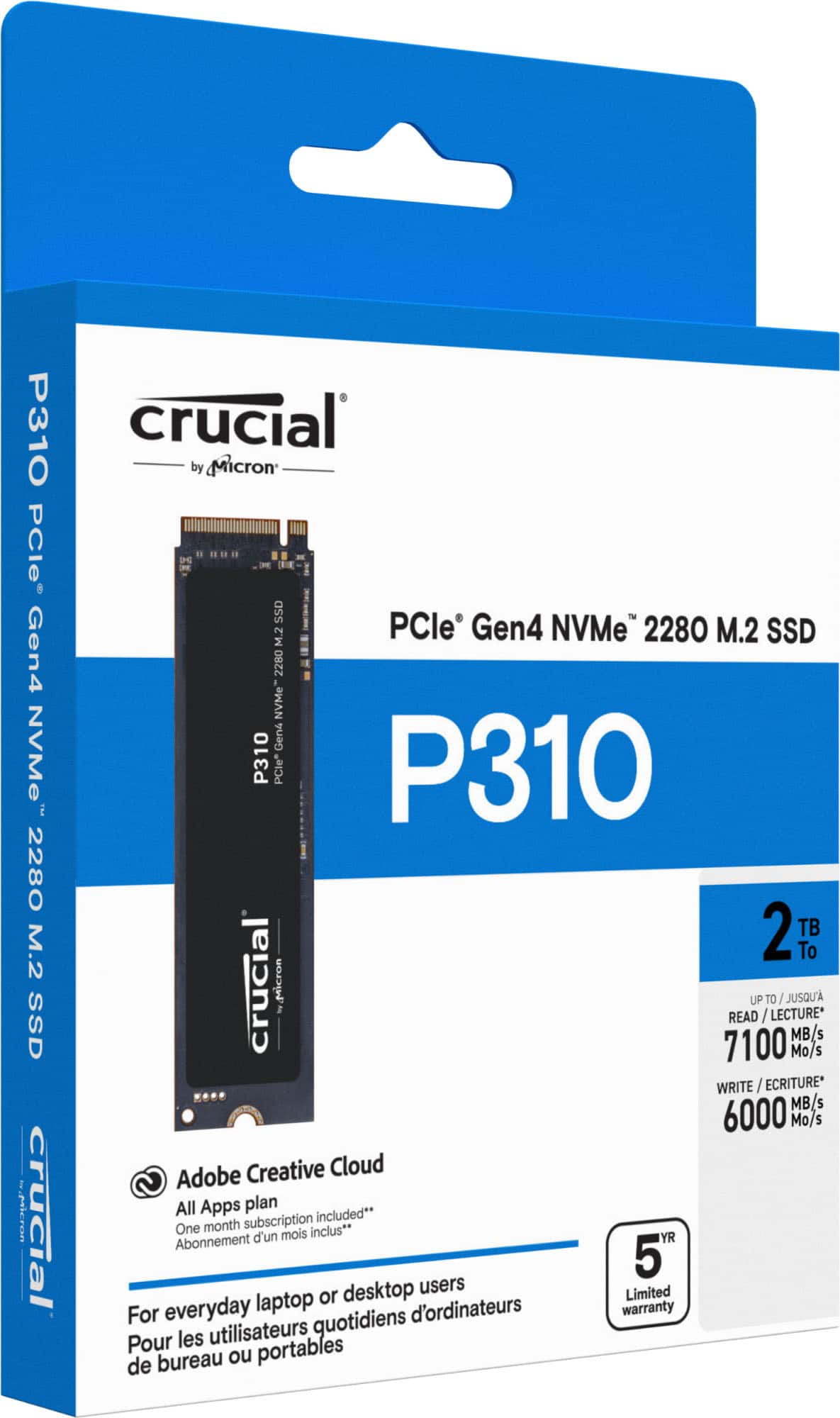
    • Answer The storage capacity is 2048 gigabytes.
    This question and answer was generated by AI based on customer and product data.

  • QuestionDoes the SSD have a heatsink?

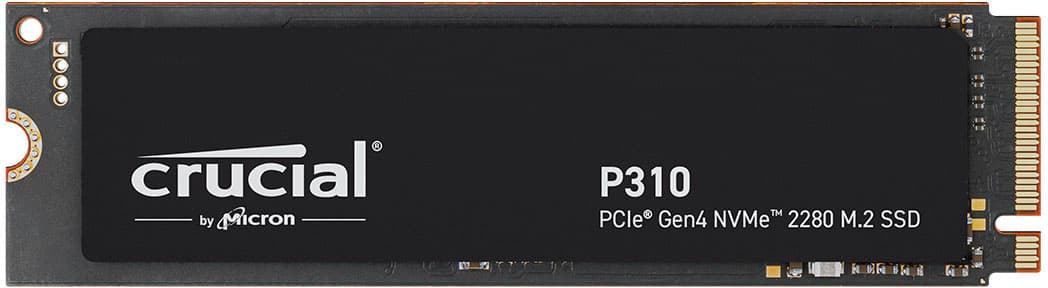
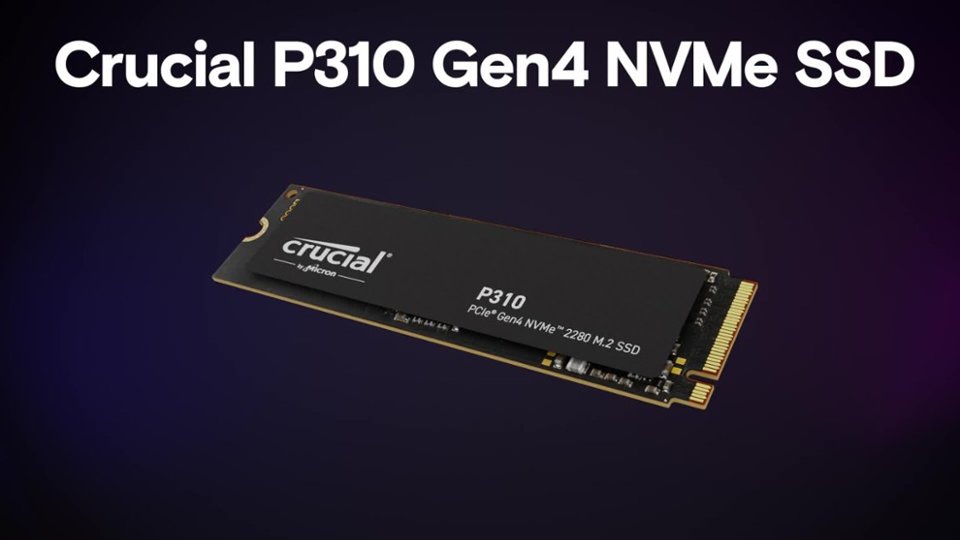
    • Answer The Crucial P310 2TB PCIe Gen4 2280 NVMe M.2 SSD does not have a heatsink.
    This question and answer was generated by AI based on customer and product data.

  • QuestionWhat is the maximum read speed of the SSD?

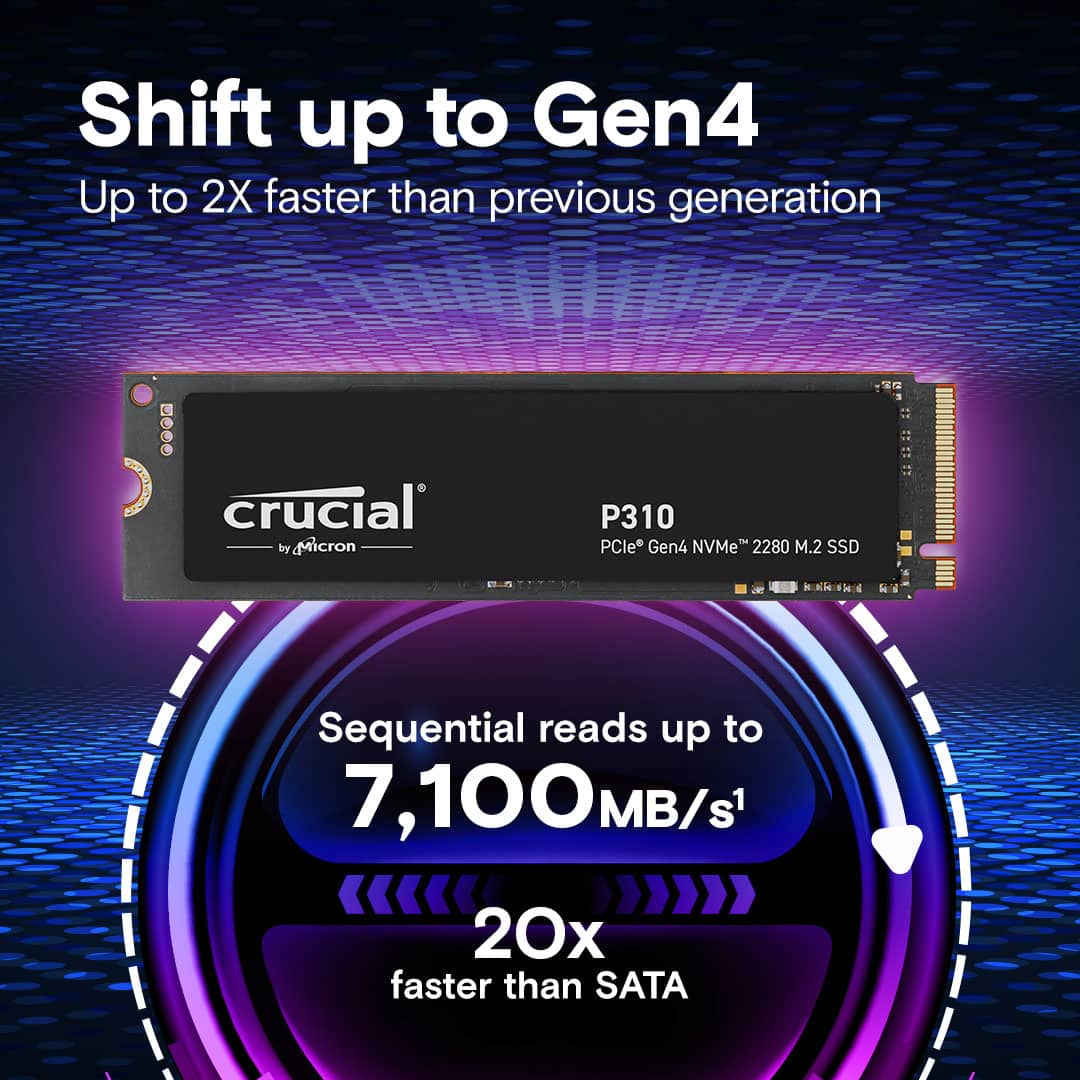
    • Answer The maximum read speed of this SSD is 7100 megabytes per second.
    This question and answer was generated by AI based on customer and product data.
  • QuestionWhat is the warranty period for the SSD?

    • Answer The manufacturer's warranty for parts on the Crucial P310 2TB PCIe Gen4 2280 NVMe M.2 SSD is a 5-year limited warranty.
    This question and answer was generated by AI based on customer and product data.

  • QuestionWhat is the maximum write speed of the SSD?

    • Answer The maximum write speed of this SSD is 6000 megabytes per second.
    This question and answer was generated by AI based on customer and product data.

  • QuestionCan the SSD be used in desktop computers?

    • Answer This SSD is compatible with desktop computers.
    This question and answer was generated by AI based on customer and product data.

  • QuestionWhy is the SSD considered a gaming storage leader?

    • Answer The Crucial P310 SSD is considered a gaming storage leader because it can reach read speeds of up to 7,100MB/s.
    This question and answer was generated by AI based on customer and product data.
  • QuestionIs windows 11 already installed onto it?

    Asked by JohnnyG.

    • Answer No, it’s not you would have to buy a windows product key from a website on your phone. But before even that you would need a working computer to install windows on a USB stick, plug it into your PC port and it installs pretty easily. Just watch out you REALLY do not want to lose power while it’s downloading.

      Answered by Jean

  • QuestionCan you use this ssd for a ps5

    Asked by Chris.

    • Answer Hello Chris, Thank you for reaching out to us, Crucial P310 M.2 Nvme SSD is compatible with PS5. Meanwhile, if you have any further query, please feel free to visit our contact page: https://www.crucial.com/support/contact to know about other ways to reach out to us. Regards, Crucial

      Answered by Micron CPG Support

  • QuestionCan this be used with the Lenovo Ideapad 1 15ALC7?

    Asked by AgentHeracles.

    • Answer Hello, Thank you for reaching out to us. We appreciate your interest in Crucial products. We would like to inform you that the Crucial - P310 2TB Internal SSD PCIe Gen 4 x4 NVMe M.2 CT2000P310SSD8 is compatible with the system Lenovo Ideapad 1 15ALC7: https://www.crucial.com/compatible-upgrade-for/lenovo/ideapad-1-15alc7 https://www.crucial.com/ssd/p310/ct2000p310ssd8 Once the SSD is purchased, please follow the steps given in the link below to install it in your system: https://www.crucial.com/articles/about-ssd/how-to-install-m2-nvme-pcie-ssd Thank you for your patience and understanding. Meanwhile, if you have any further query, please feel free to reach out to us. You can also visit our contact page: https://www.crucial.com/support/contact to know about other ways to reach out to us. Regards, Crucial

      Answered by Micron CPG Support

  • QuestionIs this single sided and will it work the lenovo legion go 2?

    Asked by Installation.

    • Answer Hello, Thank you for reaching out to us. We appreciate your interest in Crucial products. We would like to inform you that the Crucial - P310 2TB Internal SSD PCIe Gen 4 x4 NVMe M.2 CT2000P310SSD8 is compatible with the system Lenovo legion go 2. The part is single sided: https://www.crucial.com/ssd/p310/ct2000p310ssd8 https://www.crucial.com/compatible-upgrade-for/lenovo/legion-go-8asp2 Thank you for your patience and understanding. Meanwhile, if you have any further query, please feel free to reach out to us. You can also visit our contact page: https://www.crucial.com/support/contact to know about other ways to reach out to us. Regards, Crucial

      Answered by Micron CPG Support

  • QuestionQuestion can this fit and work in a Lenovo LOQ 15IRX10 Gaming Labtop.

    Asked by Christopher.

    • Answer Hello Christopher, Thank you for reaching out to us. We appreciate your interest in Crucial products. We would like to inform you that the Crucial - P310 2TB Internal SSD PCIe Gen 4 x4 NVMe M.2 CT2000P310SSD8 is compatible with the system Lenovo LOQ 15IRX10 Gaming Laptop: https://www.crucial.com/compatible-upgrade-for/lenovo/lenovo-loq-15irx10 https://www.crucial.com/ssd/p310/ct2000p310ssd8 Once the SSD is purchased, please follow the steps given in the link below to install it in your system: https://www.crucial.com/articles/about-ssd/how-to-install-m2-nvme-pcie-ssd Thank you for your patience and understanding. Meanwhile, if you have any further query, please feel free to reach out to us. You can also visit our contact page: https://www.crucial.com/support/contact to know about other ways to reach out to us. Regards, Crucial

      Answered by Micron CPG Support

  • QuestionWill this work in Msi claw 8 ai handheld device

    Asked by Grant1962.

    • Answer Hello, Thank you for reaching out to us, Your system is compatible with P310 M.2 Nvme 2230 SSD. Please refer the below link to check SSD specification. https://www.crucial.com/ssd/p310/ct2000p310ssd2 Meanwhile, if you have any further query, please feel free to visit our contact page: https://www.crucial.com/support/contact to know about other ways to reach out to us. Regards, Crucial

      Answered by Micron CPG Support

  • QuestionI already have one terabyte of storage in my eyebuypower desktop. Would this be ideal to upgrade the storage? Is there anything additional that I need to do other than to add this to the tower?

    Asked by LMCLMF2009.

    • Answer Hello, Thank you for contacting to Crucial,Yes, upgrading your iBUYPOWER storage by adding another drive (NVMe, SSD, or HDD) is a great way to get more space and speed. Just make sure your system has an available slot (M.2 or SATA), confirm compatibility, and initialize the new drive in Windows using Disk Management before you can use it. A smart setup is adding a fast NVMe SSD for games while keeping your existing 1TB drive for general storage. Please refer the below link to check SSD compatible on our website. Oue scanner tool provide 100% compatibility guaranty. https://www.crucial.com/store/systemscanner Also, you can share us complete make and model of your system, we will check your system specification and will suggest you compatible part. Meanwhile, if you have any further query, please feel free to visit our contact page: https://www.crucial.com/support/contact to know about other ways to reach out to us. Regards, Crucial

      Answered by Micron CPG Support

  • QuestionWill it work for my MSI Bravo 15 c7v laptop?

    Asked by Anonymous.

    • Answer Hello, Thank you for reaching out to us, Crucial P310 M.2 Nvme SSD is compatible with this system. Meanwhile, if you have any further query, please feel free to visit our contact page: https://www.crucial.com/support/contact to know about other ways to reach out to us. Regards, Crucial

      Answered by Micron CPG Support

  • QuestionI just bought a Dell Alienware 18 area-51 laptop and want to dual boot with Ubuntu linux. Is it feasible to put a M.2 2230: Up to 1 TB ssd with ubuntu installed and use achi with secure boot disabled?

    Asked by hal.

    • Answer Hello, Thank you for reaching out to us, Yes, it is feasible to install a 1TB M.2 2230 SSD in your Dell Alienware 18 Area-51 laptop for dual-booting Ubuntu, and using AHCI mode with Secure Boot disabled is the standard and recommended approach for Linux installations. Meanwhile, if you have any further query, please feel free to visit our contact page: https://www.crucial.com/support/contact to know about other ways to reach out to us. Regards, Crucial

      Answered by Micron CPG Support

  • QuestionIs this compatible with use for ps5

    Asked by Gamerguy.

    • Answer Yes.

      Answered by W9000

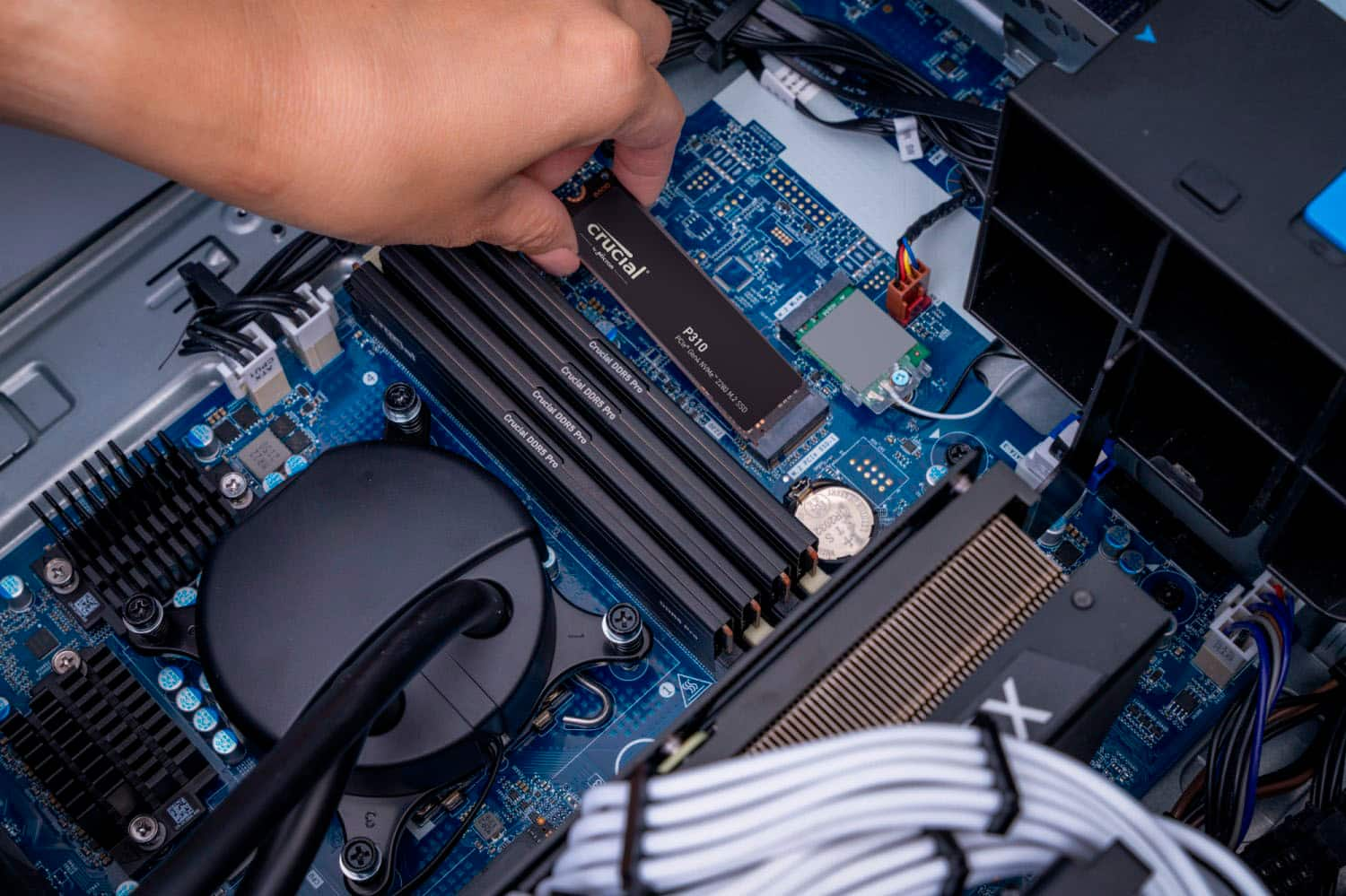
  • QuestionDoes it come with mounting screw?

    Asked by Doomzie.

    • Answer No, the mounting screw should be embedded on your system board - take it out, pop the drive in and screw down with not even 1lb of torque.

      Answered by CRaigin25545

  • QuestionWhat data transfer software is included?

    Asked by danorton9.

    • Answer None

      Answered by JerryD

  • QuestionDoes this work on ps5?

    Asked by Sassle.

    • Answer Yes.

      Answered by W9000