Questions & Answers
- Model:
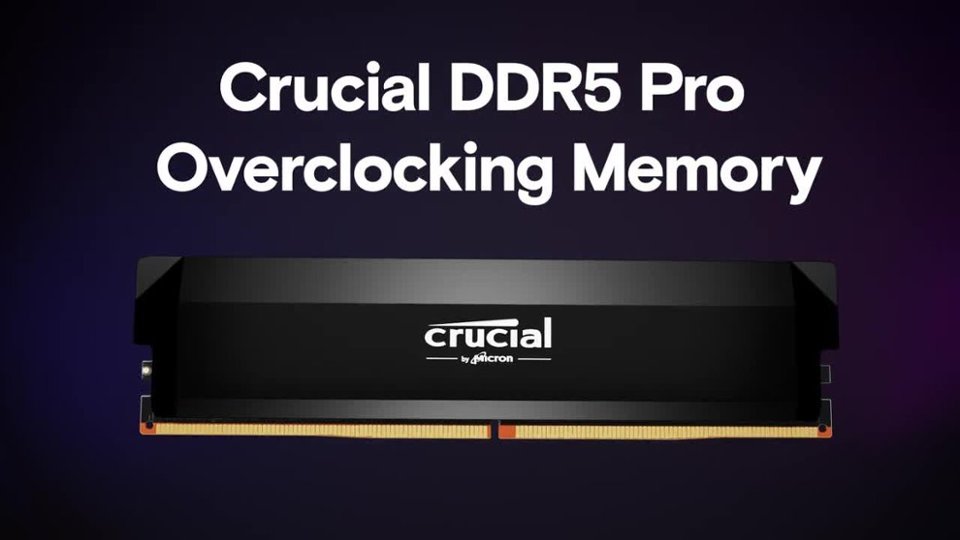
- CP2K16G60C36U5B
- |
- SKU:
- 6580646
Highly rated by customers for: Performance, Speed, Compatibility
$349.99$349.99
Page Showing 1-13 of 13 questions
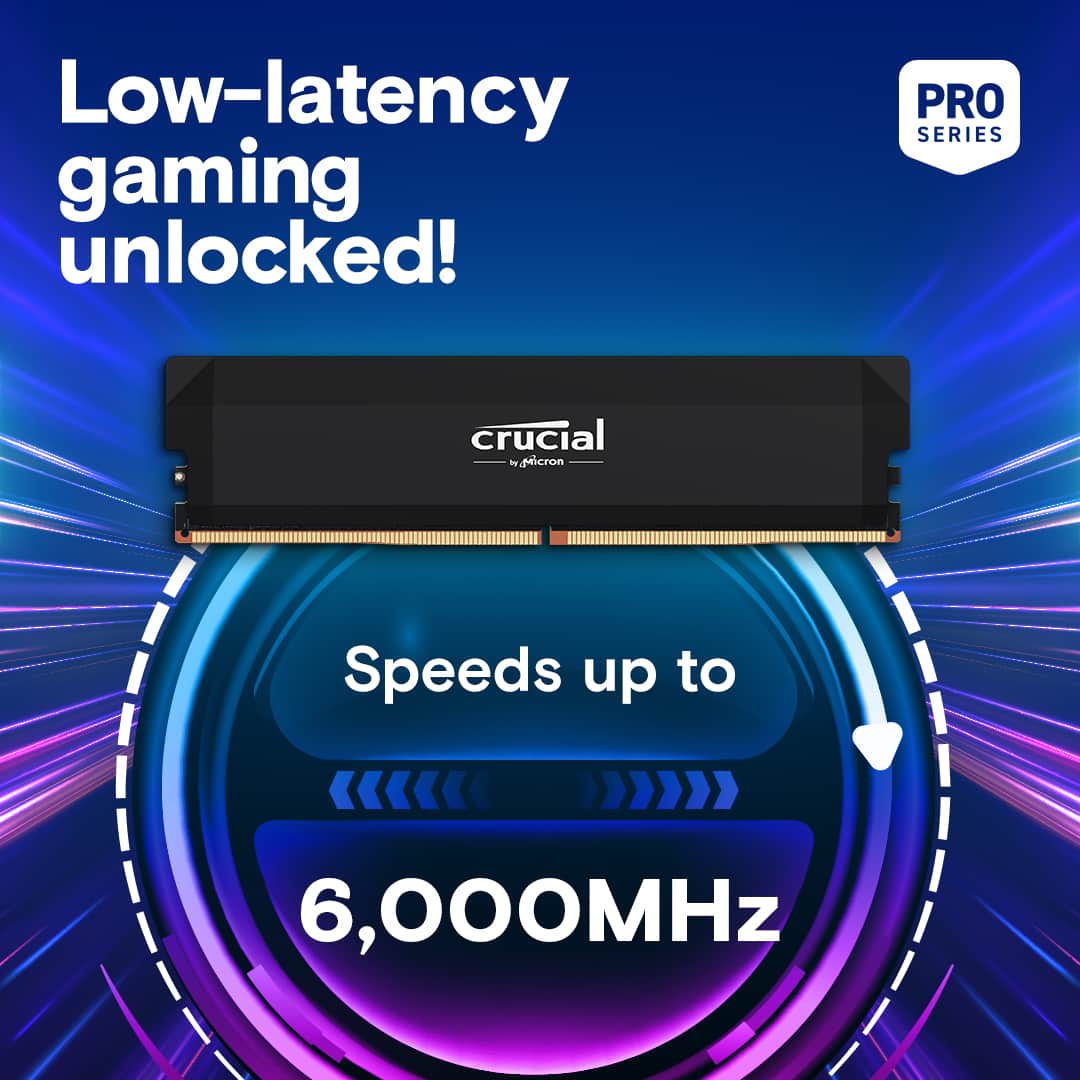
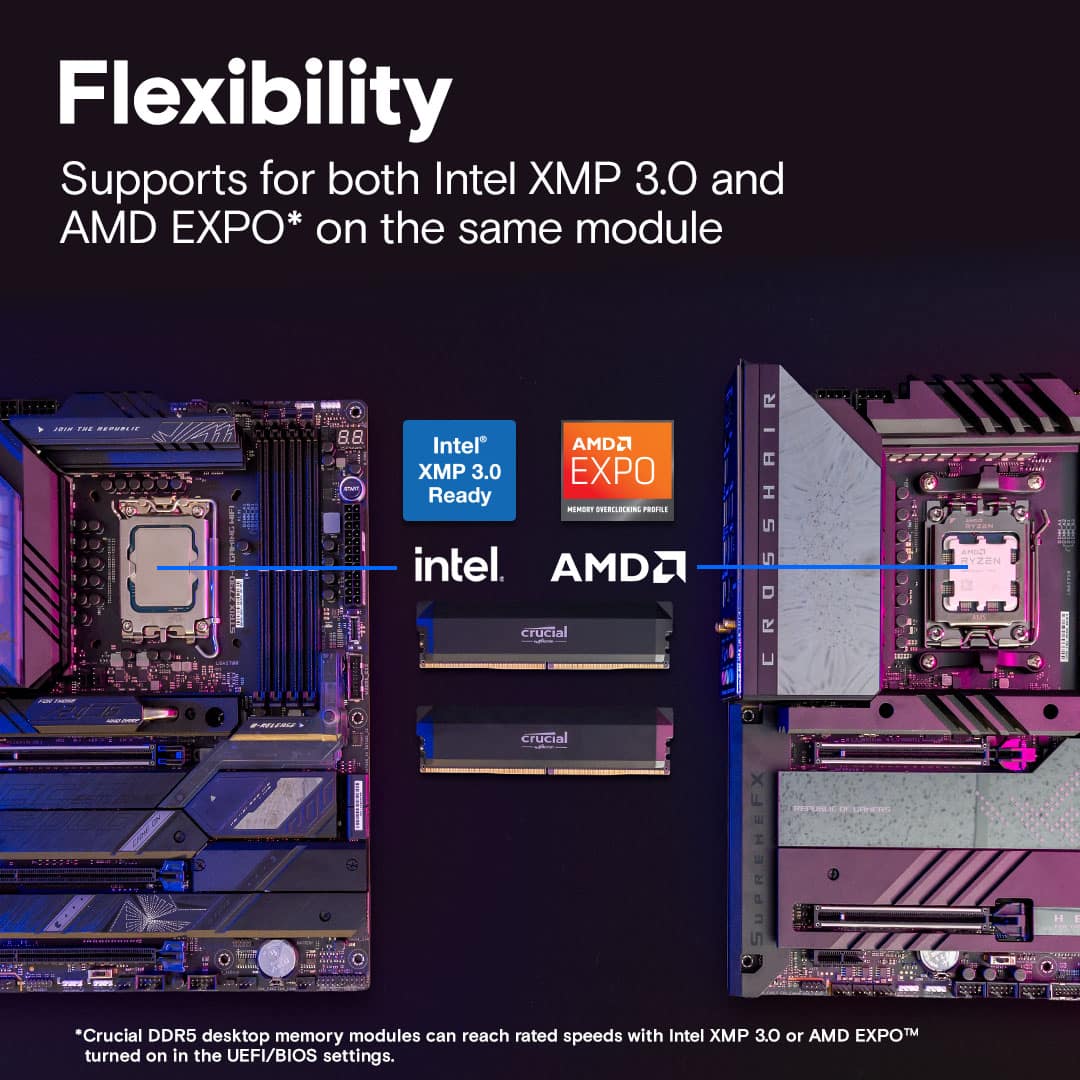
Q: QuestionIs the memory compatible with AMD EXPO?
- A:Answer This memory is compatible with AMD EXPO.
This question and answer was generated by AI based on customer and product data.Q: QuestionWhat is the warranty period for this memory?
- A:Answer This Crucial memory comes with a limited lifetime warranty.
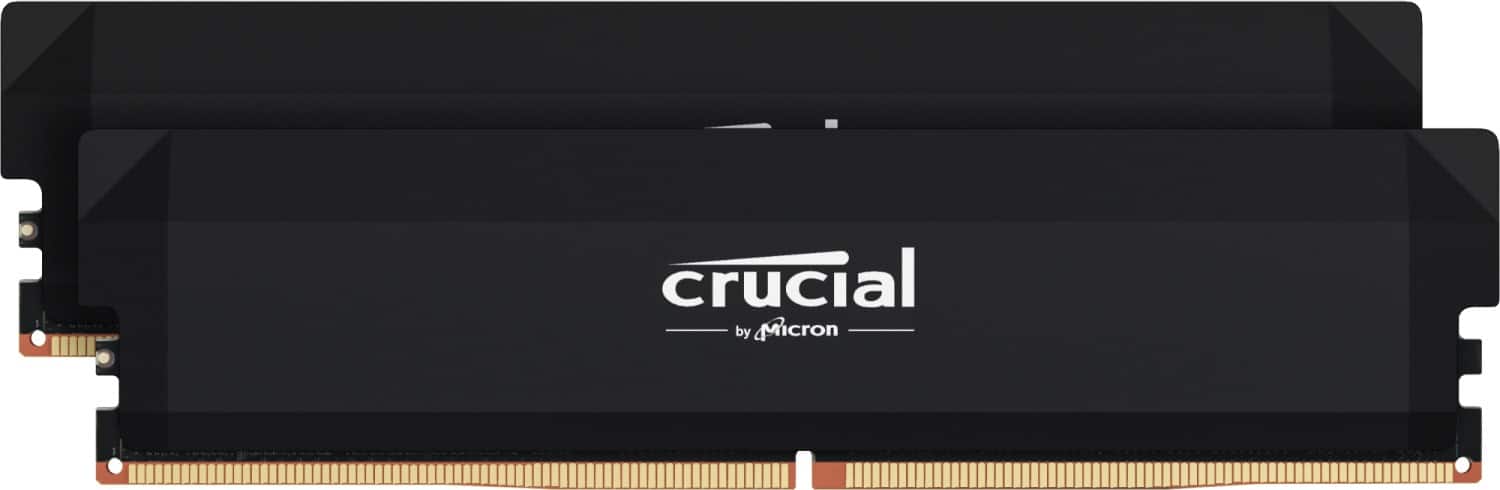
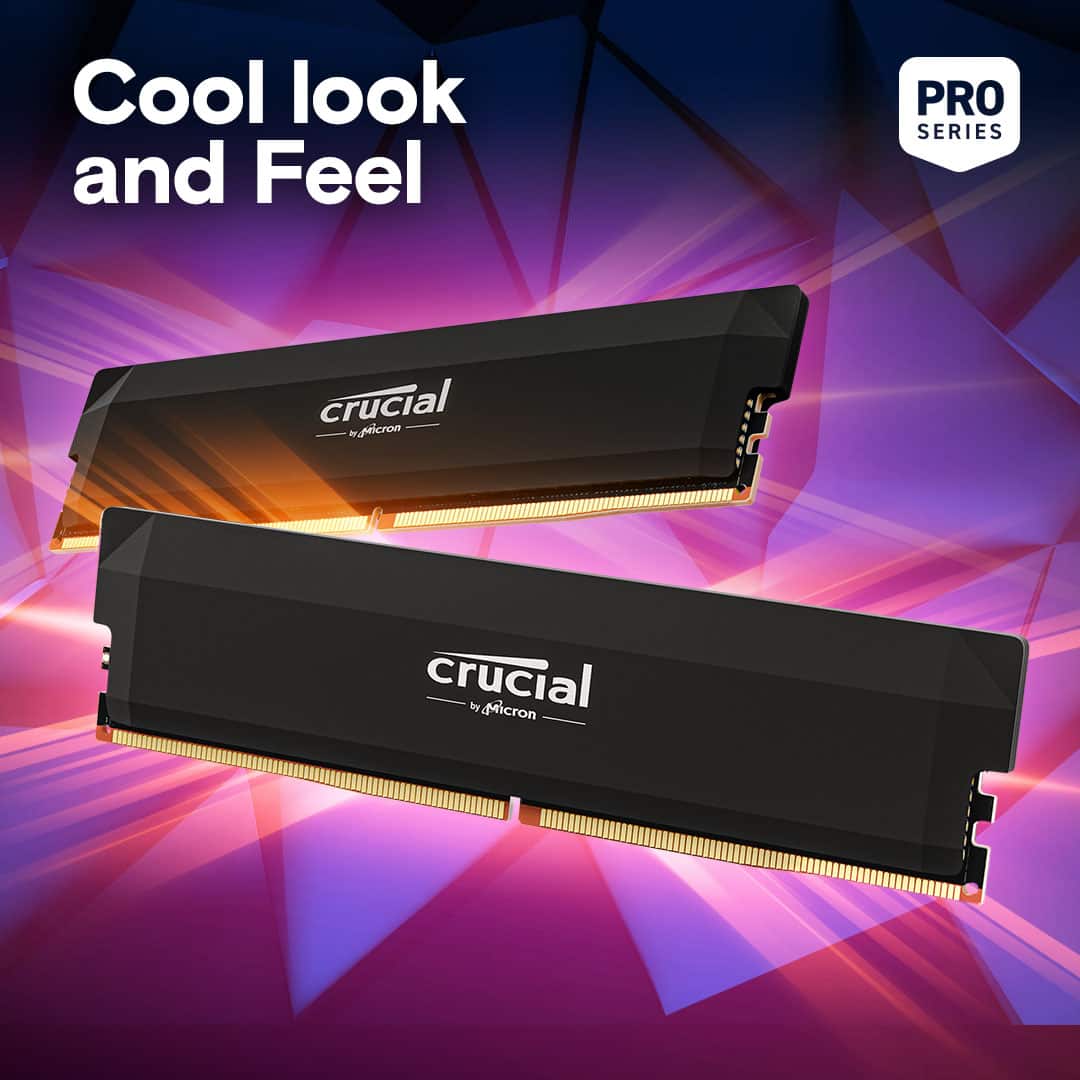
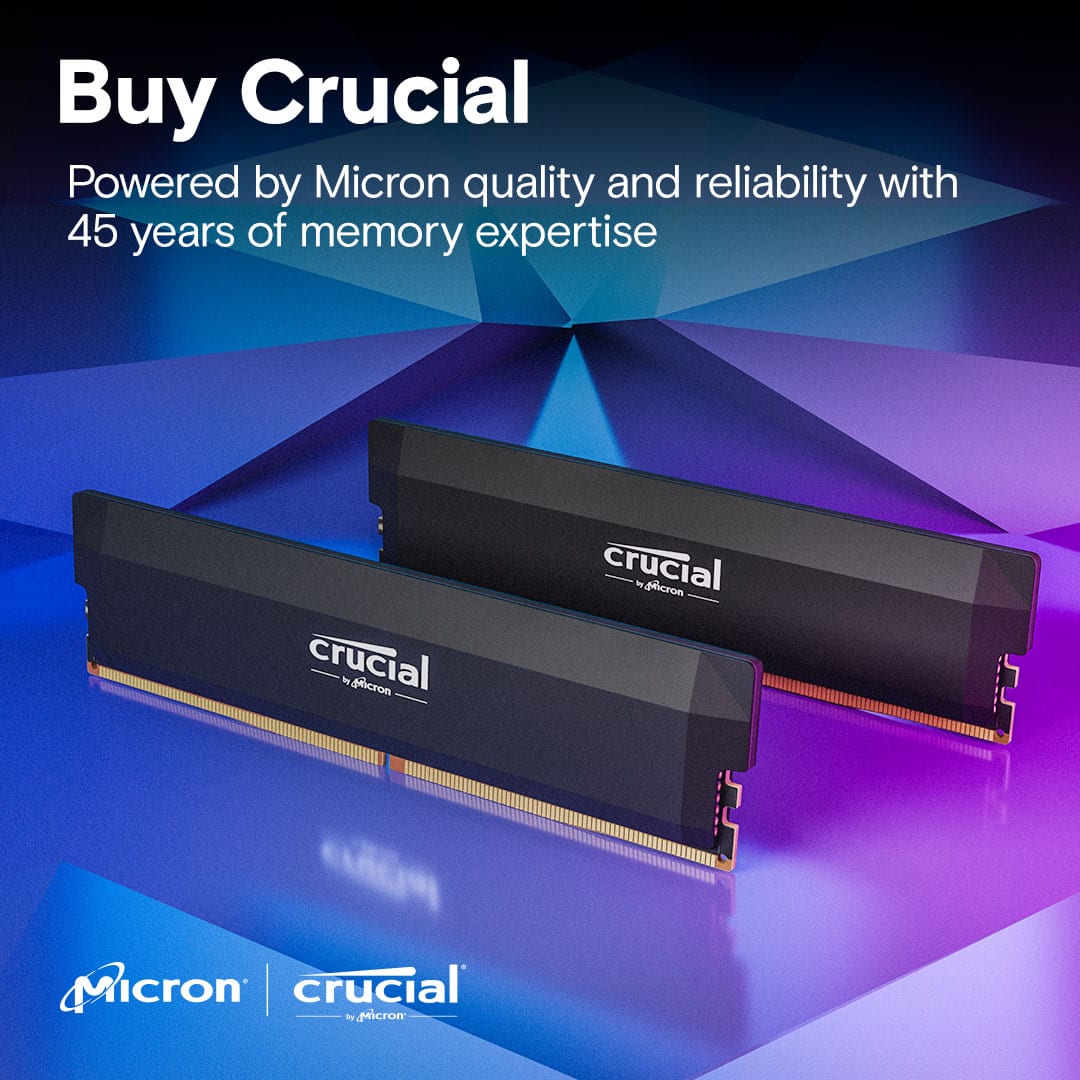
This question and answer was generated by AI based on customer and product data.Q: QuestionWhat is the purpose of the aluminum heat spreader?
- A:Answer The aluminum heat spreader provides a winning aesthetic.
This question and answer was generated by AI based on customer and product data.Q: QuestionIs this compatible with the hp omen 35l
Asked by Scotty.
- A:Answer Yes this pc is ddr5 ram it will fit
Answered by Anonymous
Q: QuestionCompatible with MegaPC Phantom with AMD Ryzen 9 6900 HX?
Asked by PatK.
- A:Answer No that is a laptop you need SODIMM memory not DIMM. SODIMM is half the size of desktop memory this is desktop ram
Answered by Anonymous
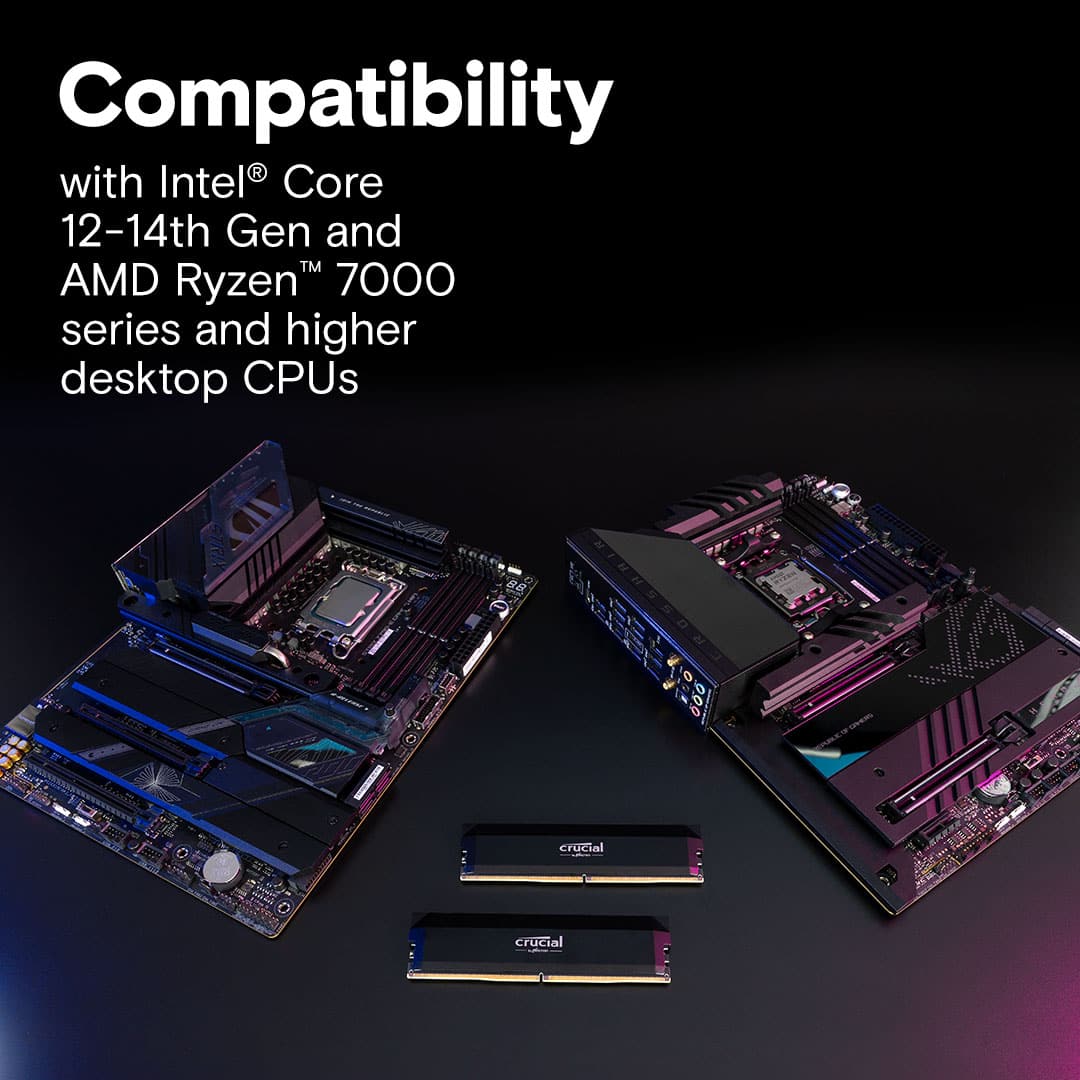
Q: QuestionIs this compatible with MSI PRO Z890-S WIFI LGA 1851 Intel Z890 ATX Motherboard
Asked by ATXMotherboard.
- A:Answer Yes, the Crucial Pro Overclocking 32GB (2x16GB) DDR5-6000 CL36 kit is fully compatible with the MSI PRO Z890-S WIFI (LGA 1851 Intel Z890 ATX motherboard). • This board supports DDR5 UDIMM up to 8800+ MT/s (OC), with 4 slots and max 256GB capacity. • DDR5-6000 is well within spec (JEDEC up to 6400 MT/s, overclocking higher). • It supports Intel XMP 3.0, so enable XMP in BIOS (OC tab → XMP Profile → Enabled, pick Profile 1 for the rated 6000MT/s CL36). • Crucial/Micron modules are widely compatible on MSI Z890 boards—no major issues reported in forums or Q&A. Install tips: • Use dual-channel slots (usually A2 & B2 or 2 & 4—check manual). • Update BIOS first from MSI support site for best stability. • After install, enable XMP → save & exit → test with MemTest86 or Time Spy. It should run at full speed without problems. If boot issues (rare), try one stick or reset CMOS
Answered by Daniel06
Q: QuestionI bought a CYBERPOWER PC specs -Intel i7-14700f up to 5.4 GHz, with 1 - 16GB DDR 5 Memory. Currently I can see it has one T-force16 GB installed and has 3 open slots. Will this work, and is it just plug in and good to go? Any info TY!
Asked by Anonymous.
- A:Answer Sadly, I believe it is impossible to mix RAM.
Answered by Finn
Q: QuestionWhat are the dimensions of this ram?
Asked by Anonymous.
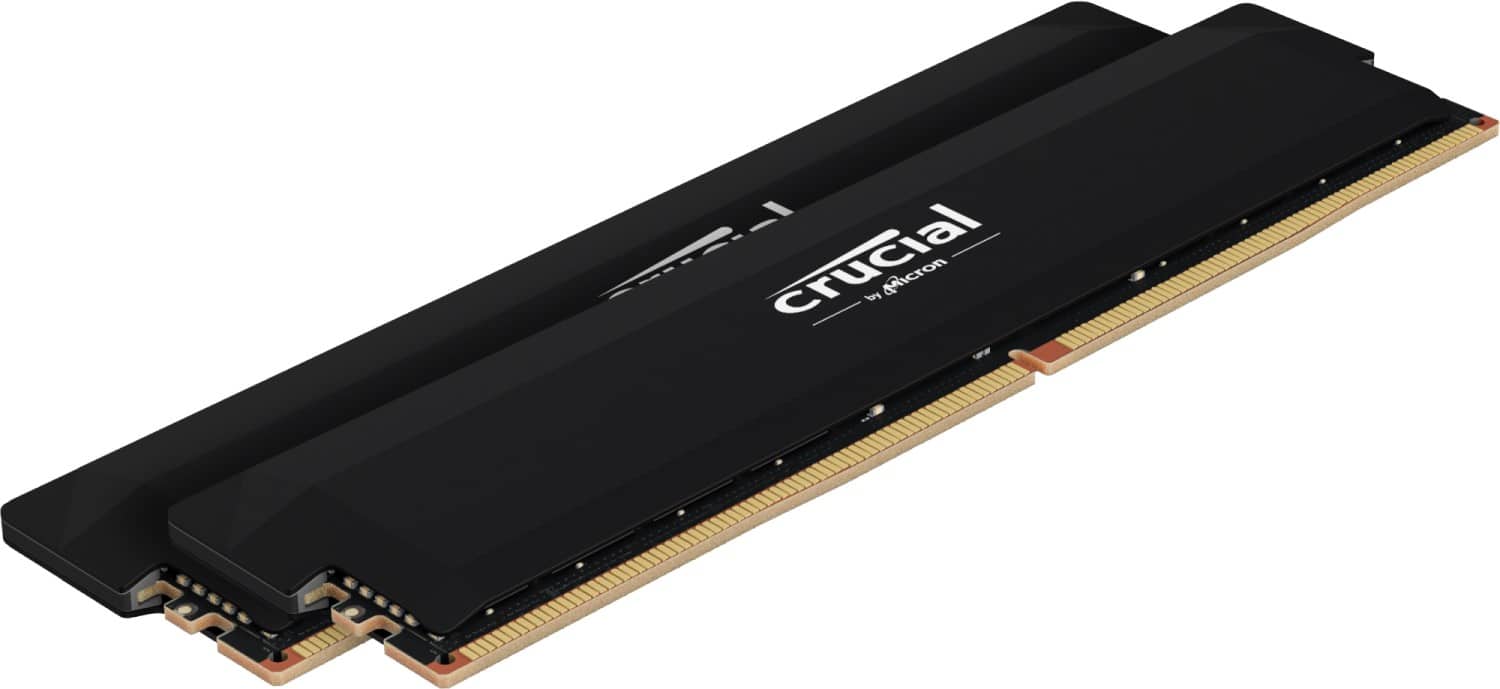
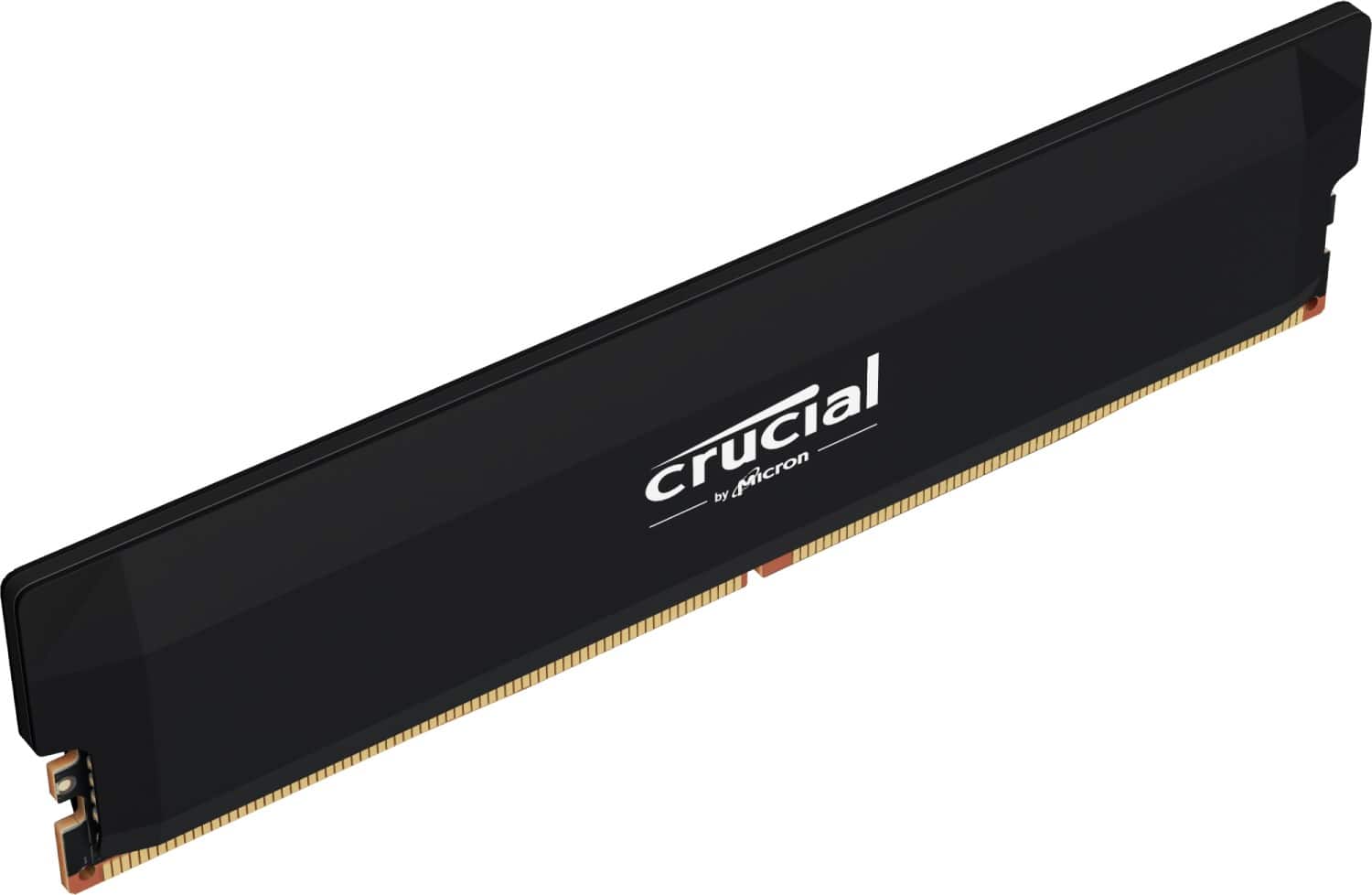
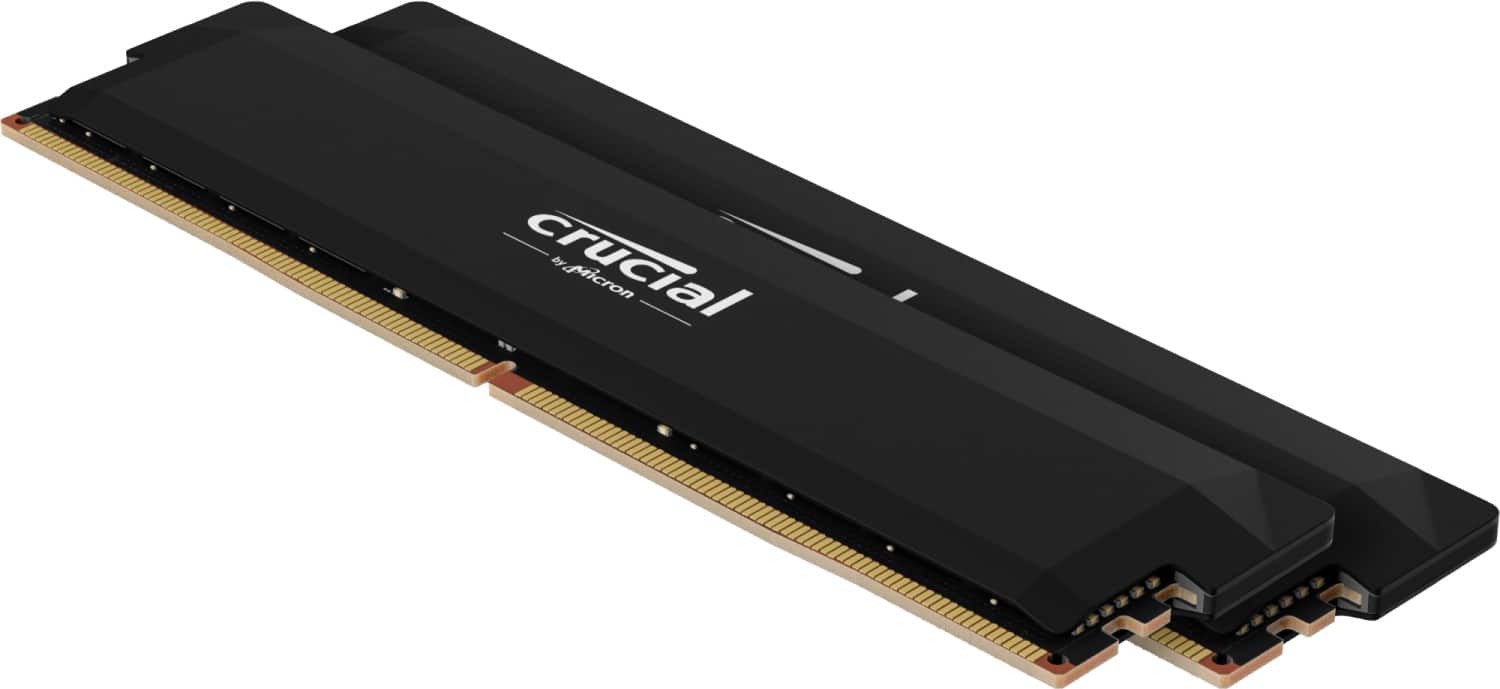
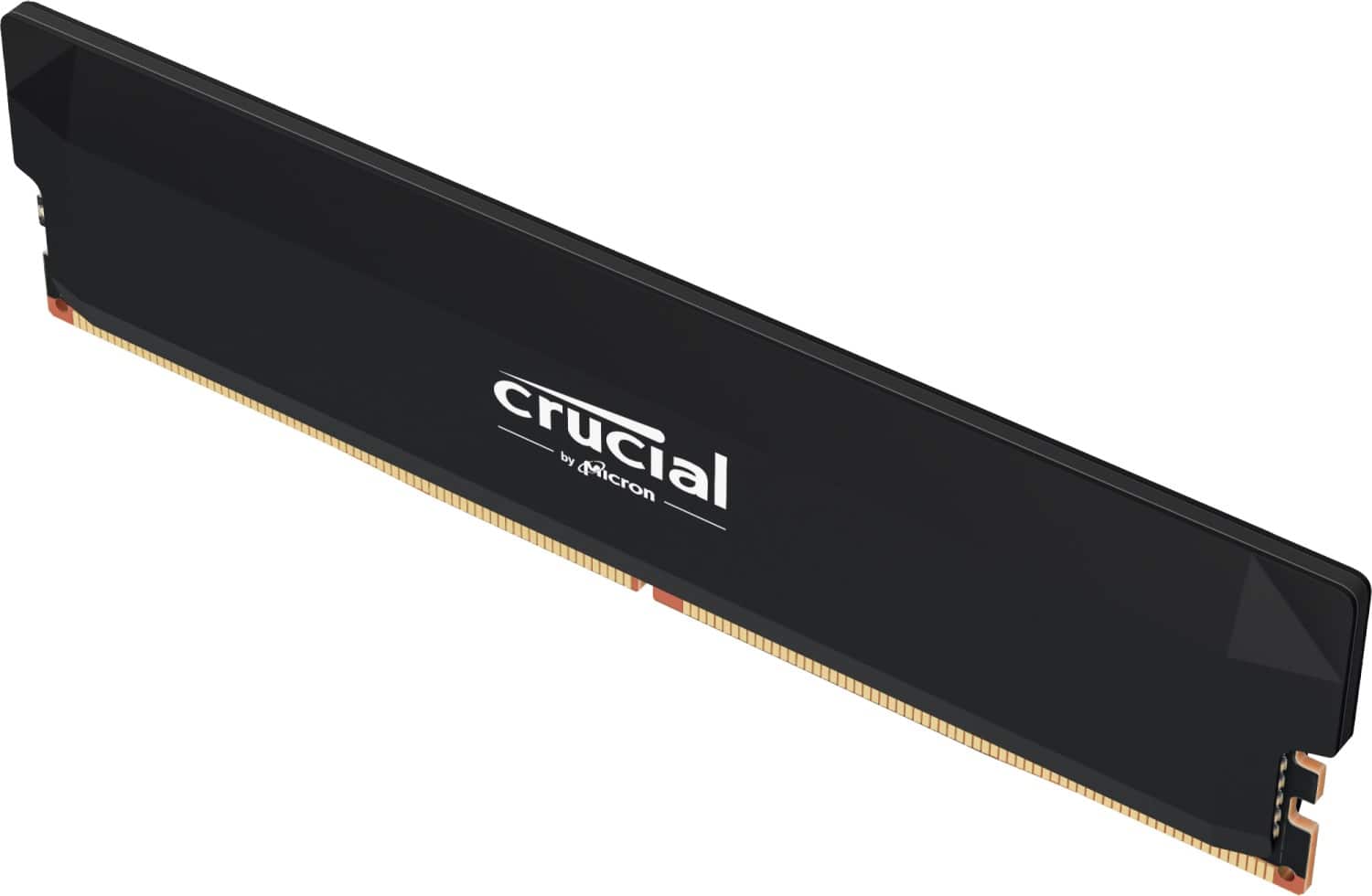
- A:Answer Here are the dimensions of the Crucial Pro Overclocking 32GB (2x16GB) DDR5-6000 CL36 kit (model CP2K16G60C36U5B): • Height (including heatspreader): 34.8 mm (~1.37 inches) • Length: 136.5 mm (~5.37 inches) • Width: 8 mm (~0.31 inches) This is a standard low-profile UDIMM design, so it clears most CPU coolers easily (fits under my Noctua without issue)
Answered by Daniel06
Q: QuestionIs this Memory compatible with HP OMNIDESK DESKTOP M02-0085M PC
Asked by ConradG.
- A:Answer Yeah, the Crucial Pro DDR5-6000 32GB kit is compatible with the HP OmniDesk Desktop M02-0085m—it’s a newer model that comes with DDR5 RAM (16GB DDR5-5200 stock, Ryzen 7 8700G processor, AMD B650 chipset). The Crucial kit should drop right in (2 DIMM slots, expandable to 64GB). Quick check to confirm yours is DDR5: 1. Right-click taskbar → Task Manager. 2. Performance tab → Memory (left side). 3. Look at Speed—it’ll show 5200 MHz or higher (DDR5). If it’s 3200 MHz or lower, it’s an older DDR4 model (rare for M02-0085m, but double-check). Enable EXPO/XMP in BIOS after install to hit the full 6000MT/s (default may run at 5200). Update BIOS from HP support first for best stability. Works great for faster loads/multitasking in games. At $350 though, it’s steep—grab it only if you’re mid-upgrade and need the speed bad. Otherwise, wait for a price drop. Let me know your Task Manager speed if you’re unsure!
Answered by Daniel06
Q: QuestionDoes this work with my CyberPowerPC - Gamer Xtreme Gaming Desktop - Intel Core i5-14400F - 16GB Memory - NVIDIA GeForce RTX 5060 8GB - 1TB PCle 4.0 SSD ive tried inserting them in and it’s like one of the corners can’t go fully in
Asked by Angelo.
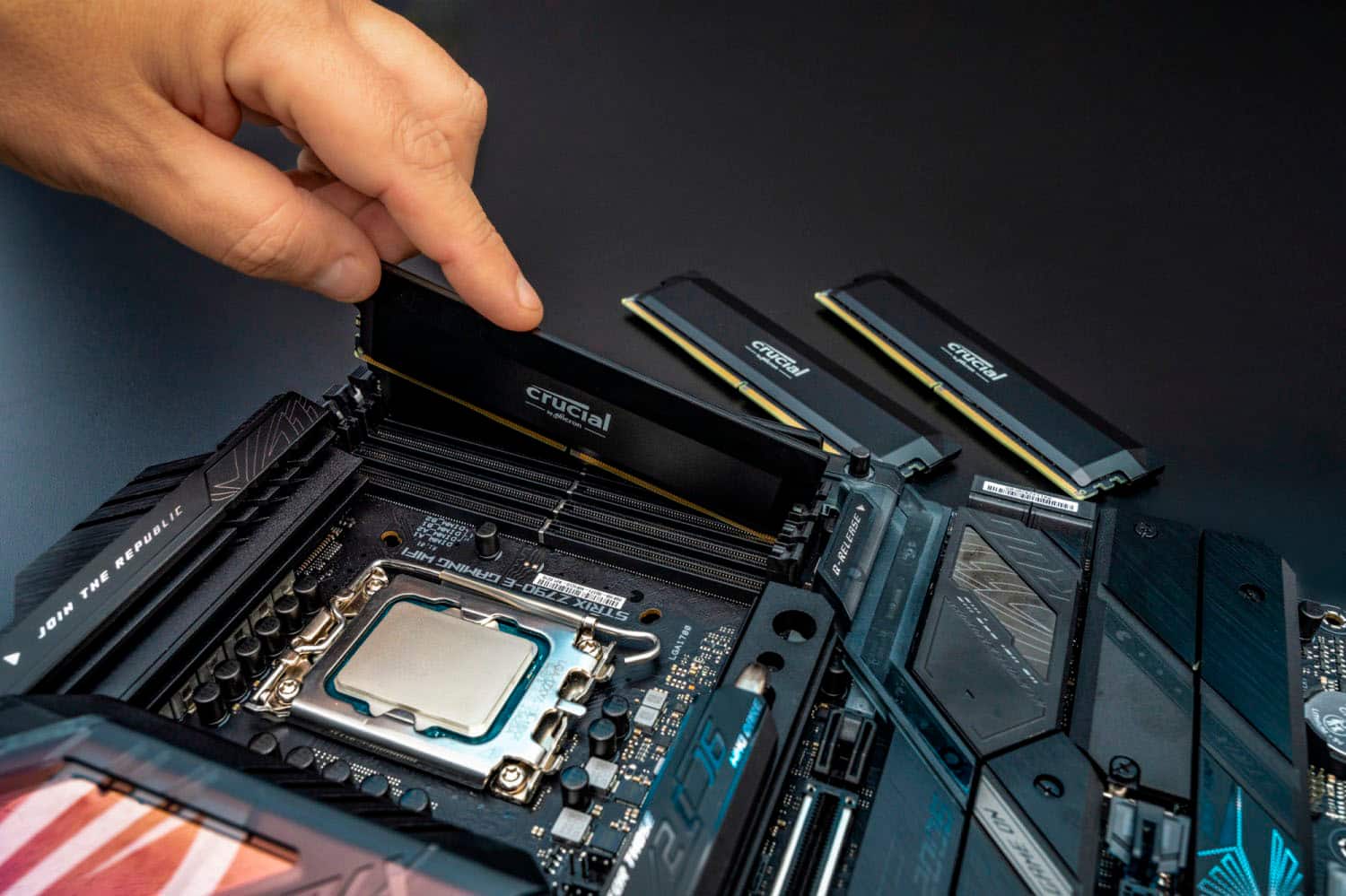
- A:Answer Yeah, that CyberPowerPC Gamer Xtreme with i5-14400F is a DDR5 system (stock 16GB DDR5-5200/6000), so this Crucial DDR5-6000 kit is fully compatible—drops into the 4 DIMM slots (use slots 2 & 4 for dual-channel). The “corner not going in” is probably the notch misalignment—DDR5 notch is offset near the front (push evenly, align gold contacts first, it clicks when seated). Clean slots with compressed air if dirty. Confirm yours: Task Manager > Performance > Memory > Speed shows 5200+ MHz? DDR5. (3200 or less = DDR4, rare for this model.) Enable XMP/EXPO in BIOS post-install for full 6000MT/s. Stable upgrade for faster loads. But at $350? Skip unless mid-build like I was ($280 then spiked)—overpriced now. Wait for drop if not urgent.
Answered by Daniel06
Q: QuestionIs it known what ram die manufacturer was used in this model? (samsung, hynix, etc)
Asked by Gups.
- A:Answer The Crucial brand uses Micron dies as it Micron's consumer brand
Answered by Julio
Q: Questionis this memory compatible with the Asus Rog Strix Z890-H motherboard or the MSi MAG Z890 Tomahawk Wi-Fi motherboard
Asked by michaelb.
- A:Answer Yes, the Crucial Pro Overclocking 32GB (2x16GB) DDR5-6000 CL36 kit is fully compatible with both motherboards. • ASUS ROG Strix Z890-H Gaming WiFi • Supports DDR5 up to 8800+ MT/s (OC) with 4 DIMM slots. • 6000MT/s is well within spec and commonly used on Z890 boards. • Enable XMP in BIOS (EZ Mode or Advanced > Ai Tweaker > Ai Overclock Tuner → XMP I or II). • No known issues with Crucial Pro modules on ASUS Z890 boards—plug-and-play after enabling XMP. • MSI MAG Z890 Tomahawk WiFi • Supports DDR5 up to 9200+ MT/s (OC) with 4 DIMM slots. • 6000MT/s is easily supported and stable on MSI Z890 boards. • Enable XMP in BIOS (OC tab → XMP Profile → Enabled, choose Profile 1). • MSI Z890 boards have excellent memory compatibility lists, and Crucial/Micron-based kits work reliably. Quick install notes for both boards: • Use dual-channel slots (usually A2 & B2 or 2 & 4—check manual). • Update BIOS first for best stability (ASUS/MSI support sites). • After install, enable XMP → save & exit → test with MemTest86 or Time Spy. This kit runs great at 6000MT/s on Intel Z890 platforms—same as your Ryzen setup. No compatibility red flags. If you hit boot issues (rare), try one stick first or reset CMOS
Answered by Daniel06
Q: QuestionIs this compatible with Lenovo LOQ 15.6" Gaming Laptop?
Asked by SYS123.
- A:Answer No. You can't add RAM to a laptop, as far as I know.
Answered by Finn
Page 1, Showing 1-13 of 13 questions
Most-viewed items
- $259.99$259.99The price was $344.99
- $409.99$409.99The price was $476.99
- $1,165.00$1,165.00The price was $1,228.99
- $279.99$279.99The price was $333.99
- $439.99$439.99The price was $487.99
- $729.99$729.99The price was $919.99
- $259.99$259.99The price was $282.99
- $199.99$199.99The price was $229.99
- $244.99$244.99The price was $282.99