A:AnswerHello Sharon,
Thank you for your question, You will need to use the file system format that is supported by the Mac OS. You can keep ExFat as it is supported by majority OS. Please refer the below link to format the drive for MacOS.
https://www.crucial.com/articles/external-ssd/how-to-partition-an-external-ssd
Regards,
Crucial
A:AnswerThere's one sheet of instructions included which, if I remember correctly, also shows the instructions in other languages. It's pretty simple though--plug it into a USB-C port & save to it like you would a flash drive or other USB device.
I see this question was asked 3 months ago, so you've probably got the answer on your own by now!
A:AnswerHello,
Thank you for reaching out to us. We appreciate your interest in Crucial products.
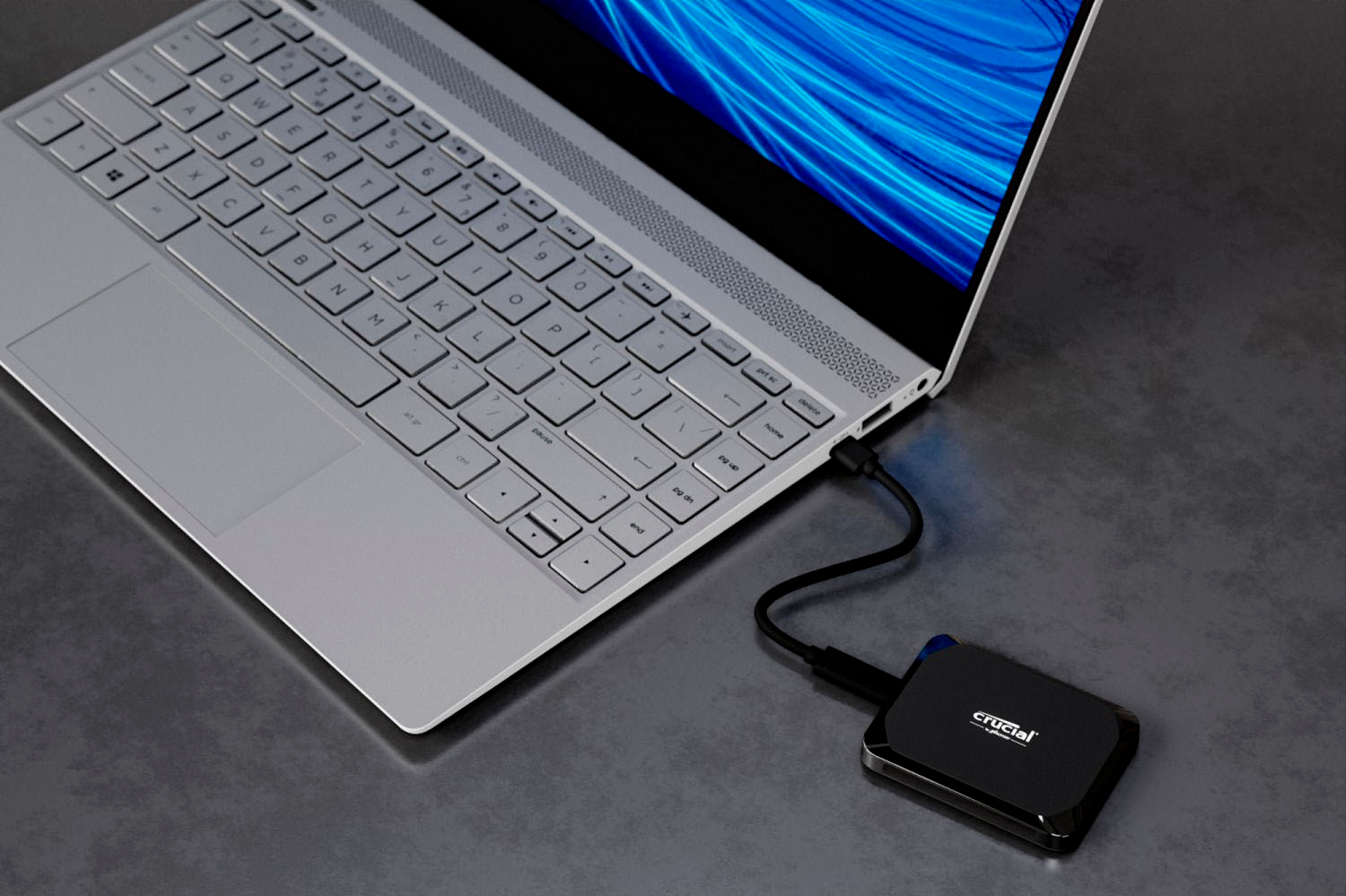
We would like to inform you that Crucial - X9 1TB External USB-C SSD CT1000X9SSD9 is a portable SSD. It is a plug and play device with USB C cable out of the box.
https://www.crucial.com/ssd/x9/ct1000x9ssd9
Hence, the SSD will work with a USB-A to USB-C cable, provided the cable is designed for data transfer and not just charging. This will allow you to connect the SSD to your older Windows XP machine. However, please note:
Performance: The transfer speed will be limited to the USB-A port’s capabilities, which are typically slower than USB-C. The advertised speed will be achieved when connected to USB 3.2 Gen-2 (10Gb/s) interface.
Compatibility: Ensure that your Windows XP system has the necessary drivers to recognize external storage devices. In most cases, it should work, but older systems may require updates or manual driver installation.
Thank you for your patience and understanding.
Meanwhile, if you have any further query, please feel free to reach out to us. You can also visit our contact page: https://www.crucial.com/support/contact to know about other ways to reach out to us.
Regards,
Crucial
A:AnswerHello,
Thank you reaching out to us, Portable drive ship with Exfat file format. It can be reformatted in other file format like NTFS, APFS.
Meanwhile, if you have any further query, please feel free to visit our contact page: https://www.crucial.com/support/contact to know about other ways to reach out to us.
Regards,
Crucial
A:AnswerHello,
Thank you for reaching out to us, You can use Crucial X9 portable SSD with USB-C-to-A adapter. You can format the drive in Exfat / Apfs file format to use it in iMac. Please refer this below link for more information.
https://www.crucial.com/articles/external-ssd/how-to-install-external-ssd
Meanwhile, if you have any further query, please feel free to visit our contact page: https://www.crucial.com/support/contact to know about other ways to reach out to us.
Regards,
Crucial
A:AnswerHello, thanks for getting in touch,
Yes, You can use it for storing games, photos, videos and other data. Make sure your system has USB 3.2 Gen-2 slot for the optimum performance else if you do not have a USB C slot, you'll have to use a USB C to A adapter.
If you need any more information or support, please contact us back through the link below. https://www.crucial.com/support/contact
- The Crucial Team
A:AnswerHello, thanks for getting in touch, the Sequential Read is 1050 & Sequential Write speed is 1050
If you need any more information or support, please contact us back through the link below. https://www.crucial.com/support/contact
- The Crucial Team
A:AnswerHello,
Thank you for reaching out to us. We appreciate your interest in Crucial products.
Thank you for contacting us! We are happy to help clarify how your Crucial X9 1TB External USB‑C SSD can be used with your router and across your devices.
https://www.crucial.com/ssd/x9/ct1000x9ssd9
1. Connecting the Crucial X9 to Your Internet Router
Yes, the Crucial X9 can be connected to your internet router if your router has a USB port and supports USB storage or file sharing. When supported, the router can share the SSD over your home network, allowing multiple devices to access it.
Please note:
Performance will be limited by the router’s USB and processor speed, so transfer speeds will be much slower than when the SSD is connected directly to a computer. We recommend formatting the drive as exFAT for the best compatibility across devices.
2. Accessing Files from Multiple Devices
a) Windows 11 PC and iMac
Yes. When the drive is connected to a compatible router, both Windows and macOS computers can access it. You can create folders, add files, and read or write data from either system.
b) iPhone 11
Yes. Your iPhone can access files on the drive. You can do this using the built‑in Files app. This allows you to view, download, upload, and manage files on the SSD. Please note that an external storage device must have only a single data partition, and it must be formatted as APFS, APFS (encrypted), macOS Extended (HFS+), exFAT (FAT64), FAT32, or FAT. To change the formatting of a storage device, use a Mac or PC.
If an external hard drive doesn’t supply its own power, and your iPhone has a Lightning connector, you can use the Lightning to USB 3 Camera Adapter connected to a USB power adapter. You may need the Lightning to USB Camera Adapter, Lightning to USB 3 Camera Adapter,(all sold separately).
Thank you for your patience and understanding.
Meanwhile, if you have any further query, please feel free to reach out to us. You can also visit our contact page: https://www.crucial.com/support/contact to know about other ways to reach out to us.
Regards,
Crucial
A:AnswerHello,
Thank you for reaching out! We are happy to help clarify what you’ll need to use your new Crucial X9 SSD with your devices.
The Crucial X9 does include a USB‑C to USB‑C cable. That’s the standard cable used to connect the drive to most modern devices. It is a plug and play device out of the box:
https://www.crucial.com/ssd/x9/ct1000x9ssd9
The iPhone 14 Pro Max uses a Lightning port. As iPhone has a Lightning connector, you can use the Lightning to USB 3 Camera Adapter connected to a USB power adapter. You may need the Lightning/USB C to USB Camera Adapter, Lightning/USB C to USB 3 Camera Adapter,(all sold separately).
Please note that an external storage device must have only a single data partition, and it must be formatted as APFS, APFS (encrypted), macOS Extended (HFS+), exFAT (FAT64), FAT32, or FAT. To change the formatting of a storage device, use a Mac or PC.
Note: You can use the Files app and other supported apps to access files stored on external devices, connected to your iPhone. An external hard drives often require an external power source when used with iPhone.
For 2015 MacBook and MacBook Pro models, if it has USB C port you can use it directly or if it has USB‑A ports, not USB‑C, you will need one of the following:
* USB‑C to USB‑A adapter
* USB‑C to USB‑A cable
Once connected, you’ll be able to drag and drop your photos and files onto the SSD.
Thank you for your patience and understanding.
Meanwhile, if you have any further query, please feel free to visit our contact page: https://www.crucial.com/support/contact to know about other ways to reach out to us.
Regards,
Crucial
A:AnswerHello,
Thank you for reaching out to us, Crucial X9 external SSD is plug and play SSD and it is compatible with IPhone 17 Pro max.
Meanwhile, if you have any further query, please feel free to visit our contact page: https://www.crucial.com/support/contact to know about other ways to reach out to us.
Regards,
Crucial
A:AnswerHello,
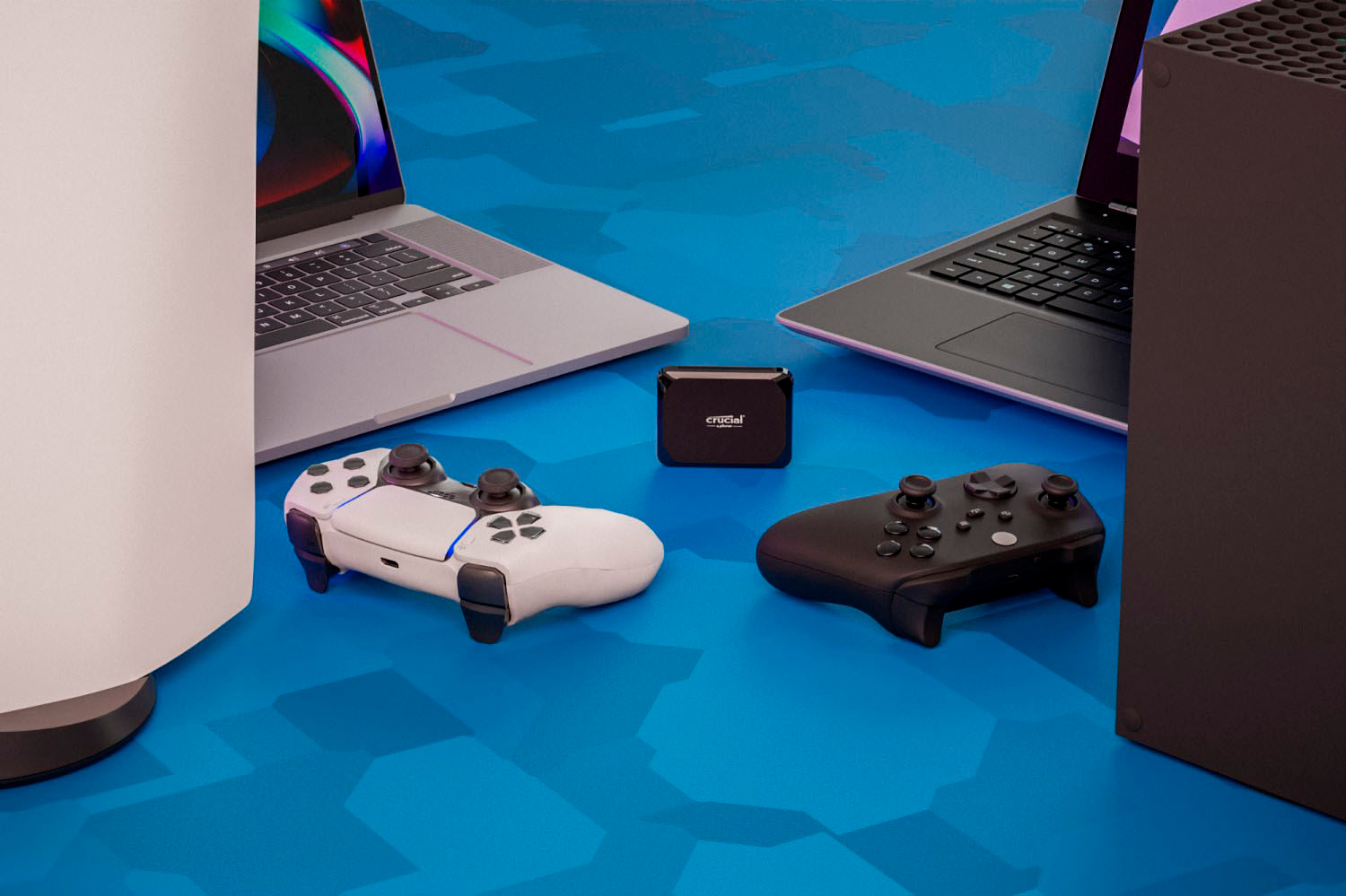
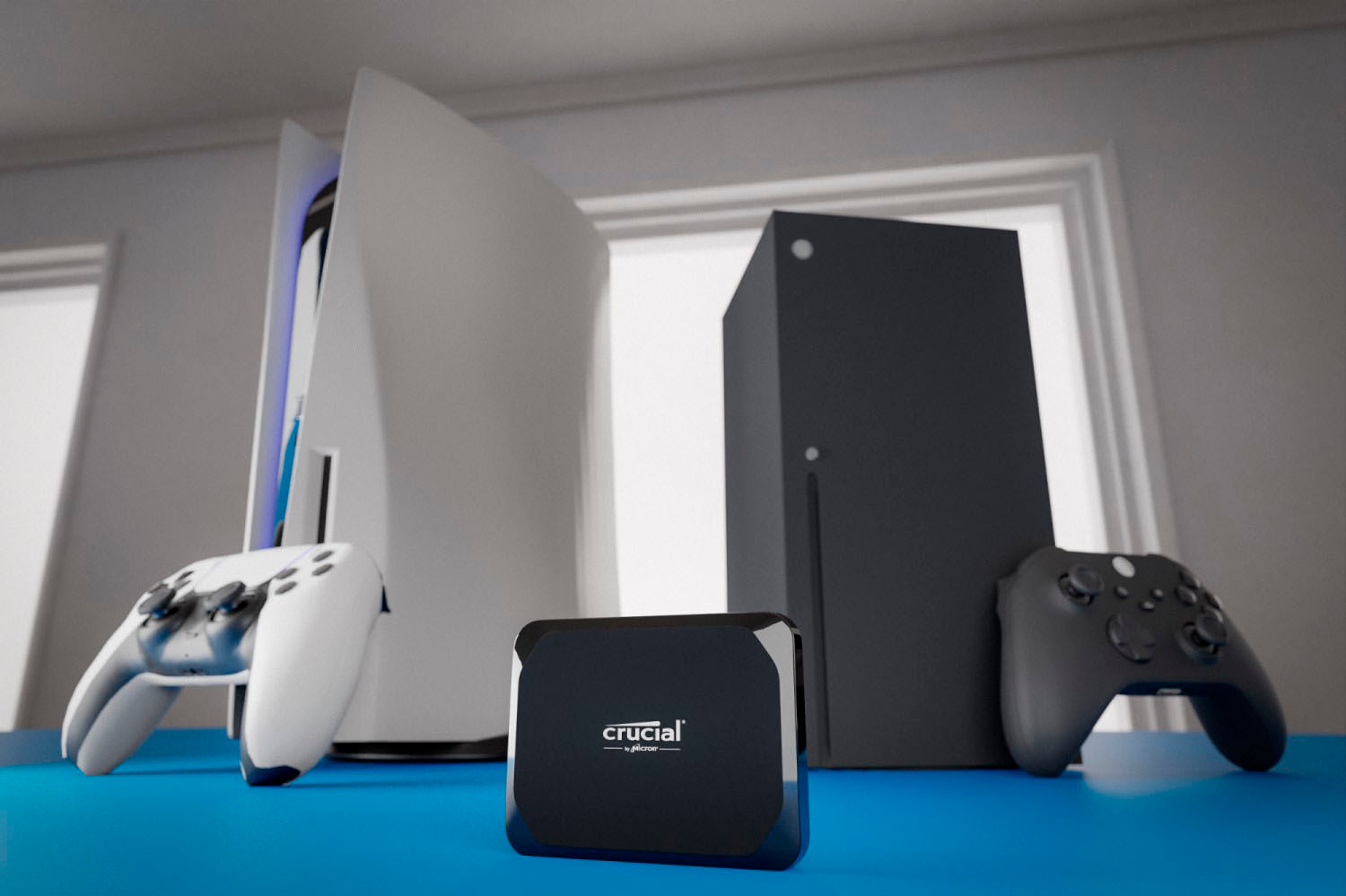
Thank you for reaching out to us, Crucial X9 External SSD is plug and play SSD, it will work with PS5.
Meanwhile, if you have any further query, please feel free to visit our contact page: https://www.crucial.com/support/contact to know about other ways to reach out to us.
Regards,
Crucial
A:AnswerHello Scott,
Thank you for reaching out to us, we would like to inform you that Crucial X9 1TB Portable SSD is a plug and play device with USB C cable out of the box and is compatible with Samsung Fold 7.
Meanwhile, if you have any further query, please feel free to visit our contact page: https://www.crucial.com/support/contact to know about other ways to reach out to us.
Regards,
Crucial
A:AnswerHello,
Thank you for reaching out to us, we would like to inform you that Crucial X9 1TB Portable SSD is a plug and play device and is compatible with iPhone. You can transfer the data from iPhone to the SSD and delete it from iPhone, however, we still request you to keep copies of the data to avoid any data loss.
Meanwhile, if you have any further query, please feel free to visit our contact page: https://www.crucial.com/support/contact to know about other ways to reach out to us.
Regards,
Crucial
A:AnswerHello,
Thank you for reaching out to us.
Crucial X9 1TB Portable SSD CT1000X9SSD9 is a portable SSD. It is a plug and play device with USB C cable out of the box. It is compatible with PC, Mac, tablet, gaming console, Android and more. The SSD will work in Windows 11:
https://www.crucial.com/ssd/x9/ct1000x9ssd9
Meanwhile, if you have any further query, please feel free to reach out to us. You can also visit our contact page: https://www.crucial.com/support/contact to know about other ways to reach out to us.
Regards,
Crucial