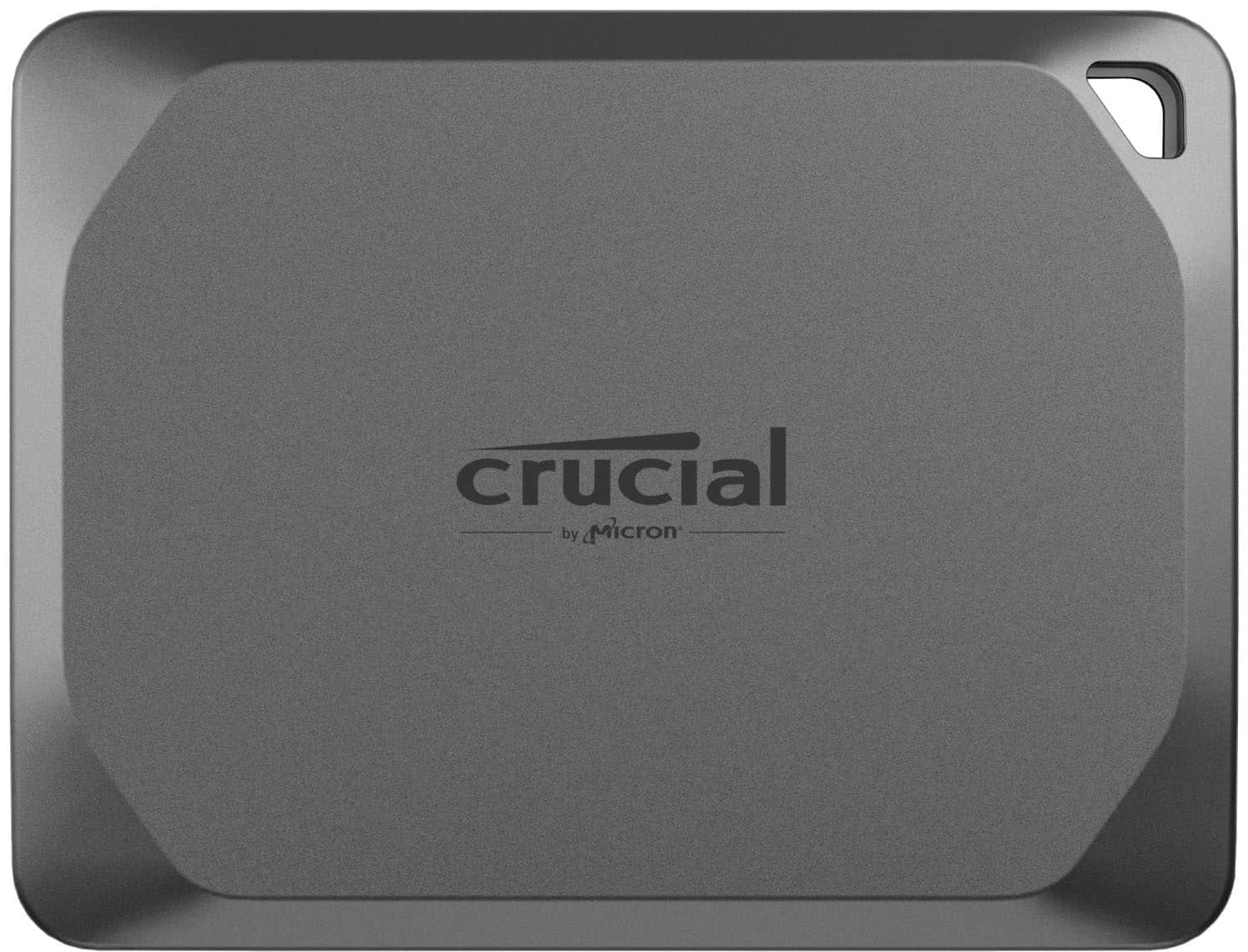
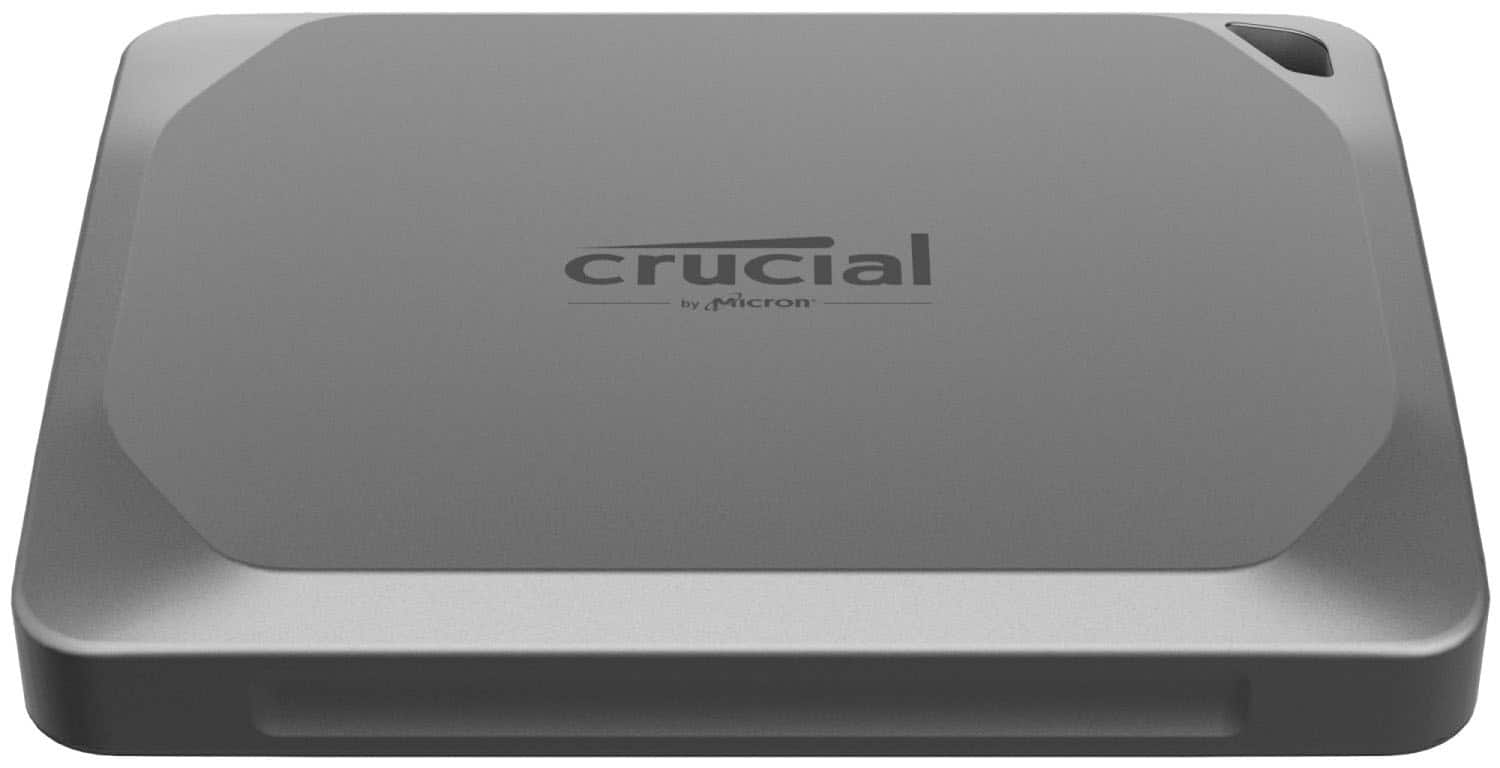
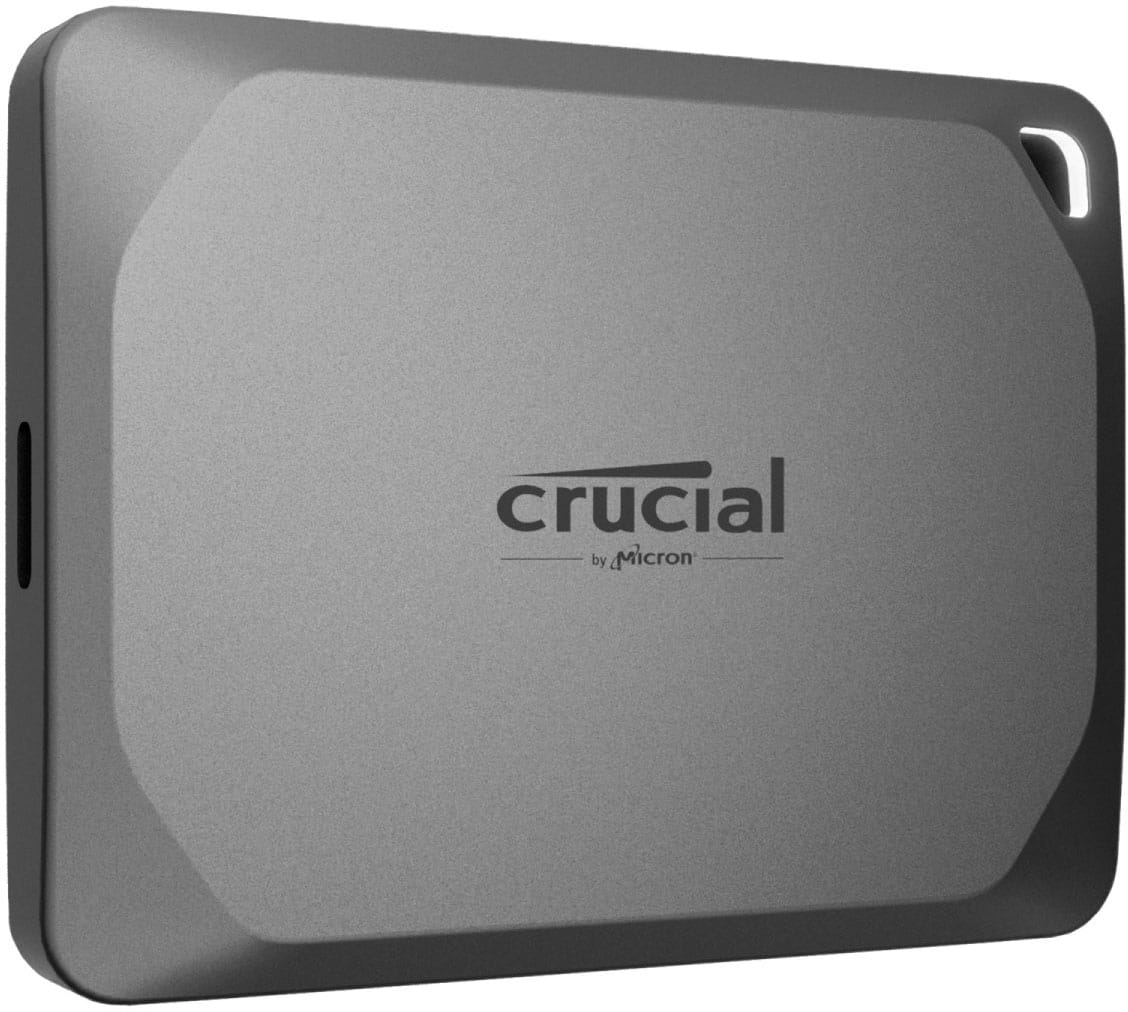
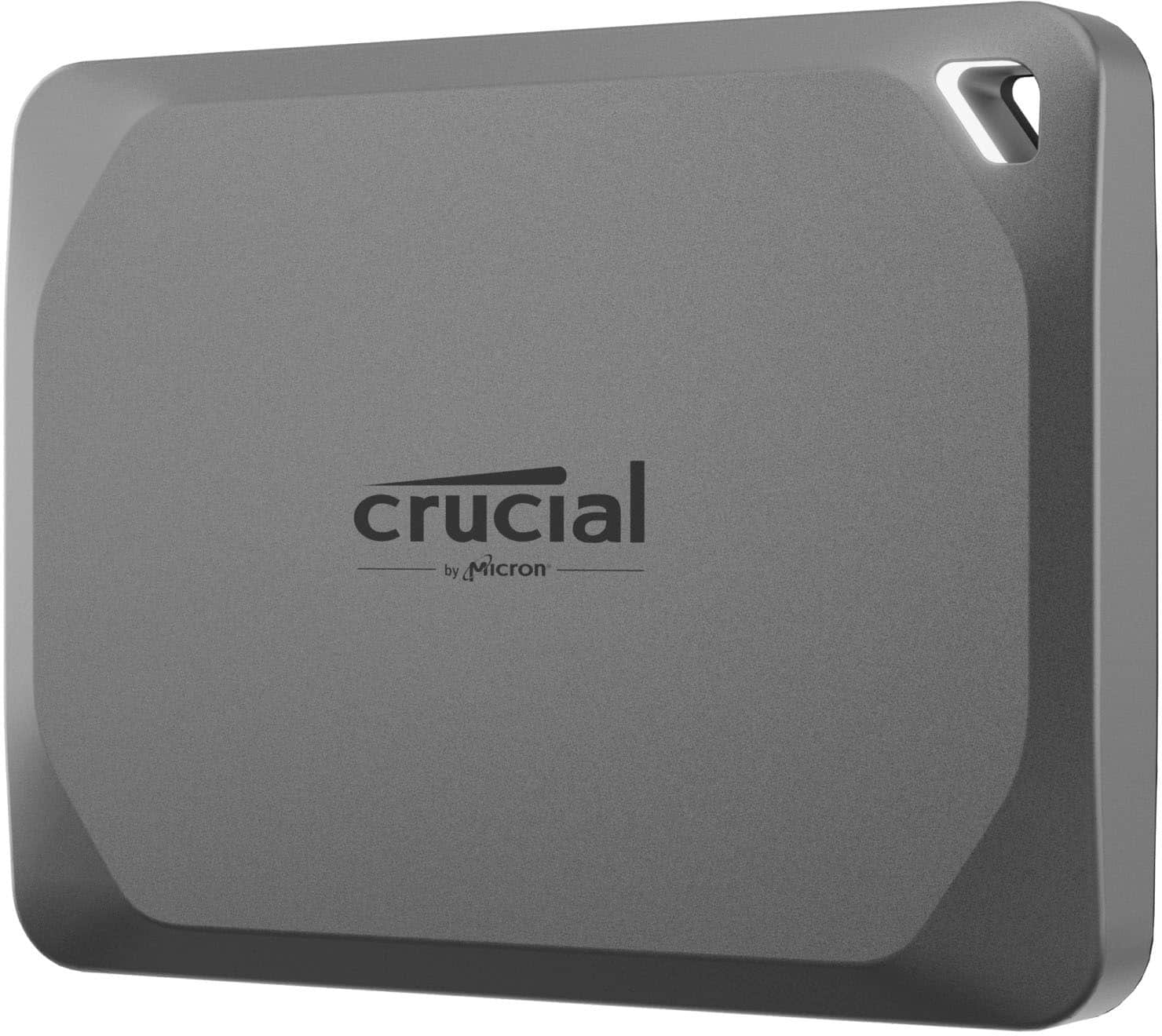
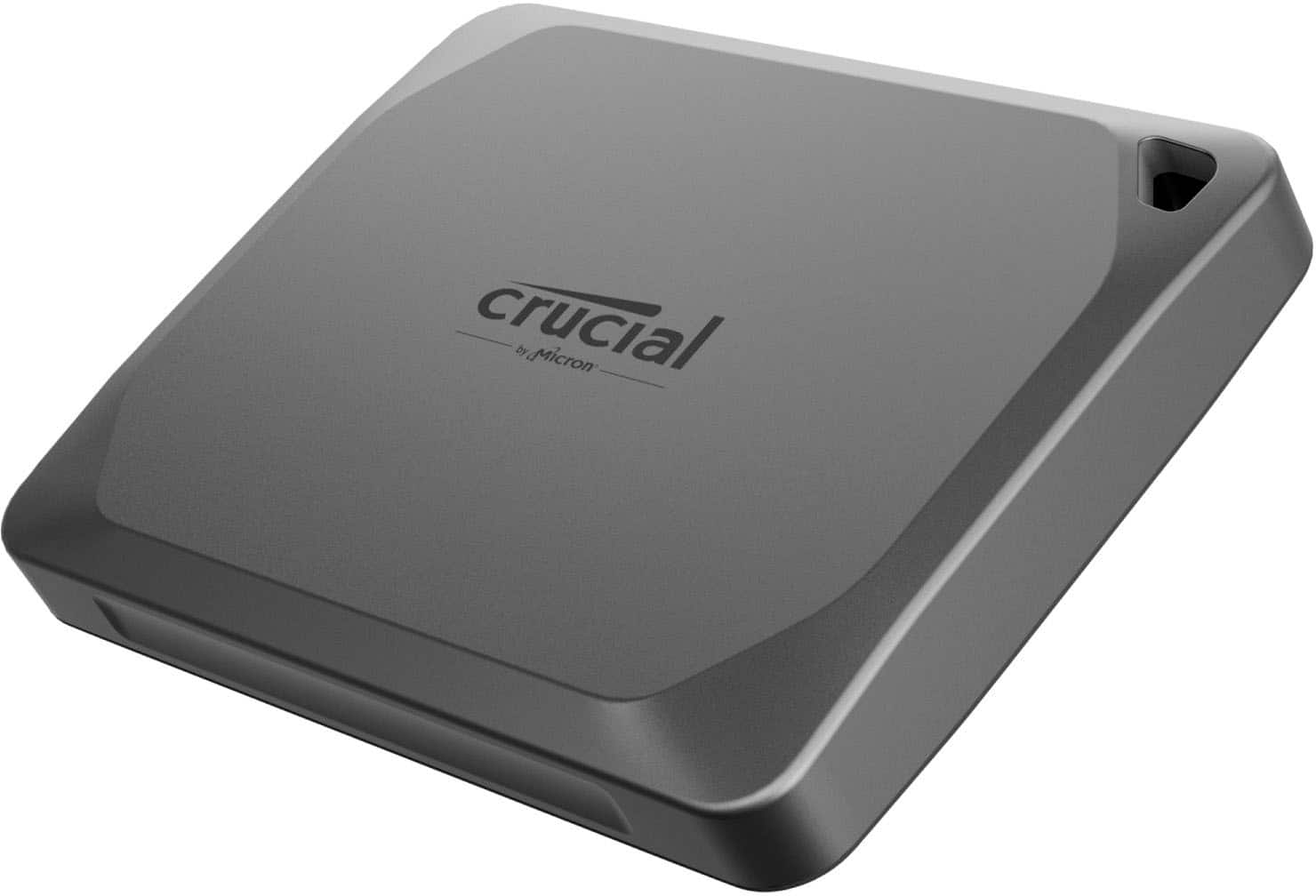
A:AnswerThe Crucial X9 Pro has an IP55 rating, meaning it is resistant to dust and water splashes. It is also designed to withstand drops from up to 7.5 feet.
This question and answer was generated by AI based on customer and product data.
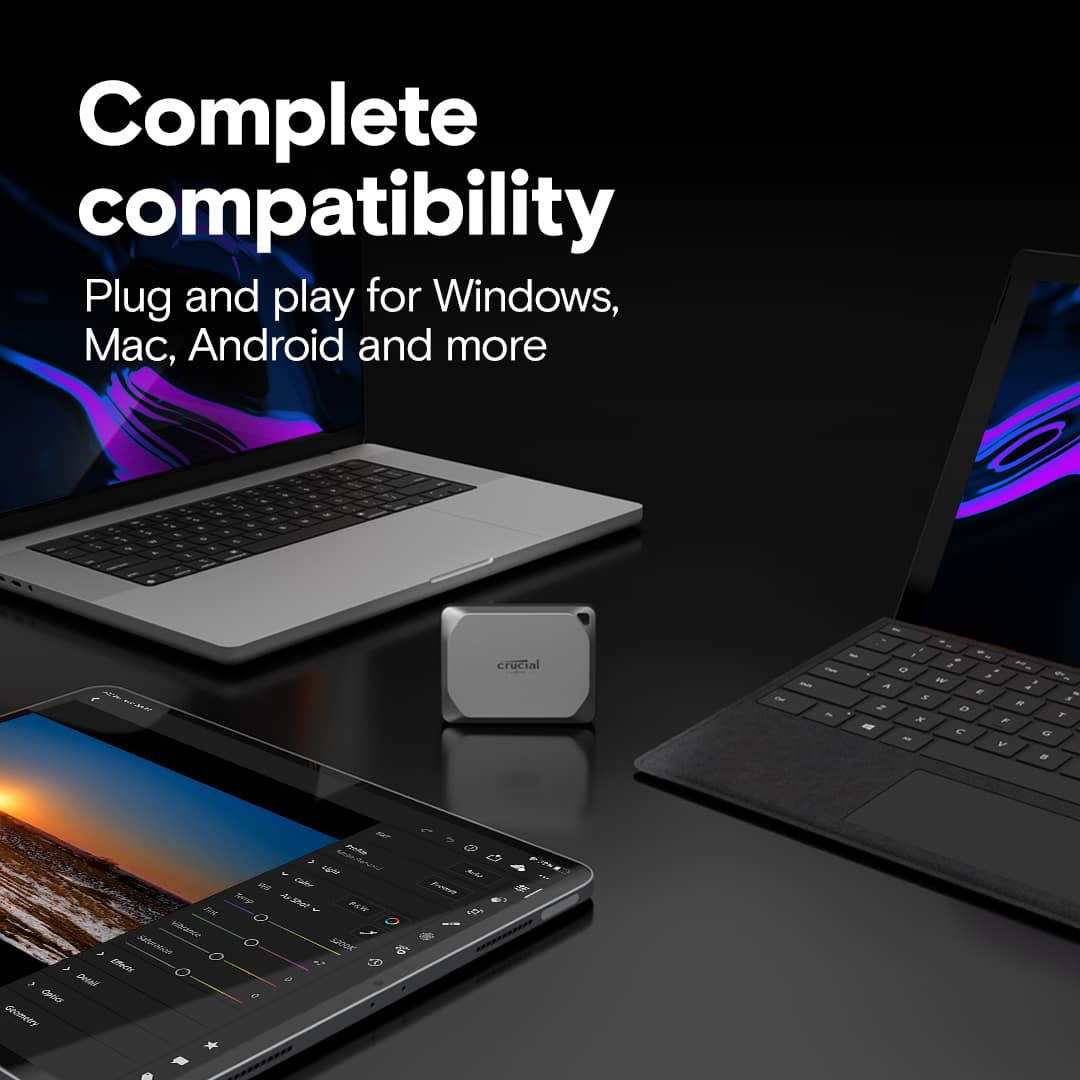
A:AnswerYes, the X9 Pro is compatible with both Windows and Mac operating systems, as well as Android, iPad, Linux, and gaming consoles like PlayStation and Xbox.
This question and answer was generated by AI based on customer and product data.
A:AnswerIt is megabits per second, to answer one of the questions. The basic speed it is capable of achieving in most standard uses. This is the listed manufacturer's tested claim. Crucial is a well known, proven company of products. So chances are this is easily achievable in your results of speed if your transfer products and other memory drives and CPU specs can match that speed. So it needs to be paired with a start to finish setup that all can achieve that read/write speed. It is backwards compatible but will only achieve the maximum speeds that it pairs with, which may be quite lower, but it would still work and be very reliable to use even in that situation.
A:AnswerHello, thanks for getting in touch,
The Crucial X9 Pro 1TB External SSD features USB-C connectivity, which is compatible with many Android devices, including the Samsung Galaxy S21. However, compatibility depends on your phone’s ability to support external storage via USB-C and whether it provides sufficient power for the SSD.
To use the SSD with your S21, you may need:
- A USB-C to USB-C cable (included with the SSD)
- OTG (On-The-Go) support enabled on your phone (if required)
- A file manager app that recognizes external storage
If your phone does not detect the SSD automatically, you may need to format it to a compatible file system such as exFAT or FAT32.
If you need any more information or support, please contact us back through the link below. https://www.crucial.com/support/contact
- The Crucial Team
A:AnswerIf those games are on pc definitely. I've stored about 9 huge games on it so far and still have plenty of space left. And they all work fine. If its with things like stream or xbox I'm sure so long as you make sure they known the correct directory path then it should be fine. But I have tried that (for xbox) yet for myself. Or you could even move the whole thing ( stream, xbox) onto the drive as well. Hope this makes sense!
A:AnswerHello, thanks for getting in touch,
To clarify, the Crucial X9 Pro SSD can indeed be used with iPhone devices, but it requires a compatible adapter to connect the SSD to your iPhone's Lightning port. You can use a Lightning to USB Camera Adapter or a similar OTG (On-The-Go) adapter to make this connection. Once connected, you can use the Files app on your iPhone to manage the files stored on the SSD.
Here is the adapter from Apple Store:
https://www.apple.com/shop/product/MX5J3AM/A/lightning-to-usb-3-camera-adapter
This link for informational purpose and we do not control it or endorse it.
If you need any more information or support, please contact us back through the link below. https://www.crucial.com/support/contact
- The Crucial Team
A:AnswerHello, thanks for getting in touch,
Yes, the Crucial X9 Pro 1TB External USB-C SSD is compatible with Dropbox. The X9 Pro comes preformatted in the exFAT file format, but it can be reformatted to APFS or HFS+ to meet Dropbox's requirements.
If you need any more information or support, please contact us back through the link below. https://www.crucial.com/support/contact - The Crucial Team
A:AnswerHello,
Thank you for reaching out to us. We appreciate your interest in Crucial products.
We would like to inform you that Crucial - X9 Pro 1TB External USB-C SSD - Space Gray CT1000X9PROSSD9 is compatible with iPhone 17 Pro max:
https://www.crucial.com/ssd/x9-pro/ct1000x9prossd9
Please note that an external storage device must have only a single data partition, and it must be formatted as APFS, APFS (encrypted), macOS Extended (HFS+), exFAT (FAT64), FAT32, or FAT. To change the formatting of a storage device, use a Mac or PC.
Note: You can use the Files app and other supported apps to access files stored on external devices, connected to your iPhone. An external hard drives often require an external power source when used with iPhone.
If an external hard drive doesn’t supply its own power, and as your iPhone has a USB-C connector, you can use a powered USB hub. You may need the USB C to USB Camera Adapter, USB C to USB 3 Camera Adapter,(all sold separately).
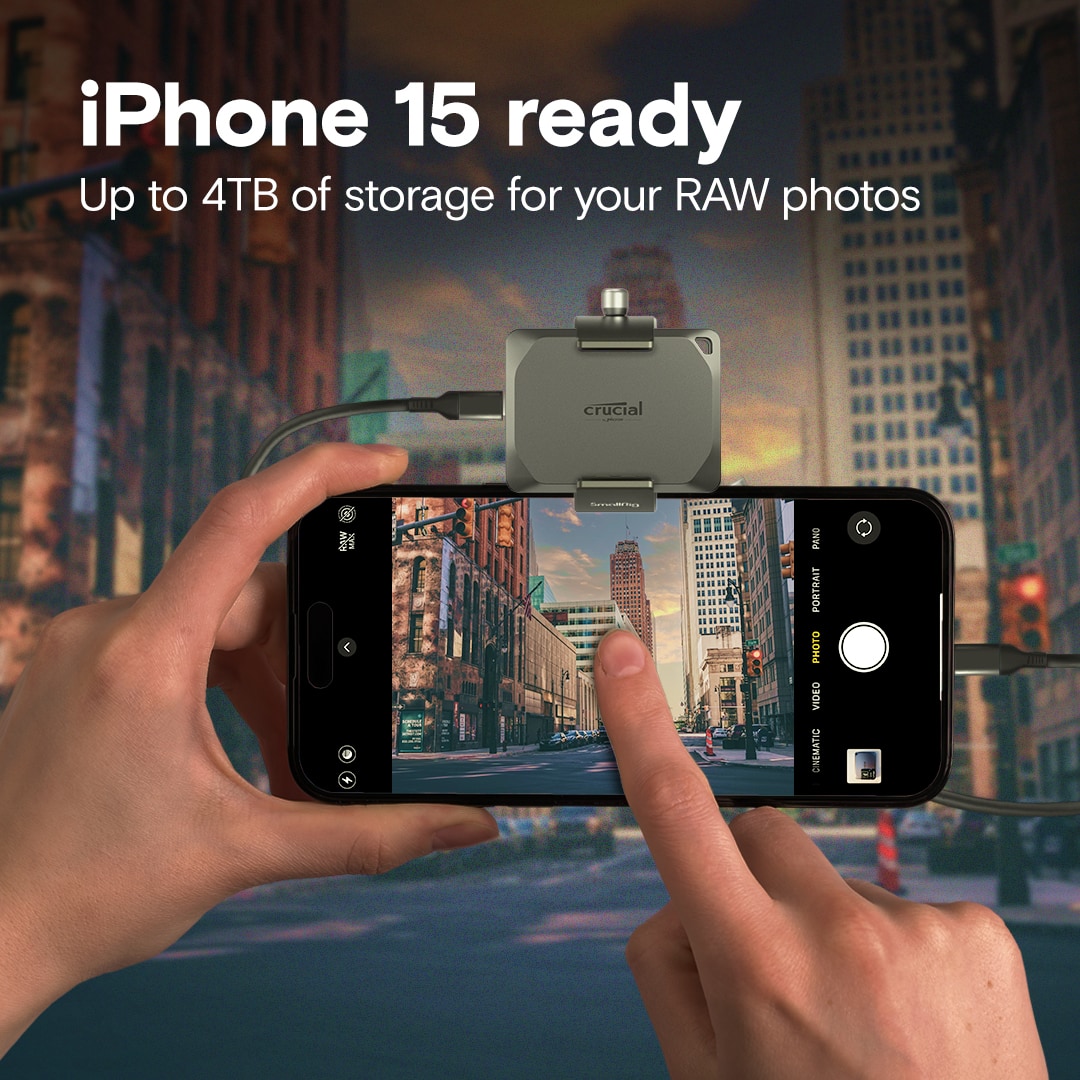
When connected via USB‑C, the drive can be used as external storage and is suitable for workflows such as file transfers and direct video recording, provided your application and iOS settings support external storage. The compact design also makes it well‑suited for use with a camera rig or “beast cage.”
Regarding capacity options, the Crucial X9 Pro is available in multiple sizes, including:
* 1TB
* 2TB
* 4TB
Physical dimensions of the Crucial X9 Pro SSD:
65 × 50 × 10 mm (approximately 2.6 × 2.0 × 0.4 inches)
Thank you for your patience and understanding.
Meanwhile, if you have any further query, please feel free to reach out to us. You can also visit our contact page: https://www.crucial.com/support/contact to know about other ways to reach out to us.
Regards,
Crucial
A:AnswerHello Kayy,
Thank you for reaching out to us. We appreciate your interest in Crucial products.
We would like to inform you that Crucial - X9 Pro 1TB External USB-C SSD - Space Gray CT1000X9PROSSD9 is compatible with iPhone 16 Pro:
https://www.crucial.com/ssd/x9-pro/ct1000x9prossd9
Please note that an external storage device must have only a single data partition, and it must be formatted as APFS, APFS (encrypted), macOS Extended (HFS+), exFAT (FAT64), FAT32, or FAT. To change the formatting of a storage device, use a Mac or PC.
Note: You can use the Files app and other supported apps to access files stored on external devices, connected to your iPhone. An external hard drives often require an external power source when used with iPhone.
If an external hard drive doesn’t supply its own power, and as your iPhone has a USB-C connector, you can use a powered USB hub. You may need the USB C to USB Camera Adapter, USB C to USB 3 Camera Adapter,(all sold separately).
Thank you for your patience and understanding.
Meanwhile, if you have any further query, please feel free to reach out to us. You can also visit our contact page: https://www.crucial.com/support/contact to know about other ways to reach out to us.
Regards,
Crucial
A:AnswerHello Ruthine,
Thank you for reaching out to us, the Crucial X9 Pro is compatible with Android devices, including the Motorola Moto G 5G, you can transfer photos from Motorola Moto G 5G cellphone to this device.
Android devices vary greatly, depending on phone or tablet provider and what default apps they choose to install. For this reason, it is best to simply refer customers to their device support for specific steps. If this is not possible, Google does offer a free file management app called "Files by Google."
If not preinstalled on the customer's device, this can be downloaded through the Google Play Store. Google documents using this tool at https://support.google.com/files/answer/9301516?hl=en-GB#zippy=, but steps to copy files to/from a connected device are below:
On your Android device, open Files by Google.
At the bottom, tap Browse.
Scroll to 'Storage devices' and tap your USB storage device.
Find the file that you want to copy.
Next to a file that you want to copy, tap the Down arrow. If you don't find the Down arrow next to the files, tap List view.
To copy one file: Tap the Down arrow and then Copy to.
To copy multiple files:
Tap the Down arrow and then Select.
Next to each file that you want to copy, tick the circle.
At the top, tap More and then Copy to.
Choose where you want to copy the file.
Tap Copy here.
Meanwhile, if you have any further query, please feel free to visit our contact page: https://www.crucial.com/support/contact to know about other ways to reach out to us.
Regards,
Crucial
A:AnswerHello Ruthine,
Thank you for reaching out to us, the Crucial X9 Pro is compatible with Android devices, including the Motorola Moto G 5G, you can transfer photos from Motorola Moto G 5G cellphone to this device.
Android devices vary greatly, depending on phone or tablet provider and what default apps they choose to install. For this reason, it is best to simply refer customers to their device support for specific steps. If this is not possible, Google does offer a free file management app called "Files by Google."
If not preinstalled on the customer's device, this can be downloaded through the Google Play Store. Google documents using this tool at https://support.google.com/files/answer/9301516?hl=en-GB#zippy=, but steps to copy files to/from a connected device are below:
On your Android device, open Files by Google.
At the bottom, tap Browse.
Scroll to 'Storage devices' and tap your USB storage device.
Find the file that you want to copy.
Next to a file that you want to copy, tap the Down arrow. If you don't find the Down arrow next to the files, tap List view.
To copy one file: Tap the Down arrow and then Copy to.
To copy multiple files:
Tap the Down arrow and then Select.
Next to each file that you want to copy, tick the circle.
At the top, tap More and then Copy to.
Choose where you want to copy the file.
Tap Copy here.
Meanwhile, if you have any further query, please feel free to visit our contact page: https://www.crucial.com/support/contact to know about other ways to reach out to us.
Regards,
Crucial
A:AnswerHello,
Thank you for reaching out! We appreciate your interest in Crucial products.
We would like to inform you that Crucial - X9 Pro 1TB External USB-C SSD - CT1000X9PROSSD9 is a portable SSD. It is a plug and play device with USB C cable out of the box.
https://www.crucial.com/ssd/x9-pro/ct1000x9prossd9
The Crucial X9 Pro 1TB External USB‑C SSD does not have any TBW (Total Bytes Written) rating. TBW endurance limits are typically specified for internal SSDs, while portable/external SSDs like the X9 Pro do not have a TBW expiration.
Instead, this drive is covered by a limited 5‑year warranty from the original date of purchase.
Thank you for your patience and understanding.
Meanwhile, if you have any further query, please feel free to reach out to us. You can also visit our contact page: https://www.crucial.com/support/contact to know about other ways to reach out to us.
Regards,
Crucial
A:AnswerHello Ken,
Thank you for reaching out! We appreciate your interest in Crucial products.
We would like to inform you that Crucial - X9 Pro 1TB External USB-C SSD - CT1000X9PROSSD9 is a portable SSD and the specified operating range for Crucial SSDs is 0 °C to 70 °C (or 32 °F to 158 °F). Any temperature recorded above 70 °C could void the product warranty, so temperature should be monitored periodically. If temperatures regularly run above 65 °C, corrective measures such as improved ventilation and fans are advisable.
https://www.crucial.com/ssd/x9-pro/ct1000x9prossd9
The Crucial Storage Executive software will report both the current temperature and the highest lifetime temperature, in Celsius, measured by a sensor on the SSD.
https://www.crucial.com/support/storage-executive
Thank you for your patience and understanding.
Meanwhile, if you have any further query, please feel free to reach out to us. You can also visit our contact page: https://www.crucial.com/support/contact to know about other ways to reach out to us.
Regards,
Crucial
A:AnswerHello,
Thank you for reaching out! We are happy to help clarify what you’ll need to use your new Crucial X9 Pro SSD with your devices.
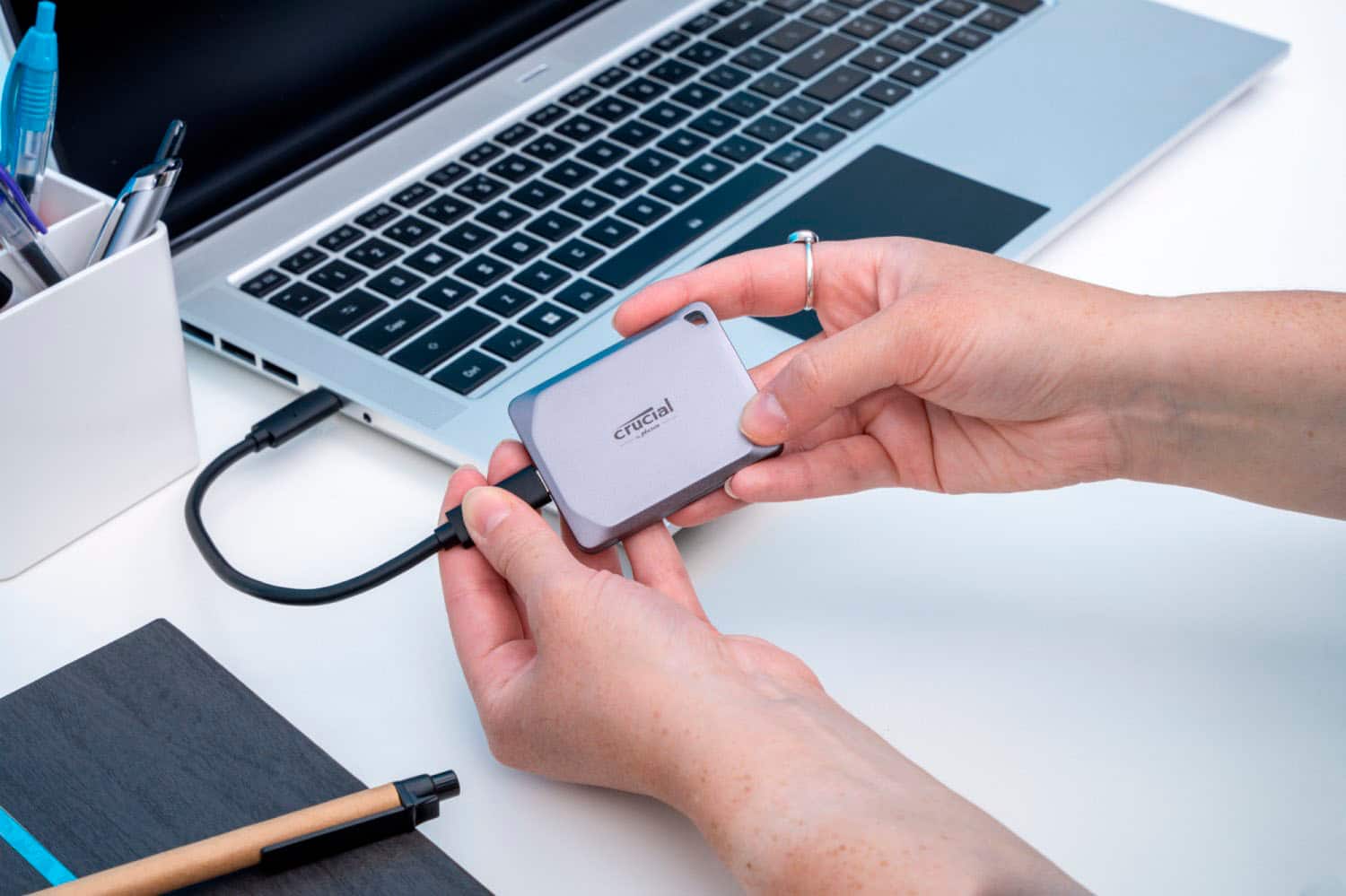
The Crucial X9 Pro does include a USB‑C to USB‑C cable. That’s the standard cable used to connect the drive to most modern devices. It is a plug and play device out of the box:
https://www.crucial.com/ssd/x9-pro/ct1000x9prossd9
If an external hard drive doesn’t supply its own power, and your iPhone has a USB-C connector, you can use a powered USB hub. As your iPhone 17 has a USB C connector, you can use the USB C to USB 3 Camera Adapter connected to a USB power adapter. You may need the USB C to USB Camera Adapter, USB C to USB 3 Camera Adapter,(all sold separately).
Please note that an external storage device must have only a single data partition, and it must be formatted as APFS, APFS (encrypted), macOS Extended (HFS+), exFAT (FAT64), FAT32, or FAT. To change the formatting of a storage device, use a Mac or PC.
Note: You can use the Files app and other supported apps to access files stored on external devices, connected to your iPhone. An external hard drives often require an external power source when used with iPhone.
Once connected, you’ll be able to drag and drop your photos and files onto the SSD.
Thank you for your patience and understanding.
Meanwhile, if you have any further query, please feel free to visit our contact page: https://www.crucial.com/support/contact to know about other ways to reach out to us.
Regards,
Crucial