Black Friday is hereShop new DoorbustersShop now

Main Content

Questions & Answers

Your price for this item is $184.99
The comparable value price is $189.99
Page Showing 1-17 of 17 questions
  • QuestionWhat kind of performance can I expect from the Crucial X9 Pro for Mac?

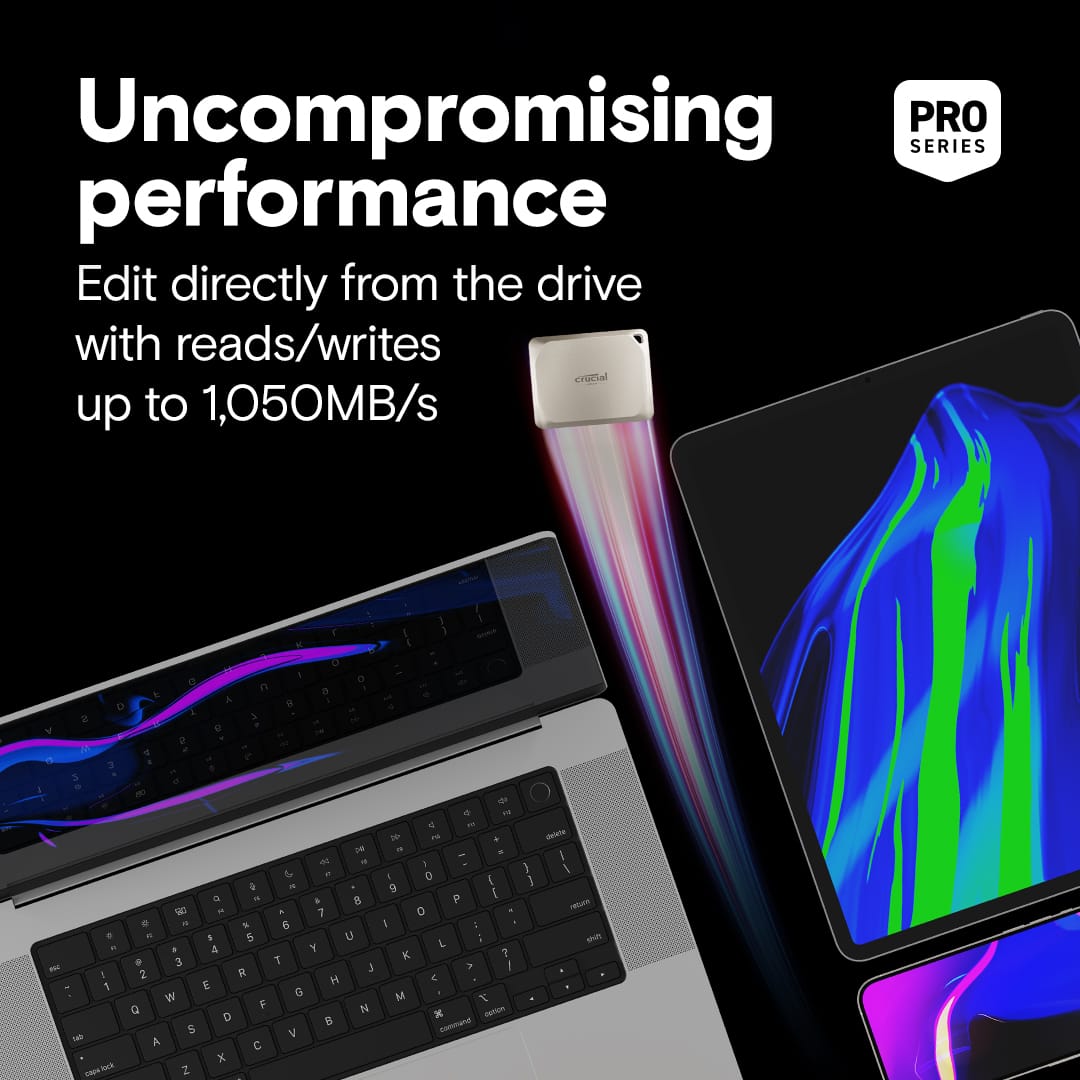
    • Answer The Crucial X9 Pro for Mac is designed for high performance, allowing you to edit directly from the drive and sustain high write speeds.
    This question and answer was generated by AI based on customer and product data.

  • QuestionHow durable is the Crucial X9 Pro for Mac?

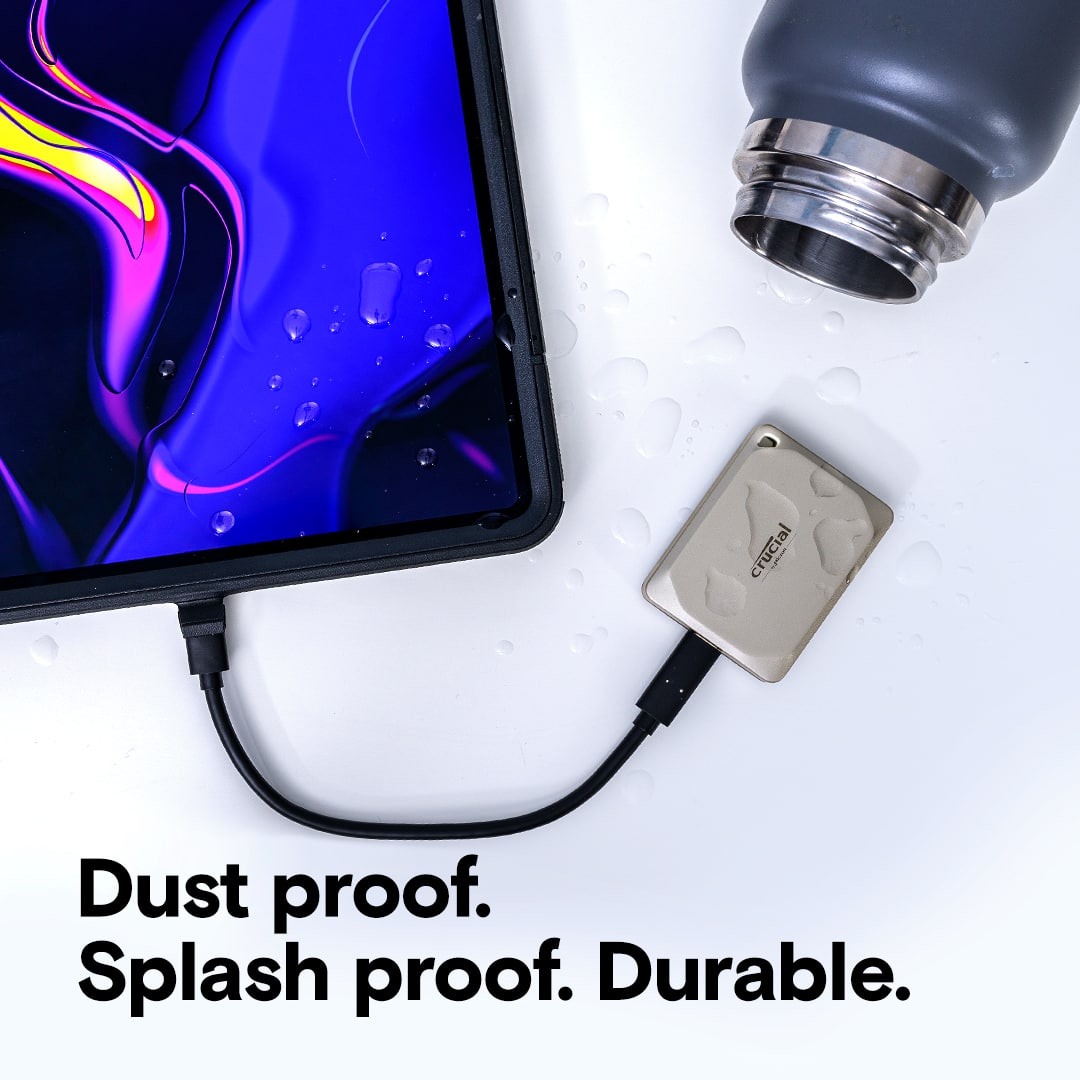
    • Answer The Crucial X9 Pro for Mac is built to be quite durable, with an IP55 rating for water and dust resistance and the ability to withstand drops from up to 7.5 feet.
    This question and answer was generated by AI based on customer and product data.

  • QuestionWhat is the storage capacity of this Crucial SSD?

    • Answer This Crucial X9 Pro for Mac SSD has a storage capacity of 2 terabytes (2000 gigabytes).
    This question and answer was generated by AI based on customer and product data.

  • QuestionIs the Crucial X9 Pro for Mac compatible with Apple's FileVault?

    • Answer Yes, the Crucial X9 Pro for Mac supports Apple's FileVault volume encryption for enhanced data security.
    This question and answer was generated by AI based on customer and product data.

  • QuestionDoes this SSD require reformatting for Time Machine backups?

    • Answer No, the Crucial X9 Pro for Mac offers plug-and-play compatibility without the need for reformatting for Time Machine backups.
    This question and answer was generated by AI based on customer and product data.

  • QuestionWhat is the maximum read and write speed of the Crucial X9 Pro for Mac?

    • Answer The Crucial X9 Pro for Mac boasts read and write speeds of up to 1,050MB/s.
    This question and answer was generated by AI based on customer and product data.

  • QuestionIs this exFAT formatted so you can use with both iOS and Windows? Does it come with USB-C only or an adapter?

    Asked by Fred.

    • Answer Hello Fred, Thank you for reaching out to us. Crucial X9 Pro for Mac ships in APFS format so you can use it with iOS and MacOS. APFS is not compatible with Windows and can be reformatted into ecFAT, NTFS, APFS, HFS, HFS+J or other formats. Reformatting will result in loss of data from the drive. The SSD comes with USB C cable out of the box and does not have any adapter. Meanwhile, if you have any further query, please feel free to visit our contact page: https://www.crucial.com/support/contact to know about other ways to reach out to us. Regards, Crucial

      Answered by Micron CPG Support

  • QuestionIs the usb interface on this drive 3.2 Gen 2?

    Asked by prof2000.

    • Answer Hello, thanks for getting in touch, Yes, the Crucial X9 Pro for Mac 2TB External USB-C SSD features a USB 3.2 Gen 2 interface. This allows for data transfer speeds of up to 10Gbps, making it a fast and reliable option for your storage needs. If you need any more information or support, please contact us back through the link below. https://www.crucial.com/support/contact - The Crucial Team

      Answered by Micron CPG Support

  • QuestionCan it play CDs

    Asked by Anonymous.

    • Answer Hello, Thank you for getting in touch. No, the Crucial X9 Pro for Mac 2TB External USB-C SSD cannot play CDs. It’s a solid-state drive (SSD) designed for fast external storage via USB-C, not an optical drive. If you need to play CDs or DVDs, you’ll need an external optical drive (CD/DVD drive) that connects via USB. These are separate devices from SSDs. If you further questions, we're happy to help. You can also visit our Contact page for other ways to reach us. The Crucial Team The memory and storage experts. ™ Contact us: https://www.crucial.com/support/contact

      Answered by Micron CPG Support

  • QuestionIs it iOS 26 and Time Machine compatible?

    Asked by JoeC.

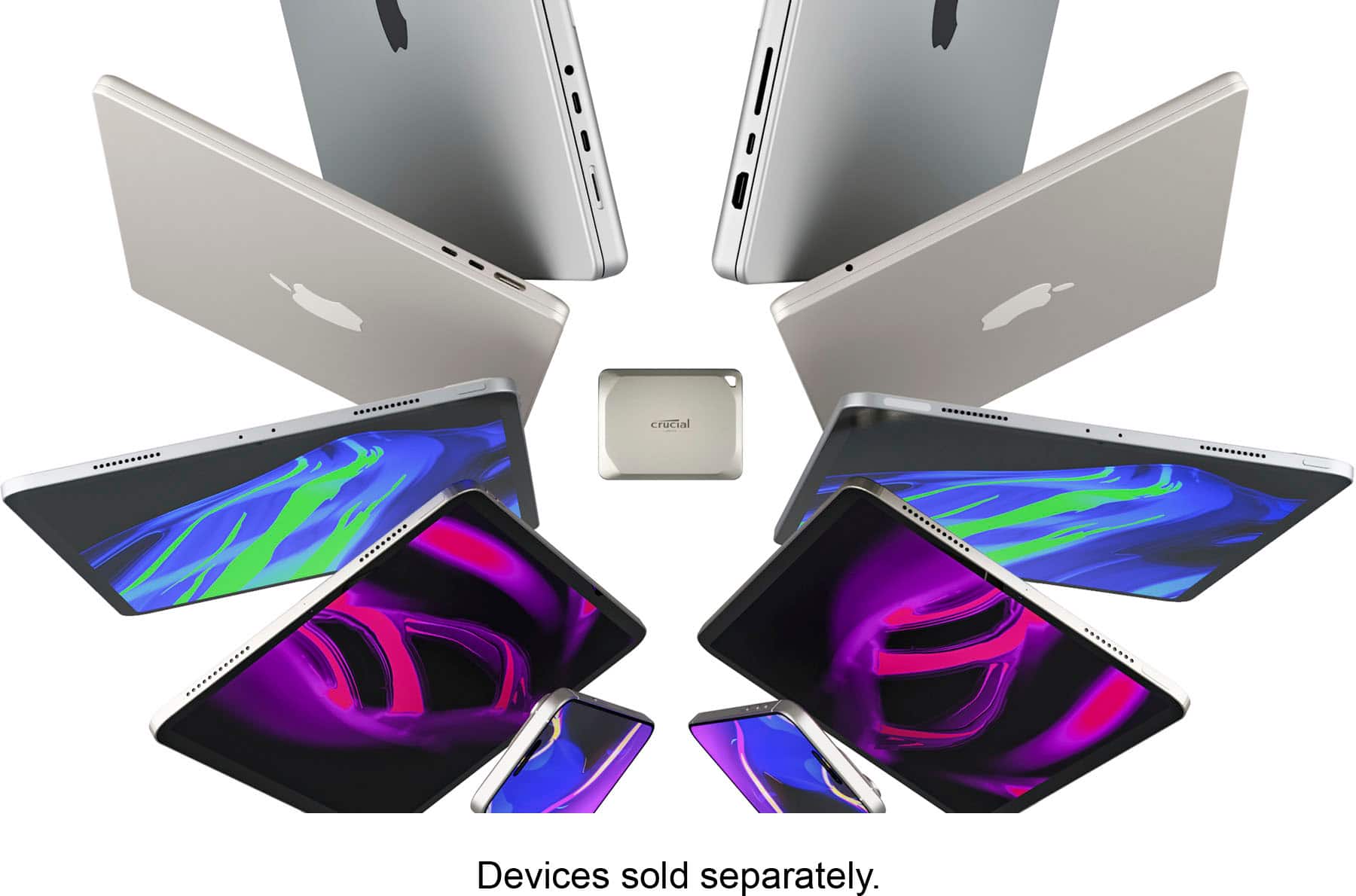
    • Answer Hello Joe, Thank you for reaching out to us. We appreciate your interest in Crucial products. We would like to inform you that the Crucial X9 Pro for Mac 2TB Portable SSD CT2000X9PROMACSSD9B is a portable SSD. It is a plug and play device with USB C cable out of the box. The part ships in APFS format and is compatible with iOS 26 and Time Machine: https://www.crucial.com/ssd/x9-pro/ct2000x9promacssd9b We would like to inform you that due to variations across iOS, as well as variations in file management apps, we do not offer full end-to-end support publicly for moving/copying files to portable storage. Please note that an external storage device must have only a single data partition, and it must be formatted as APFS, APFS (encrypted), macOS Extended (HFS+), exFAT (FAT64), FAT32, or FAT. To change the formatting of a storage device, use a Mac or PC. Note: You can use the Files app and other supported apps to access files stored on external devices, connected to your iPhone. An external hard drives often require an external power source when used with iPhone. If an external hard drive doesn’t supply its own power, and your iPhone has a USB-C connector, you can use a powered USB hub. If your iPhone has a Lightning connector, you can use the Lightning to USB 3 Camera Adapter connected to a USB power adapter. You may need the Lightning/USB C to USB Camera Adapter, Lightning/USB C to USB 3 Camera Adapter,(all sold separately). For more information, please refer the link: https://support.apple.com/en-sg/guide/iphone/iph95baac91f/ios Meanwhile, if you have any further query, please feel free to visit our contact page: https://www.crucial.com/support/contact to know about other ways to reach out to us. Regards, Crucial

      Answered by Micron CPG Support

  • QuestionWill this work with my IPad Air USB-C model?

    Asked by Dan.

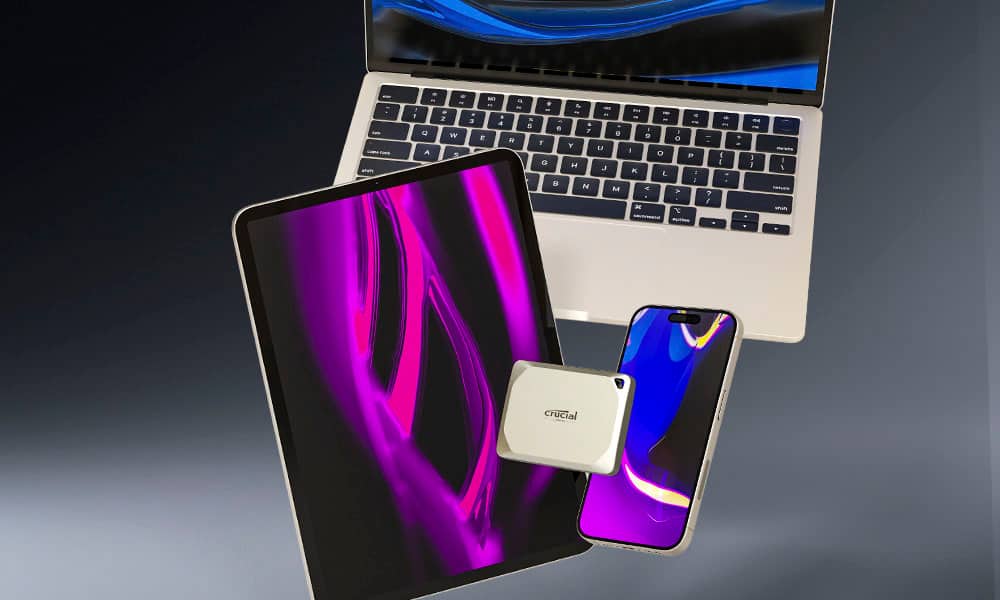
    • Answer Hello Dan, Thank you for reaching out to us, Crucial X9 Pro for Mac 2TB Portable SSD is compatible with the system. Meanwhile, if you have any further query, please feel free to visit our contact page: https://www.crucial.com/support/contact to know about other ways to reach out to us. Regards, Crucial

      Answered by Micron CPG Support

  • QuestionWill this work on Apple laptop m4 pro to backup files as an external hard drive for more space

    Asked by ProudMommy.

    • Answer yes

      Answered by rick

  • QuestionThis is the second X9 Pro 2TB I have bought. I picked this light color one so that it can be distinguished from the earlier one in gray color. I now realized this one is optimized for MAC. Can this one still be used for Windows systems?

    Asked by Burt.

    • Answer You need to format it to work with your PC

      Answered by Muddy

  • QuestionCan this drive be reformatted for use with a Windows 11 pc?

    Asked by prof2000.

    • Answer Hello, Thank for reaching out to us, The X9 Pro for Mac will come preformatted in APFS, for quicker out-of-the-box support for MacOS features optimized for that. You may reformat this freely, as well as format any of our other portable models to this from ExFAT. Meanwhile, if you have any further query, please feel free to visit our contact page: https://www.crucial.com/support/contact to know about other ways to reach out to us. Regards, Crucial

      Answered by Micron CPG Support

  • QuestionCan this be used as a boot drive for a Mac?

    Asked by Mike.

    • Answer from what I've read, it can boot if it shows up as an option during recovery. Mine shows up, but I never installed an OS on it.

      Answered by rick

  • QuestionCan I use the Crucial X9 Pro for Mac with a PC?

    Asked by Messi.

    • Answer If you format the drive before using it. Format into the ExFAT system to work with PCS and MAcs

      Answered by Muddy

  • QuestionWhy does the X9 Pro for Mac cost more? From what I can tell ... the only difference is it's formatted as a Mac drive. Wouldn't it be the same to get the regular X9 and just format it?

    Asked by Craig.

    • Answer This is more probably about the enclosure. Apple specific colors probably sell in lower volumes, and Apple users are typically more particular about esthetic than Android / Windows users (to the point where they will pay extra at least)... Crucial probably orders black in bulk, bit not Starlight. I noticed the Space Gray version is lower than the Starlight model, but more expensive than black... technically I don't think there's any difference aside from formatting, and if your Mac is within the last 4 years it's probably faster than this drive enclosure can deliver. A relatively current Mac - M silicon for sure, are all USB4 and this drive can't deliver those speeds with a 3.2 interface.

      Answered by Howdydooit