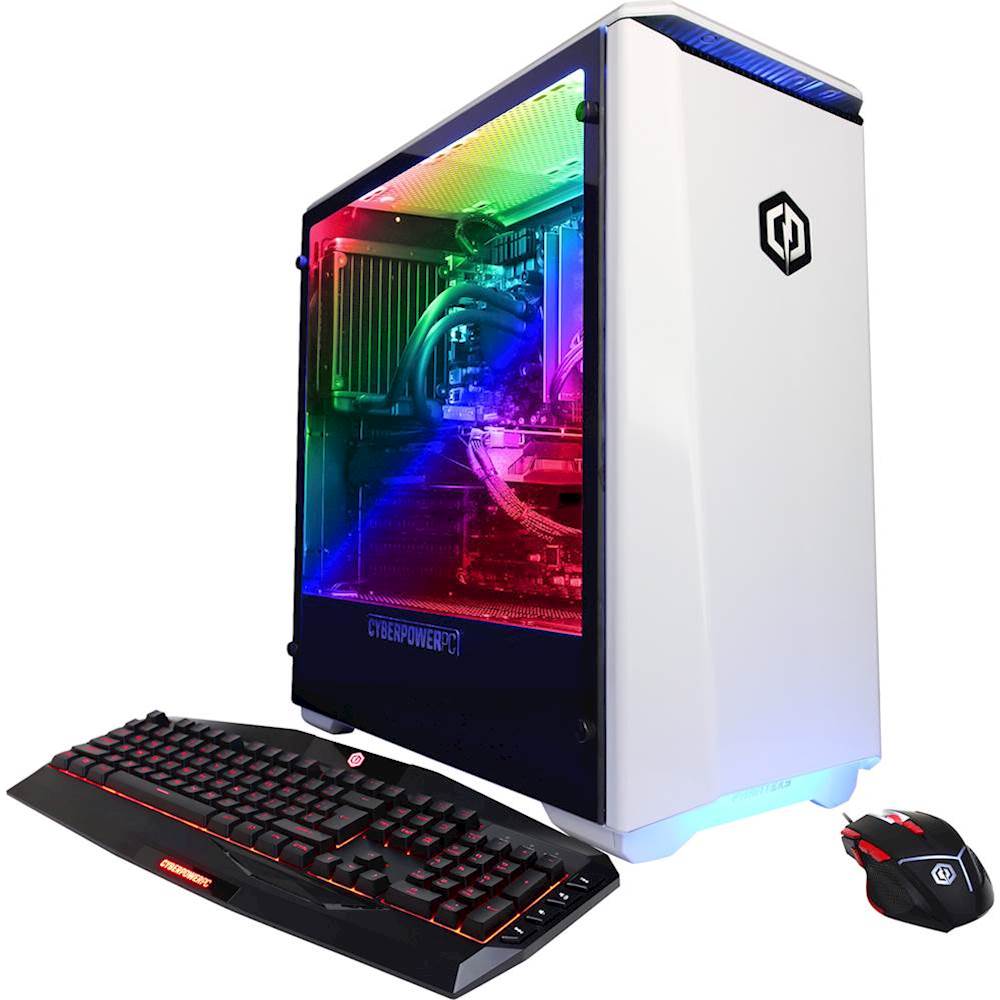
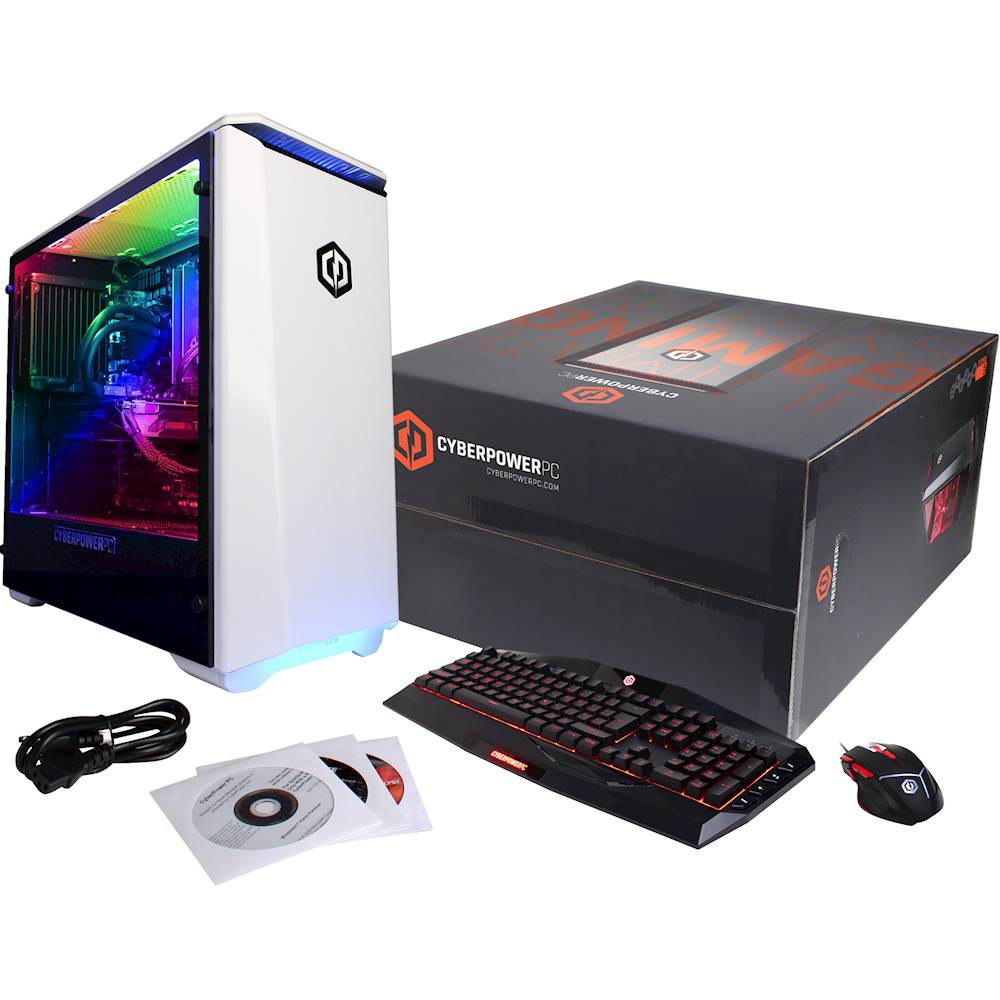
A:AnswerShort answer...Yes it can, but keep in mind...I had to ask about the MOBO (Motherboard) myself and ask why they don't list the company and model #; Well, it's because these computers are configured and built in high volume and they can't list the MOBO name and company on a website because the MOBO could change the next week, or the week after etc...It's much easier to list the selling points, such as the graphics card, amount of RAM and HDD because those components are not as restrained to name brand with model numbers. i.e. Company can list "32GB Ram" but doesn't need to include specific company name, same with GPU, HDD capacity etc...
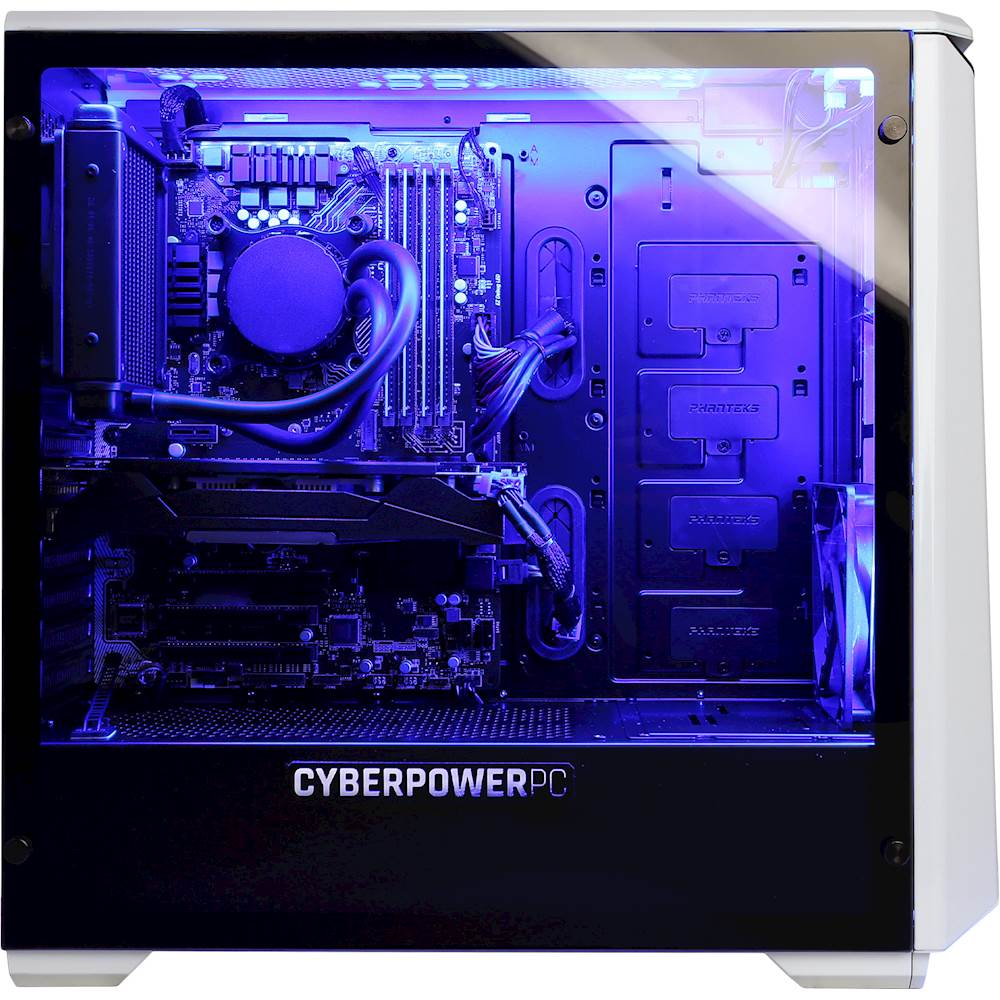
**I listed pics of my computer and you can clearly see it can do SLI. I also included the website of the MOBO installed and if you go to the link you can see it's not a bad MOBO; Defiantly not top-of-the-line, but not bad either.
See picks.
**Please note, the fan on the left and the fan on the bottom right IS included = CPU fan and 1 front fan. The other fans (2 up top , slim fan above front fan and the RAM fan) is NOT included, I purchased them separately.
** BTW, the second GPU slot is right below MSi Title in pic.
**On a side note, if you need to install extra 3.5" HDD's , or move your old ones over to the new comp. you need to buy 3.5" HDD brackets separately (PHANTEKS makes them). This computer does have space for 2 more SSD on right inside comp. and a M2 slot on MOBO.
Copy and paste in address line-> https://www.msi.com/Motherboard/Z370-A-PRO.html
Again, the MOBO (Z370-A PRO (MSi) could change, but I highly doubt they would replace this MOBO with a NON-SLI MOBO and keep the same Computer Model #.
Hoped this helped.
A:AnswerYou don't need the discs to start the computer. They are optional driver discs to have in case something malfunctions. I purchased an external DVD reader which was not very expensive just to install some of my old software but this is not mandatory to start using the computer.
A:AnswerPlease note that the brand and model of the components are not specified and depends on what is available at the time of production otherwise we carry graphics cards from various major brand manufacturers. Please feel free to call us if you have any other questions at 1.800.707.0393.
A:AnswerI would say that the 120gb SSD and the 8700k over the 7700k would be worth it. As a gamer better processor speeds are always wanted. The 8700k will also help the 1080ti achieve better FPS rates at a slight difference. The 8700k will also be relevant longer than the 7700k. If you have the money I would recommend paying the extra 120.
A:Answerboot/operating system is on the ssd. if you are going download games, etc. make sure to save them to the hdd.
if not, you'll use up all ssd space.
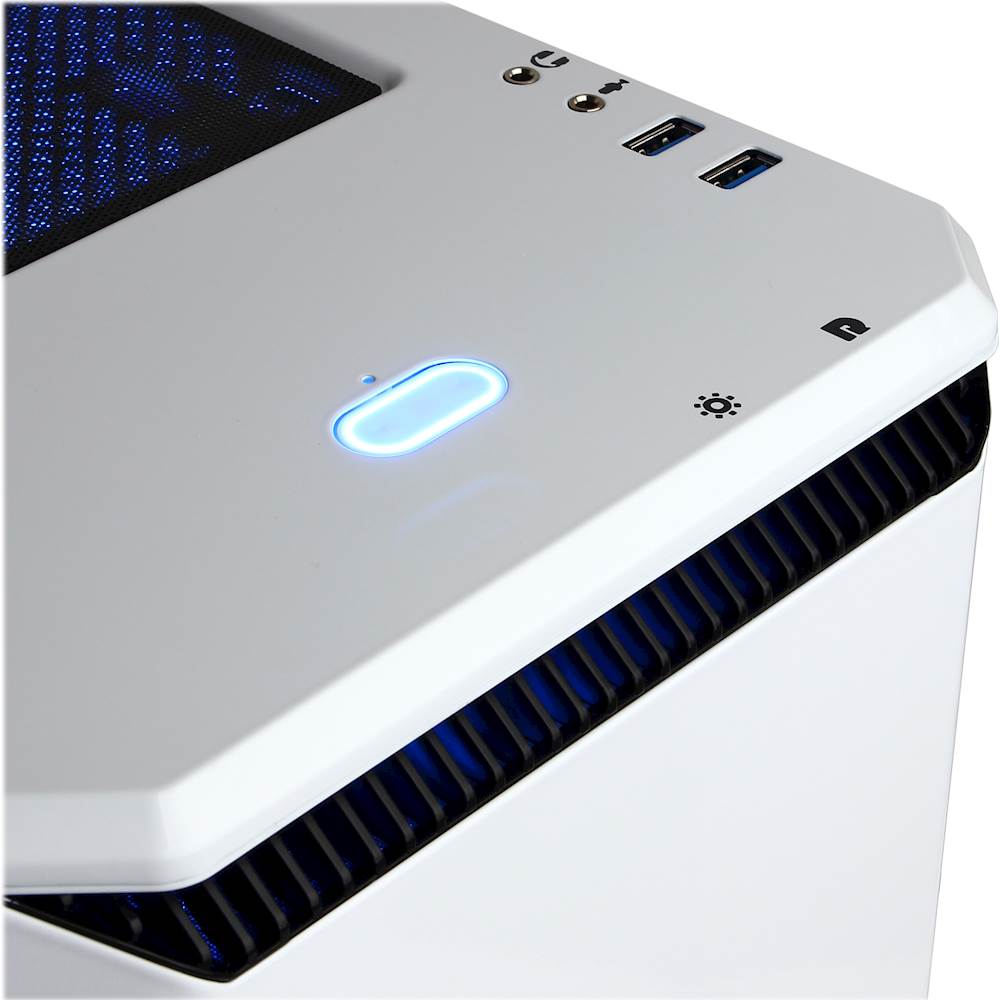
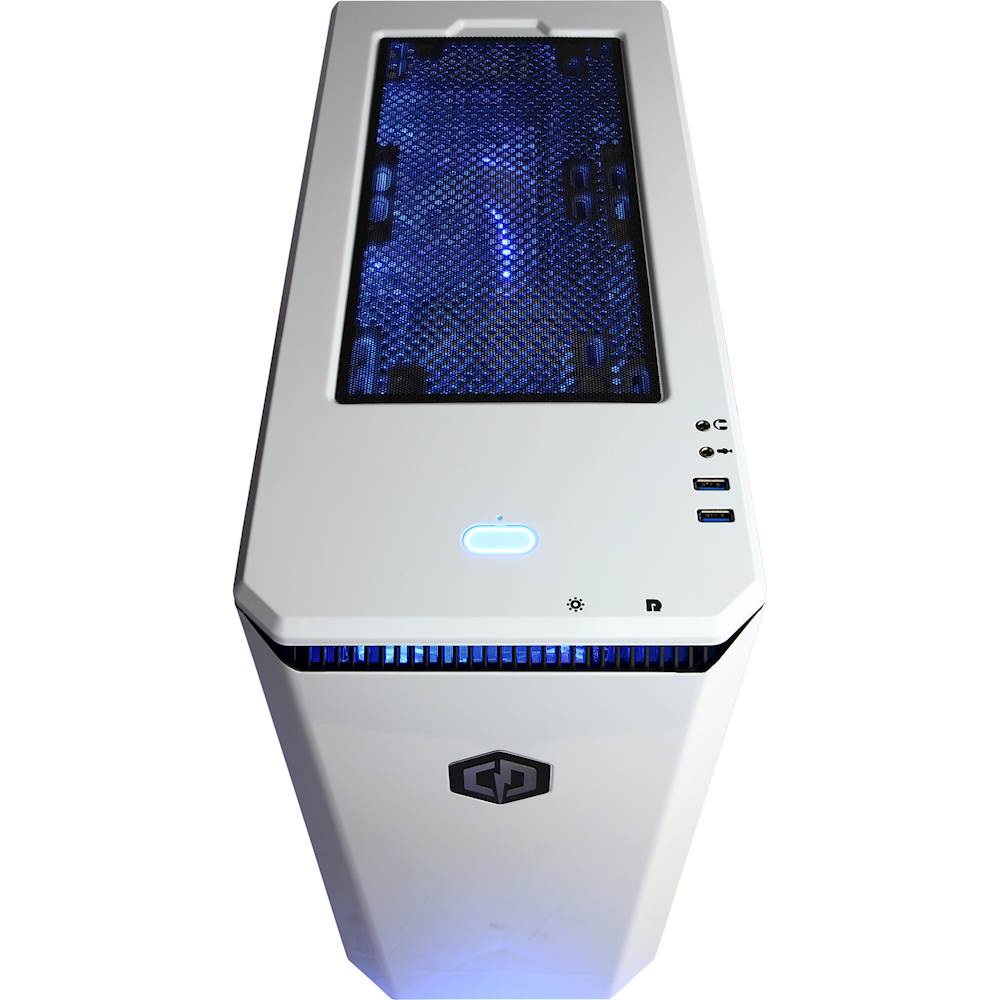
A:AnswerAs someone shown in the picture, there is a button underneath the front panel I/O. The icon looks like a lightbulb.
Pushing it cycles through static colors. I think holding it down for 3-5 seconds makes it cycle through the colors by breathing between colors and then doing it again changes it to phase between colors.
That is all I have been able to figure out.
A:AnswerNvidia only makes the chips for the video cards. They dont really make the entire video card and if they do its only sold through their site. So Nvidia has other manufactuers sell their video cards and have done so for a long time. The main difference you'll notice is the way the cards are cooled, but no need to worry as they all use the same board provided by Nvidia. If you have any further questions or concerns then please do not hesitate to give our tech support agents a call for any assistance; we're always happy to help.
Tech support:
(888)937-5582
- CyberpowerPC Support
A:AnswerTwo; the exhaust fan on the liquid-cooled CPU and another, the intake fan on the front of the case. You can add more if you'd like, we added three. It's a 120mm intake fan.
A:AnswerYes, this model PC more than exceeds the minimum and recommended requirements and can be used with any VR headset currently available. Please feel free to call us if you have any other questions at 1.800.707.0393.
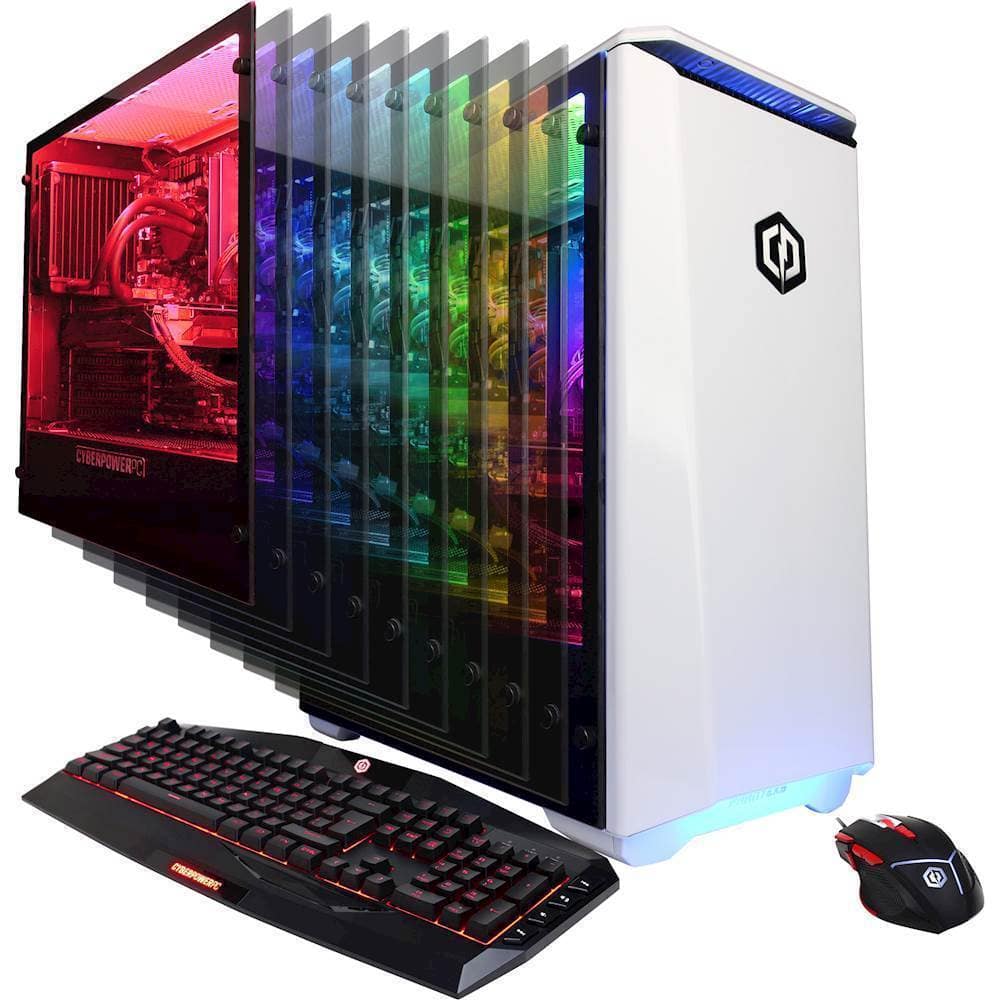
A:AnswerThru BestBuy they only offer this computer case in the white color only. Custom configuration through CyberPowerPC company website, does offer some different options. The case is a Phanteks Eclipse P400 ATX Mid-Tower Gaming Case w/ USB 3.0, RGB 10 Color LED light Strip (Glacier White w/ Full-Size Tempered Glass).