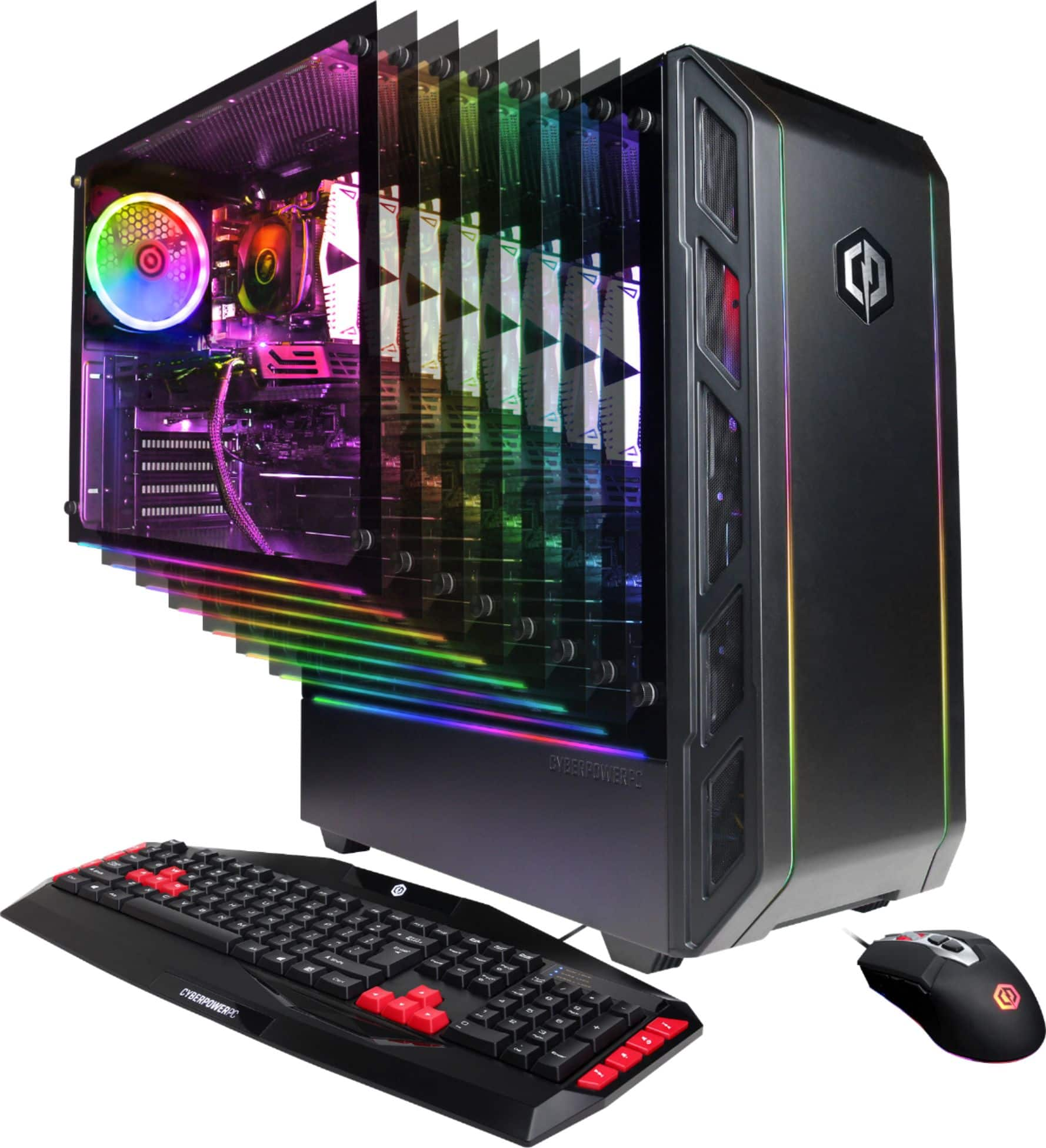
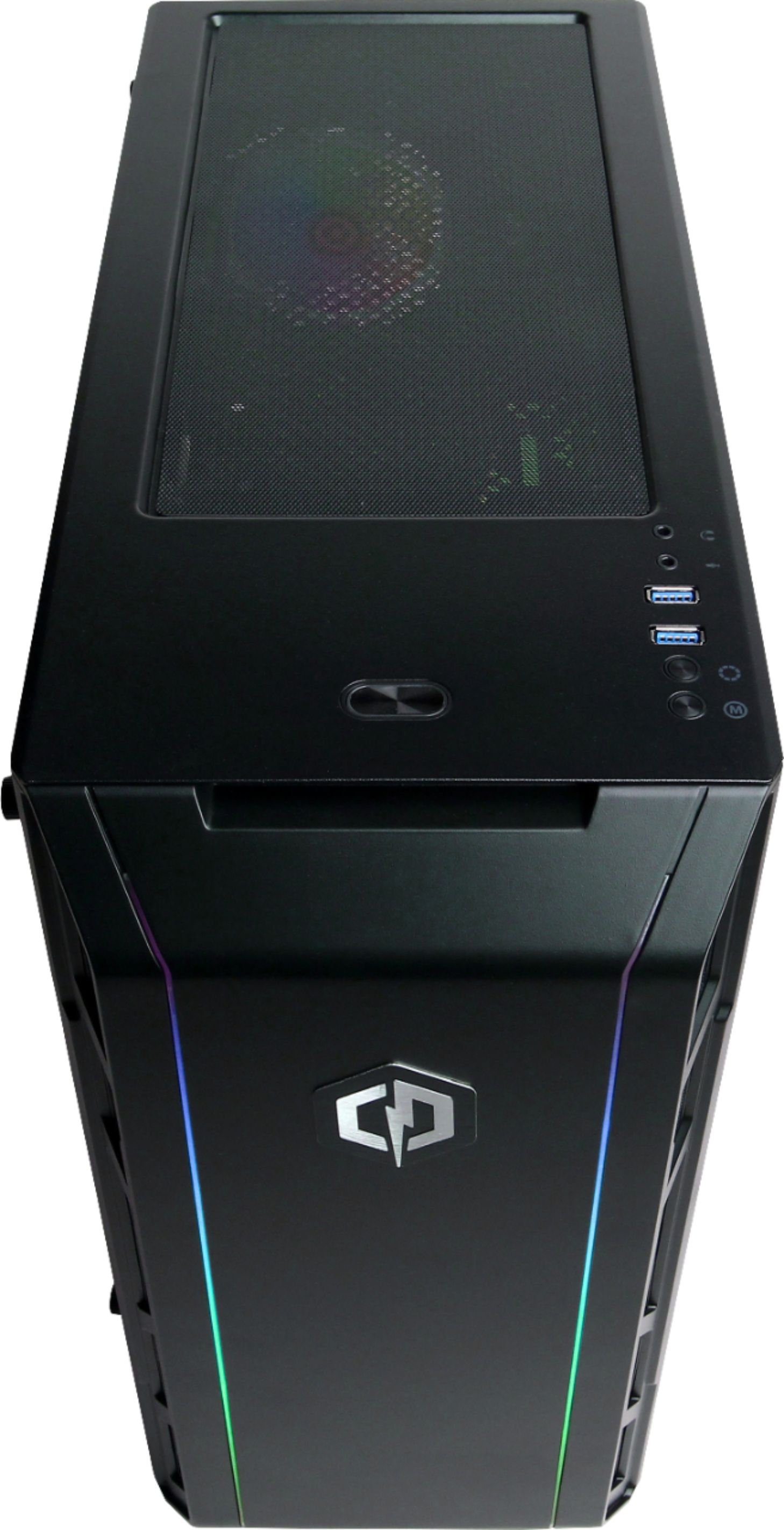
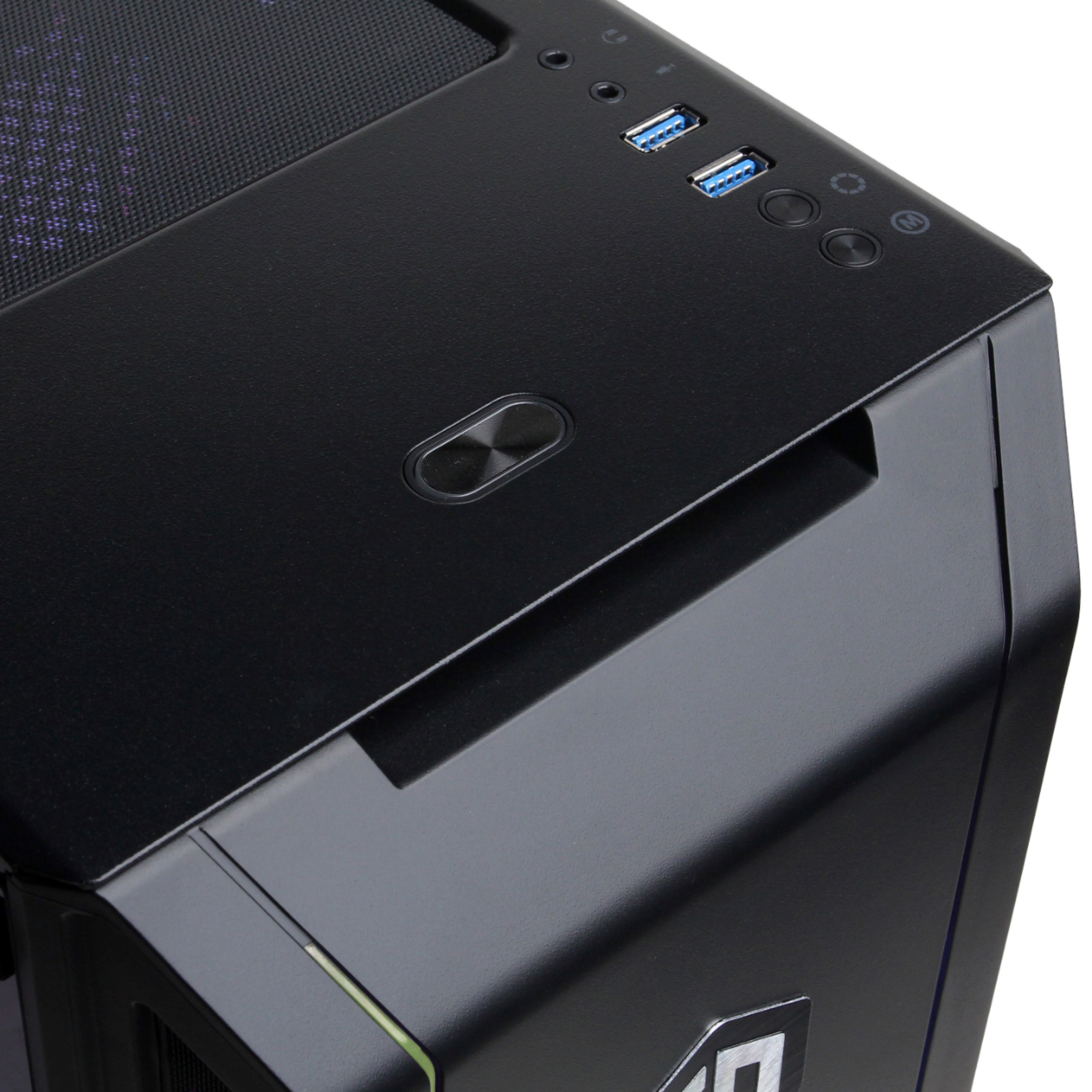
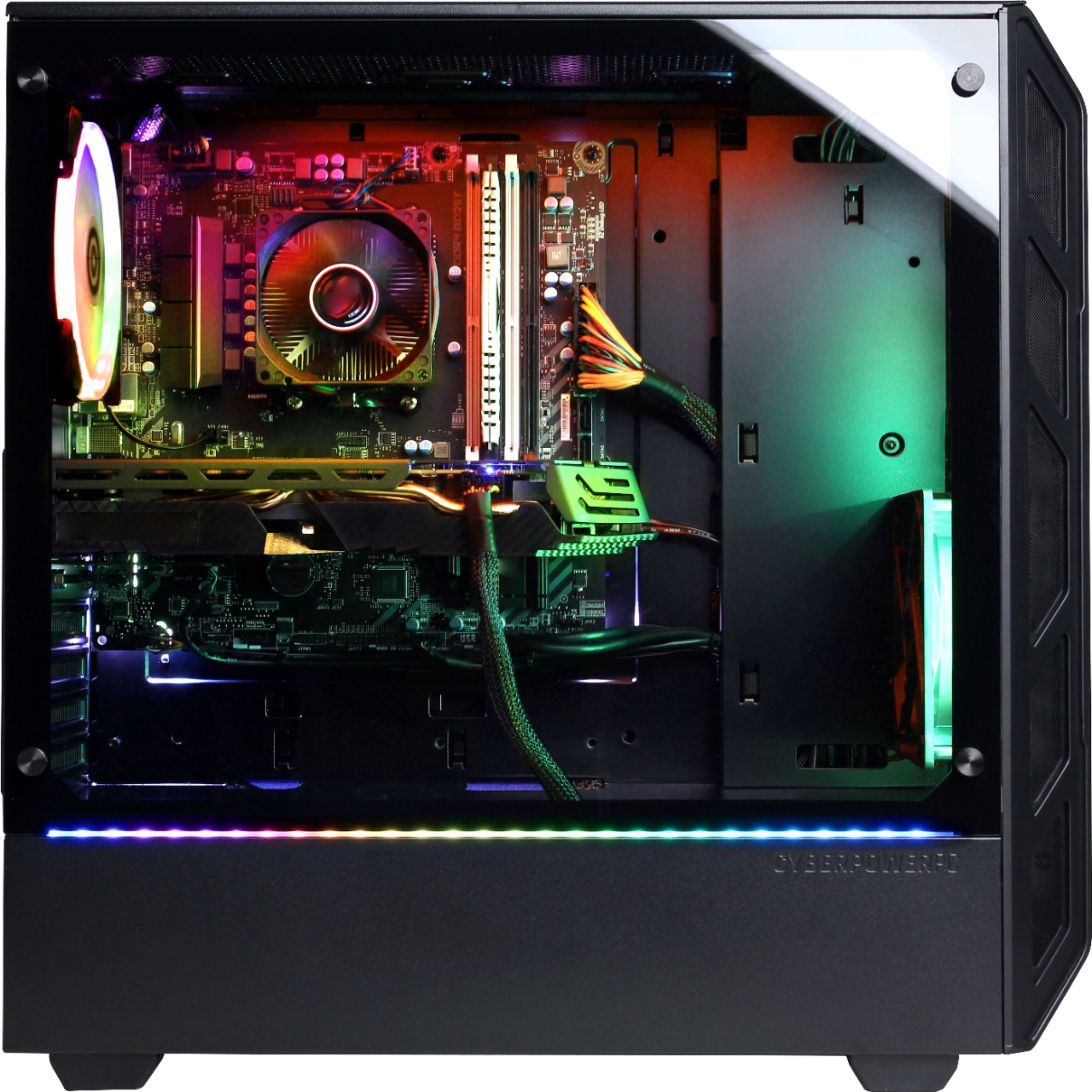
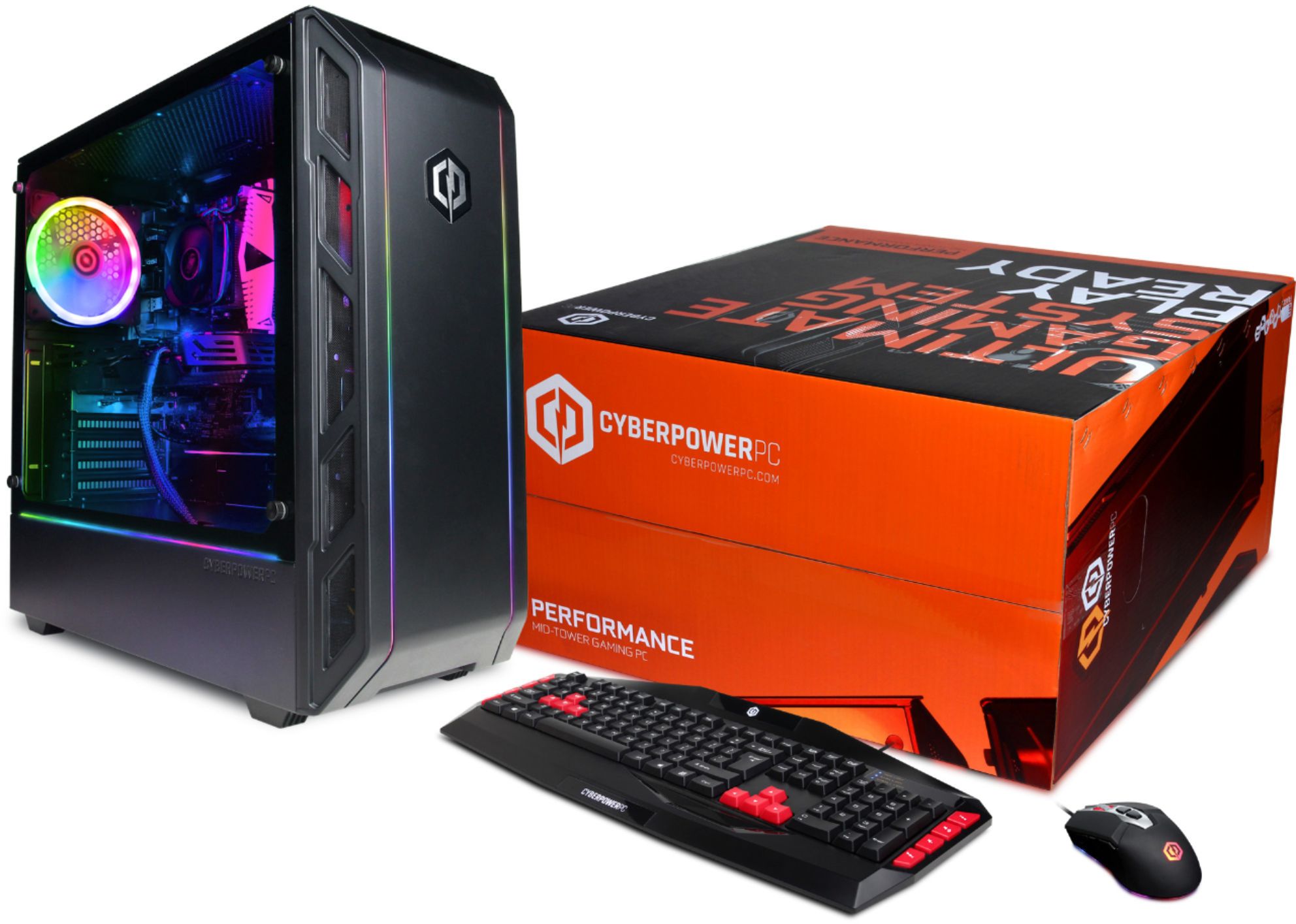
A:AnswerYou should be able to connect to the speaker outputs on the top(near power button), or on the back side. You could also see if there is room for a sound card. You could also see if there are sound options that use usb instead of 3.5mm. I use a gaming headset that has a USB adapter, and that has worked fine for me.
A:AnswerThanks for reaching out Elasticmeat1823. This PC should come with an 8GB DDR4 2400MHz RAM. If you want, you will need to get another RAM that is similar to the 8GB DDR4 2400MHz. If you want to get two 16GB, you will need to make sure those are similar and remove the one 8GB RAM. If you have any further questions or concerns then please do not hesitate to give our tech support agents a call for any assistance; we're always happy to help.
Tech support:
(888)937-5582
-CyberpowerPC Support
A:AnswerIf your WiFi router has a 5 GHZ band then it should automatically pick it up for you to connect and enter your password. I would reccomend making sure your router has a 5 GHZ band.
A:AnswerIf you WiFi router has a 5GHZ band then it should automatically pick it up for you to connect to and enter your password. I would reccomend making sure your WiFi router has a 5GHZ.
A:AnswerI cant say for certain but I can give a tip. When unpacking the tower you need to take out the foam insert that keeps the parts from moving during shipping. While taking it out I have to reconnect some of the wires to where they got pulled out from. All my RGBs worked it was one of the fans that wasn't turning on. After connecting all items and powering up my pc worked beautifully. I hope this helped but I'm sure this is something you've already checked but just in case.
A:AnswerI have a Bluetooth headset with built in mic it operates great.don't know about the wired ones ??? you go look in properties and make sure it sees both head phones and your mic
A:AnswerThanks for reaching out Chrisinflorida. Unfortunately, this PC might not be able to use the Magewell Pro Capture Quad HDMI as it uses a PCI-E x4 slots on the motherboard may not have any PCI-E x4 slots. If you have any further questions or concerns then please do not hesitate to give our tech support agents a call for any assistance; we're always happy to help.
Tech support:
(888)937-5582
-CyberpowerPC Support
A:AnswerThanks for reaching out Jackroupe. Try to power cycle your PC by taking off the power cable and holding the power button for about 10-15 seconds.If you are still experiencing this issue, please contact our tech support agents for further assistance.
Tech support:
(888)937-5582
-CyberpowerPC Support