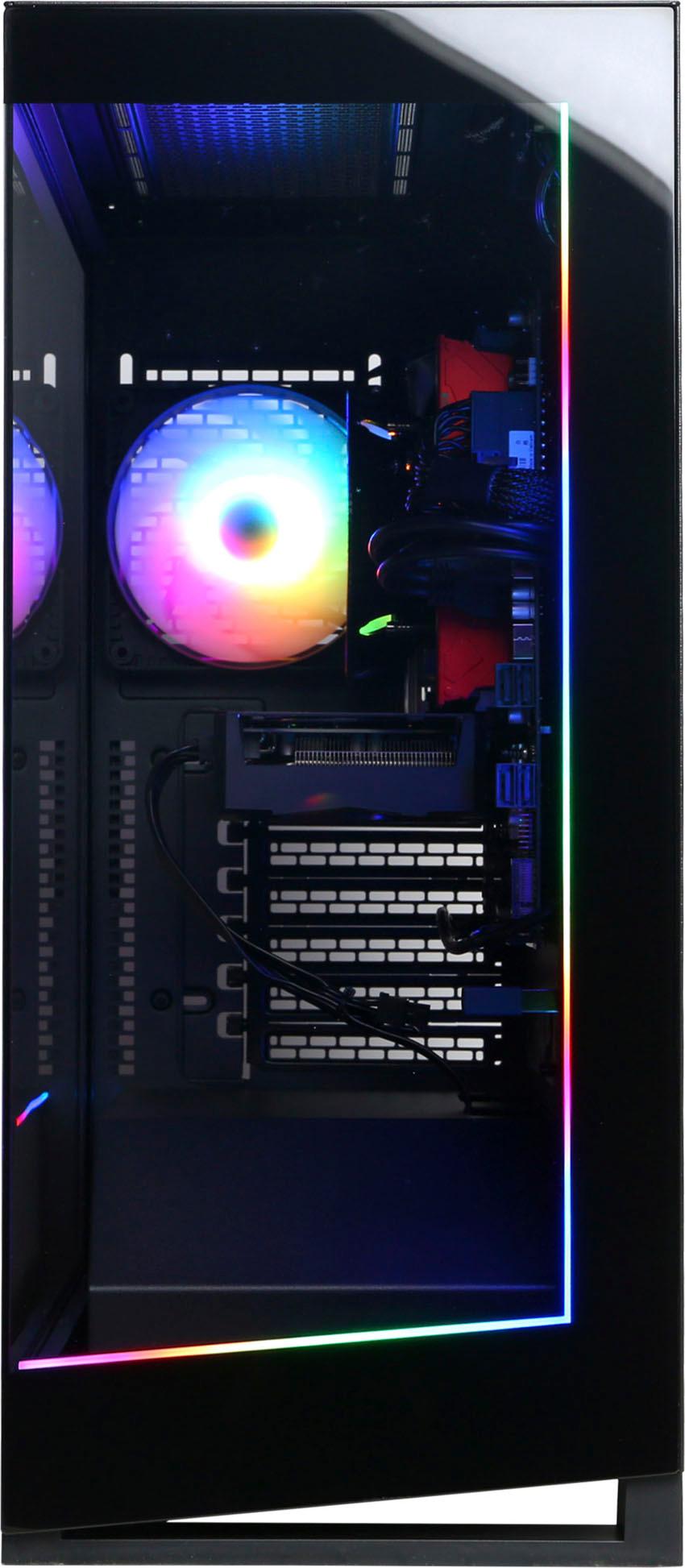
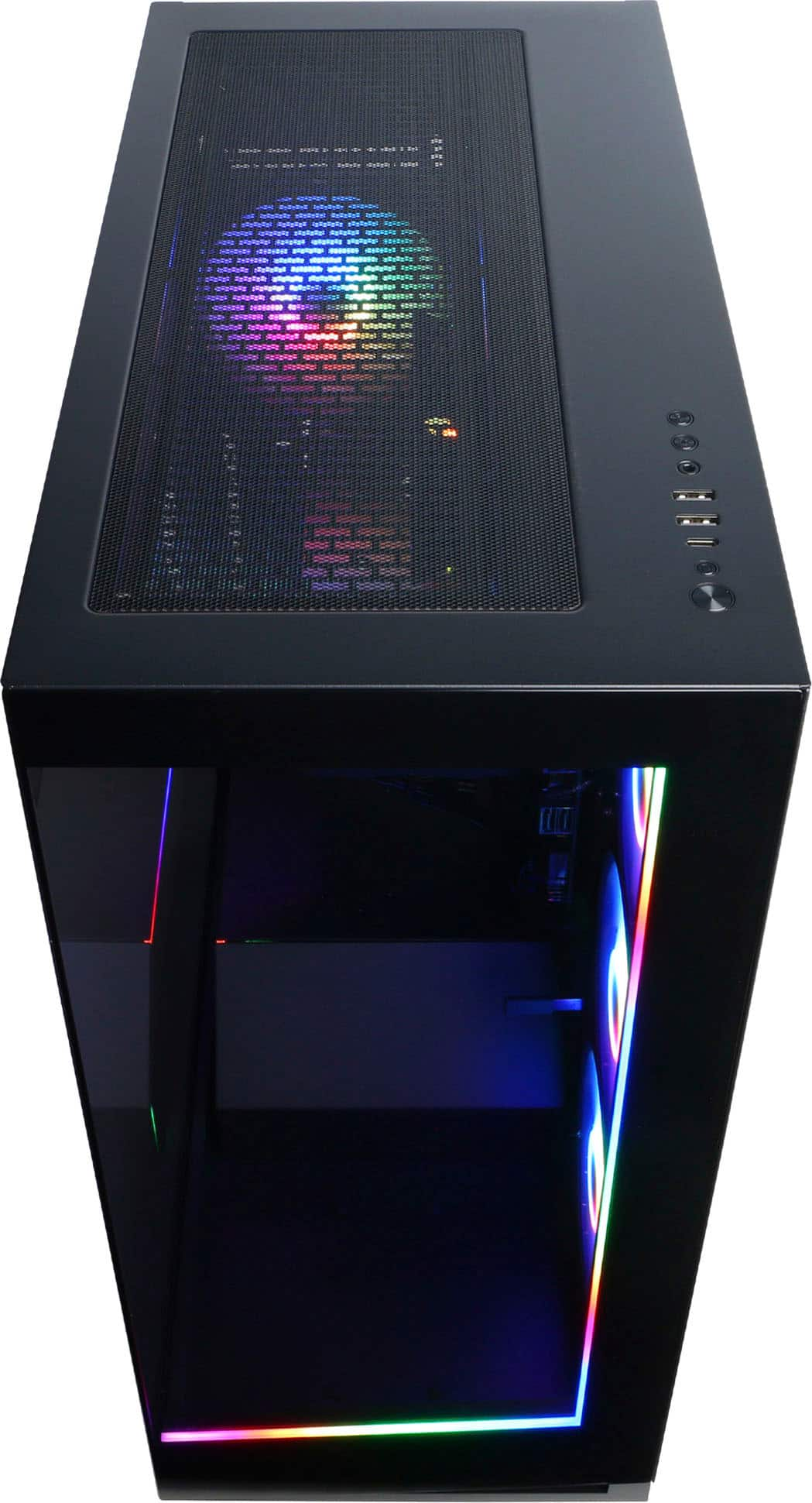
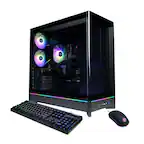
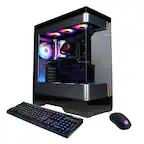
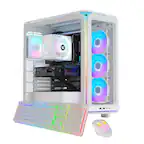
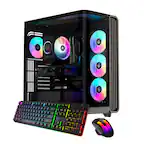
A:AnswerNo there's not, but you always could buy ones that plug in via usb, if you don't like that then you could just easily case swap. They cable mange everything really nice and don't stuff it in there like other companies.
A:AnswerFor video editing, this setup should work well. It’s better than a laptop, and as long as you're not working with 4K footage on a 4K monitor, you should be fine. While 16GB of RAM is generally sufficient, upgrading to 32GB can enhance performance and productivity, especially for more demanding tasks. Also, the 1TB SSD is a great choice for speed and storage. No downsides at all to the SSD; I have this computer, and it performs perfecttttt. So in short, if you're a small content creator than, yes, this computer is perfect.
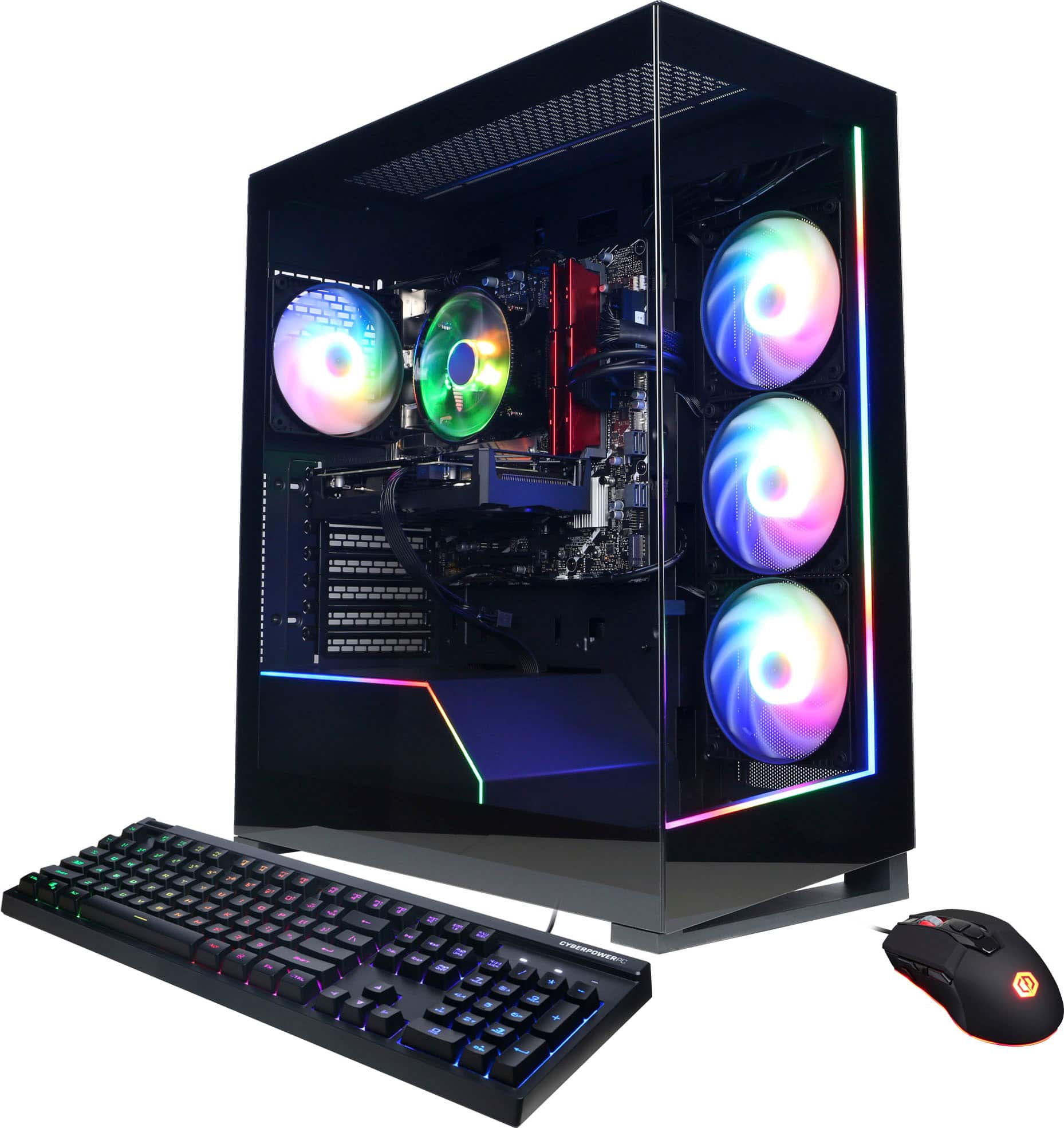
A:Answerwomp womp lol, no fr just give it away it comes in the box and I don't think they can do anything. If you're getting it shipped, then give the keyboard and mouse away. If you're picking it up, you can ask them to take the keyboard and mouse.
A:AnswerUpgrading would be great, but you could also go with the RX 4060 version to save time and money. The bottleneck with the Ryzen 5 5500 won't be significant for CPU-intensive tasks and your motherboard supports PCIe Gen 3, so it will work well with any GPU you choose, including the RX 6600 XT or RX 6650 XT.
A:AnswerI don't own a pc, but your HDMI cord or DisplayPort cord might be plugged into your motherboard (in the back top with ports) but it should be plugged into your gpu (Graphics processing unit) (back bottom with ports) which should fix your problem. I might be wrong but that should help.
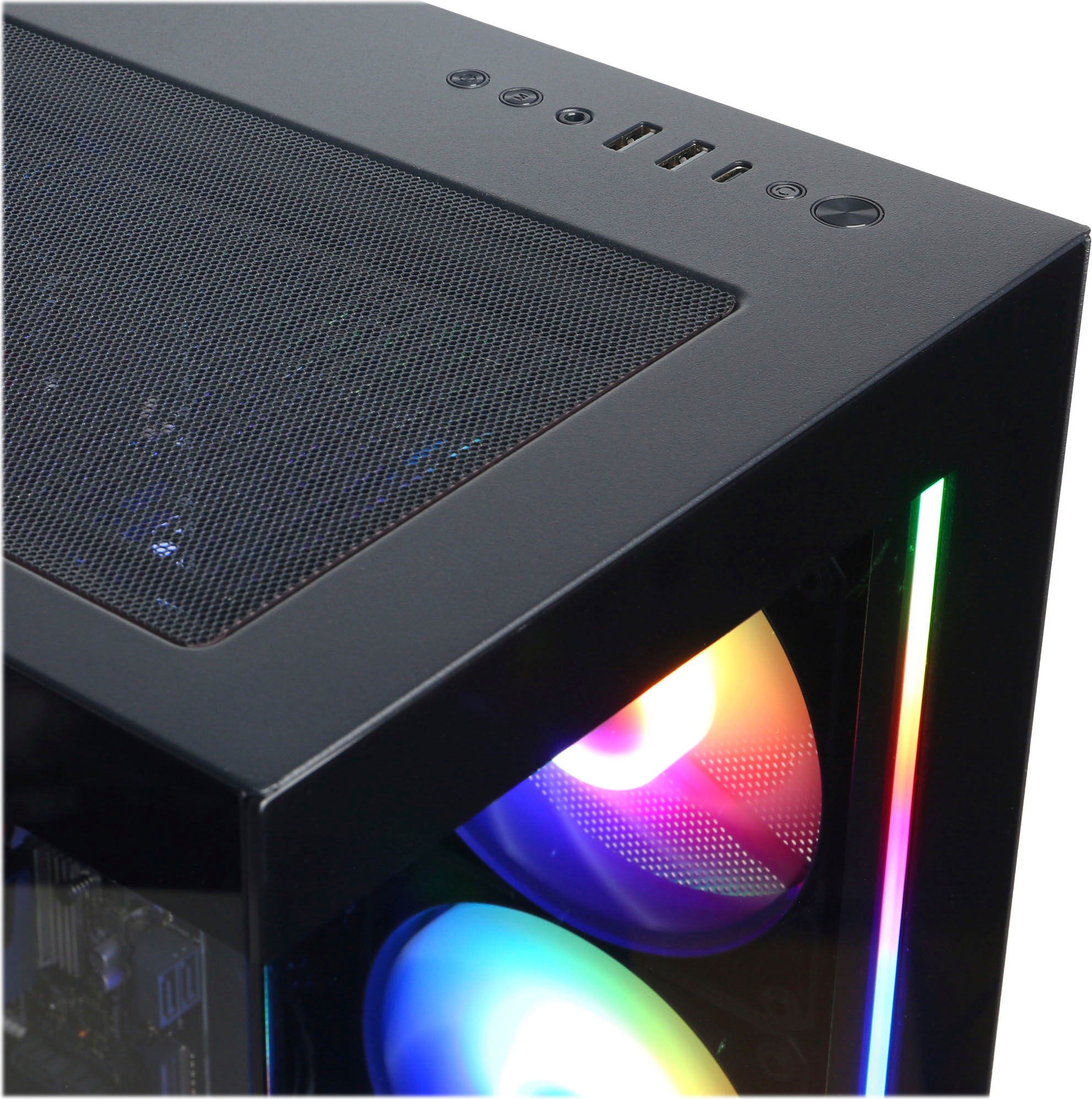
A:AnswerAre you trying to connect your Xbox to your pc? The Pc only outputs which means there's no way to have your Xbox connect to the pc (I don't know why you would use USB c to HDMI). But if your Xbox controller isn't connect to your pc, try using USB c to USB c.
A:Answerwhat. um, what ever your monitor you chose? If by hertz you mean watts then its using about 300-400 watts while under load, not game breaking. Now if you're referring to hertz, like the refresh rate of your monitor, it just depends on what you buy. But I don't think it goes over 144 hz, but I could be wrong.
A:AnswerBought this 3 months ago and immediately realized it was not built for the current year.
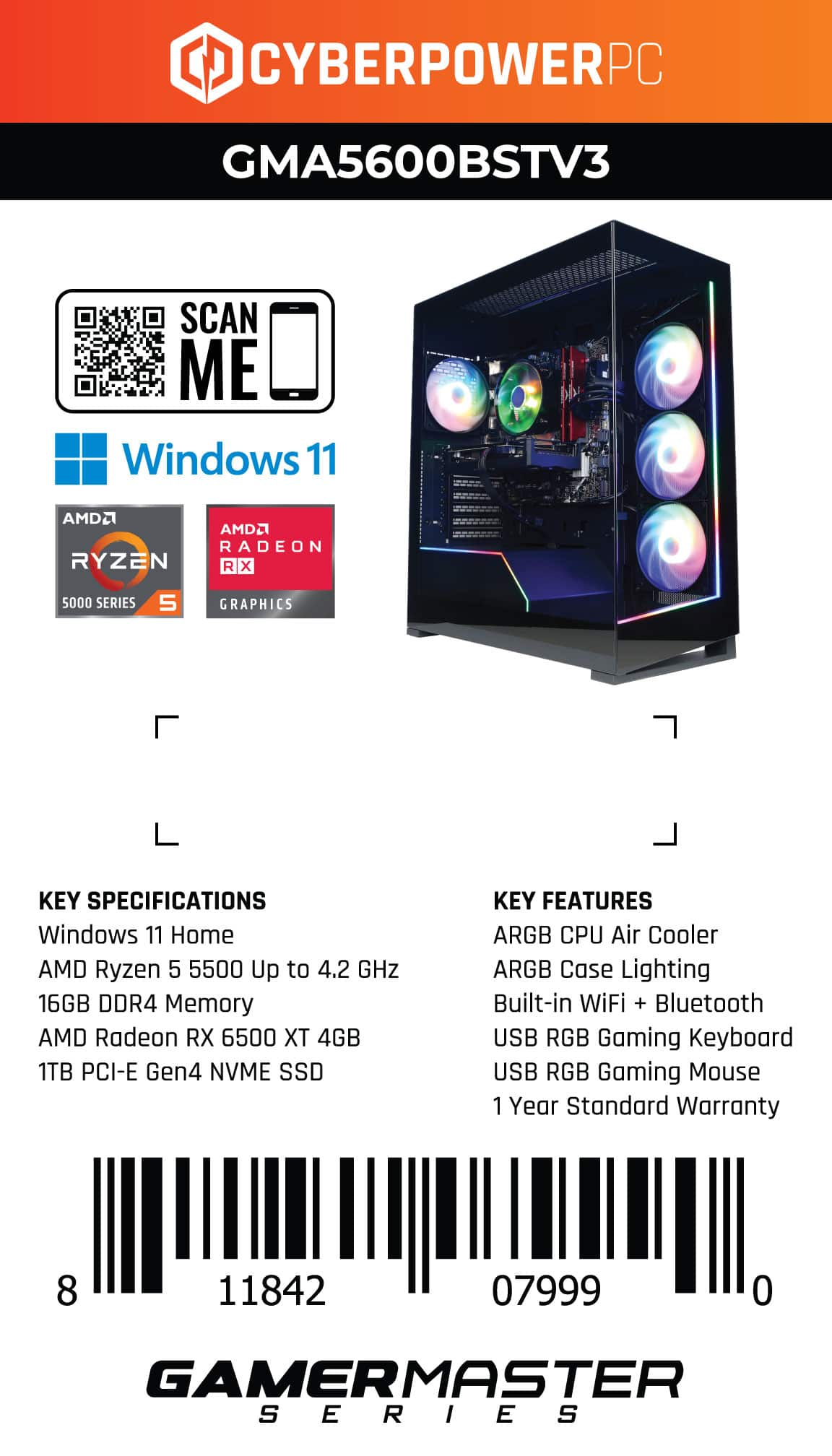
I got to searching and got my hands on a powercolor fighter RX 6750 XT which matches and I think slightly exceeds the current consoles since its the xx50 variant, plus its about the same size as the 6500 Xt this prebuilt comes with so you dont have to factor in GPU sag into your list of things to worry about.
Runs great, but a bit hotter than the 6500 xt by about 8-10 degrees, and is on pricy side at 310+ depending on vendor and any discounts.
Would be my personal recommendation alongside the base 6700 xt since it'll hit the current needs including the upcoming Monster Hunter Wilds but the base 6700 xt will usually be cheaper (sometimes only by about $30 other times by about 50-60) and also hits the same comment current recommended specs.
A:AnswerThis might be a driver issue, make sure to update all your drivers. I'll leave a link for your GPU driver. If its not a driver it might be the monitor? Or even the hdmi.
https://www.amd.com/en/support/downloads/drivers.html/graphics/radeon-rx/radeon-rx-6000-series/amd-radeon-rx-6500-xt.html
A:Answeridk if this'll work cause I don't even have 2 monitors lol, but an HDMI Splitter could work, I looked up some vids for multiple monitors and they seem to work.