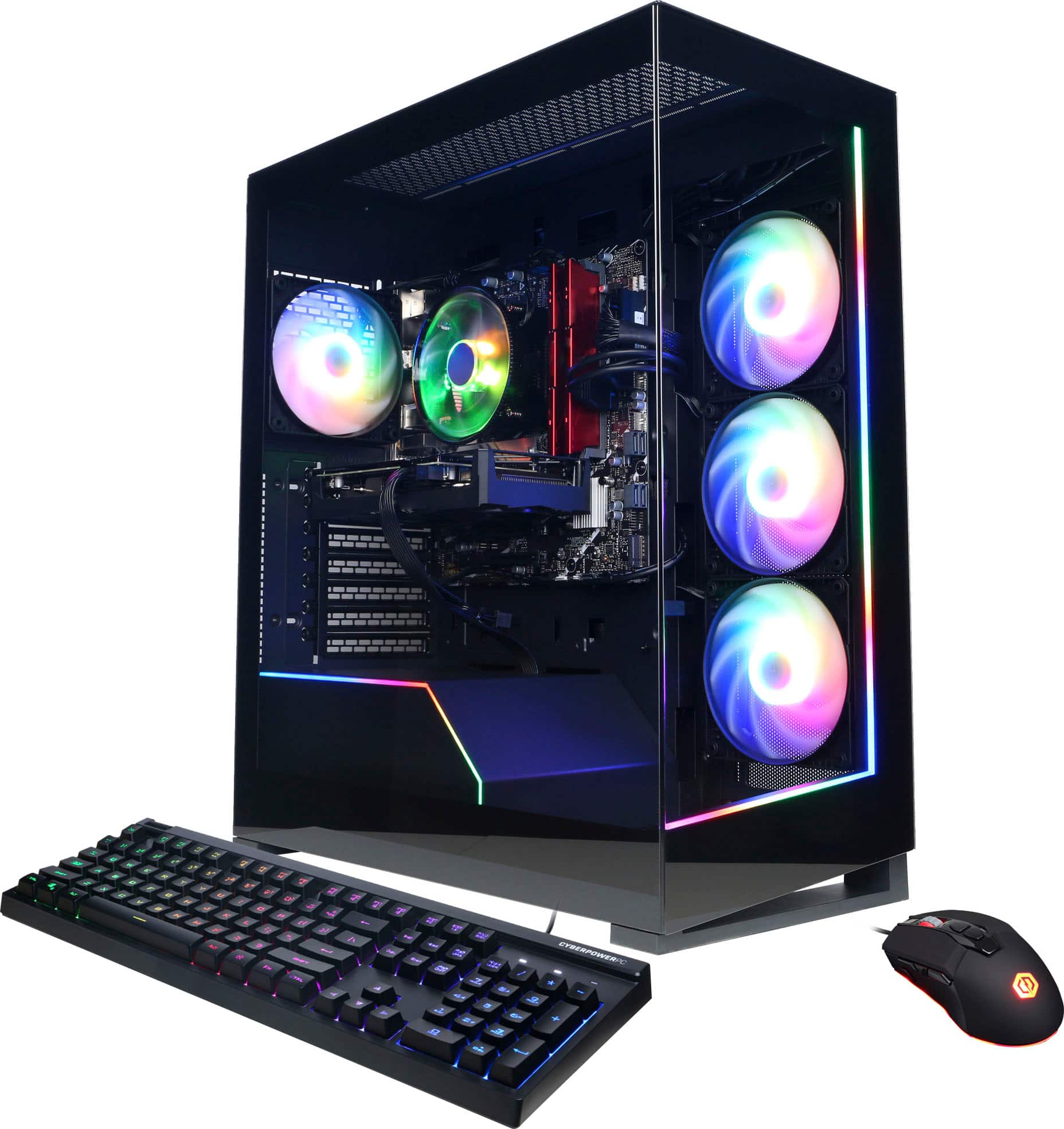
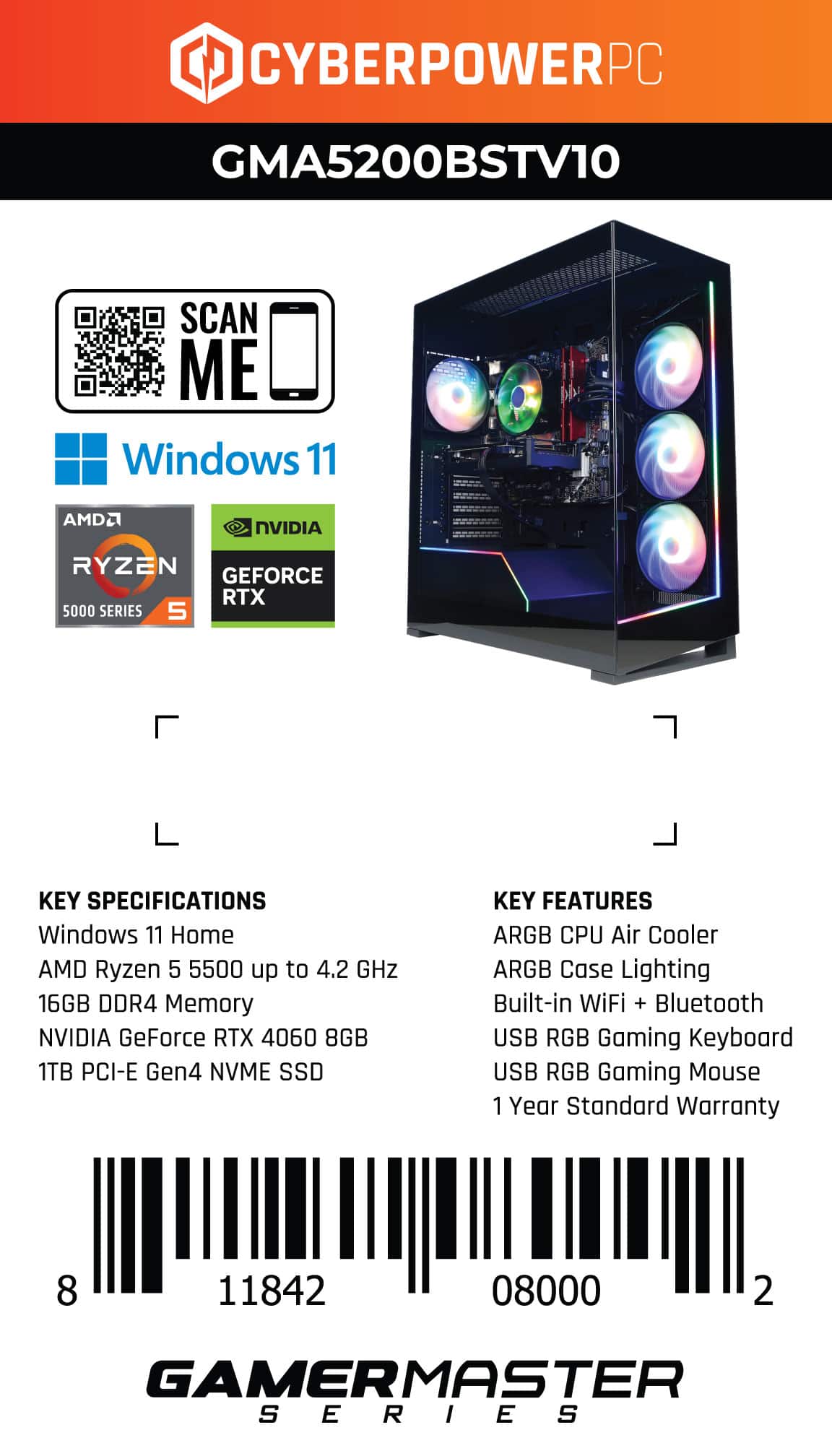
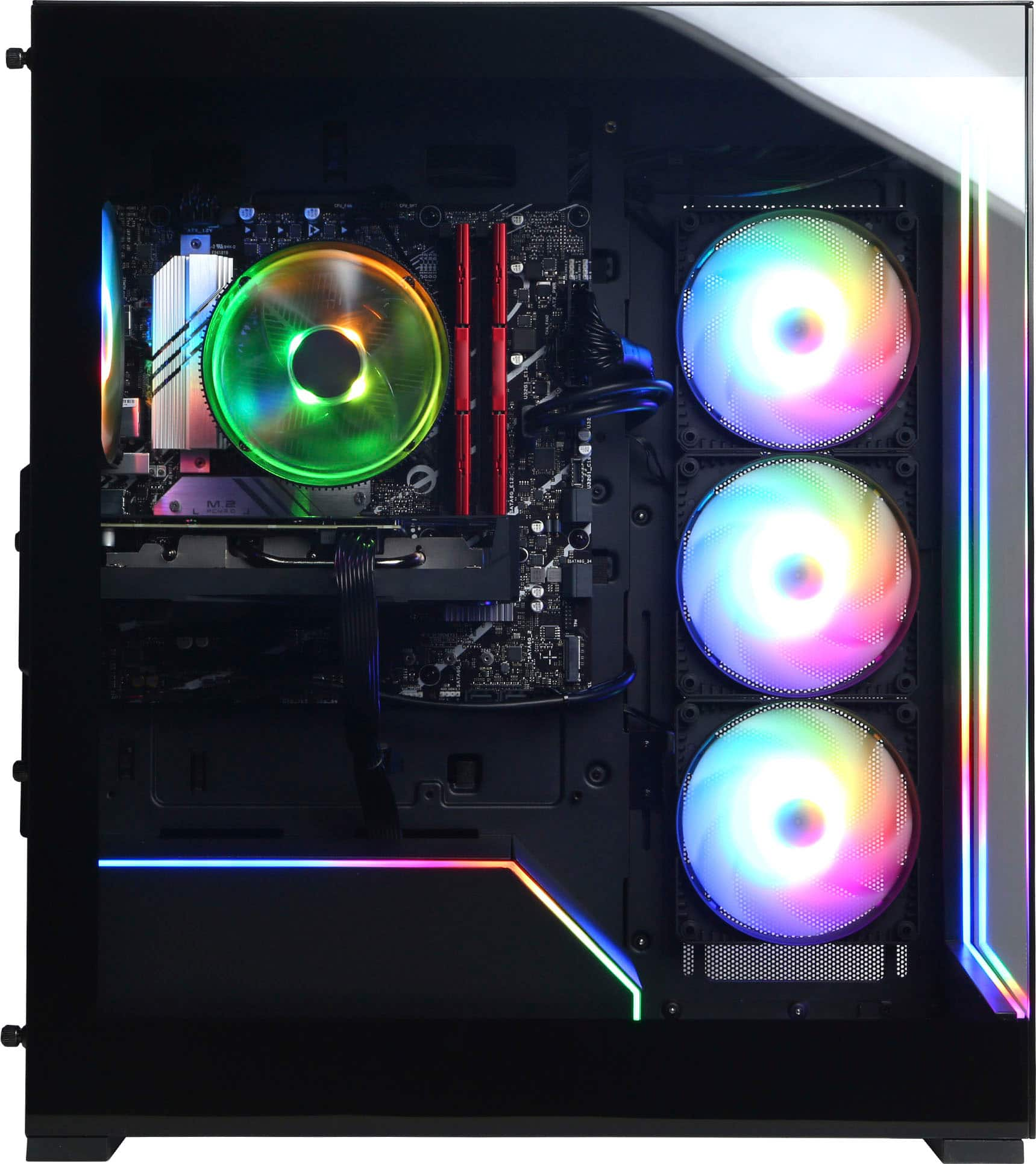
A:Answer Generally, the rule is if you have DDR4 ram installed that's what you buy when replacing, cant have DDR4 ram installed and buy DDR5, the 2nd would be knowing the speed of your ram either by taking the stick you already have and checking physically on it or checking tech specs on it or the BIOS, you would see something like 3600MHZ, keep in mind when you buy the ram if you get something that's faster as in higher in MHZ the rig will default to the slower ram and you might have to tweak a lot if even possible.